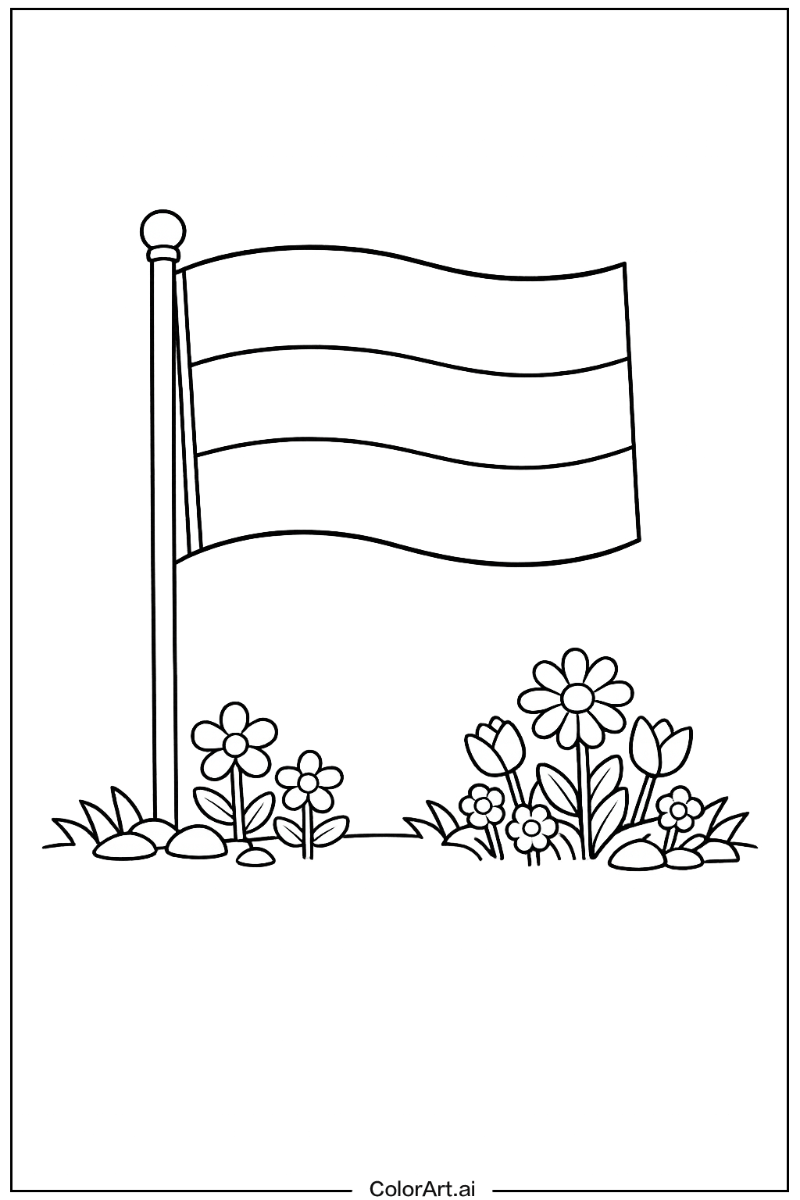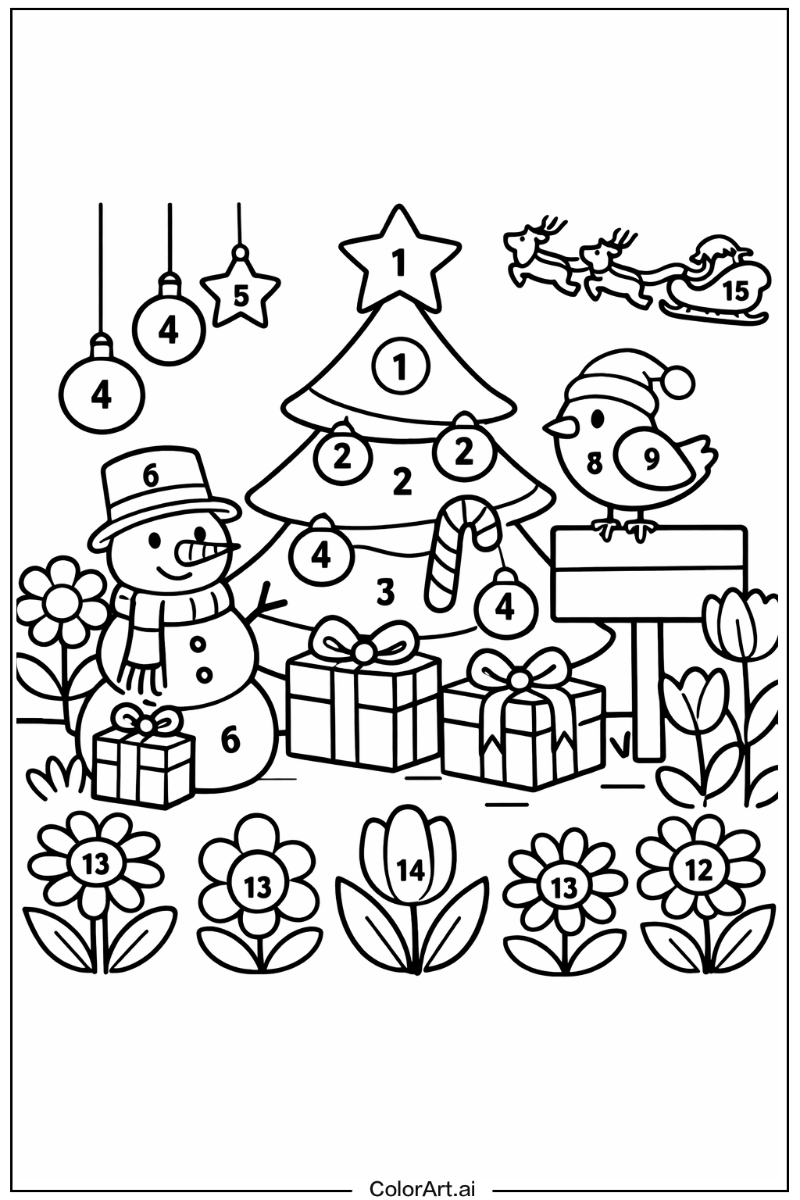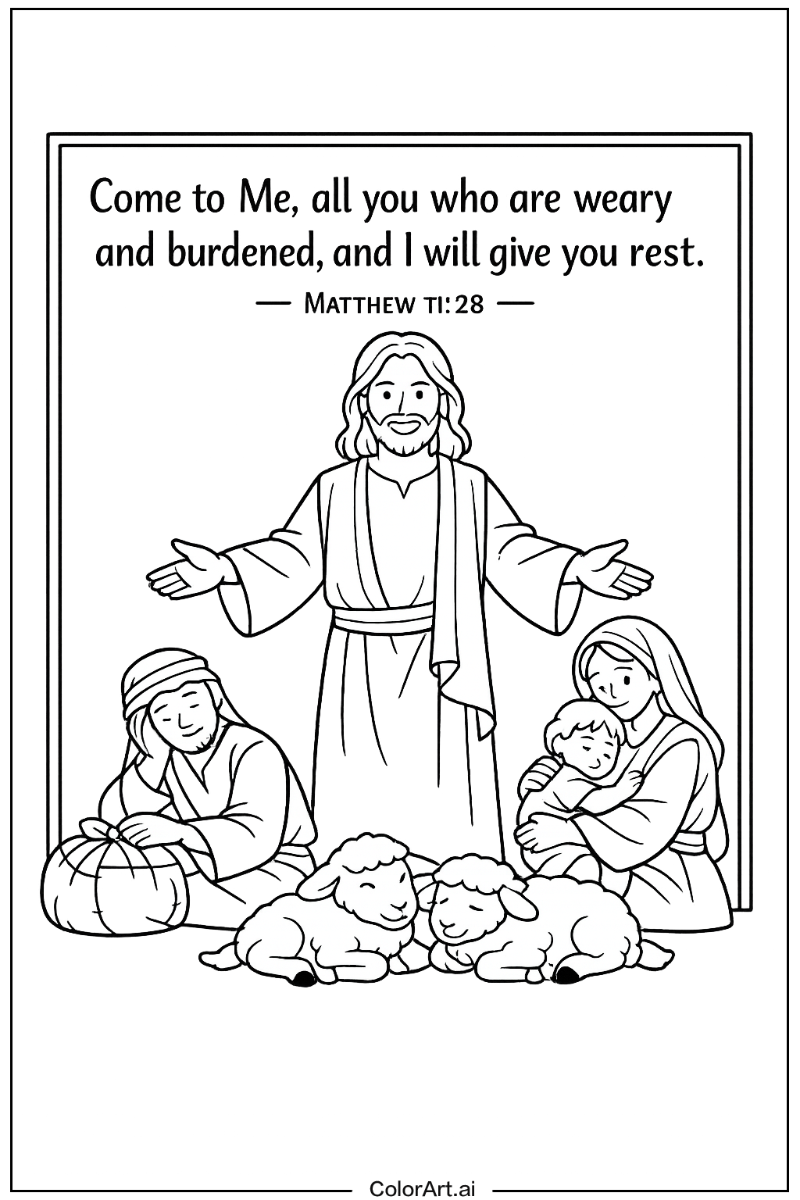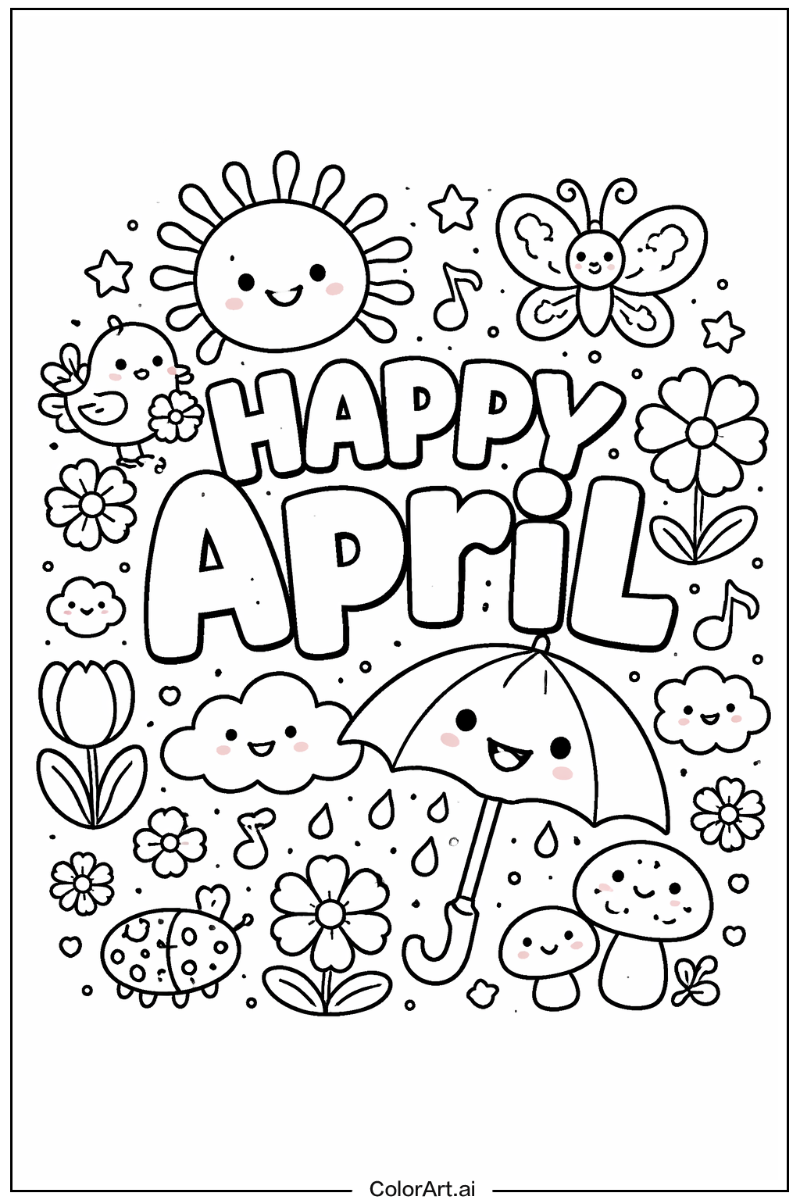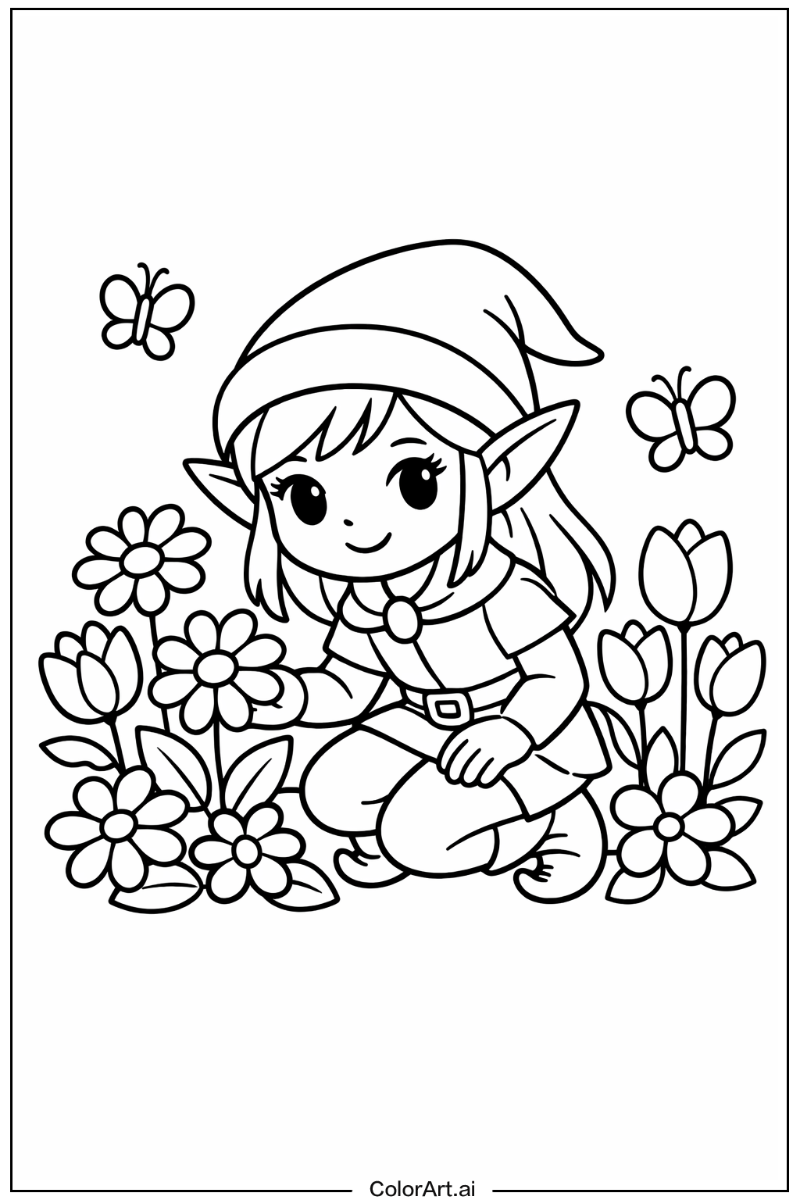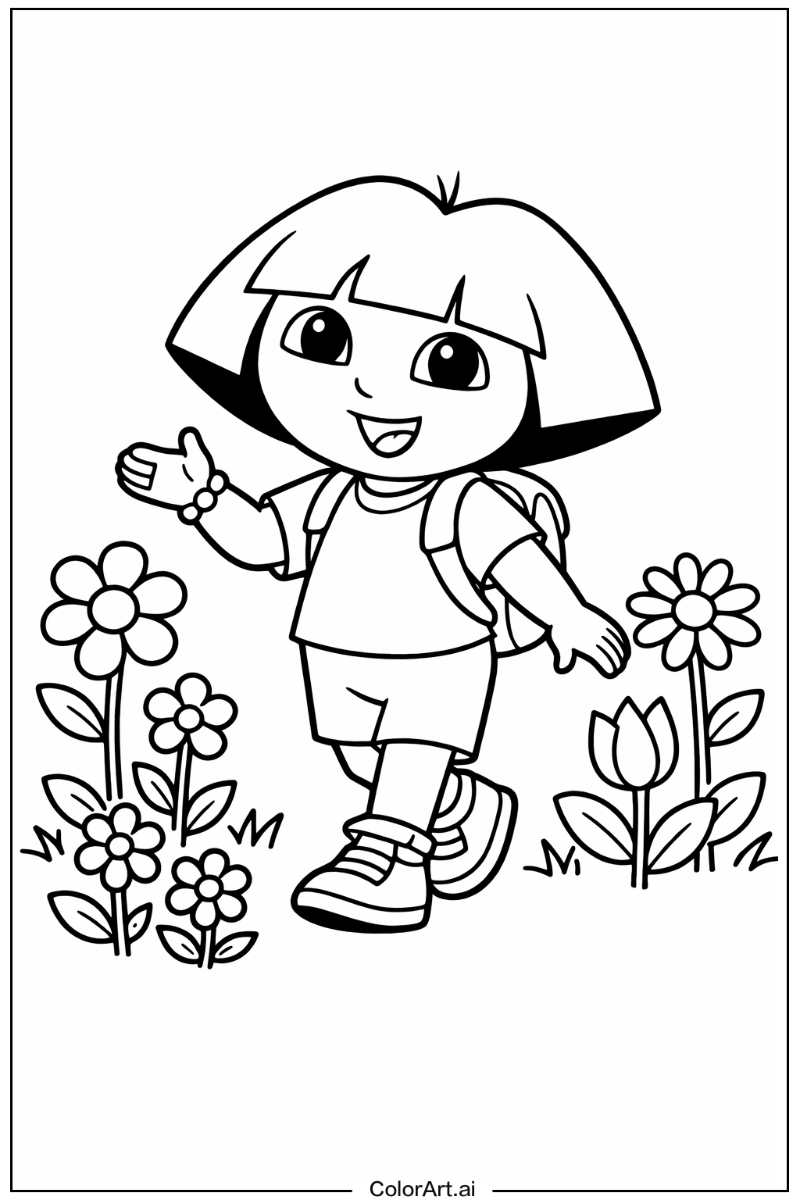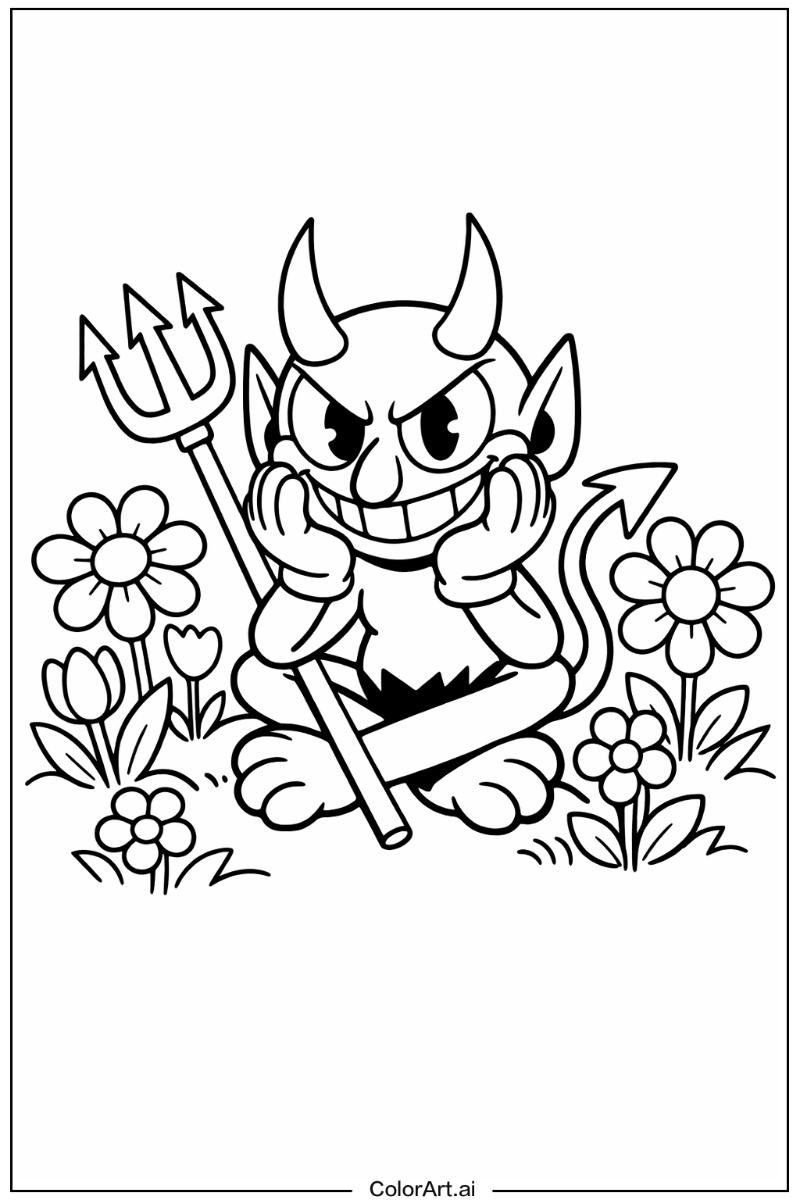
Coloring books have quietly become one of the most delightful things you can make with AI. Whether you are a parent who wants a fresh batch of printable pages for a rainy afternoon, a teacher building themed classroom activities, or a self-publisher selling coloring books on Amazon KDP and Etsy, an AI coloring book generator can turn a simple idea into clean, printable line art in seconds. In 2026 the space has matured fast: the best tools now offer photo-to-coloring-page conversion, consistent characters across a whole book, high-resolution export for print, and even complete book assembly.
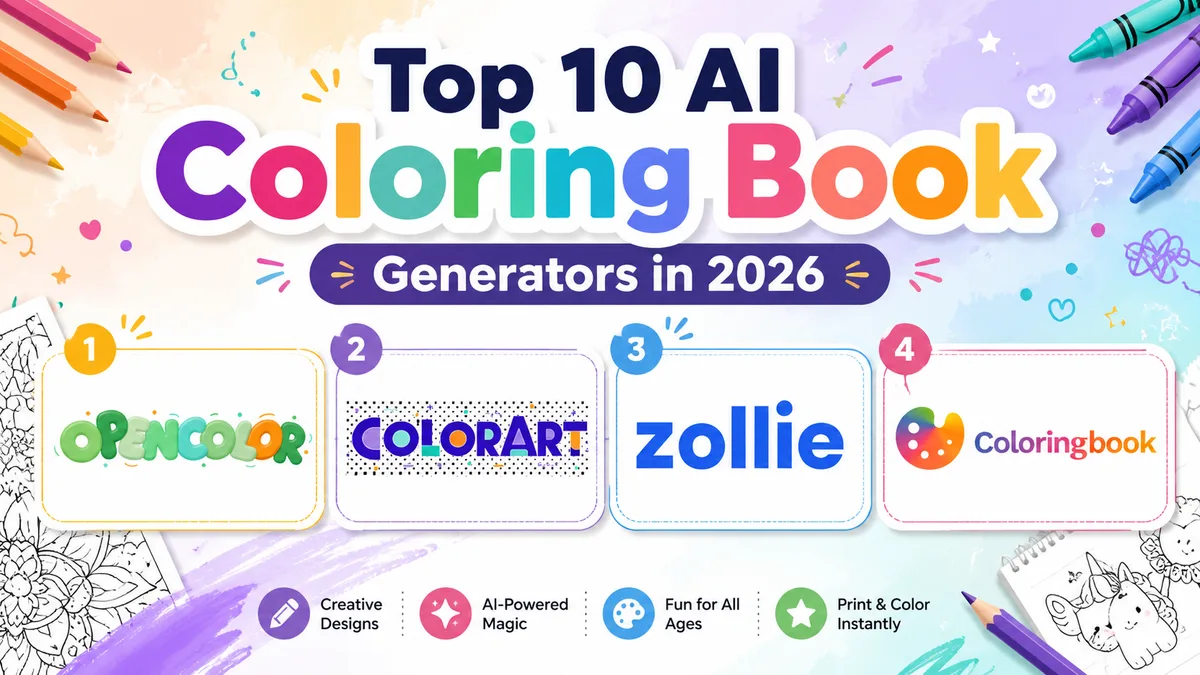
We tested the most popular platforms on the market and ranked the ten best AI coloring book generators of 2026. Here is how they compare, and which one is right for you.
How We Ranked These Tools
- Line-art quality — clean, closed outlines with crisp white backgrounds that actually print well.
- Ease of use — how fast a beginner can go from idea to printable page.
- Feature depth — photo conversion, editing, character consistency, HD export, book building.
- Value for money — free options, credit pricing, and what you get on paid plans.
- Print & publishing readiness — resolution, aspect ratios, and PDF output for KDP or Etsy.
1. ColorArt — Best Overall AI Coloring Book Generator
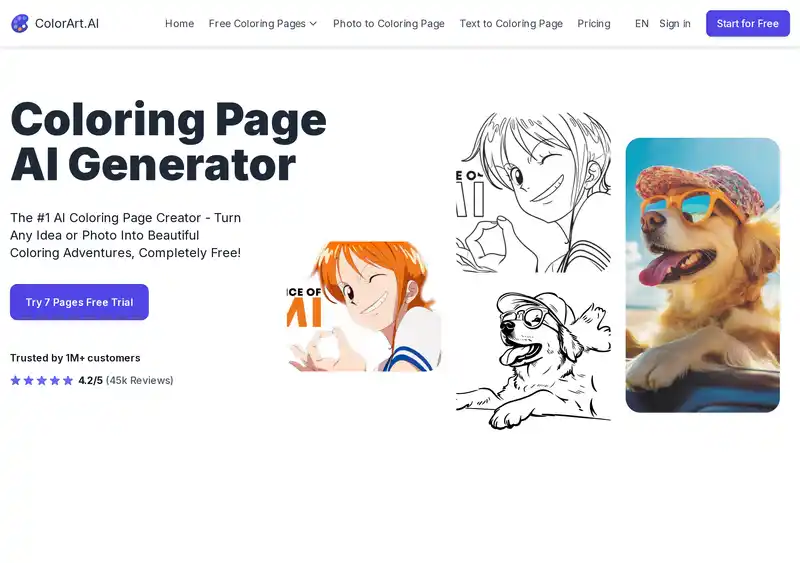
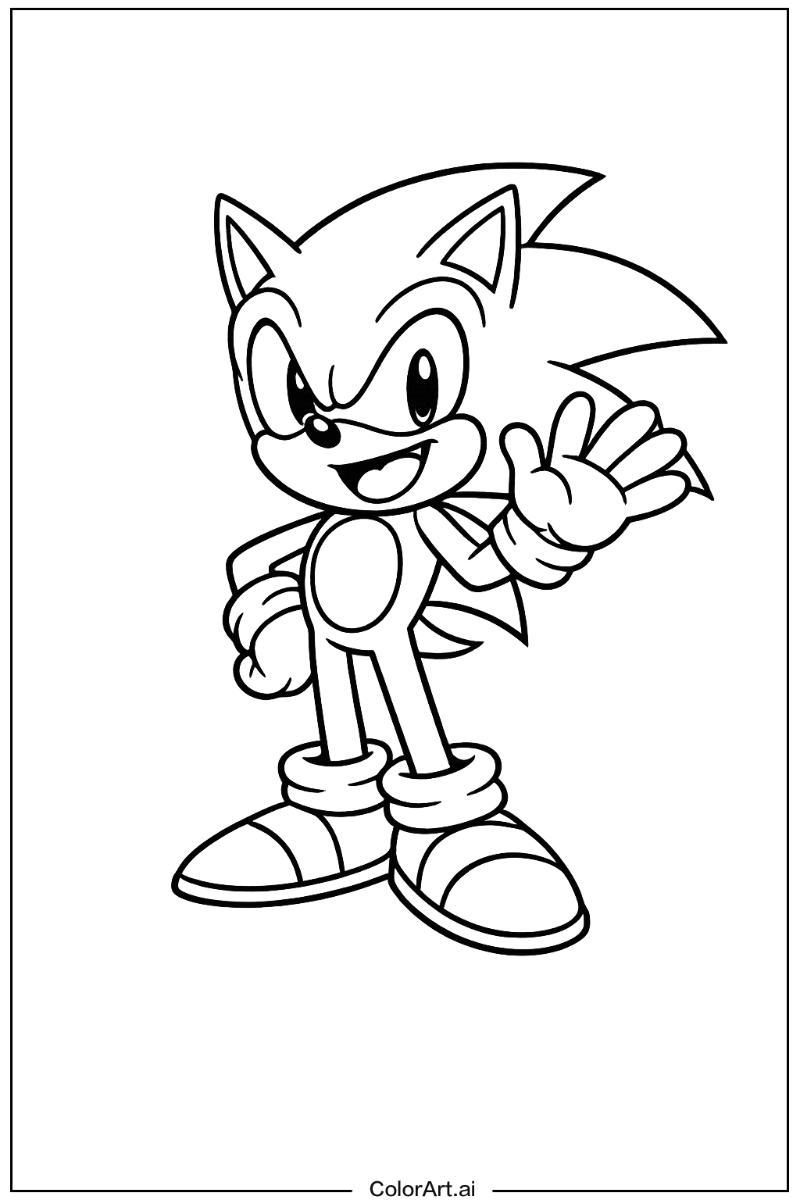
ColorArt takes the top spot in 2026, and it is not close. It is the most complete platform on this list: you can generate coloring pages from a text prompt, convert any photo into a beautiful outline with its photo to coloring page tool, and then take the result all the way to a finished, print-ready book — without ever leaving the app.
What sets ColorArt apart:
- Multiple AI models tuned specifically for line art, from fast everyday generation to a pro model for intricate, detailed pages.
- Native HD output up to 4K, so pages stay razor-sharp when printed at 8.5×11".
- Consistent characters — create a character once and reuse it across every page of a book, a feature most competitors still struggle with.
- Built-in editor to tweak lines, erase details, and color pages online before downloading.
- A complete book builder that assembles pages into a print-ready PDF for self-publishing.
- A huge free library of thousands of printable pages if you want inspiration before generating your own.
There is a free tier to try everything, and paid plans start at just $9.99/month — see the current deals on the pricing page. If you only bookmark one tool from this list, make it this one.
2. OpenColor — Best for Families, Teachers & Beginners
OpenColor is our favorite pick for parents, teachers, and anyone who just wants great coloring pages with zero learning curve. The interface is wonderfully simple: type what you want — "a friendly T-rex having a picnic" — and a clean, kid-ready page appears moments later.
- Beginner-friendly by design — no prompt engineering, no settings maze.
- Kid-appropriate line weights — bold, easy-to-color outlines that work great for small hands.
- Photo conversion — turn family photos or pet pictures into personalized coloring pages, a brilliant gift idea.
- Affordable plans with a generous free allowance to start (see pricing).
For classroom activities, birthday party favors, or a steady supply of weekend entertainment, OpenColor hits the sweet spot of quality and simplicity.
3. ZollieMake — Best for KDP & Etsy Self-Publishers
ZollieMake is built for one audience above all: people who sell coloring books. If your goal is publishing on Amazon KDP or listing digital downloads on Etsy, ZollieMake's workflow is the most publisher-focused of any tool we tested.
- Commercial-grade output — print-ready resolution and clean margins designed for physical books.
- Book-first workflow — plan a theme, batch-generate a full interior, and export a KDP-ready PDF.
- Etsy-friendly exports for sellers who ship digital coloring bundles.
- Straightforward credit pricing that scales with production volume (see plans).
Plenty of generators can make a nice single page. ZollieMake is one of the very few that treats the finished, sellable book as the product.
4. ColorBliss — Best for Personalizing Photos
ColorBliss has earned a loyal following for photo-based pages, with over a million pages generated. Its photo-to-coloring conversion preserves facial features well and removes backgrounds cleanly, which makes it a solid choice for personalized gifts. Pricing is subscription-based, and text-to-page results are good though less flexible than the top three.
5. iColoring AI — Best Free Option
iColoring AI is genuinely free, requires no registration, and leaves no watermark — a rare combination in 2026. It offers Classic, Cartoon, and Pencil Sketch styles for photo conversion. The trade-off: no book assembly, no character consistency, and limited resolution control, so it is best for casual one-off pages rather than serious projects.
6. Colorify AI — Fastest Generation
Colorify AI's headline feature is speed — pages appear almost instantly. Quality is respectable for simple subjects, and the free tier is generous. Complex scenes can come out with broken or overly thin lines, so keep it for quick, simple pages.
7. Midjourney — Best for Artistic Control
Midjourney is not a coloring-page tool, but with careful prompting ("coloring book page, clean line art, white background…") it can produce gorgeous, intricate illustrations. The catch: you'll fight gray shading and unclosed lines, there's no free tier, and every page needs cleanup before printing. Powerful for artists, inefficient for everyone else.
8. Canva — Best All-in-One Design Suite
Canva's AI image generator can produce line art, and its real strength is everything around it: layout, text, covers, and PDF export in one place. If you already live in Canva, it is a convenient way to assemble a coloring book — just expect to regenerate often to get true clean-line results.
9. ChatGPT — Best Conversational Generator
ChatGPT's image generation handles coloring-page requests conversationally: describe, review, refine in plain English. It is great for iterating on ideas with kids. Downsides are inconsistent line quality between generations, limited resolution, and no batch or book workflow.
10. GenColor AI — Best Free Line-Art Generator
GenColor AI rounds out our list as a simple, free text-to-line-art generator. It covers popular themes well and is a nice zero-cost entry point, though outputs are lower resolution and the style range is narrow compared with the leaders.
Quick Recommendations
- Best overall: ColorArt — the most complete generator, from single pages to finished books.
- Best for families and teachers: OpenColor — effortless, kid-ready pages.
- Best for sellers: ZollieMake — KDP and Etsy publishing built in.
- Best free pick: iColoring AI for one-off pages; GenColor AI as a backup.
- Already pay for it? Midjourney, Canva, or ChatGPT can work with extra effort.
Frequently Asked Questions
What is an AI coloring book generator?
It is a tool that uses AI image models to create black-and-white line art from a text description or a photo. The best generators are tuned specifically for coloring pages — clean closed outlines, pure white backgrounds, and print-friendly resolution — rather than general-purpose art.
Can I sell coloring books made with AI?
Generally yes — platforms like ZollieMake and ColorArt are designed with commercial self-publishing in mind. Always check each tool's license terms and marketplace rules (Amazon KDP requires you to disclose AI-generated content), and avoid trademarked characters in books you sell.
What resolution do I need for printing?
Aim for at least 300 DPI at your target page size — roughly 2550×3300 pixels for US Letter. Tools with native HD or 4K output, like ColorArt, save you from blurry upscaled prints.
Are there free AI coloring page generators?
Yes. iColoring AI and GenColor AI are free, and ColorArt, OpenColor, and ZollieMake all offer free credits to start — plus ColorArt hosts a large library of free printable coloring pages you can download today.
The Bottom Line
The AI coloring book generator market in 2026 has something for everyone — but the gap between a page generator and a complete platform keeps widening. For most people, ColorArt is the clear winner: best-in-class line art, photo conversion, consistent characters, 4K export, and a true book builder. Families should start with OpenColor, and if you are building a coloring-book business, ZollieMake will get your first title on KDP or Etsy faster than anything else we tested. All three have free tiers — grab a prompt idea and see what your first page looks like.