Most tools generate one page. This one builds the whole book, then export handles the file problems that get books rejected: bleed, safe margins, 300 DPI, flattening, stray metadata. Describe a theme, generate pages free, and keep building until done. The file meets KDP's format; approval is up to Amazon.
Name a theme to start.
Free to start; export is a paid feature.
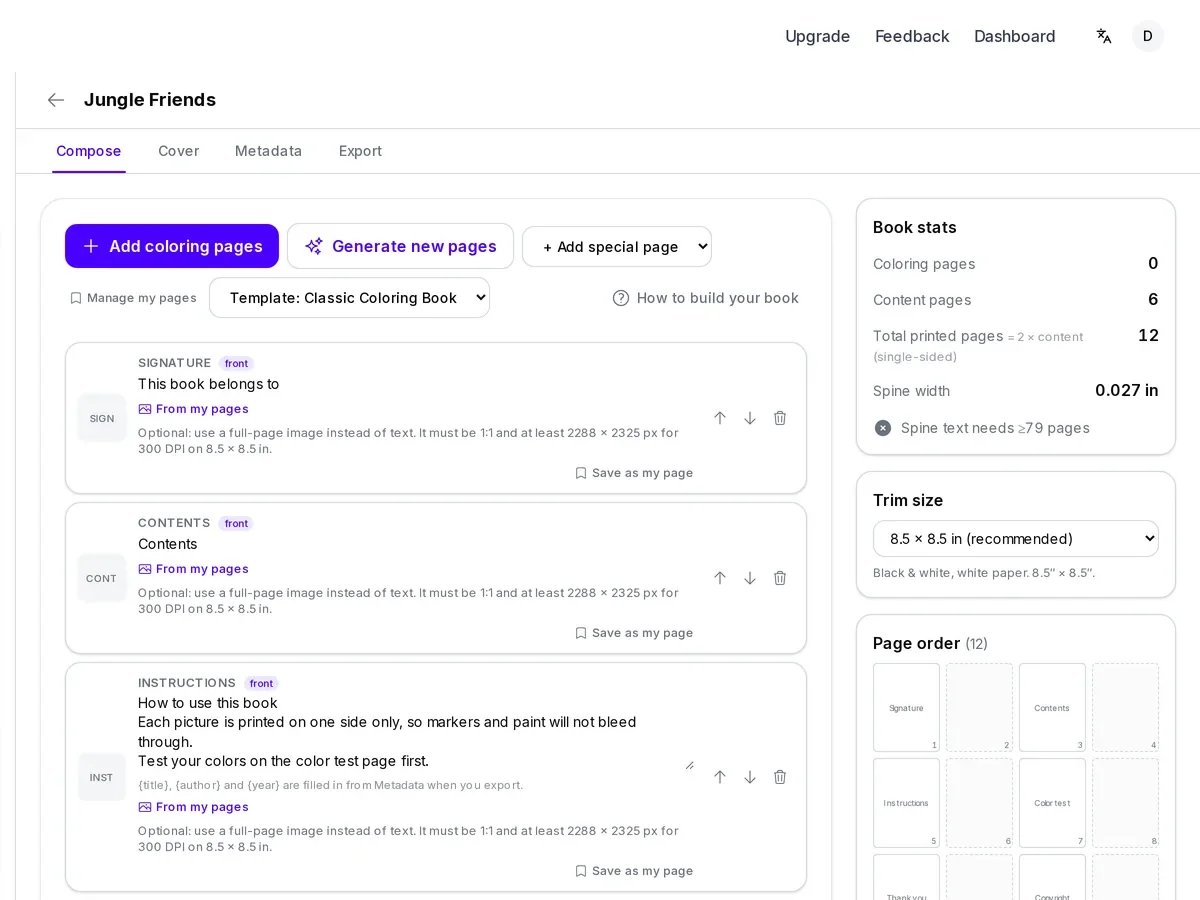
Pick a trim size, 8.5 x 8.5 or 8.5 x 11, setting the page shape. Start from a template with signature, contents, and closing pages, or blank; photos fit too.
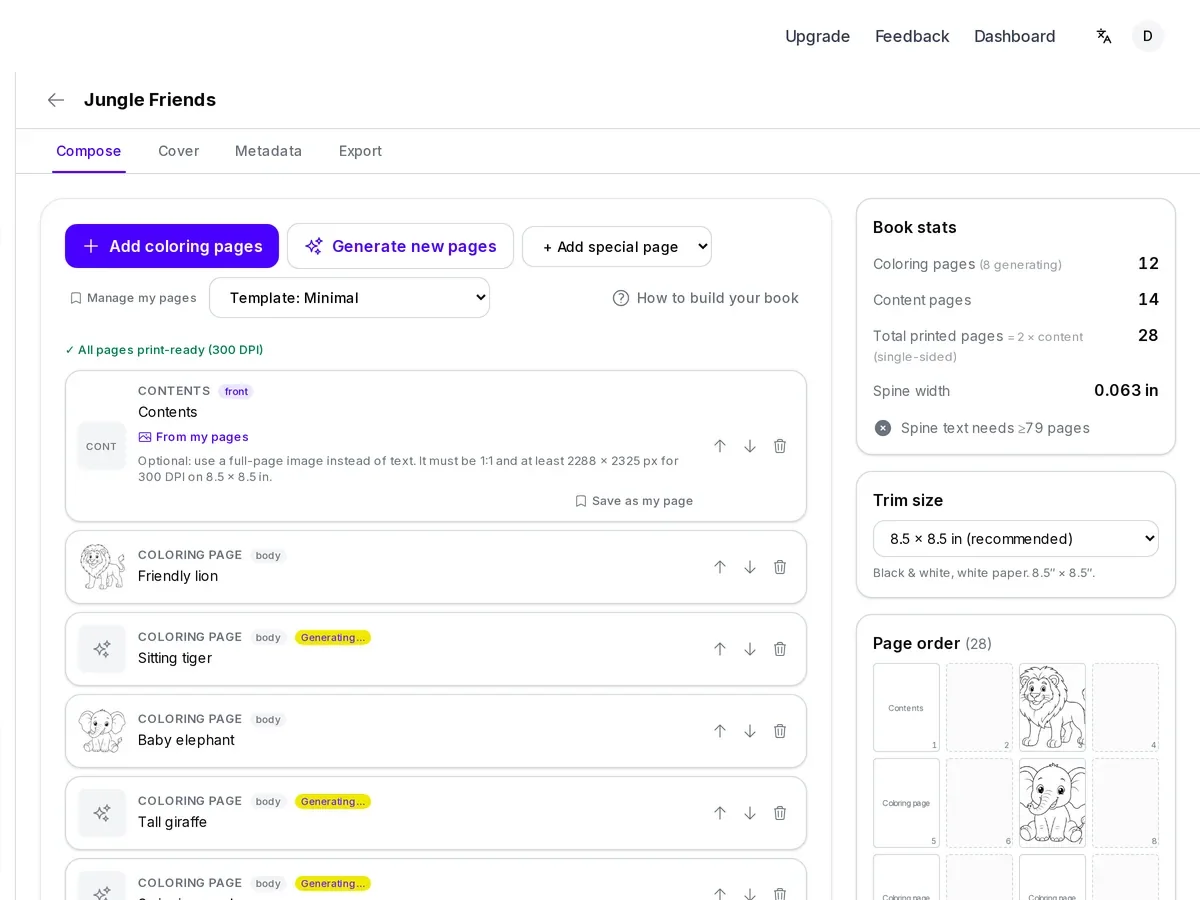
Describe a theme once and generate several matching pages at a time, instead of writing each one from scratch. Name a recurring character and add a reference image to keep it consistent. Photo-based pages slot into the same running order.
Add signature, contents, instructions, color test, thank-you, copyright, or custom pages, each with a text box where {title}, {author}, {year} auto-fill. Describe what you want and hit Generate, or swap in a full image instead. Pages save to your Special Pages library for reuse, each showing print-resolution status.
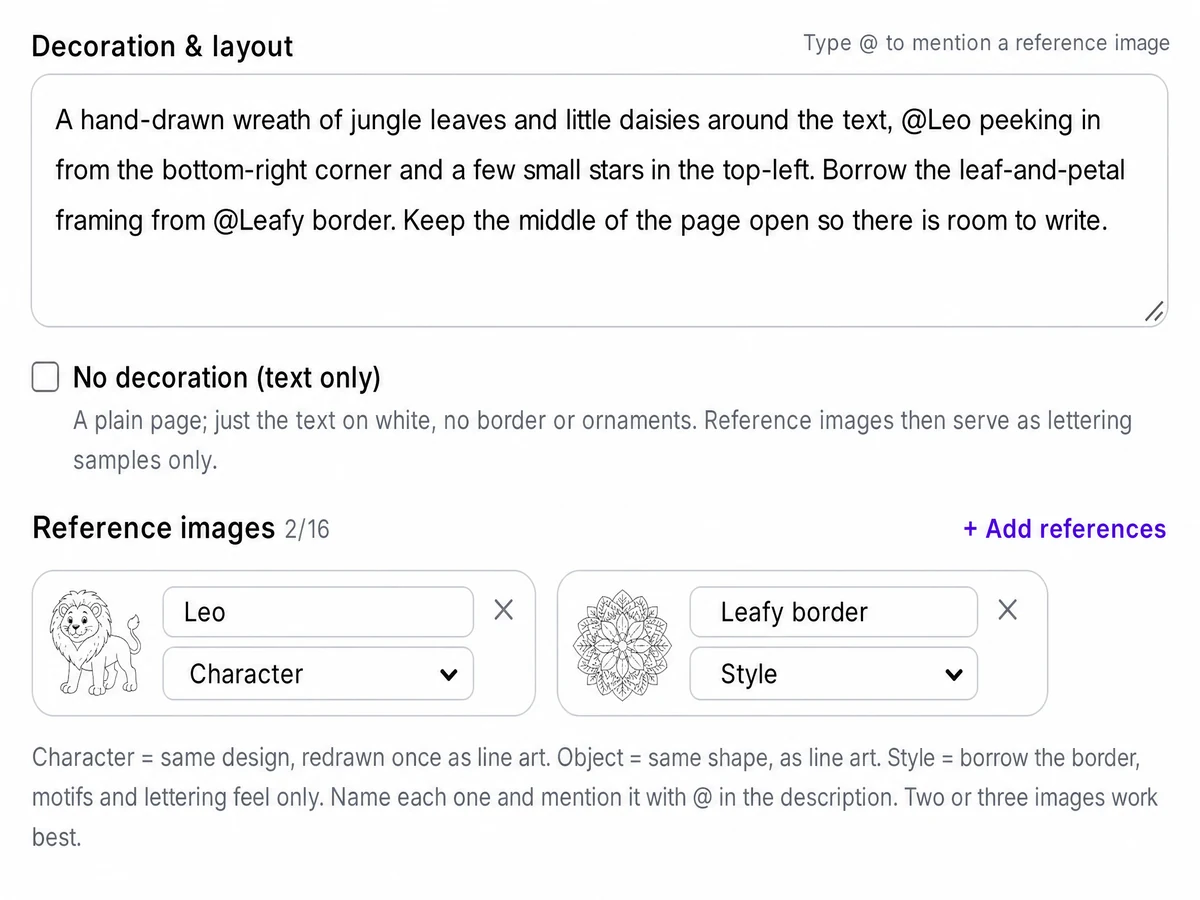
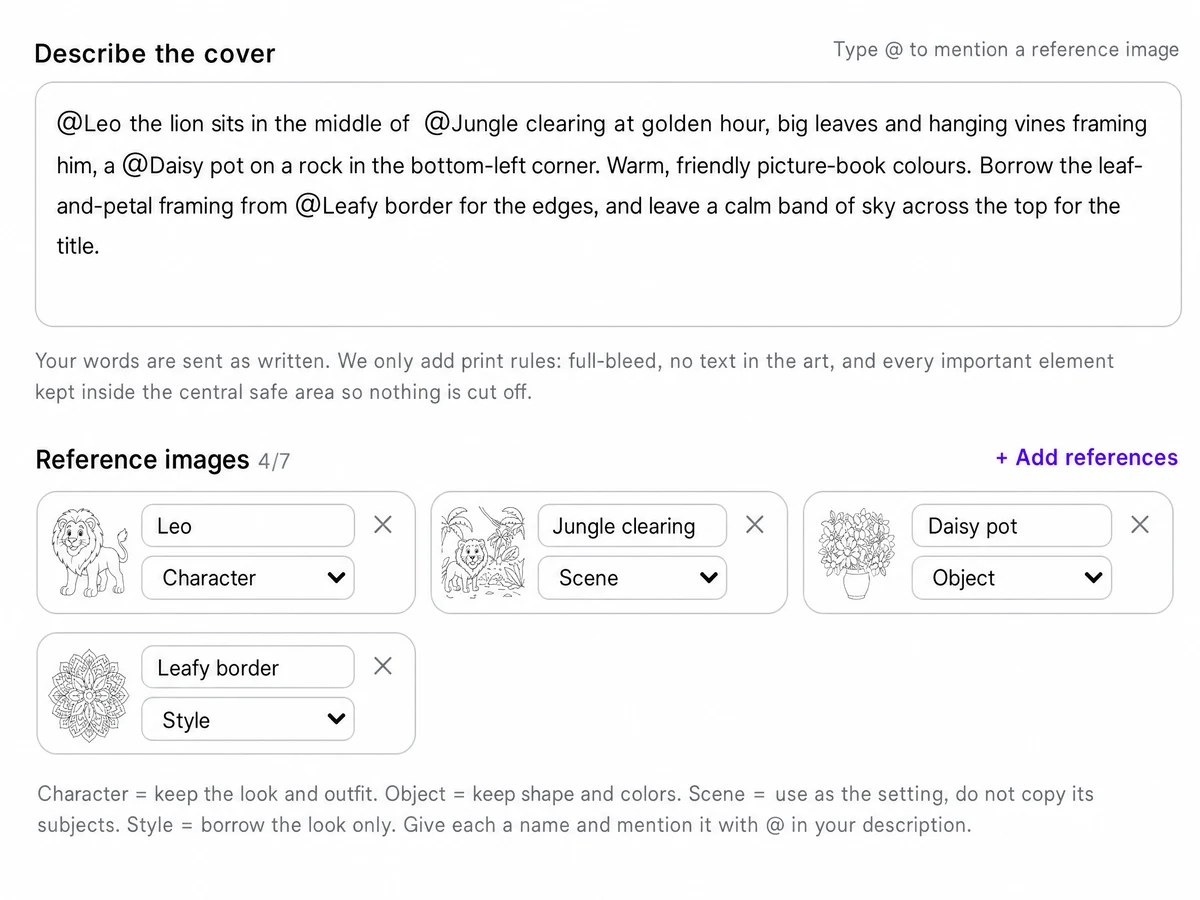
Describe the whole cover in one prompt instead of a template. Reference images get a name you call with @, sorted as Character, Object, Scene, or Style. Front and back generate separately. The back leaves its bottom-right corner clear for Amazon's barcode, or leave it blank. Title and author can be painted in or set separately.
Export turns the pages and cover into one formatted PDF. Bleed matches the trim, pages export at 300 DPI, flattened to white with no transparency; nothing is scanned. Interior pages are stripped of EXIF, XMP, ICC, and software-identifying metadata before a final PDF/X-1a grayscale pass.
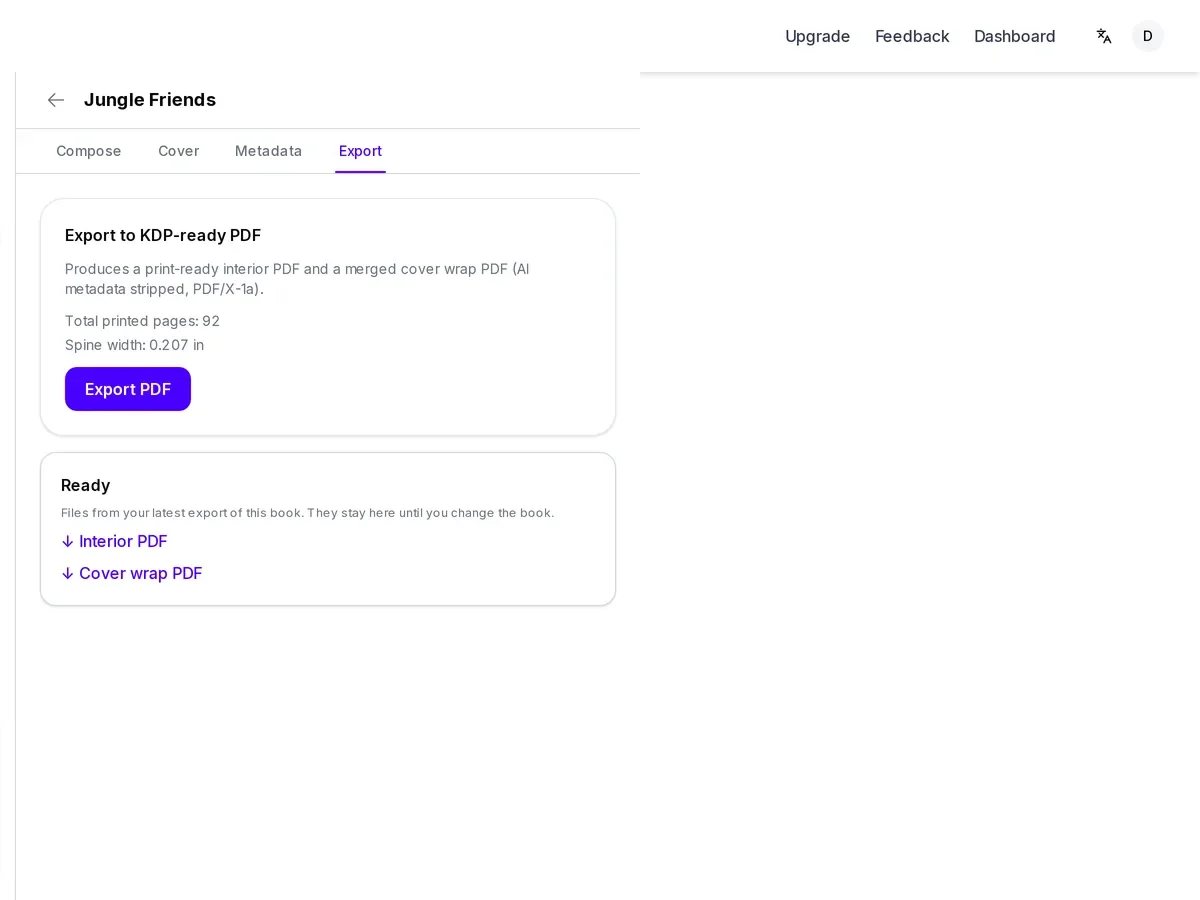
The numbers behind every exported file.
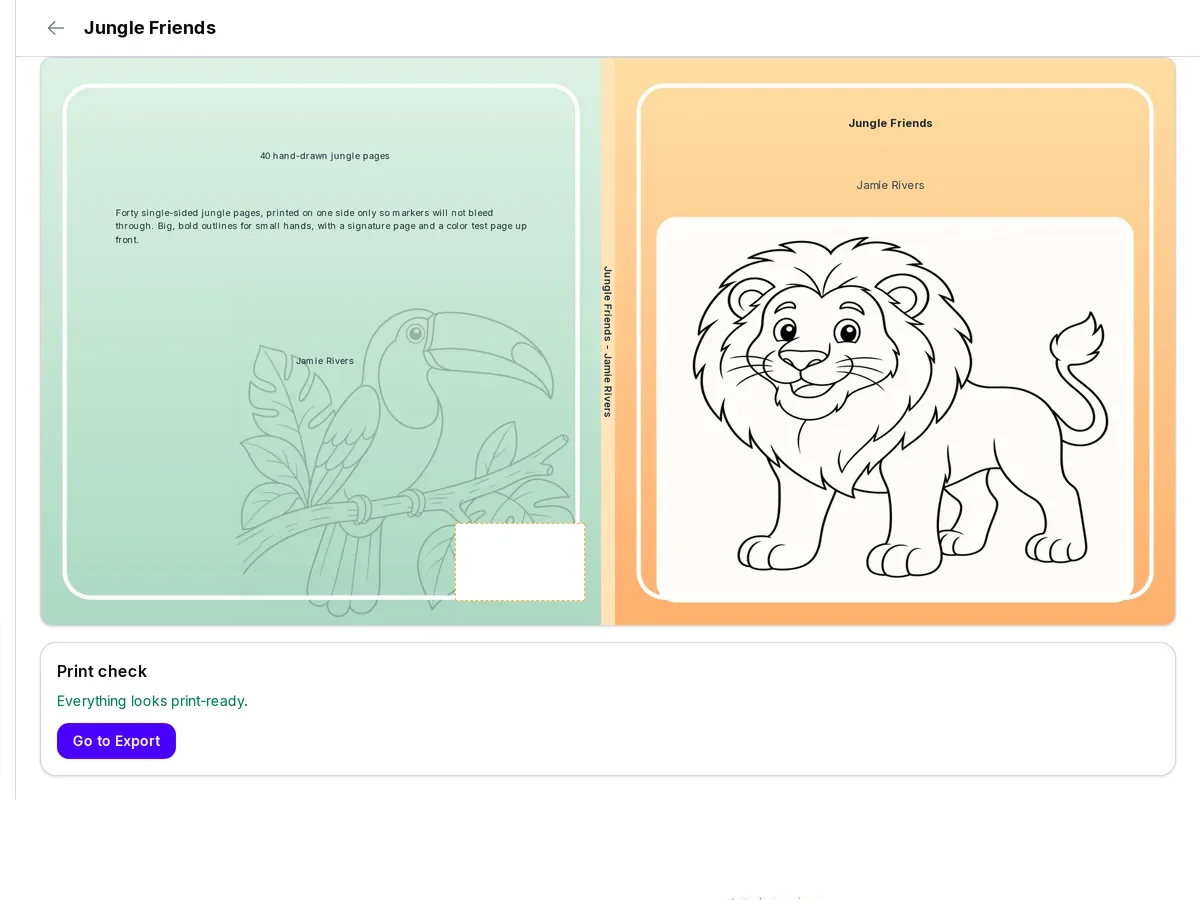
Two trim sizes: 8.5 x 8.5 and 8.5 x 11 inches. Every page and the cover are built to the size you pick.
Pages export at 300 DPI, the resolution Amazon KDP asks for on interior art.
The cover wrap extends 0.125 inches past the trim edge; interior pages keep a 0.5 inch safe area at the spine and 0.375 inches on the other sides.
Interior and cover export as grayscale PDF, flattened with no transparency, and rewritten through a PDF/X-1a pass with no leftover image metadata.
A book can run up to 200 pages. The planning estimate defaults to 4-48 pages, a common length for a themed set.
Generate up to 32 pages per run; up to 4 of the same kind at a time is free, larger batches need a paid plan.
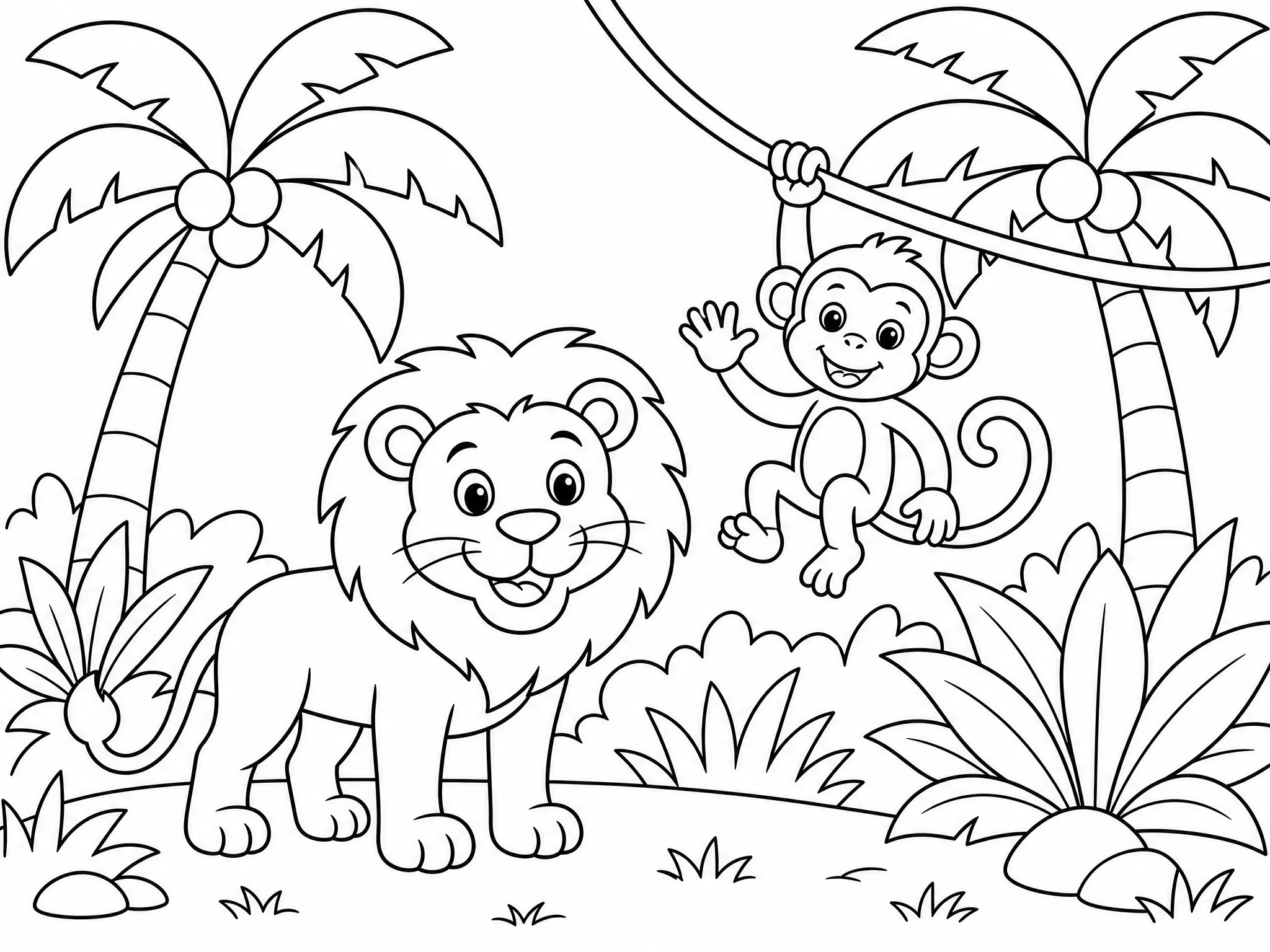
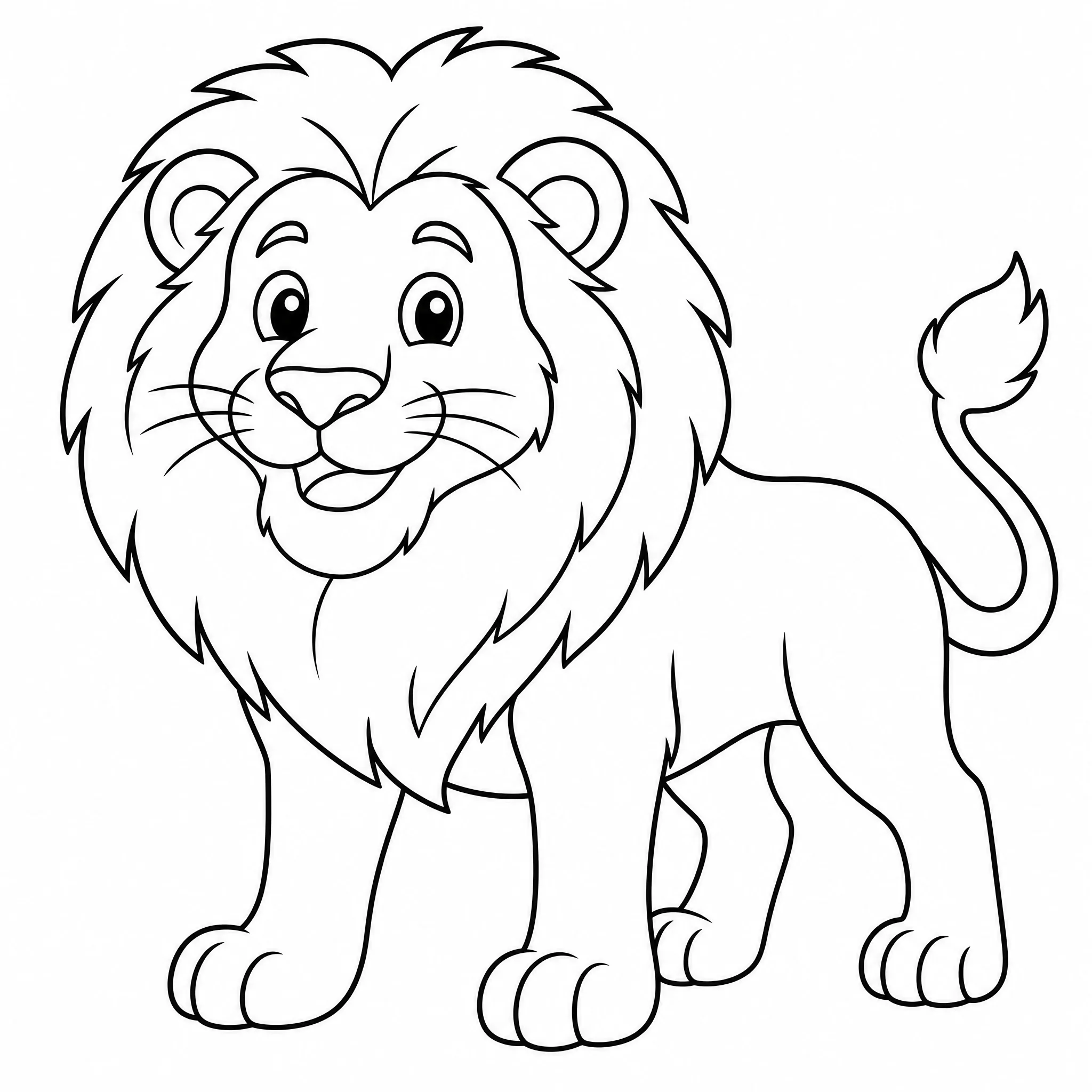
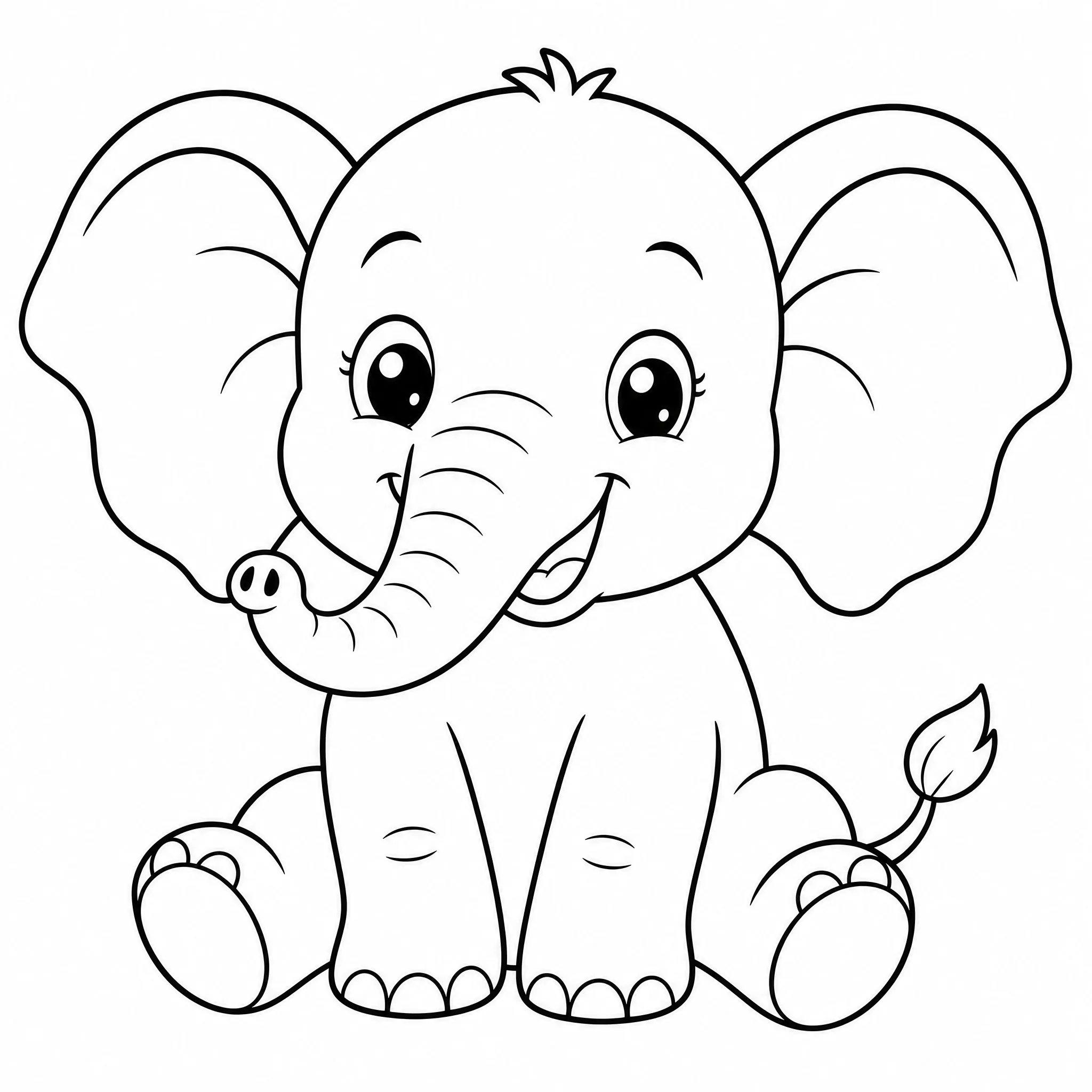
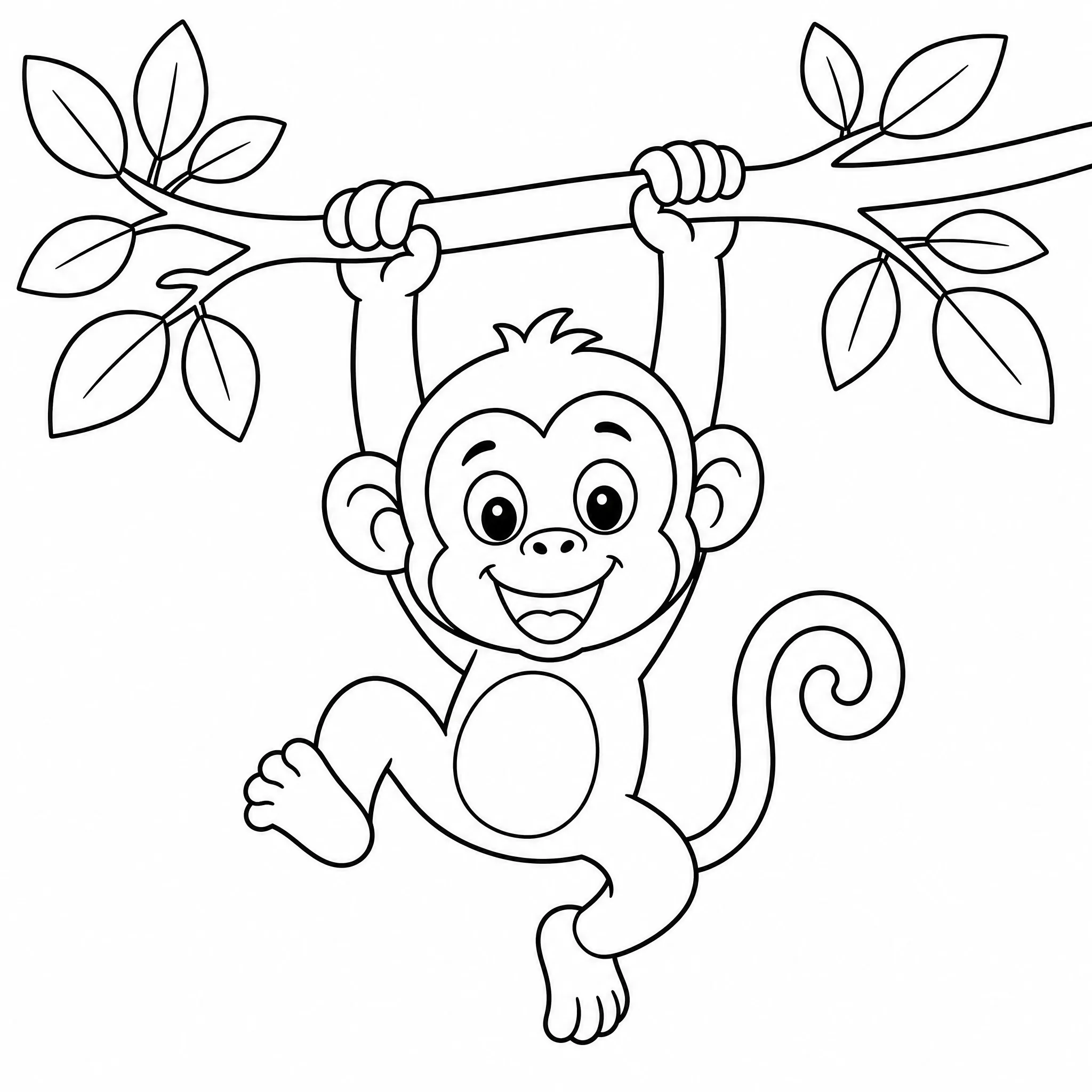
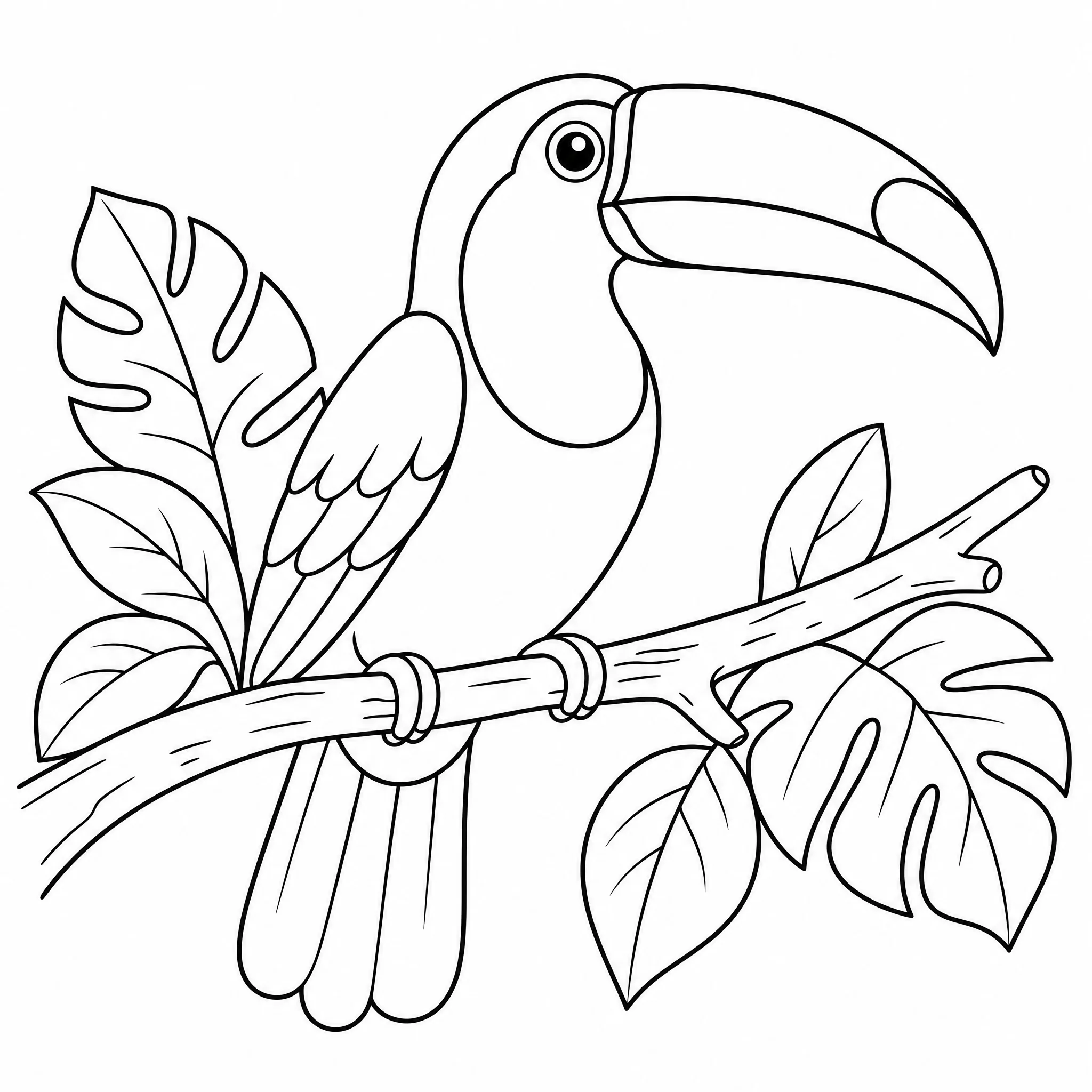
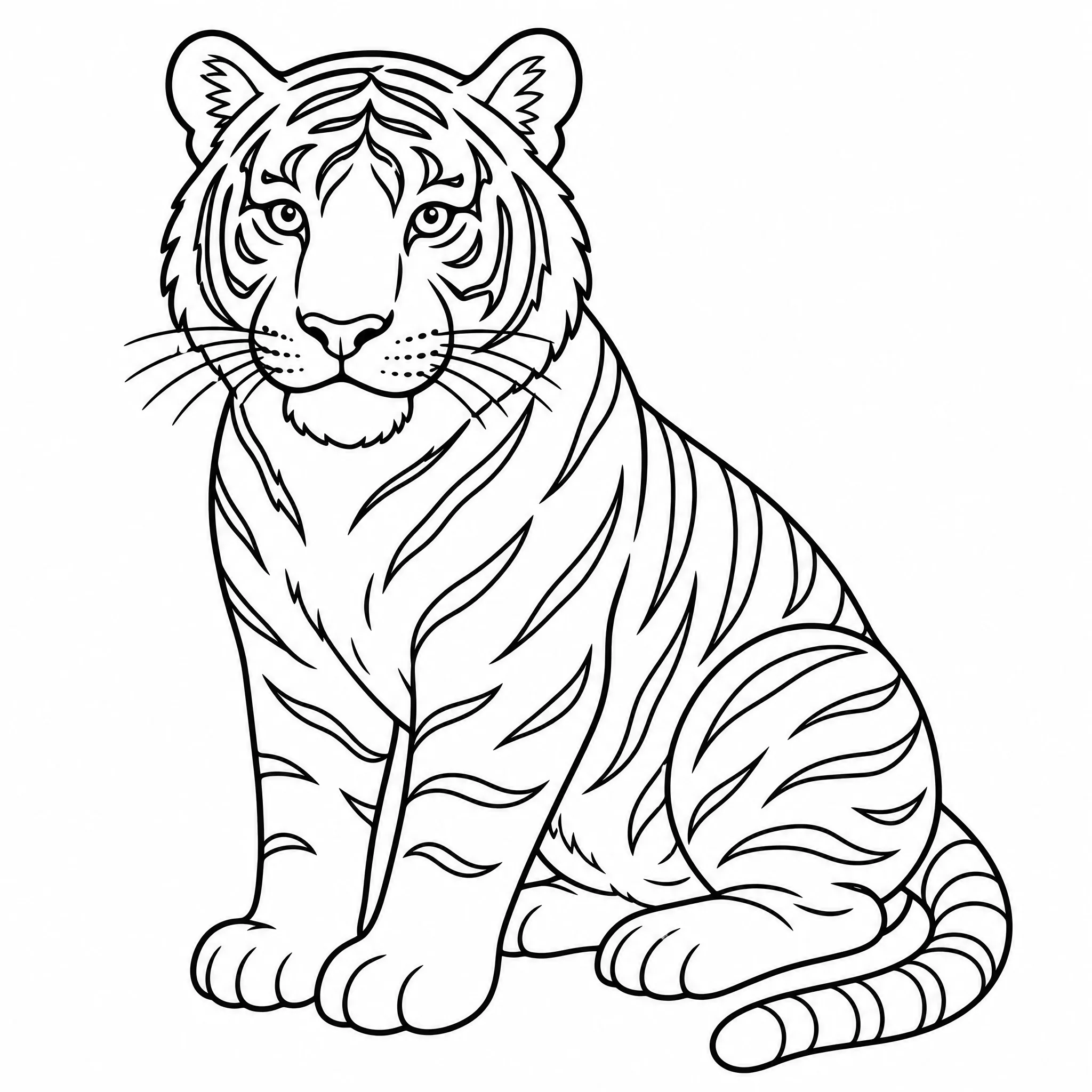
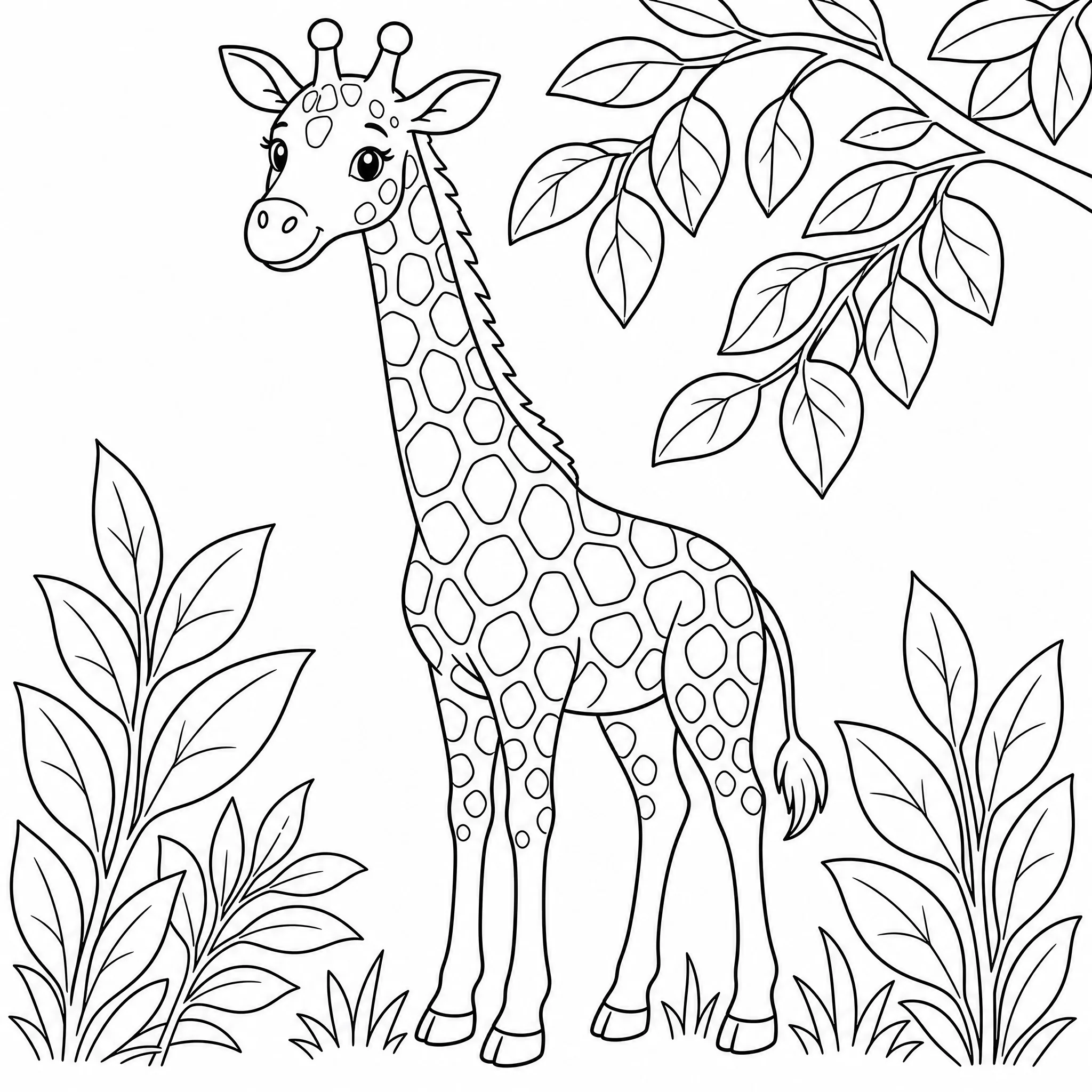
Every page below came out of one themed batch in this generator: same style, same line weight, same page shape, so they read as one book instead of six unrelated pictures. Pick your own theme and that same consistency carries through your pages.
| Free Account | Paid Plan | |
|---|---|---|
| Getting started | Enough free credit to generate about 8 interior pages and 1 cover. | More credit past that starting amount, so you can keep generating. |
| Watermark | Pages generate with a watermark. | Pages export without a watermark. |
| Resolution | Pages export at a clean print resolution for your book's trim. | 4K resolution for interior pages. |
| Batch size | Up to 4 pages of the same setting per batch. | Larger batches per run. |
| Upscale | Not included. | Upscale a finished page to a higher resolution. |
| Print-ready book export | Not included. | Export the book as a 300 DPI file, bleed and safe area applied, grayscale PDF/X-1a, ready to upload. |
| Your saved work | Every book, page, and cover stays saved in your account. | Nothing extra to unlock; it adds exporting and printing on top of what's saved. |
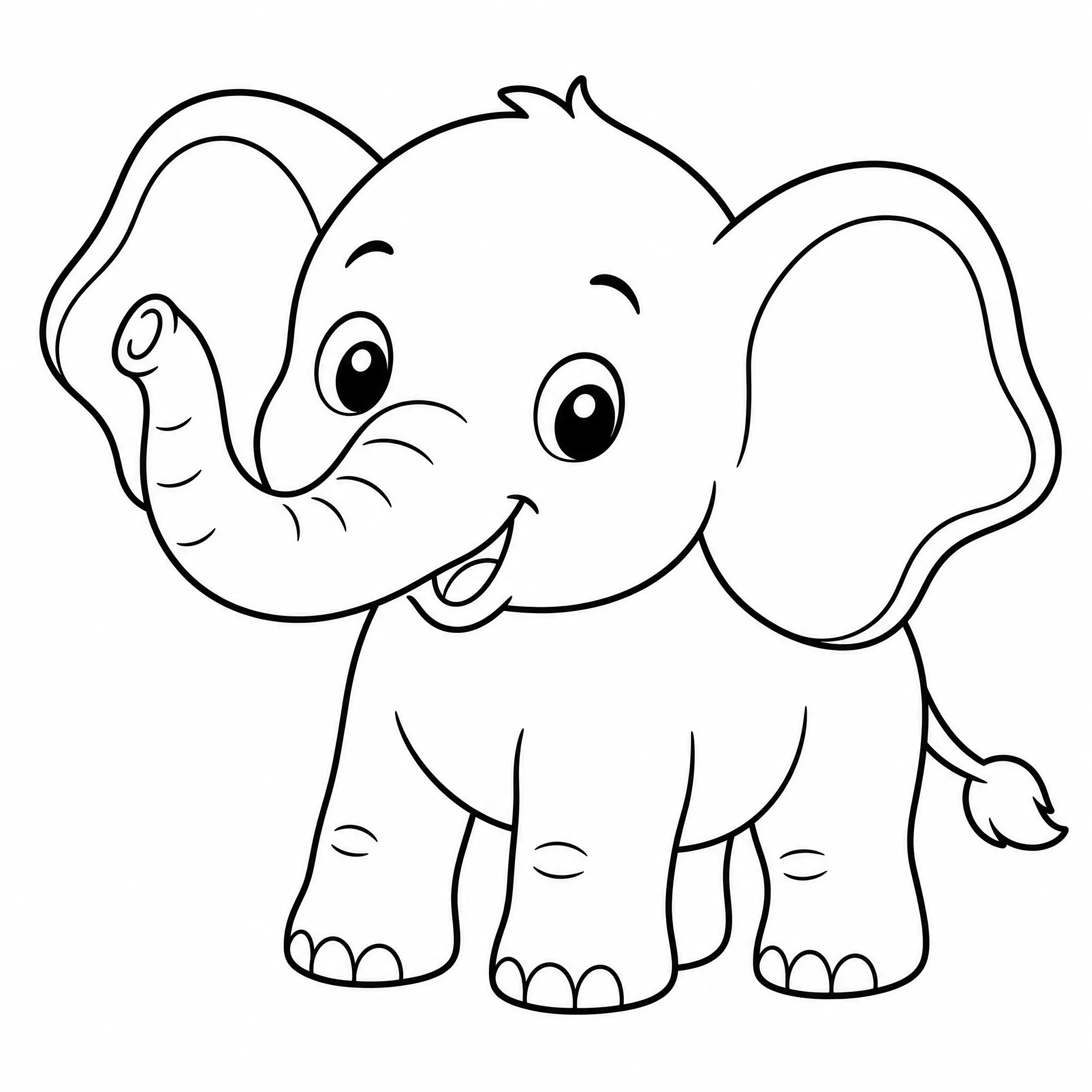
One themed page rarely holds attention; build a matching set and print the whole book.
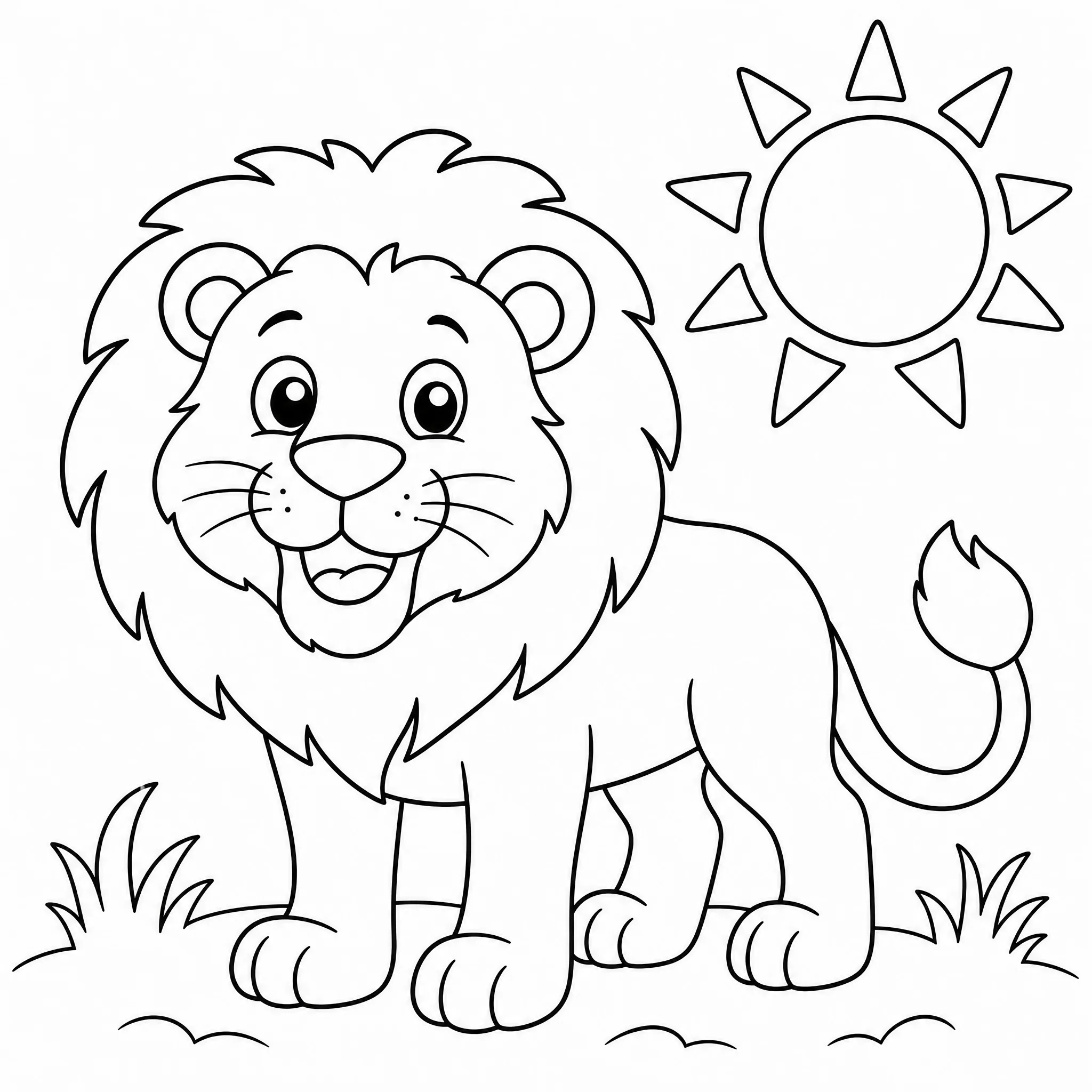
A unit deserves more than one worksheet. Generate a matching set and print copies for the room.
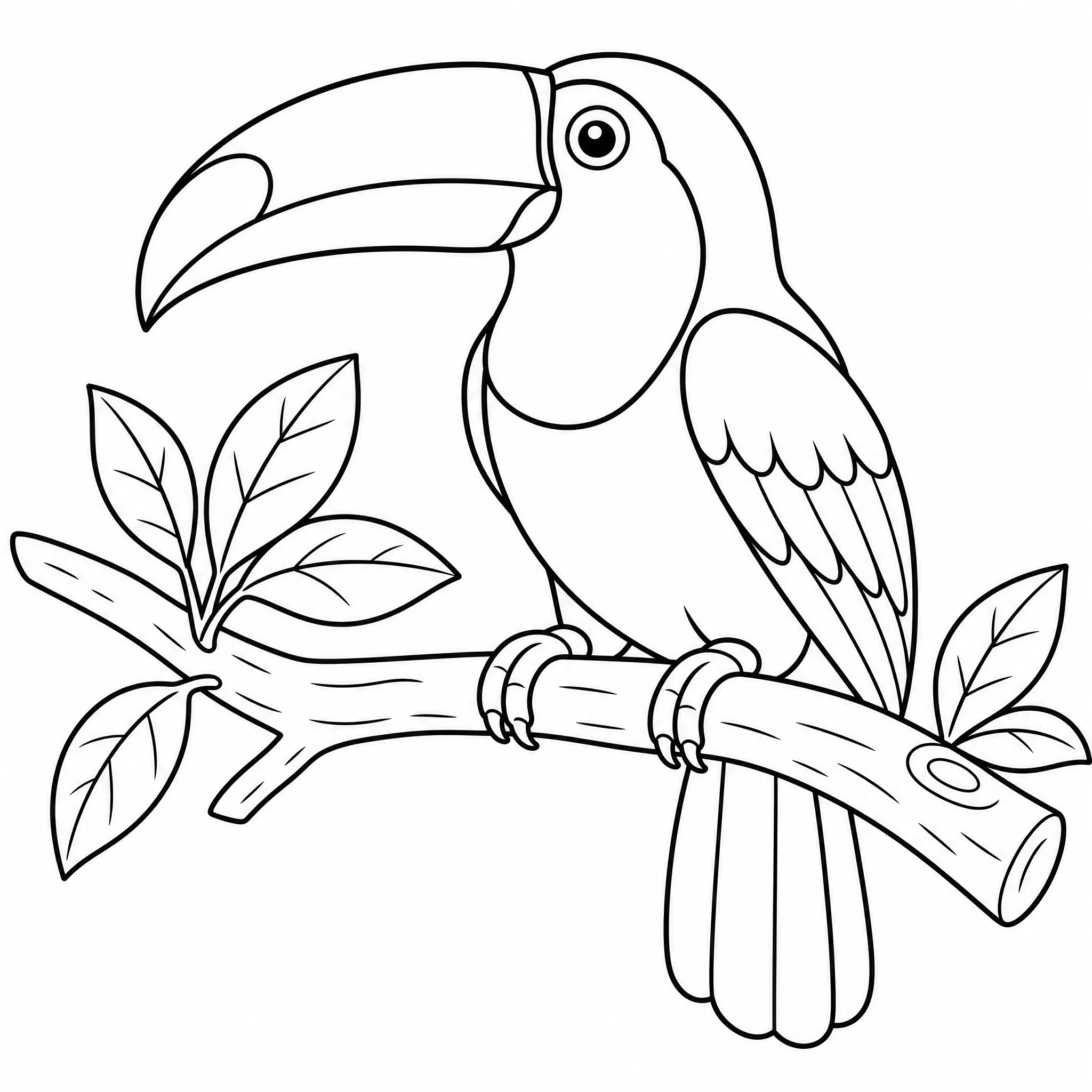
A personalized book beats a single page. Put a theme and cover together, export, print, and bind it yourself.
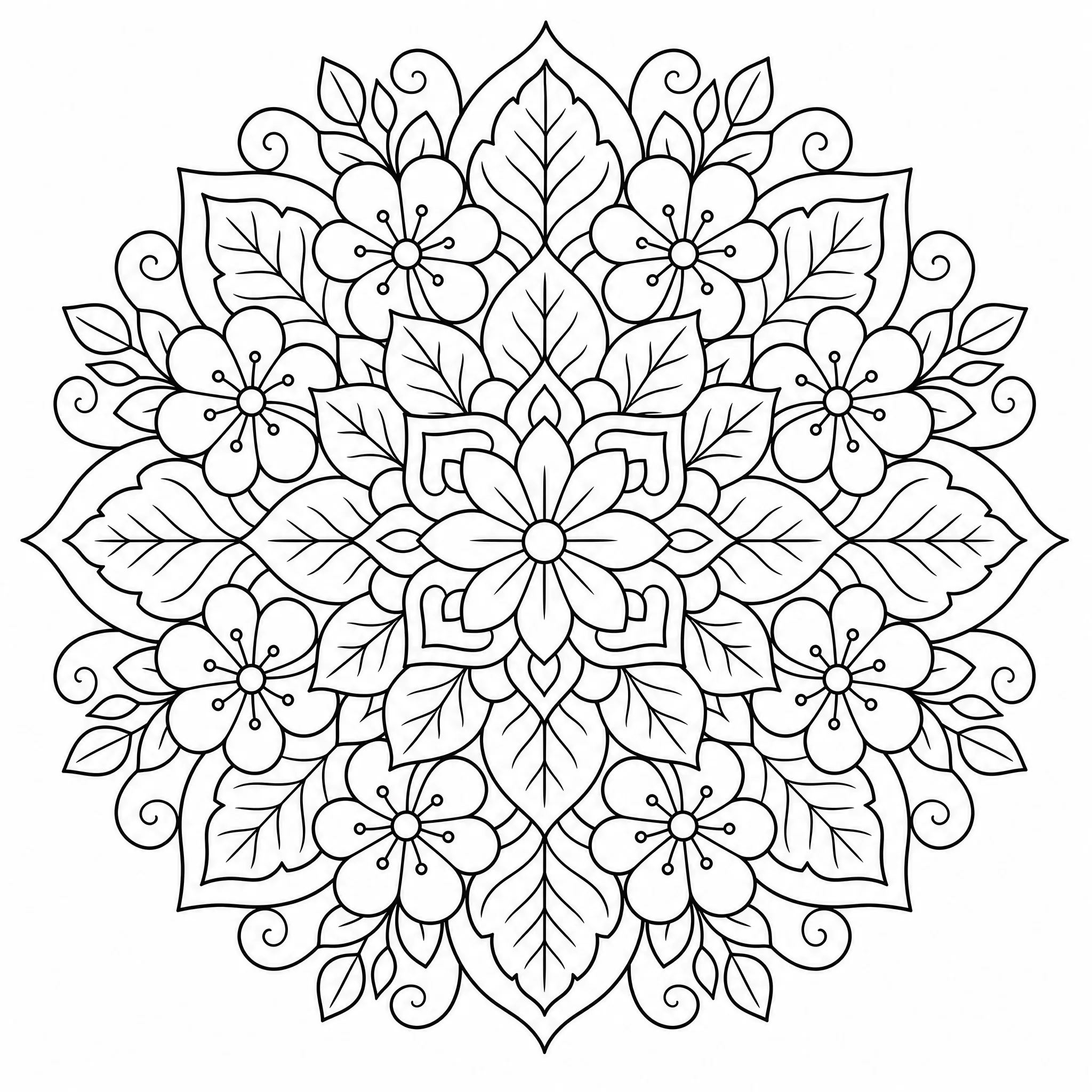
Set the detail level higher and build a themed set instead of hunting page by page.
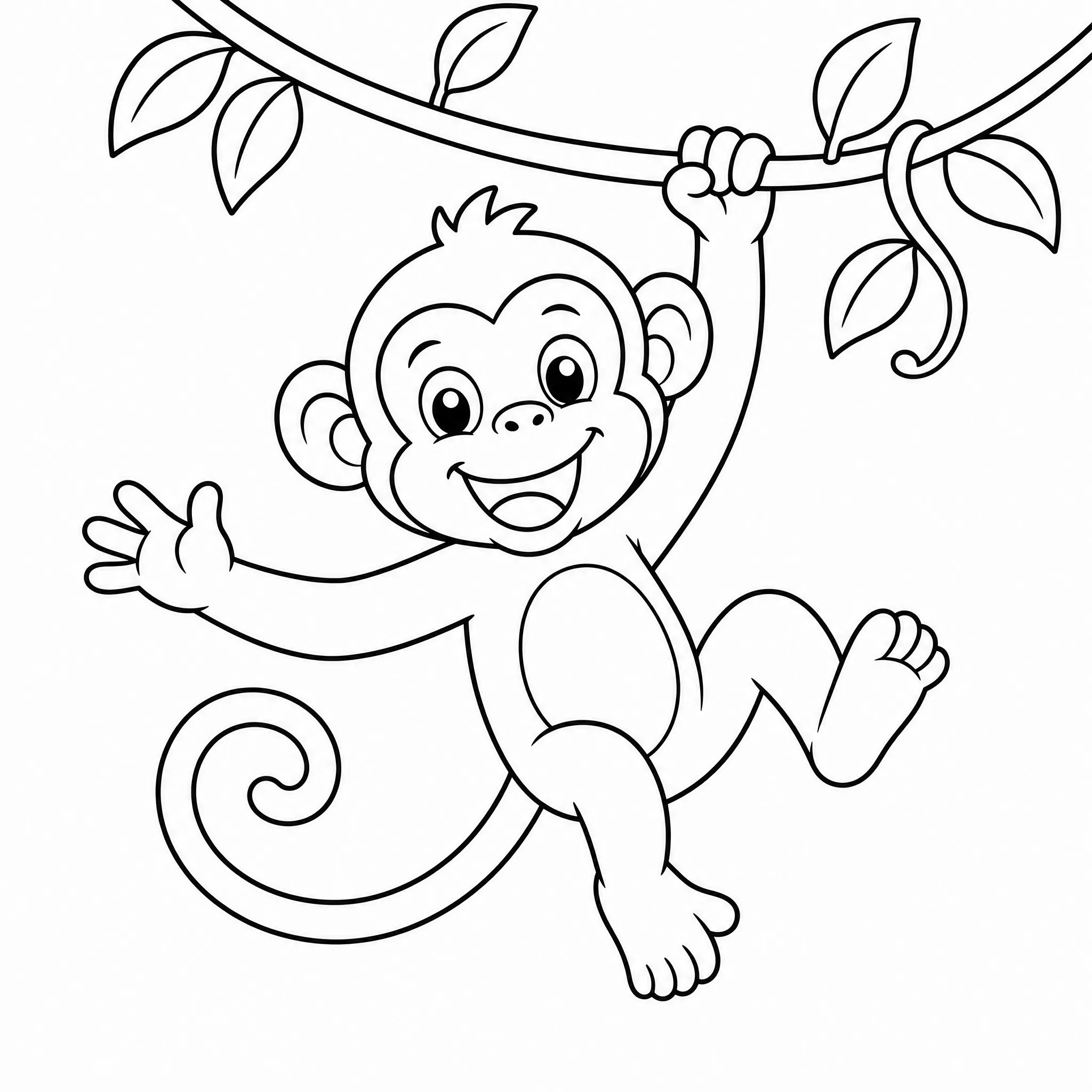
Camps, parties, and waiting rooms burn through pages fast. Generate a batch, export once, print copies as needed.
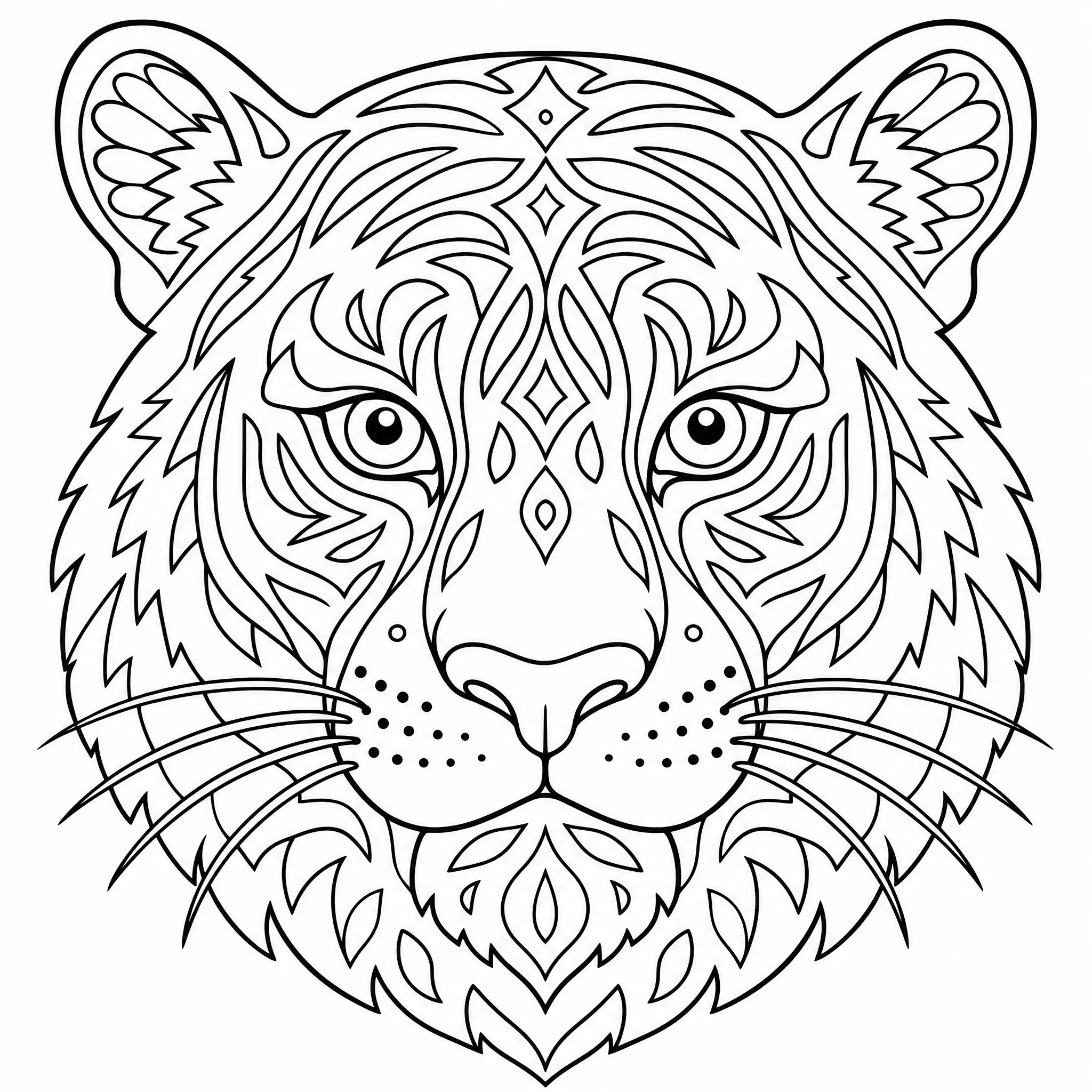
Draft a themed set as a start for printable products, formatted to KDP's specs; listing and sales stay yours.
Both. Generate a single page, or open the book builder to build a themed set, add a cover, and export a formatted file.
Yes, creating an account and generating your first pages is free, with starting credits included. A full book, a cover, and export go past what those credits cover.
Up to 32 in a single batch. Up to 4 pages of the same kind at a time is free; larger batches need a paid plan.
Yes. Describe a page, generate it, and download it. The book builder, cover tool, and KDP export are there if you turn it into a full set.
You can turn a photo into a coloring page, then add it into a book alongside generated pages; they share the running order and export together. No single upload turns a folder of photos into a book automatically.
Yes, one photo becomes one coloring page. It can stand alone or become one page inside a themed book.
Yes. Every page, single or part of a themed set, comes from a text description via an AI image model, then gets cleaned up into black-and-white line art for coloring.
No. It runs in your browser on desktop, tablet, or phone, with no separate design software needed.
Yes. Export produces a grayscale PDF at 300 DPI, flattened with no transparency, rewritten through a PDF/X-1a pass, and sized to your trim with a safe area.
No, and nobody can honestly promise that. Export gets a file built to KDP's format requirements, which is where most rejections start; approval and any sale are between you and Amazon.
Start with a free account, describe a theme, and generate your first pages today. When you're ready for the full book, cover, and print-ready export, the builder is waiting.
Start Building My Book