Convert any image into a clean black-and-white line drawing — free and online. Upload a JPG or PNG and turn it into printable line art in your browser. No software to install.
JPG or PNG — drop in any image to convert.
Free to start · runs in your browser · clean line art output
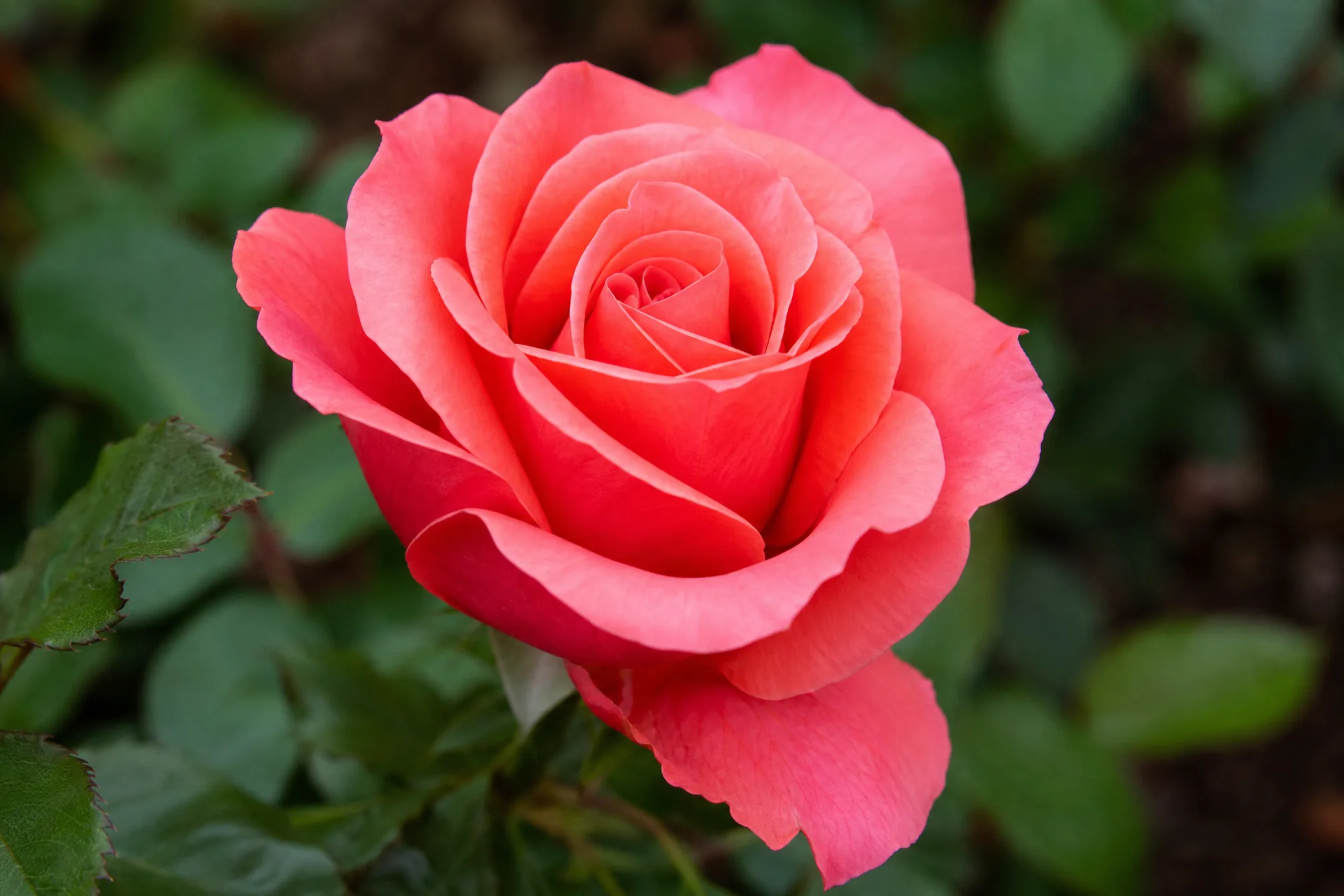
Drop in any image file — a JPG or PNG of a photo, drawing, or graphic.
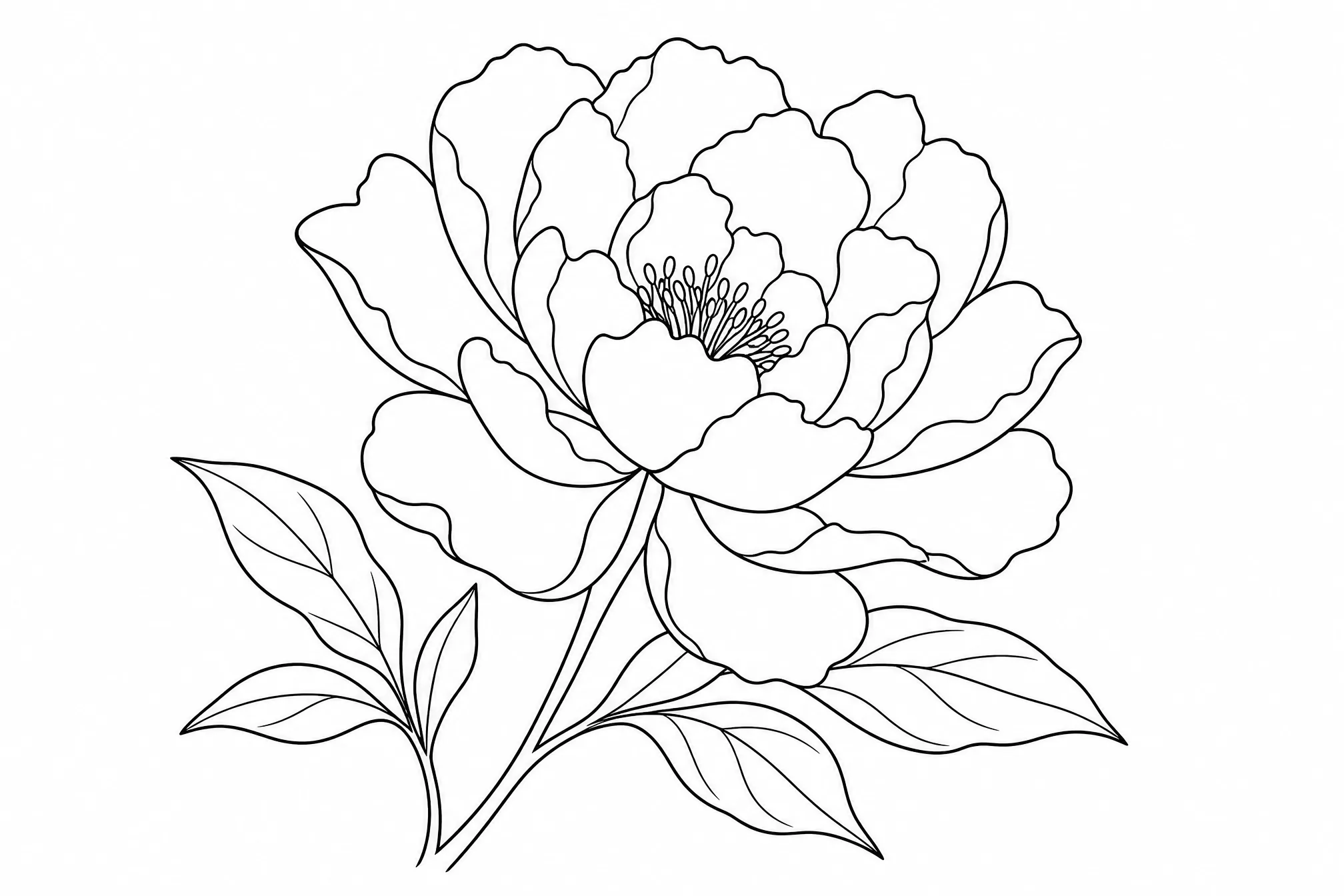
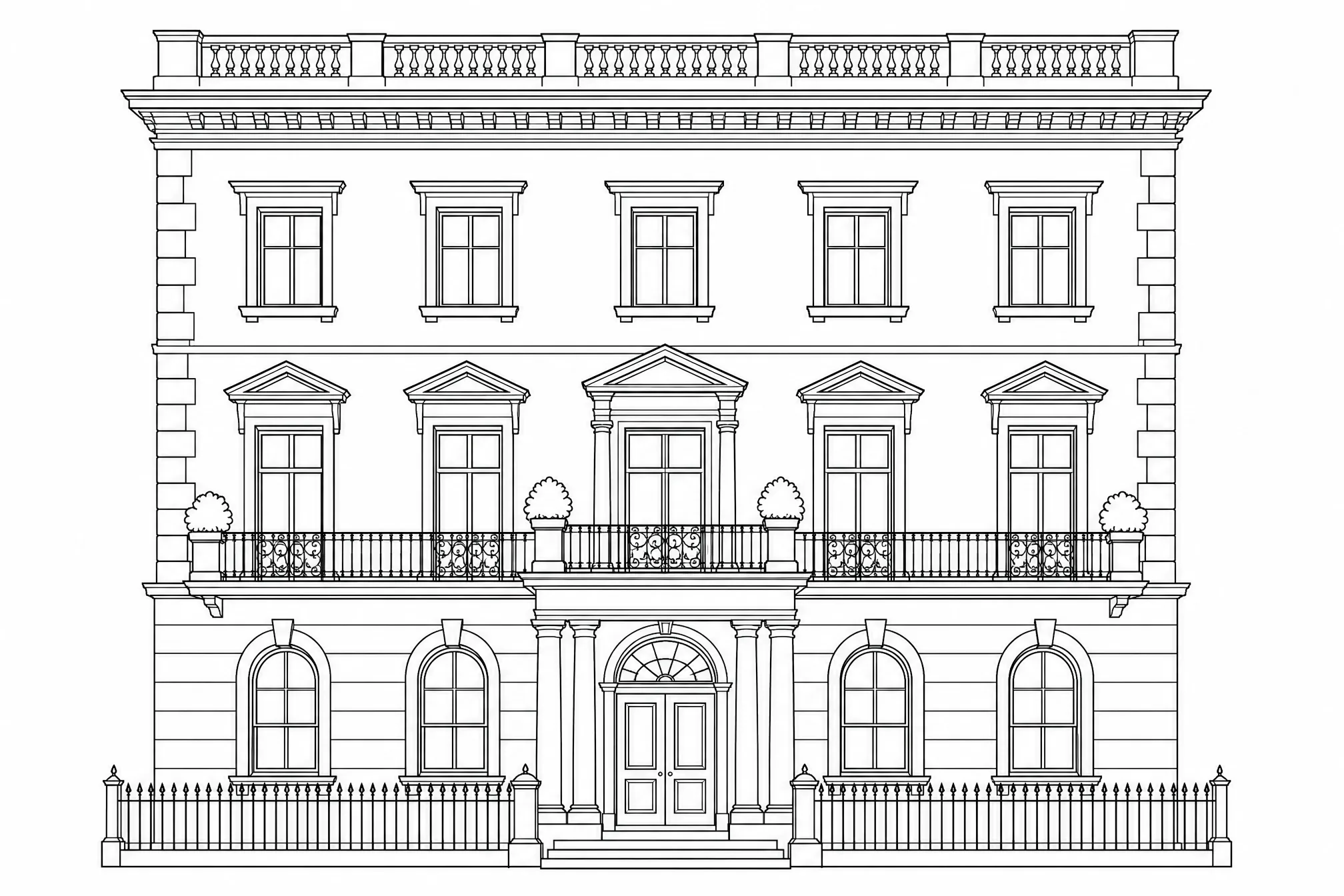
The converter turns your image into clean black-and-white line art — outlines only, no shading or fills.
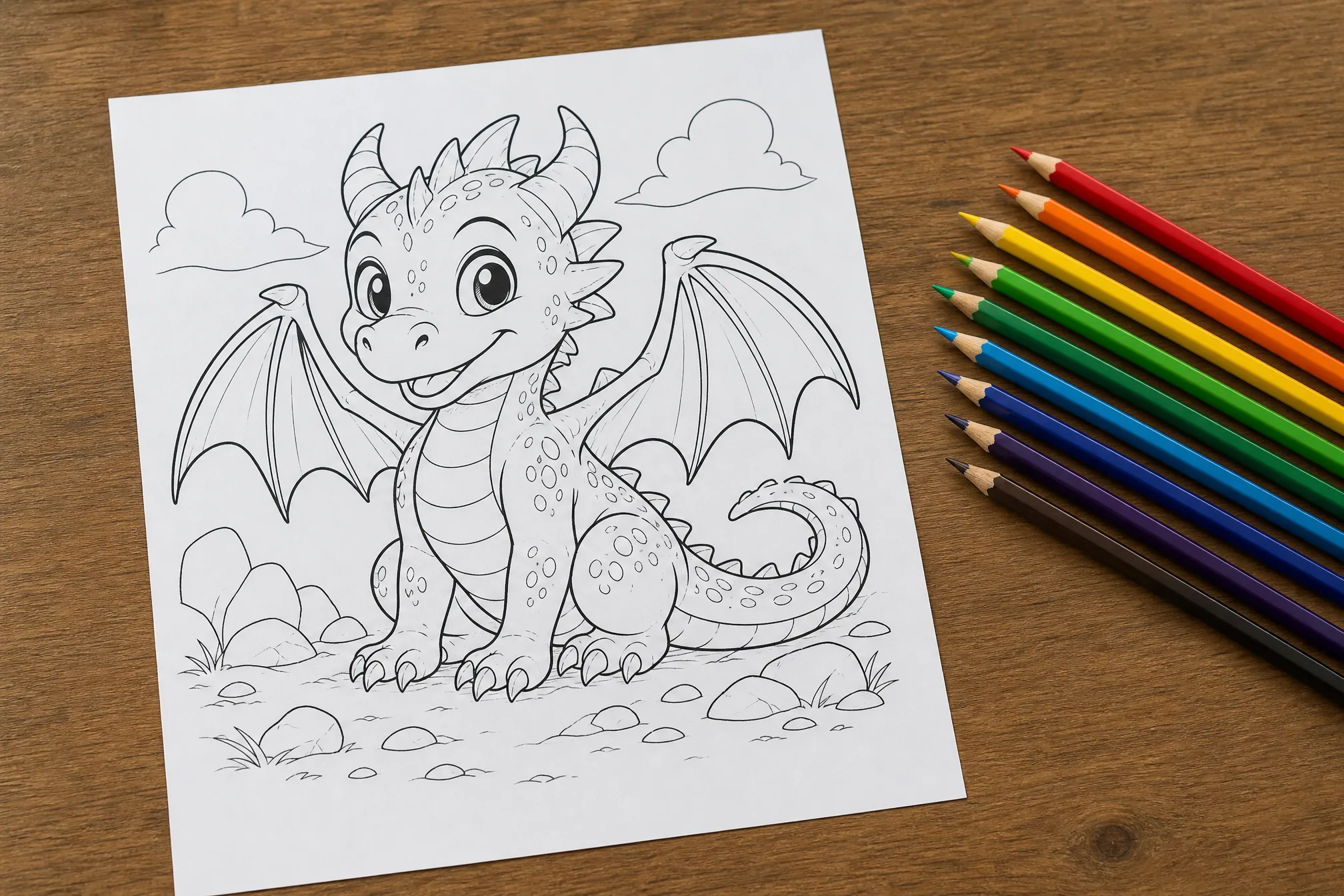
Download your line drawing as a clean image, ready to print, share, or drop into a design.
A range of images run through the converter — upload your own to see the result.
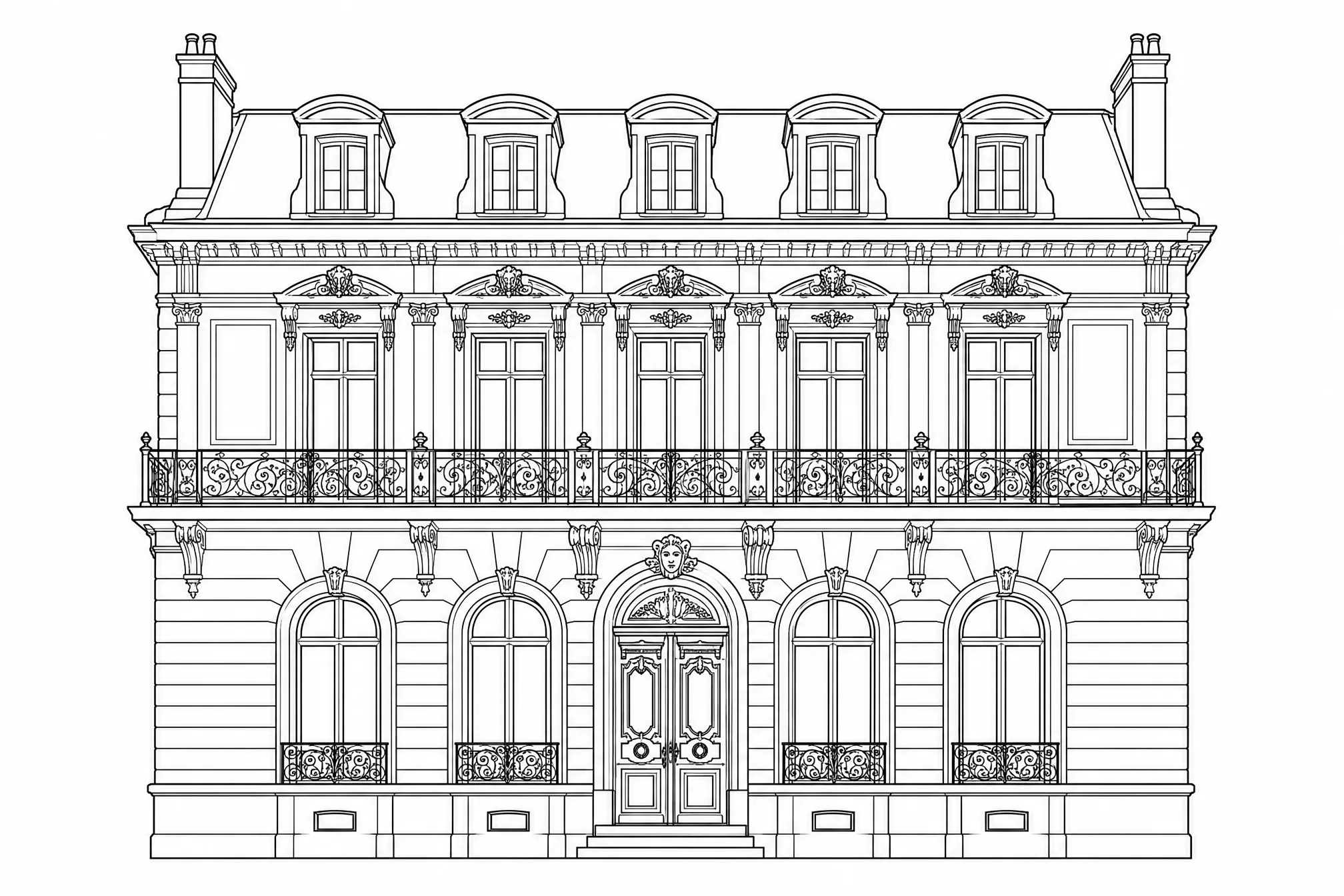
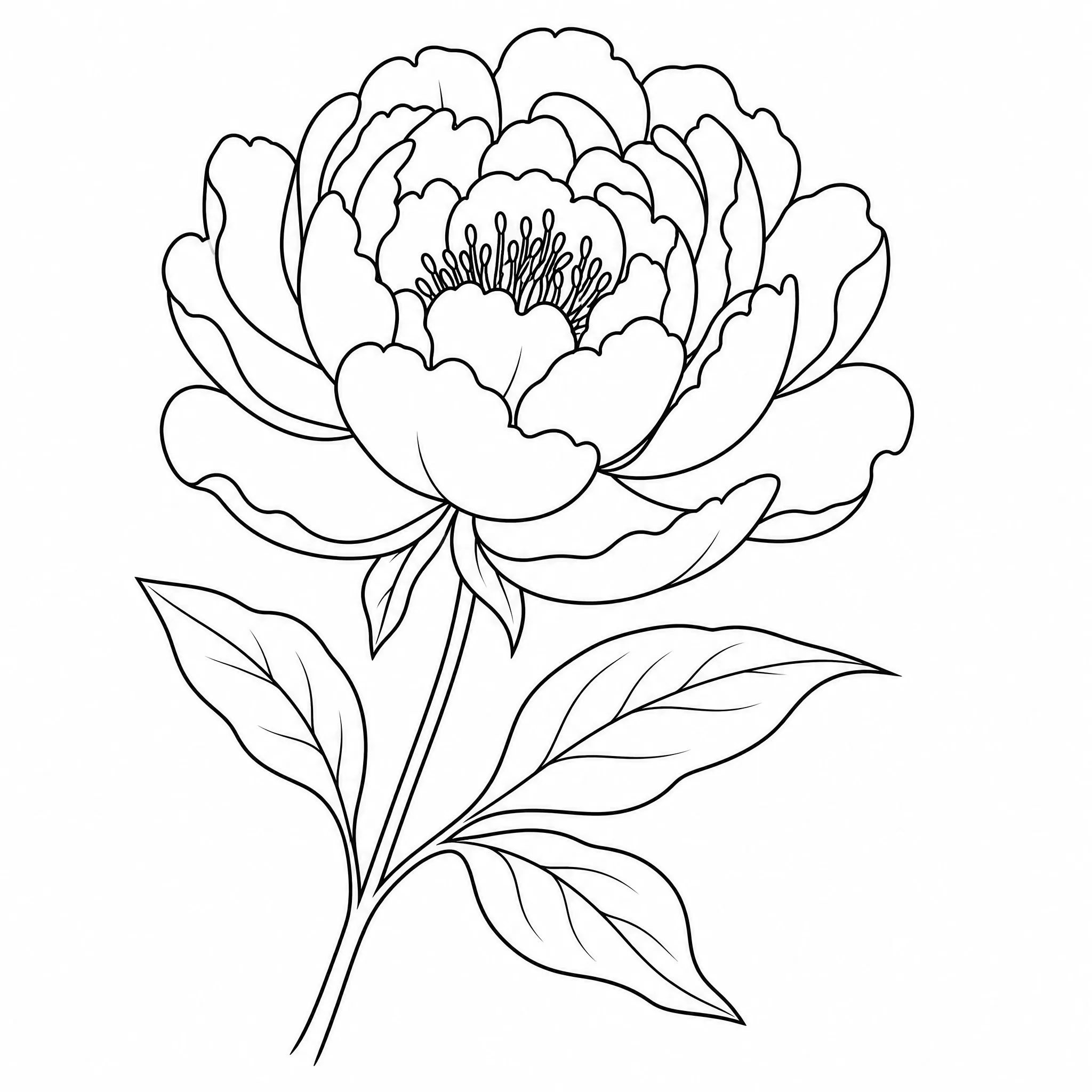
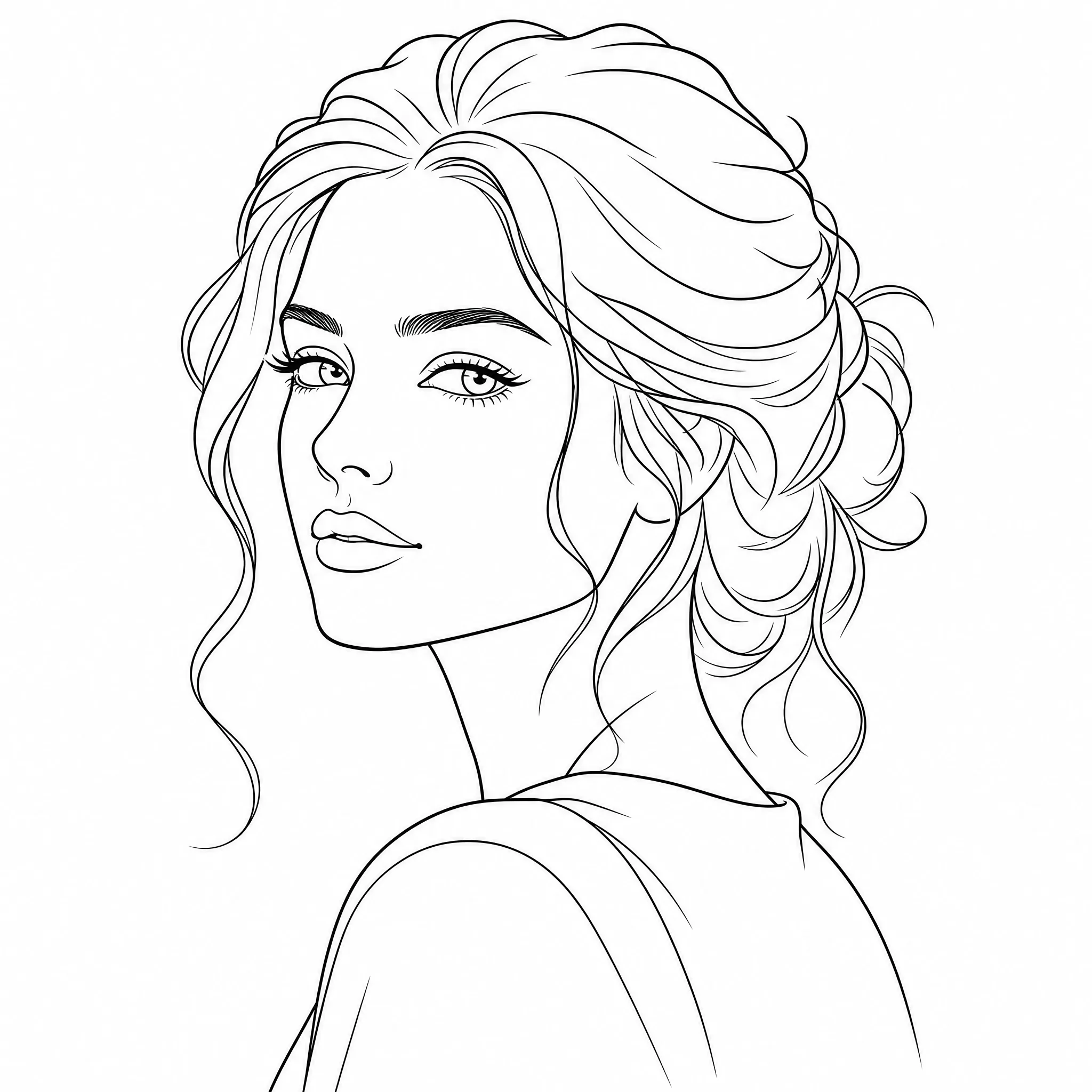
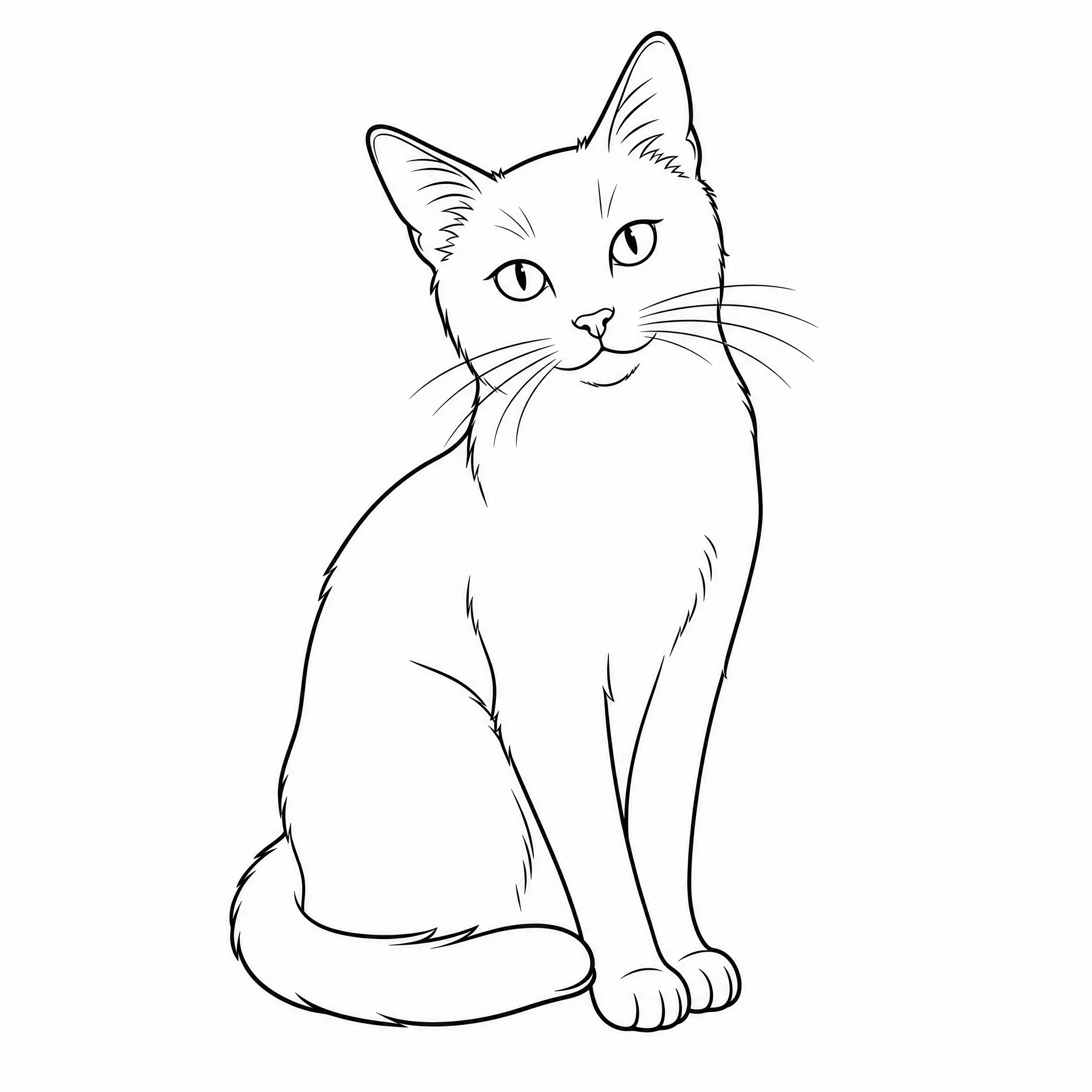
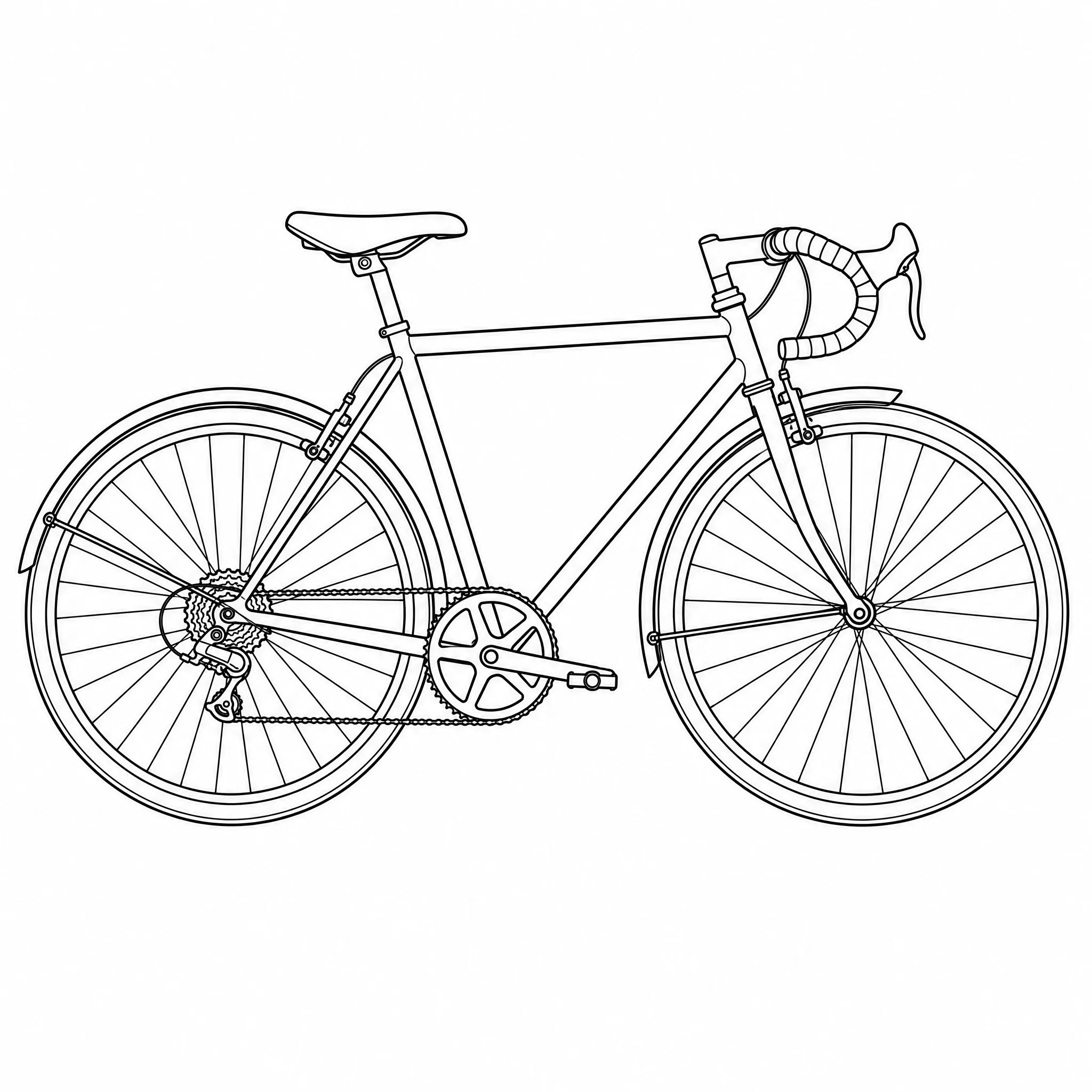
Everything you need to convert an image to line art and use it in real work.
Upload common image files straight from your phone or computer — no format wrangling.
Every result is bold black lines on a white background — no grey, no fills — true line art.
Convert an image to a line drawing in your browser — nothing to download or install.
Choose a minimal, few-line look or finer detail that keeps more of the original image.
Convert at up to 4K so the line drawing stays crisp when printed or scaled.
Download clean line art that is ready to print at home or send to a print shop.
Upload and convert, or open the panel to fine-tune the line drawing.
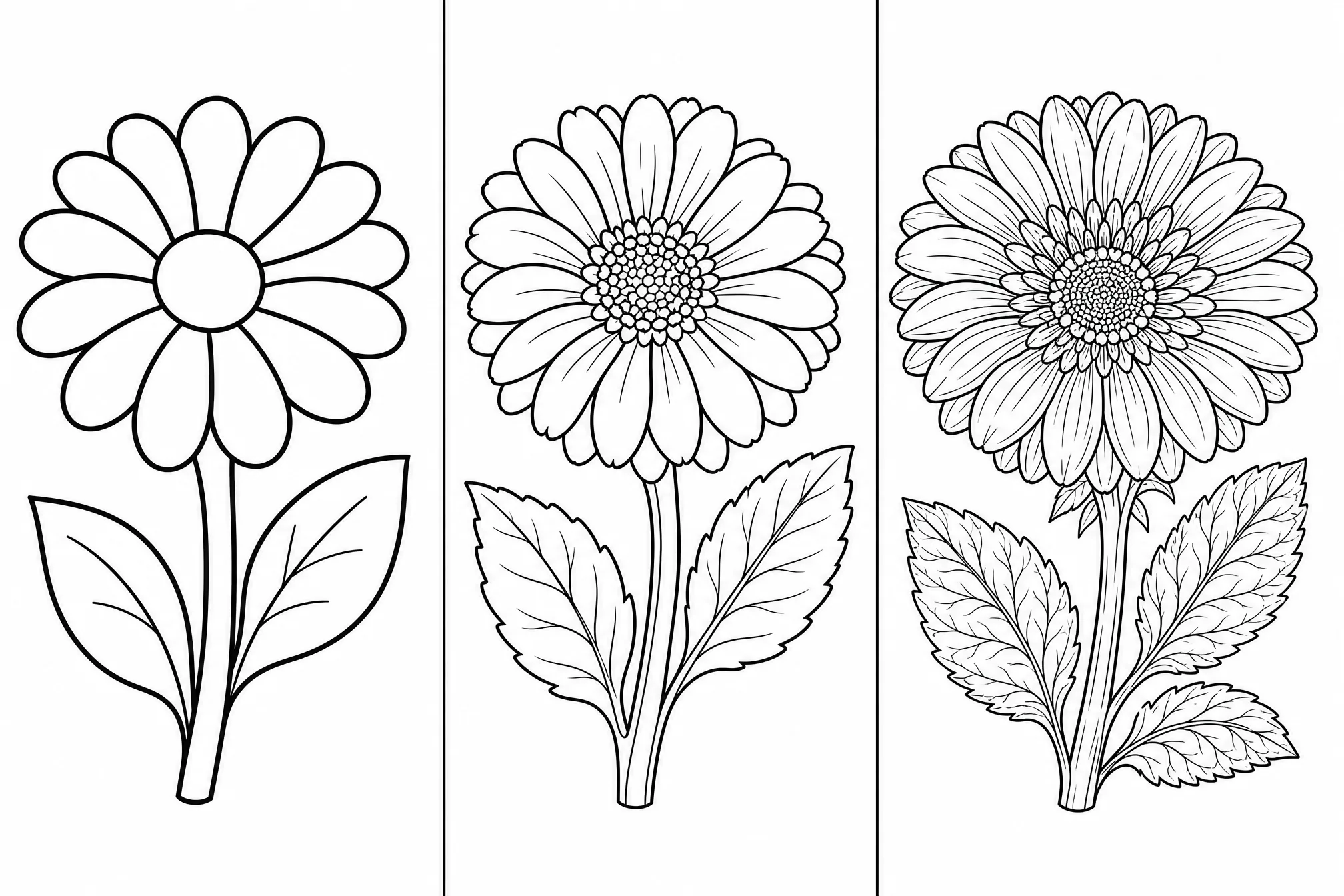
Set how minimal or intricate the converted line drawing should be.
Pick from 8 shapes so the line art fits your print or layout.
Convert at higher resolution for sharp lines at large sizes.
Convert several versions of one image and keep the cleanest.
Drop the background to isolate the subject as line art.
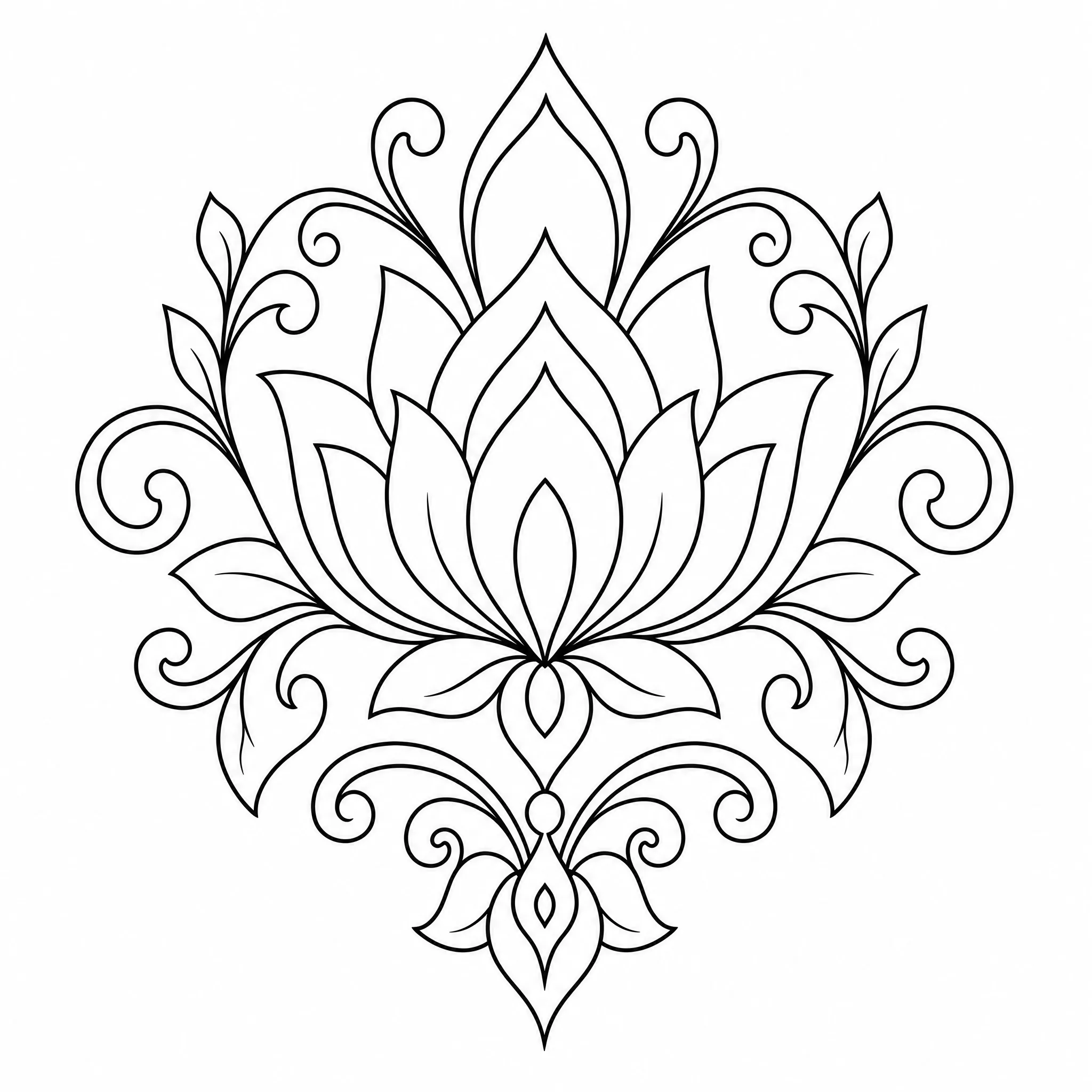
Convert images into line art for icons, accents, and illustrations in layouts and decks.
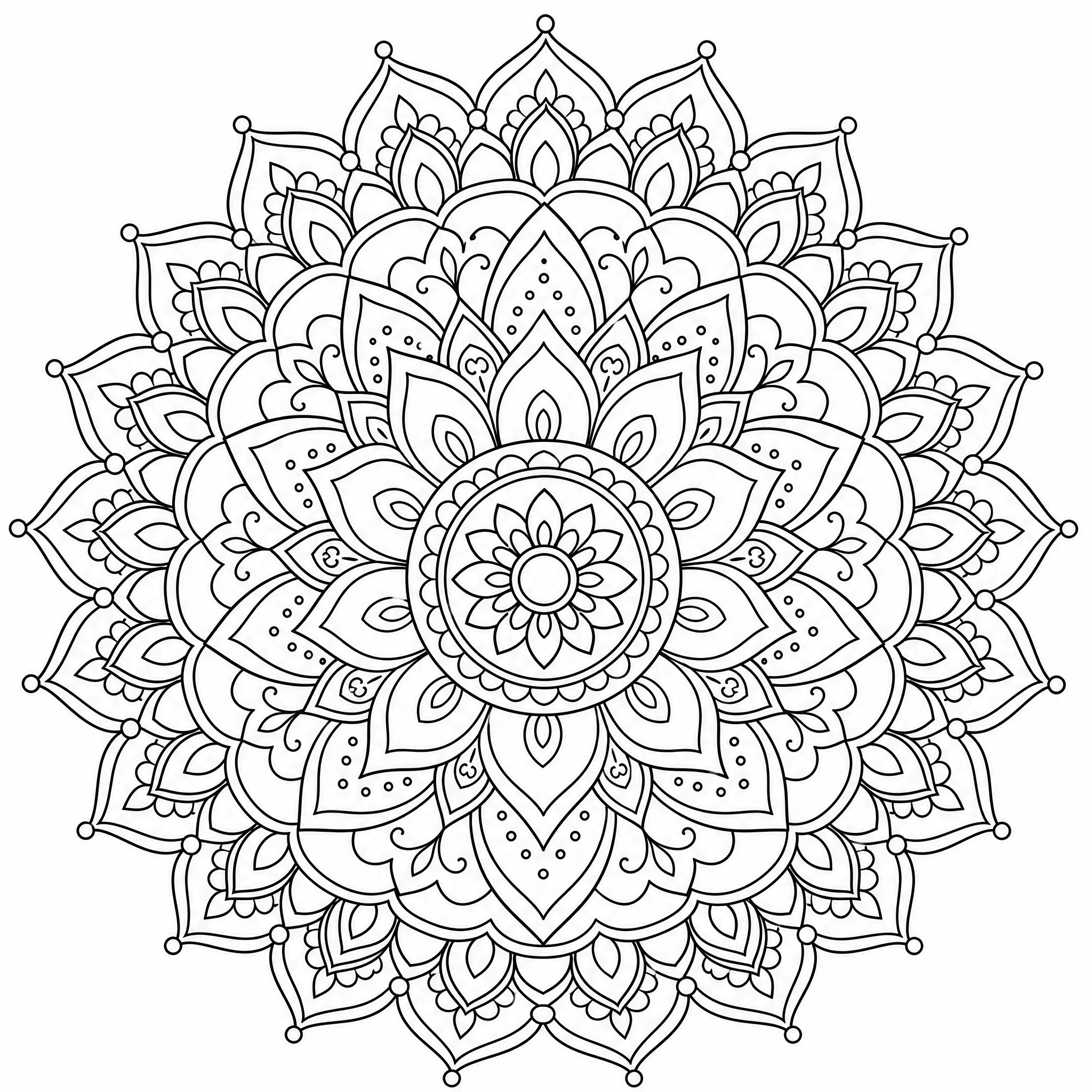
Turn an image into clean outlines that print and color in cleanly.
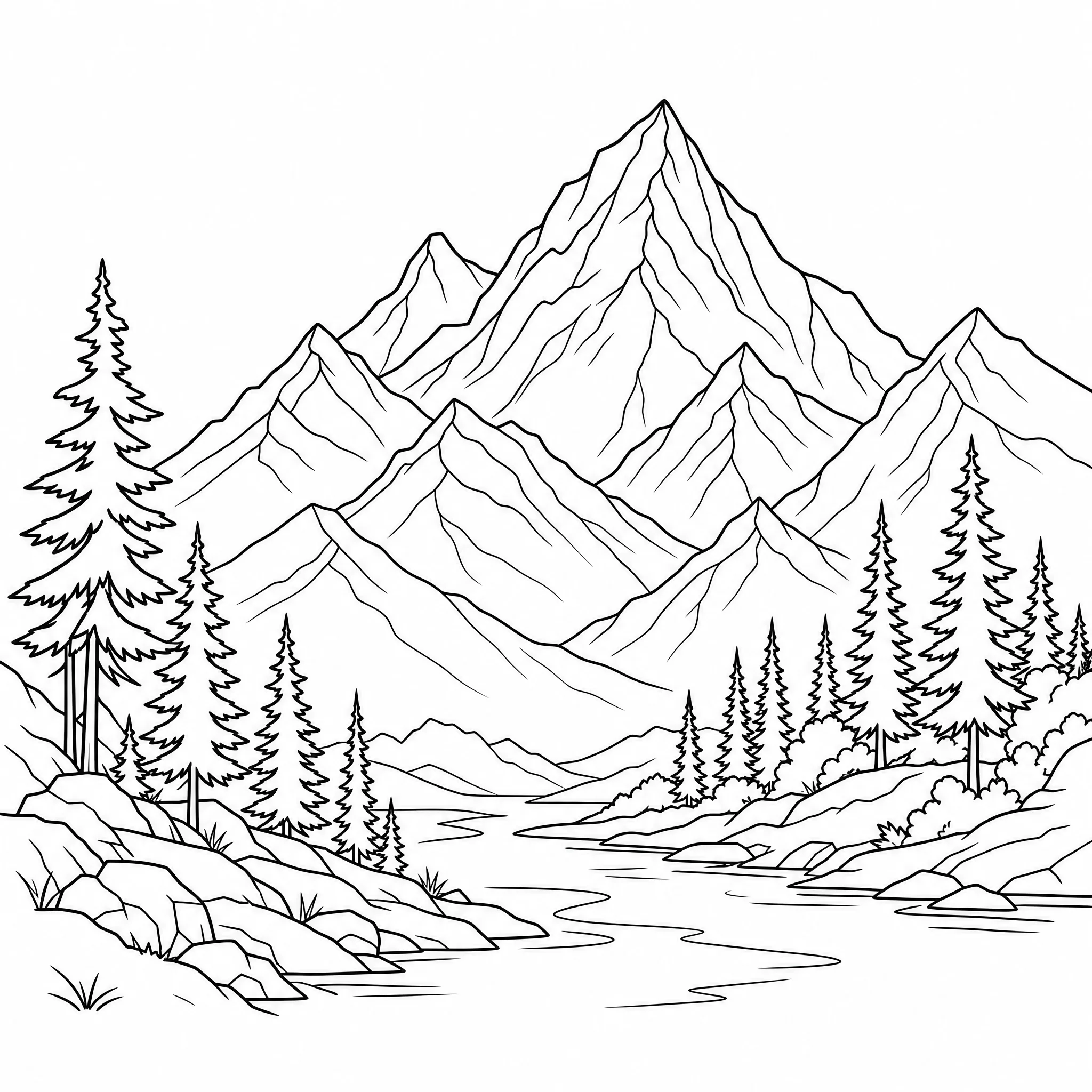
Convert an image to a line drawing for minimalist printable wall art.
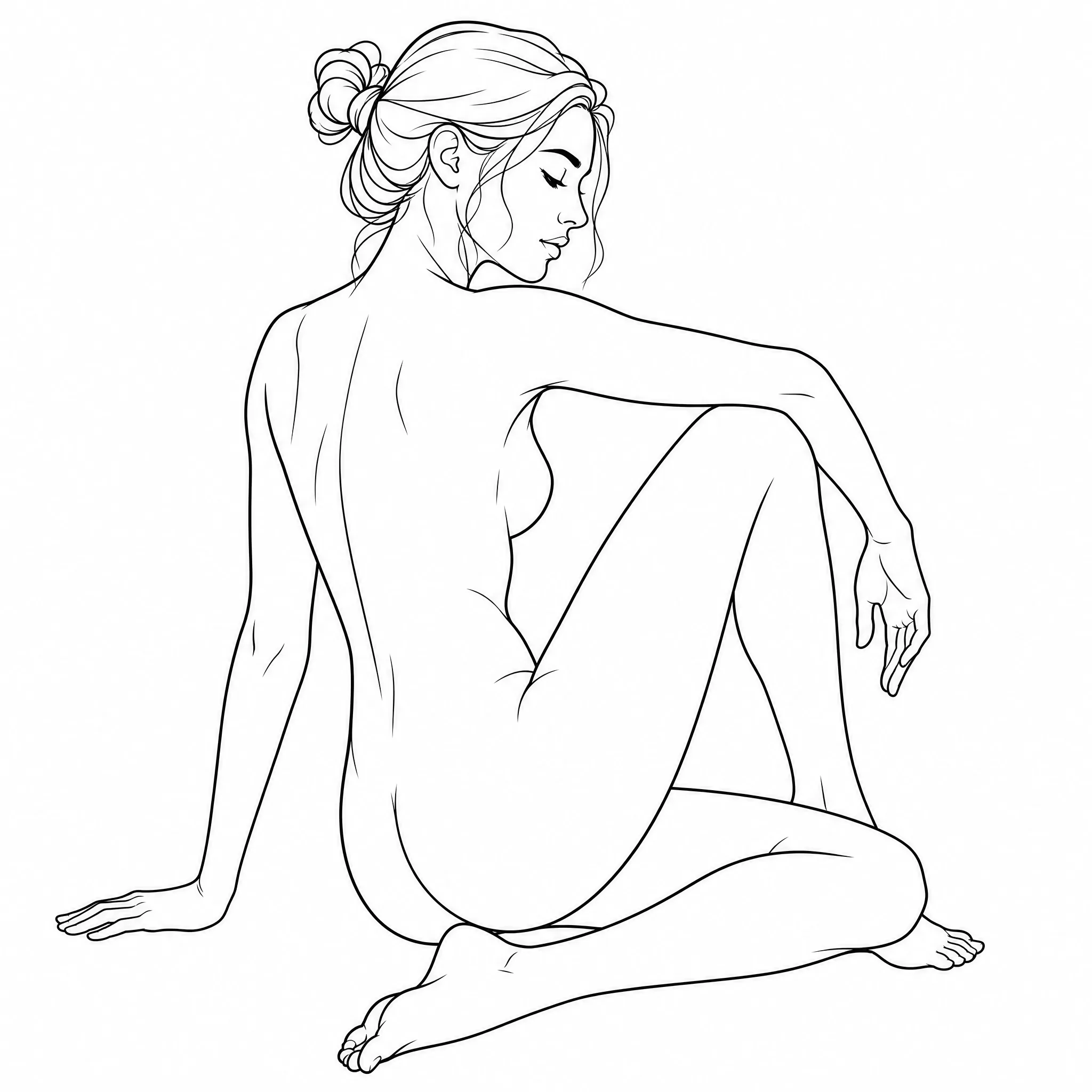
Make a clean line version of an image to use as a drawing or study reference.
| This converter | Desktop editors | |
|---|---|---|
| Steps to a result | Upload and convert | Filters, layers, cleanup |
| Software needed | None — runs online | Installed editor |
| Skill needed | None | Editor know-how |
| Consistent line art | Yes | Depends on settings |
| Resolution | Up to 4K | Varies |
Built to do one job — convert images to clean line art — and be clear about it.
Every example here was produced by uploading an image into this converter — try your own in the same flow.
Dedicated controls for detail, ratio, and resolution produce true line drawings rather than a filtered image.
It converts an image into black-and-white line art — nothing hidden and no over-promises.
New accounts include free credits, it runs in your browser, and your line drawings are yours to download.
Free credits to get started, nothing to install, and clean printable line art ready in seconds.
Start Free — Convert My ImageUpload your image and the converter turns it into clean black-and-white line art on a white background. You can convert an image to a line drawing in seconds — it all runs online in your browser, with no install.
You can upload common image files such as JPG and PNG. Photos, drawings, and graphics all convert into line art — a clear image with an obvious subject gives the cleanest line drawing.
Yes, it is free to start. Create a free account; new accounts include free credits so you can convert your first images and download the line drawings right away.
Yes. This is an online image to line drawing converter — upload a JPG or PNG and it returns clean black-and-white line art you can download, with nothing to install.
Yes. Each line drawing is clean black-and-white line art at up to 4K, so it stays sharp when you print it or scale it up for larger work.
No. The whole conversion happens in your browser — no desktop editor and no know-how needed — on phone, tablet, or desktop.