Describe any idea in plain words and generate a hand-drawn pencil sketch — free and online. This AI sketch generator turns text into graphite drawings with real shading and hatching, so you need no reference photo and no drawing skill. Nothing to install.
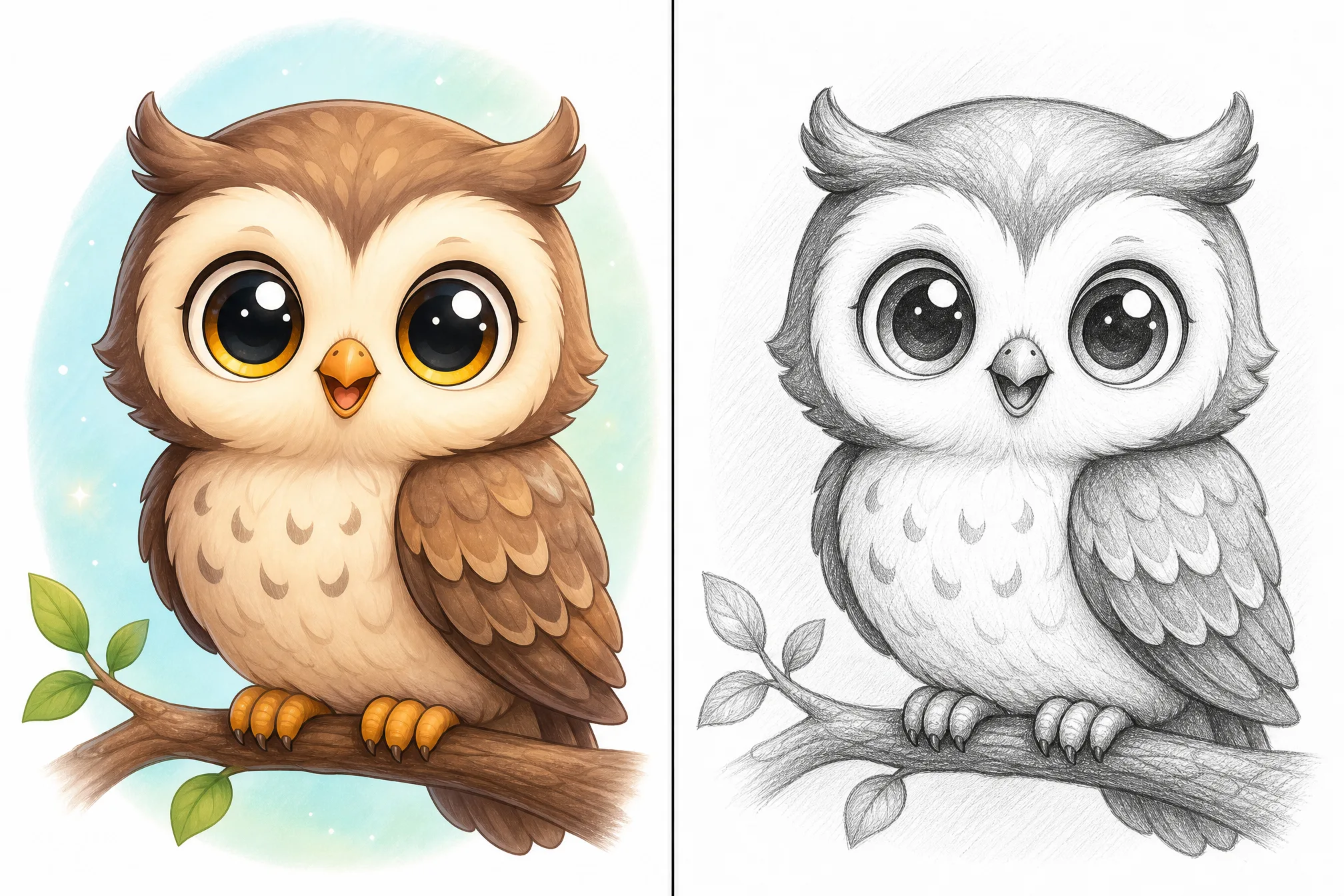
Type what you want — a subject, a scene, a mood — and the sketch maker draws it from text.
Free to start · runs in your browser · pencil sketch output with real shading
Type what you want in plain words — a subject, a scene, or a mood. This free sketch generator works straight from text, with no reference image needed.
Get a hand-drawn pencil sketch with graphite shading and hatching — the AI sketch generator does the drawing for you.
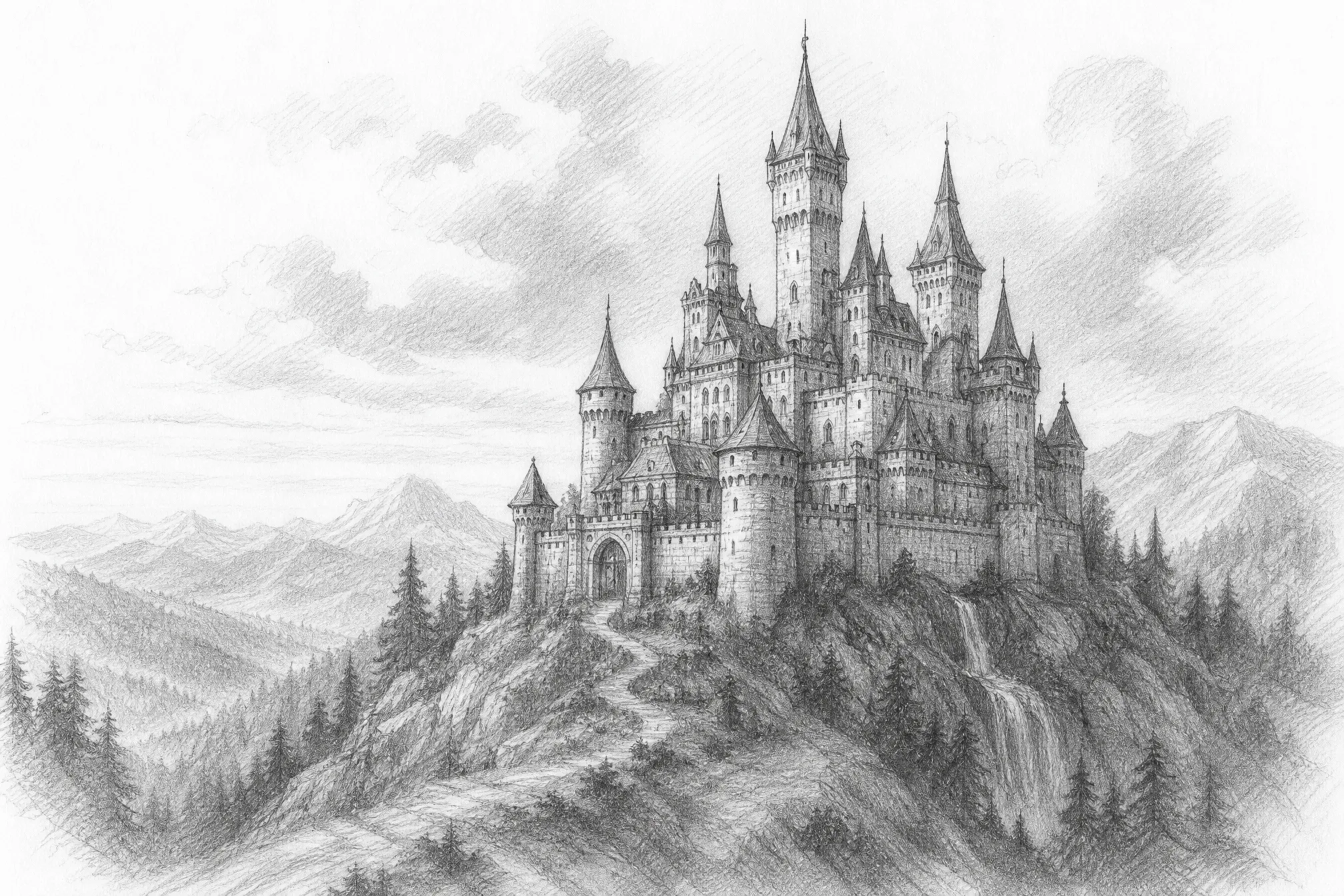
Download your finished pencil sketch and use it as concept art, a study reference, or a print-ready piece.
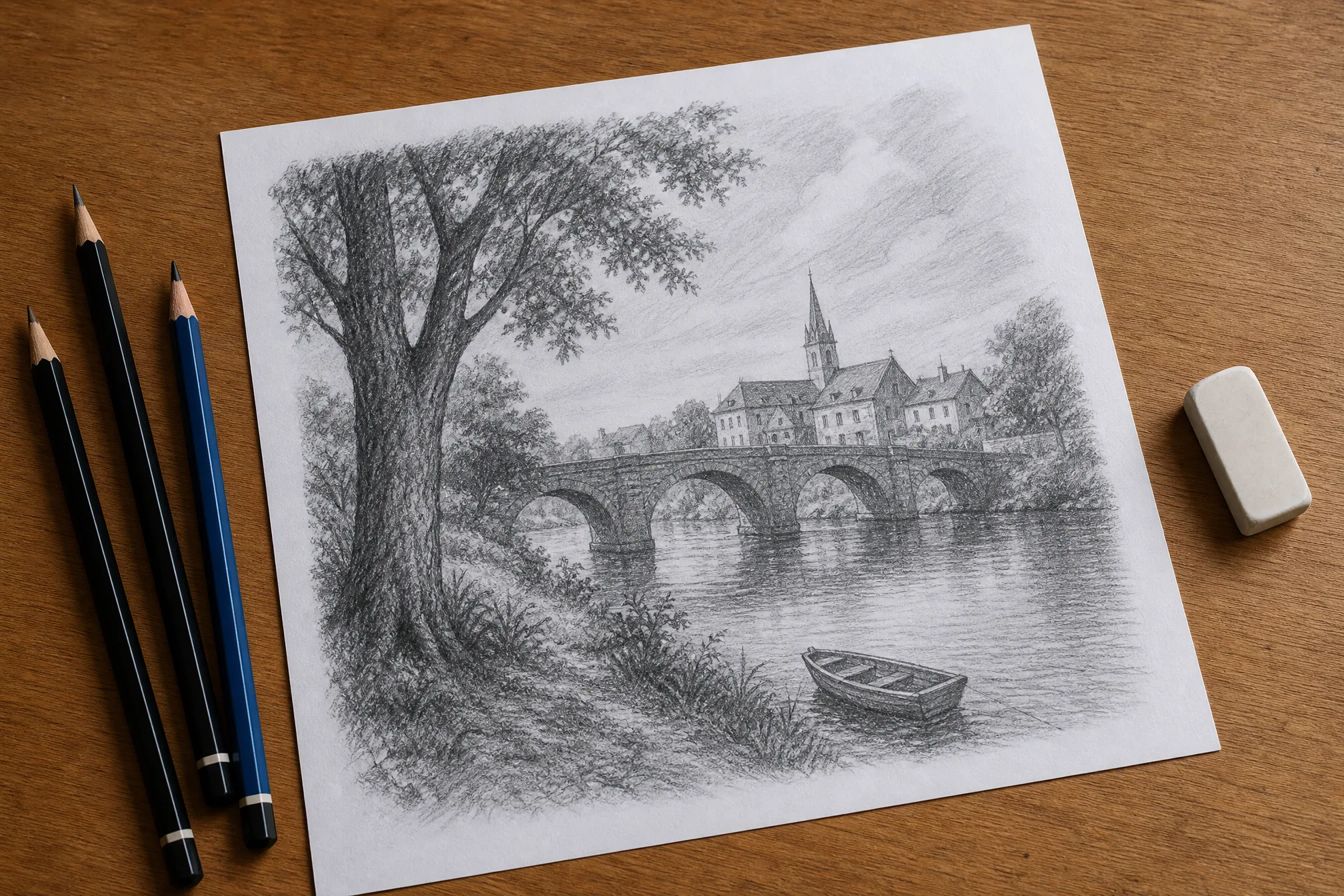
Everything you need to generate a sketch from text and use it in real creative work.
Every result has graphite shading, soft tones, and hatching — a hand-drawn pencil sketch feel, not a flat filtered photo.
No reference photo and no drawing tablet — this sketch maker turns a short description into a finished pencil drawing.
Faces, animals, castles, landscapes, characters, objects — if you can describe it, the AI sketch generator can draw it.
Choose a loose, light sketch or a dense, fully shaded drawing with deeper contrast and finer linework.
Generate at up to 4K so pencil texture and shading stay crisp when scaled onto prints and large formats.
Pick from 8 shapes so your sketch fits a portrait study, square print, story, or wide poster.
Every example below was generated from a short text prompt — type your own to make more.
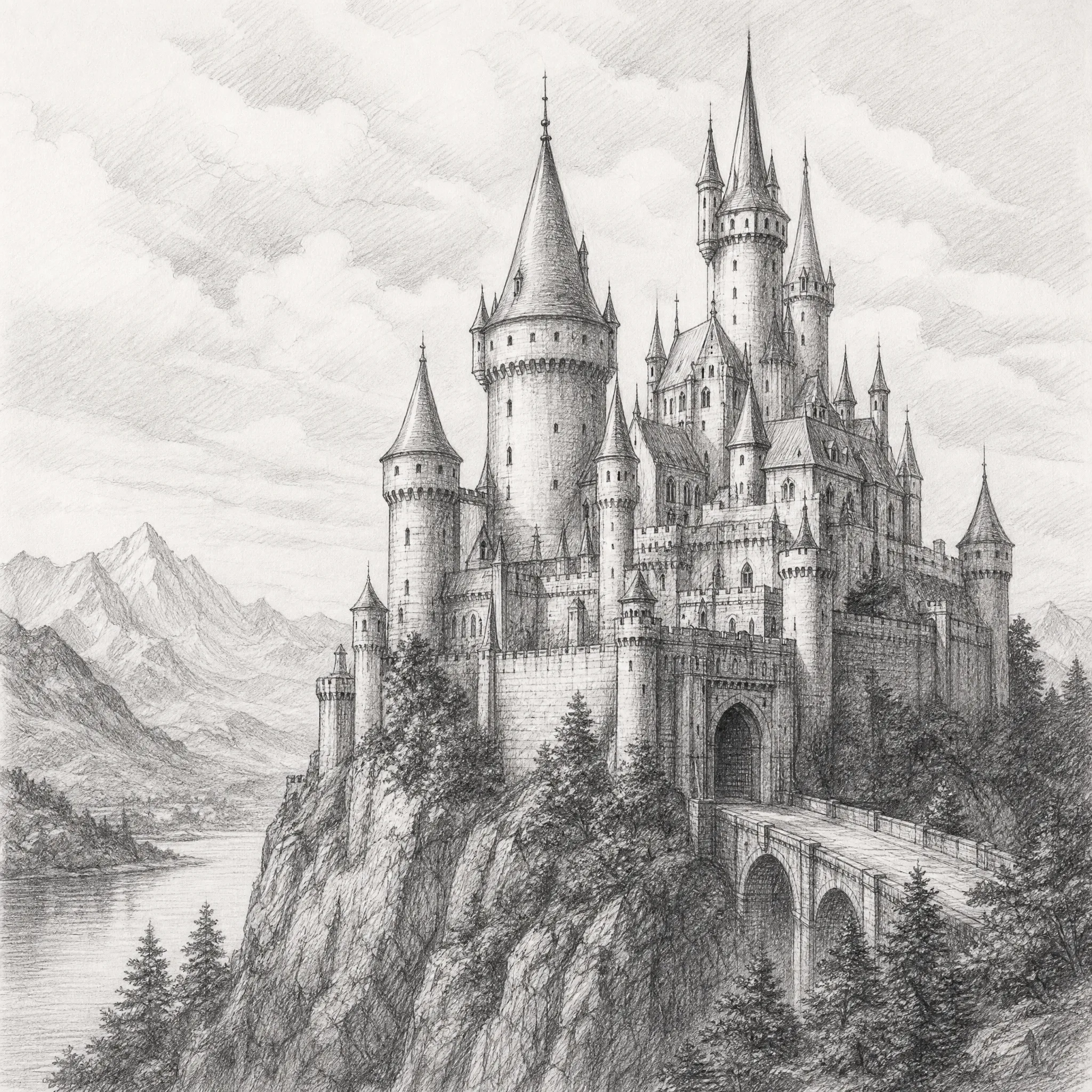
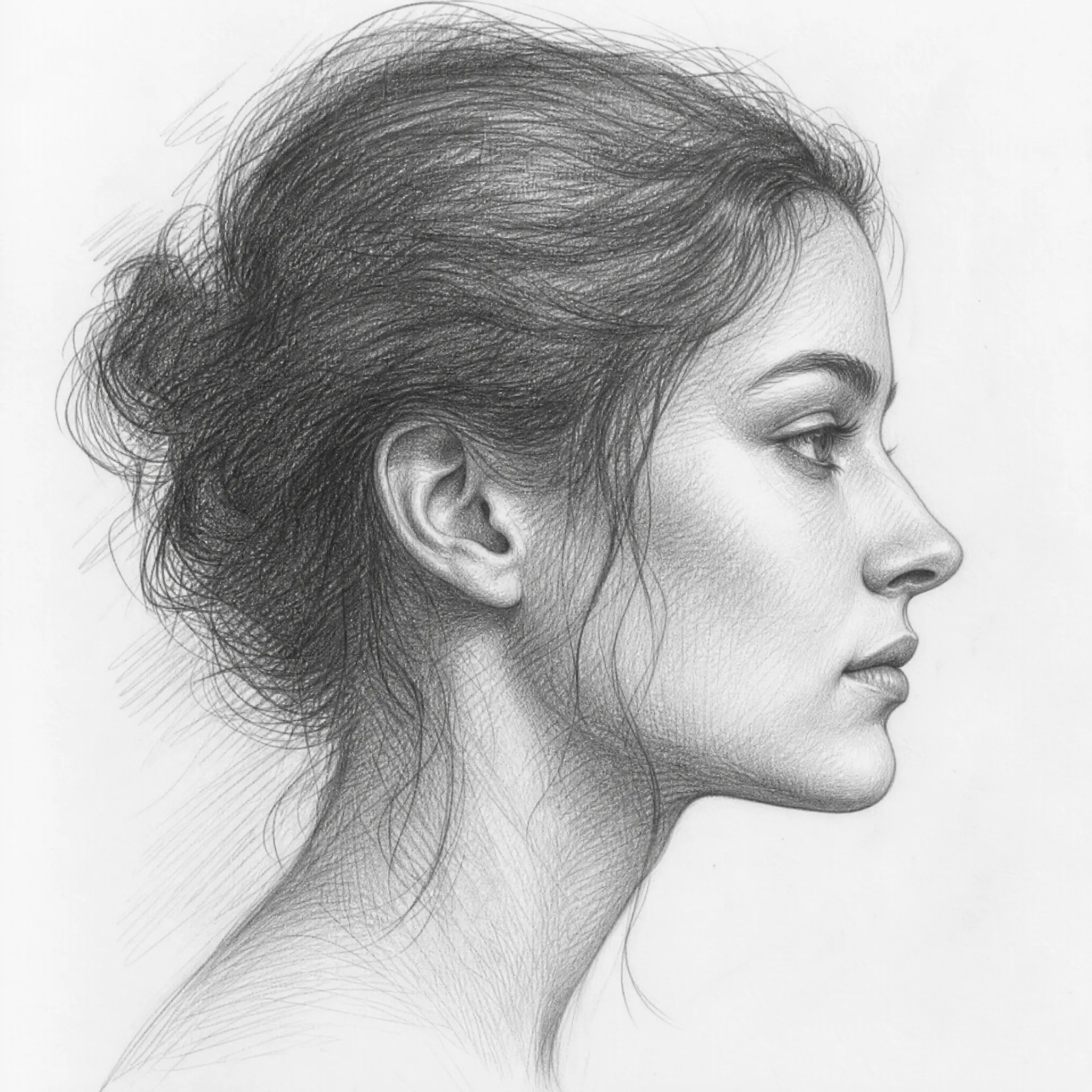
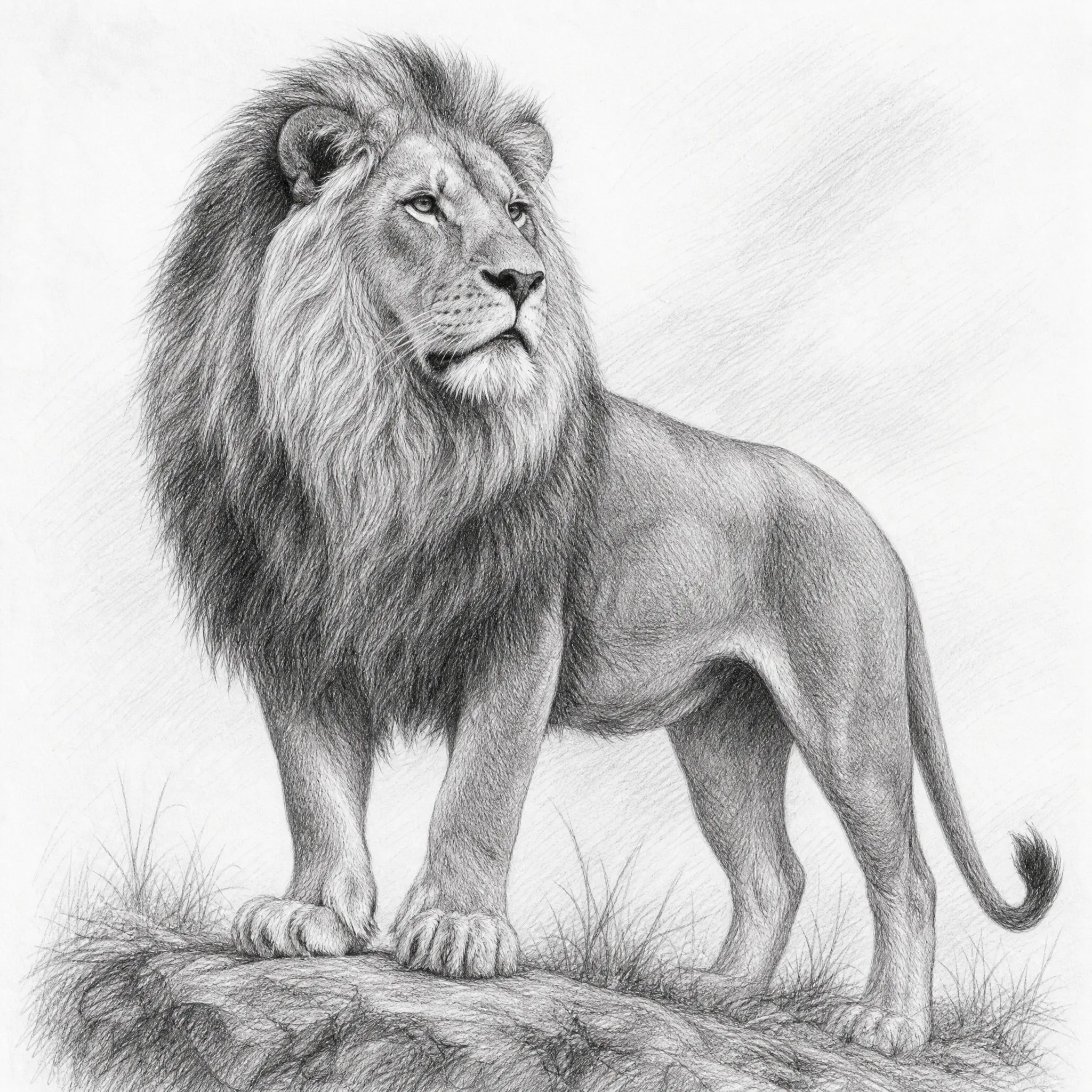
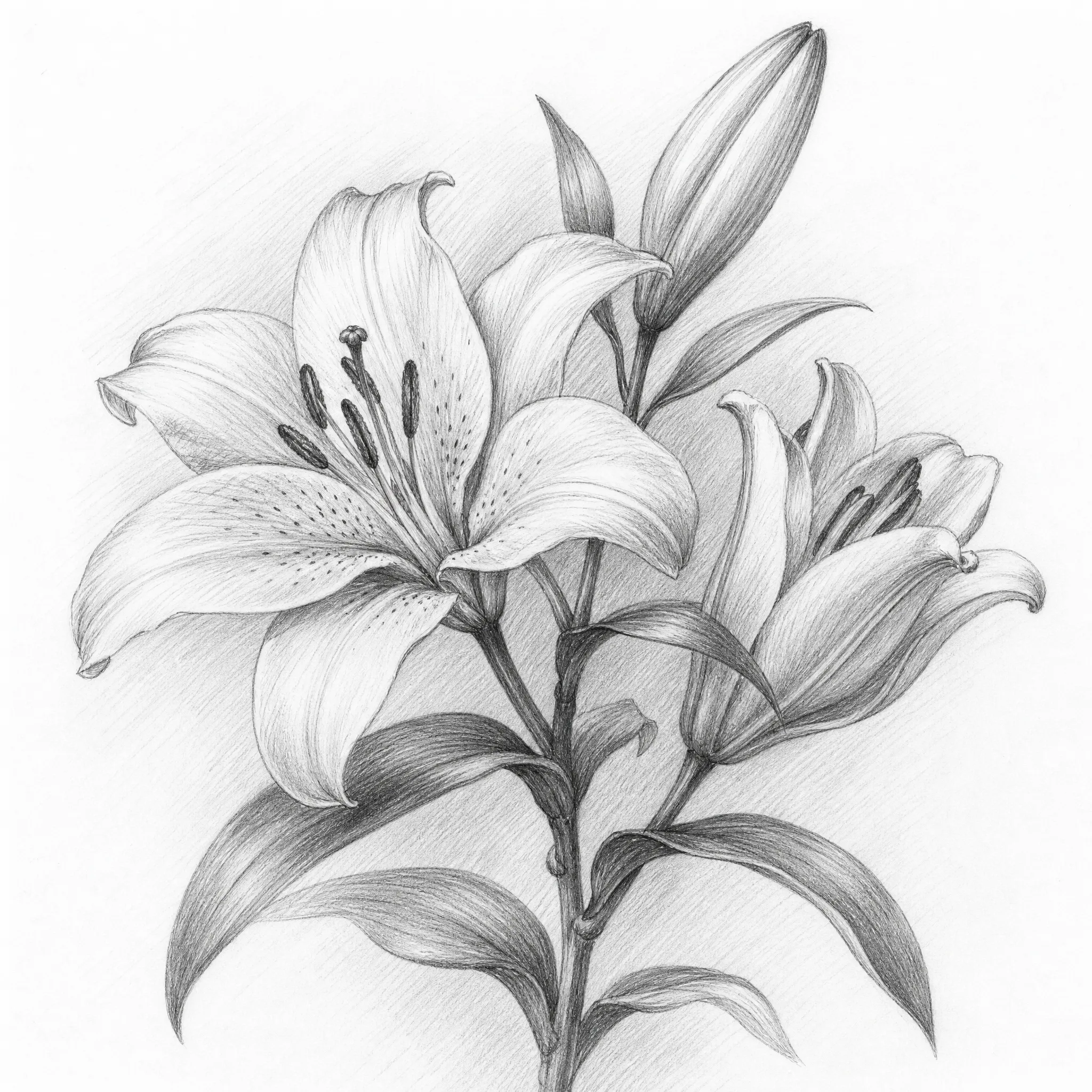
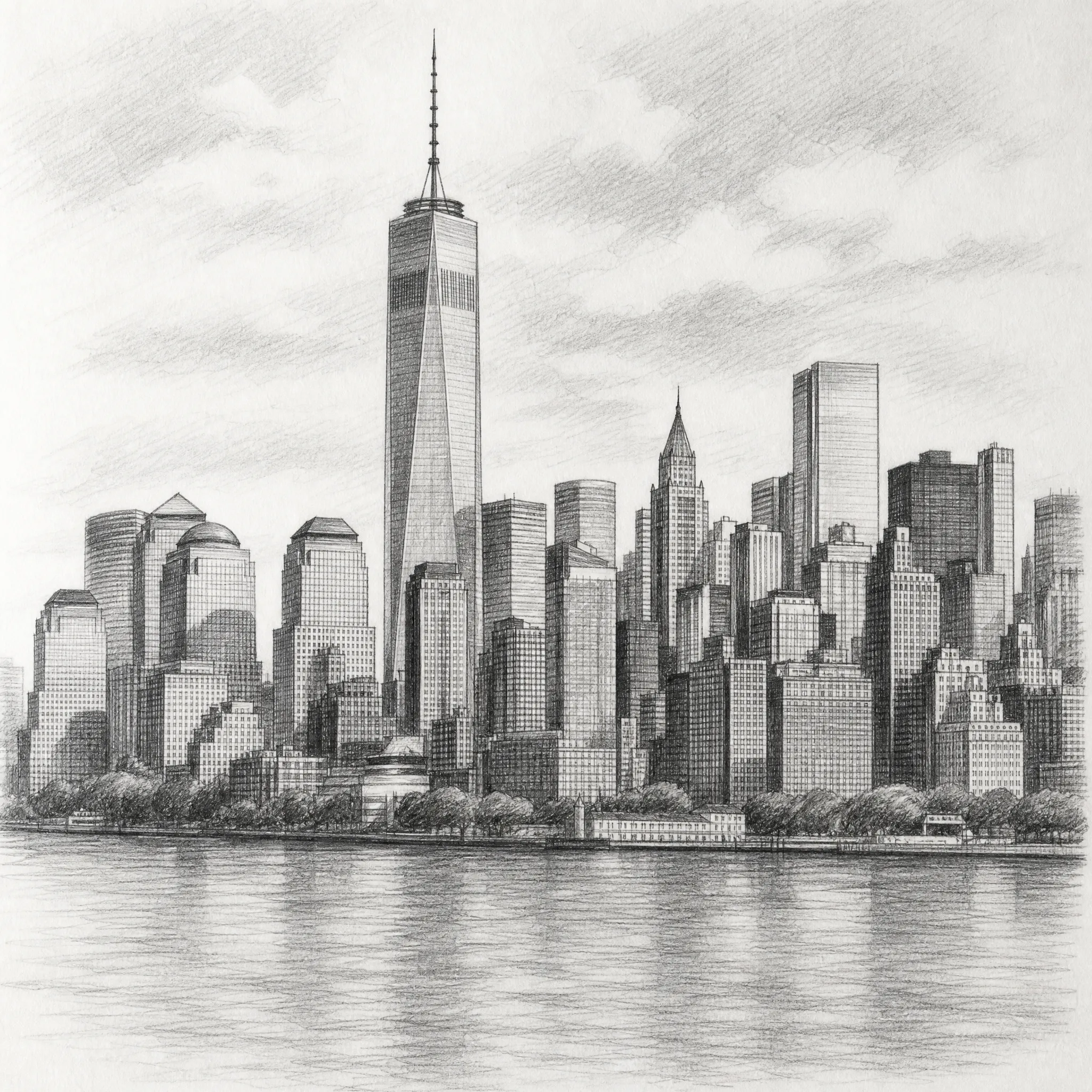
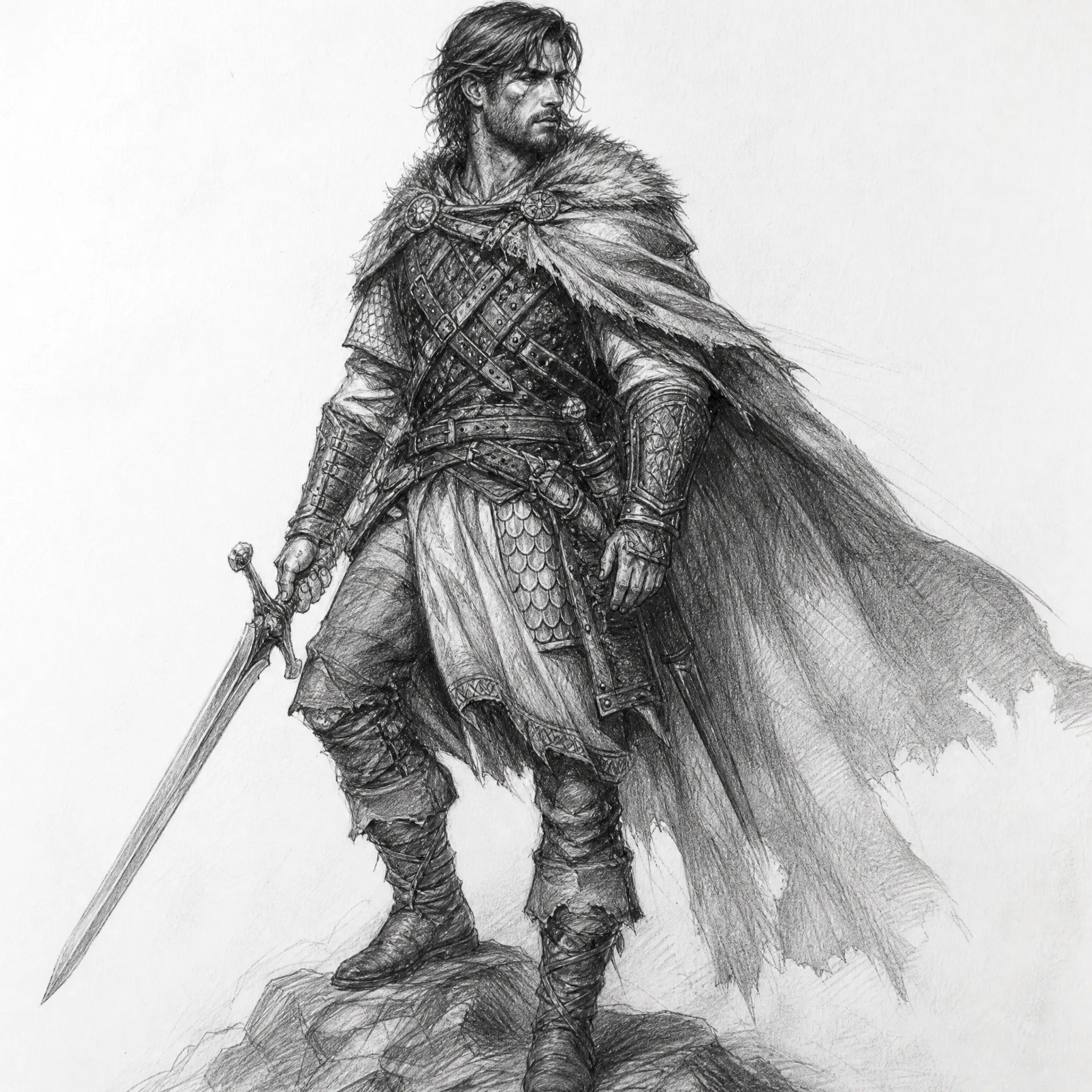
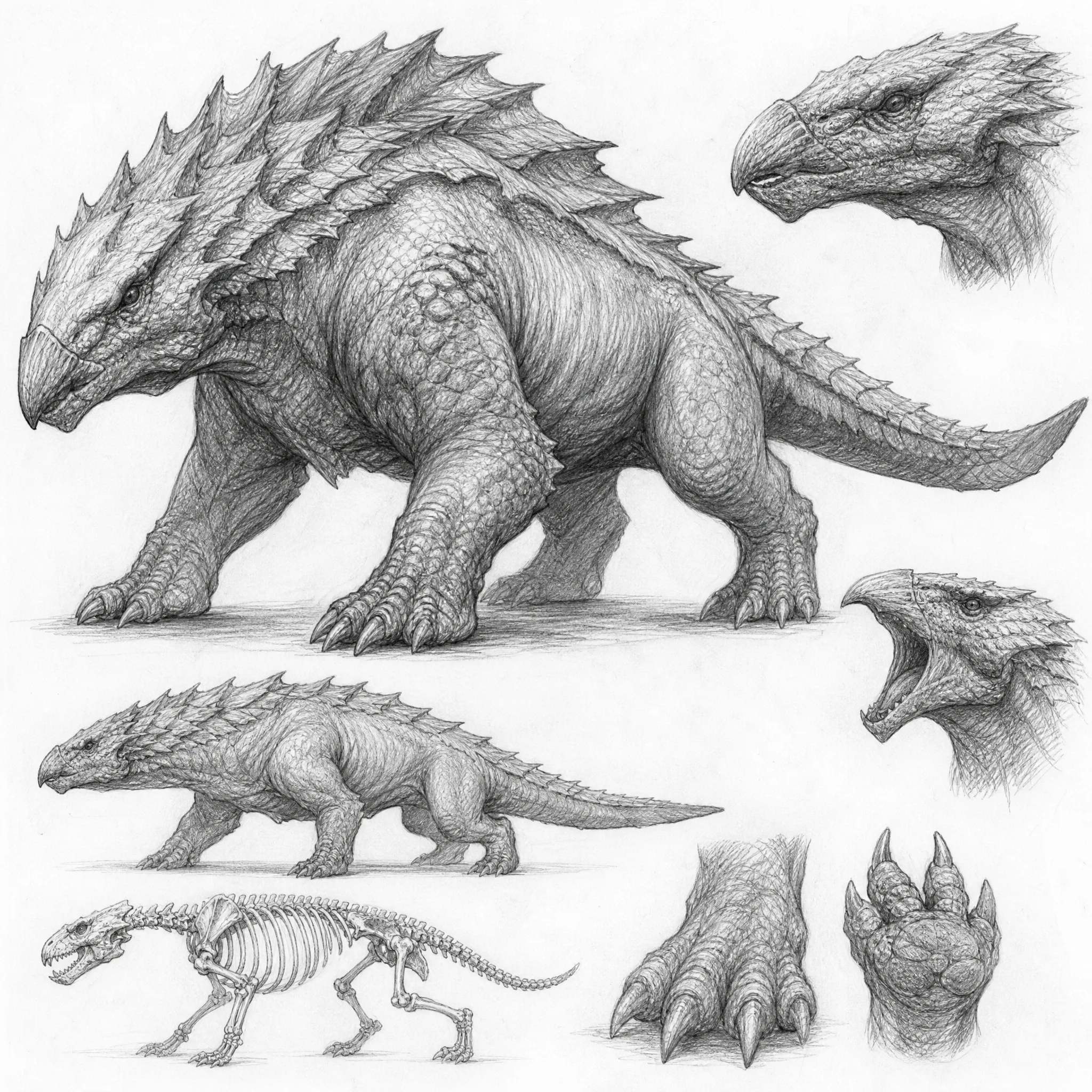
Generate quick pencil concept sketches from text to explore an idea before committing to it.
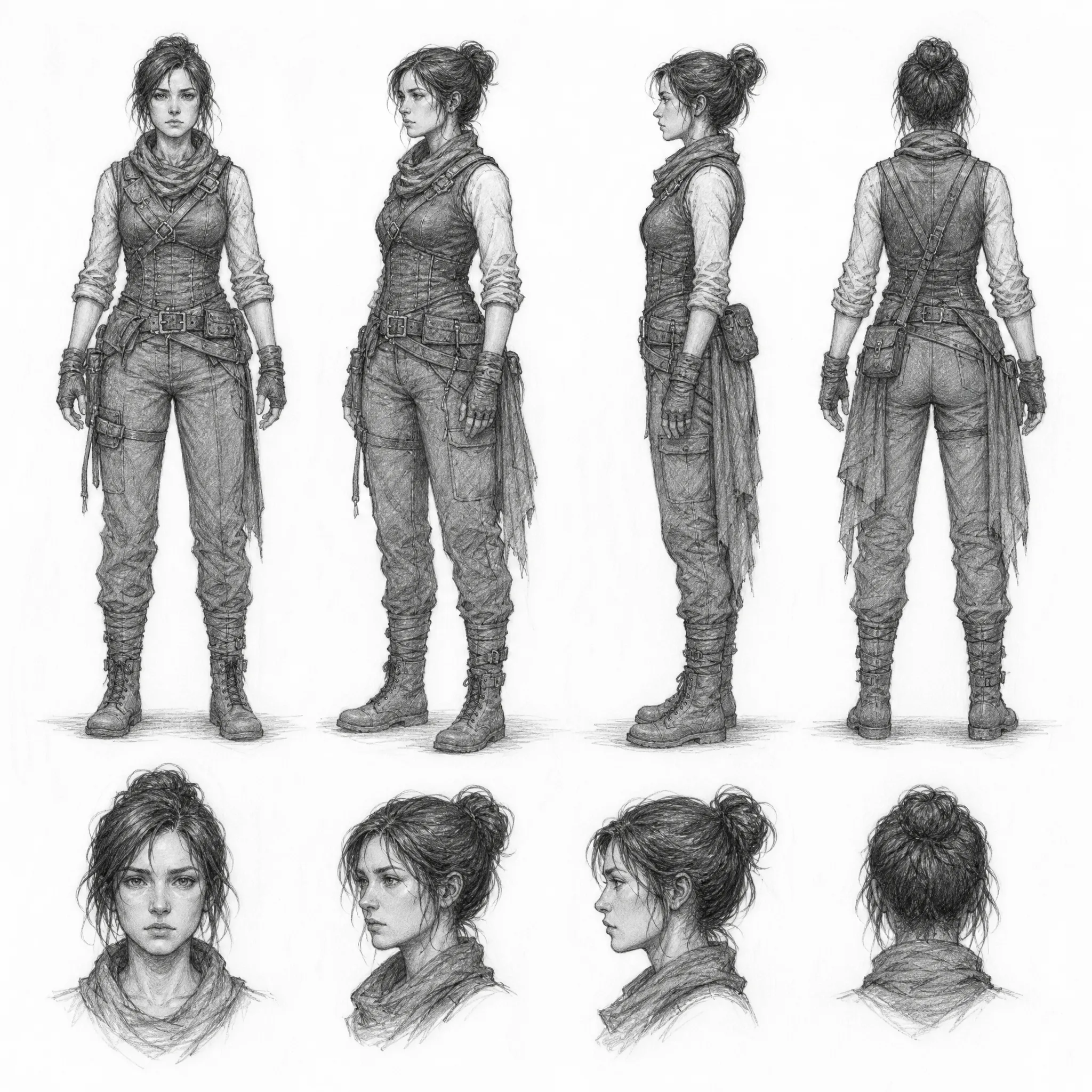
Sketch characters and creatures from a written description as a base for character sheets.
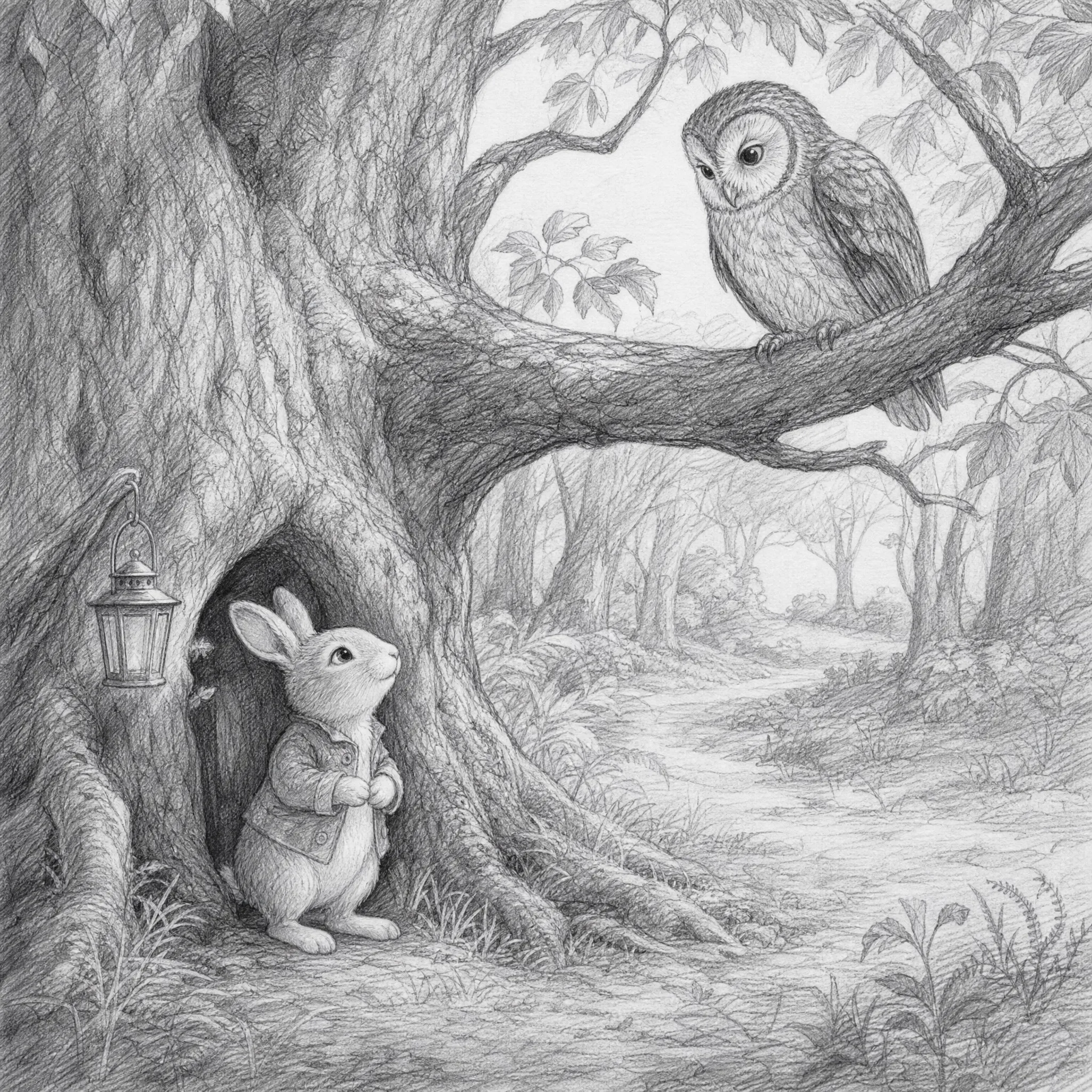
Generate a pencil under-drawing to use as the foundation for a finished illustration.
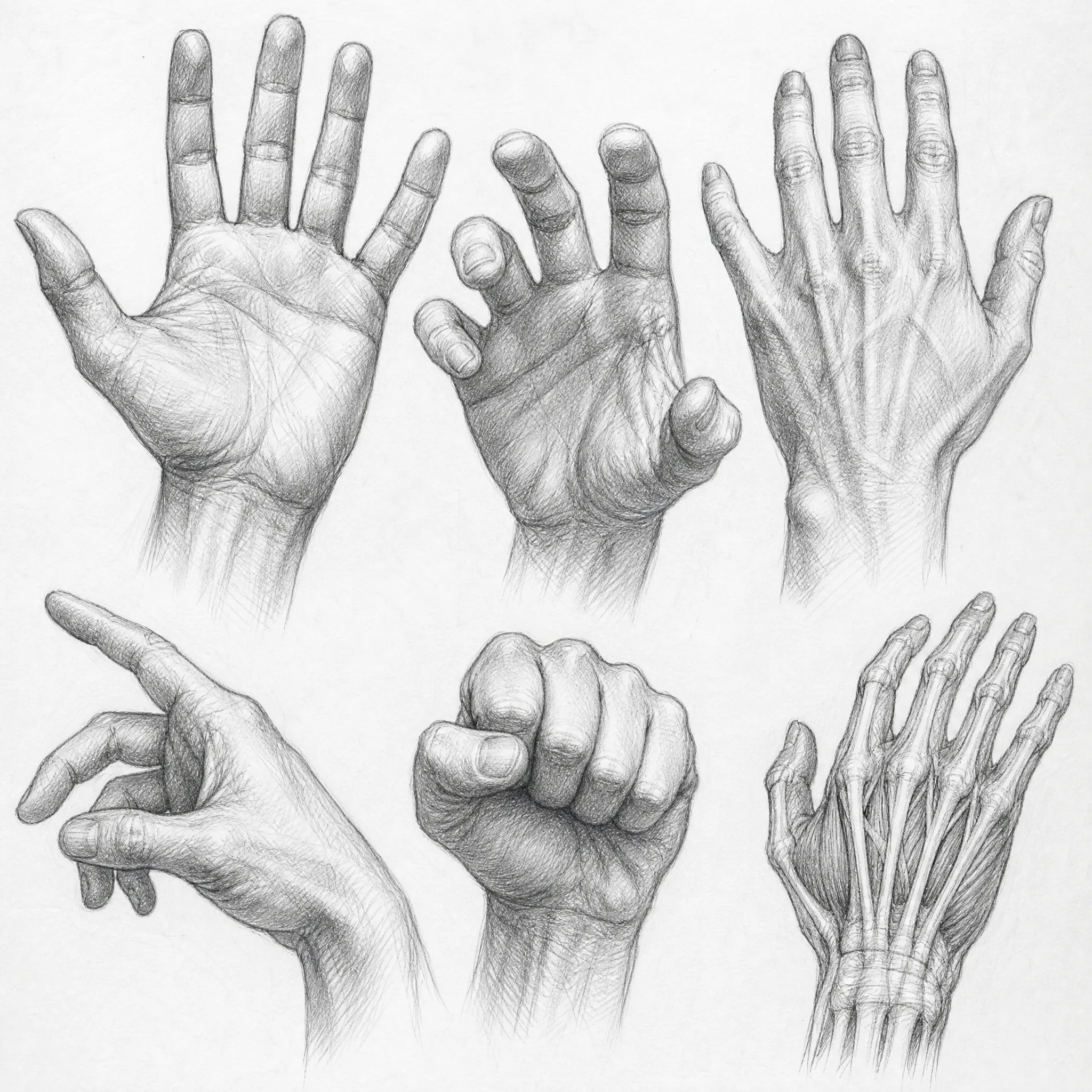
Make pencil sketch references to copy and study, building your own drawing skills.
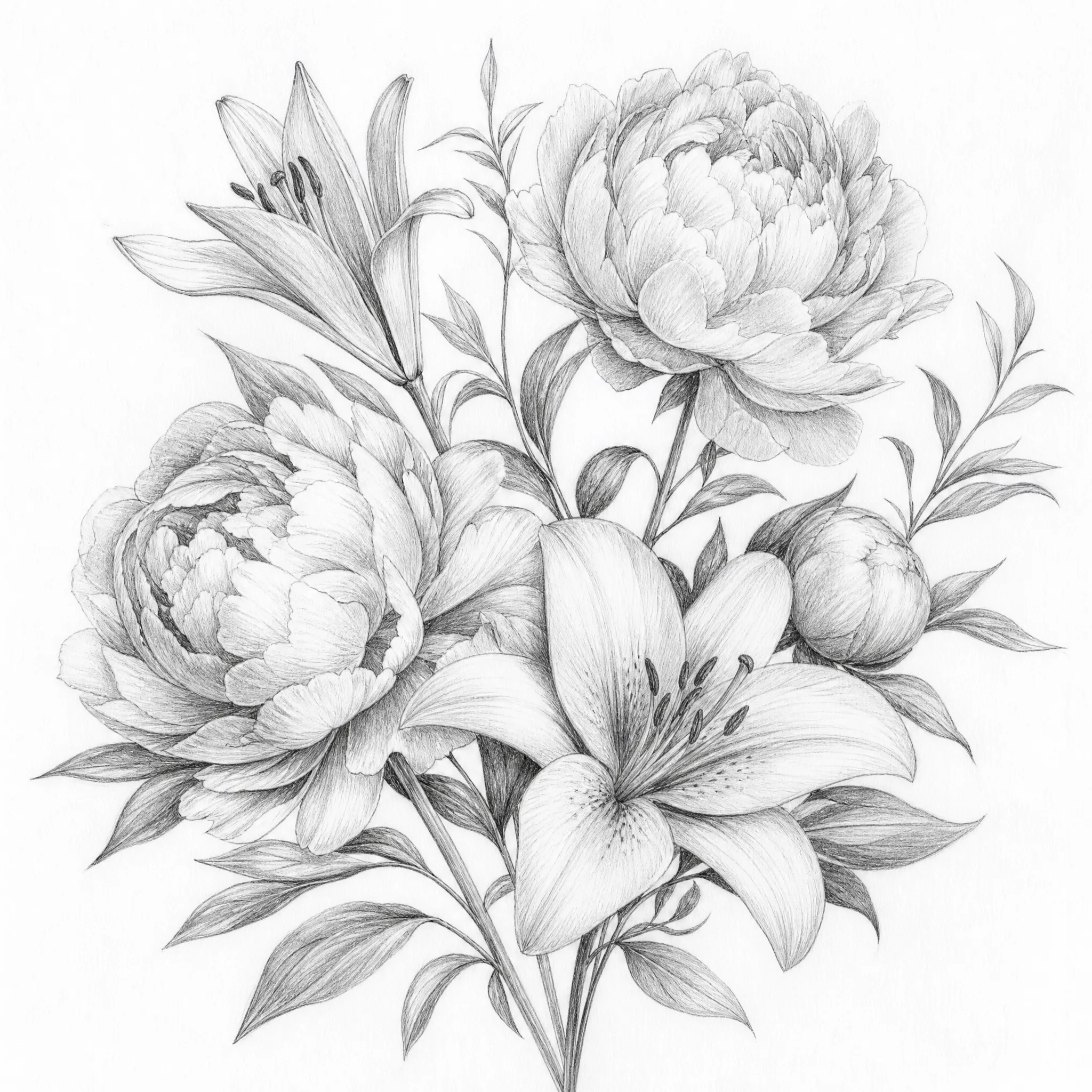
Generate sketched designs and motifs from text as inspiration for a tattoo.
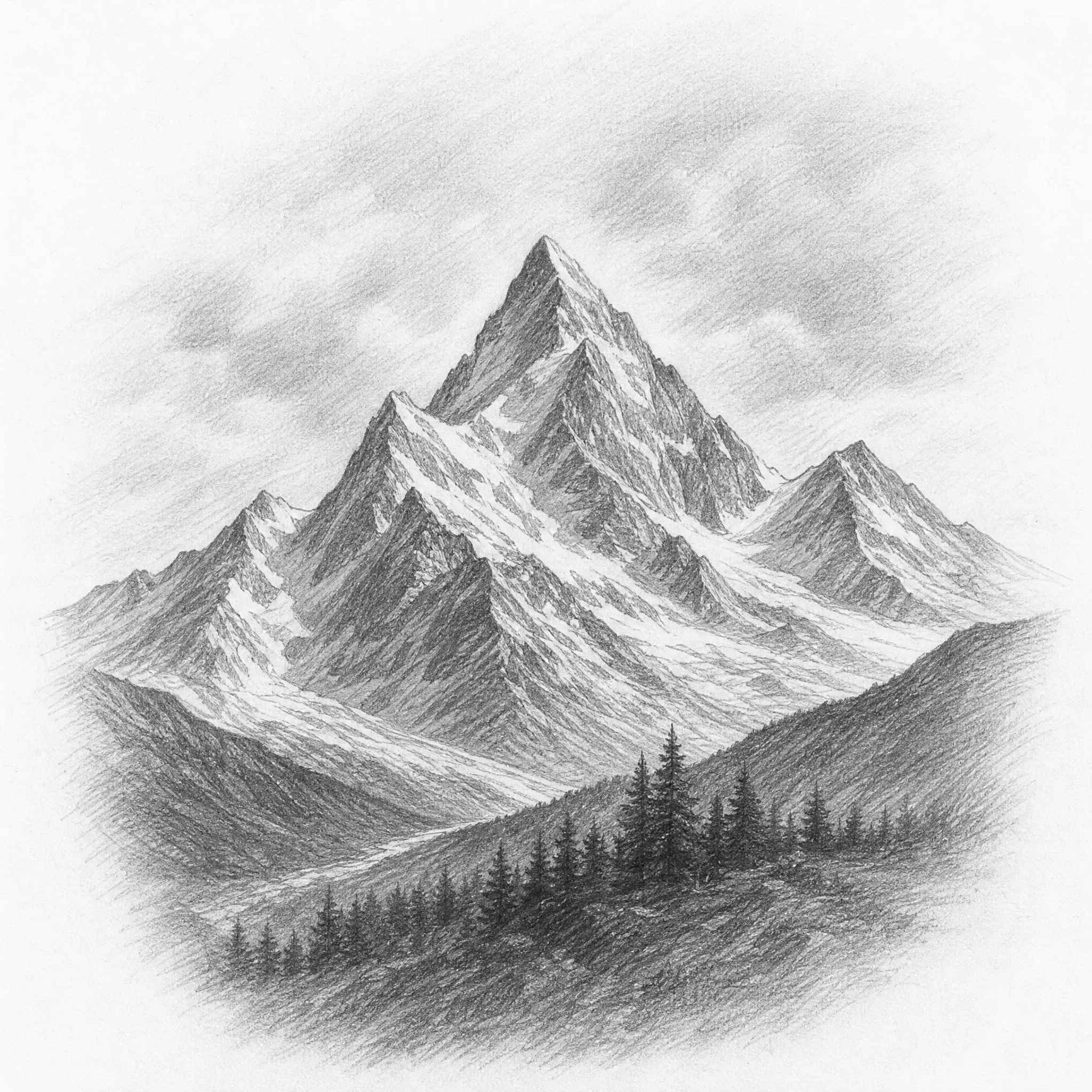
Turn a description into a shaded pencil sketch for printable posters and framed wall art.
Type a prompt and you are done, or open the panel to shape the pencil sketch.
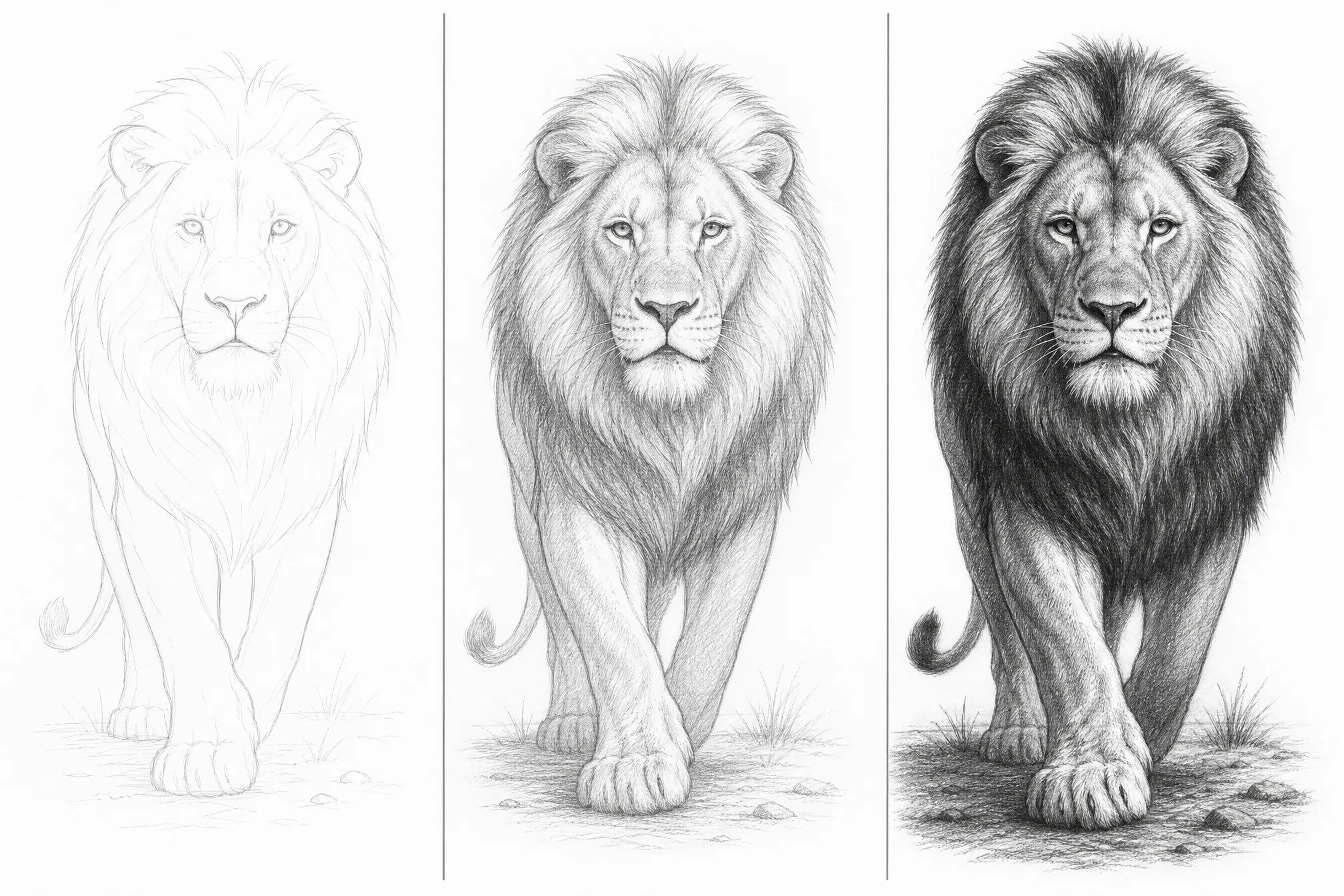
Choose a loose light sketch, a balanced drawing, or a dense fully shaded pencil sketch.
Pick from 8 shapes so the sketch fits a portrait study, square print, or wide poster.
Generate at higher resolution so pencil texture and shading stay sharp at large print sizes.
Generate several takes on one prompt and keep the sketch you like best.
Add style words like soft shading, cross-hatching, dramatic contrast, or loose sketch to steer the look.
Honest about what it does — and built to do that one thing well.
Every sample here was generated from a text prompt in this tool — type your own and see your pencil sketch in the same flow.
Dedicated controls for detail, shading, aspect ratio, and resolution produce true graphite drawings — real hatching and tone, not a filtered photo.
It generates pencil sketch art from text — nothing hidden, and no over-promises about styles it does not produce.
New accounts include free credits, it runs in your browser, and the sketches you generate are yours to download and print.
A single, well-defined subject generates a cleaner pencil sketch than a crowded scene.
Add words like soft shading, cross-hatching, or loose sketch to set how detailed the drawing is.
Pick the aspect ratio that matches your study, print, or screen before you generate.
Make several versions in one run and keep the sketch with the strongest shading and composition.
Free credits to get started, nothing to install, and a hand-drawn pencil sketch ready in minutes.
Start Free — Generate a SketchType a short description of what you want and the generator creates a hand-drawn pencil sketch with graphite shading. You can generate a sketch from text in about a minute — the whole process runs online in your browser, with no install.
Yes, it is free to start. Create a free account; new accounts include free credits so you can generate and download your first pencil sketches right away.
Yes — that is exactly what this tool does. Describe a subject, scene, or mood in plain words and the AI sketch generator turns it into a pencil drawing. No reference photo is needed.
No. The whole point of this sketch maker is that you describe your idea in words and it does the drawing — no drawing skill, no tablet, and no reference image required.
No. This is a fully online AI sketch generator that runs in your browser — nothing to download — on phone, tablet, or desktop.
Yes. Each result is a pencil sketch at resolution up to 4K, so it scales sharply for prints and posters, and the sketches you generate are yours to download, print, and use.