Upload a photo and convert it into a clean, printable line drawing — free and online. No tracing, no drawing skills, nothing to install. Turn your photo into line art in your browser.
JPG or PNG — portraits, pets, places, anything.
Free to start · runs in your browser · print at home
Drag in any photo — a portrait, your pet, a holiday snap, or a favorite place. JPG or PNG both work.

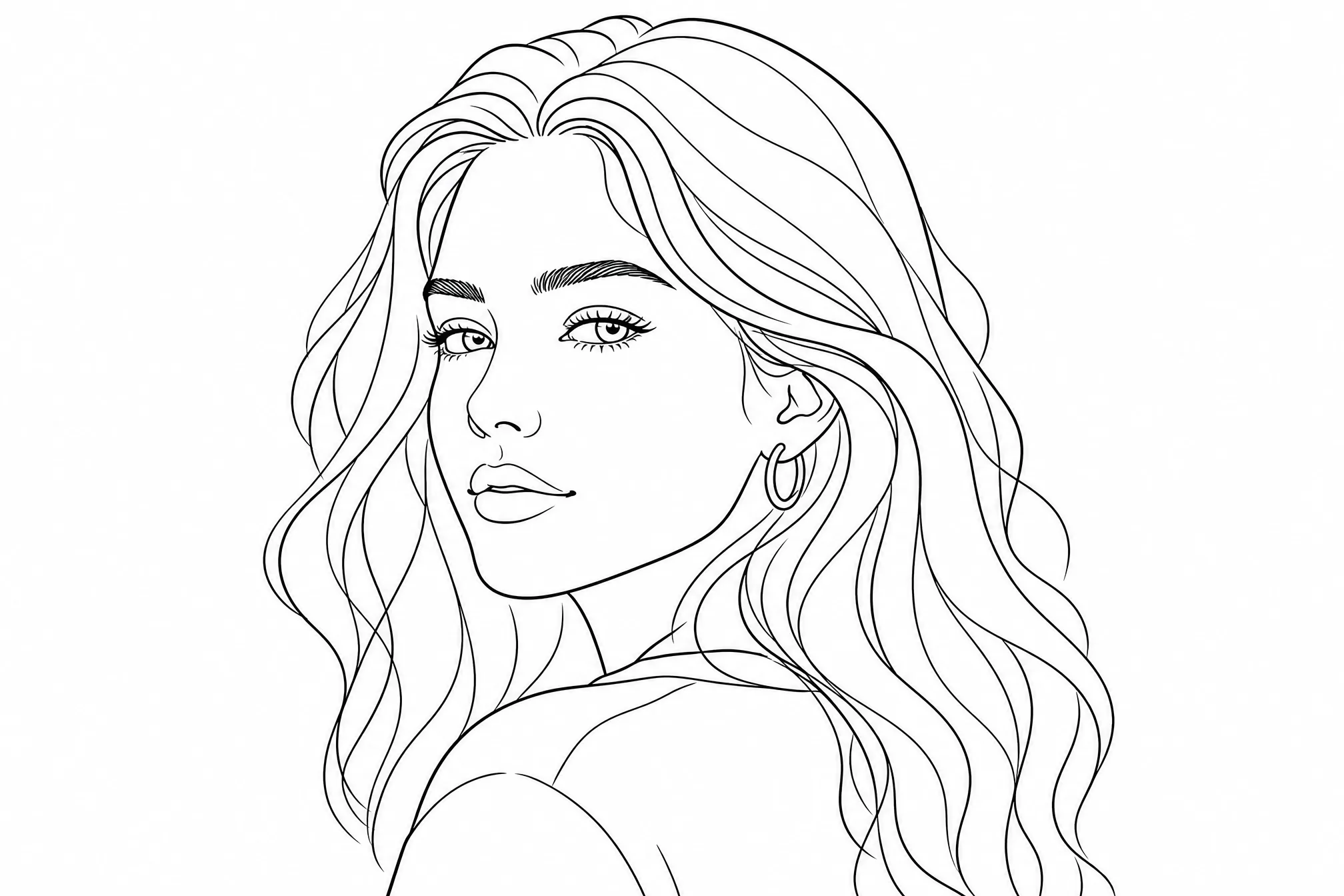
Your photo becomes a clean black-and-white line drawing — pure outlines, with no shading or color fills.
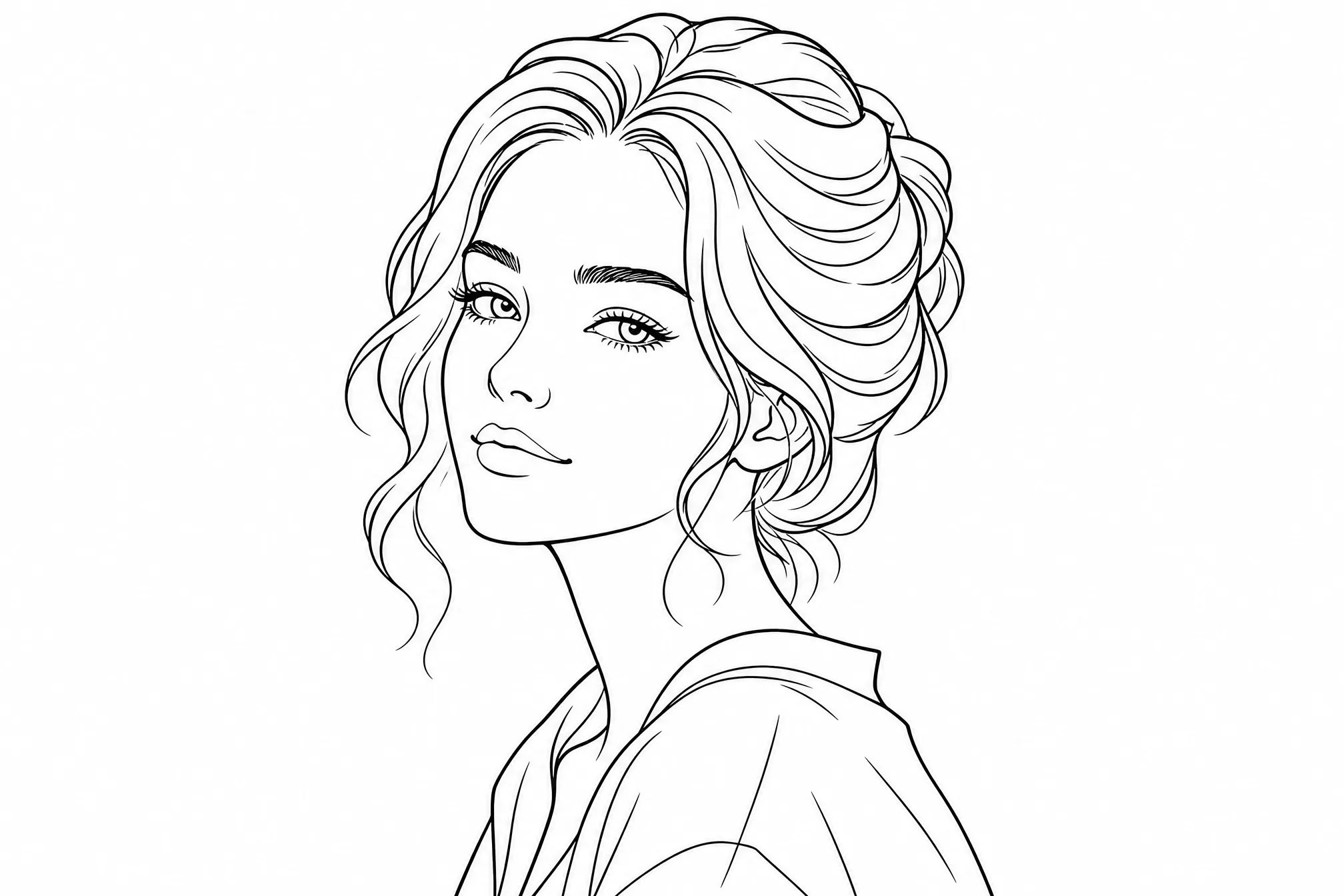
Download your line drawing and print it at home, frame it, or use it as a reference.
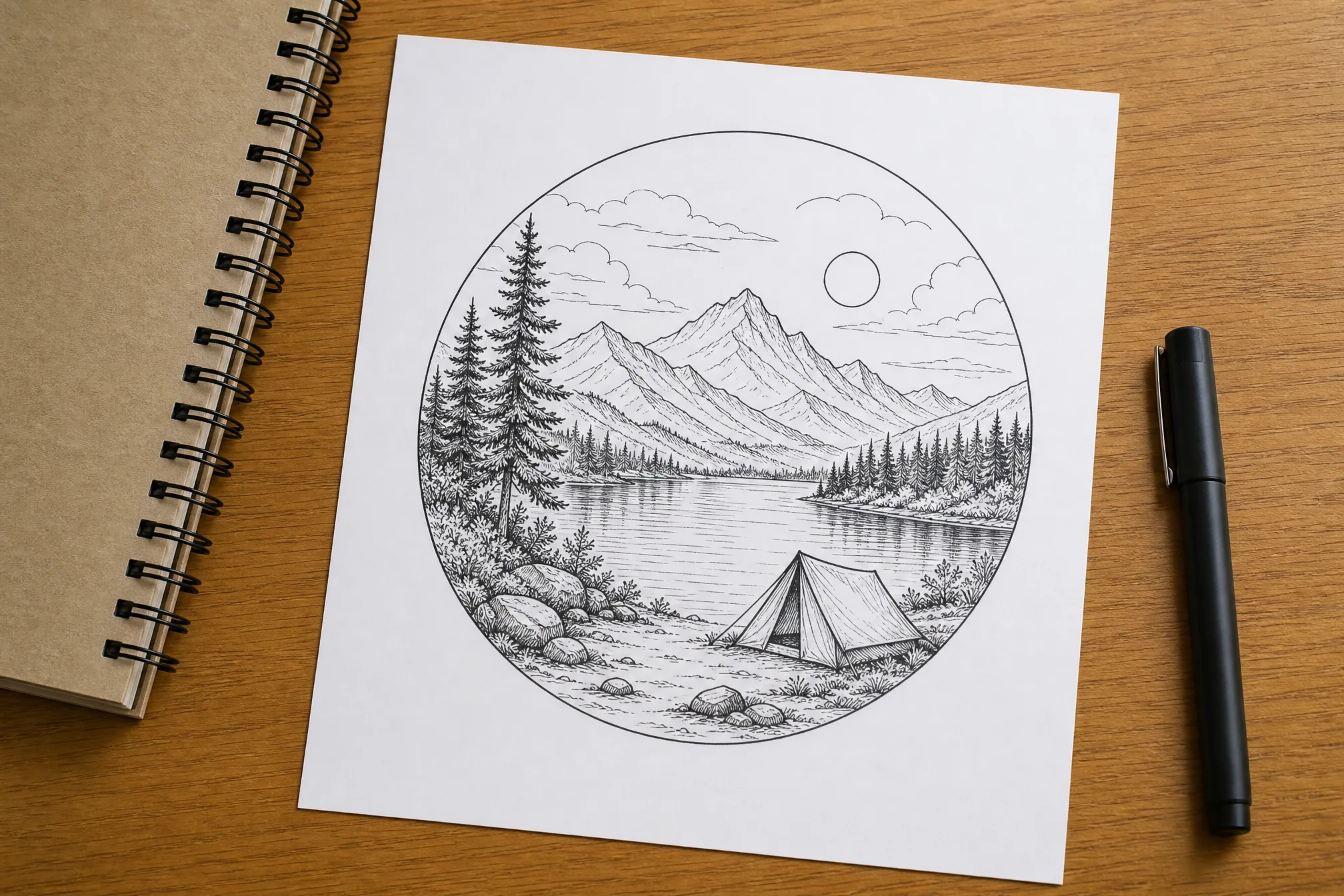
Every example below started as an ordinary photo — upload your own to make more.
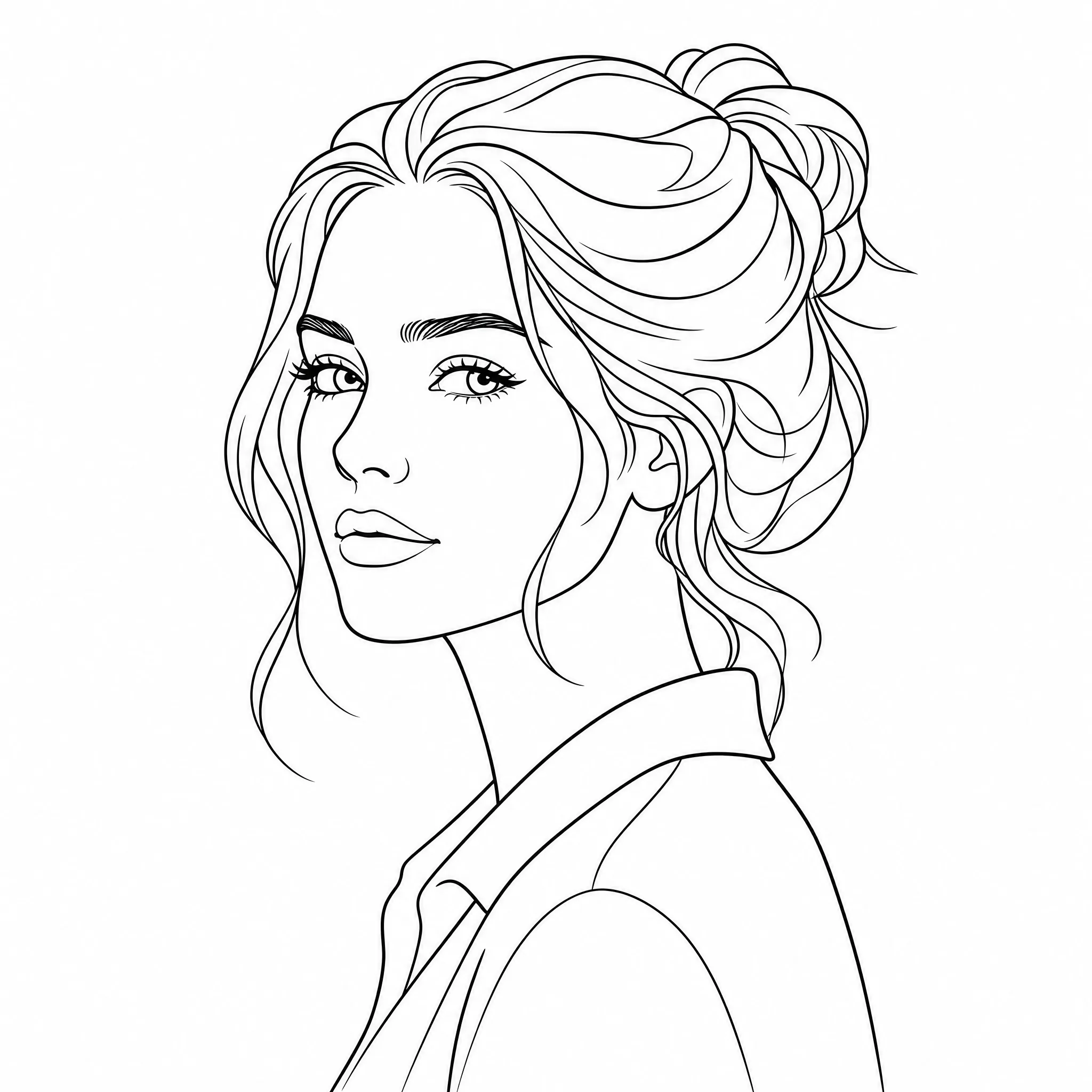
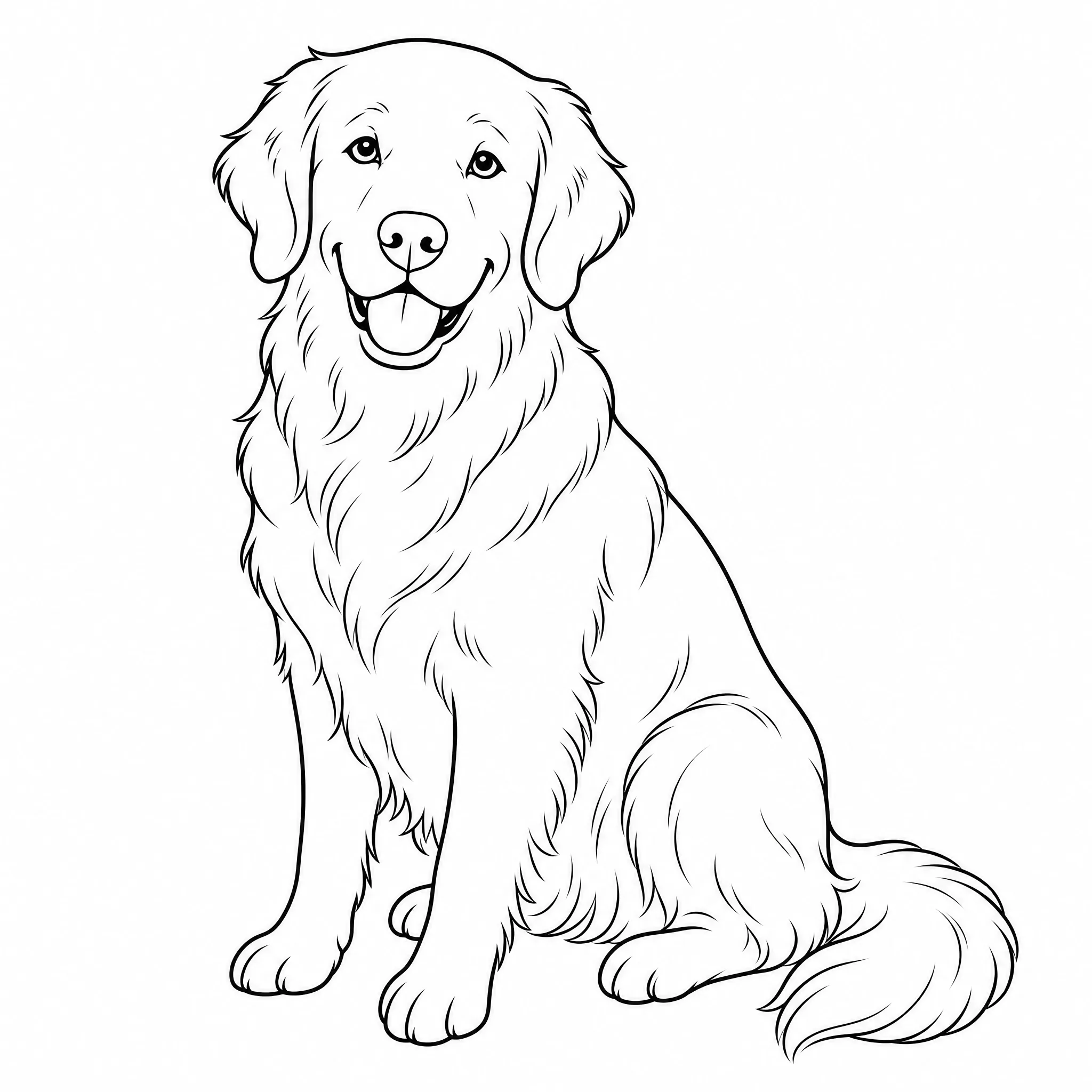
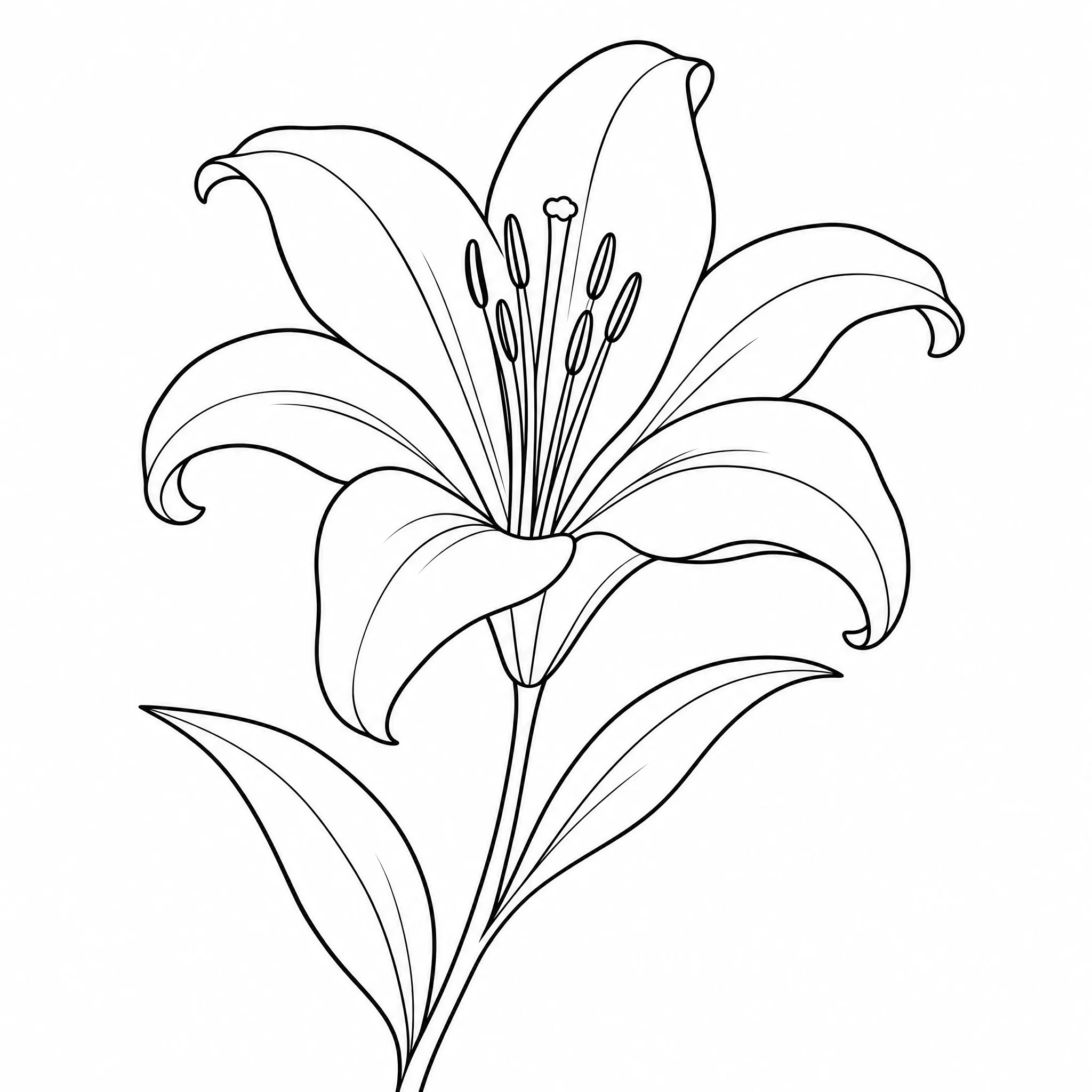
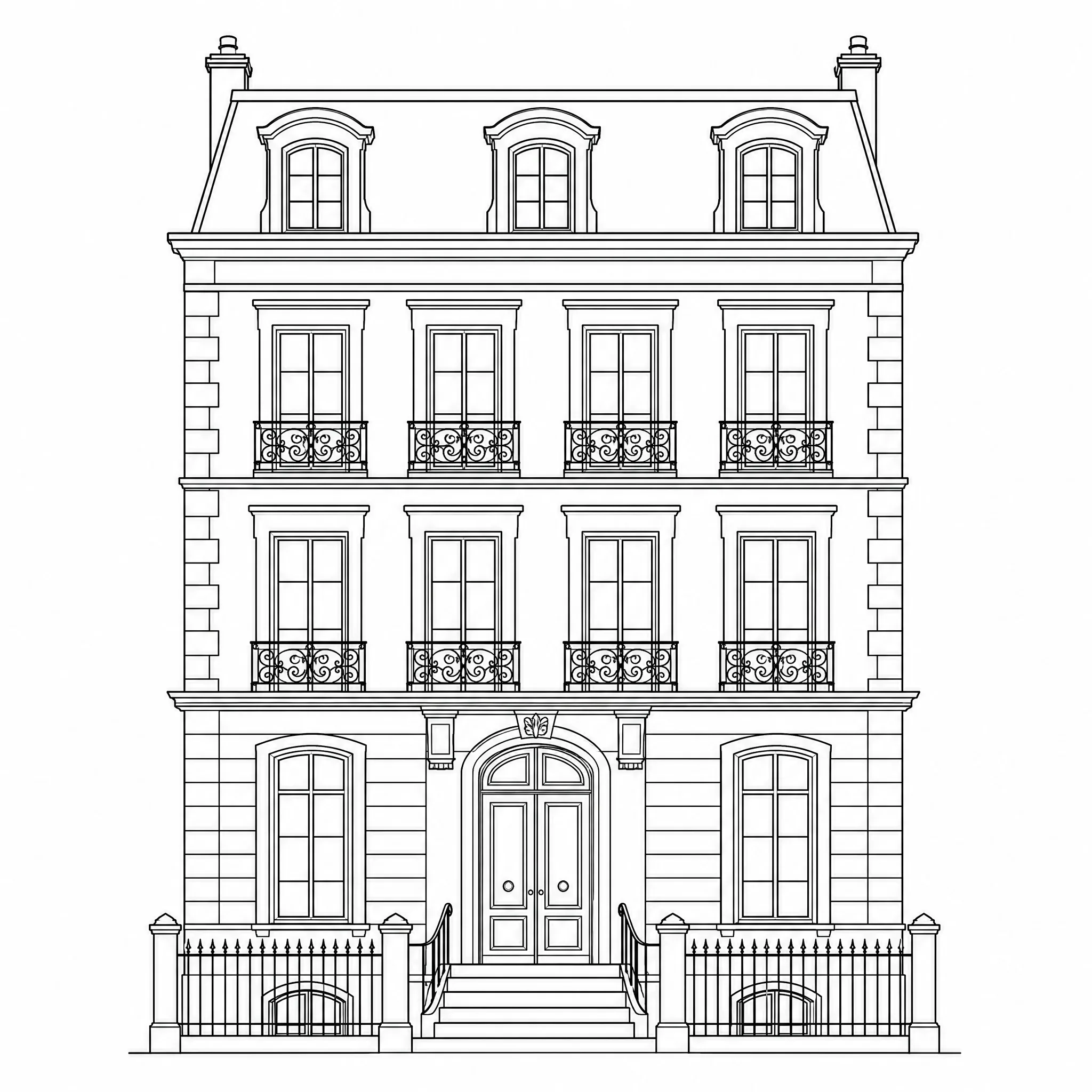
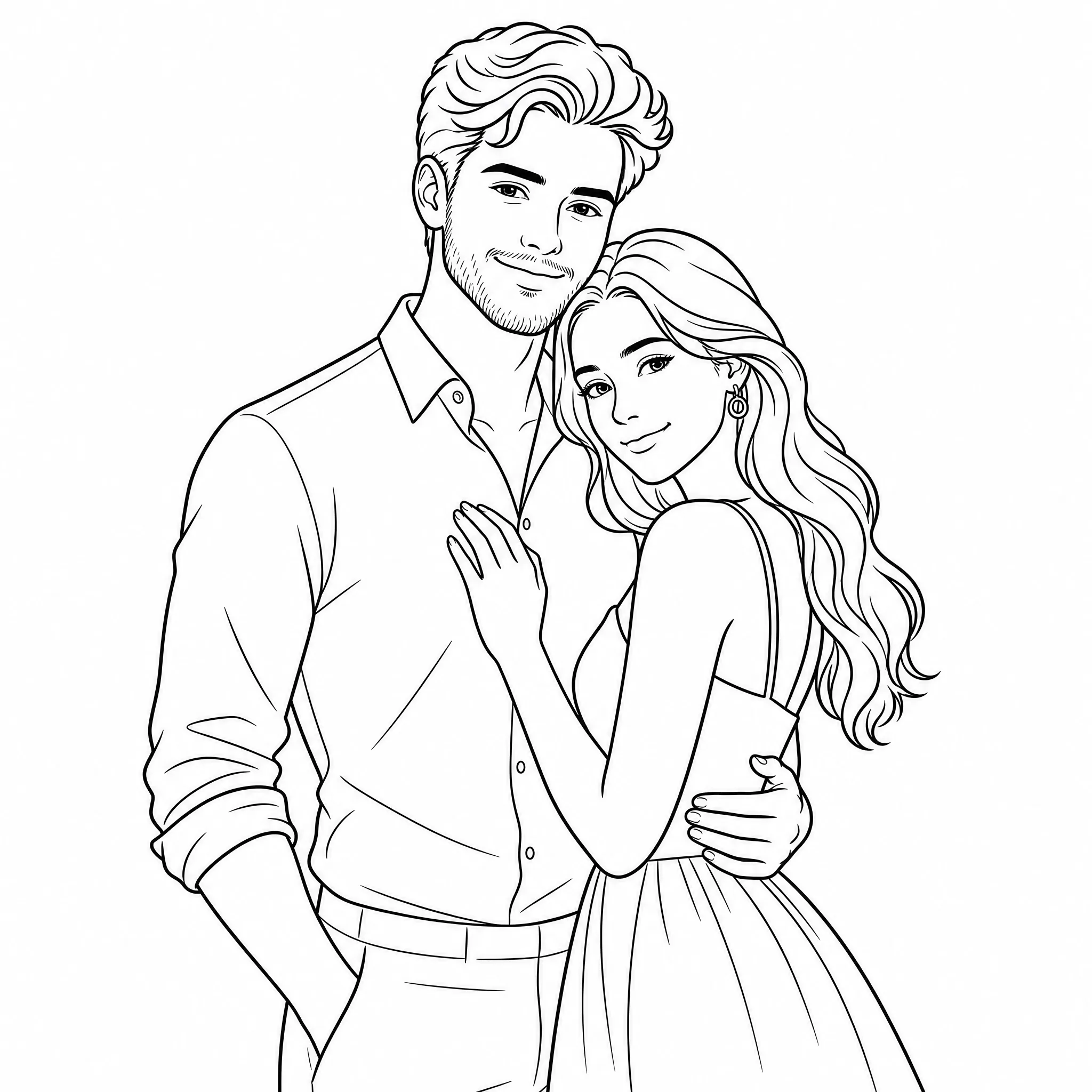
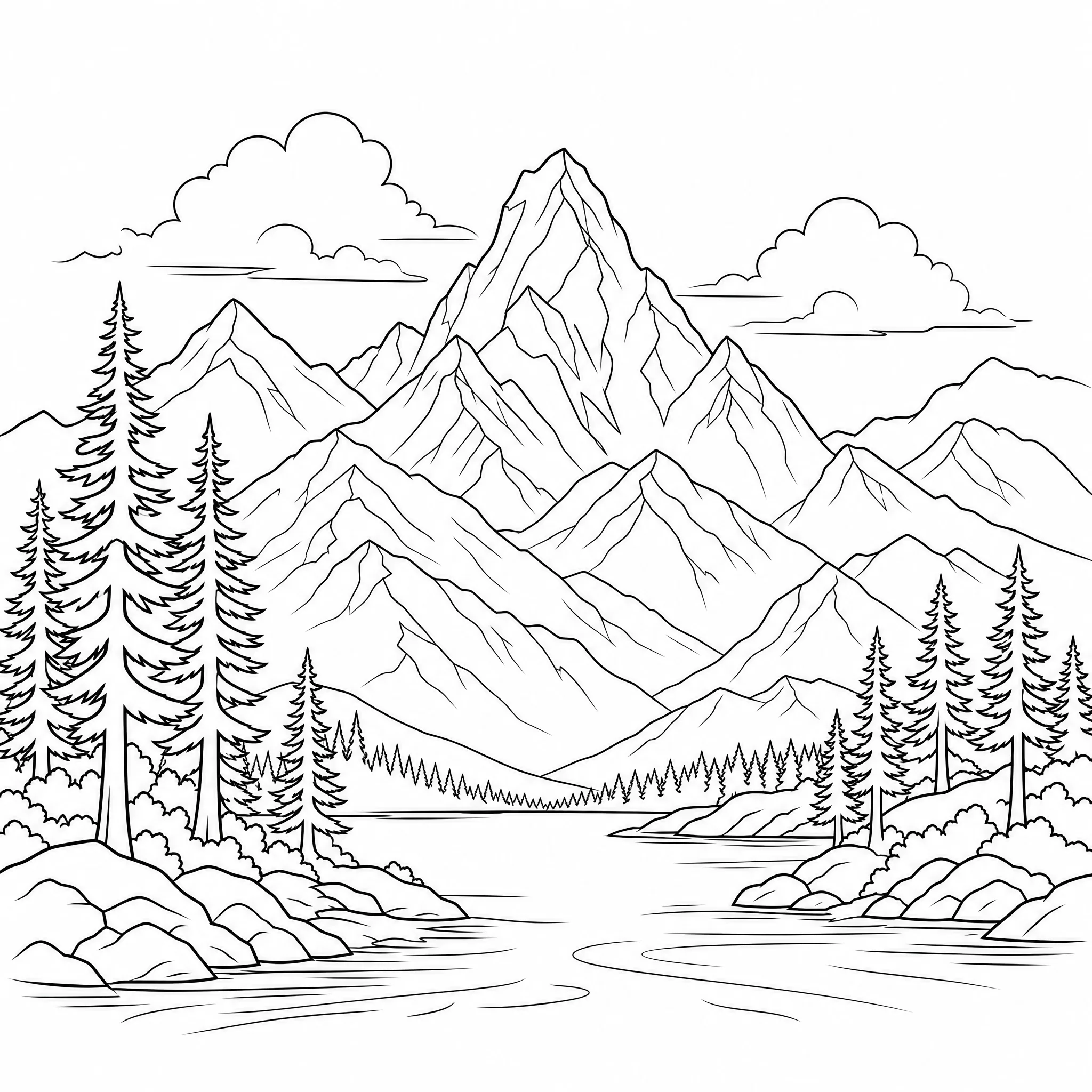
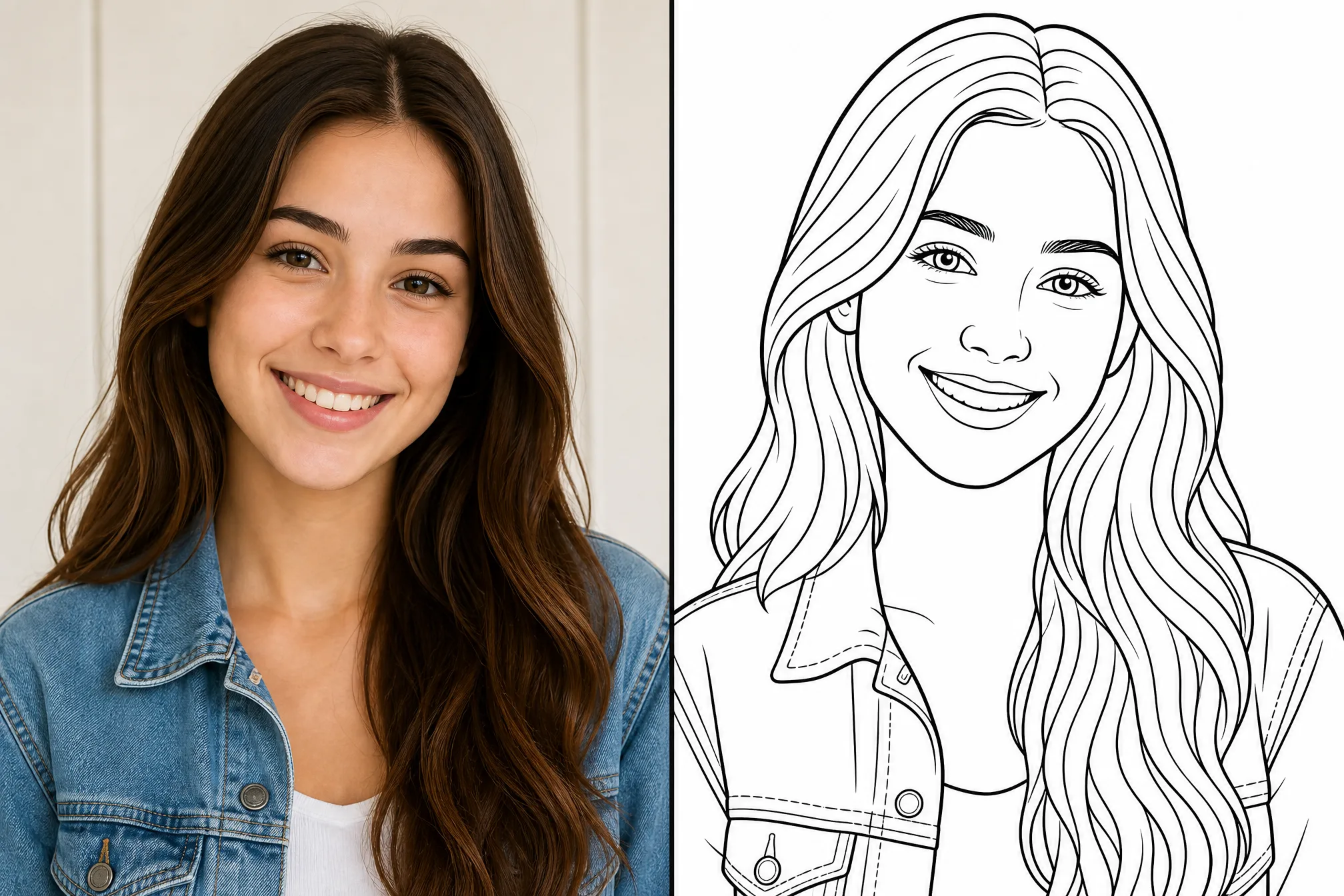
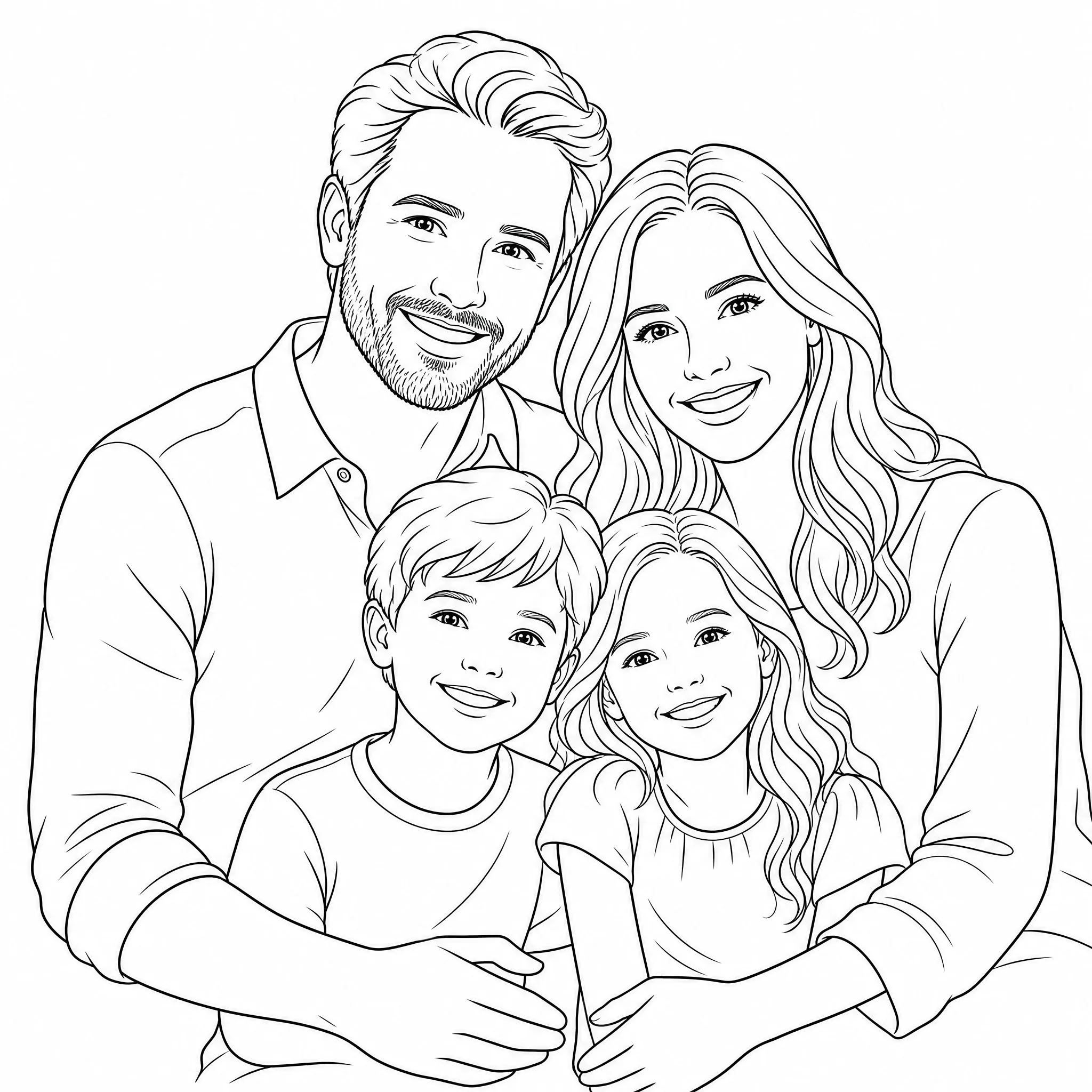
Turn a family photo or portrait into a line drawing for a framed gift or memory.
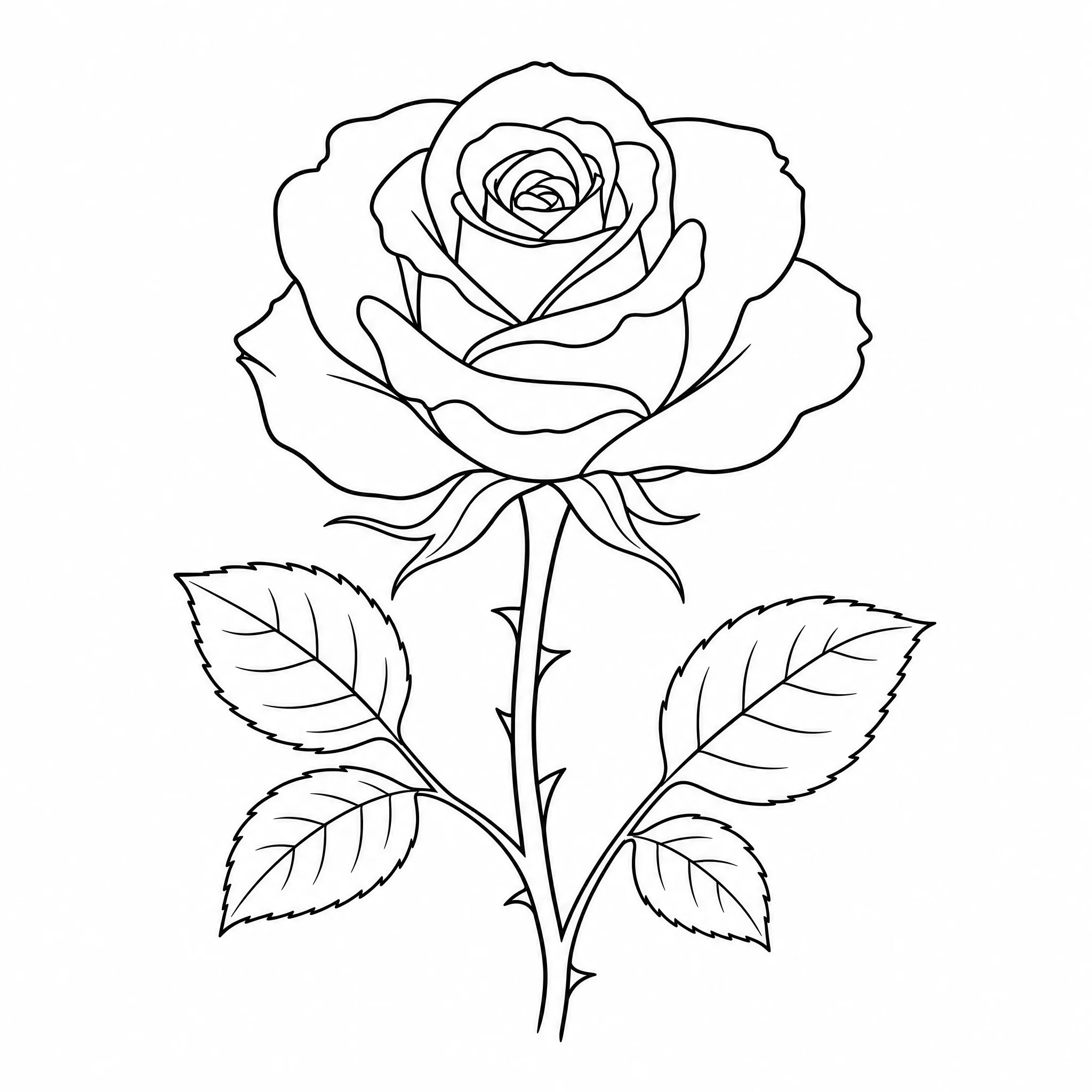
Convert a photo into a clean line drawing to plan a fine-line tattoo idea.
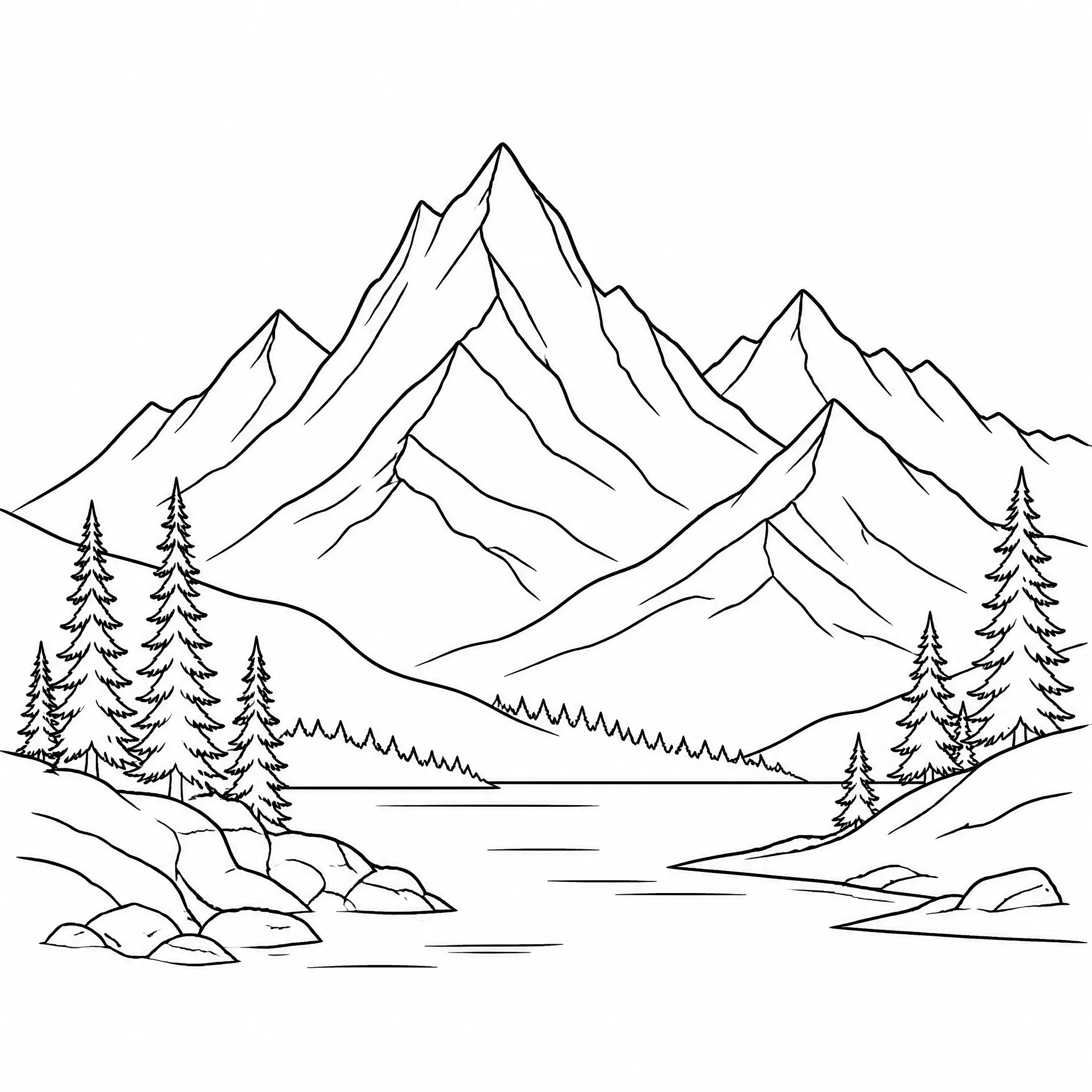
Make minimalist line drawings from your own photos for printable, framed wall art.
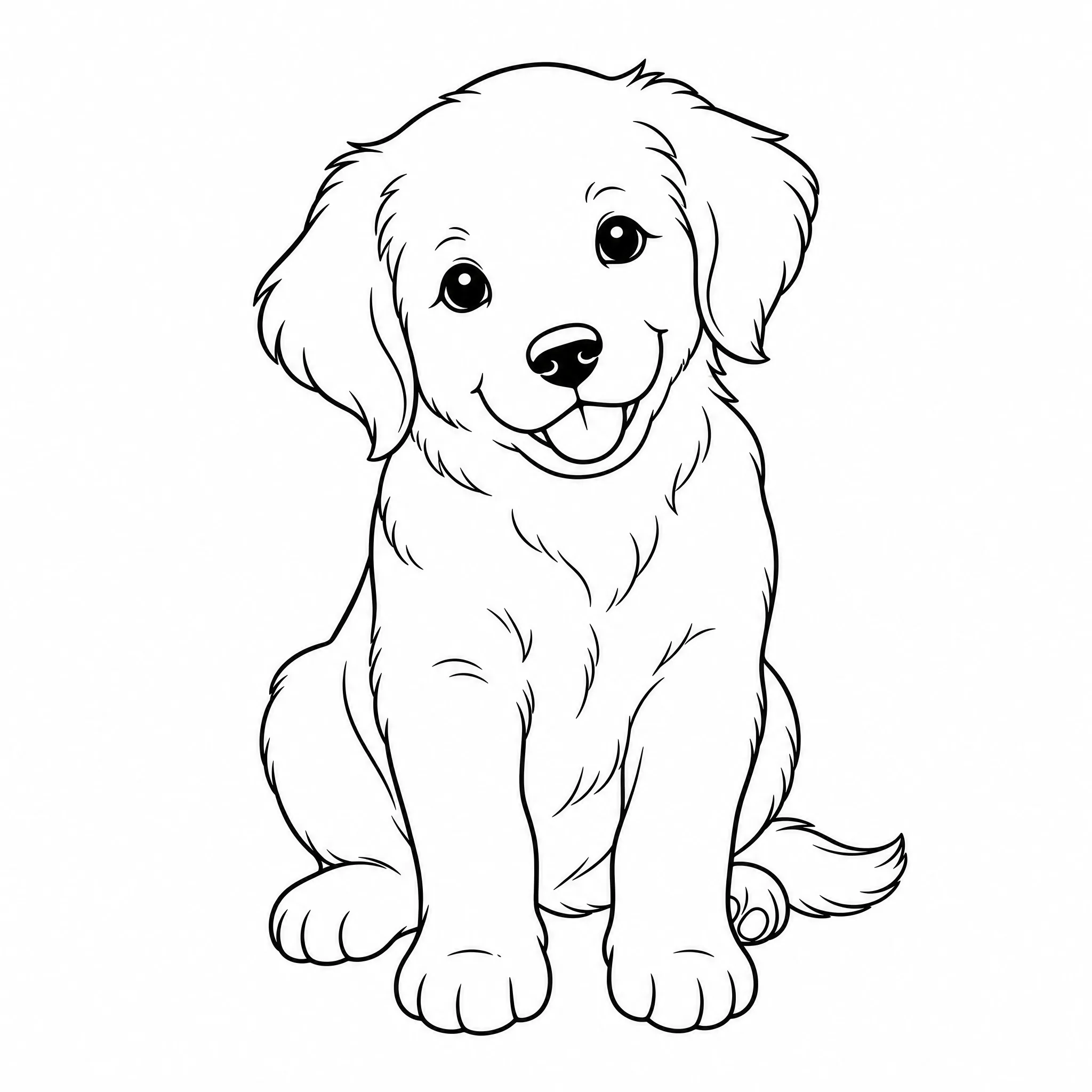
Turn a photo into clean outlines that are ready to print and color in by hand.
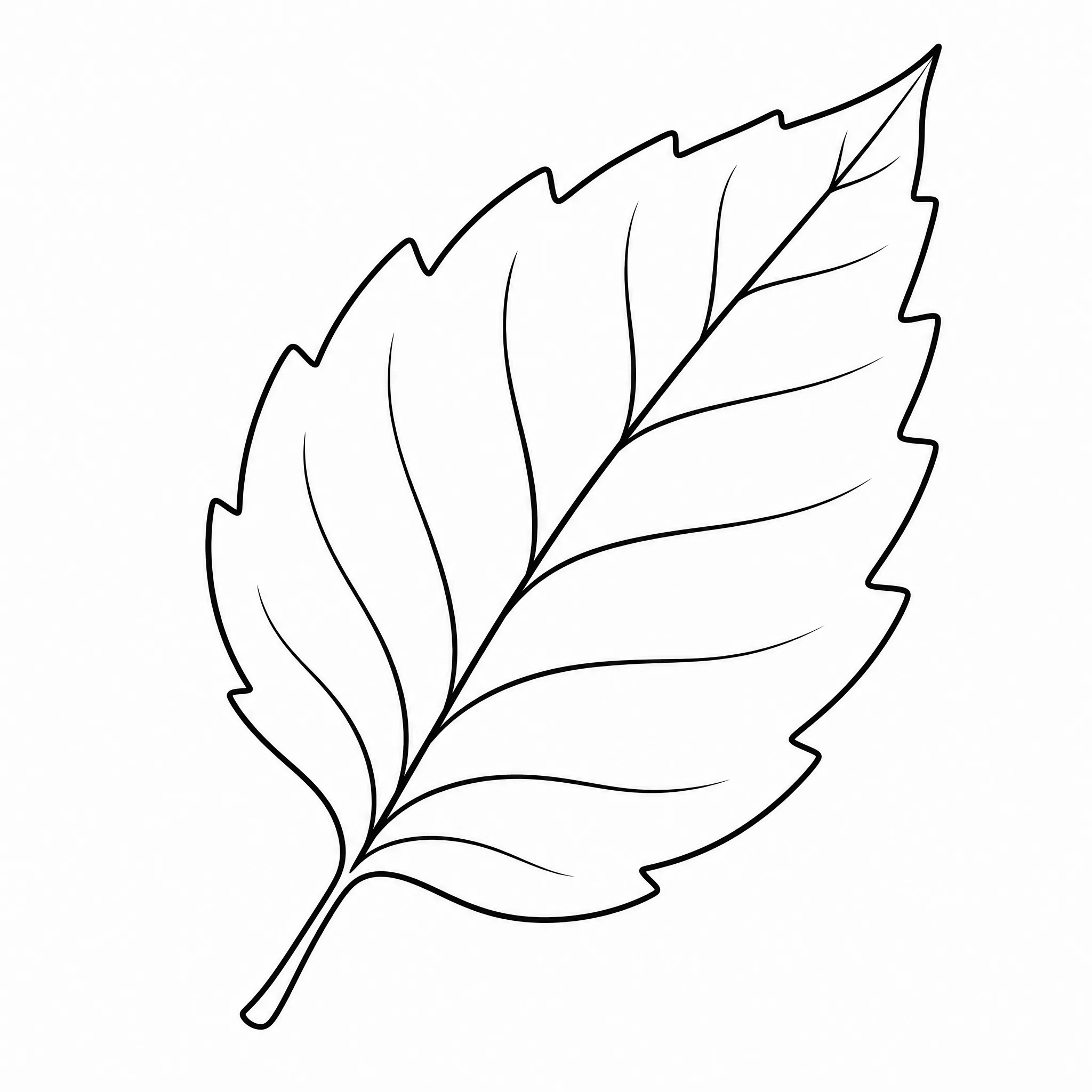
Use line drawings as templates for stencils, embroidery, and cut files.
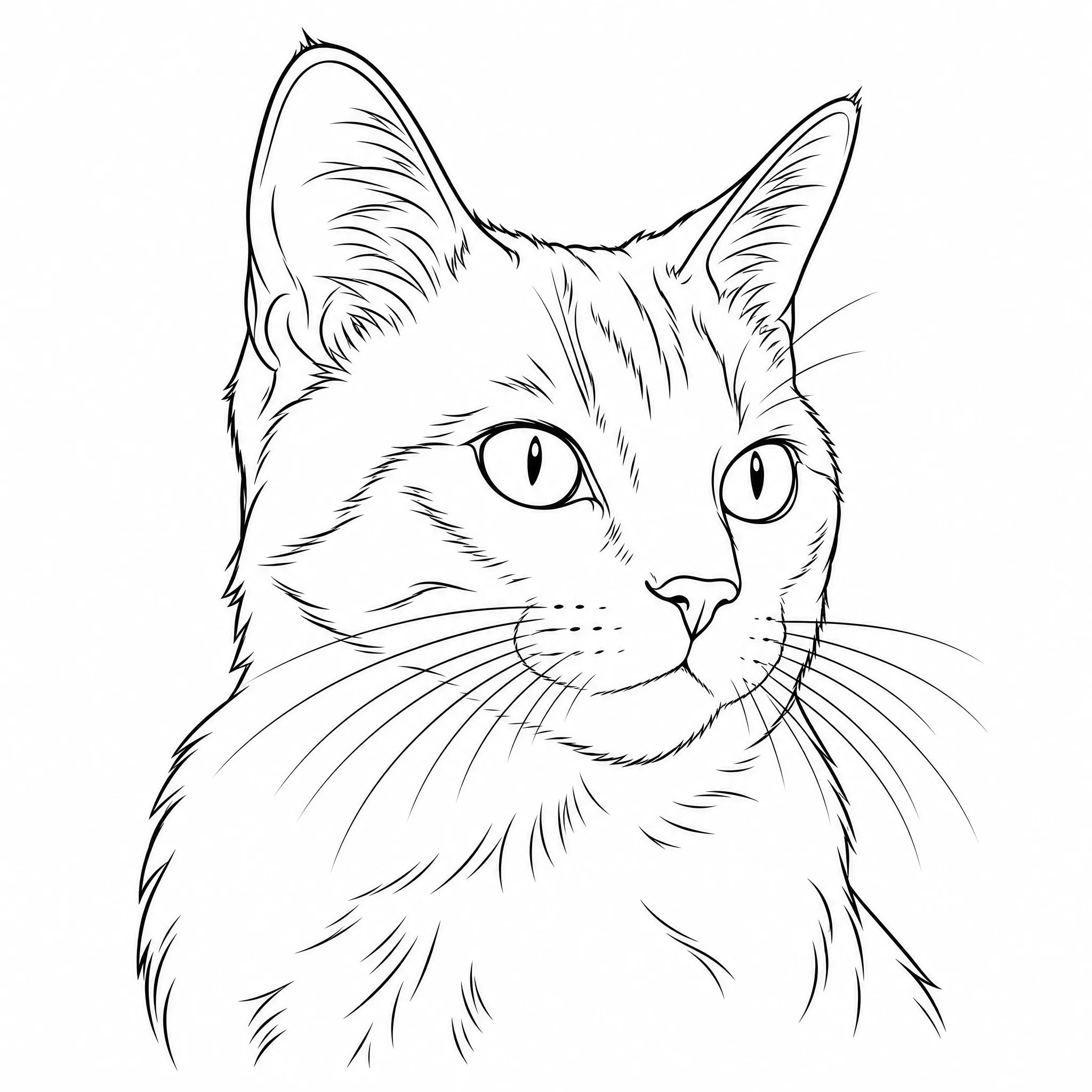
Convert a photo of your pet into a line drawing worth printing and framing.
Honest about what it does — and built to do that one thing well.
Every sample here was made by uploading a photo into this tool — convert your own in the same flow and see the line drawing.
Controls for detail, aspect ratio, and resolution produce true line drawings — crisp outlines, not a darkened photo.
It converts a photo into black-and-white line art — no hidden steps and no promises about effects it does not produce.
New accounts include free credits, it runs in your browser, and the line drawing you make is yours to download and print.
Drop in a photo and you are done, or open the panel to shape the line drawing.
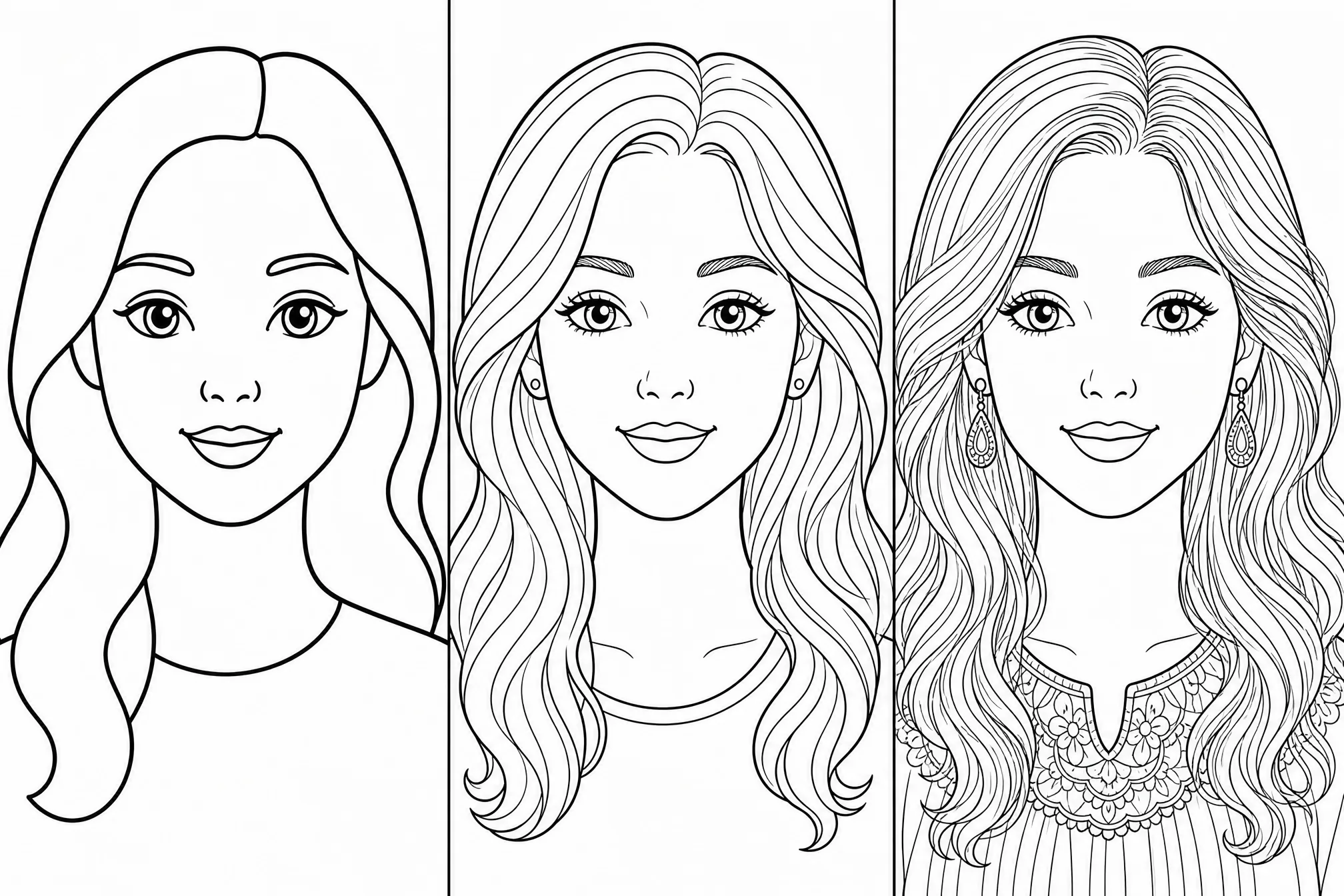
Pick a clean, minimal look with fewer lines, or finer detail that keeps more of the photo.
Choose from 8 shapes so the line drawing fits a frame, square print, or banner.
Convert at higher resolution so lines stay sharp at larger print sizes.
Make several versions from one photo and keep the cleanest result.
Drop the background to keep just the subject as a clean line drawing.
A sharp, well-lit photo with an obvious subject converts into cleaner line drawings.
A plain background means fewer stray lines and a clearer line drawing.
Lower detail for a minimalist look, higher detail to keep more of the photo’s features.
Convert several versions in one run and keep the one with the strongest lines.
Free credits to get started, nothing to install, and a clean printable line drawing ready in seconds.
Start Free — Convert My PhotoUpload your photo, and the converter turns it into a clean black-and-white line drawing on a white background. You can convert a photo to a line drawing in seconds — the whole process runs online in your browser, with no install.
Yes, it is free to start. Create a free account; new accounts include free credits so you can convert your first photos to line drawings and download them right away.
You can upload common image files such as JPG and PNG. Portraits, pets, landscapes, and buildings all convert well — a clear, well-lit photo gives the cleanest line drawing.
Yes. Each result is clean black-and-white line art at up to 4K, so it stays sharp when you print it at home, frame it, or scale it up.
Both — you choose. Set a low detail level for a minimalist line drawing with fewer lines, or a higher level to keep more of the photo’s features.
No. This is an online photo to line drawing converter that runs in your browser — nothing to download — on phone, tablet, or desktop.