Turn any picture into a printable coloring page — free and online. Upload a picture, get clean black-and-white line art, and print at home. No design tools, nothing to install.
JPG or PNG — a photo, a drawing, or any saved image.
Free to start · no Canva needed · print at home
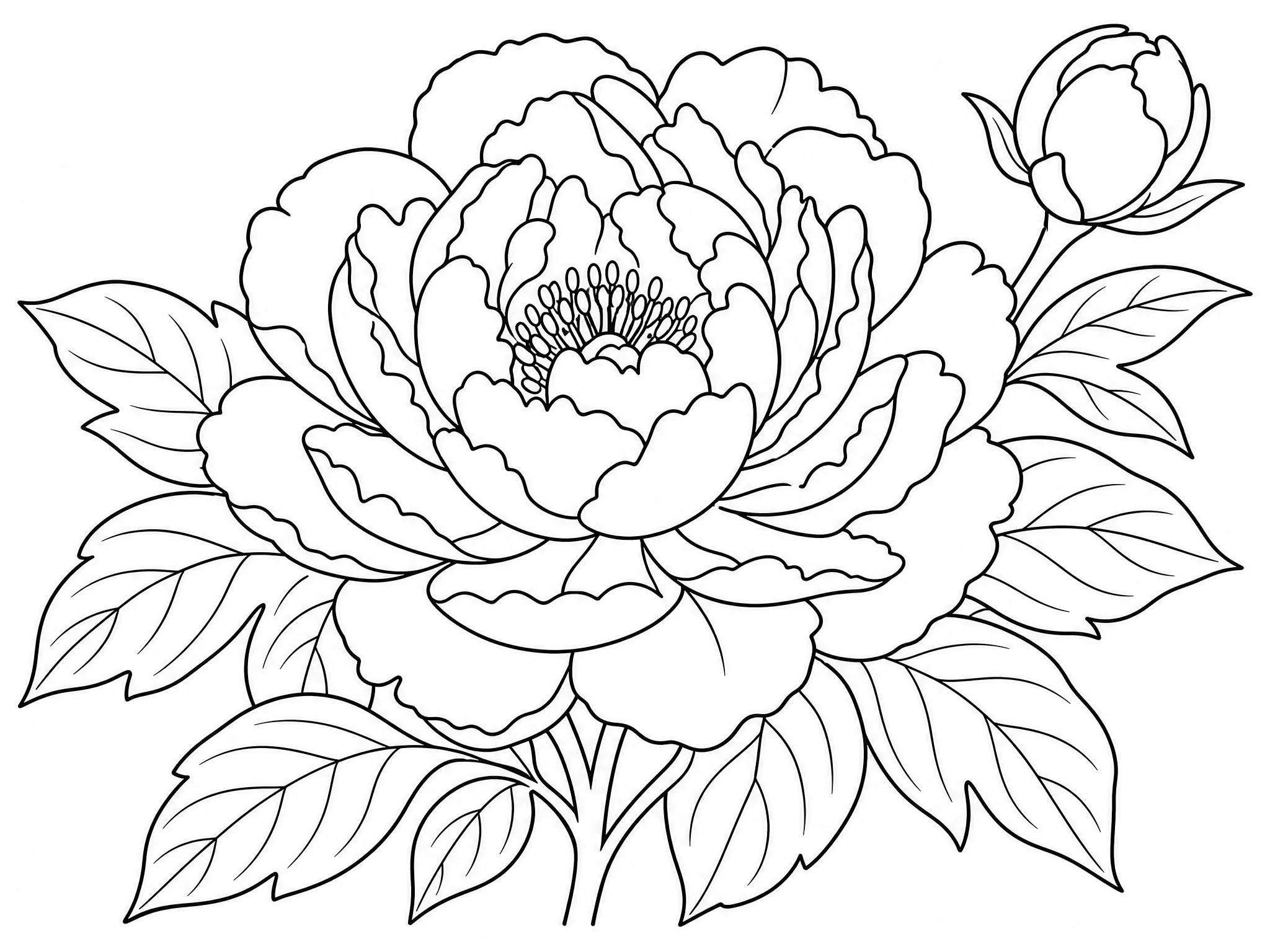
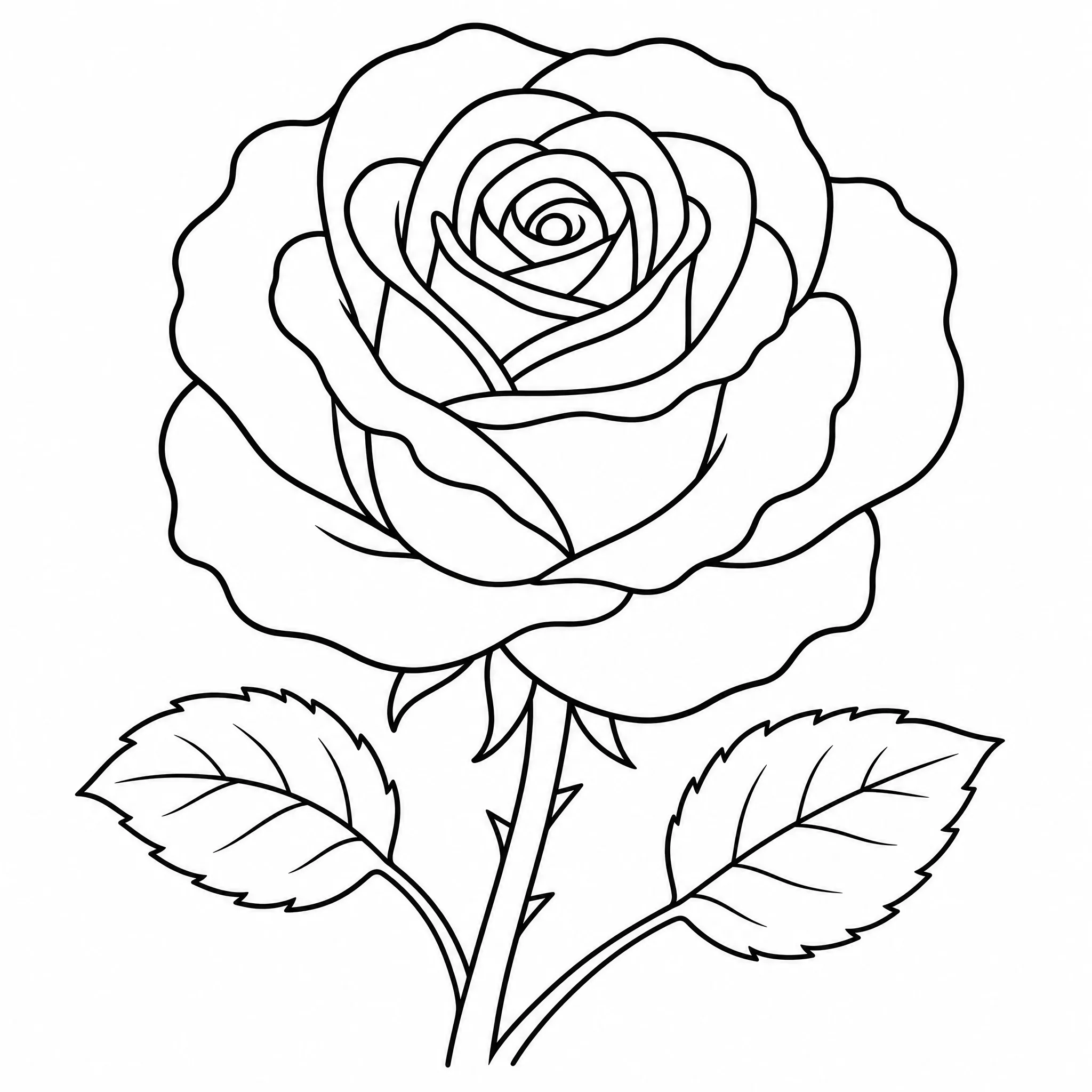
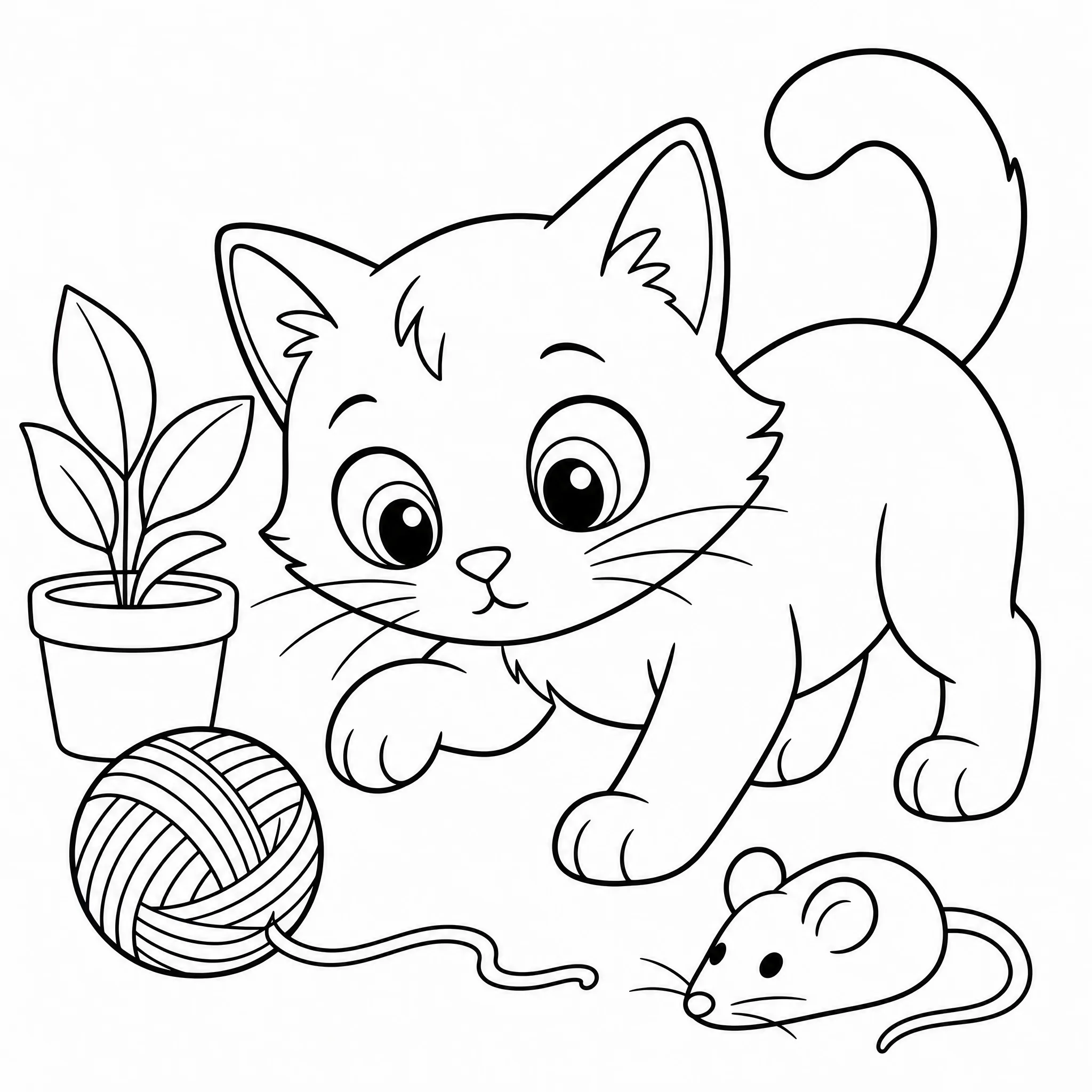
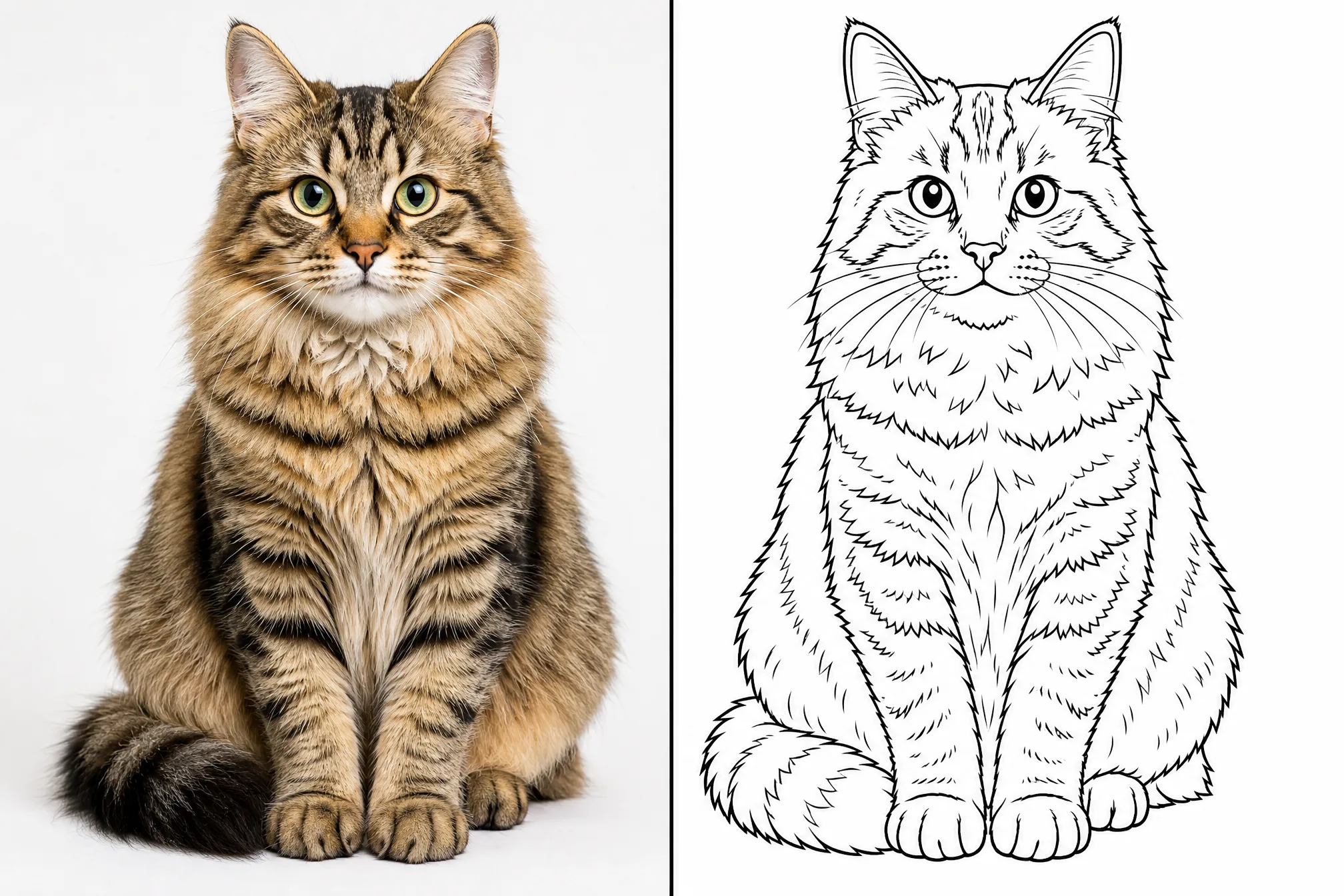
Each example was made from a real picture with this tool — upload yours to create your own.
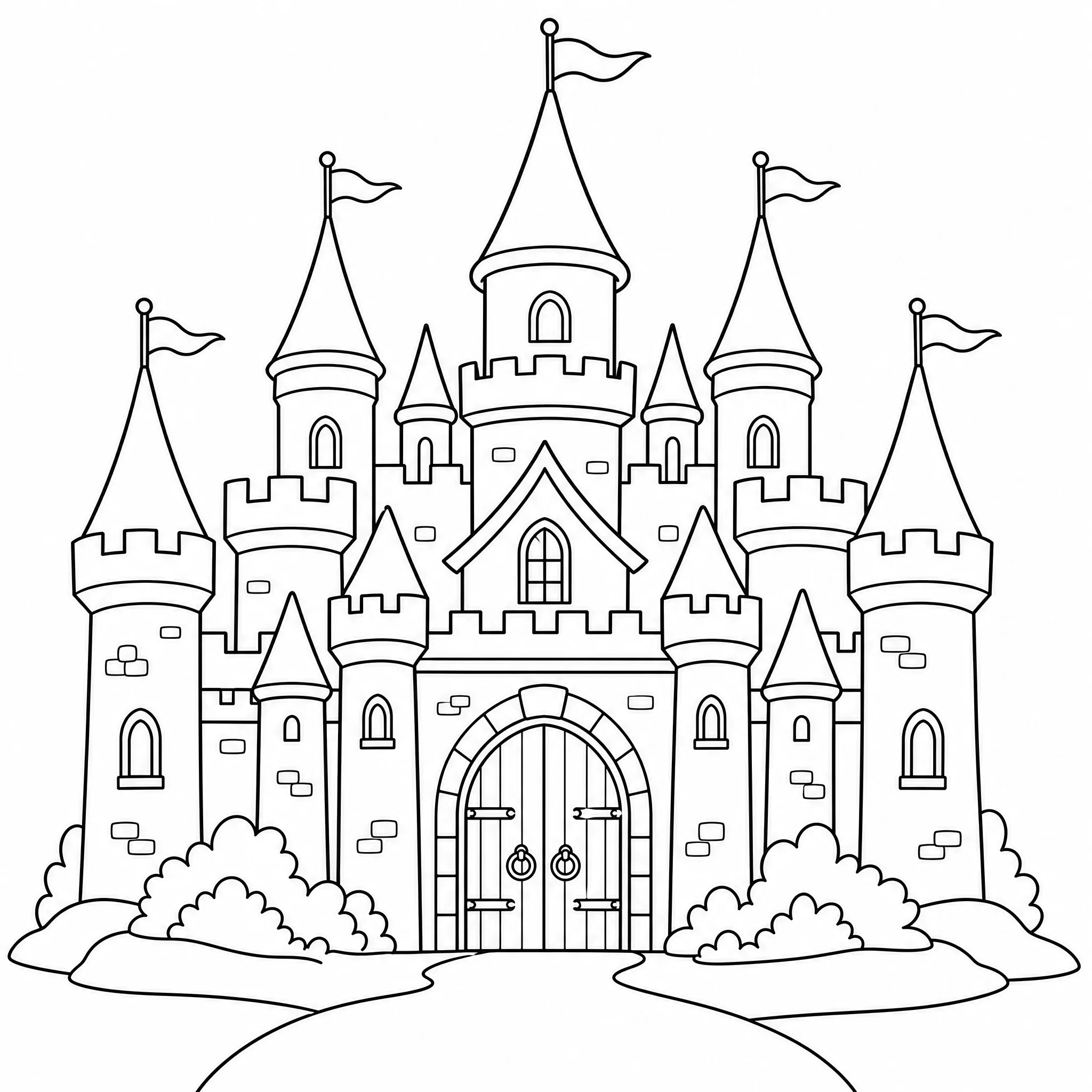
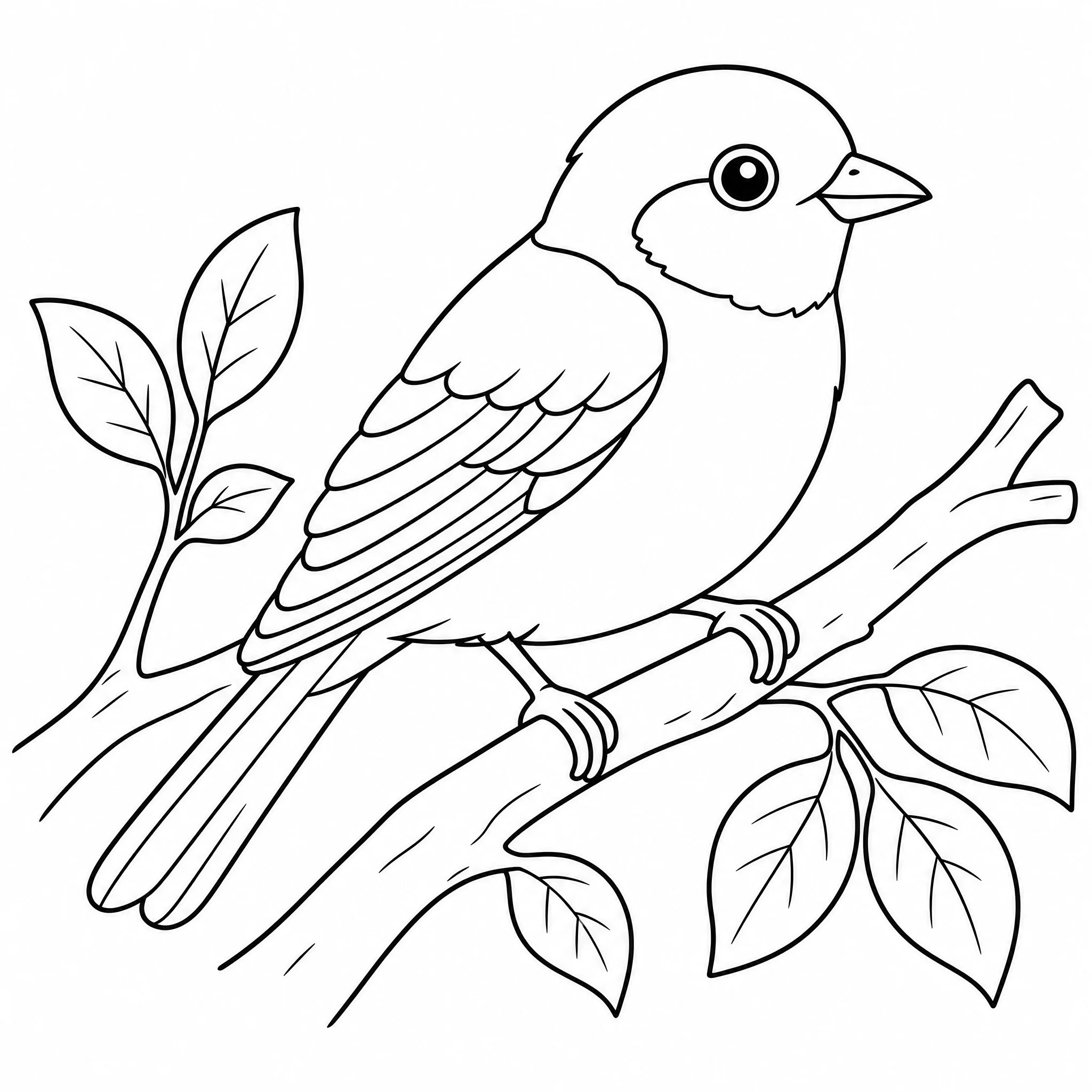
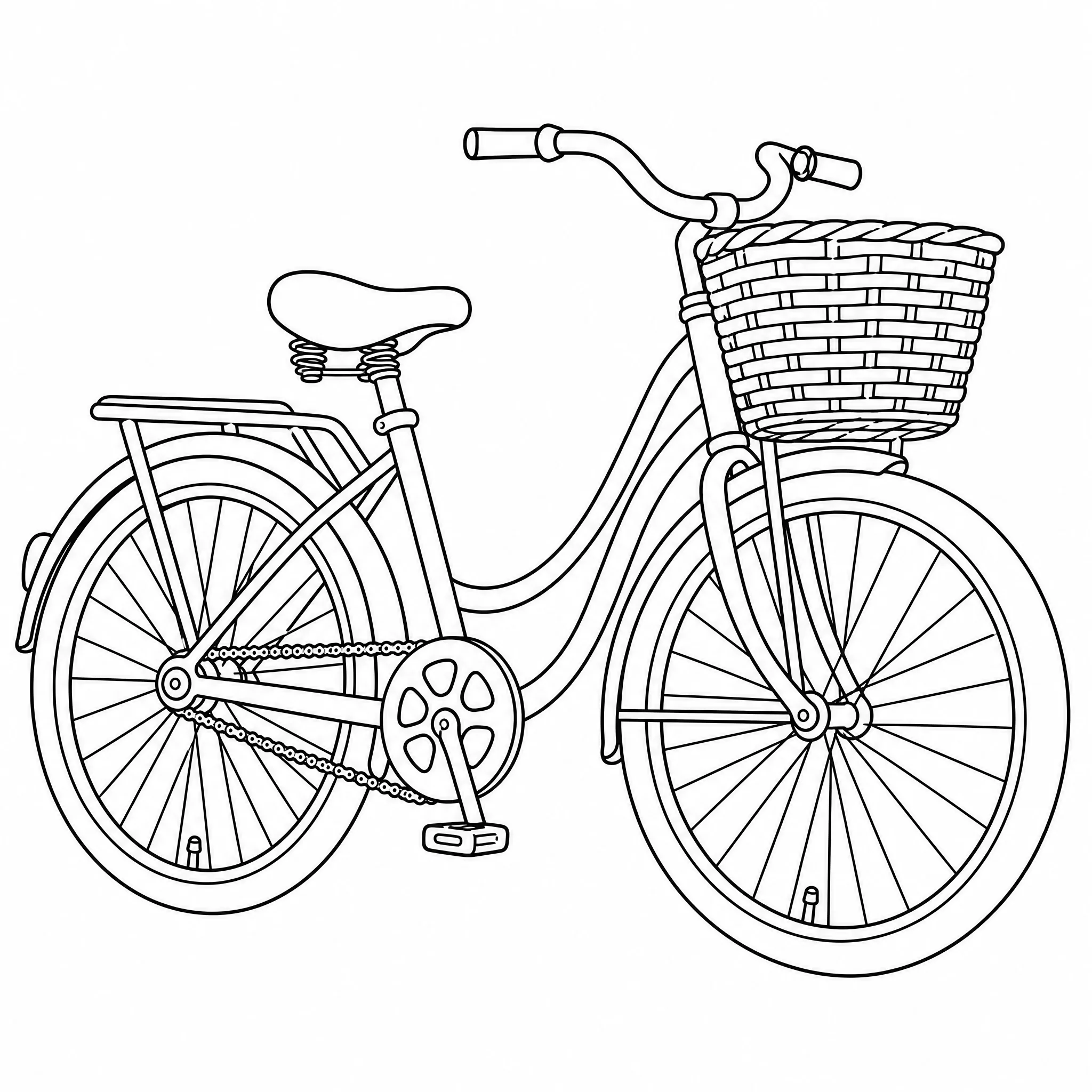
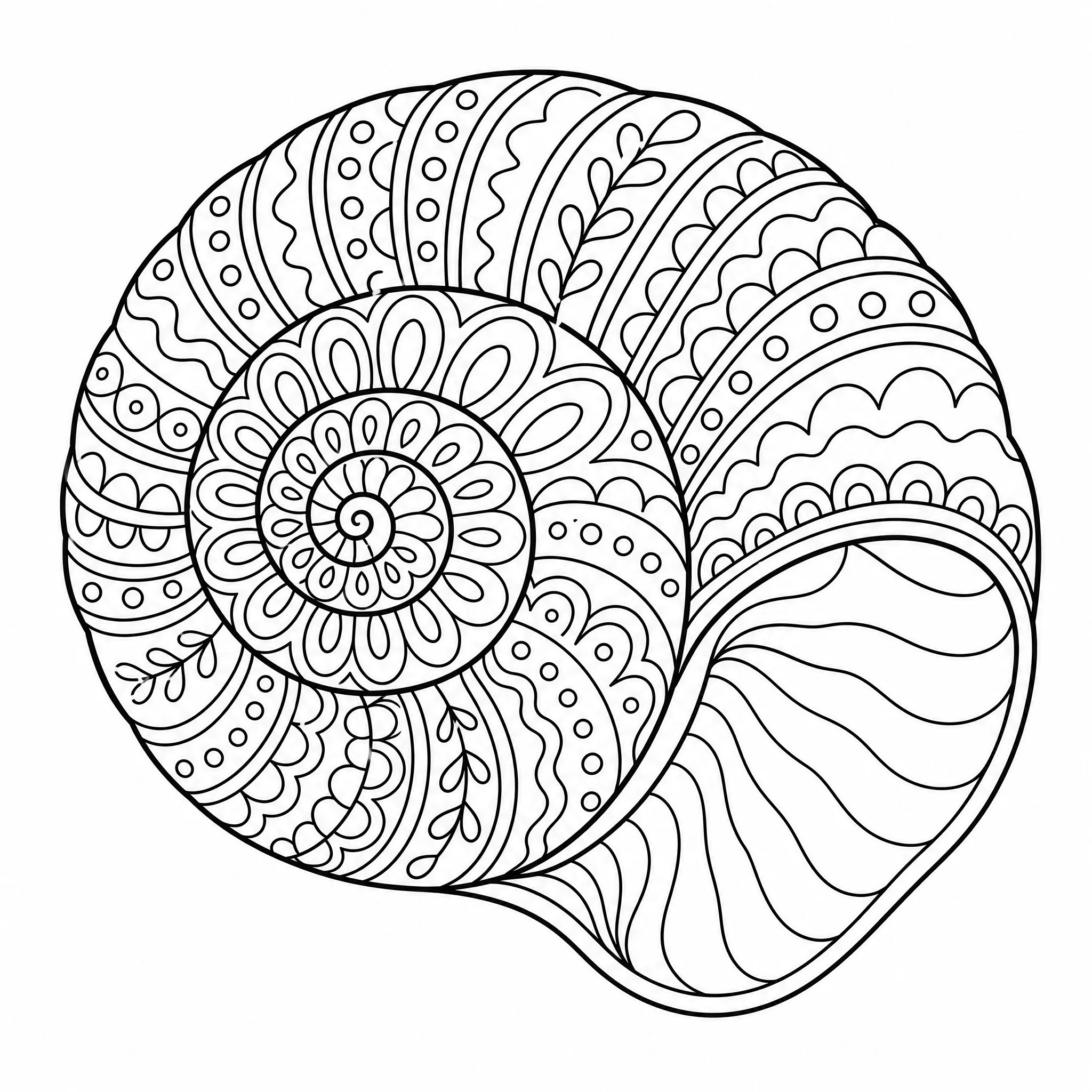
Add any picture — a photo, a drawing, or an image you saved — straight from your device.
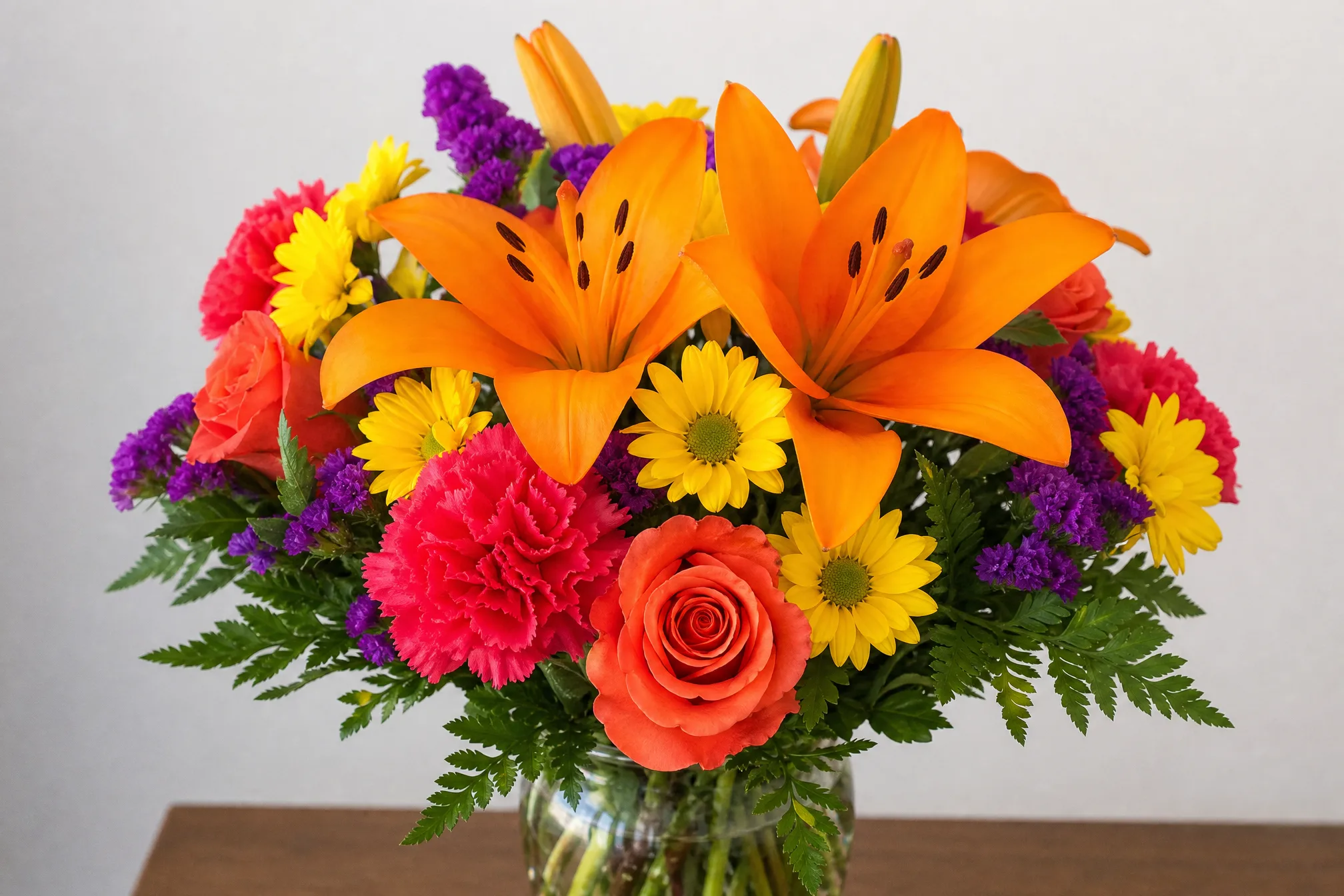
The picture is turned into bold black-and-white line art with a white background, ready to color.
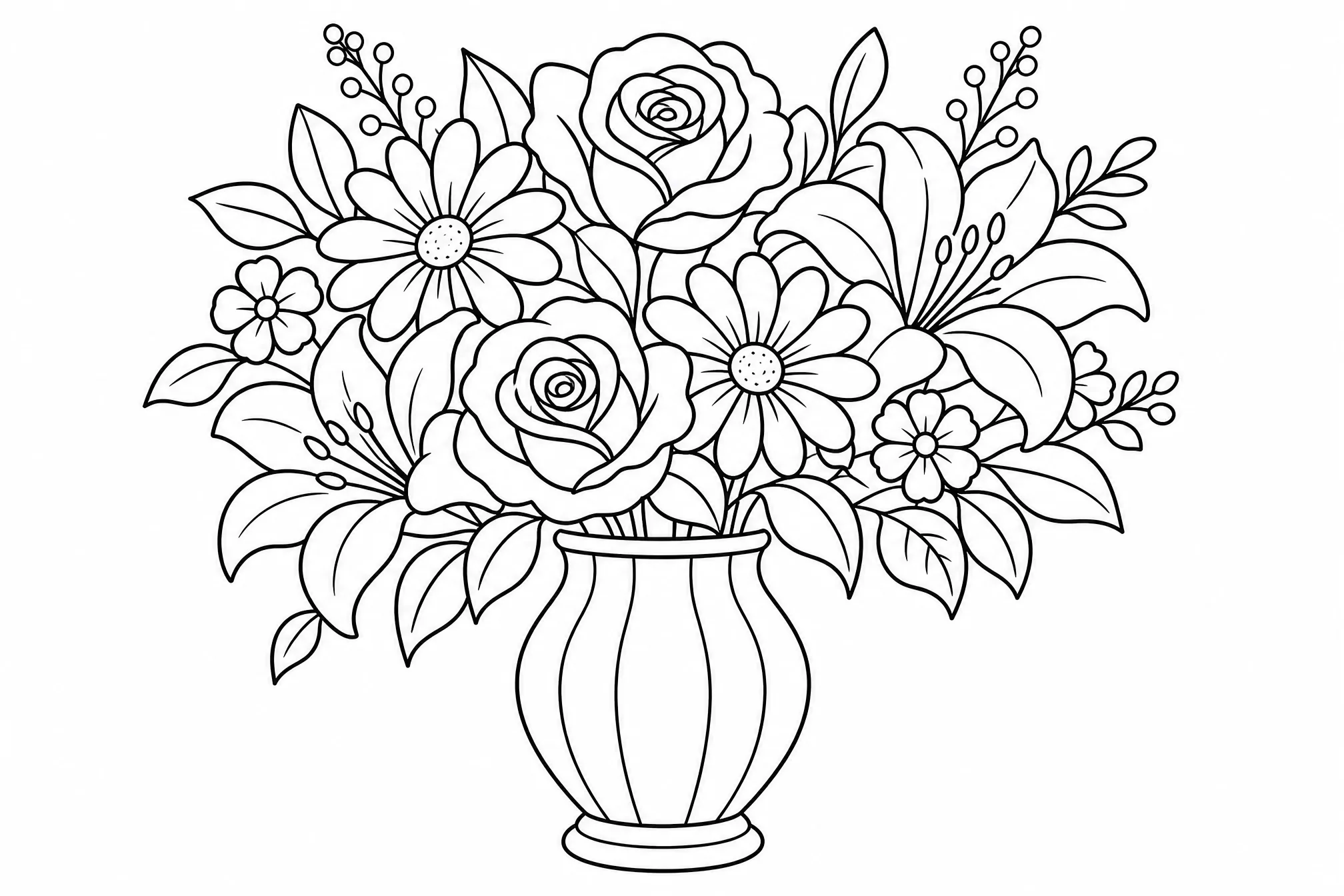
Save your coloring page and print it at home, or color it digitally on a tablet.
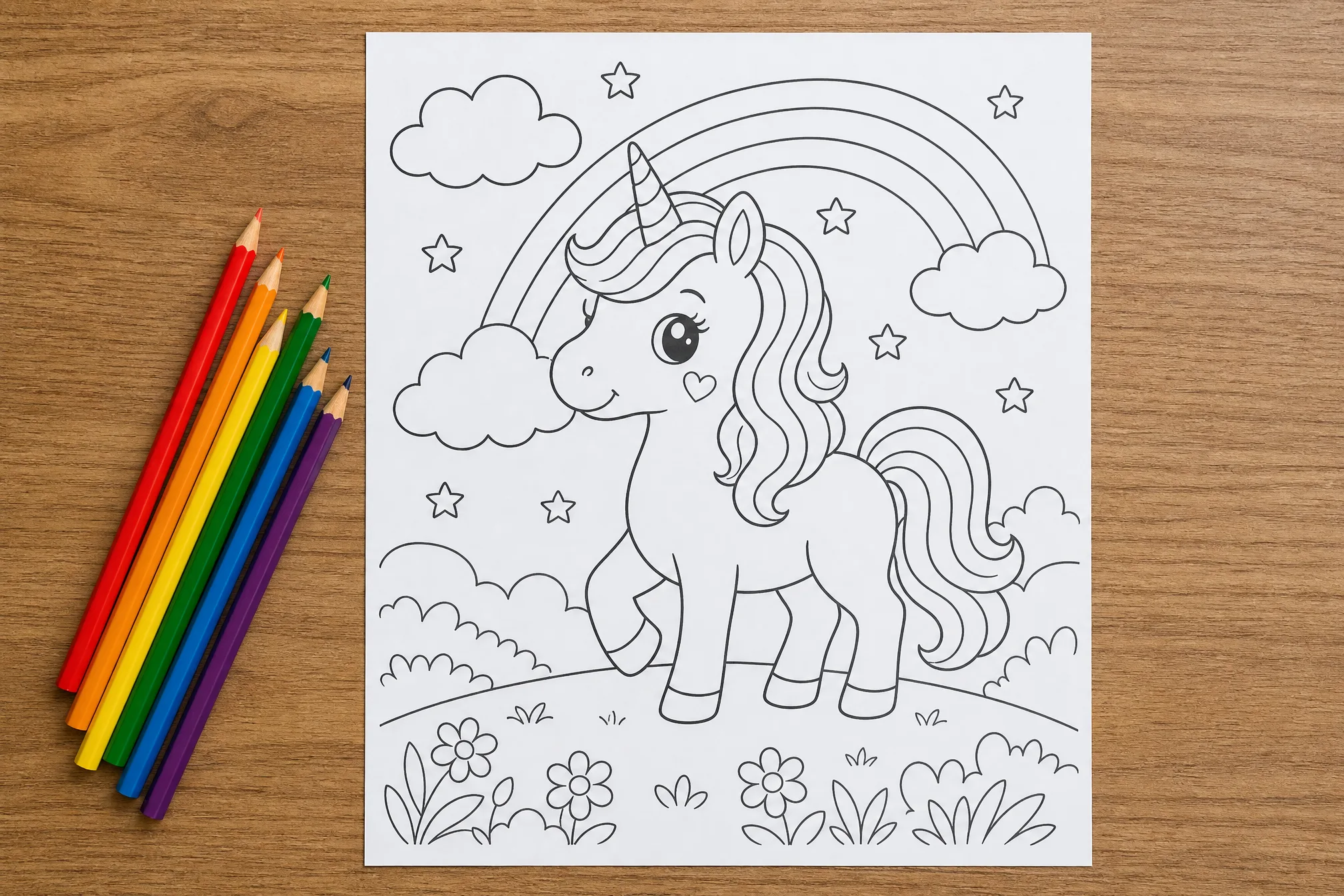
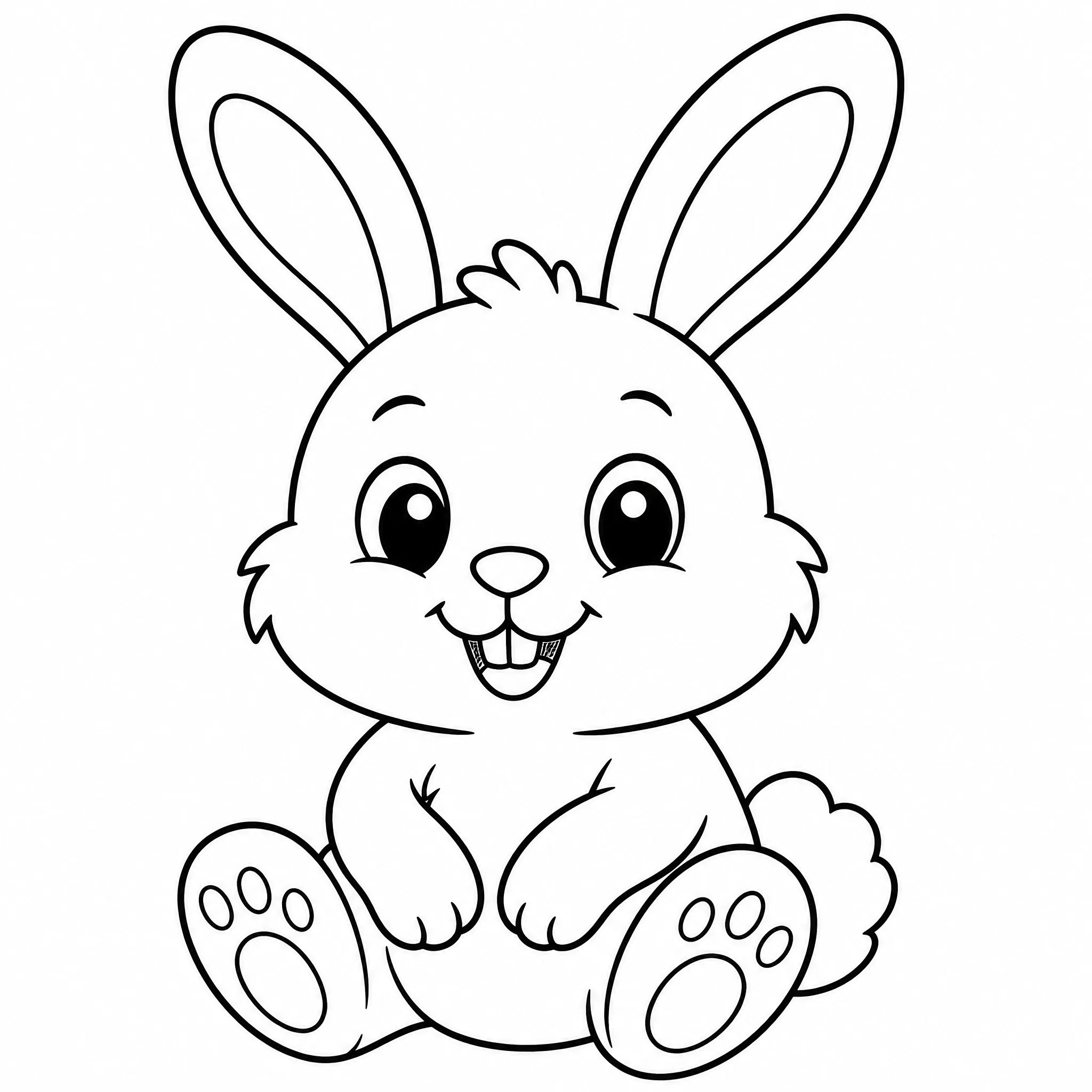
Turn a picture your child loves into a coloring page for quiet-time fun.
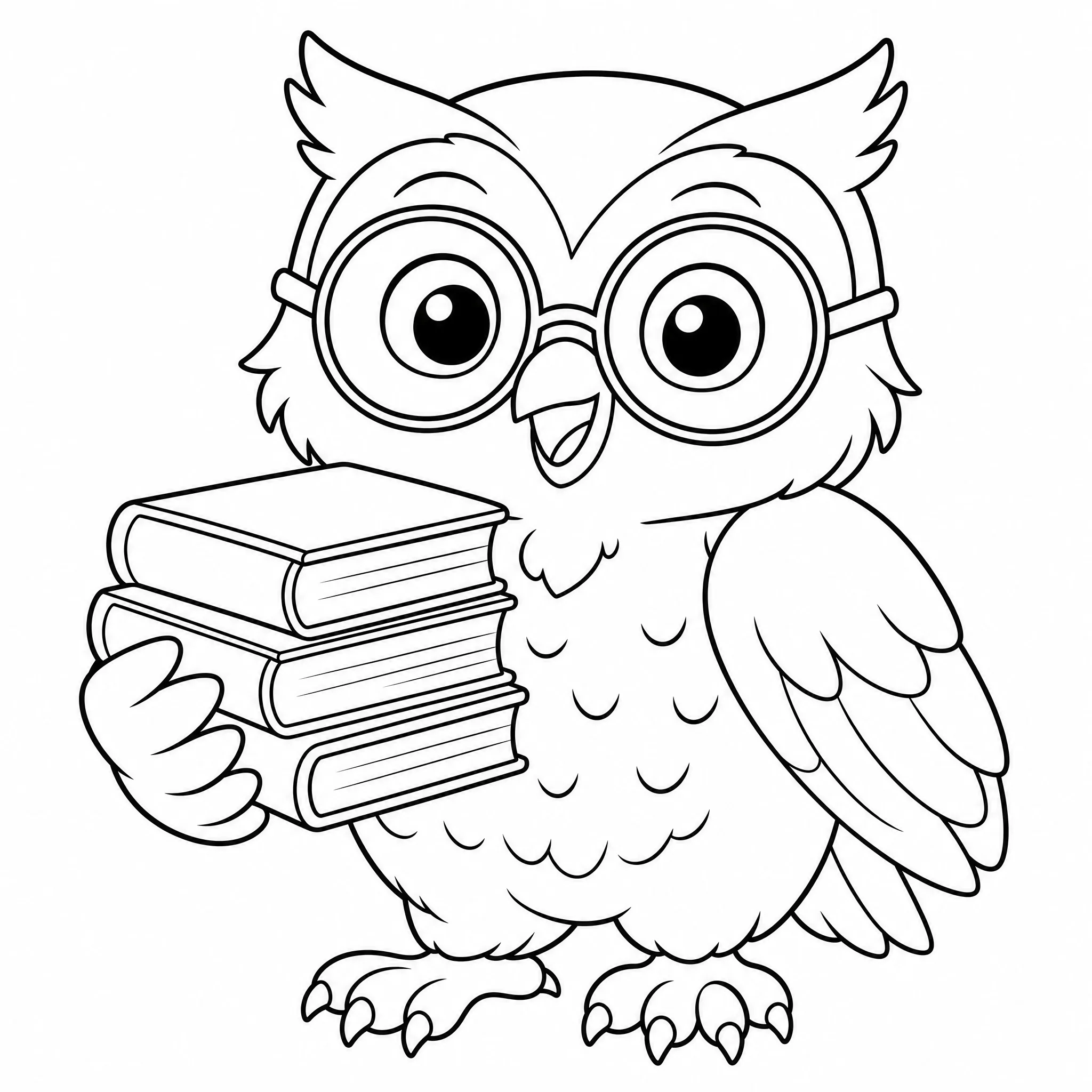
Make printable coloring sheets from lesson pictures and theme images fast.
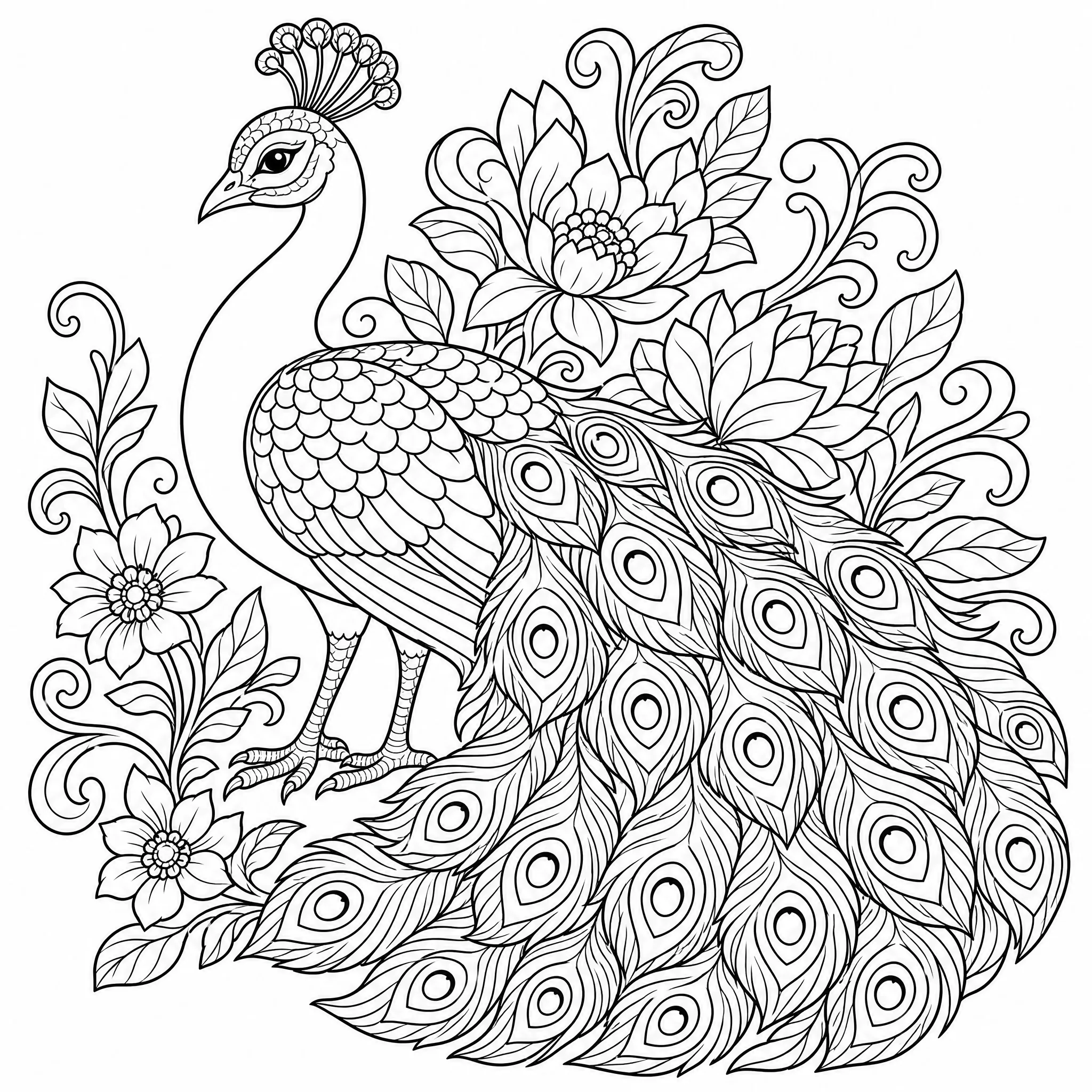
Turn pictures you like into intricate pages for relaxing coloring.
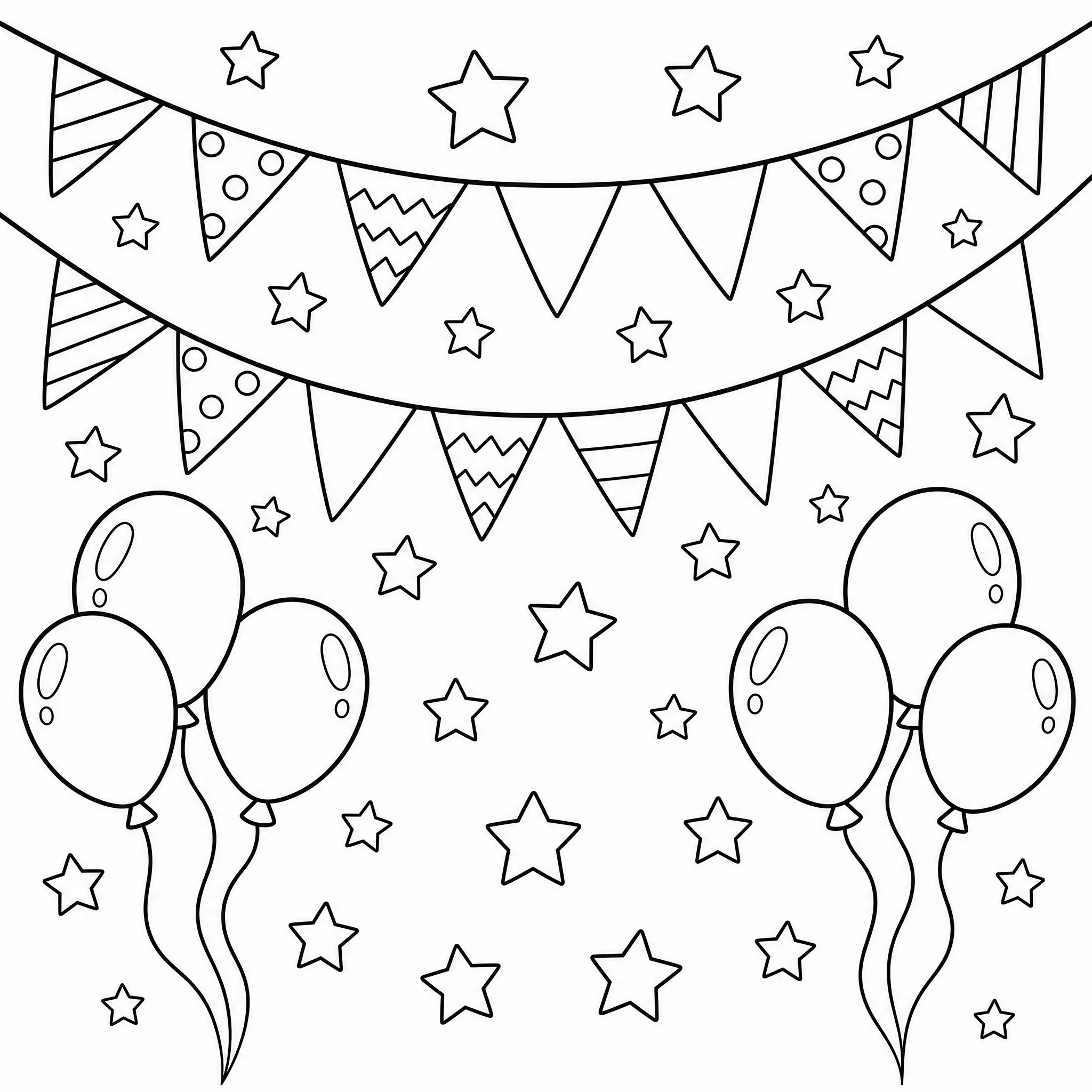
Create themed coloring pages from event pictures for kids tables and favors.
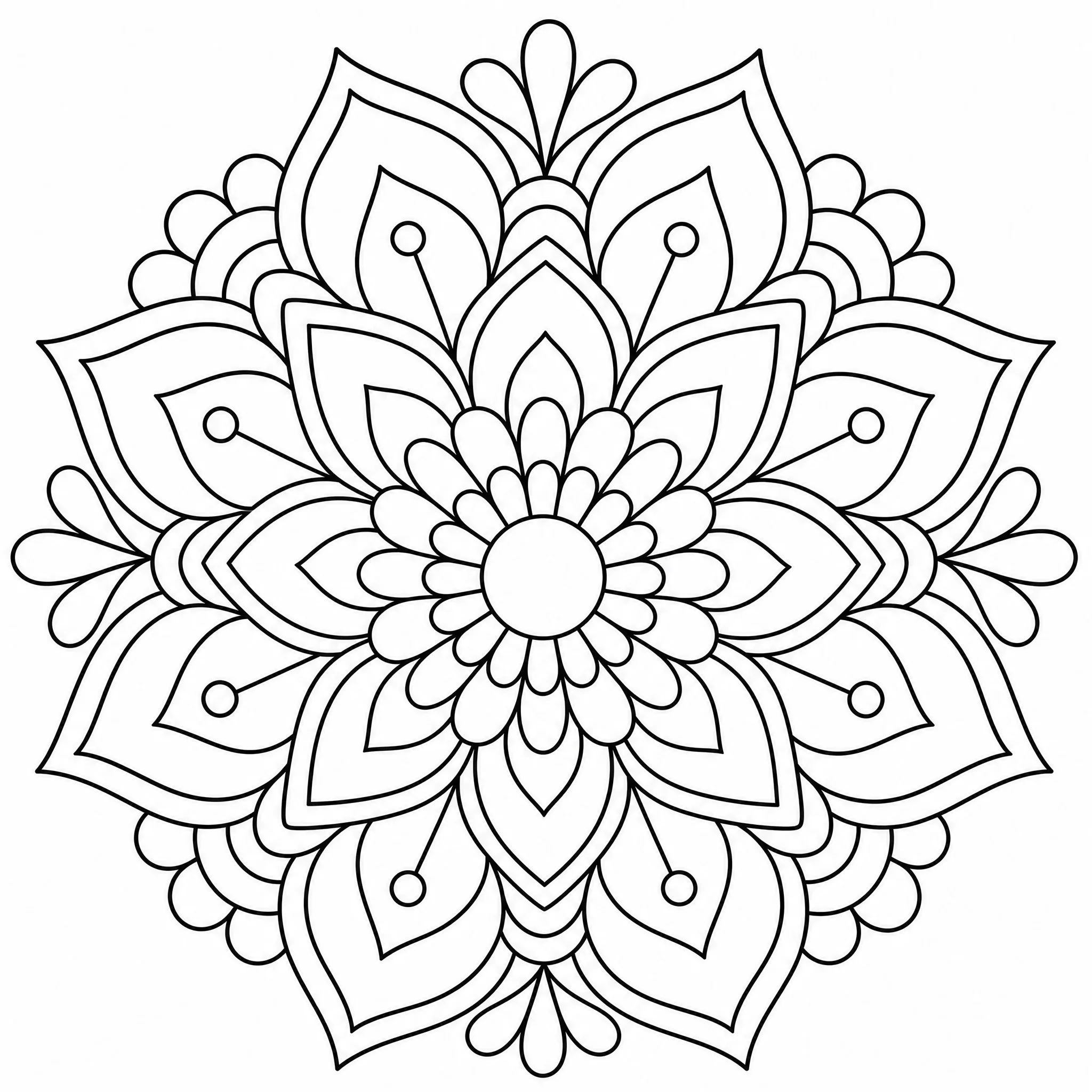
Use the outline as a base for cards, stencils, and pattern projects.
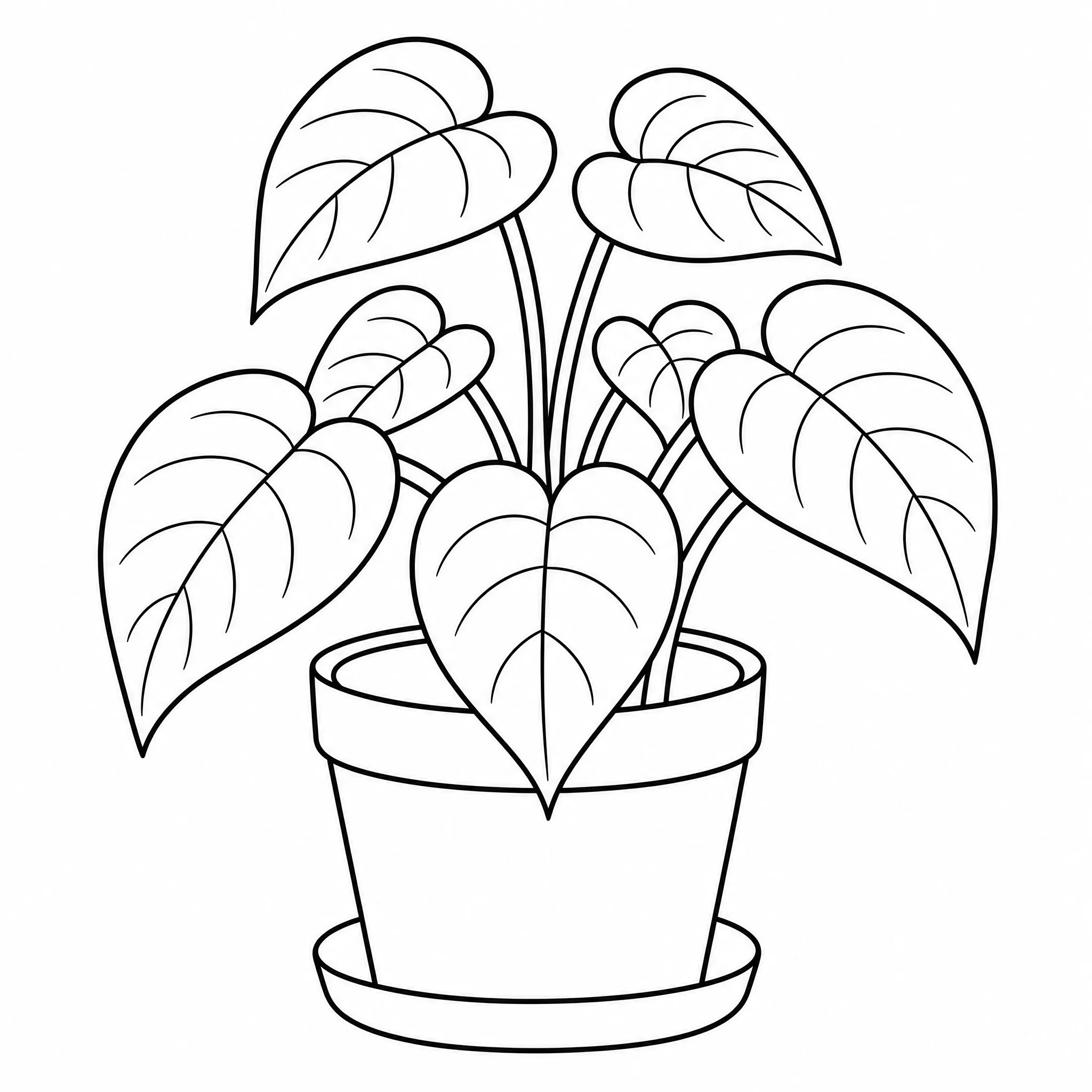
If you have a picture and a printer, you can make a coloring page from it.
Works with photos and drawings alike — everything you need for a coloring page that prints well.
Every picture comes back as crisp black lines on white — no shading, no fills, just outlines to color in.
Works with real photos and with sketches, clip art, or saved pictures alike.
Keep it simple for little ones or finely detailed for older kids and adults.
Render your coloring page at up to 4K for sharp lines on any home printer.
Pick square, portrait, or wide so the page fits your paper, frame, or binder.
Make several coloring pages from one picture and keep the best.
Straightforward about what it does — and focused on doing it well.
Every example here was created from an actual picture in this tool — make your own in the same flow.
Purpose-built controls for detail, shape, and resolution turn a picture into true coloring-page line art.
It turns pictures into printable outline coloring pages — nothing hidden, no over-promises.
New accounts include free credits, it runs in your browser, and your coloring page is yours to download and print.
Upload a picture and you are done — or open the controls to fine-tune the page.
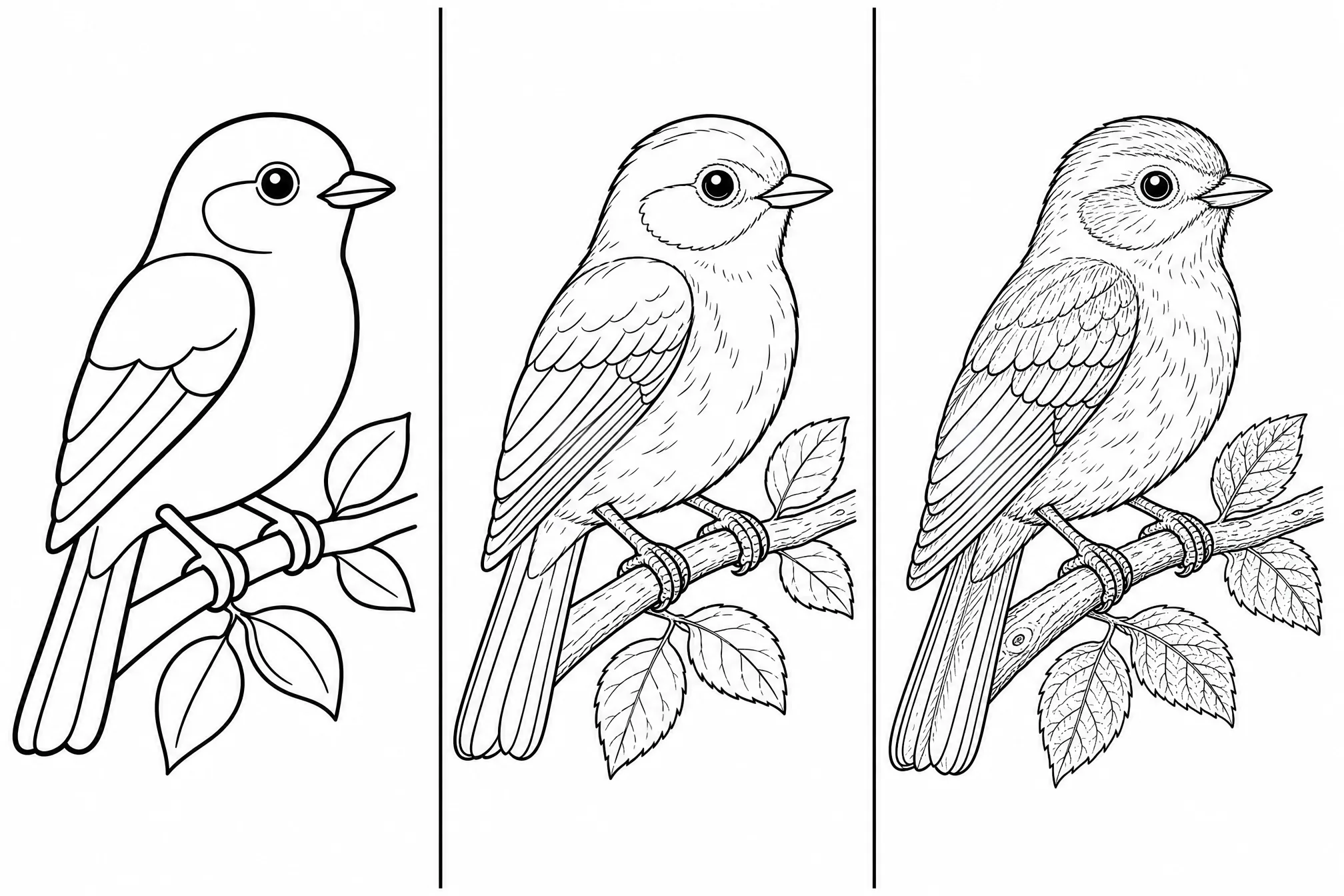
Trade bold simple lines for finer detail depending on who is coloring.
Choose from 8 ratios so the coloring page fits your paper or frame.
Step up to 4K for the sharpest lines when you print.
Turn one picture into several pages in a single run.
Keep the scene or clear it for a clean, subject-only page.
Sharp, high-contrast pictures turn into the cleanest line art.
A single clear subject gives tidier outlines than a cluttered picture.
Lower the detail for young kids, raise it for adults who want intricate pages.
Pick the page shape before printing so it matches your paper.
Free credits to start, no install, and a printable coloring page ready in minutes.
Start Free — Upload a PictureUpload your picture, let the tool turn it into black-and-white line art, then download and print. It all runs online in your browser and takes about a minute — no drawing or design skills required.
Yes — it is free to start. Create a free account; new accounts include free credits so you can make and download your first coloring pages right away.
No. You do not need Canva, Procreate, or any installed app — this coloring page maker works entirely online in your browser on phone, tablet, or desktop.
Yes. You can turn photos, sketches, clip art, or any saved picture into a coloring page. Clear pictures with one main subject give the cleanest outlines.
Absolutely. Each page is clean black-and-white line art that prints crisply on standard paper, with resolution up to 4K.
Yes — you can generate up to 4 coloring pages in a single run and keep the ones you like best.