Convert a photo to a printable coloring page in seconds — free and online. Upload, turn your photo into clean line art, and print. No editing software, nothing to install.
JPG or PNG — people, pets, food, places, anything.
Free to start · no Photoshop · prints at home
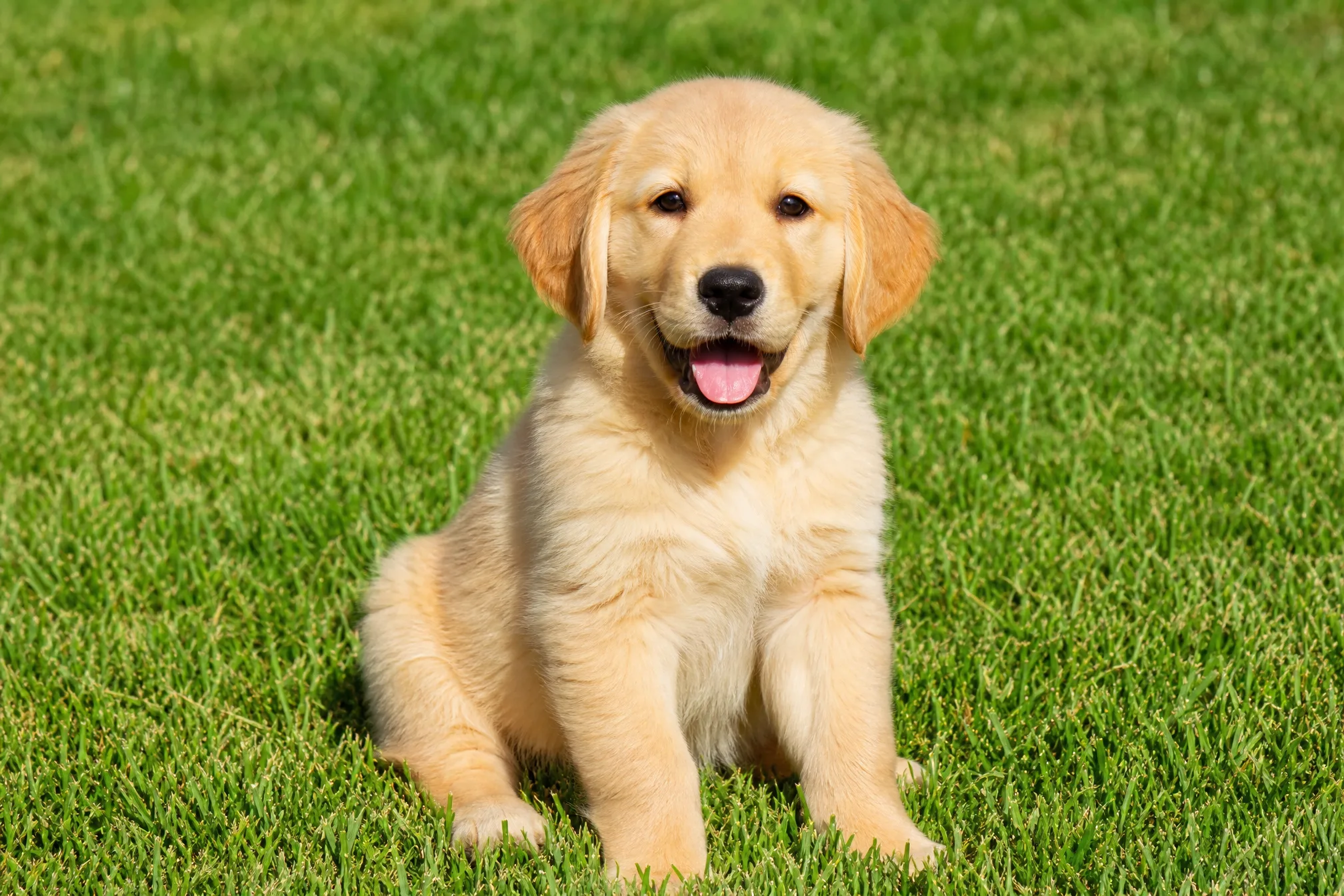
Drop in any photo straight from your phone or computer — no editing first.
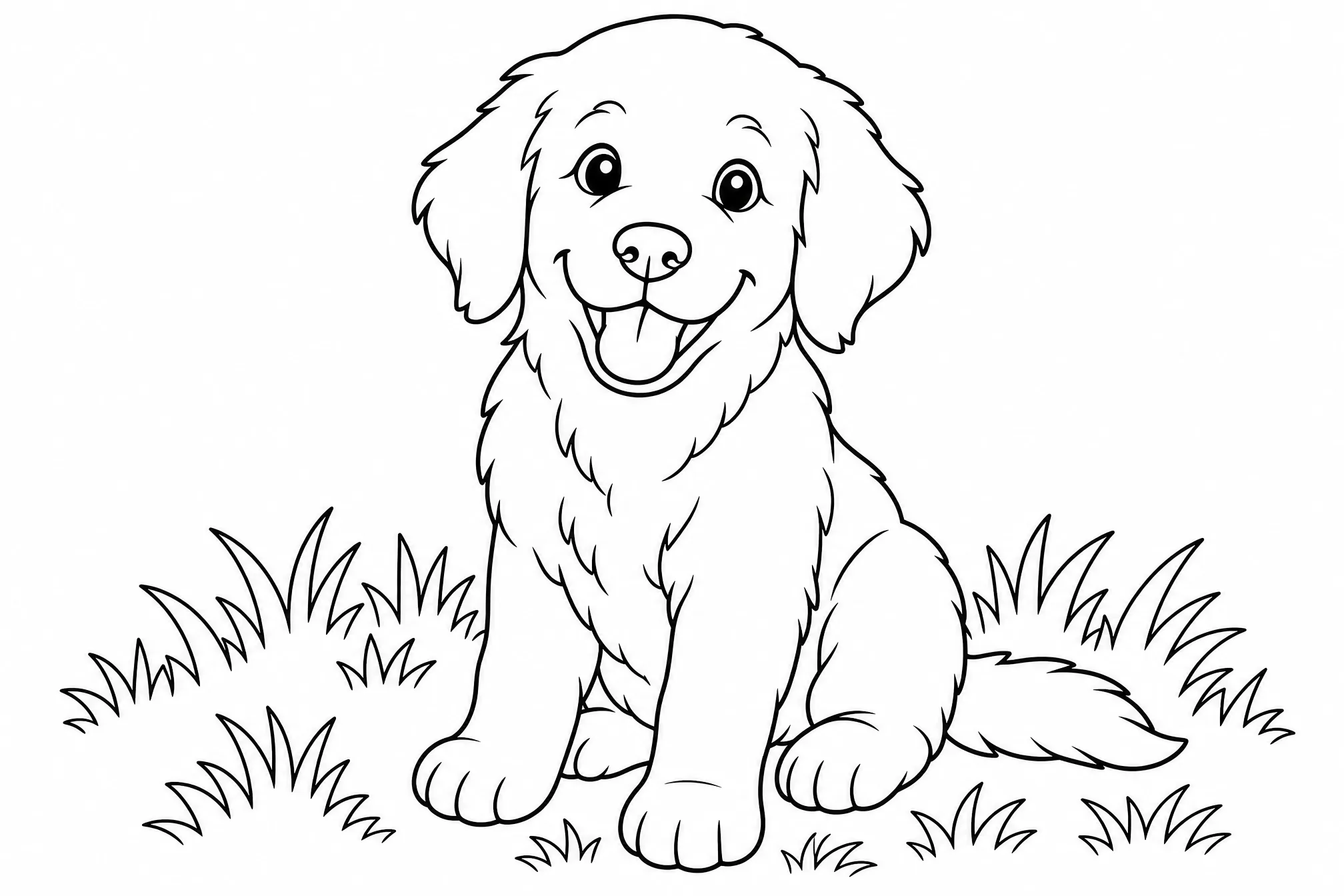
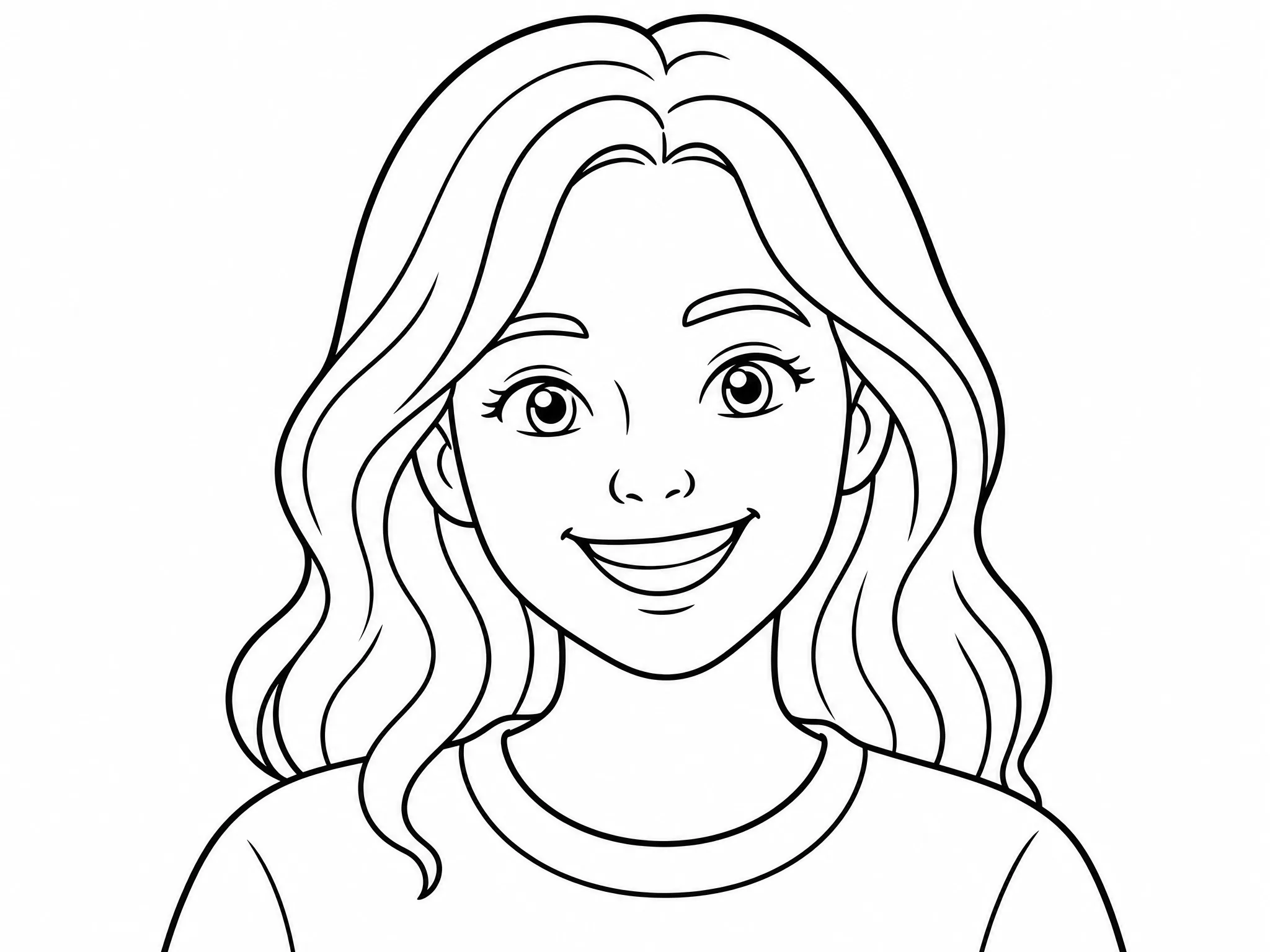
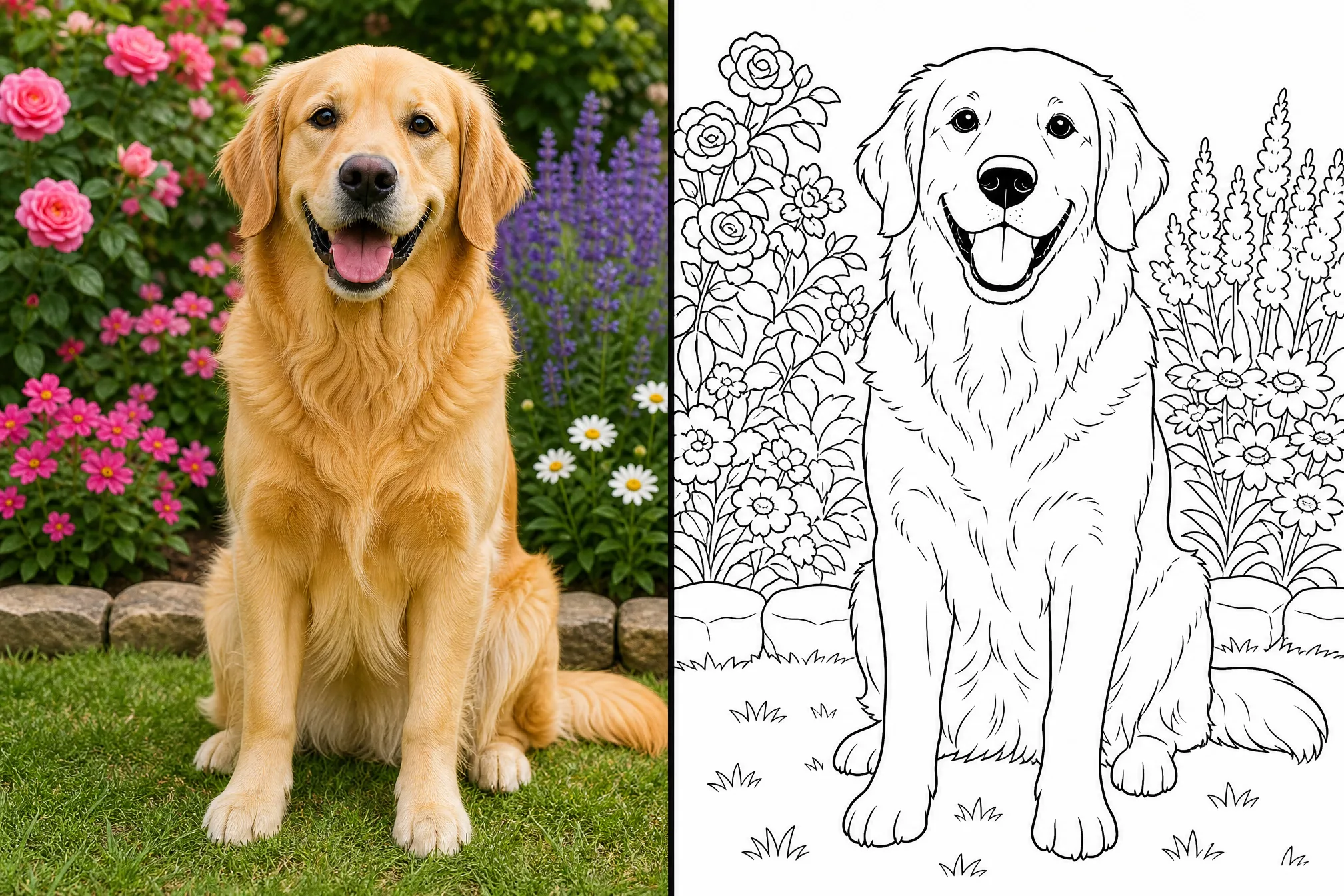
Your photo is turned into bold black-and-white outlines on a white background, with no shading or color.
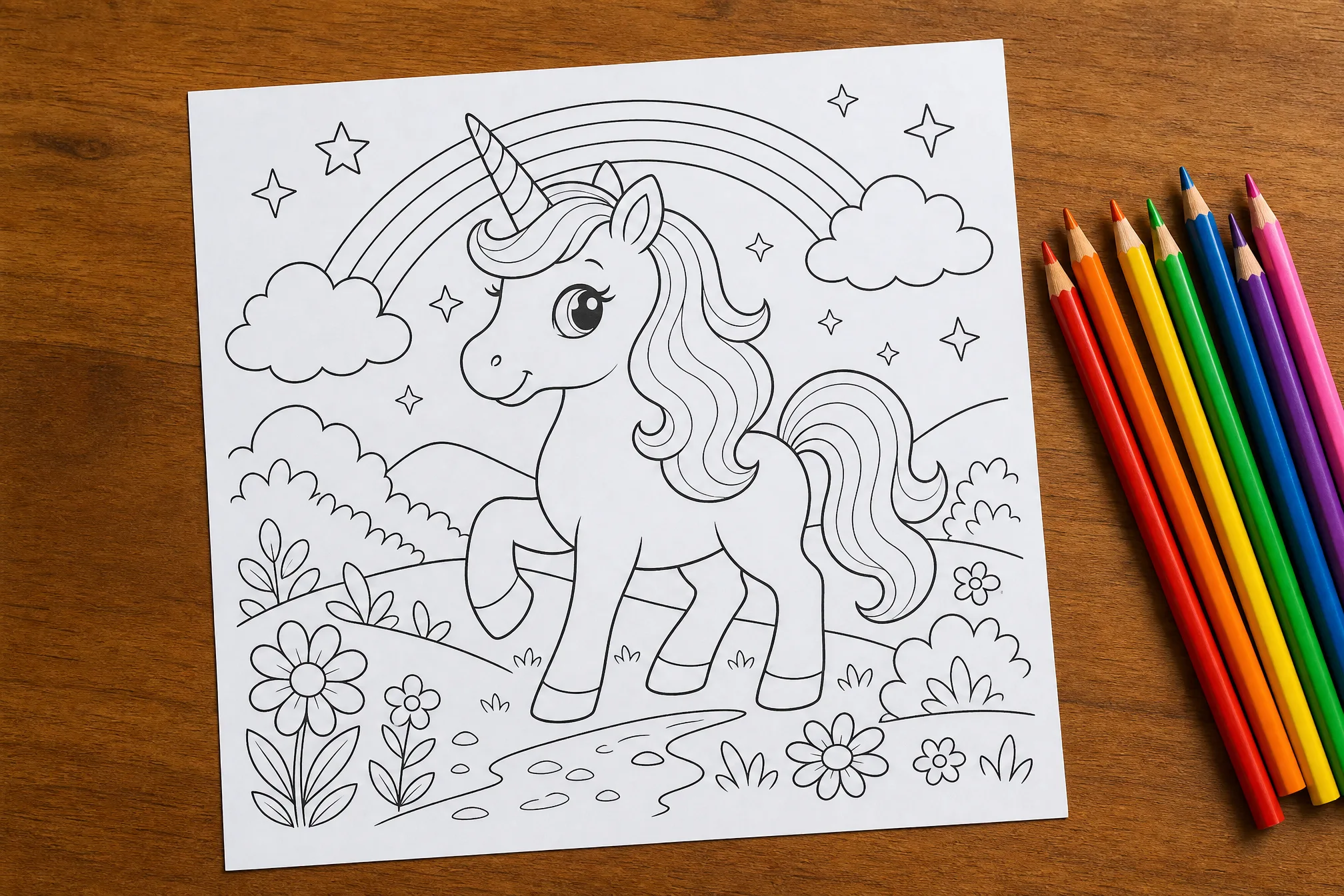
Download the finished coloring page and print it at home, or color it in on a tablet.
Every page below was converted from a real photo with this tool — upload yours and make your own.
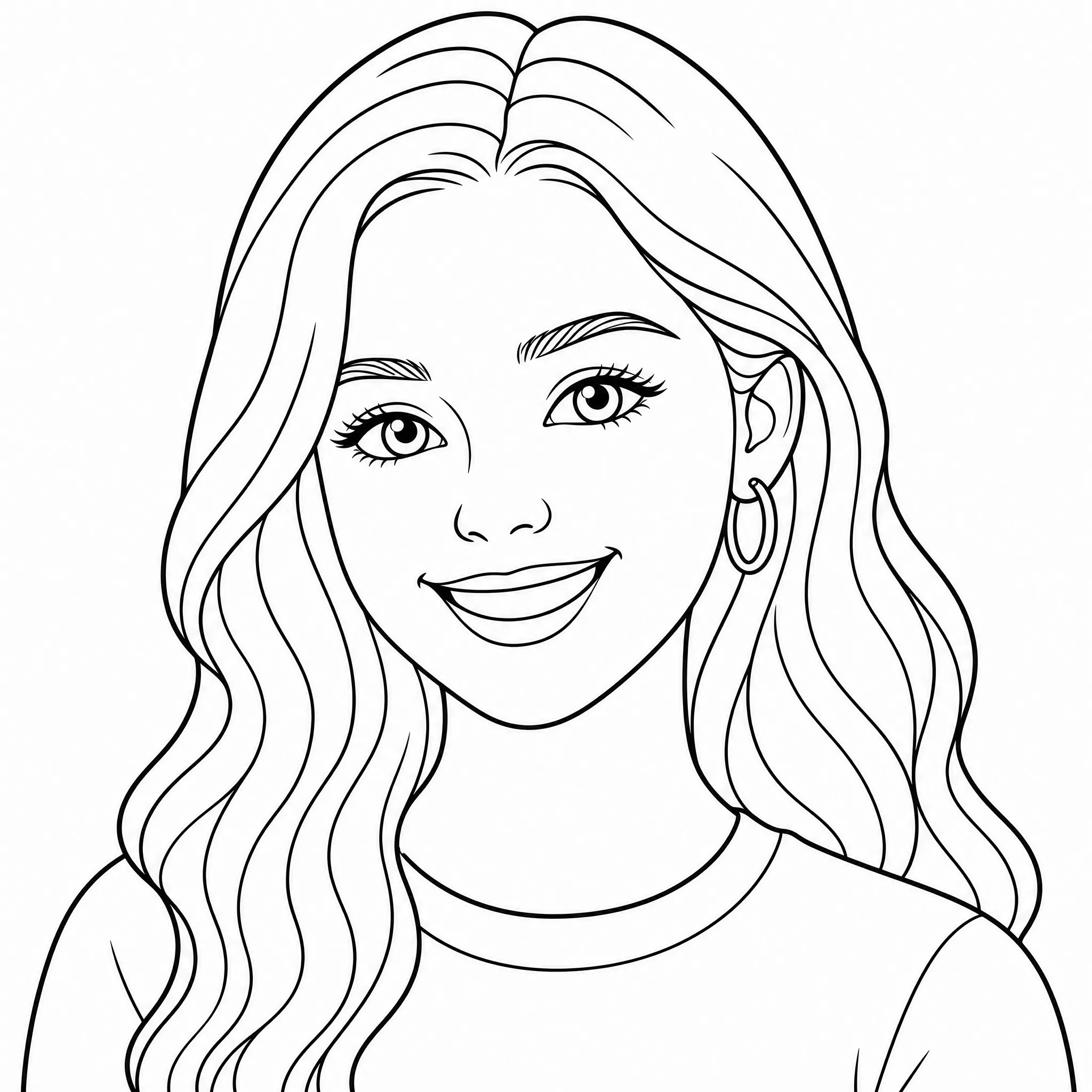
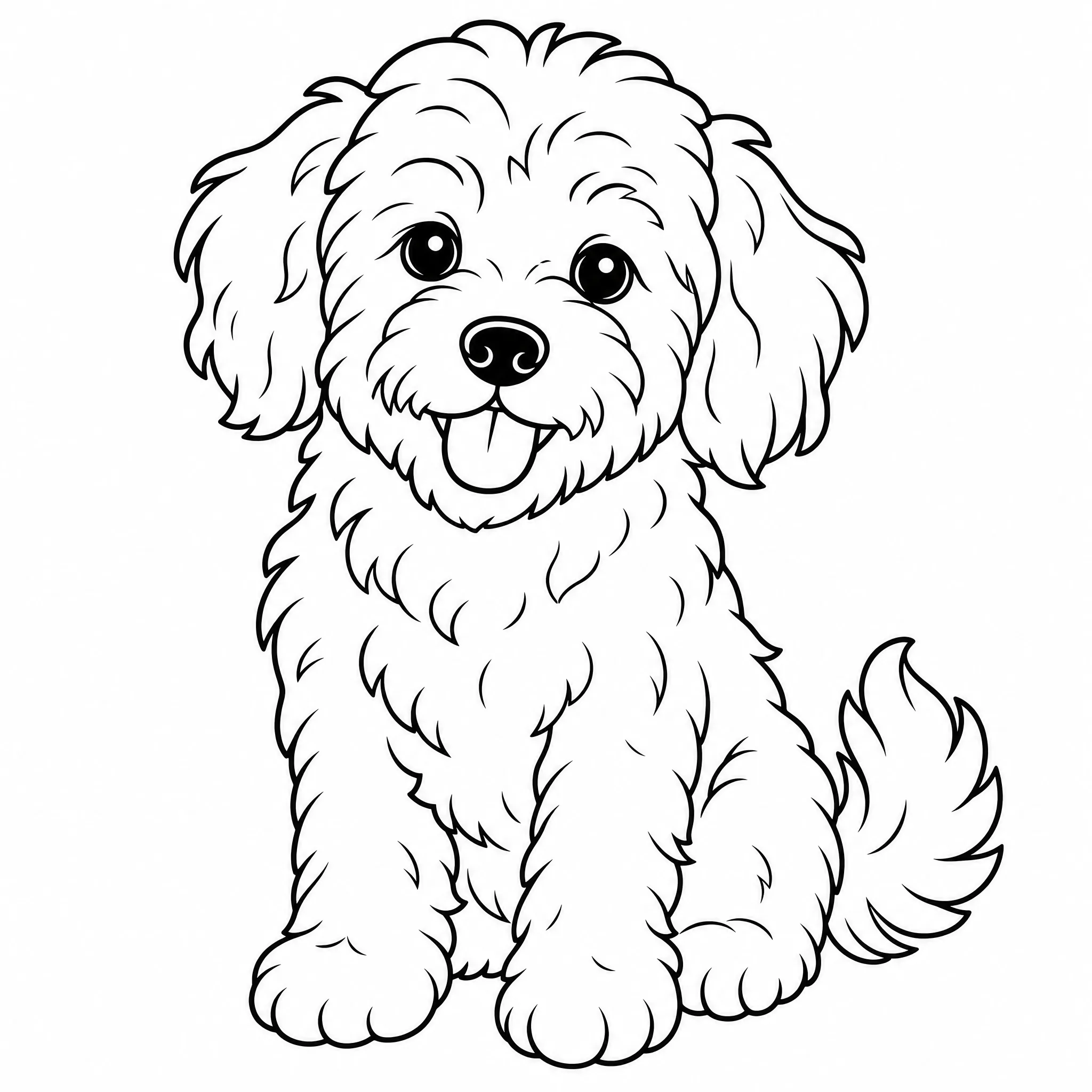
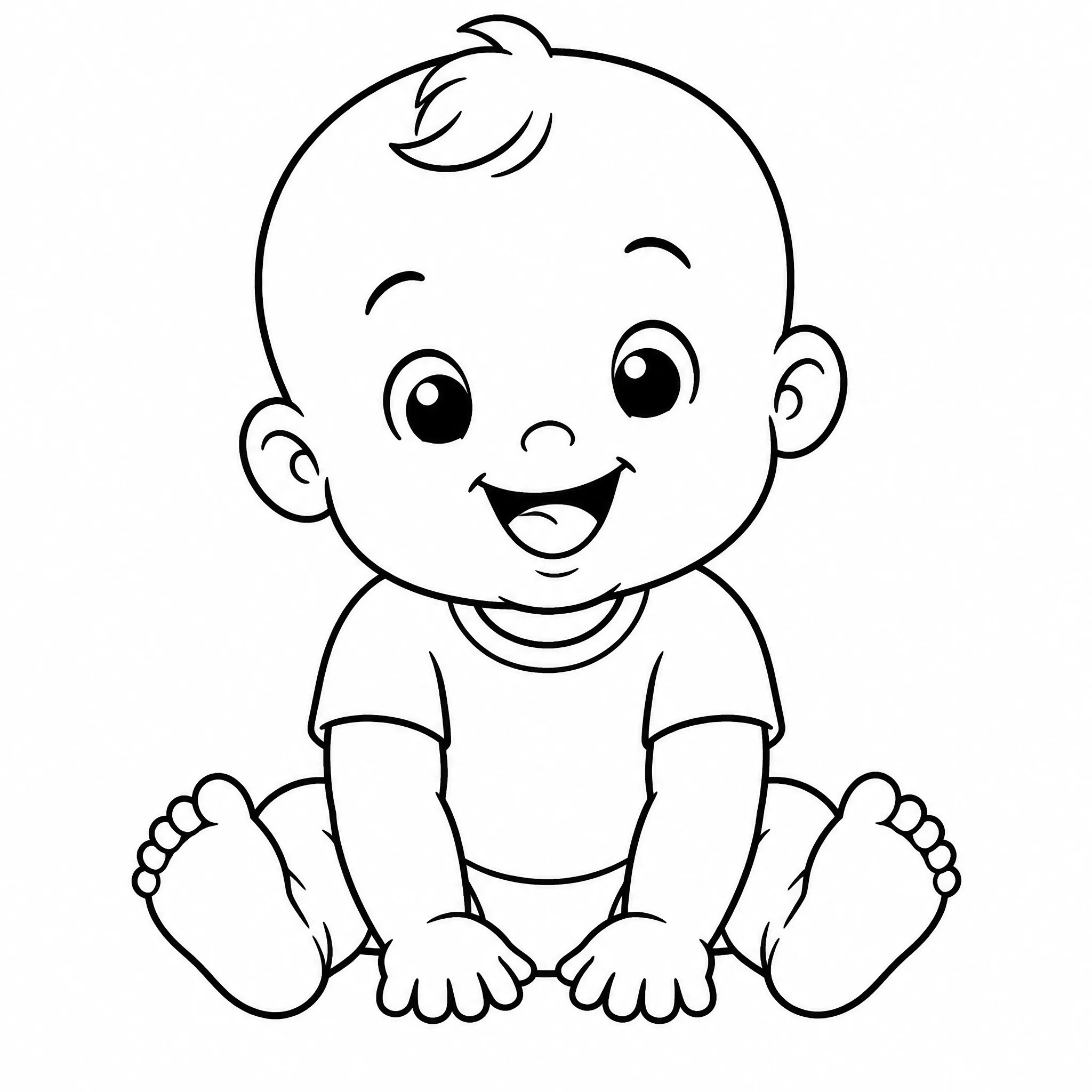
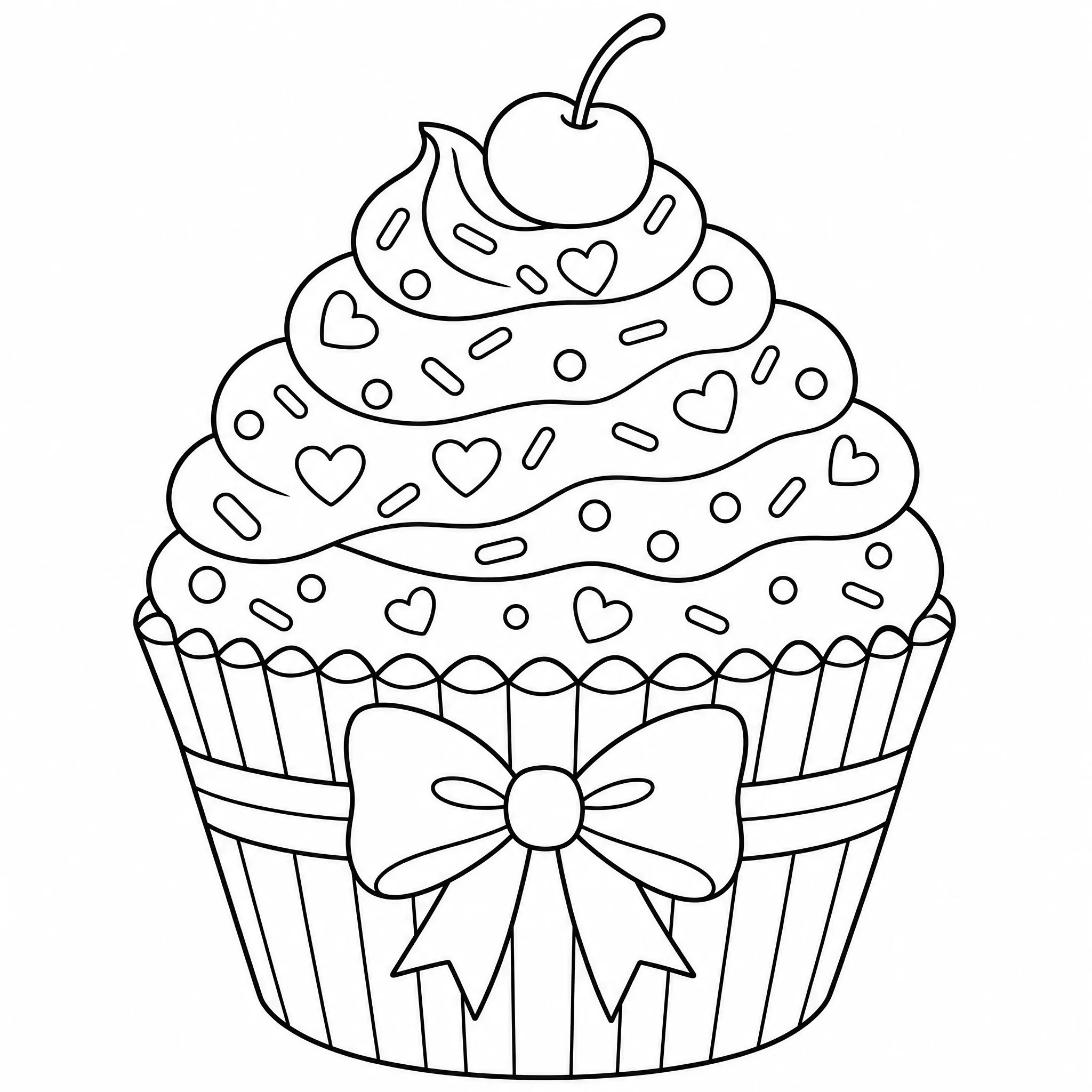
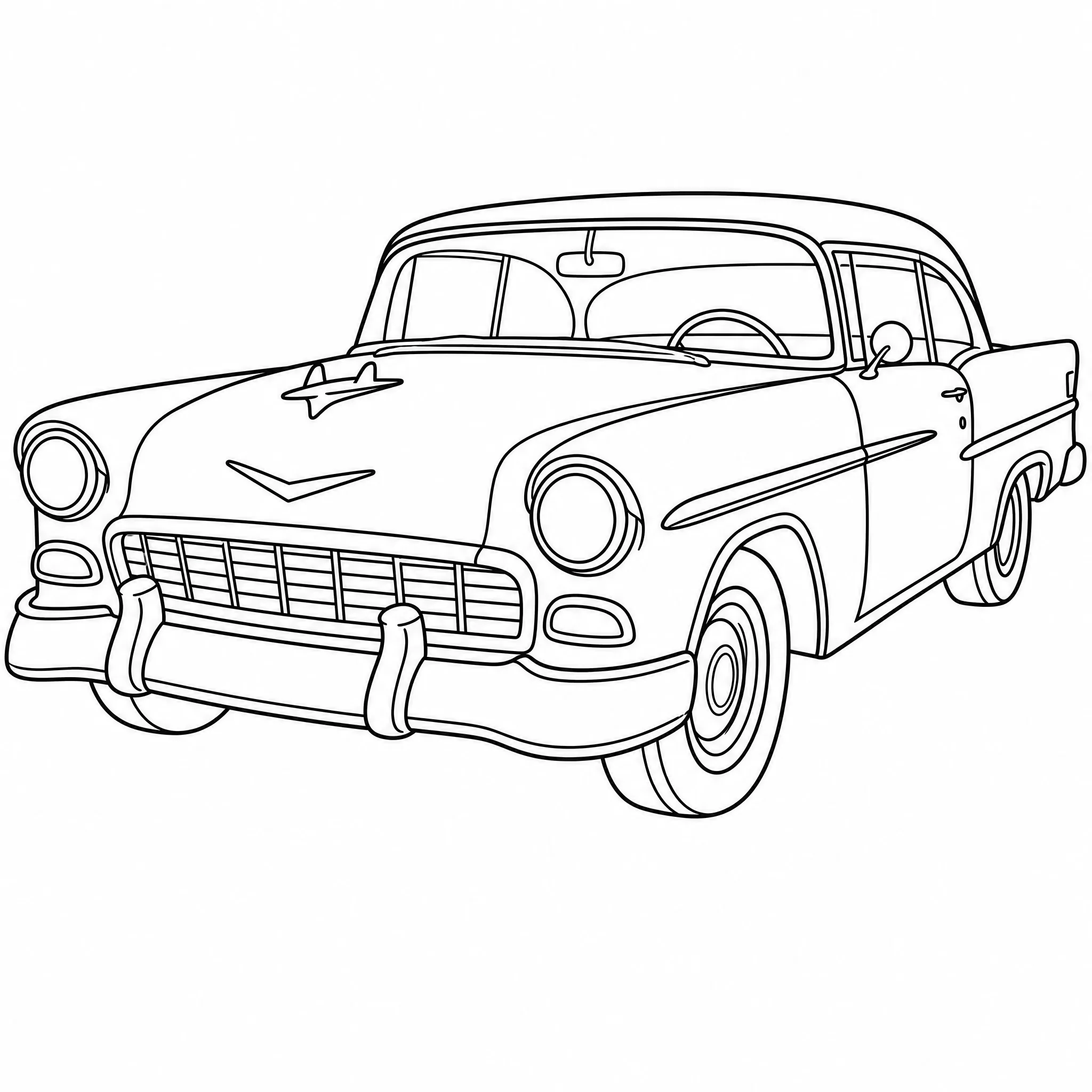
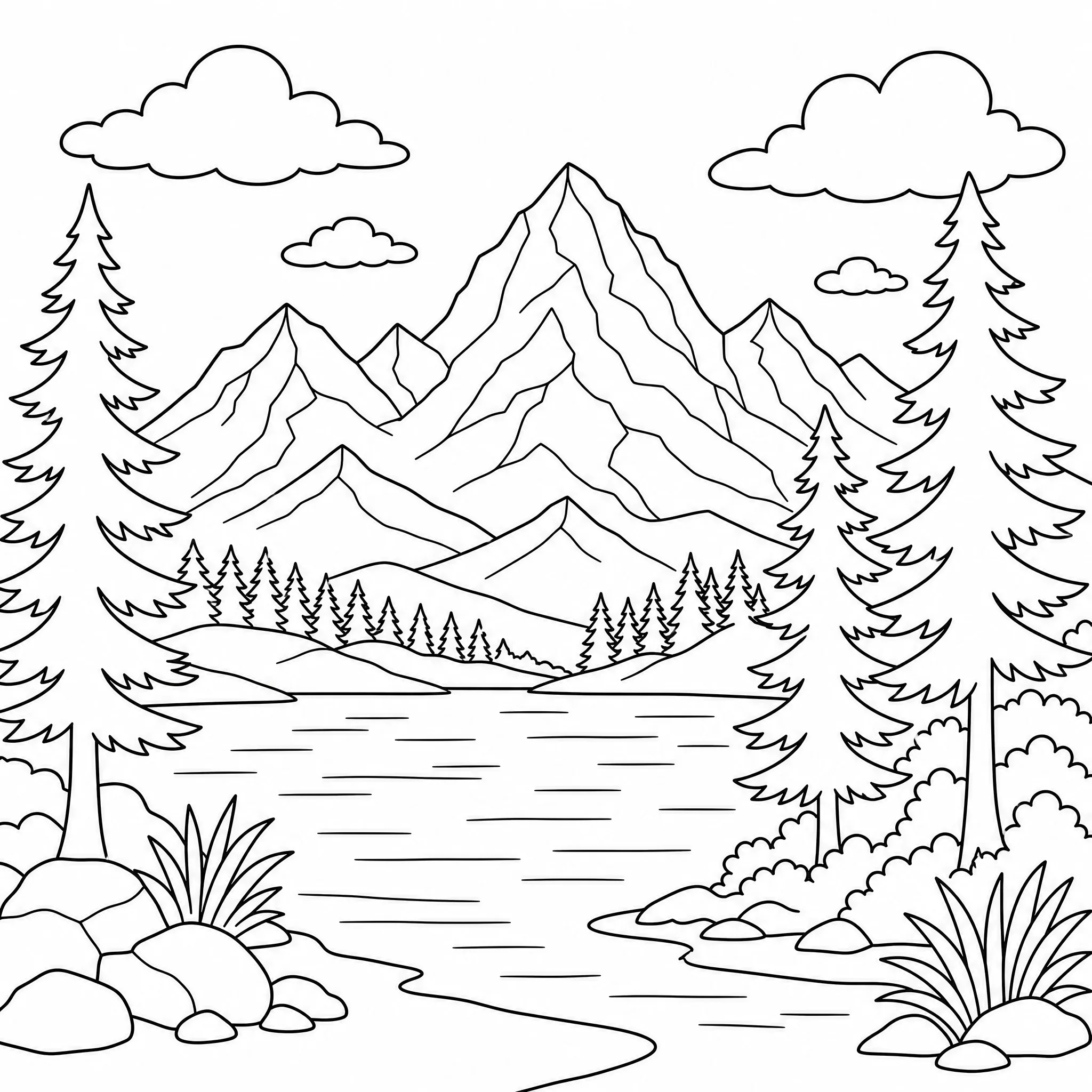
Everything you need to turn a photo into a coloring page that prints sharp and colors well.
Each photo becomes bold black outlines on white — no grey wash, no half-tones, just lines ready to color.
Dial detail down to a few simple lines for toddlers, or keep it high for older kids and adult colorists.
Convert your photo at up to 4K so outlines stay crisp on letter and A4 paper.
Square, portrait, or wide — pick the ratio that fits your frame, binder, or sketchpad.
Convert one photo into up to 4 coloring pages at once and keep the version you like.
Keep the full scene or clear the background for a clean, subject-only page.
Most people just upload and convert. Open the panel for more say over the result.
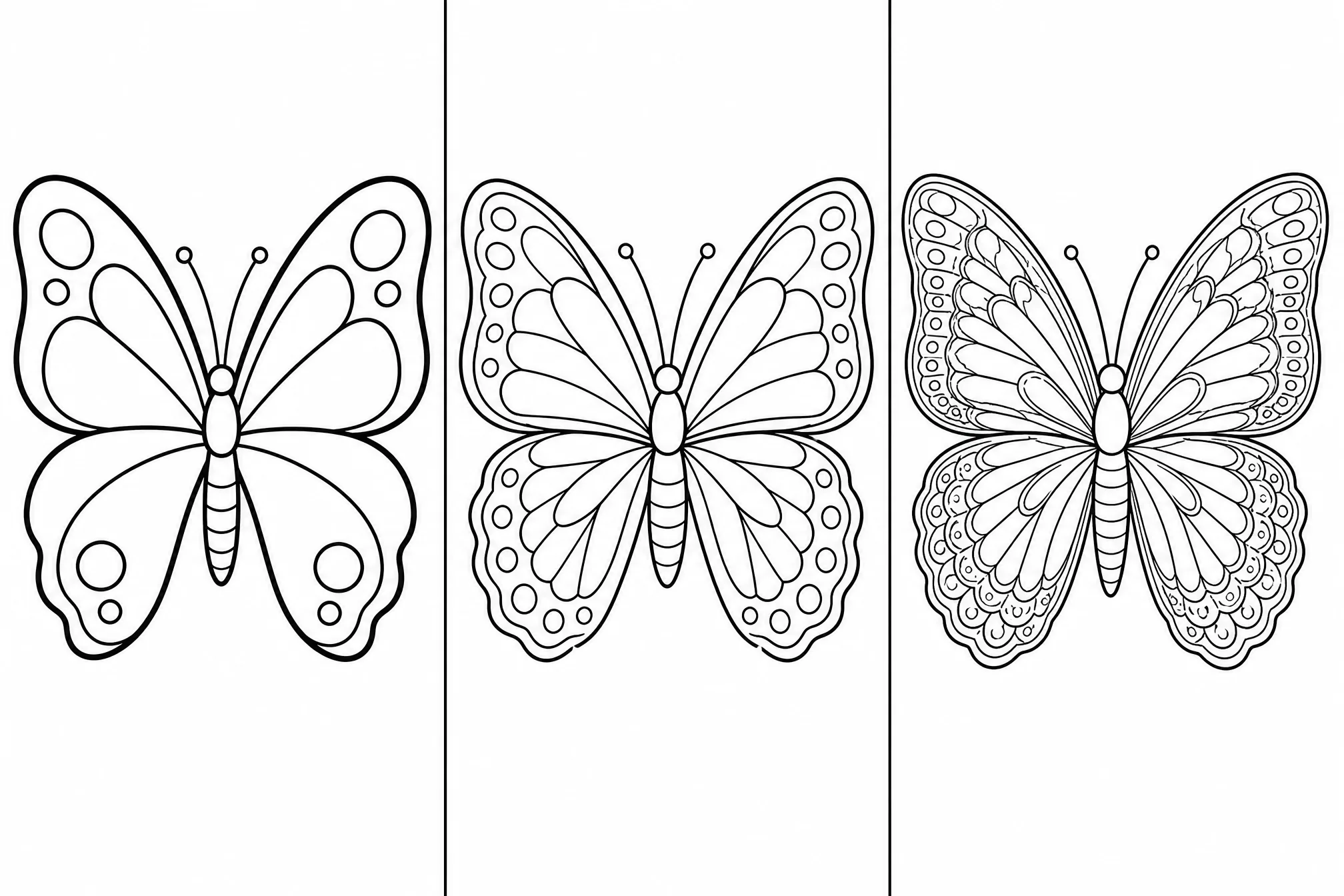
Choose fewer bold lines or finer detail to match the age and skill of the colorist.
Pick from 8 aspect ratios so the converted page fits your paper or frame.
Convert at higher resolution when you want the sharpest possible print.
Generate several conversions in one run and keep your favorite.
Drop the background for a clean subject, or keep the whole scene.
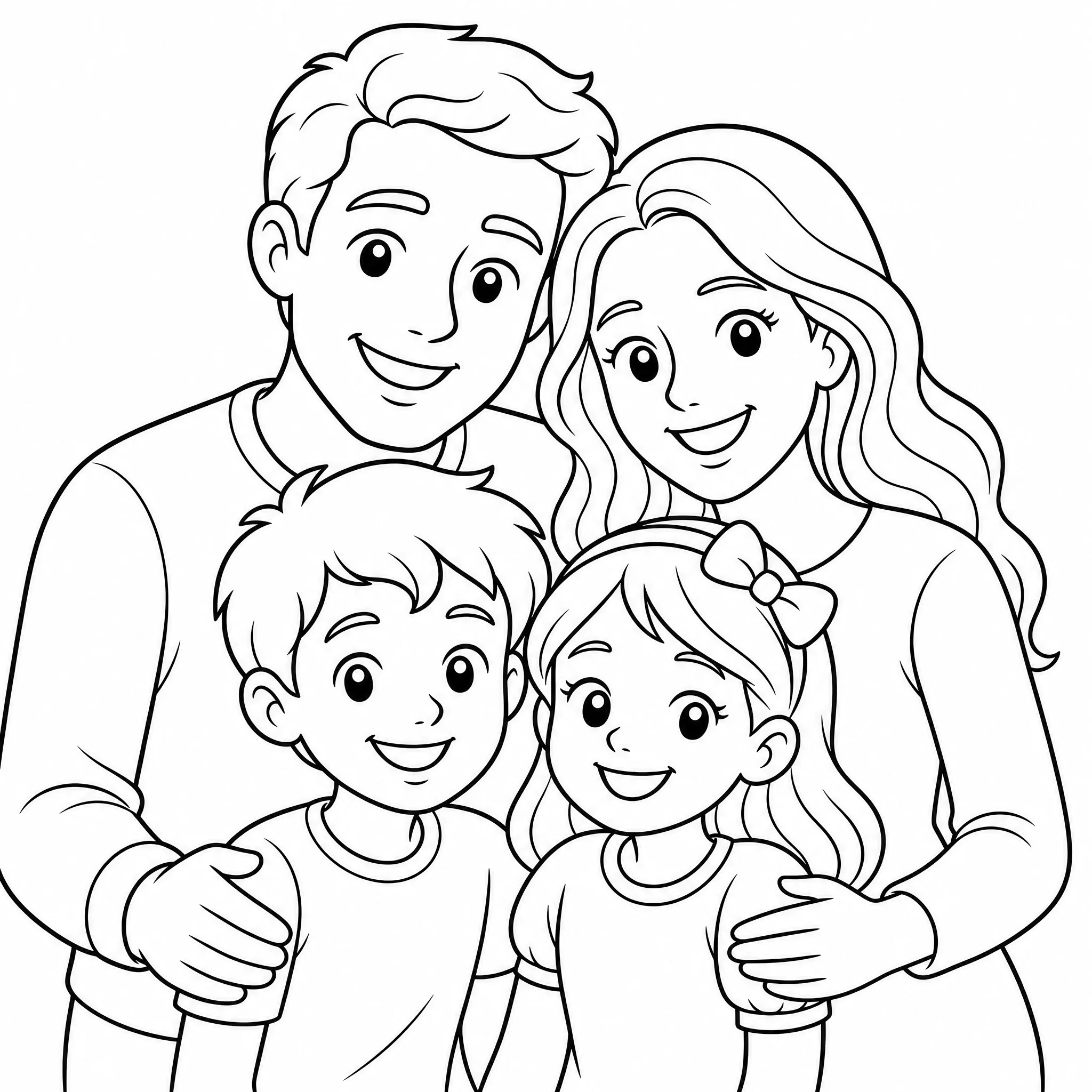
Convert a favorite family photo into a coloring page to print, color, and keep.
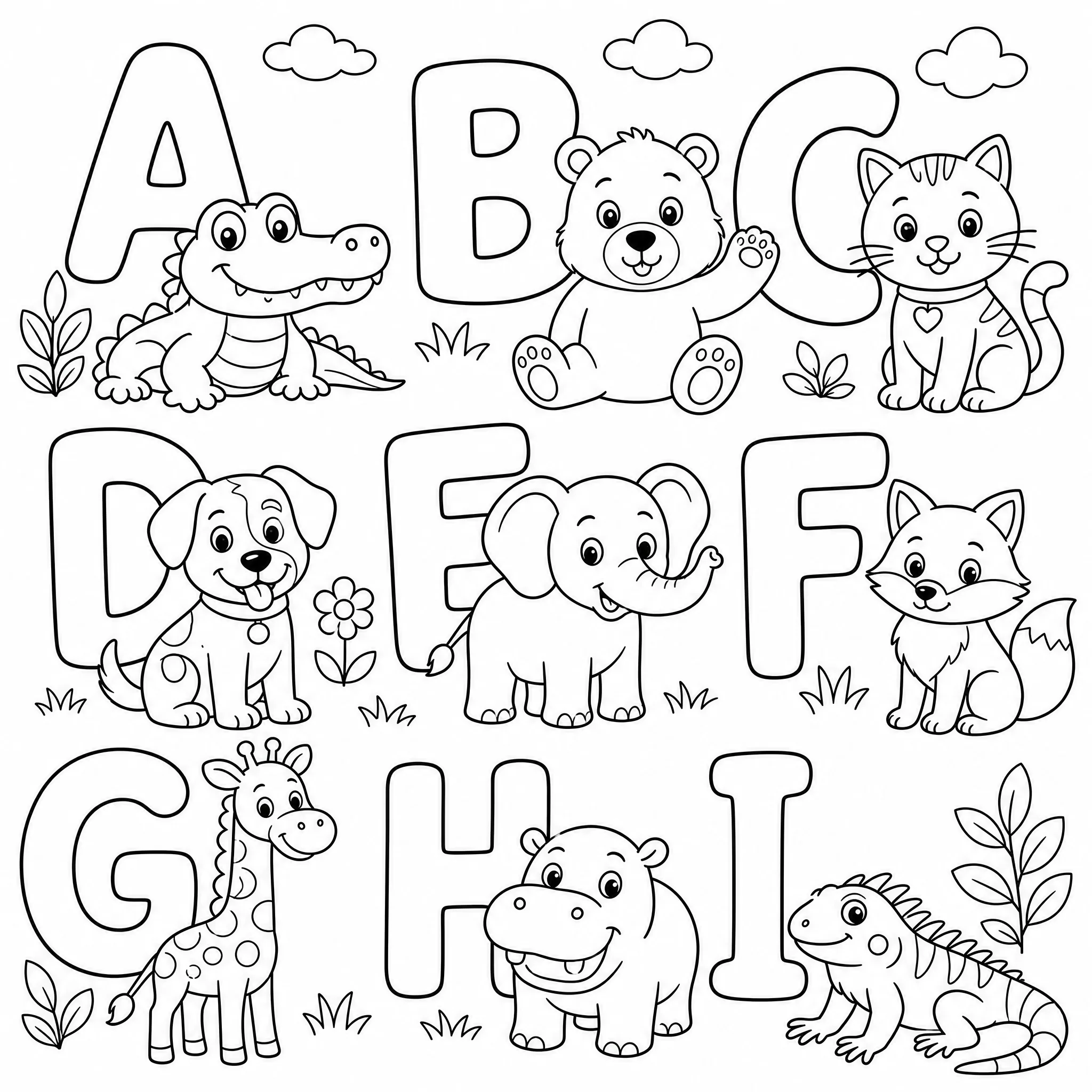
Teachers convert lesson or event photos into printable coloring sheets in seconds.
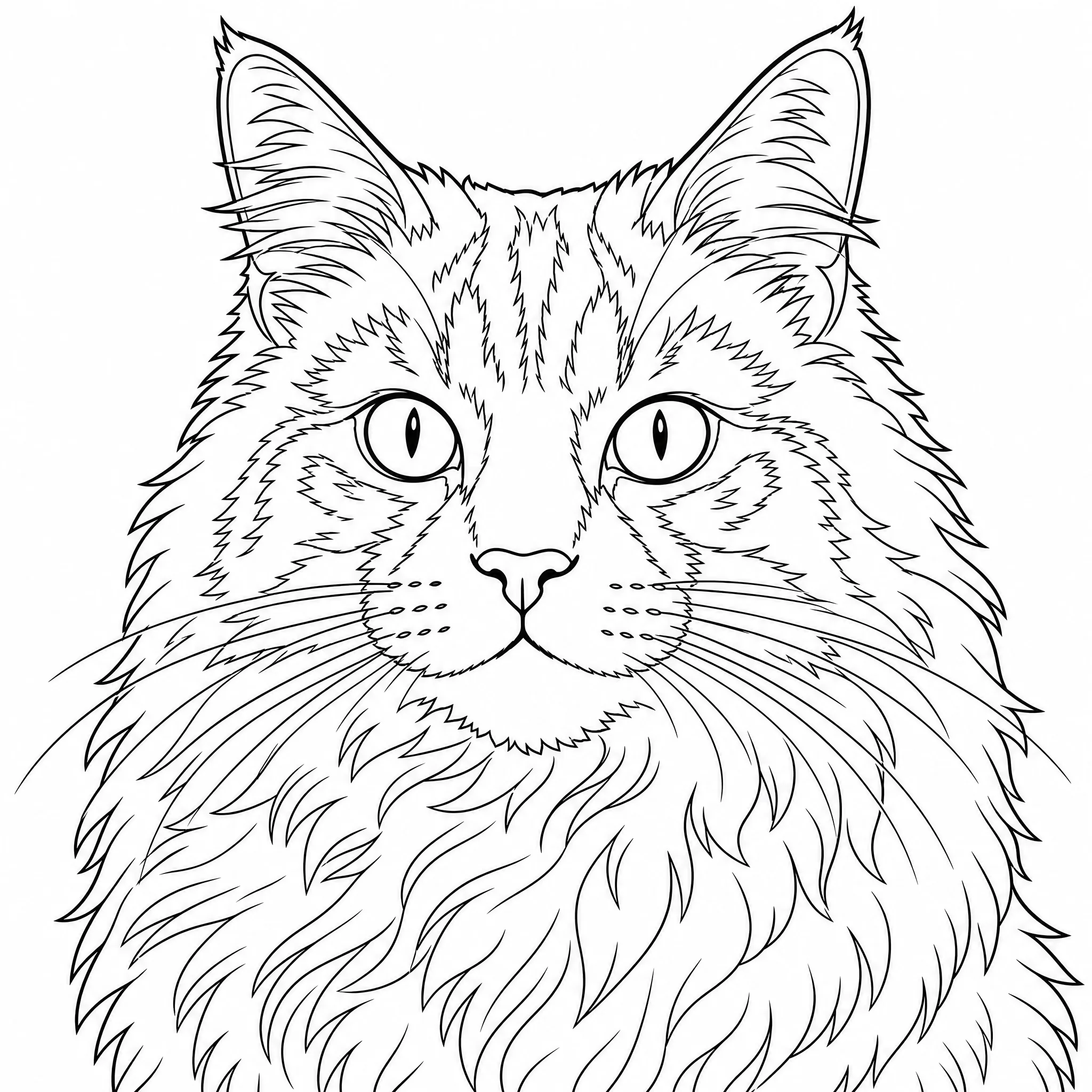
Turn a photo of your dog or cat into line art to color and frame.
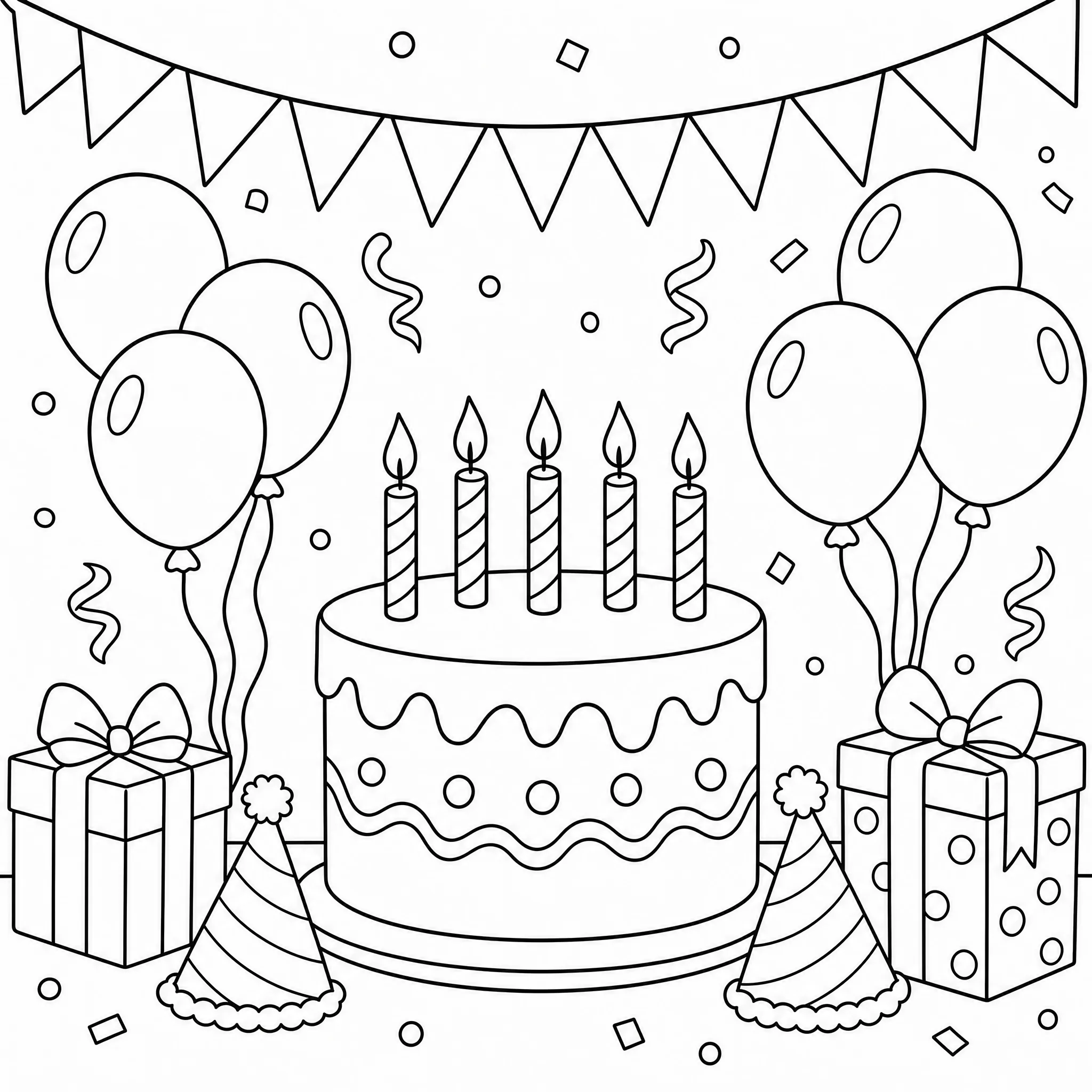
Convert birthday or holiday photos into coloring pages as favors and table activities.
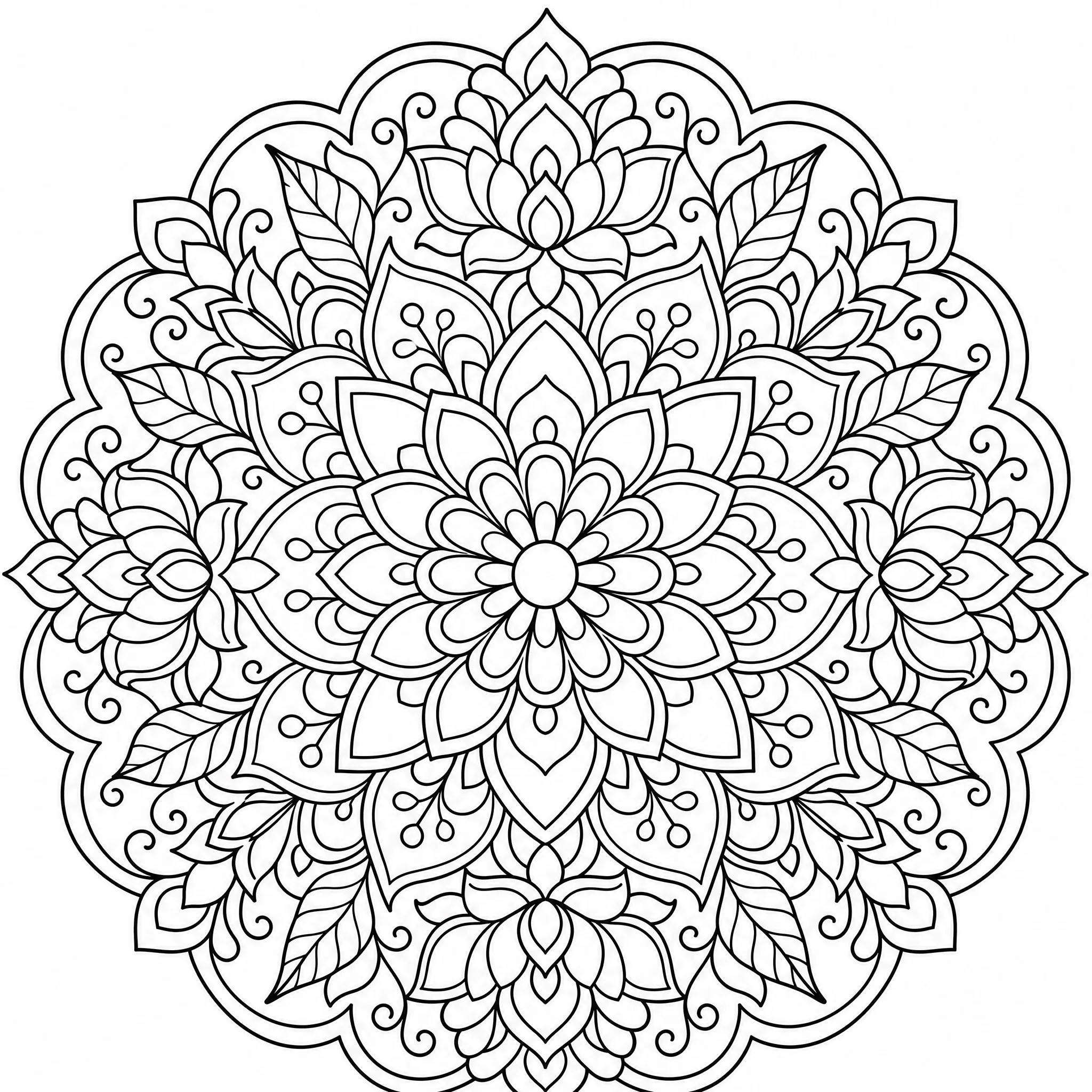
Keep more detail for an intricate, calming coloring page from your own photos.
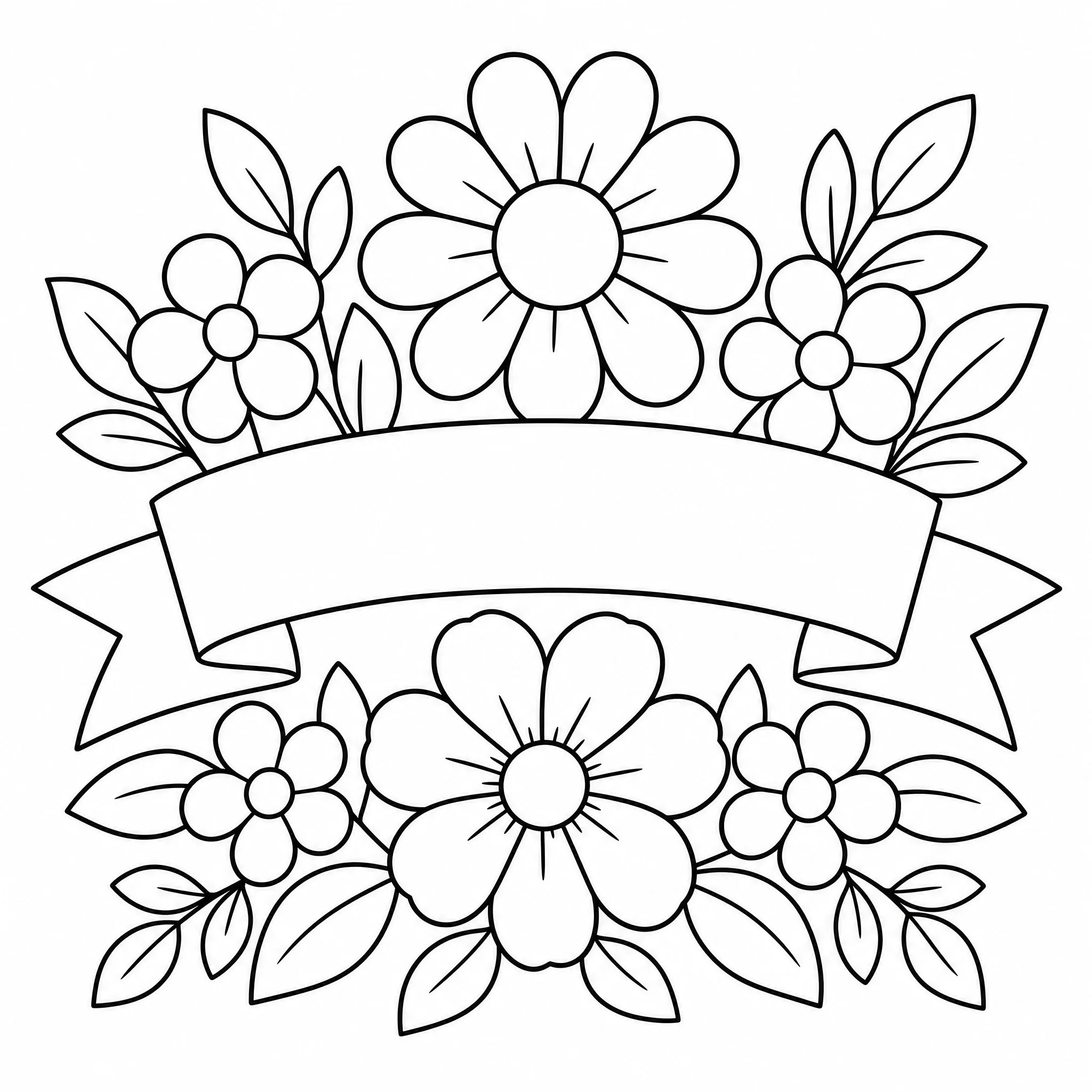
Use the converted outline for cards, stencils, embroidery patterns, and more.
| This converter | Photoshop / by hand | |
|---|---|---|
| Time to a page | About a minute | Many steps or an hour+ |
| Skill needed | None | Filters or a steady hand |
| Software | None — runs in browser | Paid app or install |
| Detail control | Built-in | Manual tweaking |
| Print resolution | Up to 4K | Depends on setup |
Clear about what it does — and built to do it well.
Every sample here is a genuine photo converted with the tool — run your own in the same flow and see the result.
Dedicated controls for detail, page shape, and resolution turn a photo into real coloring-page line art, not a grey filter.
It converts photos into printable outline coloring pages — we tell you exactly what to expect.
New accounts include free credits, it runs in your browser, and you can download and print whenever you like.
Clear, well-lit photos convert into the cleanest outlines.
A single main subject converts more cleanly than a busy, cluttered photo.
Fewer lines for little kids, more detail for older kids and adults.
Choose the page ratio before printing so it fits your paper.
Free credits to start, no software to install, and a printable coloring page ready in minutes.
Start Free — Convert a PhotoUpload your photo, let the tool convert it to black-and-white line art, then download and print. The whole process runs online in your browser and takes about a minute — no editing skills needed.
Yes, it is free to start. Create a free account and new accounts include free credits, so you can convert and download your first coloring pages right away.
No. There is no Photoshop, Canva, or app to install — the converter works entirely online in your browser on phone, tablet, or desktop.
Clear, well-lit photos with one main subject convert best — portraits, pets, food, and simple scenes. You can adjust the detail level for younger kids or adults.
Yes. Each result is clean black-and-white line art that prints crisply on standard paper, at resolution up to 4K.
You can generate up to 4 coloring pages from a single run and keep the versions you like best.