Upload a photo and make line art from it in seconds — a clean, print-ready black-and-white drawing. This line art maker runs online in your browser, with no app to install.
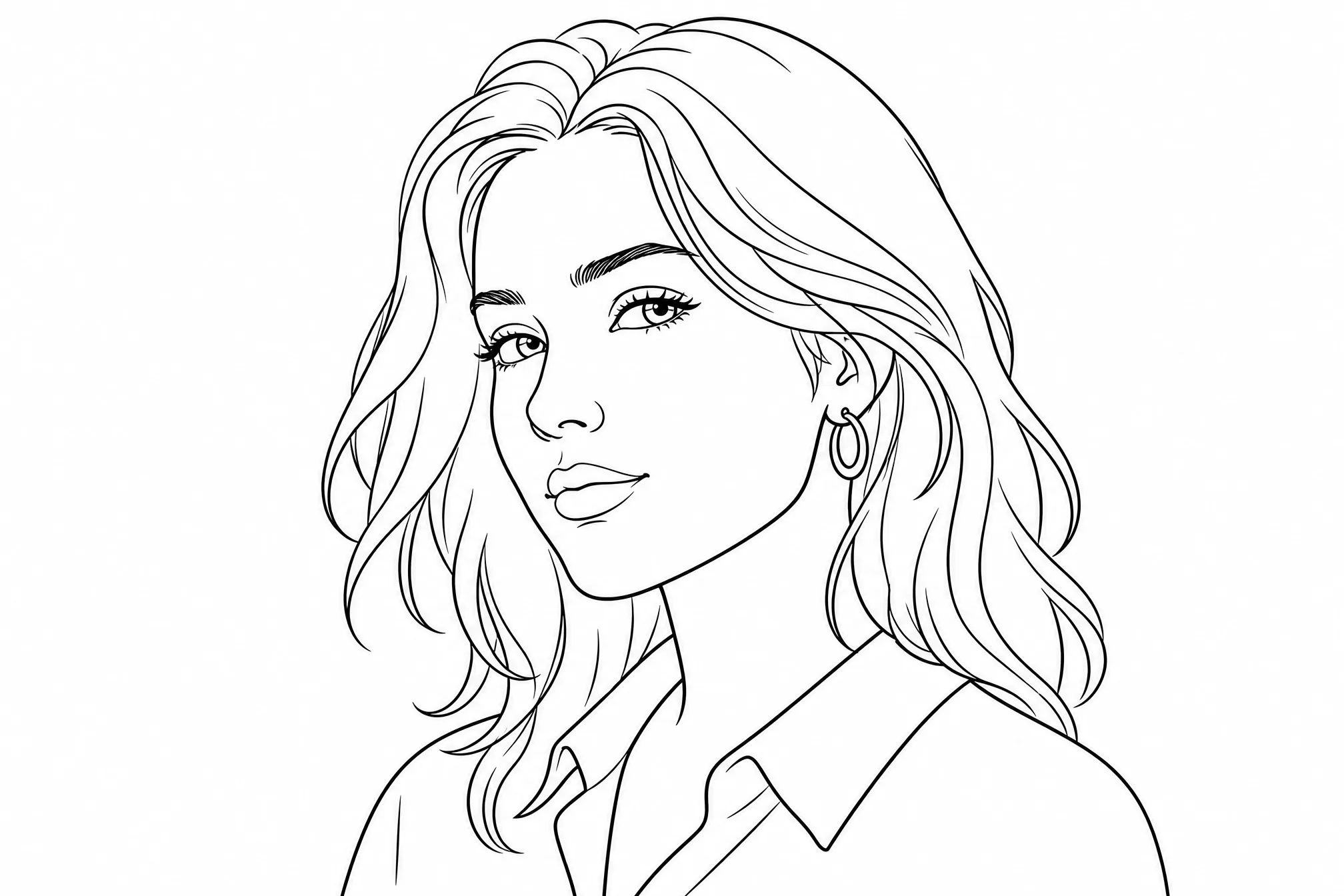
JPG or PNG — portraits, products, places, anything you want as line art.
Free to start · runs online in your browser · print-ready output
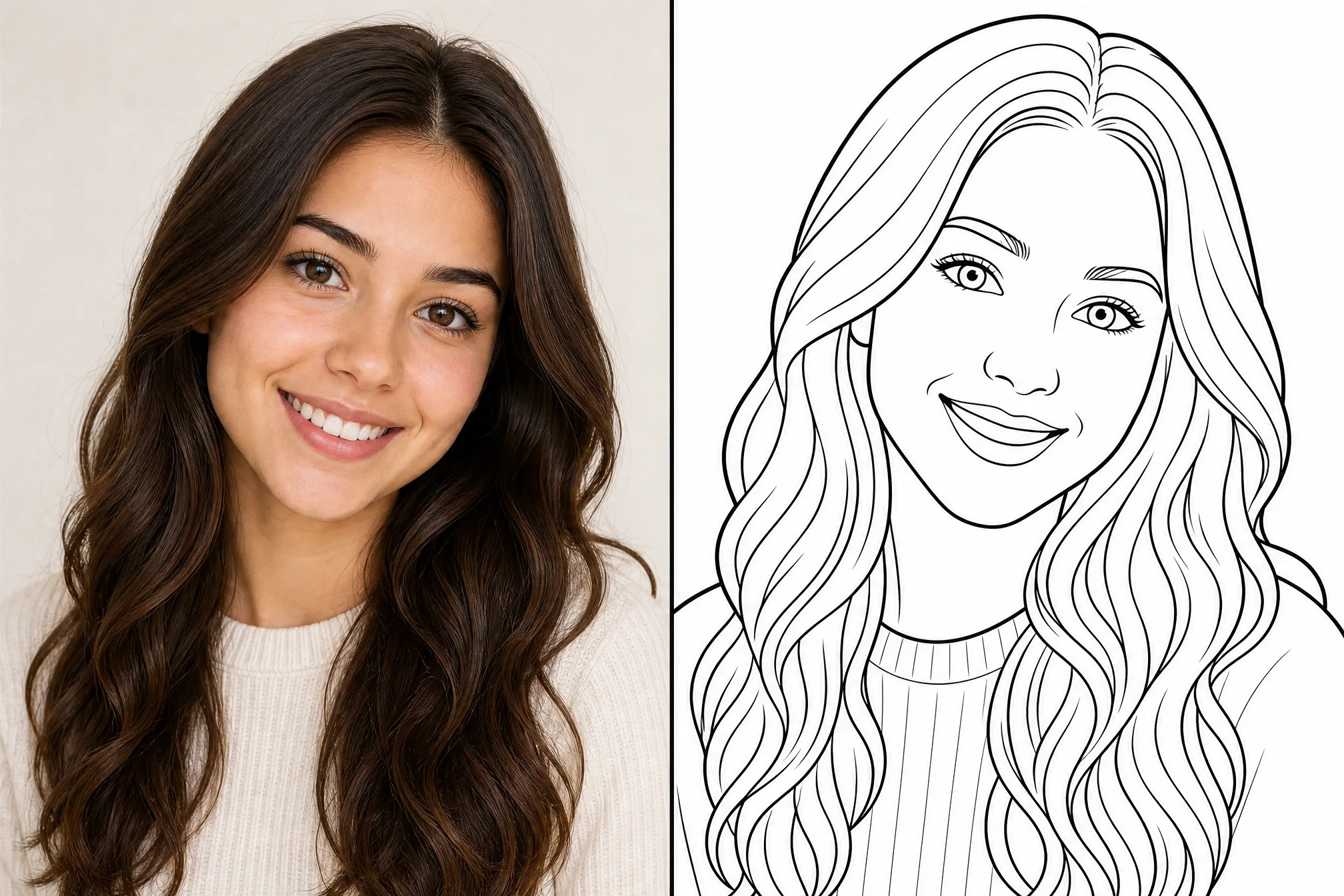
Every example below is a real result from this line art maker — upload a photo and make your own.
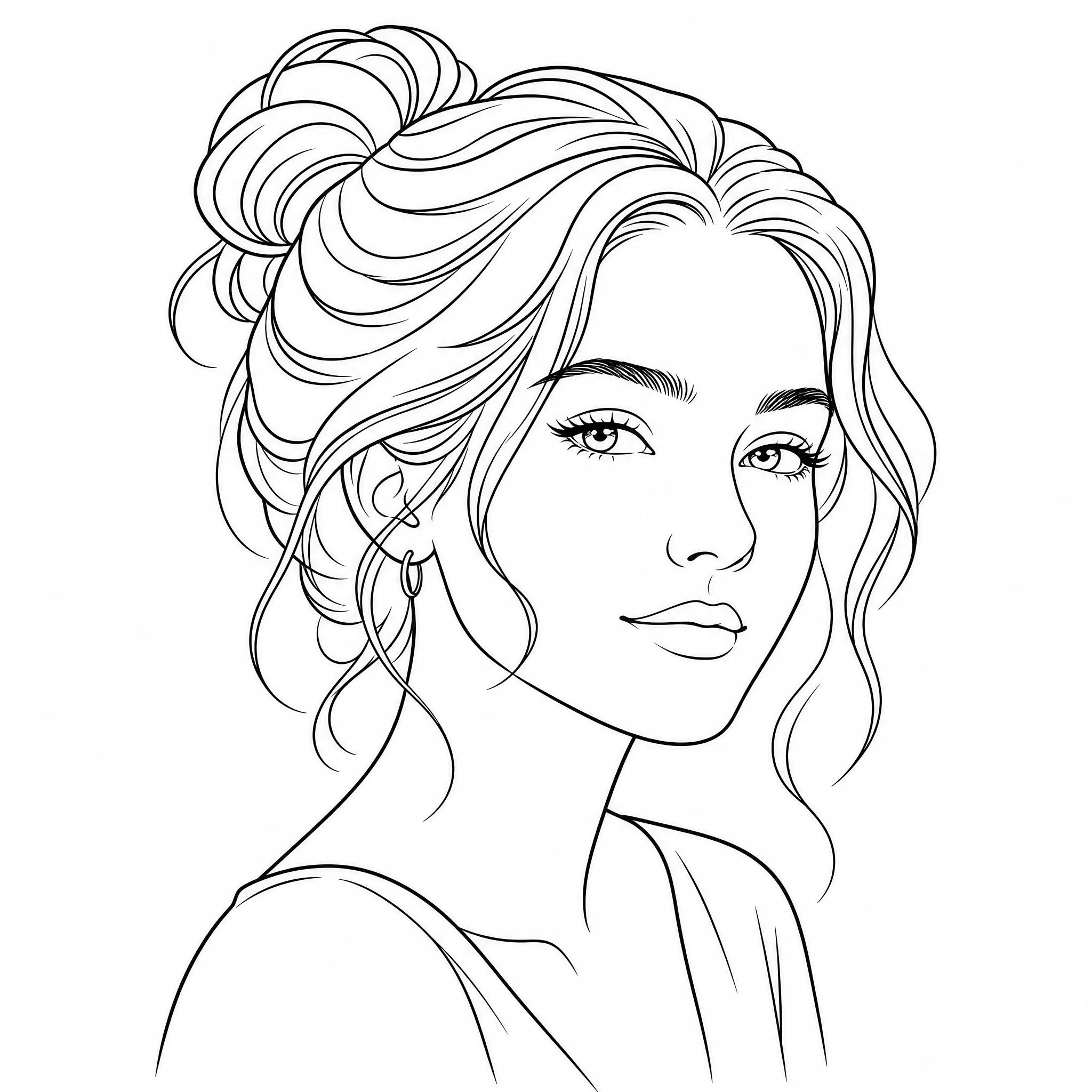
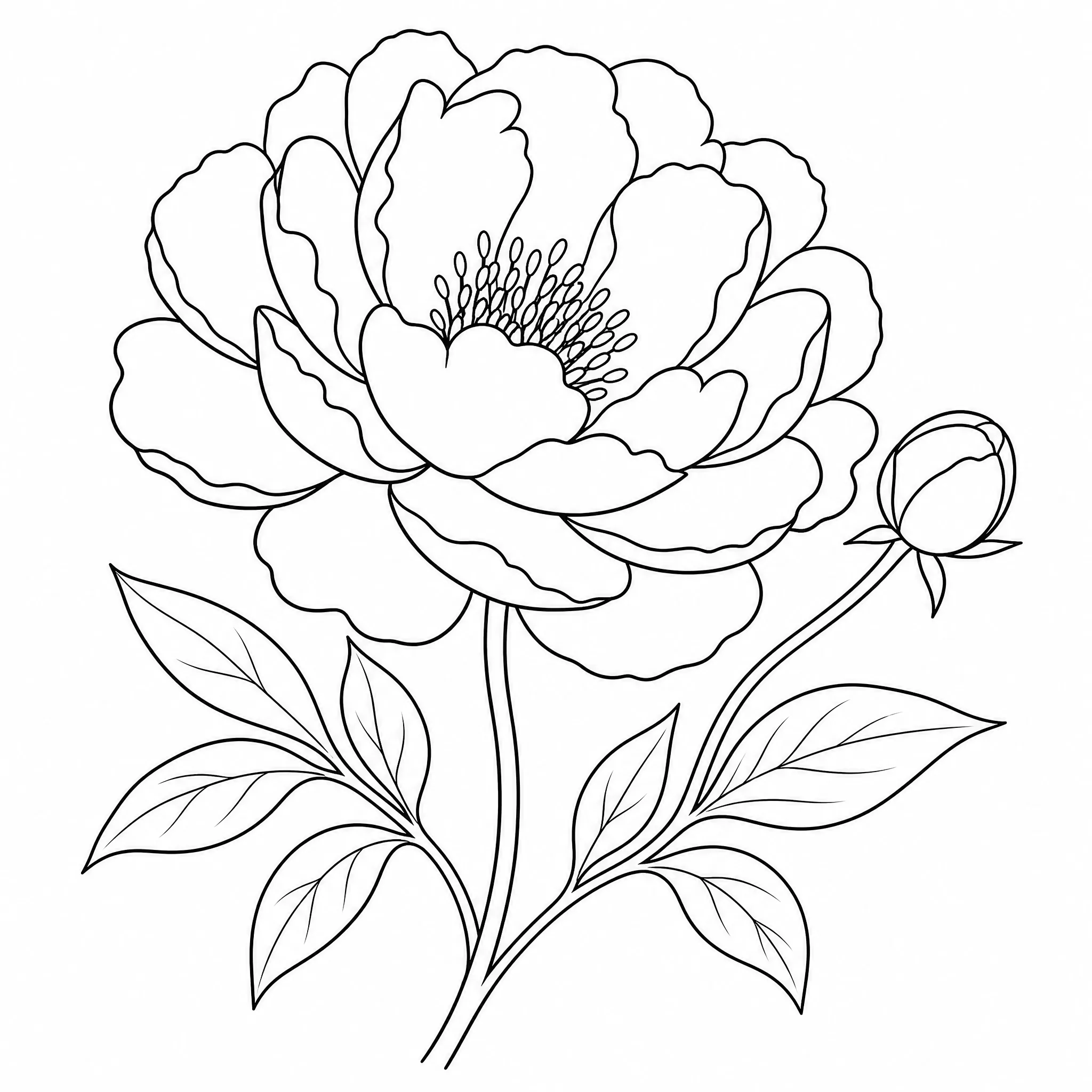
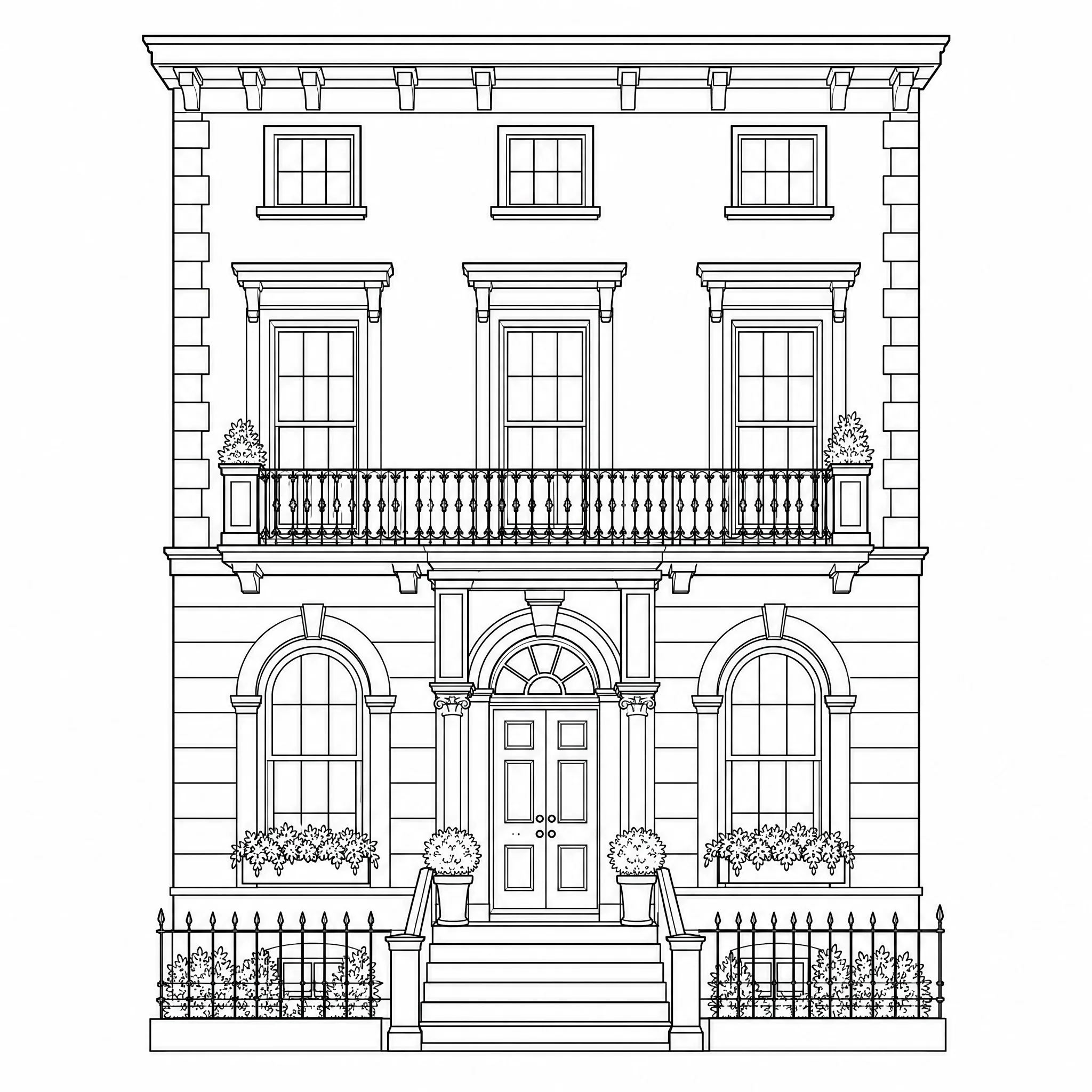
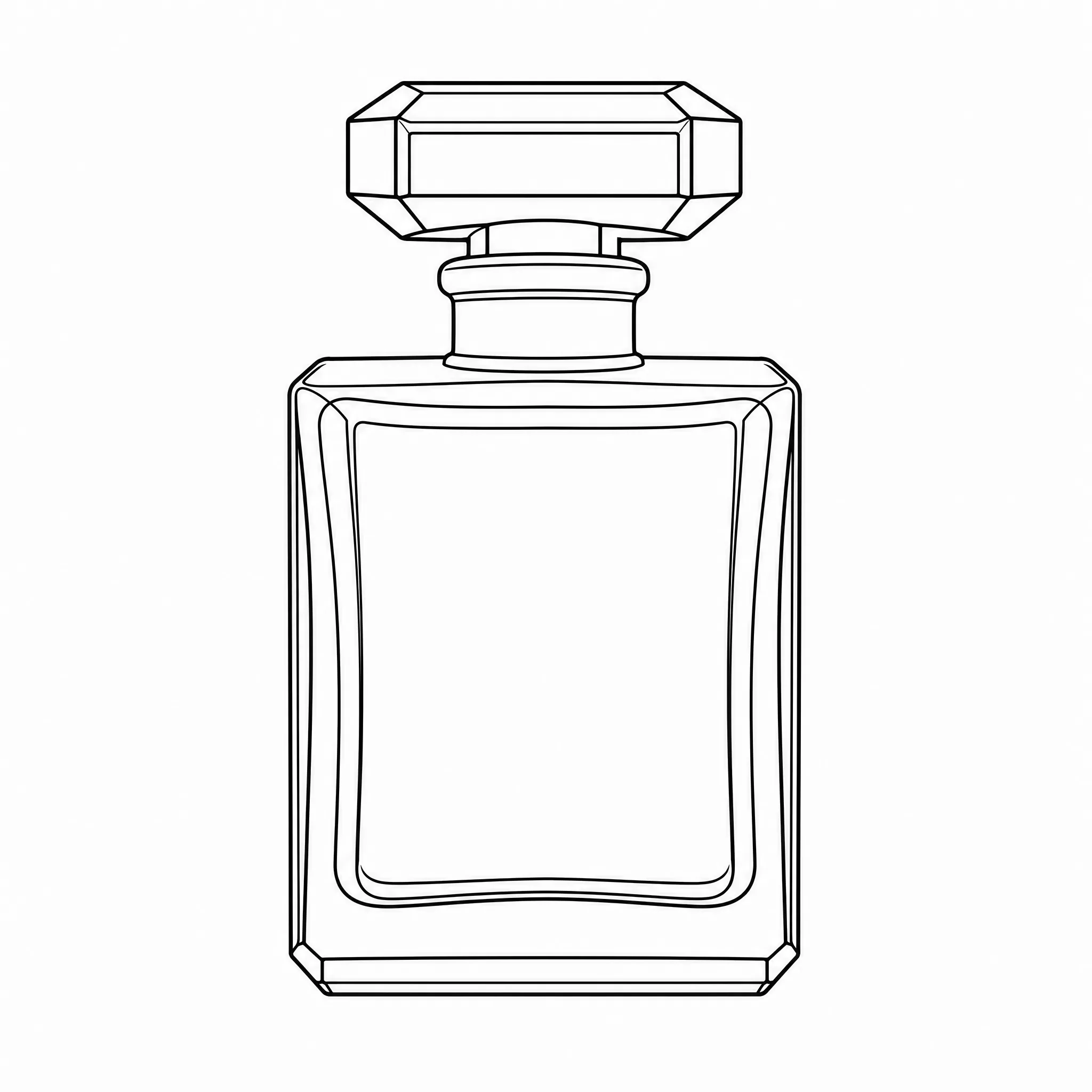
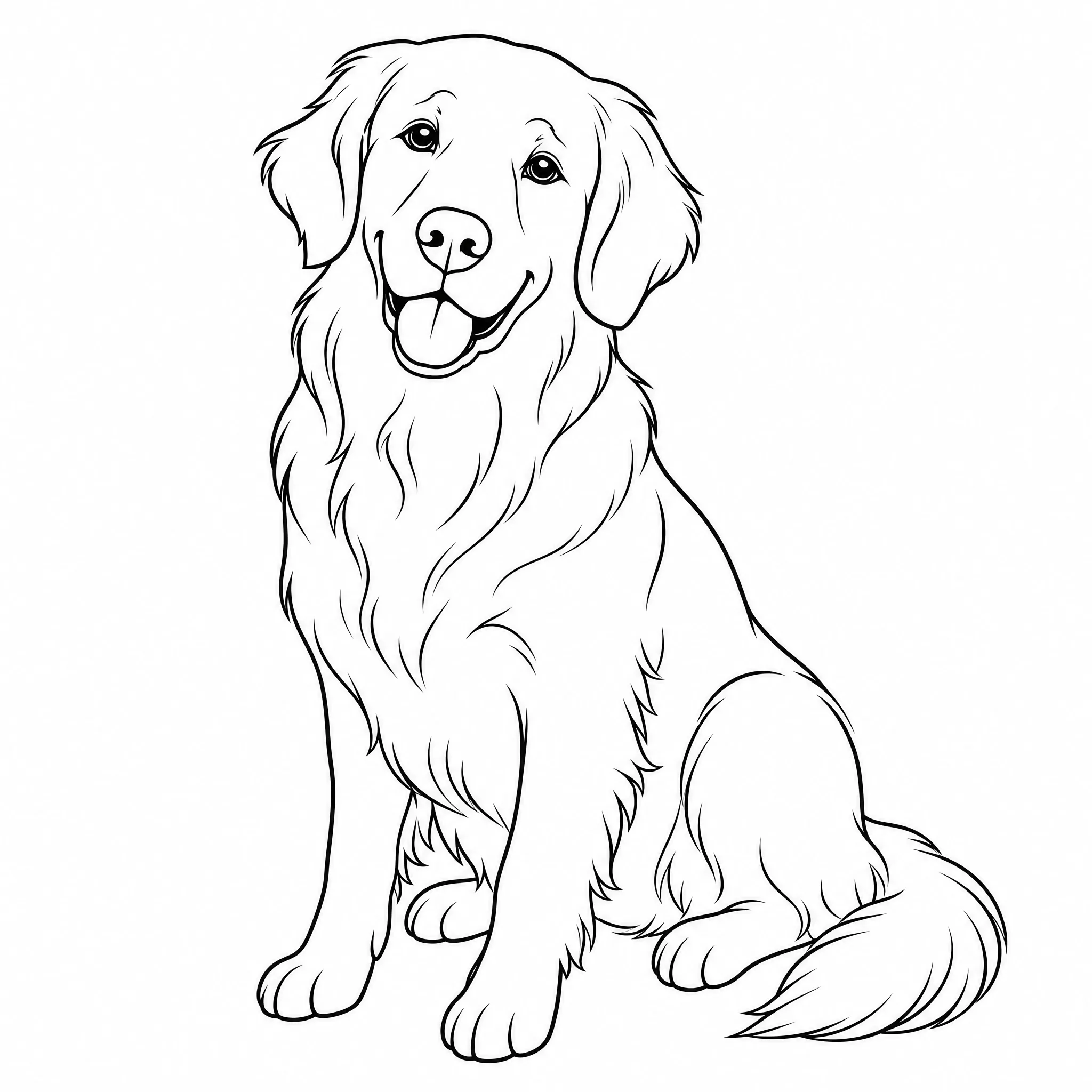
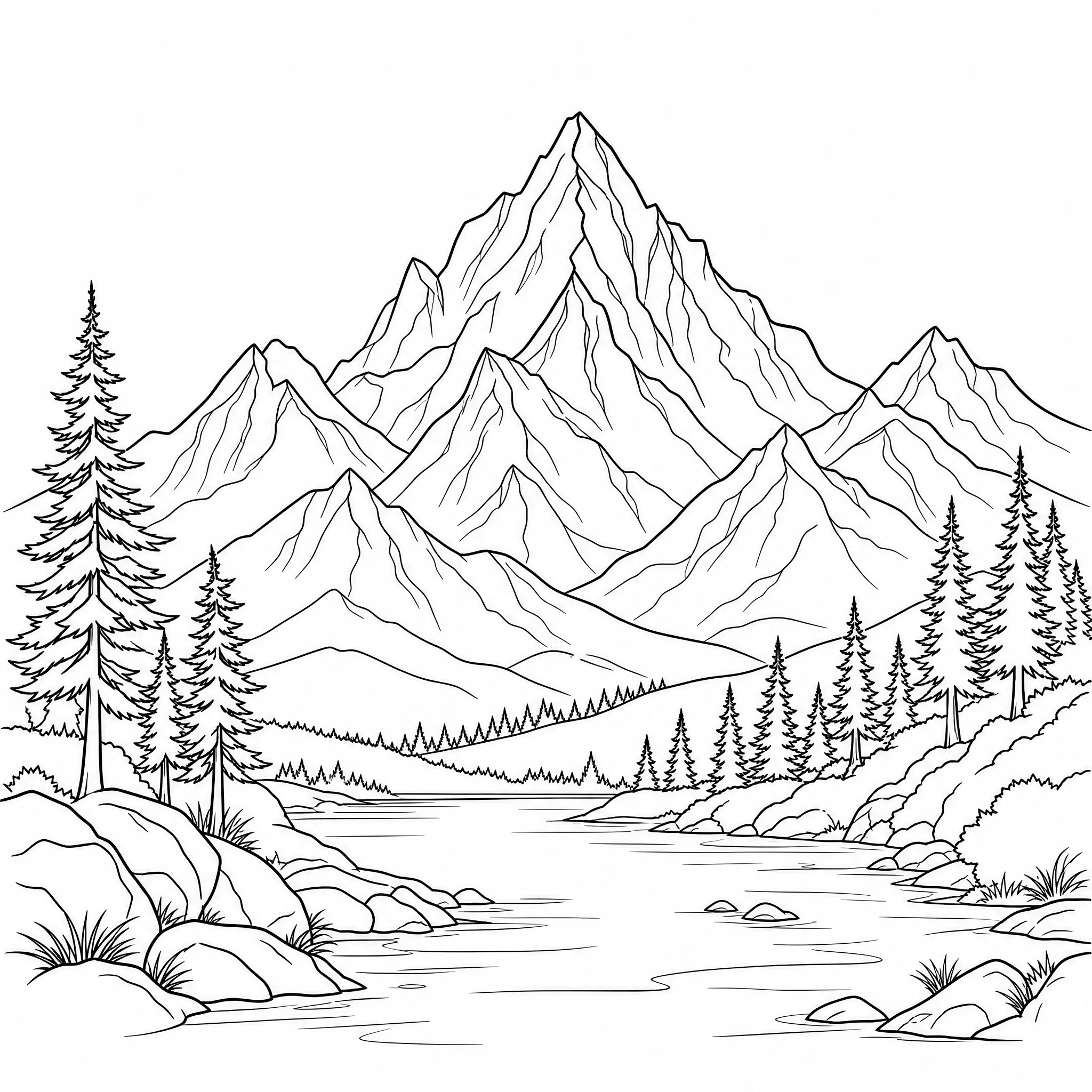
Drag any picture into the line art maker — a portrait, a product shot, a building, or a landscape.

The tool traces your photo into clean black-and-white line art — pure outlines, no shading and no color fills.
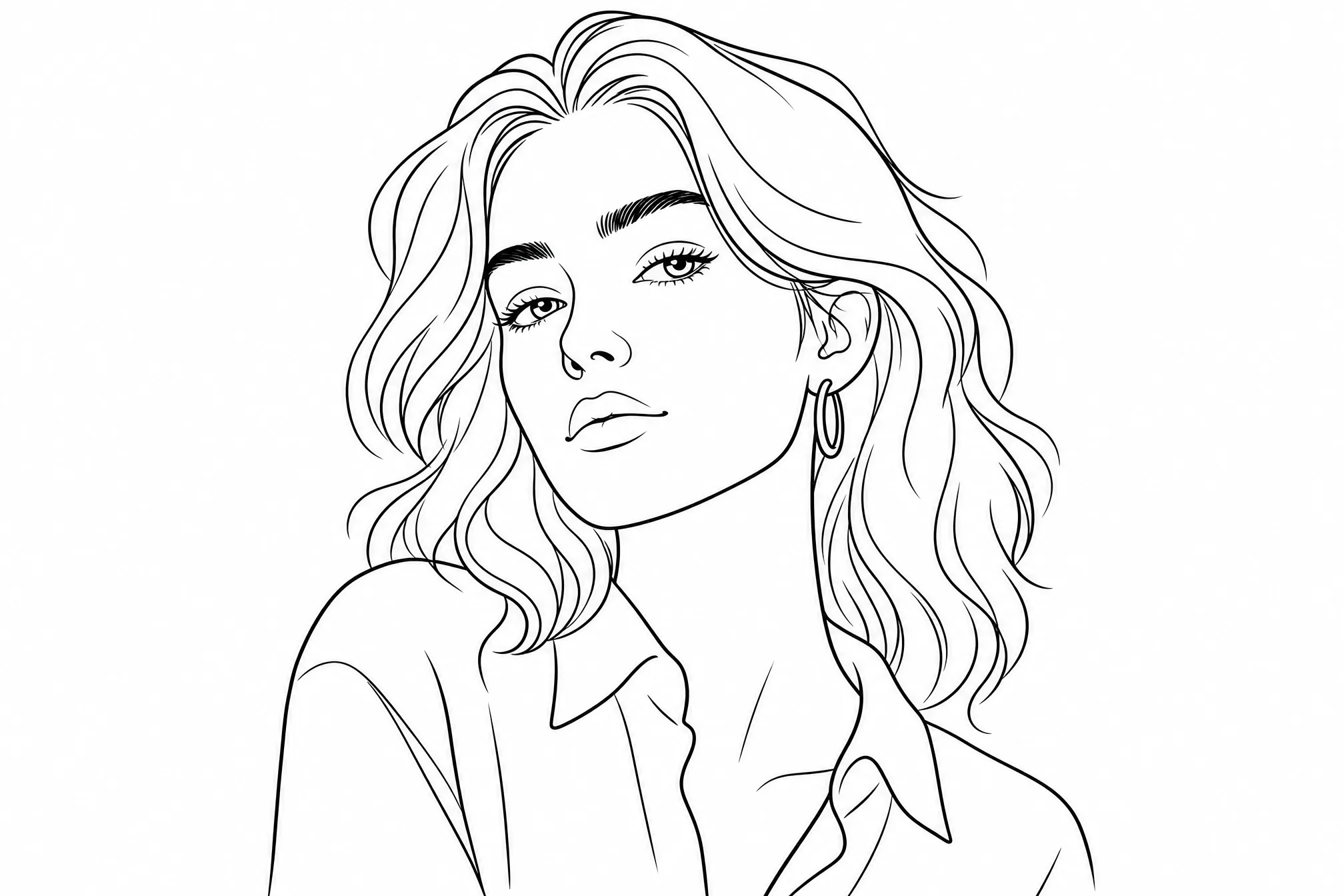
Export your line art at up to 4K and use it on screen, or print clean outlines at home.
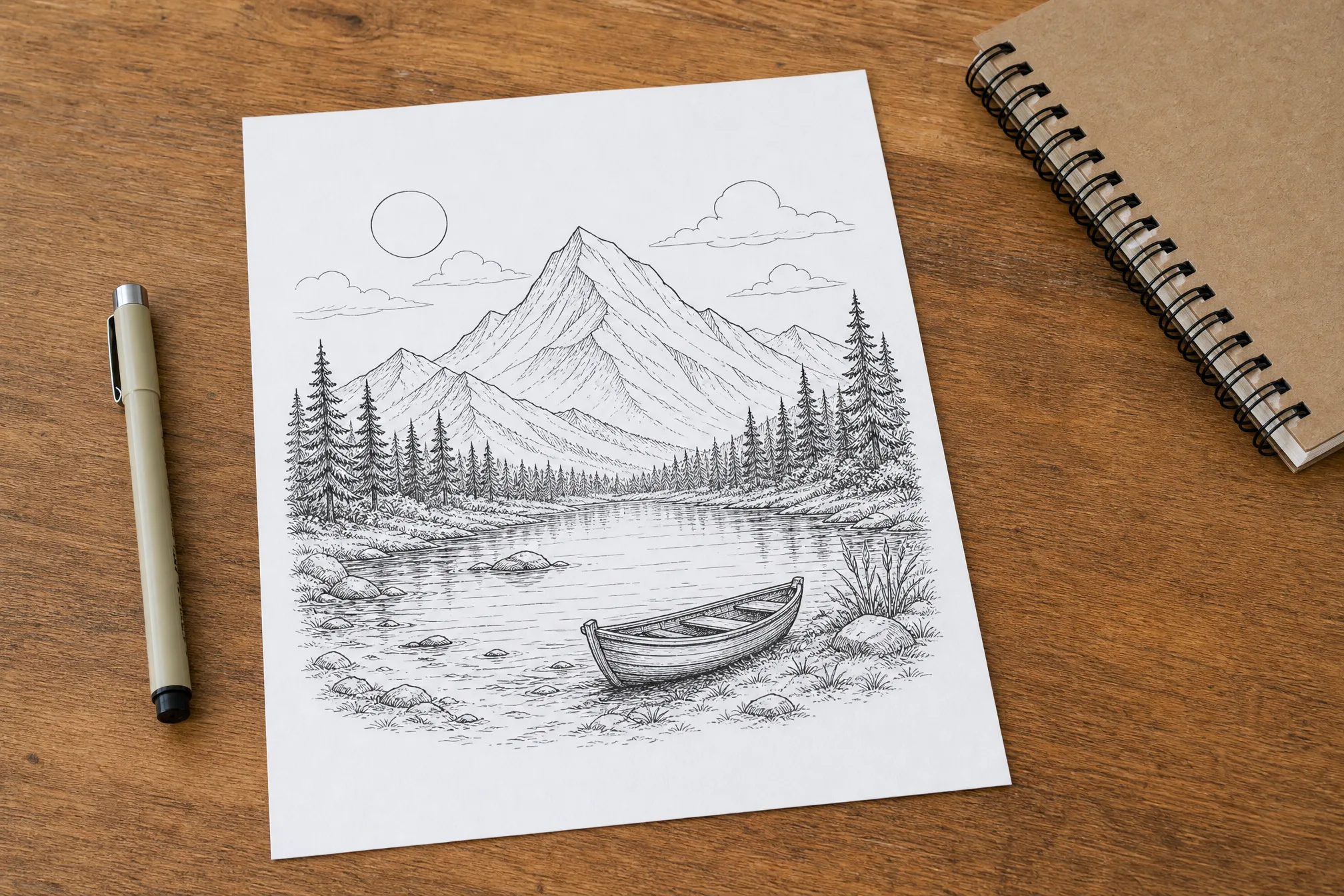
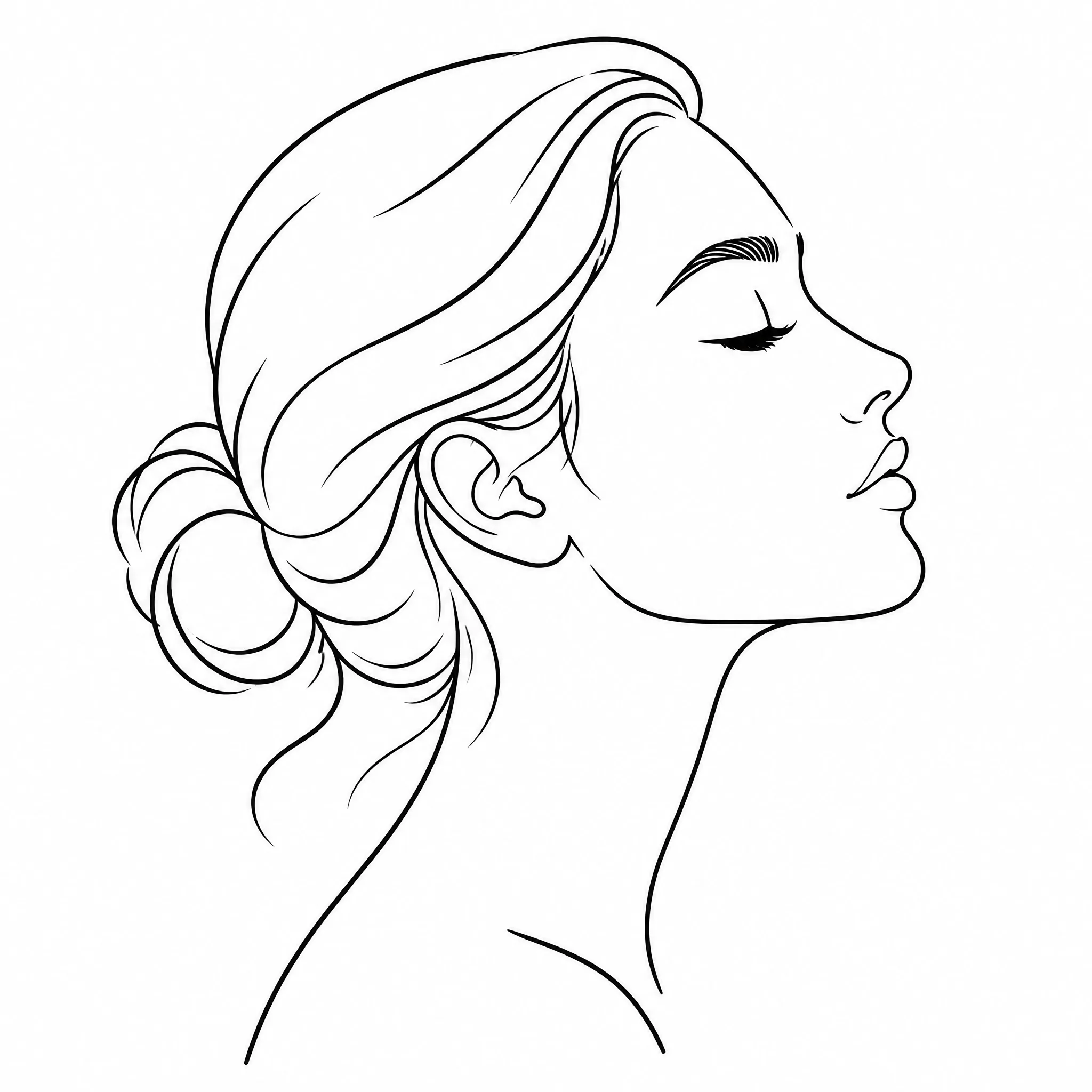
Make line art from a photo as a base to ink, paint over, or refine into a finished illustration.
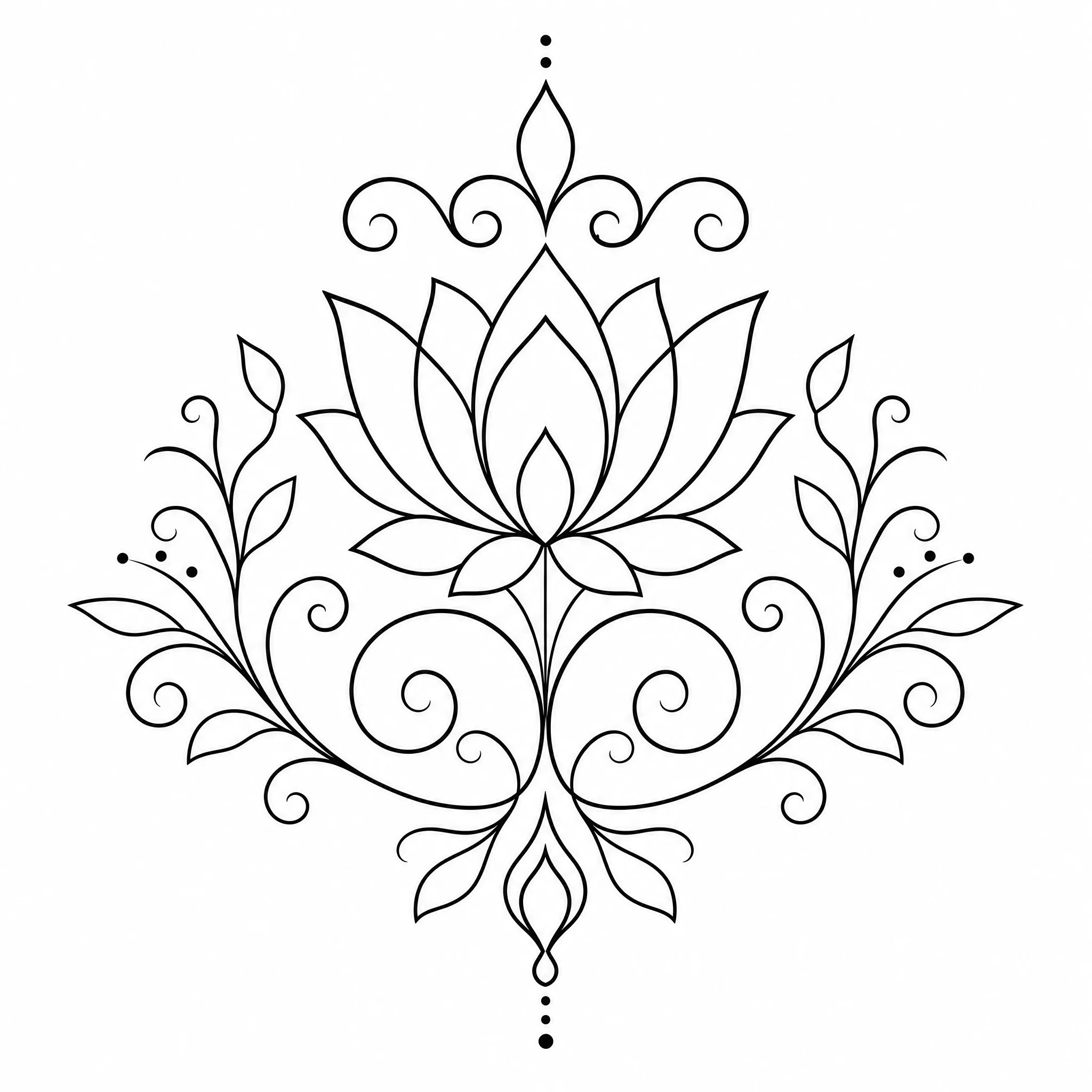
Turn photos into clean line art for logos, icons, packaging, and editorial layouts.
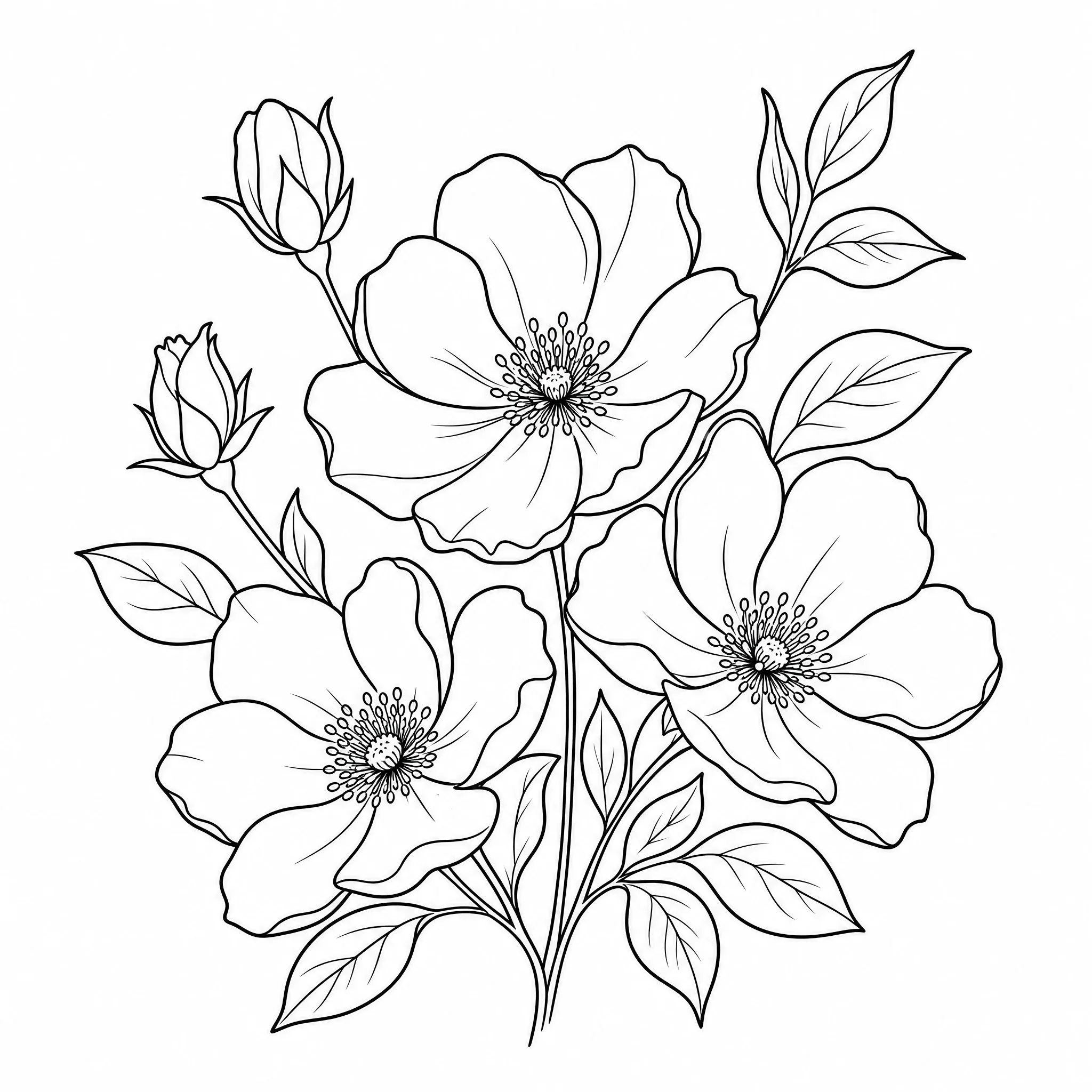
Make a picture into line art to sketch out and refine flash and custom tattoo designs.
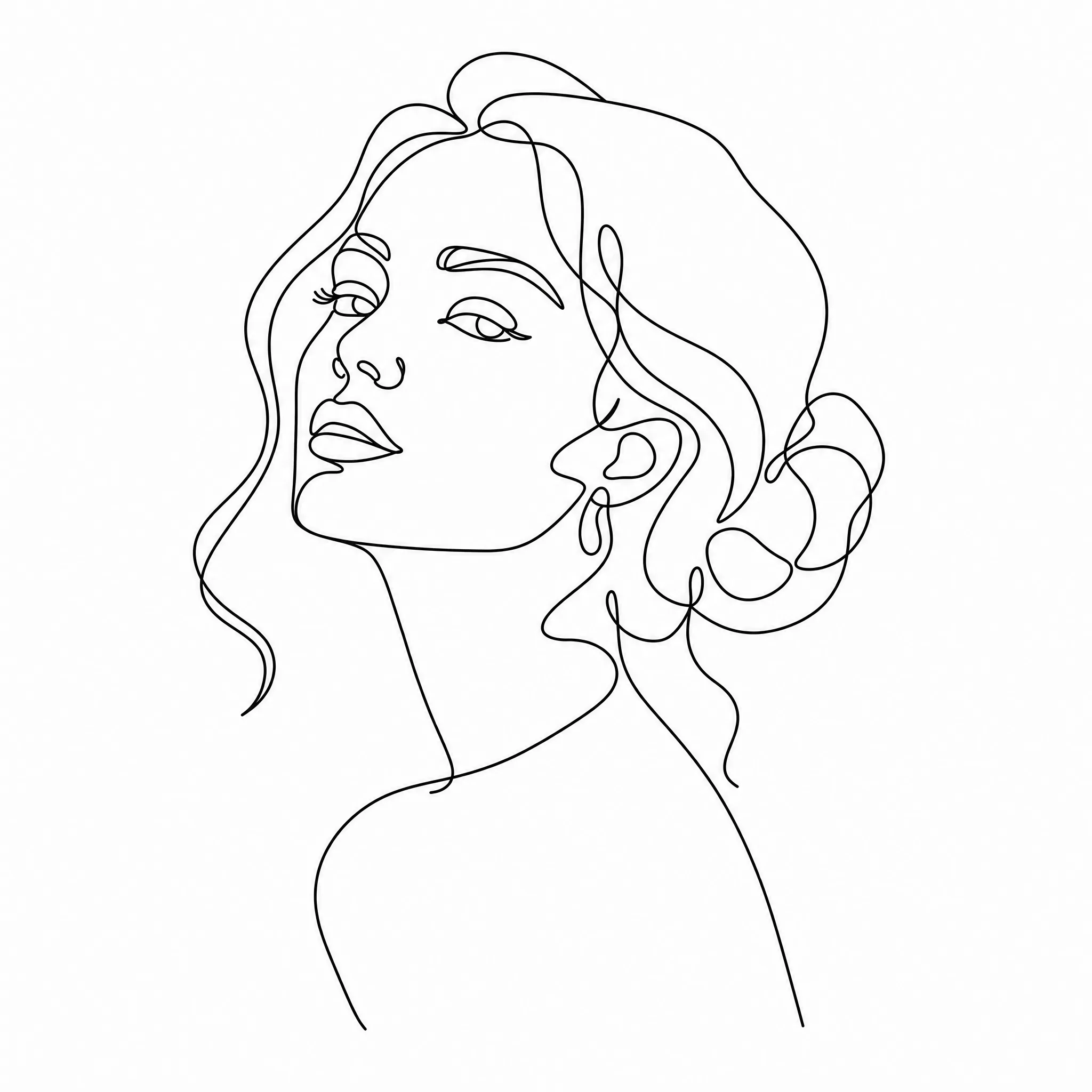
Make image into line art and print high-resolution minimalist line drawings for the wall.
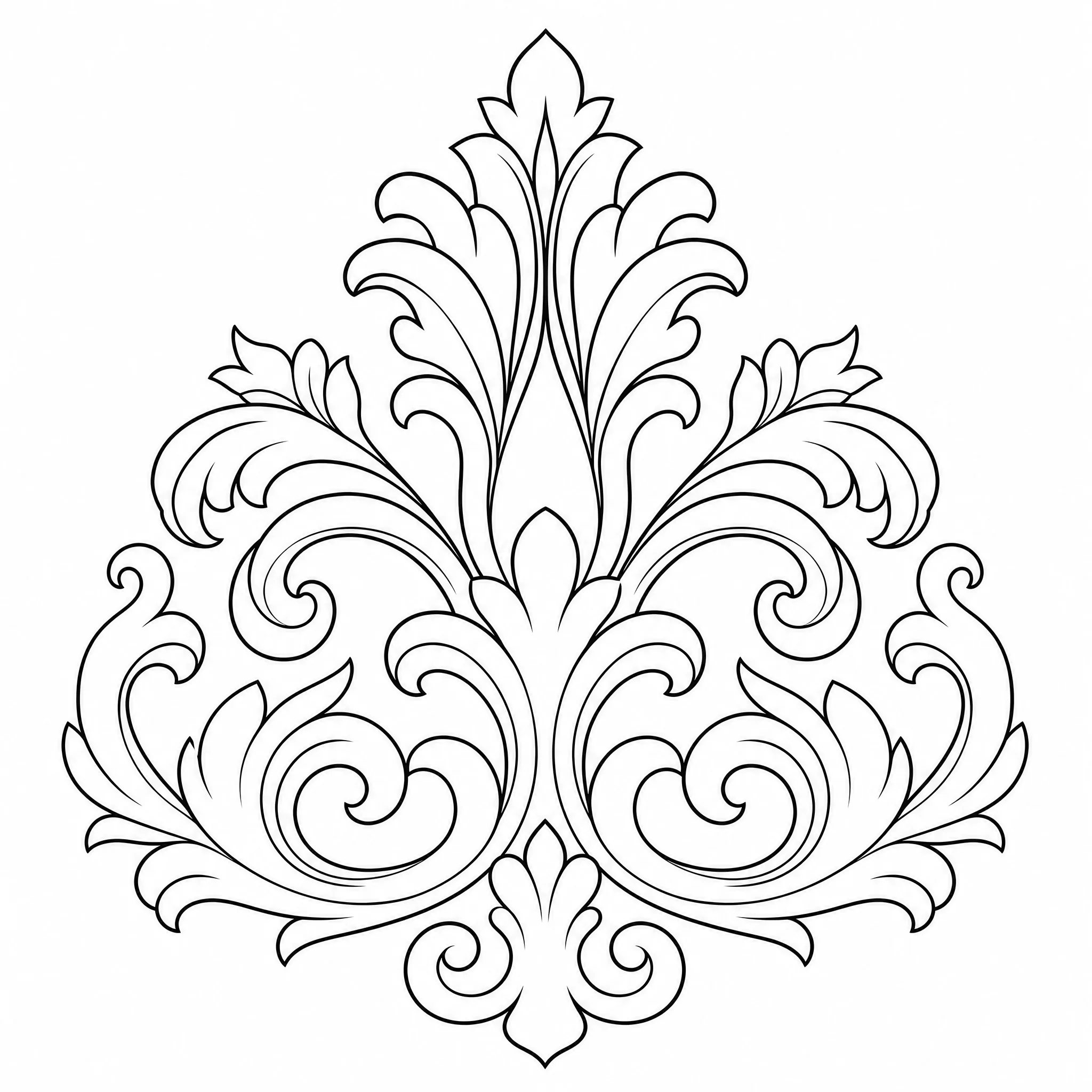
Use your line art as a template for stencils, embroidery, engraving, and vinyl cutting.
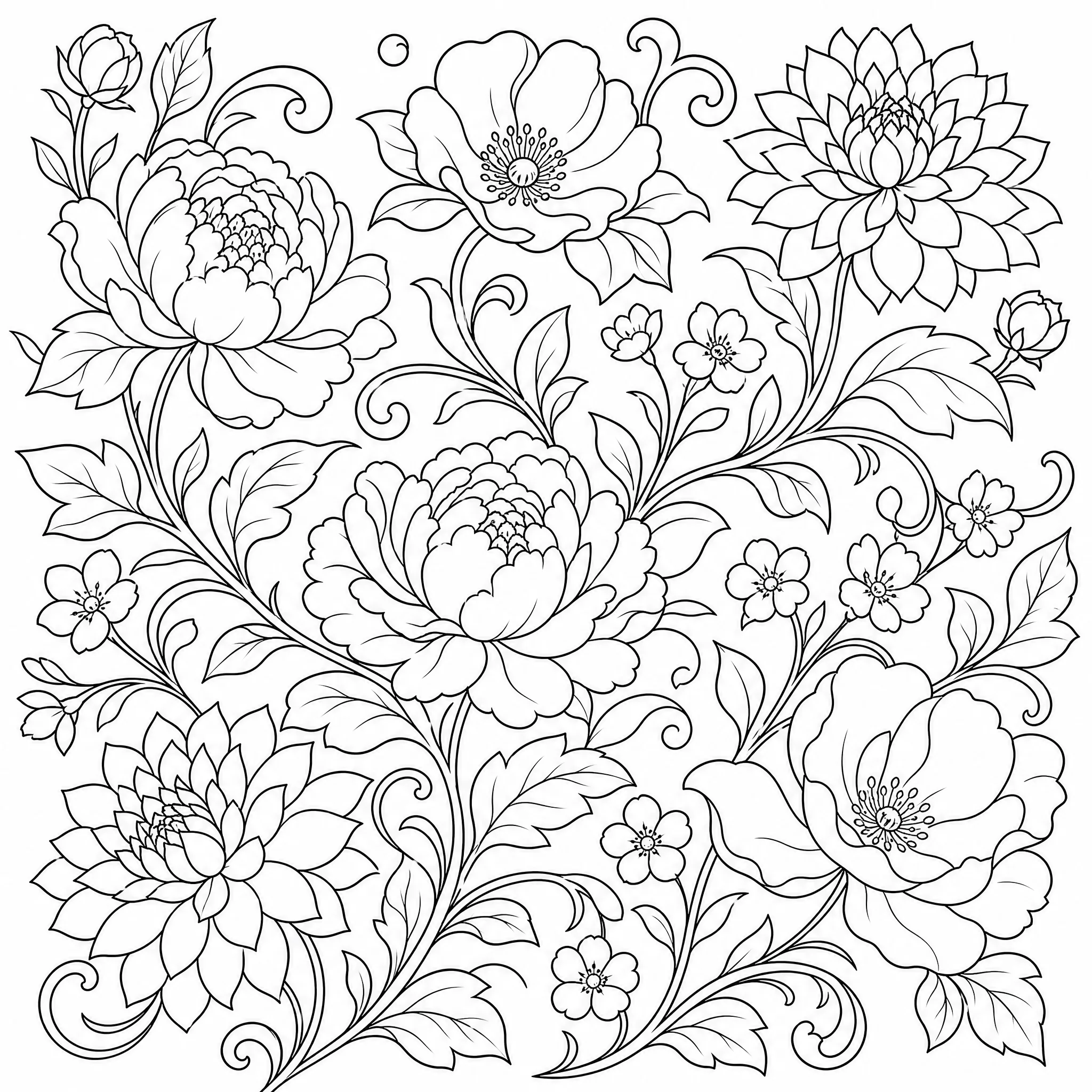
Prefer to color it in? The same clean outlines make a great print-and-color line drawing.
Everything you need to make image into line art that looks intentional, not like a filter.
Every result is pure line art on a white background — crisp outlines with no grey, no shading, and no color fills.
Dial detail up for fine, intricate linework or down for a bold, minimal look — your photo, your line weight.
Export at up to 4K so your line art stays clean when you scale it for prints, posters, or large canvases.
Choose from 8 ratios — square, portrait, or wide — so your line art fits a frame, a print, or a layout.
Generate up to 4 line art versions from a single run and keep the interpretation you like best.
Clear the background for clean, subject-only line art, or keep the full scene — your call.
Honest about what it does — and built to do that one thing well.
Every sample on this page is genuine line art from the tool — upload a photo and see your own made in the same flow.
Purpose-built controls for line detail, aspect ratio, and export resolution mean your photo becomes real outlines, not a grey photo filter.
This is a line art maker: it turns photos into clean black-and-white outline drawings. We tell you exactly what it does so you know what to expect.
New accounts include free credits, everything runs online in your browser, and you can download and print your line art whenever you like.
A single upload makes line art. Open the controls when you want to shape exactly how the linework looks.
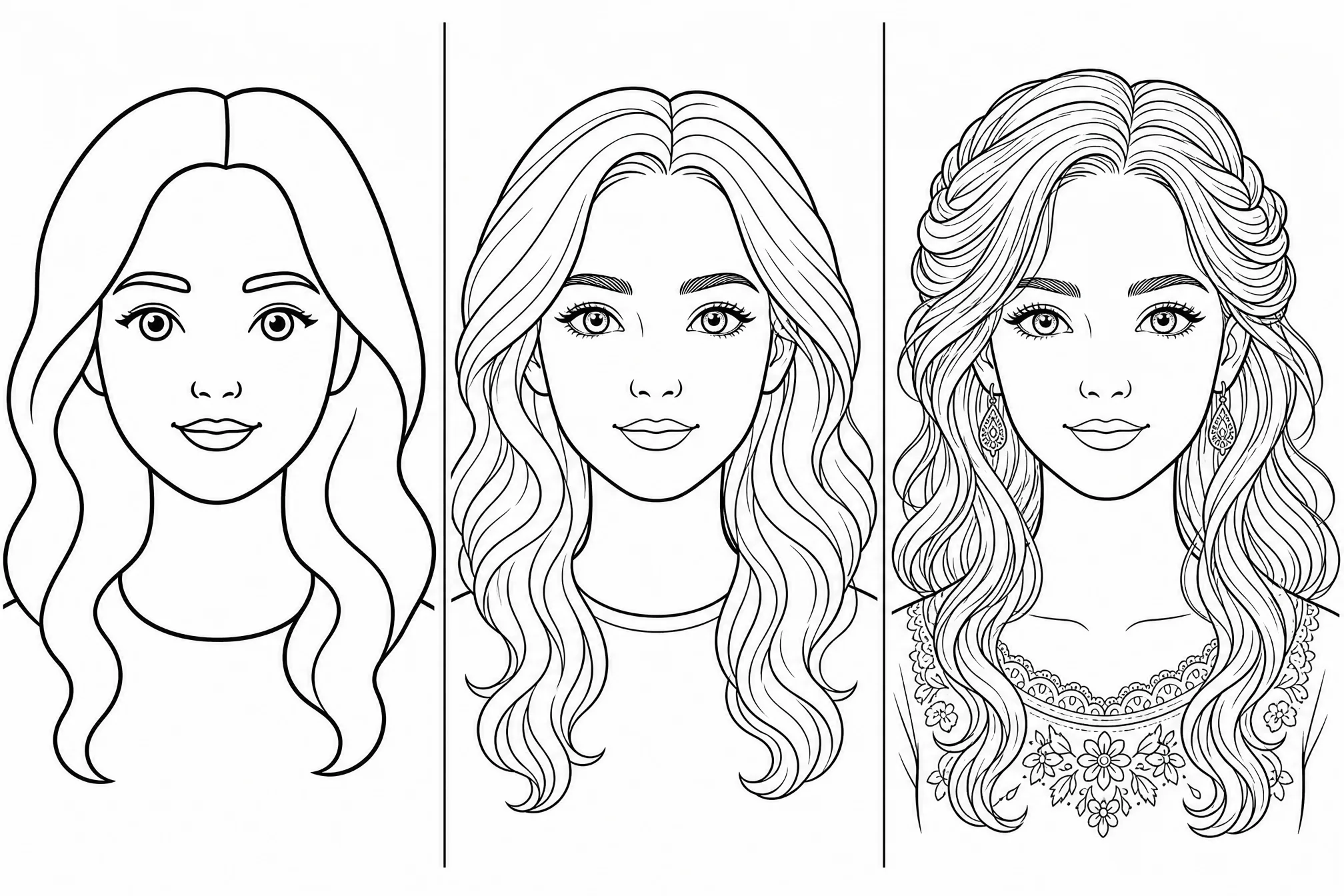
Switch between bold, minimal outlines and fine, intricate linework to match the photo and the look you want.
Pick from 8 aspect ratios so your line art fits the print, frame, or canvas you have in mind.
Step up to 4K when you need the sharpest possible lines for large prints and posters.
Generate several line art versions at once and keep the interpretation that works best.
Remove the background for clean, subject-only line art, or keep the scene intact.
Good lighting and a sharp picture give the cleanest, most accurate linework.
A single, well-defined subject makes cleaner line art than a busy, cluttered background.
Choose minimal lines for logos and tattoos, or fine detail for portraits and prints.
Pick the aspect ratio first so your line art fits the print, frame, or layout exactly.
| This line art maker | Drawing by hand | |
|---|---|---|
| Time to finished line art | About a minute | Often an hour or more |
| Drawing skill needed | None | Years of practice |
| Line detail | Adjustable | Hard to redo |
| Export resolution | Up to 4K | Limited by your scan |
| Make several versions | Up to 4 at once | Start over each time |
Free credits to get started, nothing to install, and your print-ready line art is ready to download in minutes.
Start Free — Upload a PhotoYes — it is free to start. Create a free account to make line art from a photo online; new accounts include free credits so you can generate and download your first results right away.
Upload a photo, and the line art maker traces it into clean black-and-white outlines. Adjust the detail level if you like, then download or print your line art.
No. This line art maker runs entirely online in your browser — nothing to download or install — and works on phone, tablet, and desktop.
Clear, well-lit photos with one defined subject make the cleanest line art — portraits, products, and simple scenes. You can adjust detail for a minimal or intricate look.
Yes. Each result is clean black-and-white line art that prints crisply on standard paper, with resolution up to 4K for larger prints and posters.
Yes. You can generate up to 4 line art versions in a single run and keep the interpretation you like best.