Turn any photo into a realistic pencil sketch — free and online. Upload a selfie, portrait, pet, or landscape and our photo to sketch converter draws it back as a hand-drawn graphite sketch with soft shading. Nothing to install.
JPG or PNG — selfies, portraits, pets, places, anything.
Free to start · runs in your browser · download or print your sketch
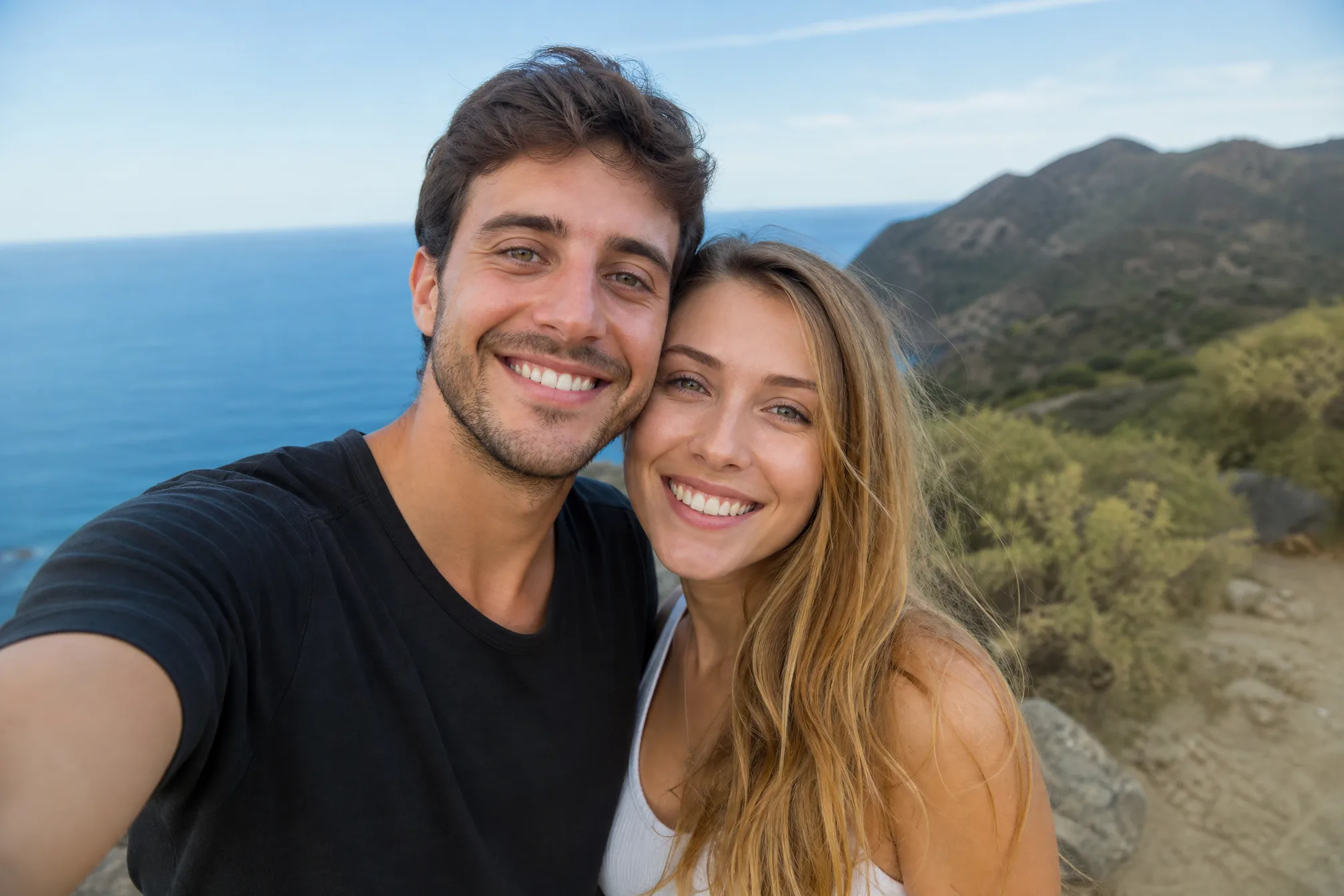
Drop in any color photo straight from your phone or computer — a selfie, a portrait, your pet, or a favorite place.
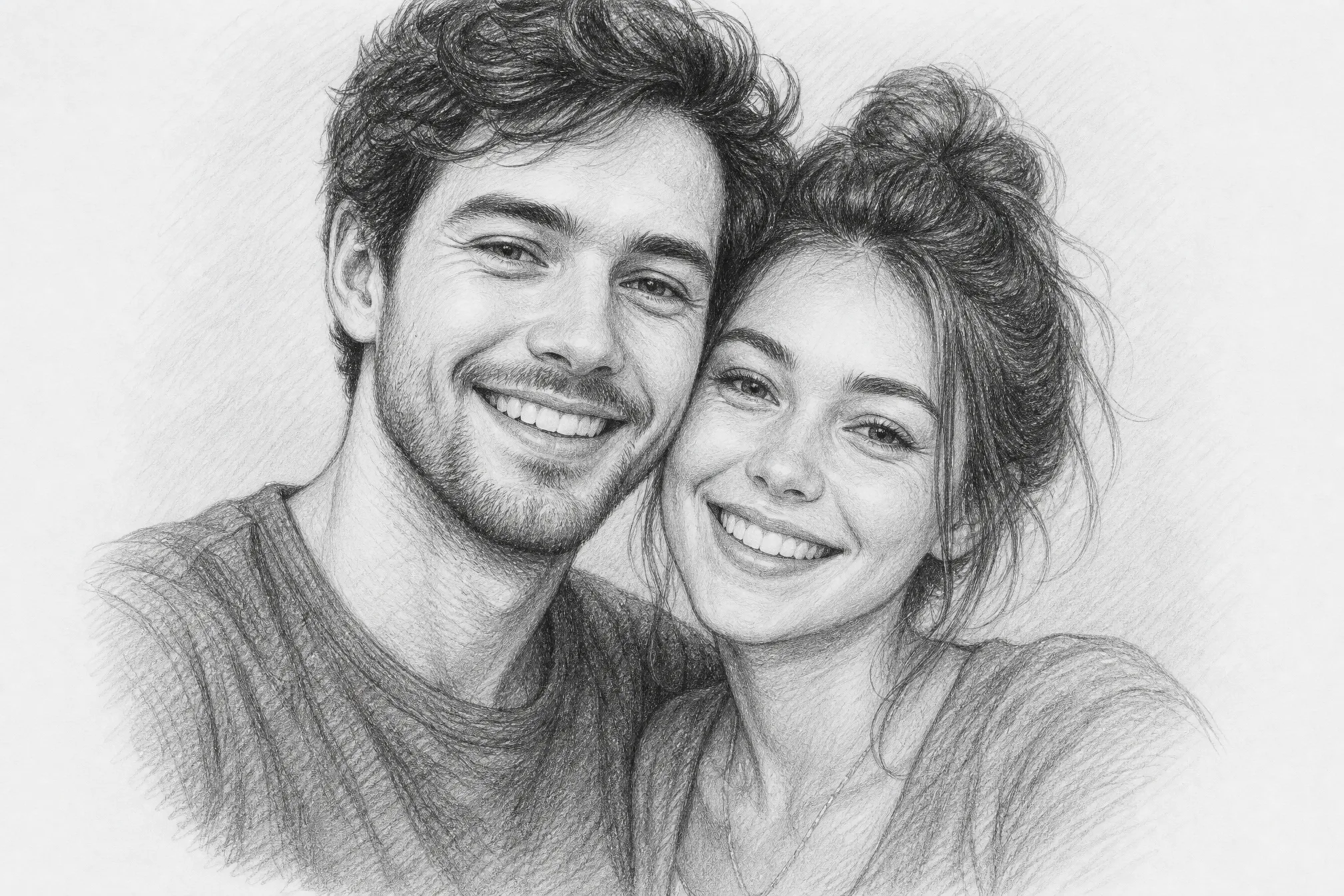
Your photo becomes a hand-drawn pencil sketch — soft graphite shading, natural pencil strokes, and gentle highlights, just like a real drawing.
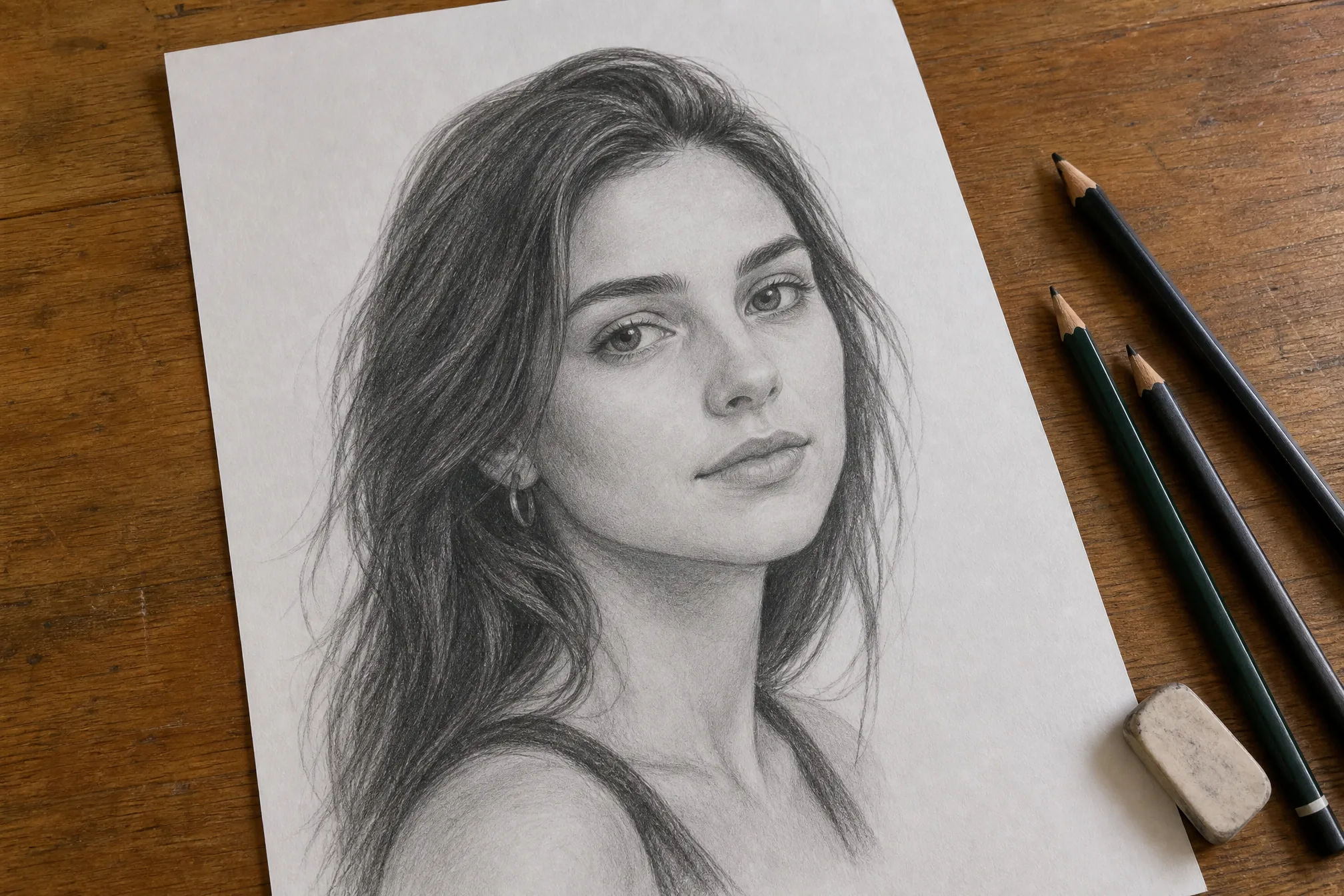
Download your finished pencil sketch and frame it, gift it, or print it. Your sketch saves at high resolution so it stays sharp.
Everything you need to change a photo into a pencil sketch with real graphite shading, soft strokes, and a hand-drawn feel.
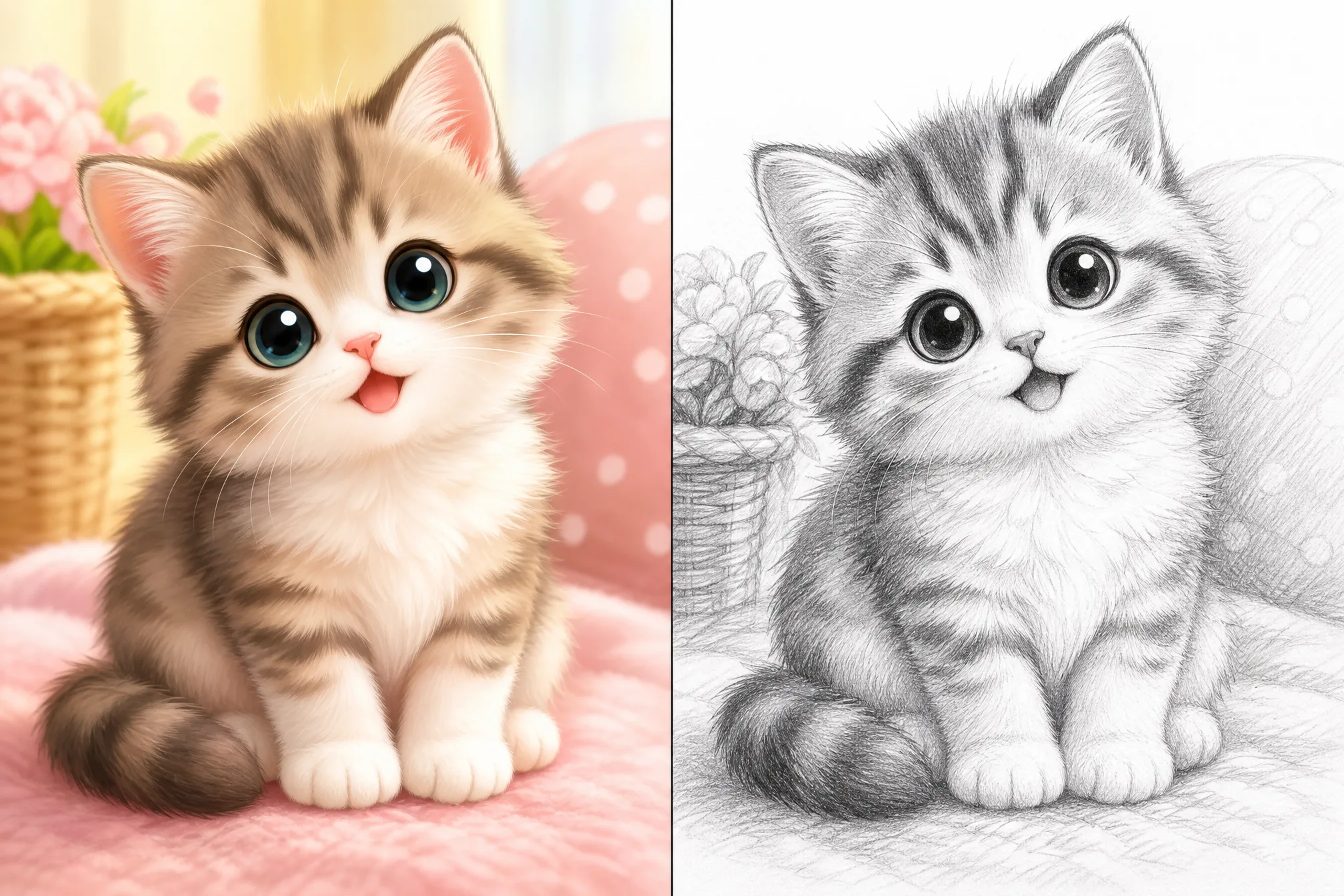
Each photo comes back as a hand-drawn sketch with graphite shading and natural strokes — not a flat photo filter laid over the original.
Dial the shading strength for a light, delicate pencil sketch or a darker, dramatic charcoal sketch with deeper contrast.
Turn your photo into a sketch at up to 4K so the pencil strokes and shading stay crisp on large prints and high-res screens.
Square, portrait, or wide — choose from 8 ratios so your sketch fits a frame, a print, or a layout.
Generate up to 4 sketch versions from a single photo in one run and keep the drawing that reads best.
Leave the full scene in your sketch, or clear the background for a clean, subject-only pencil drawing.
Every example below was made from a real photo with this tool — upload yours and turn a photo into a sketch of your own.
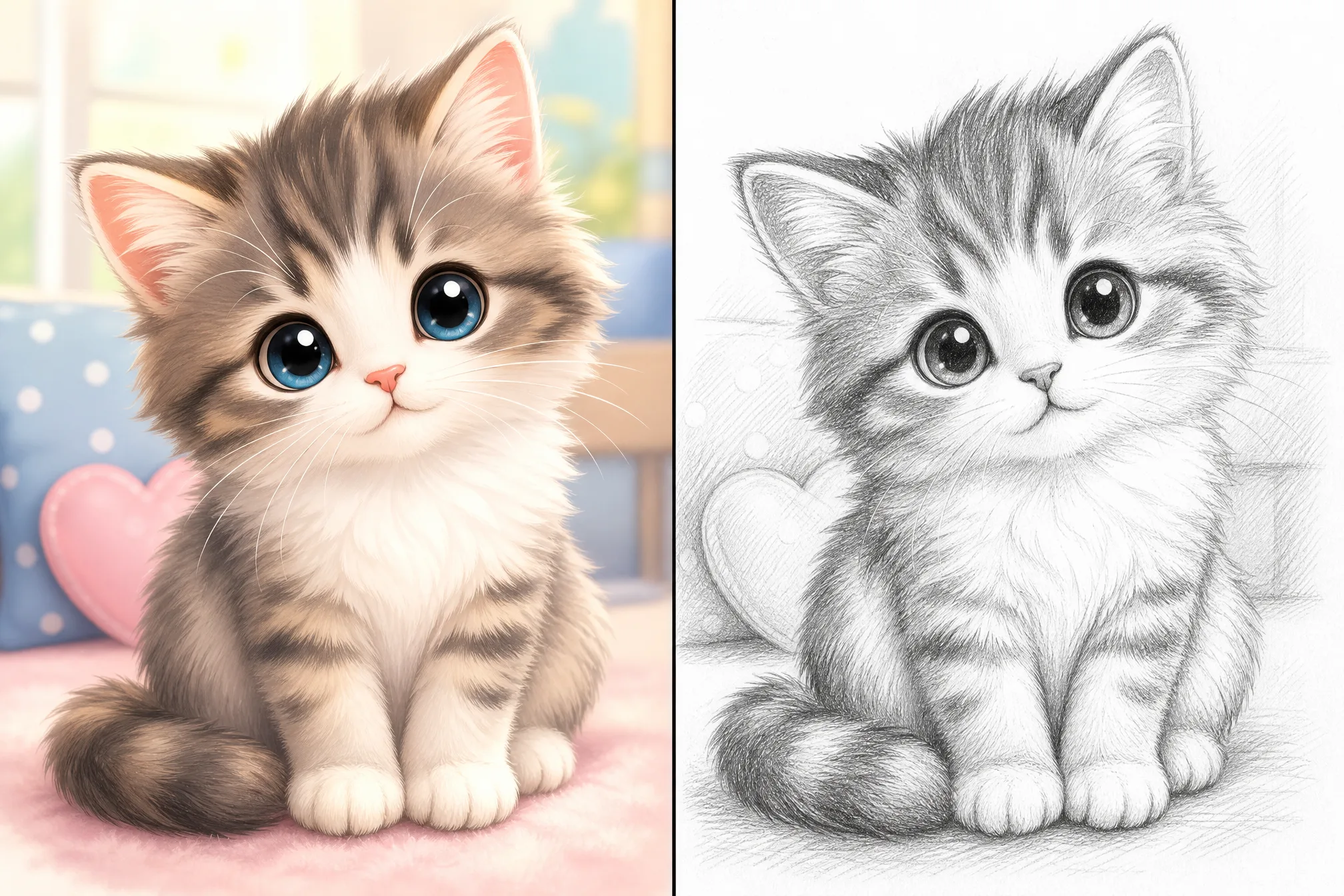
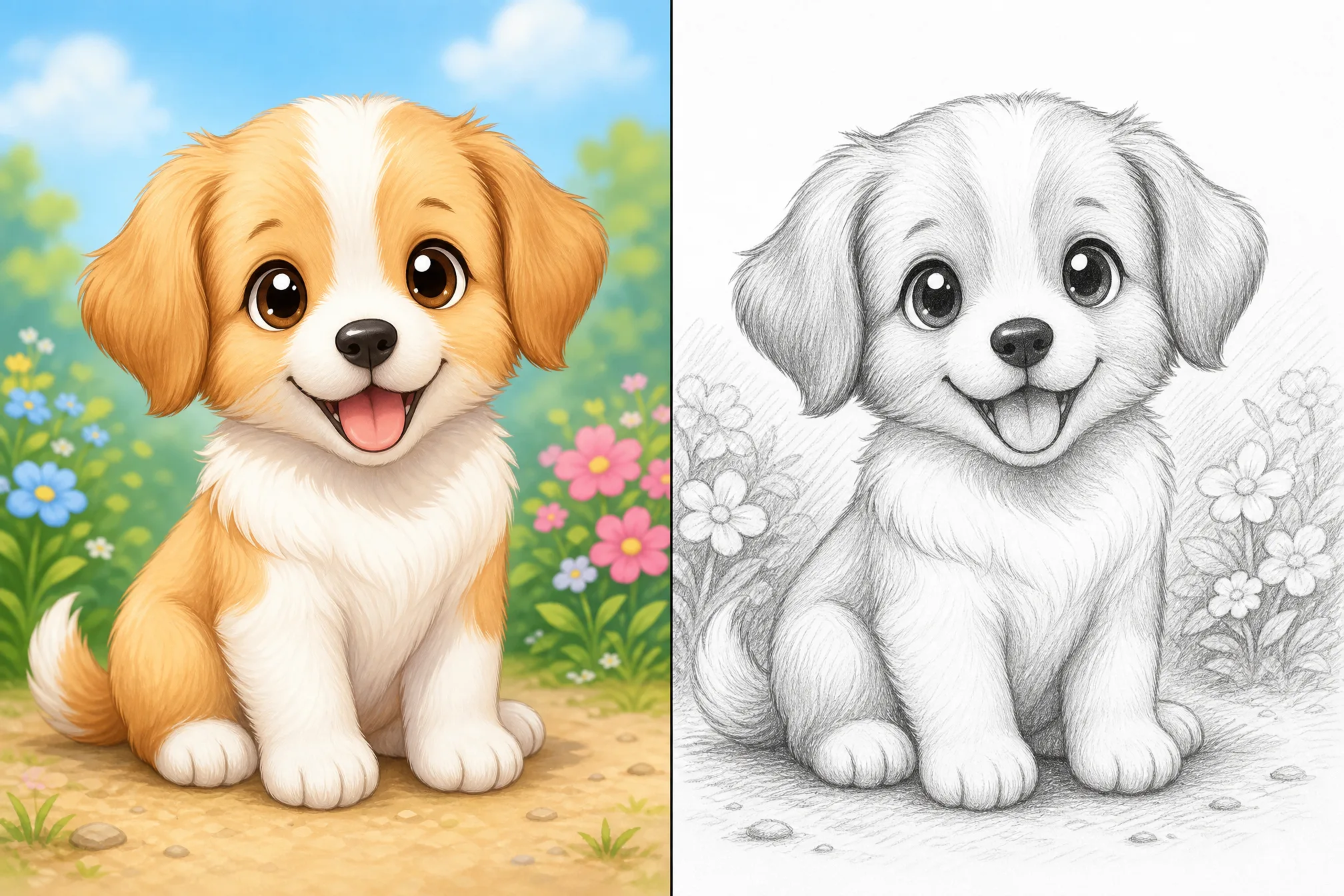
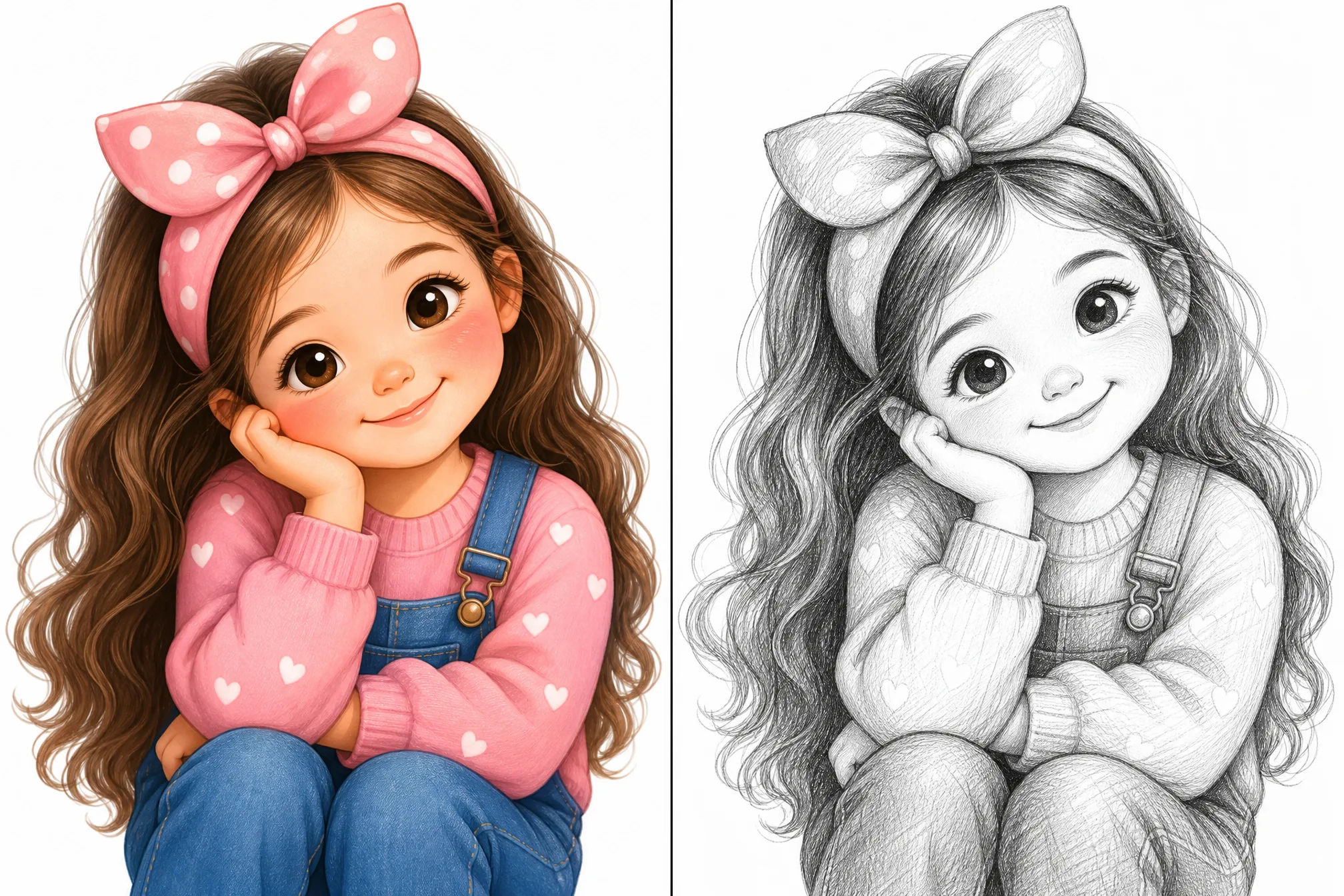
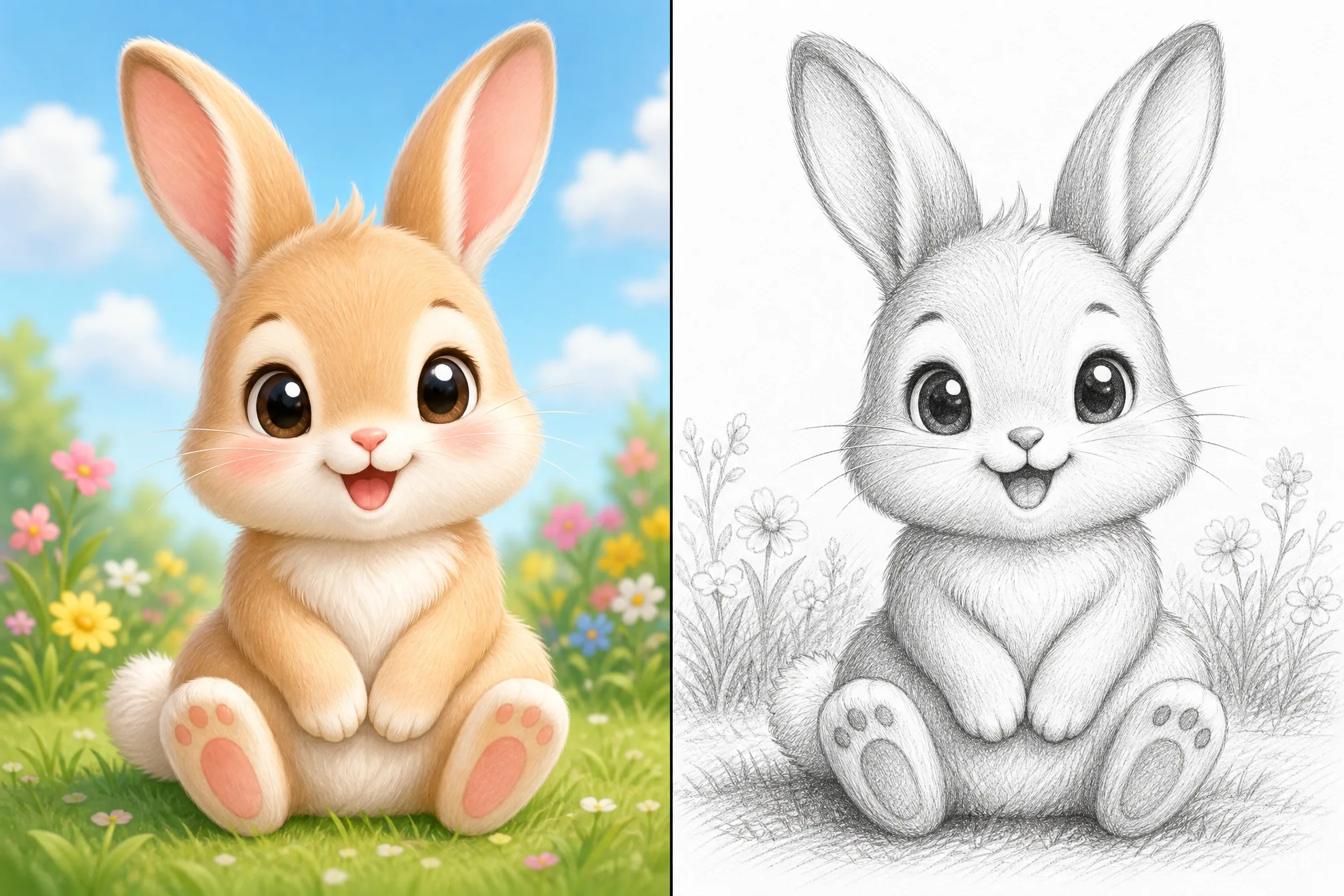
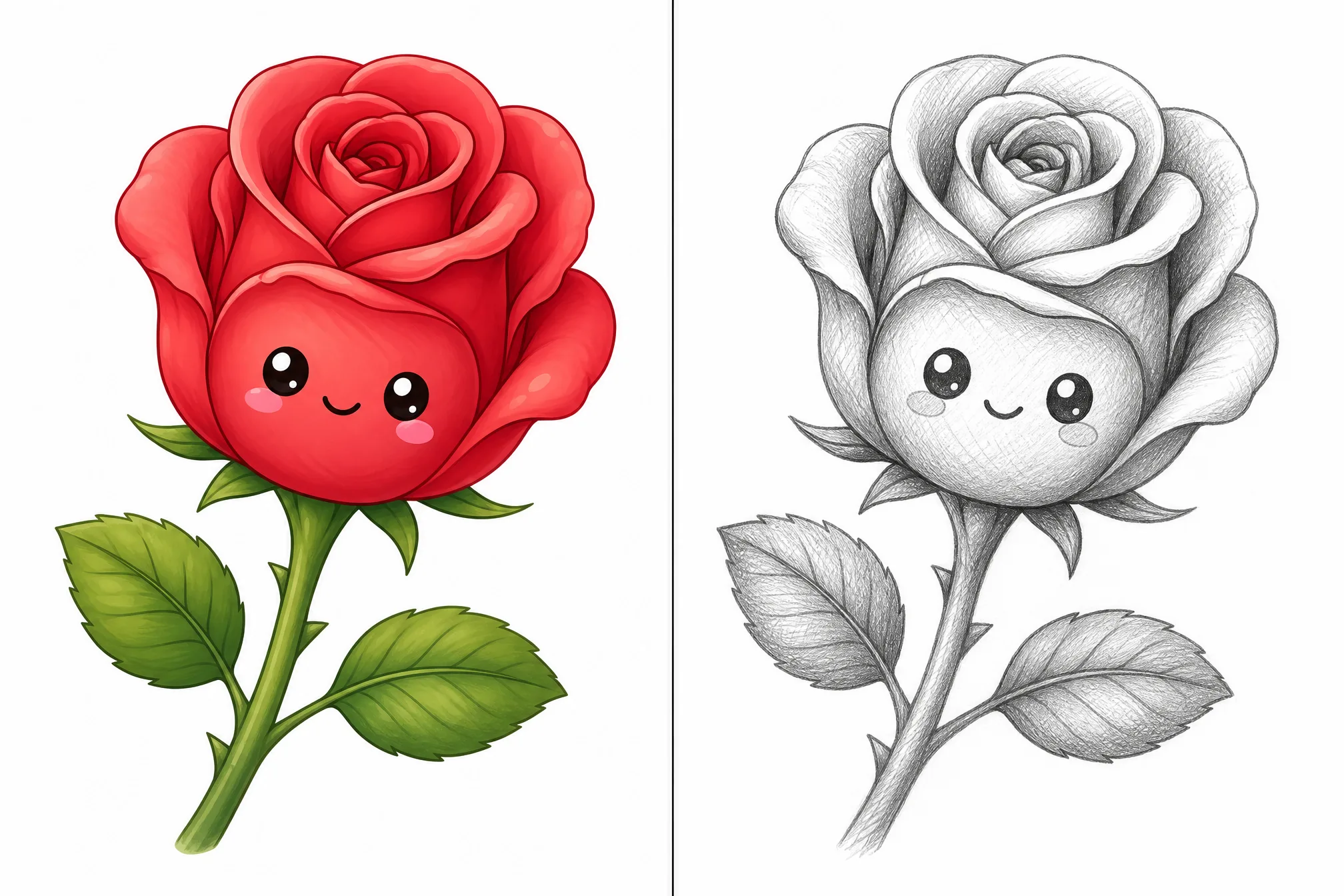
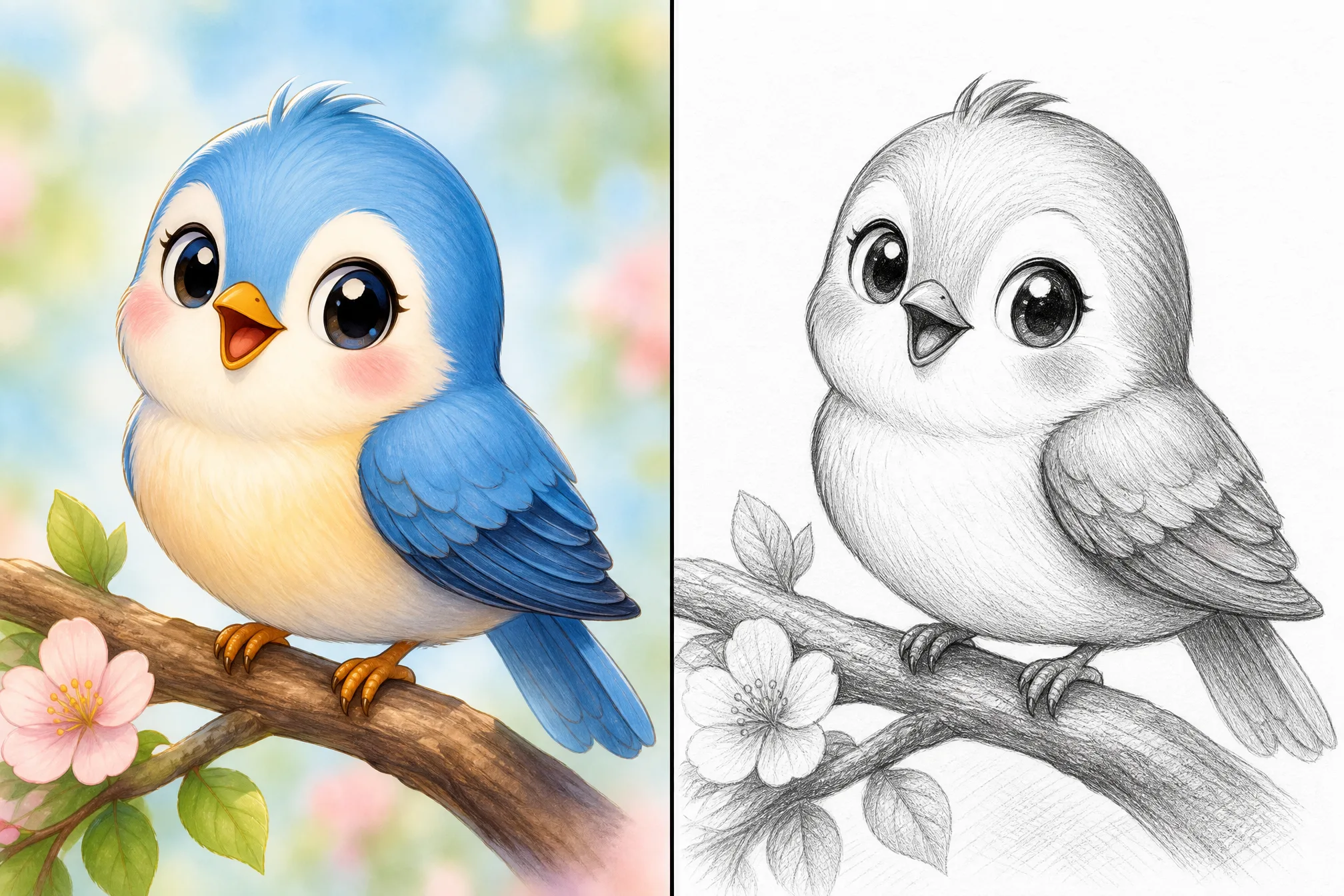
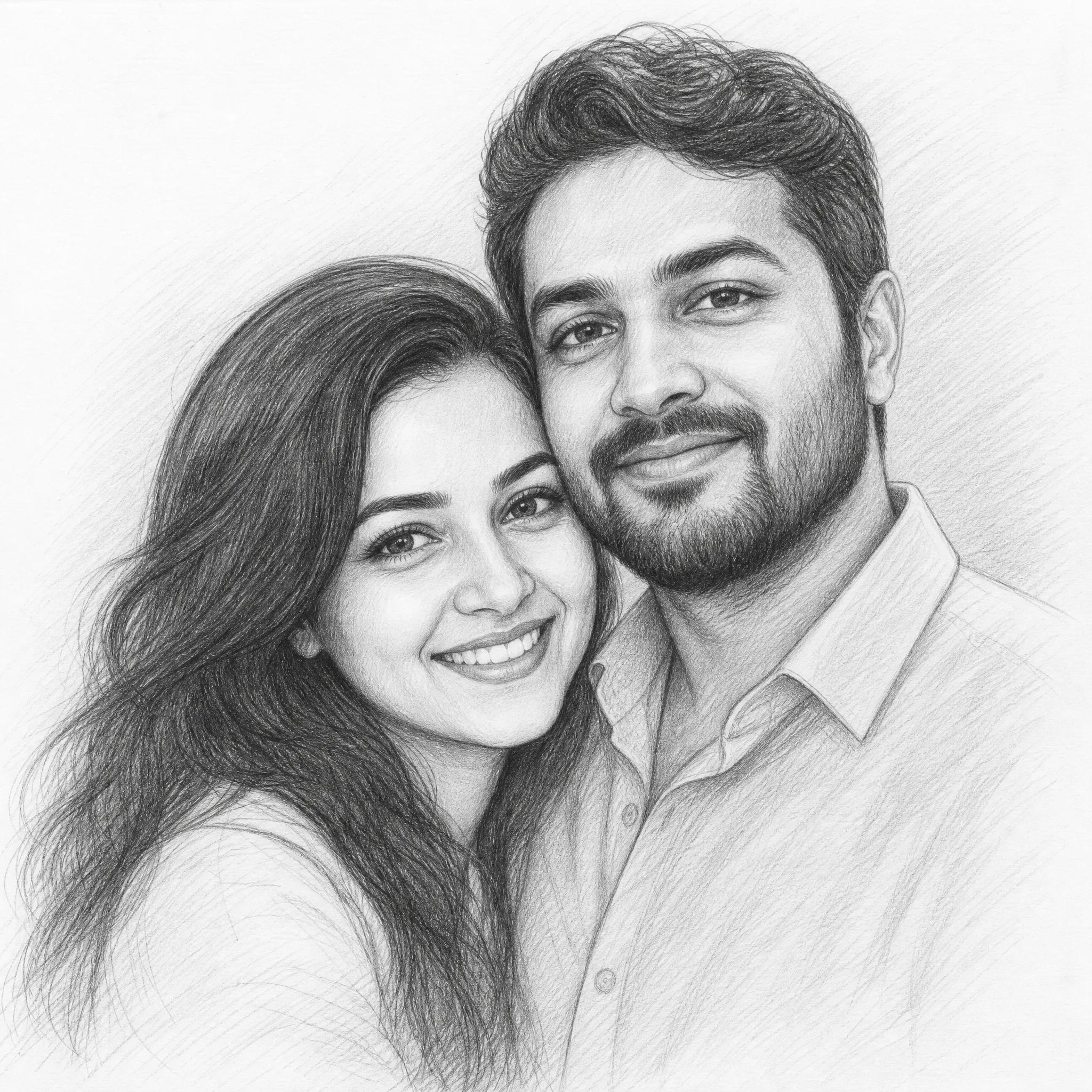
Turn a treasured photo into a pencil sketch portrait — a personal, handmade-looking gift for birthdays, anniversaries, and weddings.
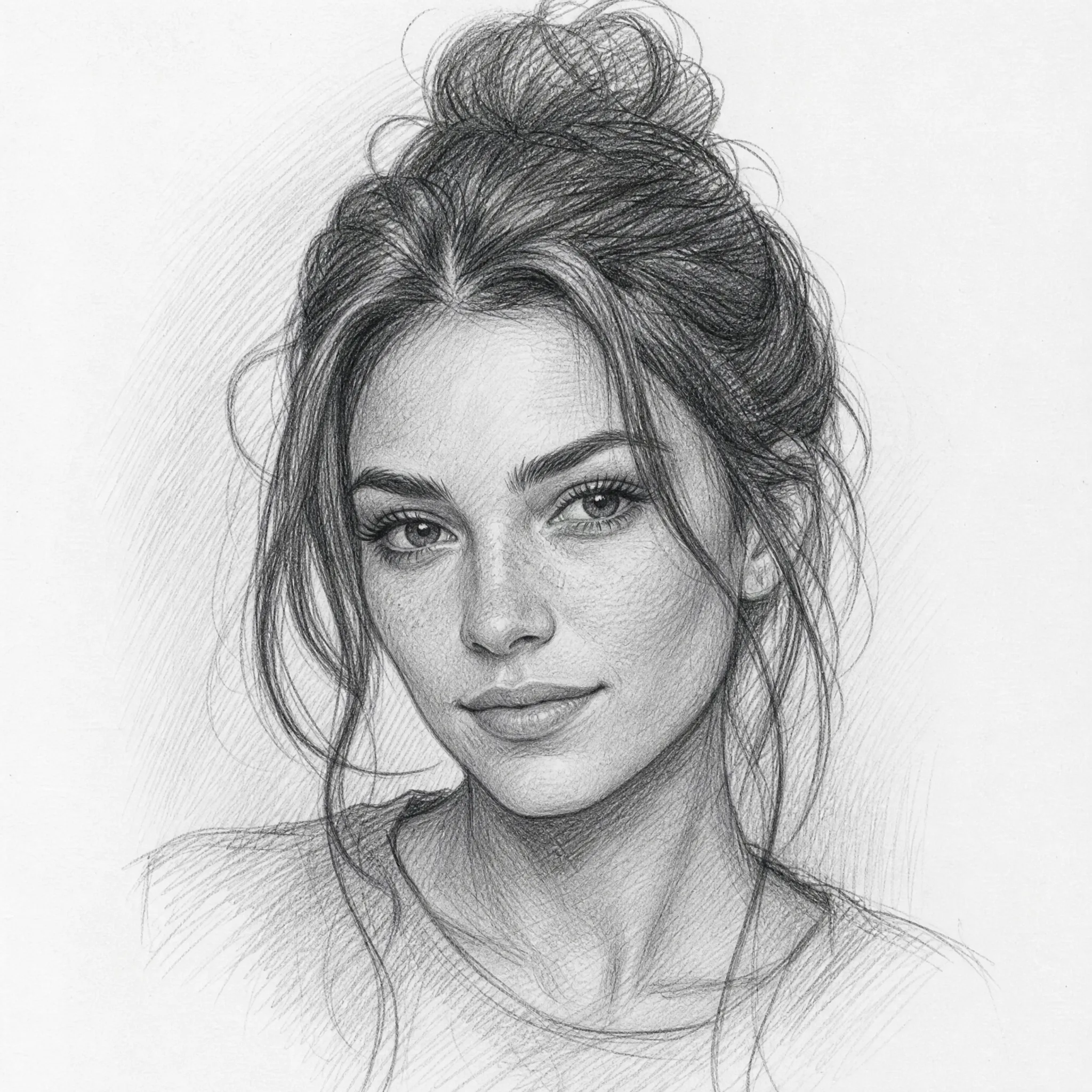
Make a pencil sketch of a selfie for a unique, artistic profile picture that stands out from ordinary photos.
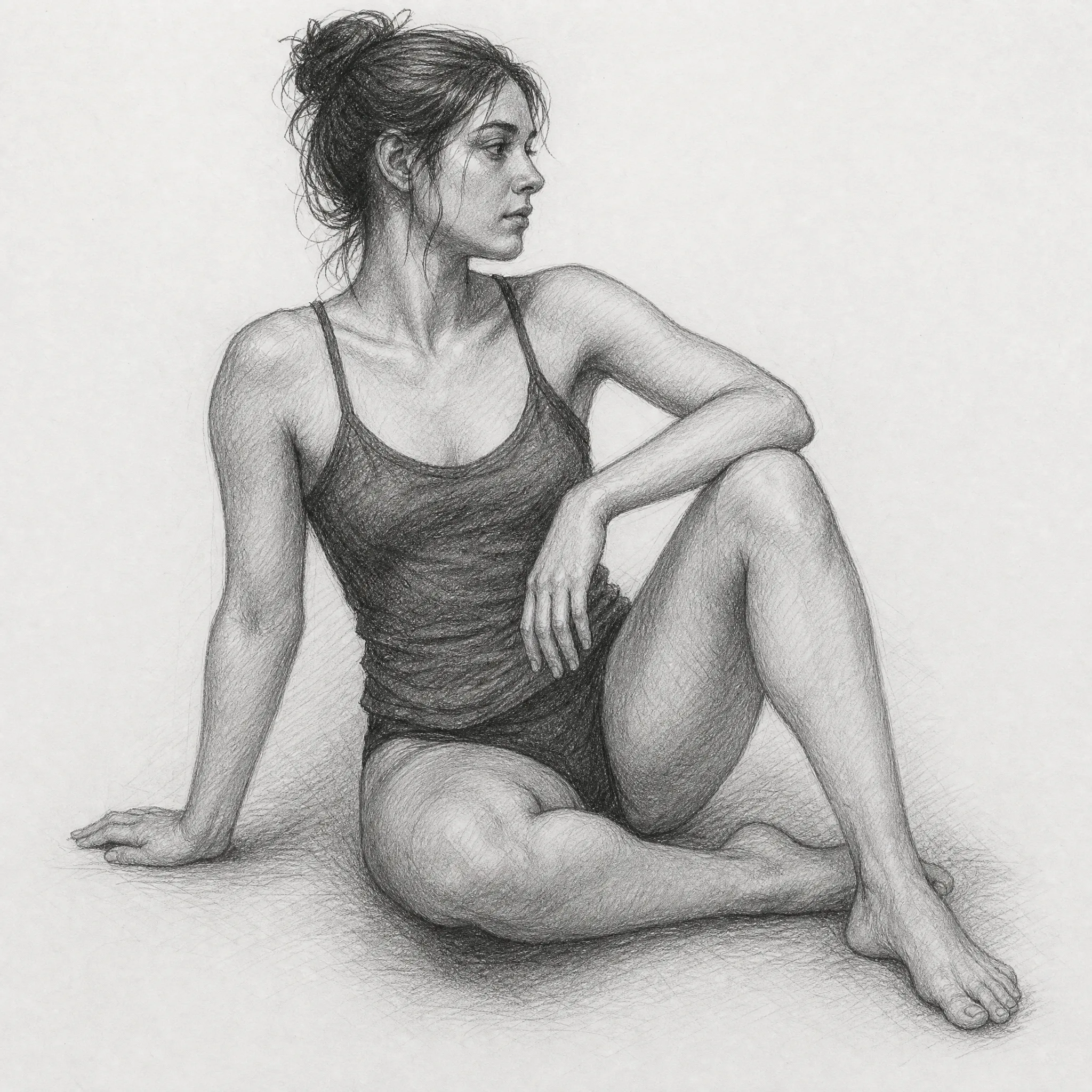
Turn a photo into a sketch as a study reference — see how shading and form translate before you draw it by hand.
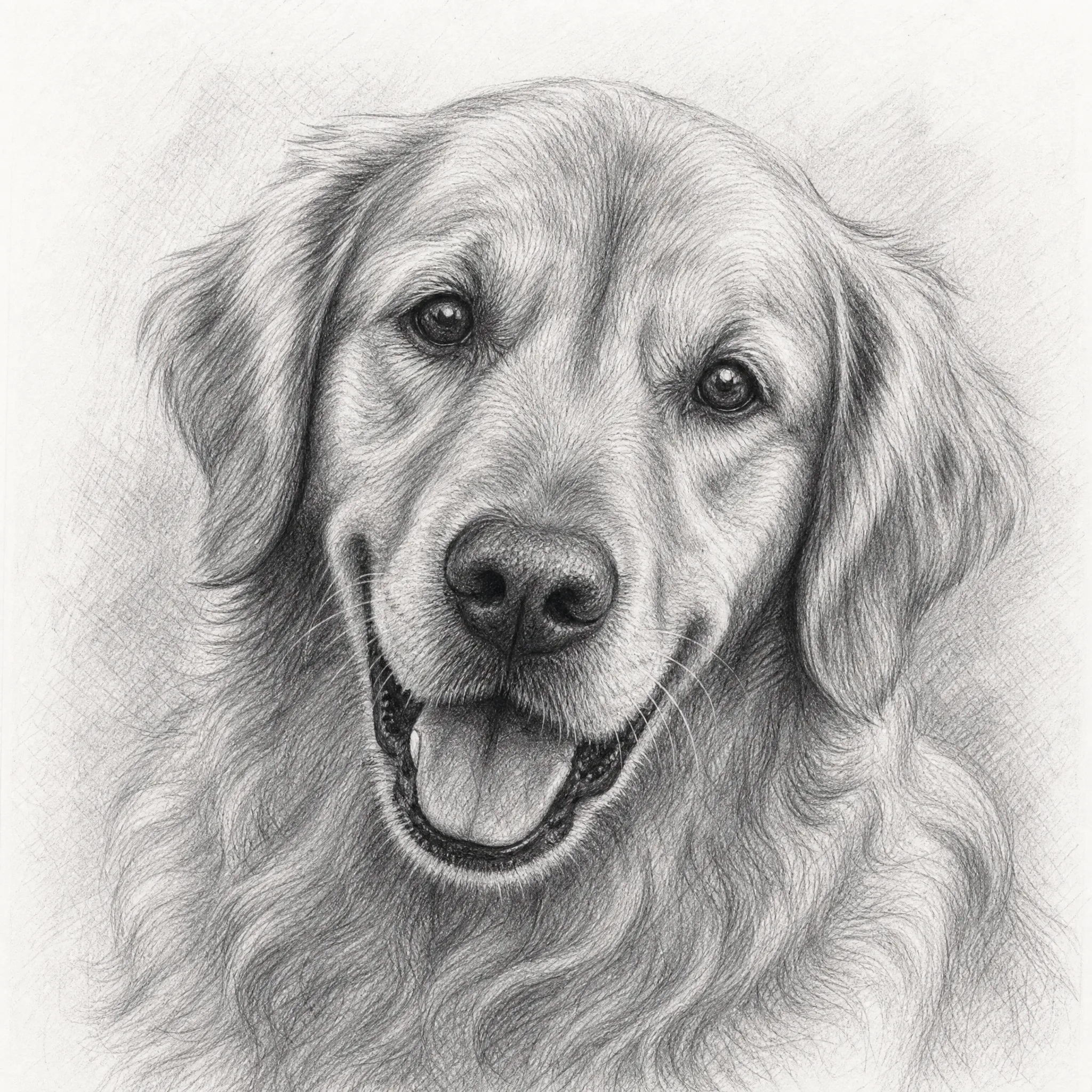
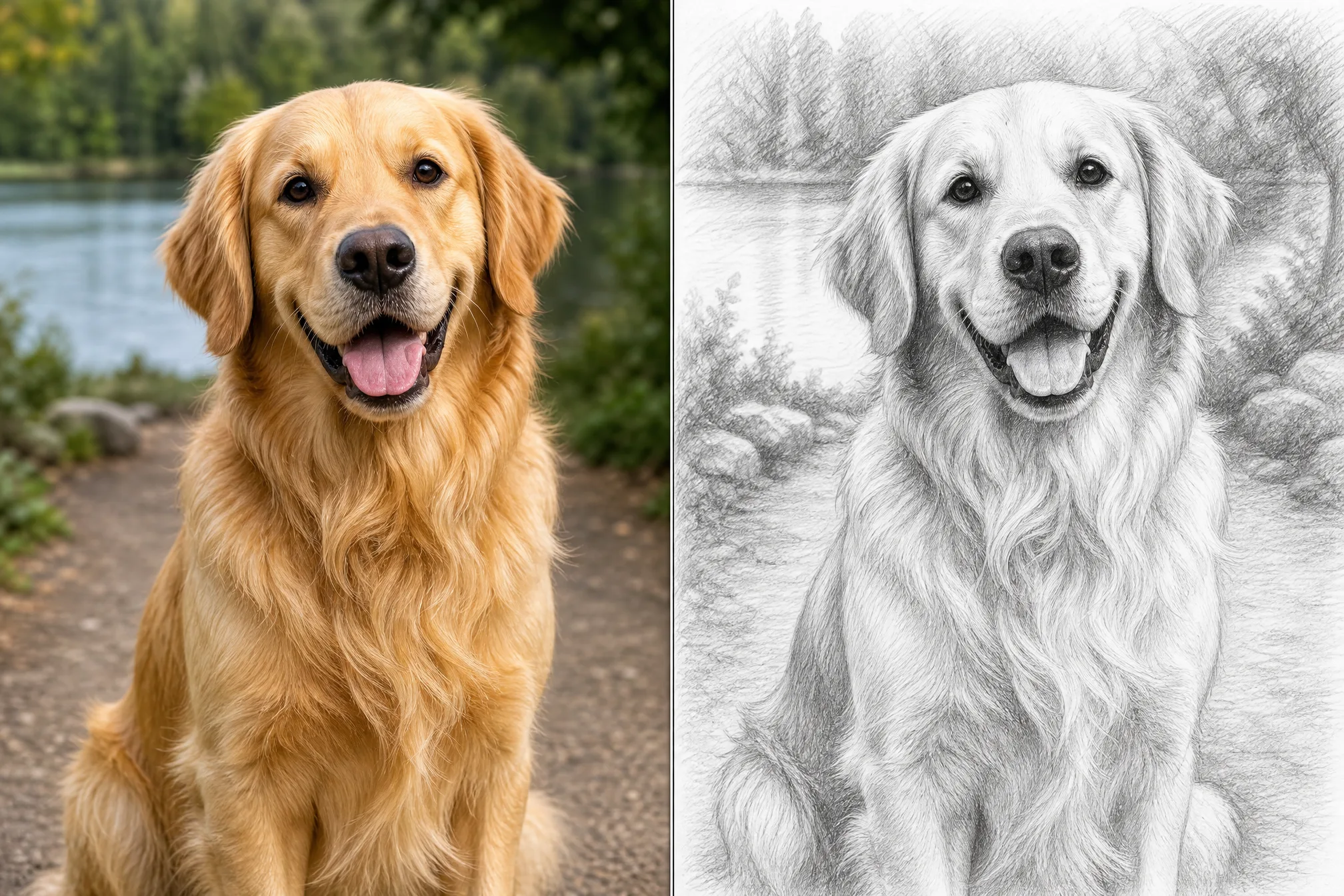
Turn a favorite photo of a pet into a gentle pencil sketch to frame and keep — a quiet, lasting way to remember them.
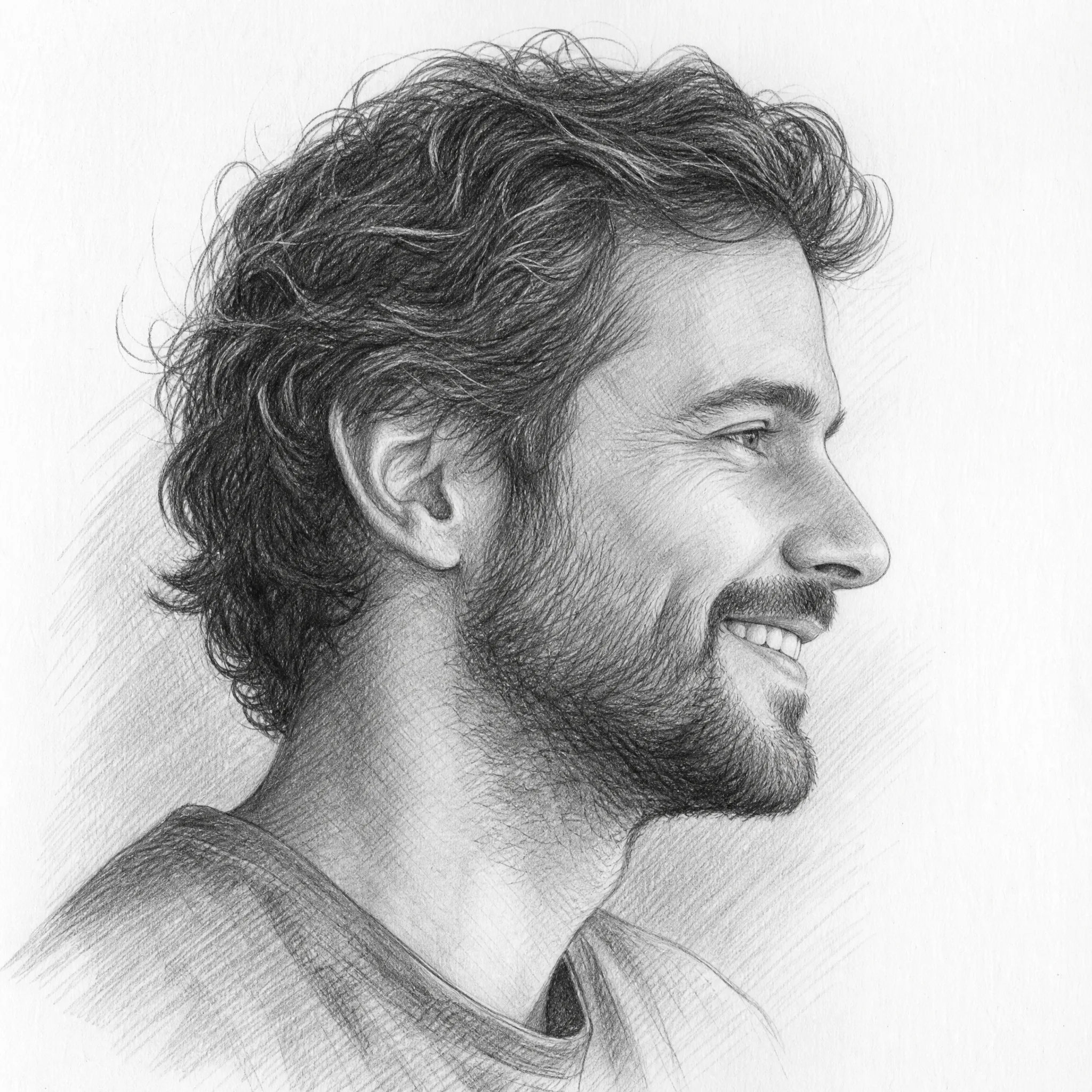
Share a charcoal or pencil sketch of your photo on social media for posts and stories with a distinctive hand-drawn style.
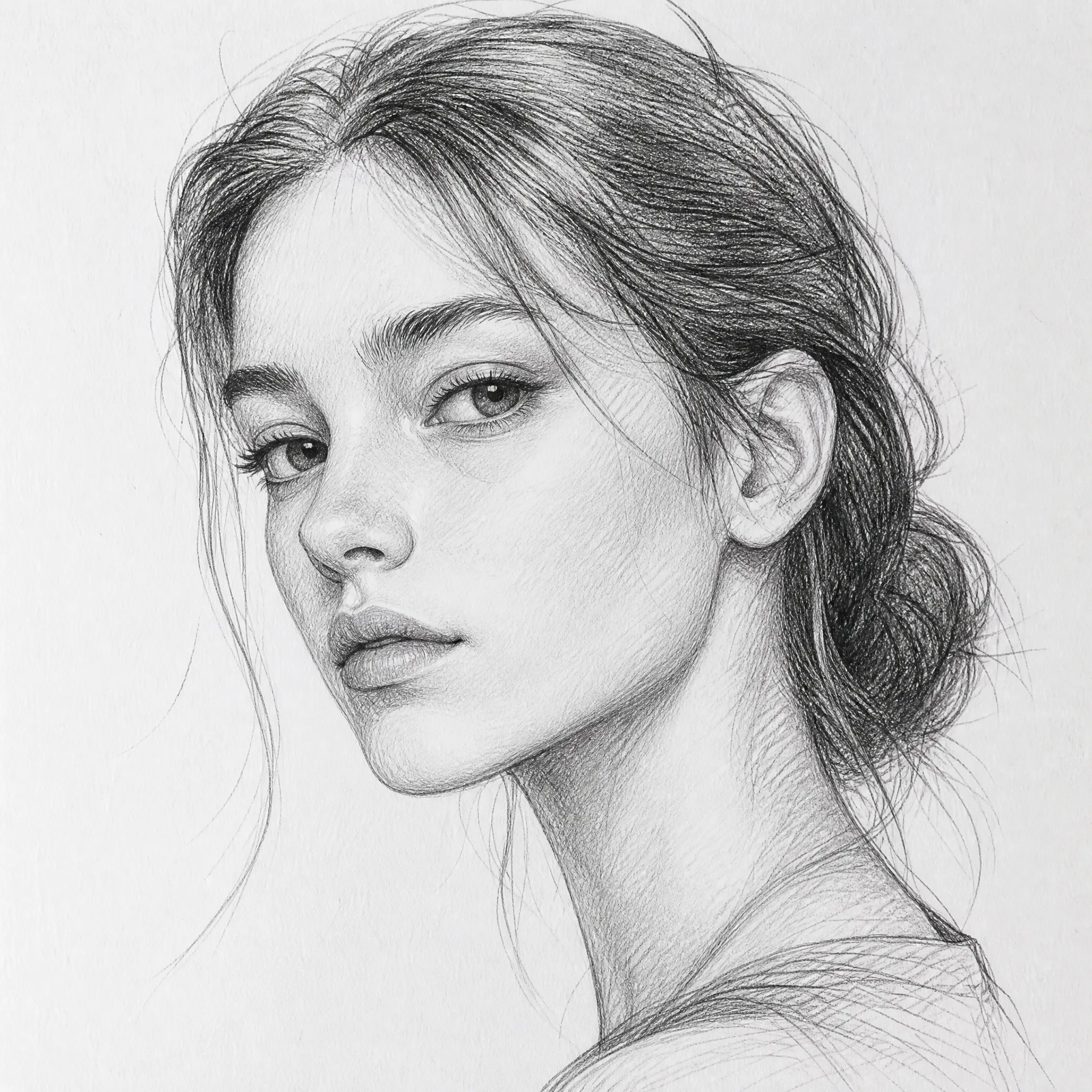
Print a high-resolution pencil sketch of a photo as framed wall art for a home, studio, or office.
Most people just upload and turn a photo into a sketch. Open the panel for full control over the drawing.
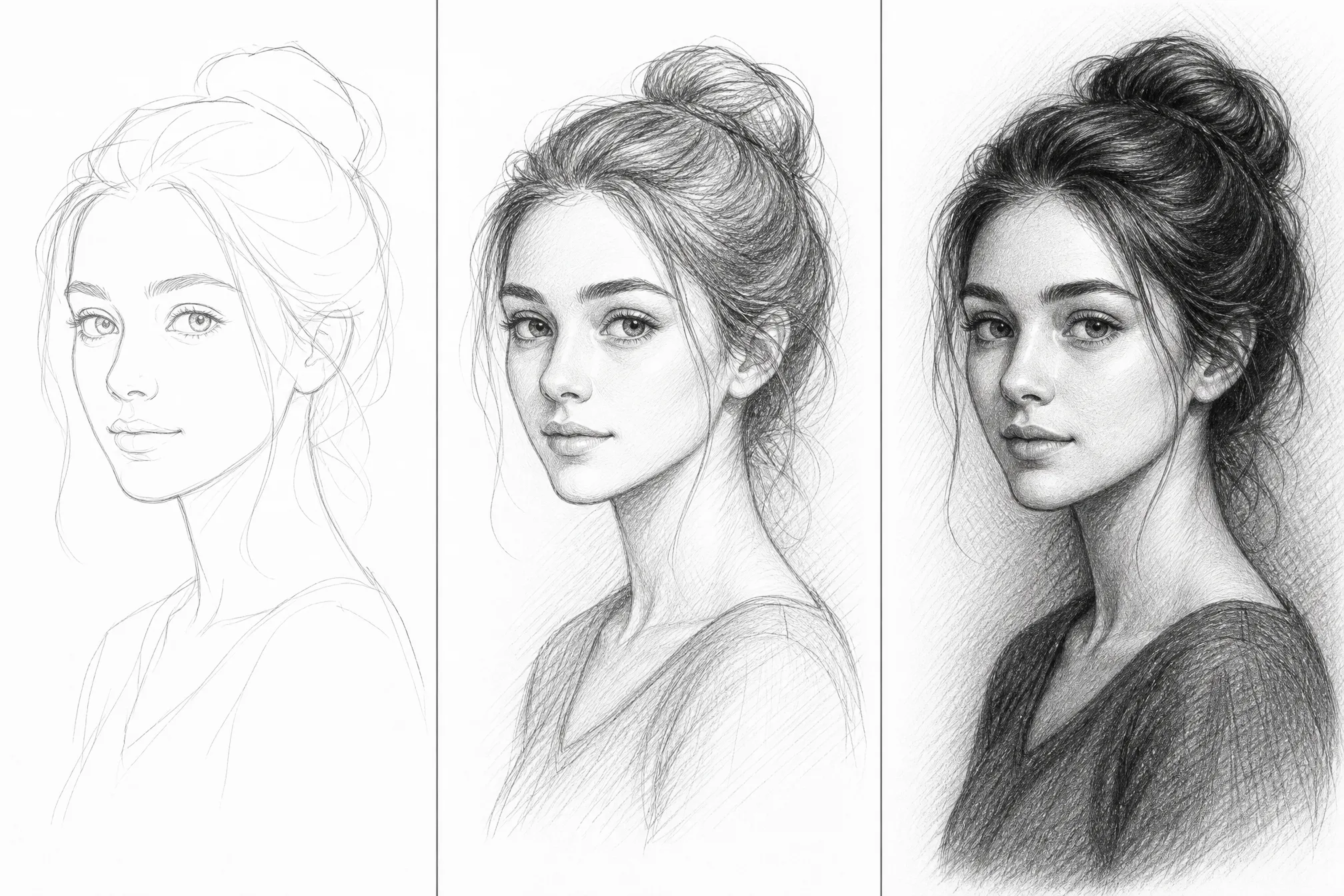
Set how much detail and how dark the shading is — a light pencil sketch or a deeper, dramatic charcoal sketch.
Pick from 8 ratios so the sketch fits your print, frame, or design canvas.
Step up to 4K when you want the sharpest possible pencil strokes for large prints.
Generate several sketch versions in one run and keep your favorite drawing.
Drop the background for a clean subject-only sketch, or keep the whole scene.
Clear about what it does — and built to do that one thing well.
Every sample on this page is a genuine photo turned into a sketch with the tool — run your own in the same flow and see the result.
Dedicated controls for detail, shading strength, and resolution turn a photo into a true pencil or charcoal sketch, not a flat photo filter.
This converter changes photos into realistic, print-ready pencil sketches. We tell you exactly what it does so you know what to expect.
New accounts include free credits, everything runs in your browser, and you can download and print your sketch whenever you like.
| This converter | Tracing or photo filters | |
|---|---|---|
| Time to a finished sketch | Under a minute | Often an hour or more |
| Drawing skill needed | None | A steady hand |
| Software | None — runs in browser | Paid app or install |
| Real pencil shading | Yes, hand-drawn look | Filters look flat and fake |
| Print resolution | Up to 4K | Depends on setup |
Clear, well-lit photos turn into the cleanest pencil sketches — soft or blurry shots give muddier shading.
Gentle, even lighting on your subject sketches into smoother shading than harsh shadows or strong glare.
Keep it light for a delicate pencil sketch; raise the shading for a bold, dramatic charcoal sketch.
Choose the aspect ratio before you export so the sketch fits your frame, print, or layout.
Free credits to get started, nothing to install, and a hand-drawn pencil sketch ready in seconds.
Start Free — Sketch a PhotoUpload your photo, let the photo to sketch converter draw it back as a hand-drawn pencil sketch, then download it. The whole process runs online in your browser and takes well under a minute — no drawing or editing skills needed.
Yes — it is free to start. Create a free account and new accounts include free credits, so you can turn a photo into a sketch and download your first pencil sketches right away.
No. This photo to sketch app runs entirely online in your browser — there is nothing to download or install, and it works on phone, tablet, and desktop.
No. You do not need Photoshop, Canva, or any editing skills. This photo to sketch converter does the work for you online — just upload a photo and download your finished pencil sketch.
Yes. Each photo to sketch result is a high-resolution, print-ready drawing, so you can frame it, gift it, or print it as wall art. A hand-drawn pencil sketch of a treasured photo makes a personal, thoughtful gift.
Both. Keep the shading light for a soft pencil sketch, or raise the shading strength for a darker, dramatic charcoal sketch with deeper contrast — all from the same photo.
Yes. You can generate up to 4 sketch versions from a single photo in one run and keep the drawings you like best.