Convert any picture into clean black-and-white line art — free and online. Upload a picture and the converter returns a crisp line drawing you can print, trace, or use in your designs. No software to install.
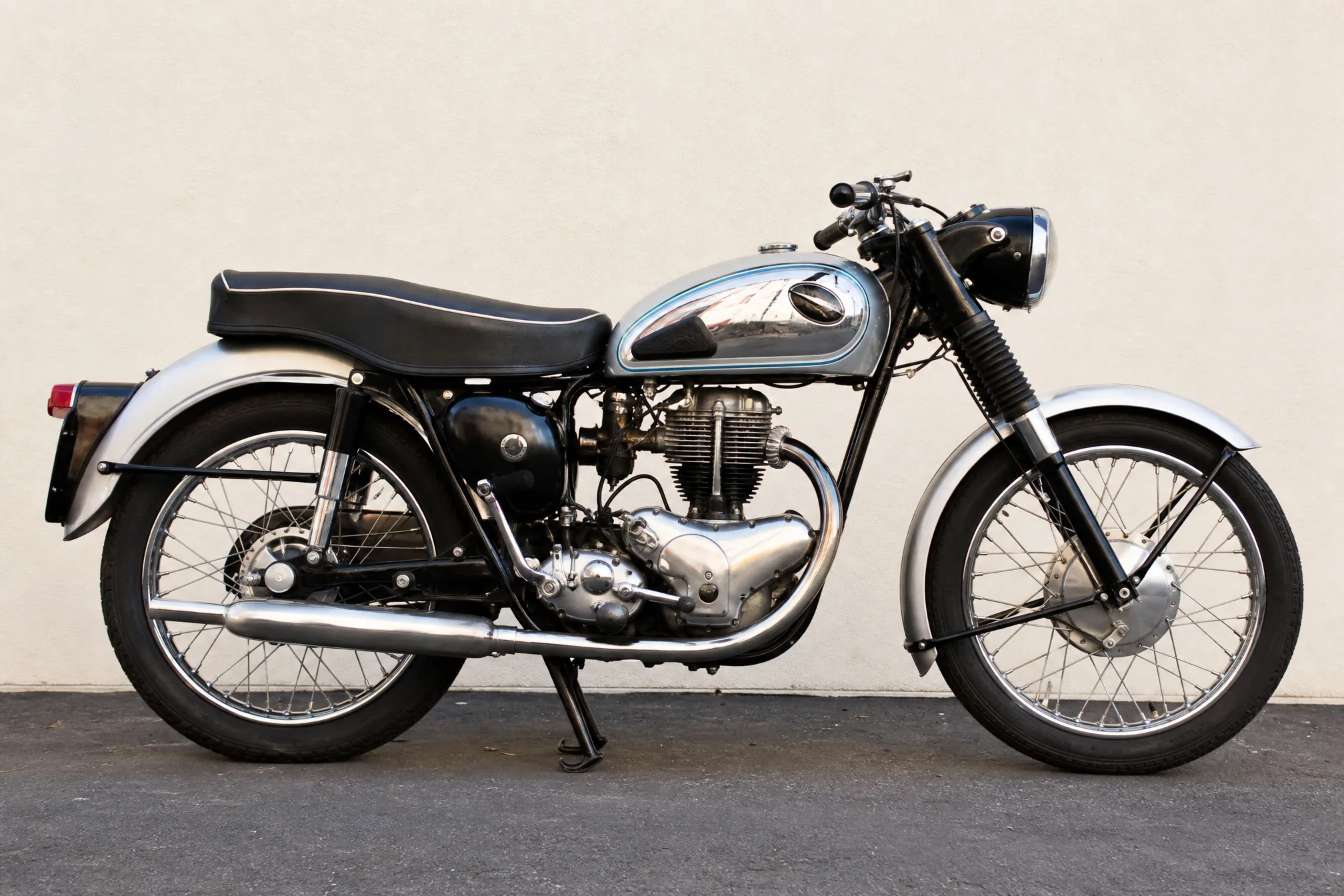
JPG or PNG — a photo, a scan, or any saved picture.
Free to start · no install · clean printable line art
Add any picture — a photo, a scan, or an image you saved — straight from your device. To convert a pic to line art, no editing skills are needed.
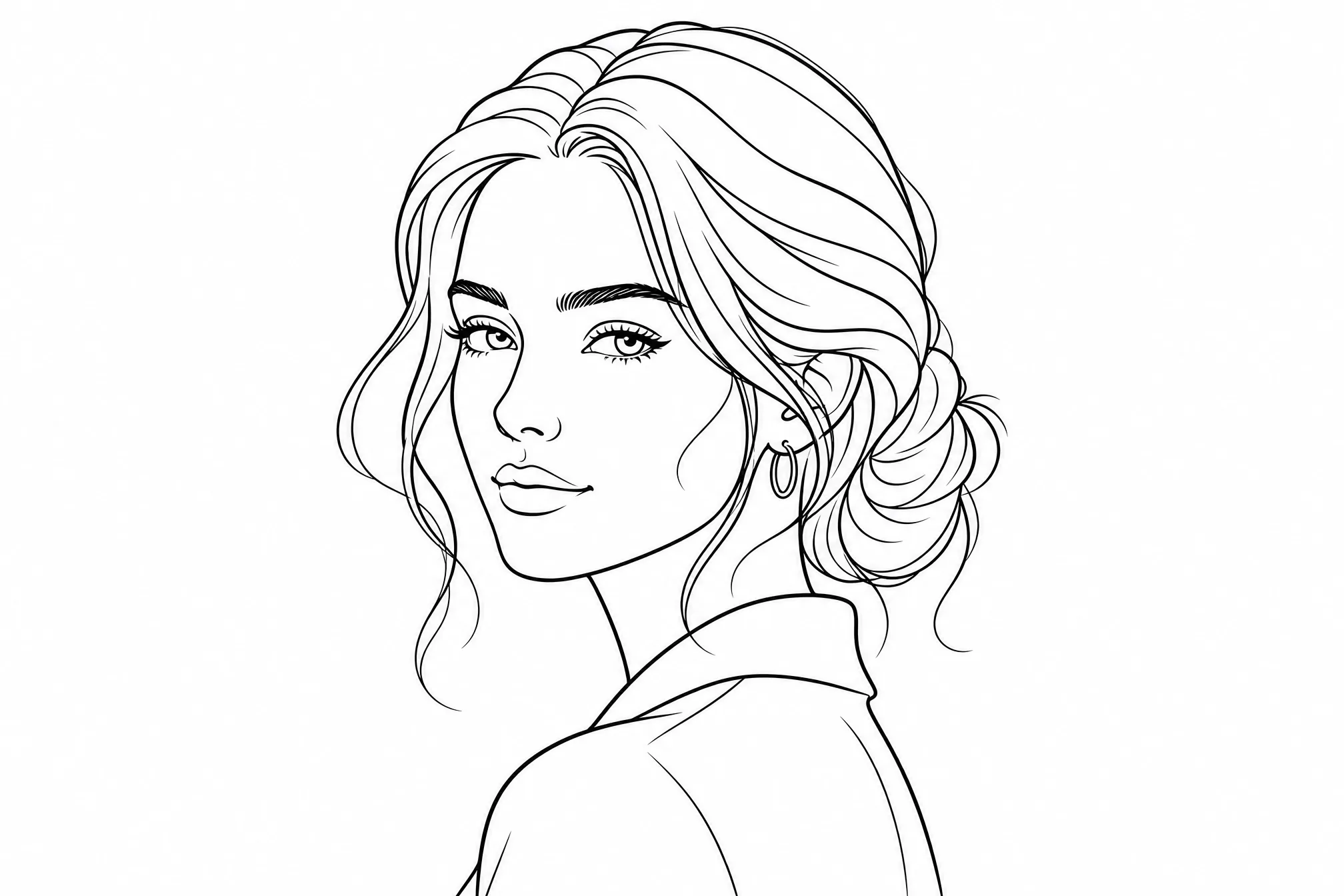
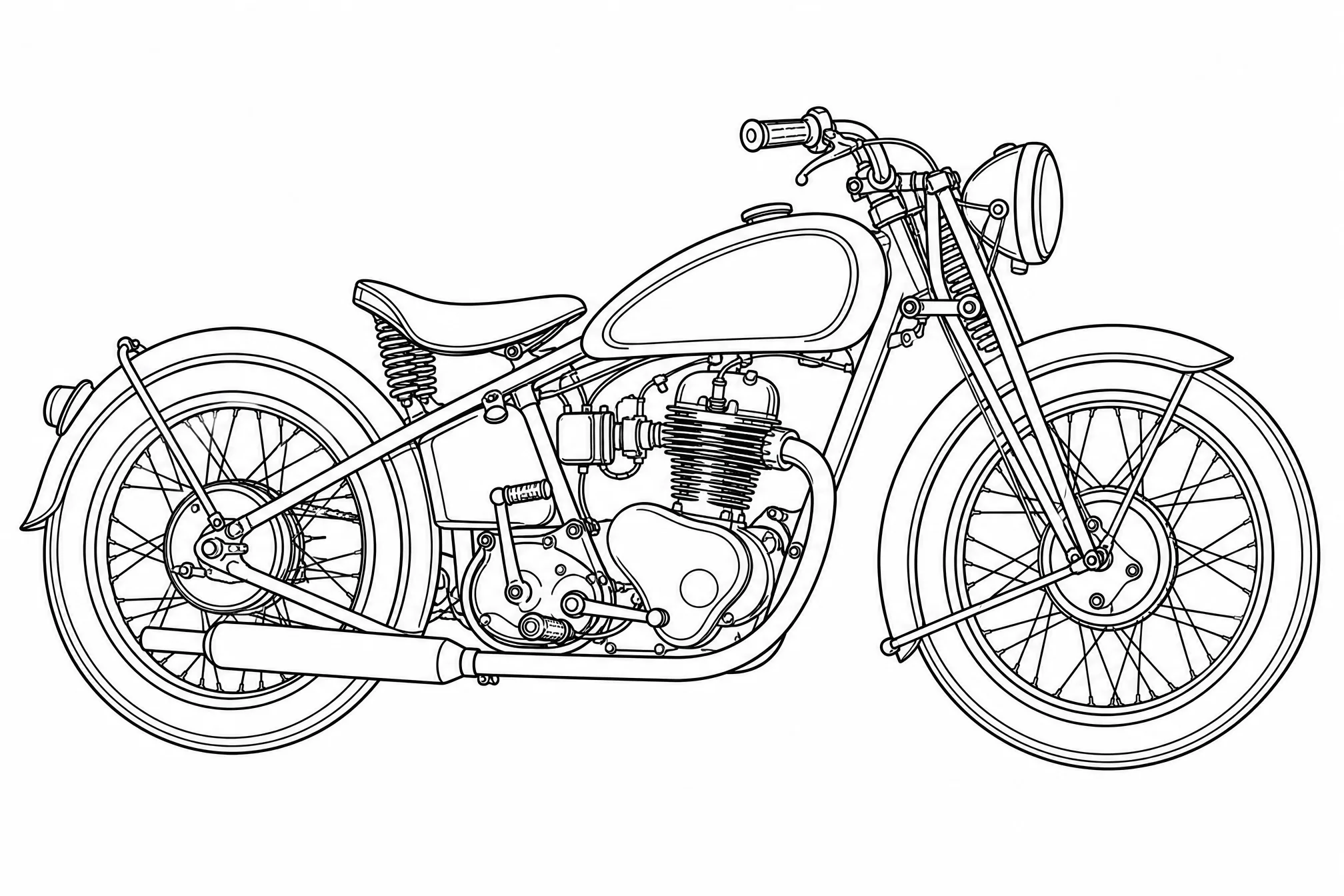
The converter changes the picture into bold black-and-white line art on a white background — clean outlines with no shading or fills.
Save your line drawing and print it, trace it, or drop it into your own artwork and design projects.
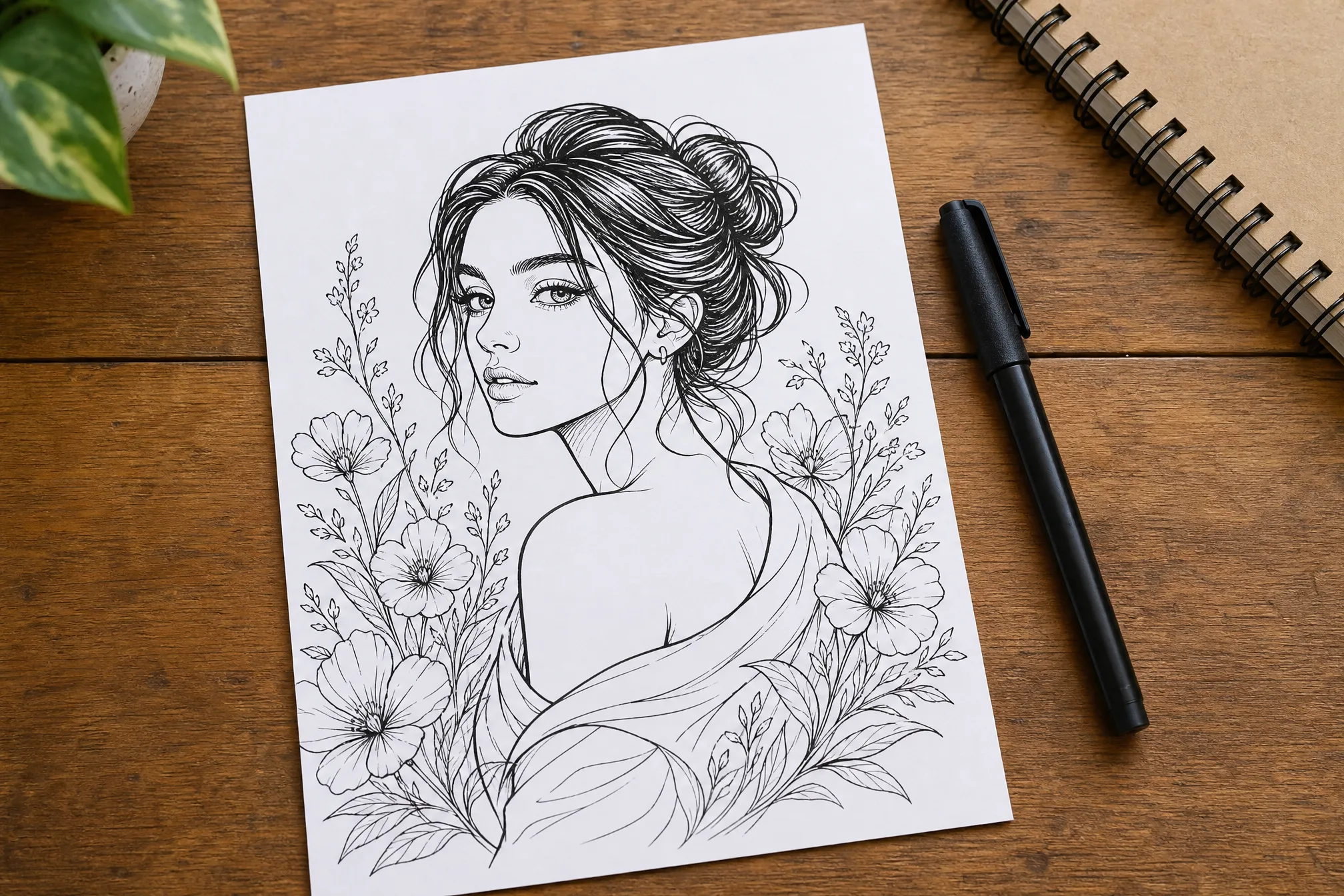
Each example was made from a real picture with this converter — upload yours to create your own line drawing.
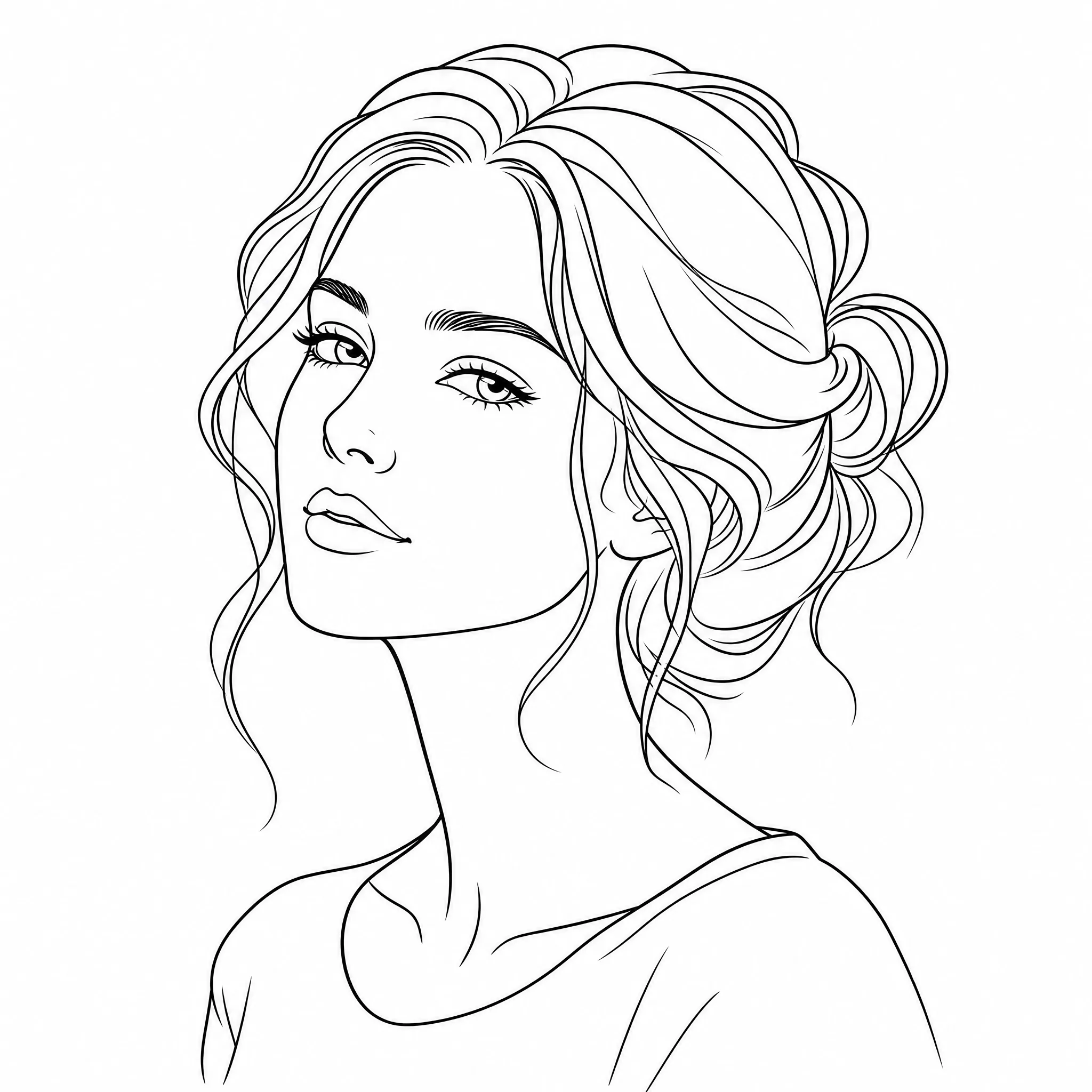
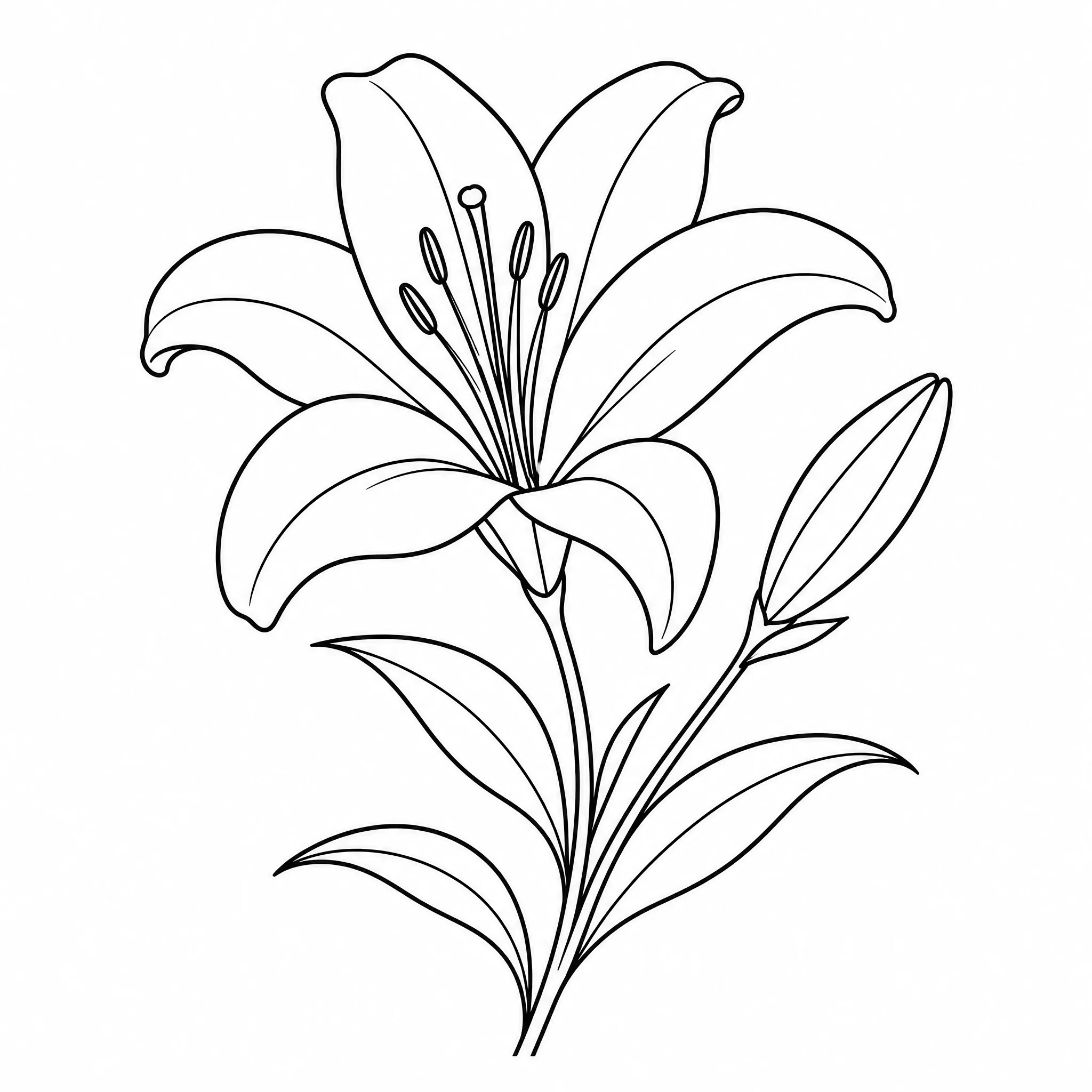
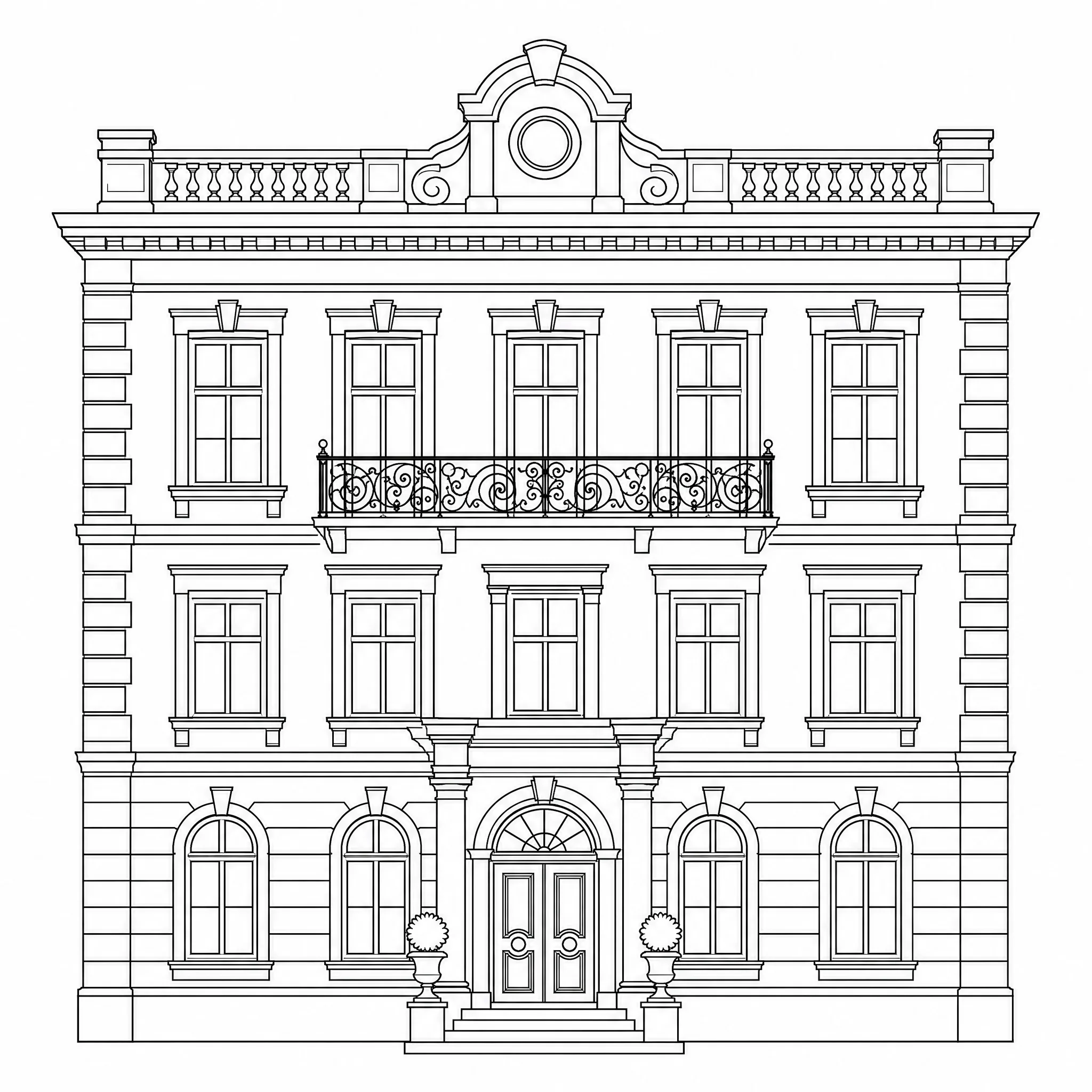
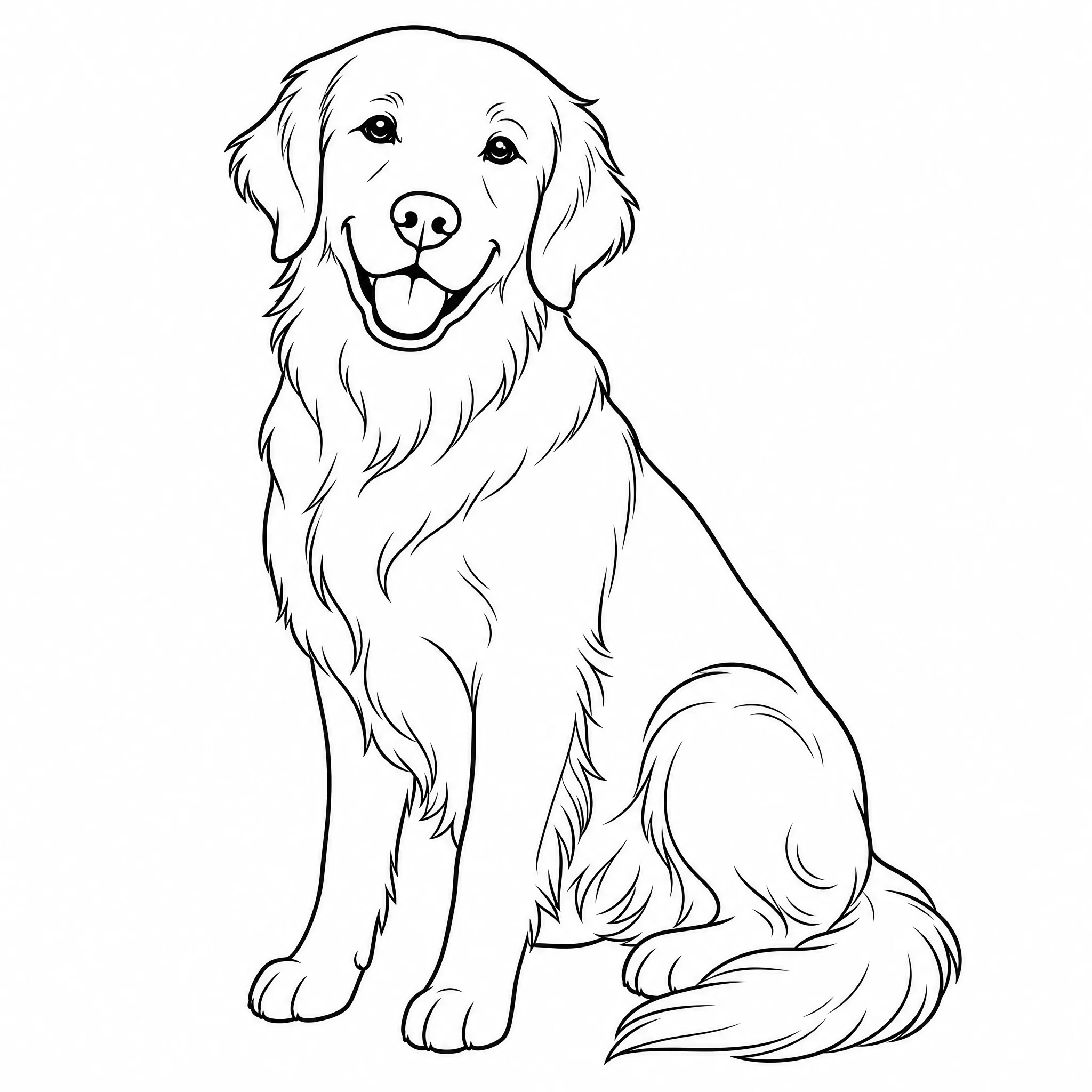
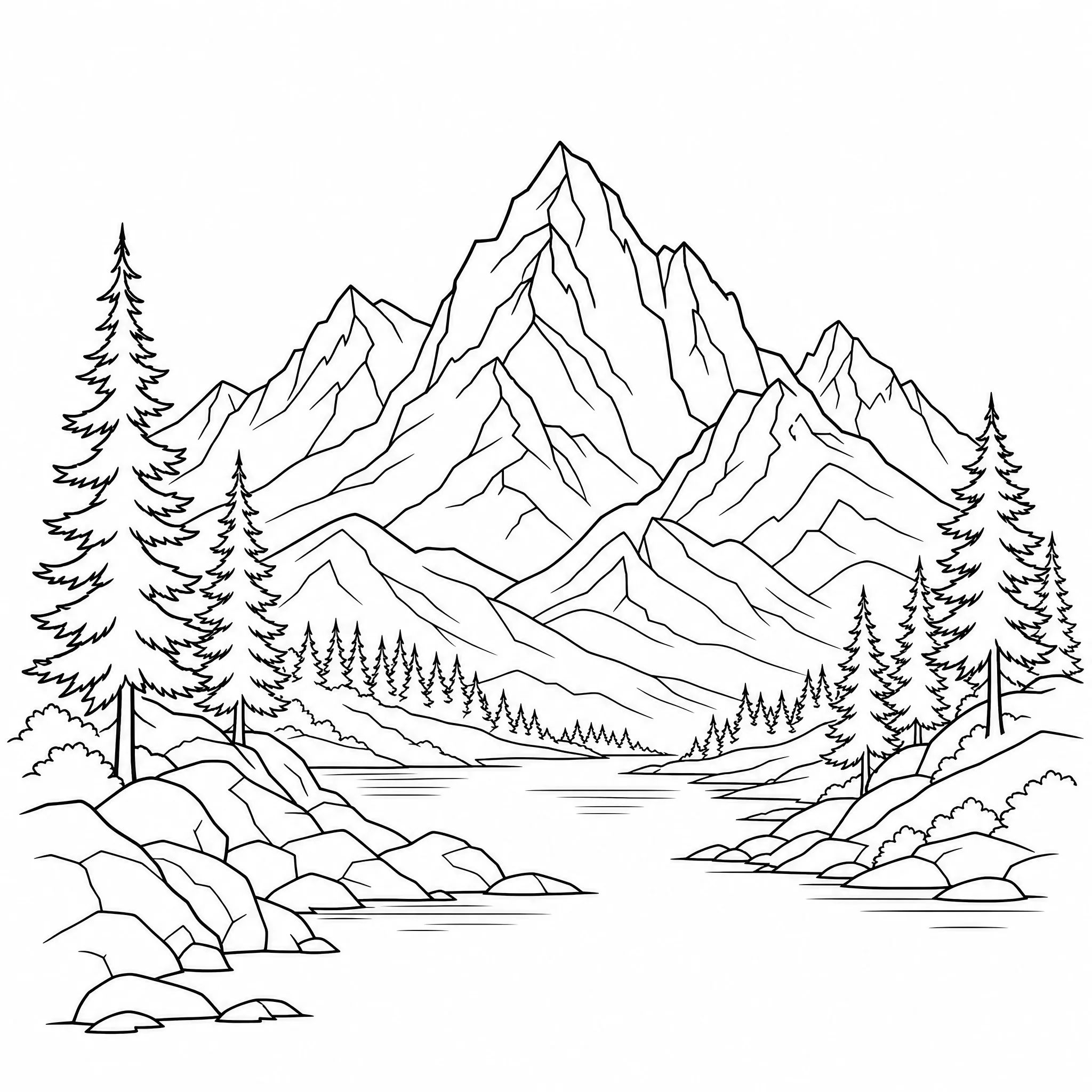
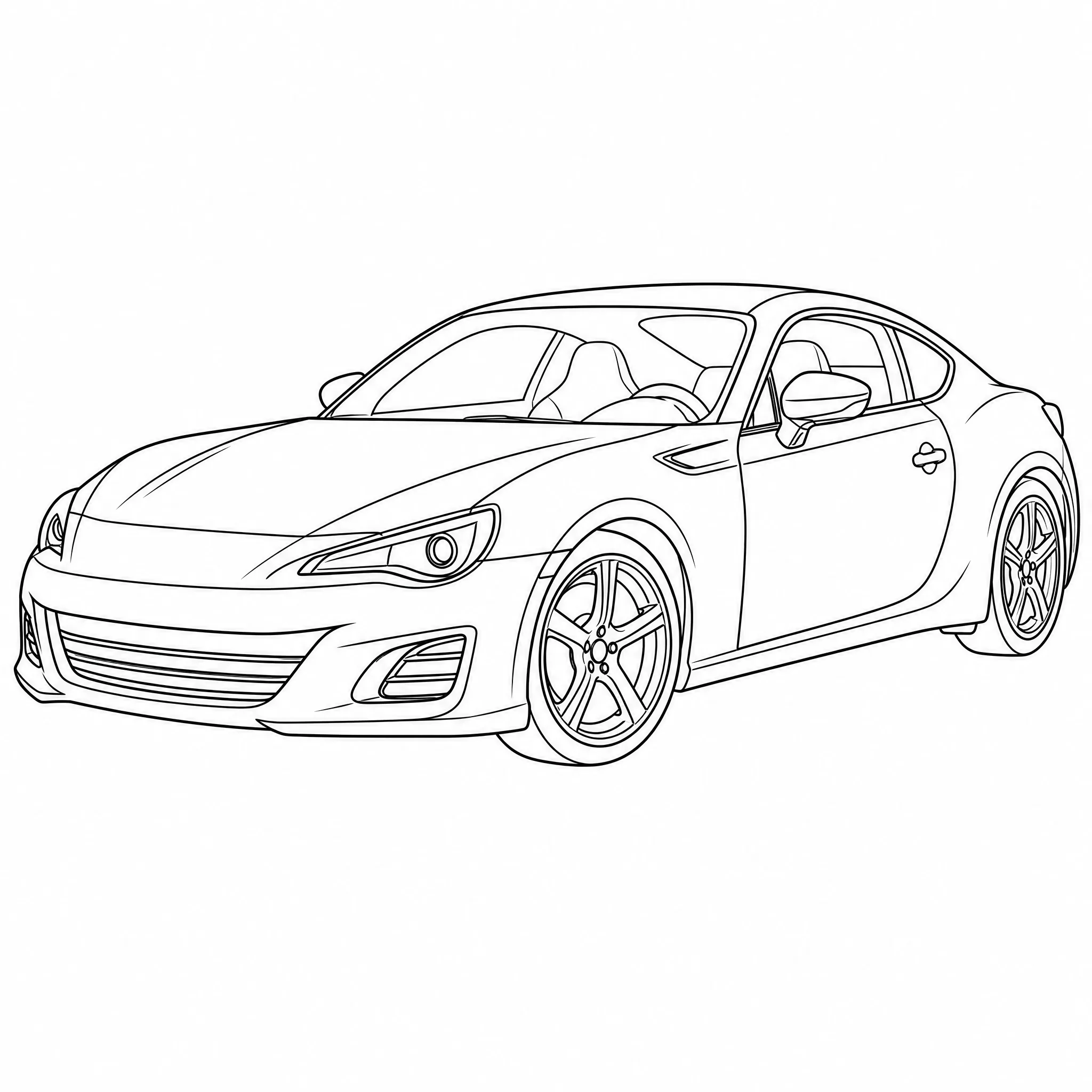
A picture to line art converter built for crisp line drawings — for art, design, and print alike.
Every picture comes back as crisp black lines on white — no shading, no gray, just pure line art.
Convert a picture from a real photo, a scanned drawing, or any saved image into a line drawing.
Choose minimal outlines or finely detailed line work to match the look you want.
Render line art at up to 4K so lines stay clean when you print large or zoom in.
Pick square, portrait, or wide so your line drawing fits the page, canvas, or frame.
Convert one picture into several line art versions in a single run and keep the best.
Upload a picture and you are done — or open the controls to fine-tune the line art.
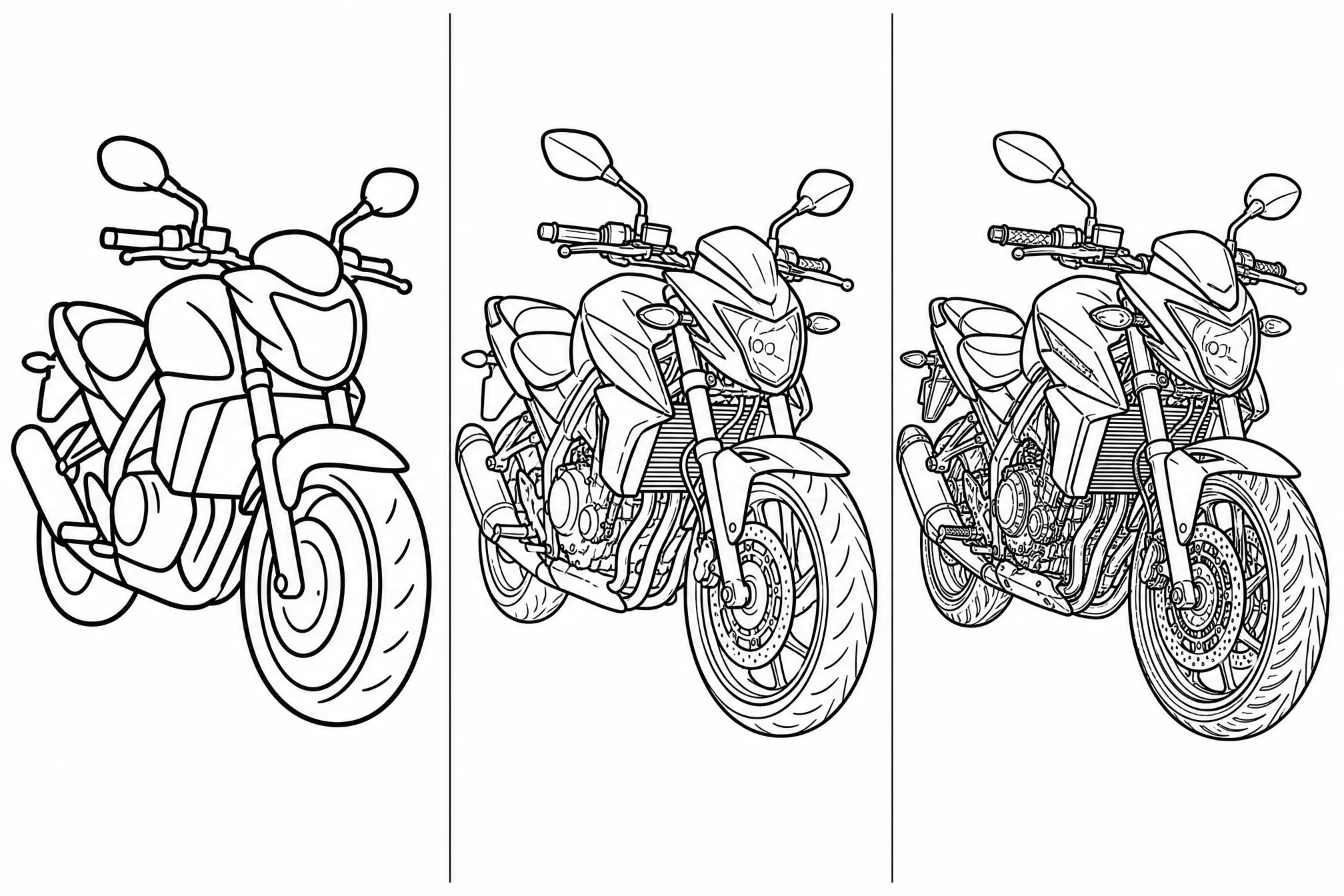
Trade clean minimal outlines for finer, more intricate line work as the project needs.
Choose from 8 ratios so the line drawing fits your page, canvas, or frame.
Step up to 4K for the sharpest lines when you print large or zoom in close.
Convert one picture into several line art versions in a single run.
Keep the scene or clear it for a clean, subject-only line drawing.
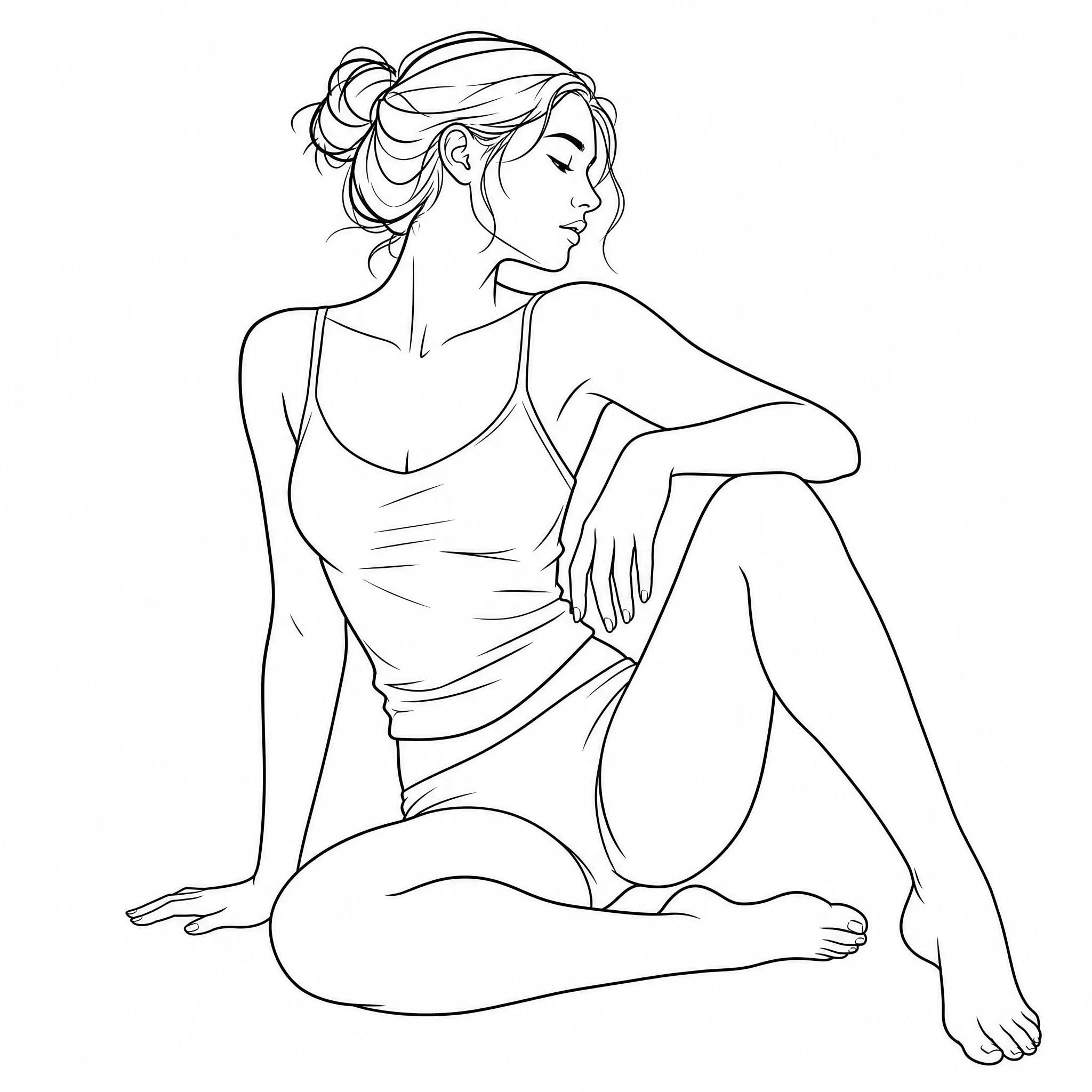
Turn a reference picture into line art to ink over, trace, or build a finished drawing from.
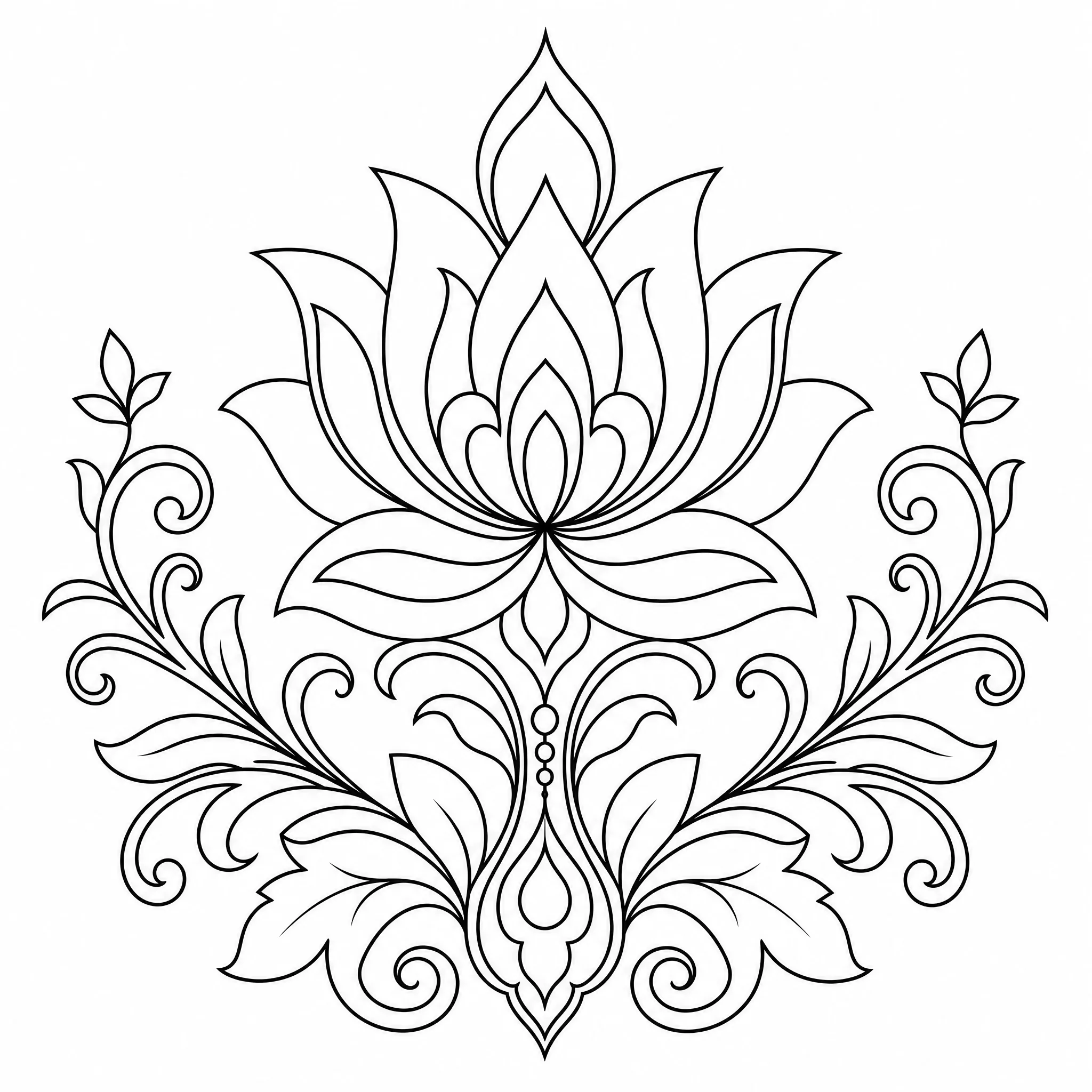
Convert product or brand pictures into clean line drawings for layouts, icons, and graphics.
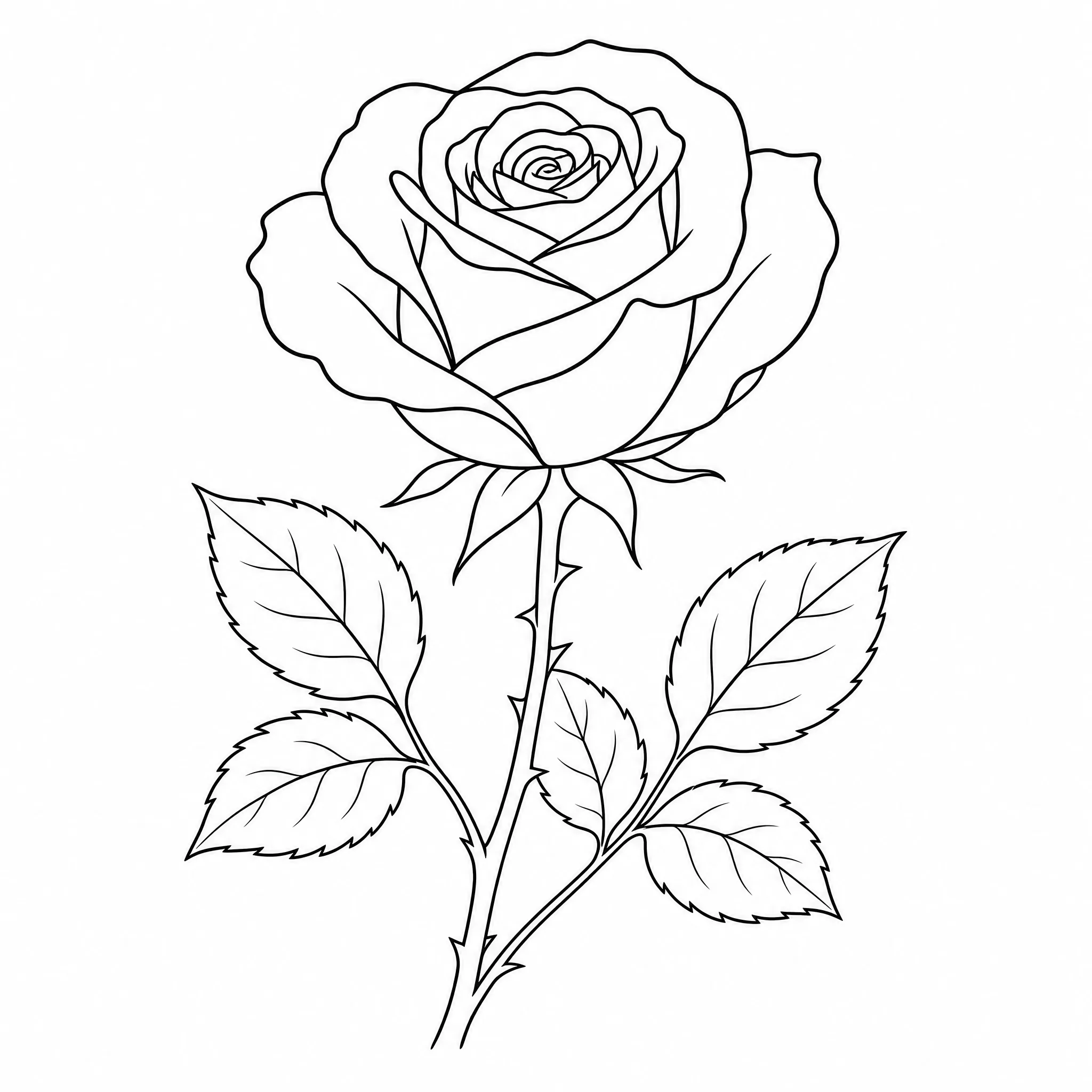
Convert a picture to line art as a base for tattoo flash, stencils, and outline transfers.
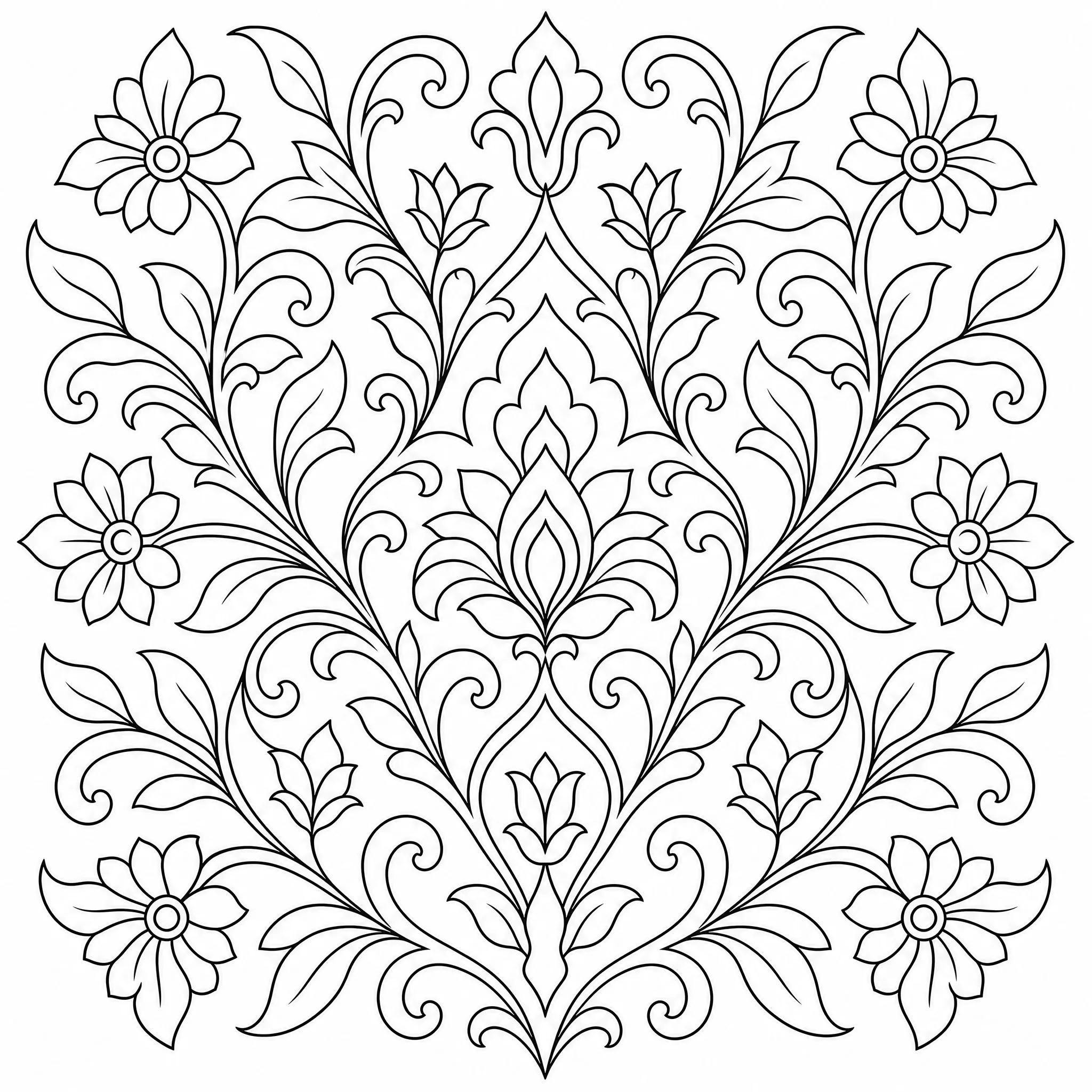
Use line drawings as outlines for embroidery, wood burning, vinyl cutting, and pattern work.
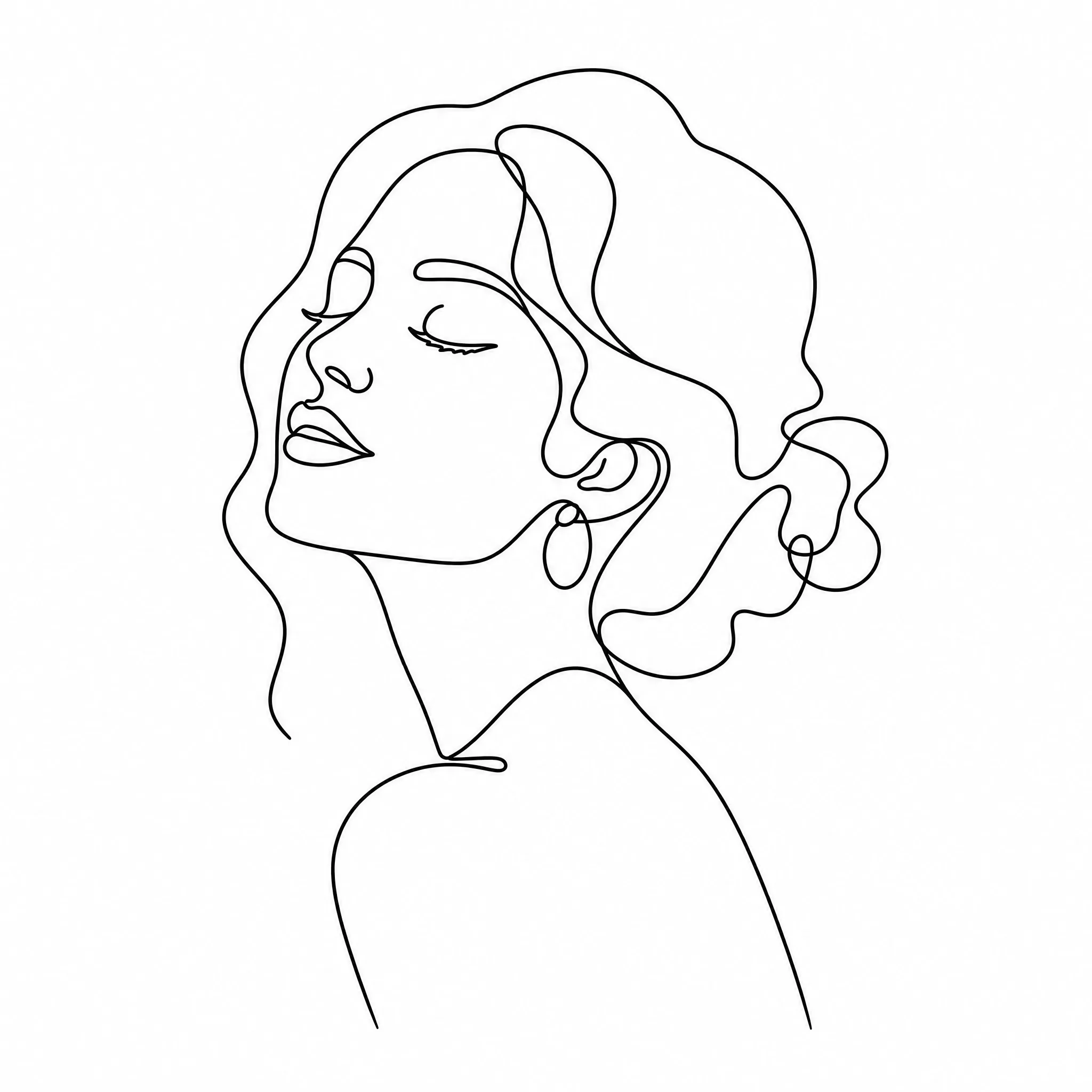
Turn a favorite picture into minimal line art for framed prints and home decor.
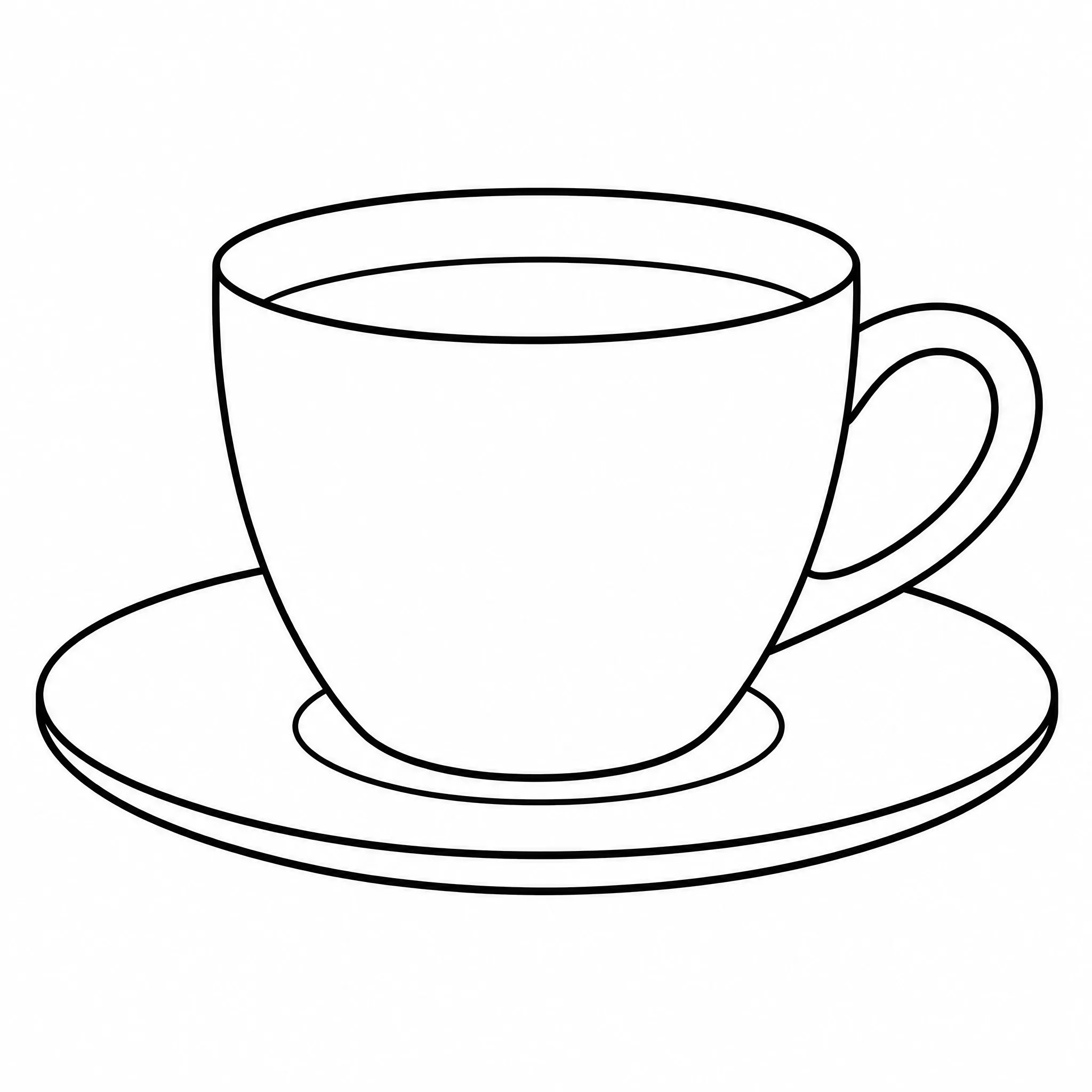
If you have a picture and want a clean line drawing from it, the converter handles the rest.
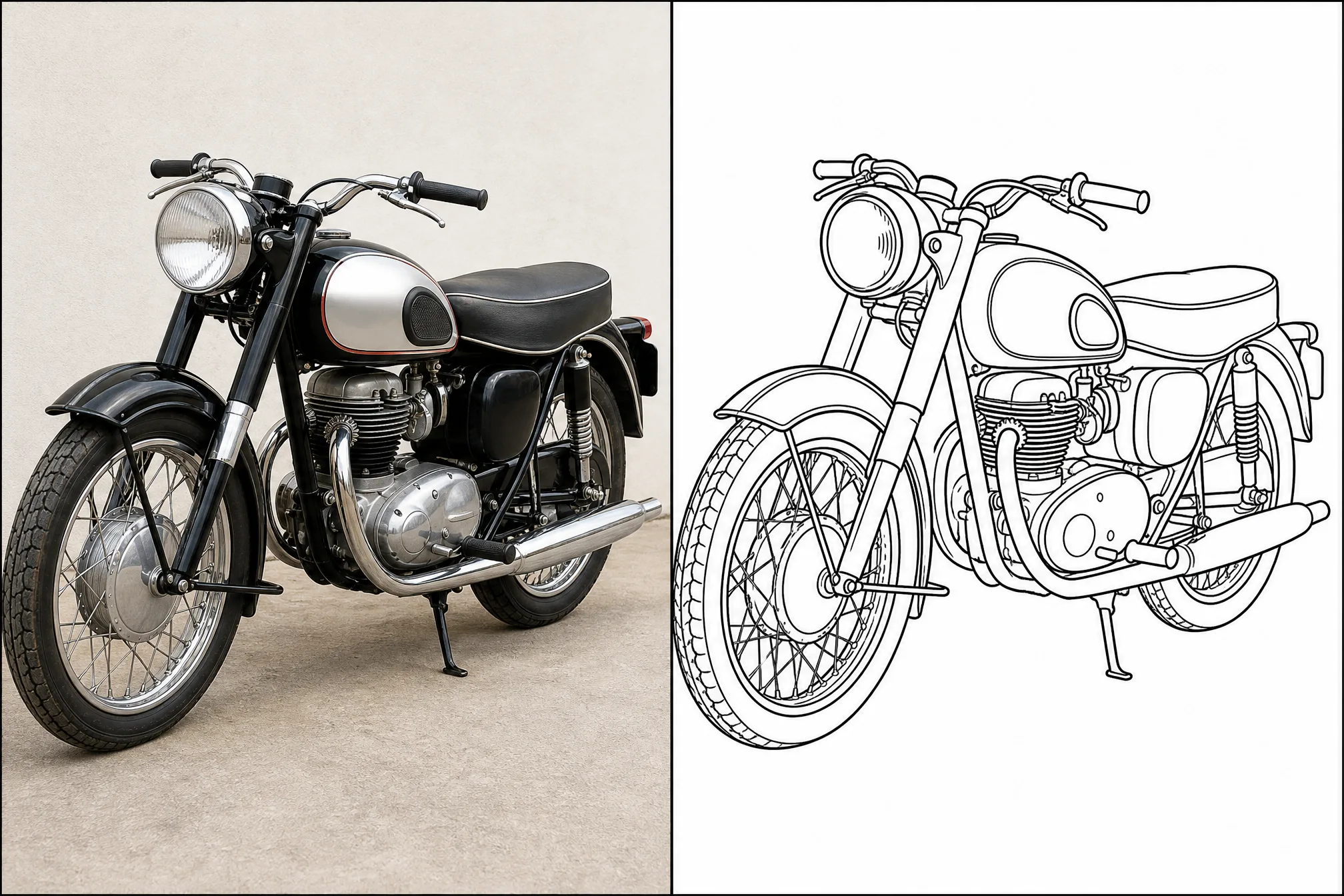
| This converter | By hand / Photoshop | |
|---|---|---|
| Time to line art | In minutes | Tracing or an hour+ of editing |
| Skill needed | None | Drawing or photo-editing skills |
| Account or install | Free to start, no install | Paid app or download |
| Made for line art | Yes, purpose-built | General-purpose tools |
| Print resolution | Up to 4K | Varies |
Straightforward about what it does — and focused on doing it well.
Every example here was converted from an actual picture in this tool — make your own line drawing in the same flow.
Purpose-built controls for line detail, ratio, and resolution turn a picture into true black-and-white line art.
It converts pictures into clean line art — nothing hidden, no over-promises about styles it cannot produce.
New accounts include free credits, it runs in your browser, and your line art is yours to download, print, and use.
Sharp, high-contrast pictures convert into the cleanest line drawings.
A single clear subject gives tidier line art than a busy, cluttered picture.
Lower the detail for minimal outlines, raise it when you want intricate line work.
Set the aspect ratio before you export so the line art fits your page or canvas.
Free credits to start, no software to install, and clean printable line art ready in minutes.
Start Free — Convert a PictureUpload your picture and the converter changes it into clean black-and-white line art, then you download it. The whole process runs online in your browser and takes only minutes — no drawing or editing skills required.
Yes, it is free to start. Create a free account and new accounts include free credits, so you can convert a picture to line art and download your first line drawings right away.
You do not need to install anything. This picture to line art converter works entirely online in your browser on phone, tablet, or desktop — no app or download required.
Yes. You can change a picture to line art from a real photo, a scanned drawing, clip art, or any saved image. Clear pictures with one main subject give the cleanest line drawings.
Absolutely. Each result is clean black-and-white line art that prints crisply on standard paper at resolution up to 4K, and you can also use it as a base for your own artwork and designs.
Yes — you can generate up to 4 line art versions from a single picture in one run and keep the ones you like best.