Convert any image to a sketch online — free and in your browser. Drop in a JPG, PNG, screenshot, or scan and our AI image-to-sketch maker turns it into a clean pencil sketch with hand-drawn shading. No software, nothing to install.
JPG or PNG — photos, product shots, designs, screenshots, scans.
Free to start · runs in your browser · no watermark
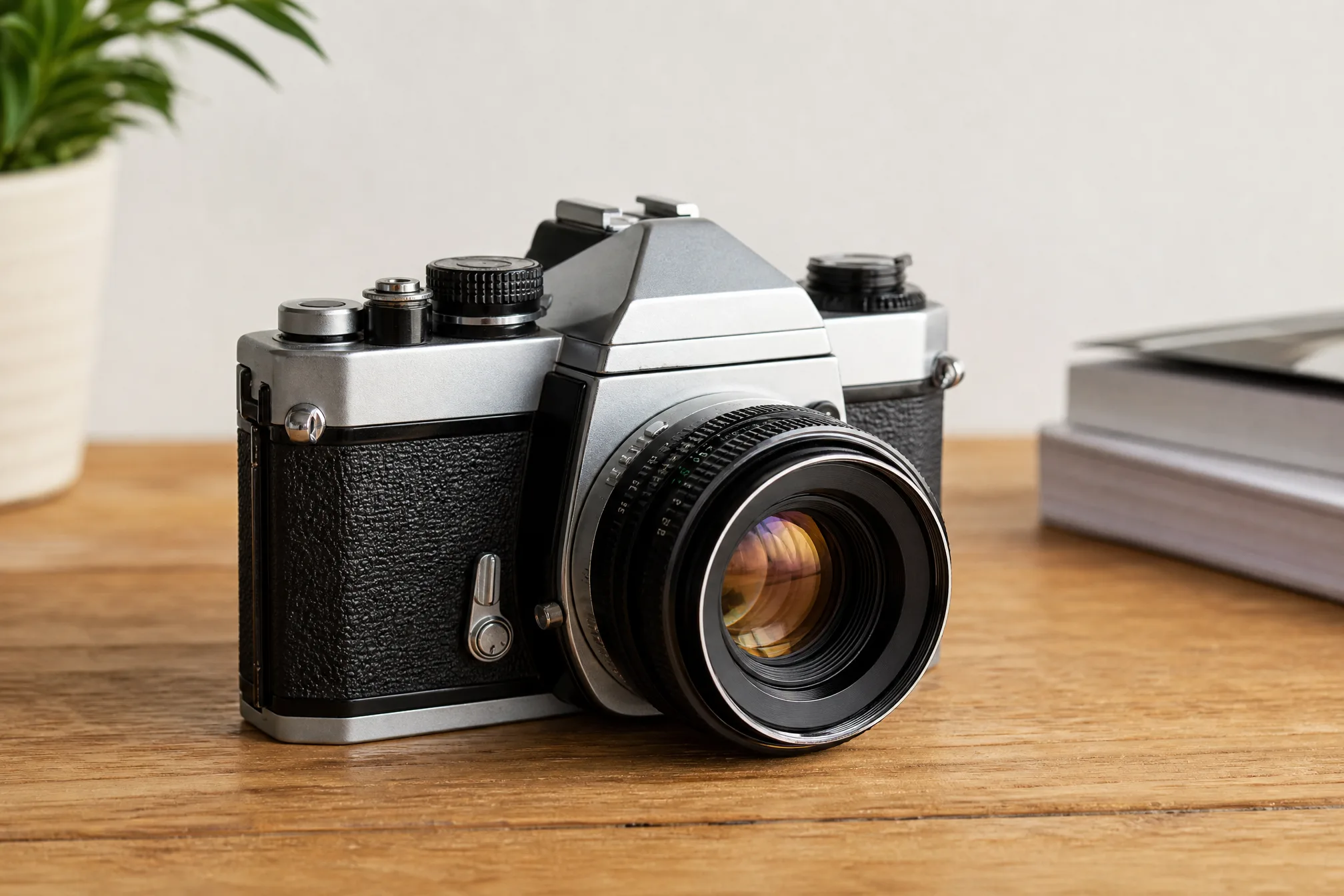
Drop in any image file — a JPG or PNG photo, a product shot, a design mockup, a screenshot, or a scan.
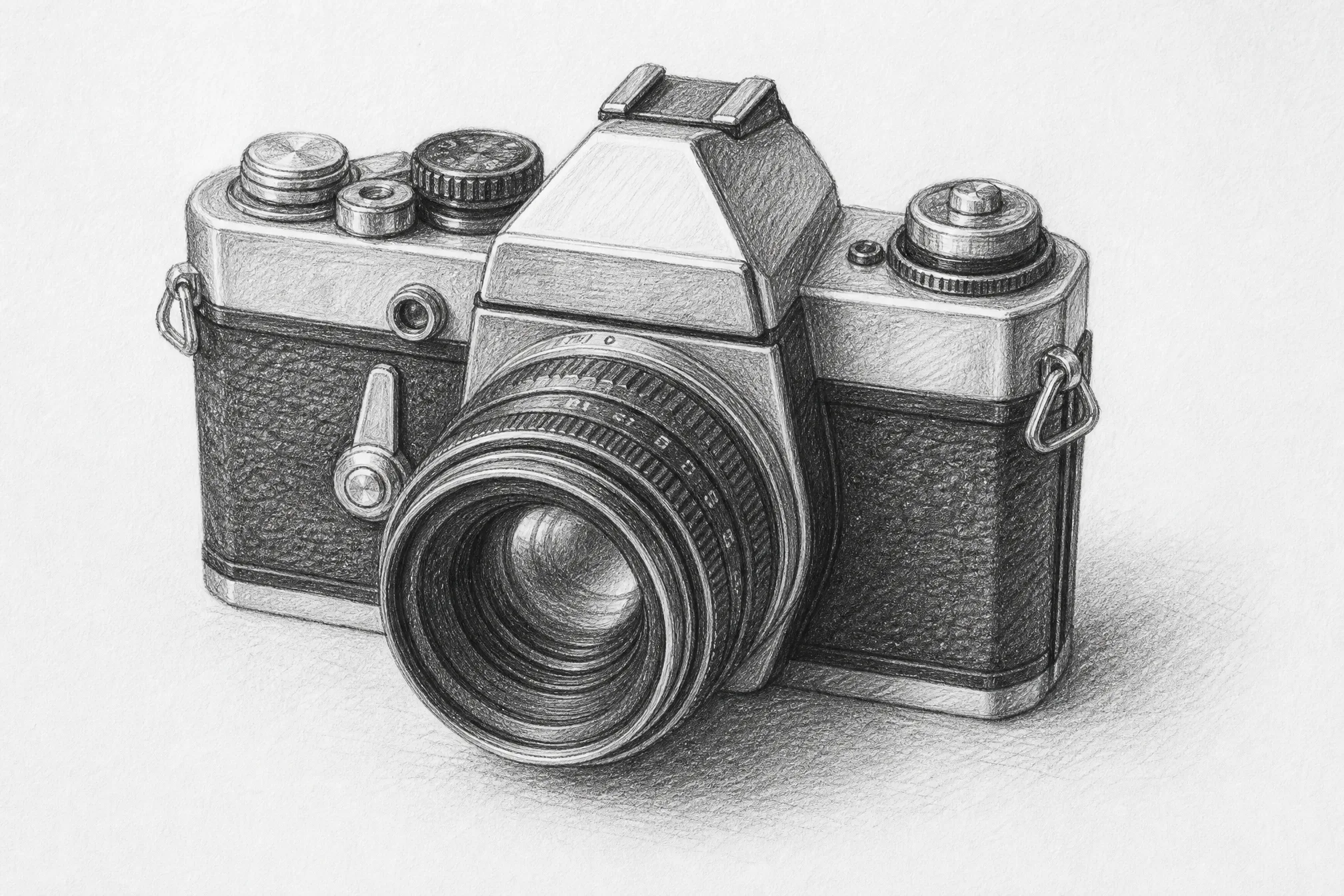
Your image becomes a clean pencil sketch — graphite contour lines with hand-drawn shading, the look of a real sketch drawing.
Download your sketch as a clean image and print it, share it, or drop it straight into your own design files.
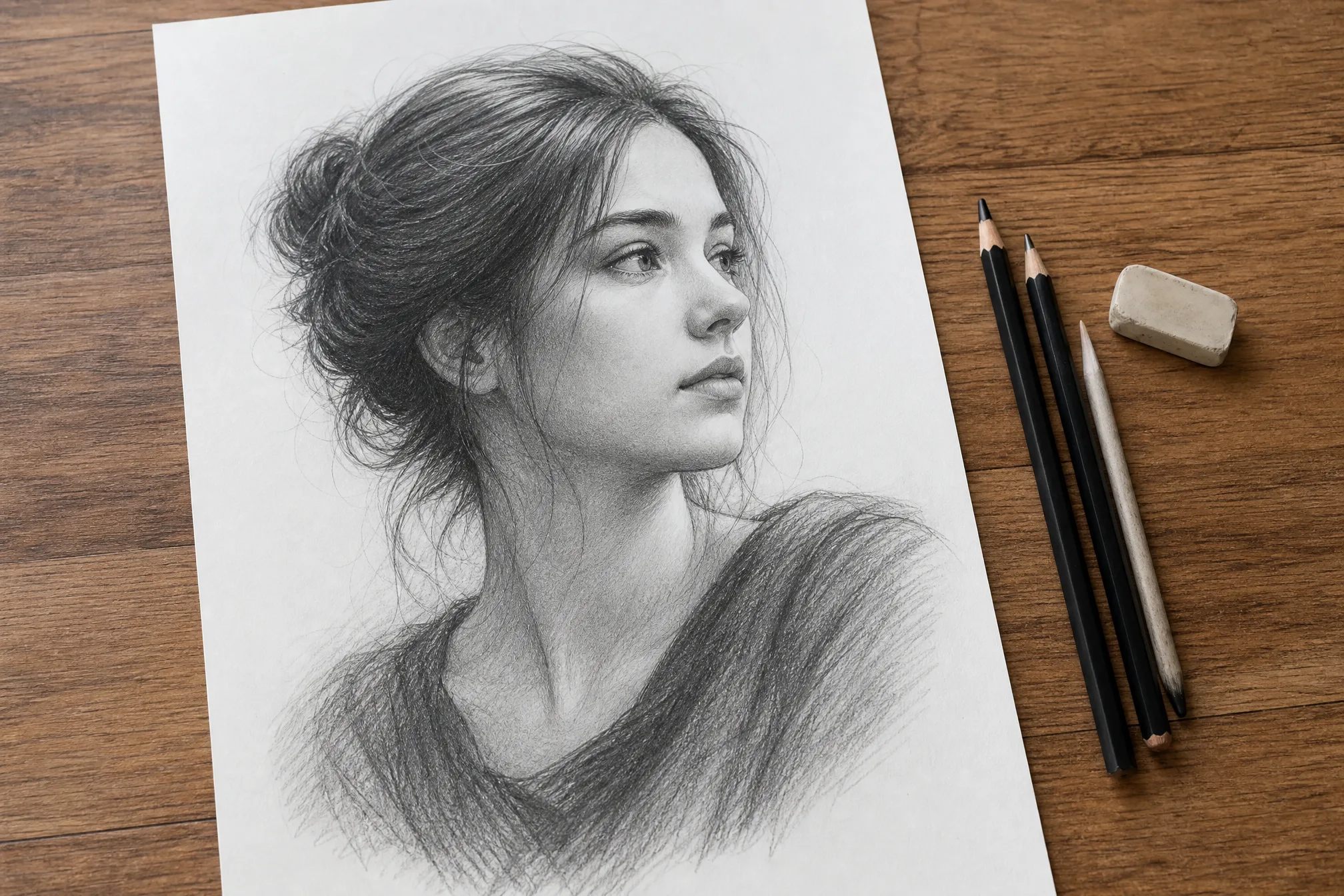
Everything you need to convert an image to a sketch that holds up on screen and in print.
Each image comes back as a graphite-style pencil sketch — soft hatching and contour lines, not a flat one-click photo filter.
Convert JPG or PNG images, product shots, design mockups, screenshots, and scans — drop the file in and let the converter do the rest.
Keep it light with loose, minimal strokes, or dial up finer detail for a denser, more worked pencil sketch.
Convert your image to a sketch at up to 4K so the pencil strokes stay clean on large prints and high-res screens.
Generate up to 4 sketch versions from a single image in one run and keep the one that reads best.
Leave the full scene in, or clear the background for a clean, subject-only sketch drawing.
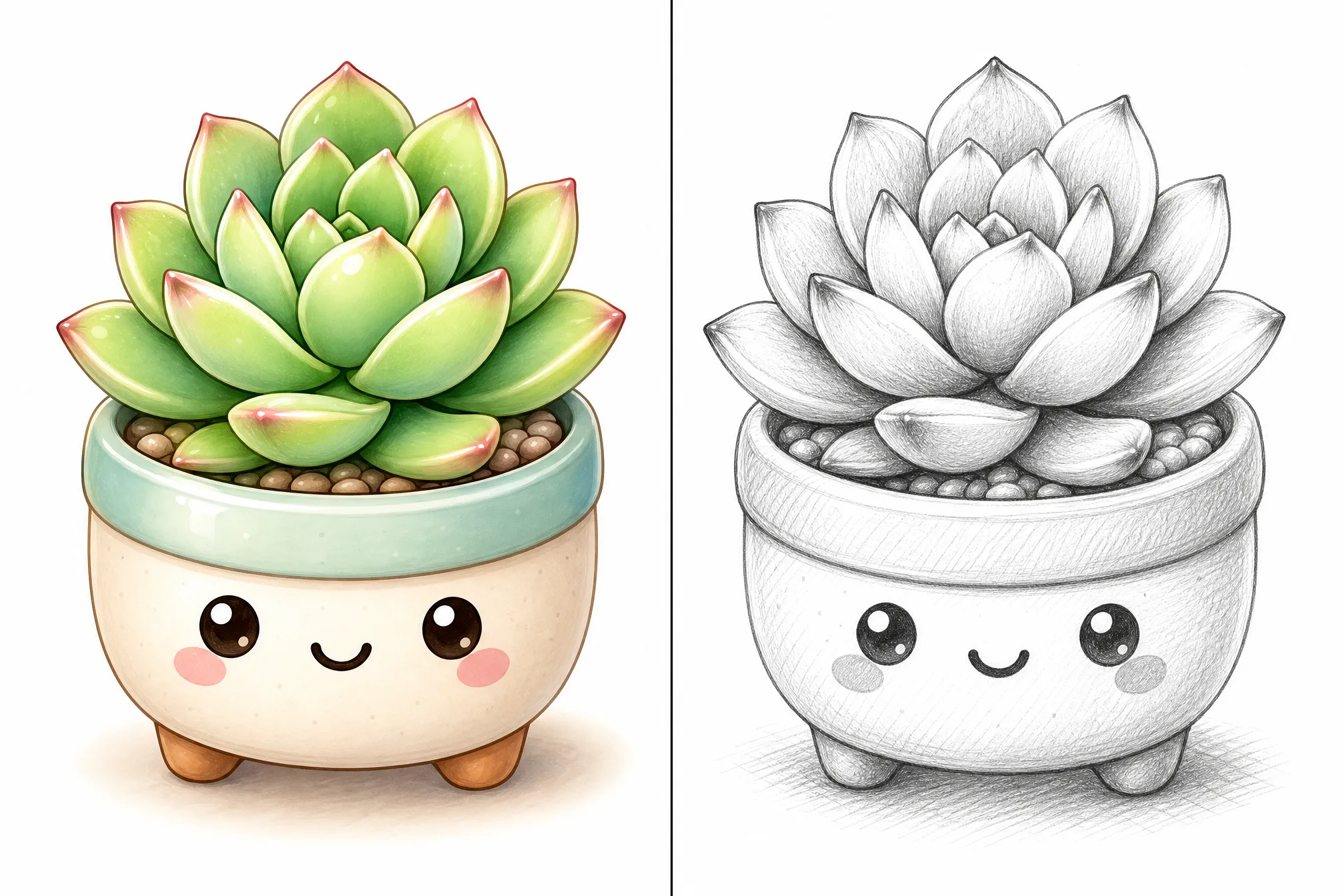
Every example below was made from a real image with this converter — upload yours and convert an image to a sketch of your own.
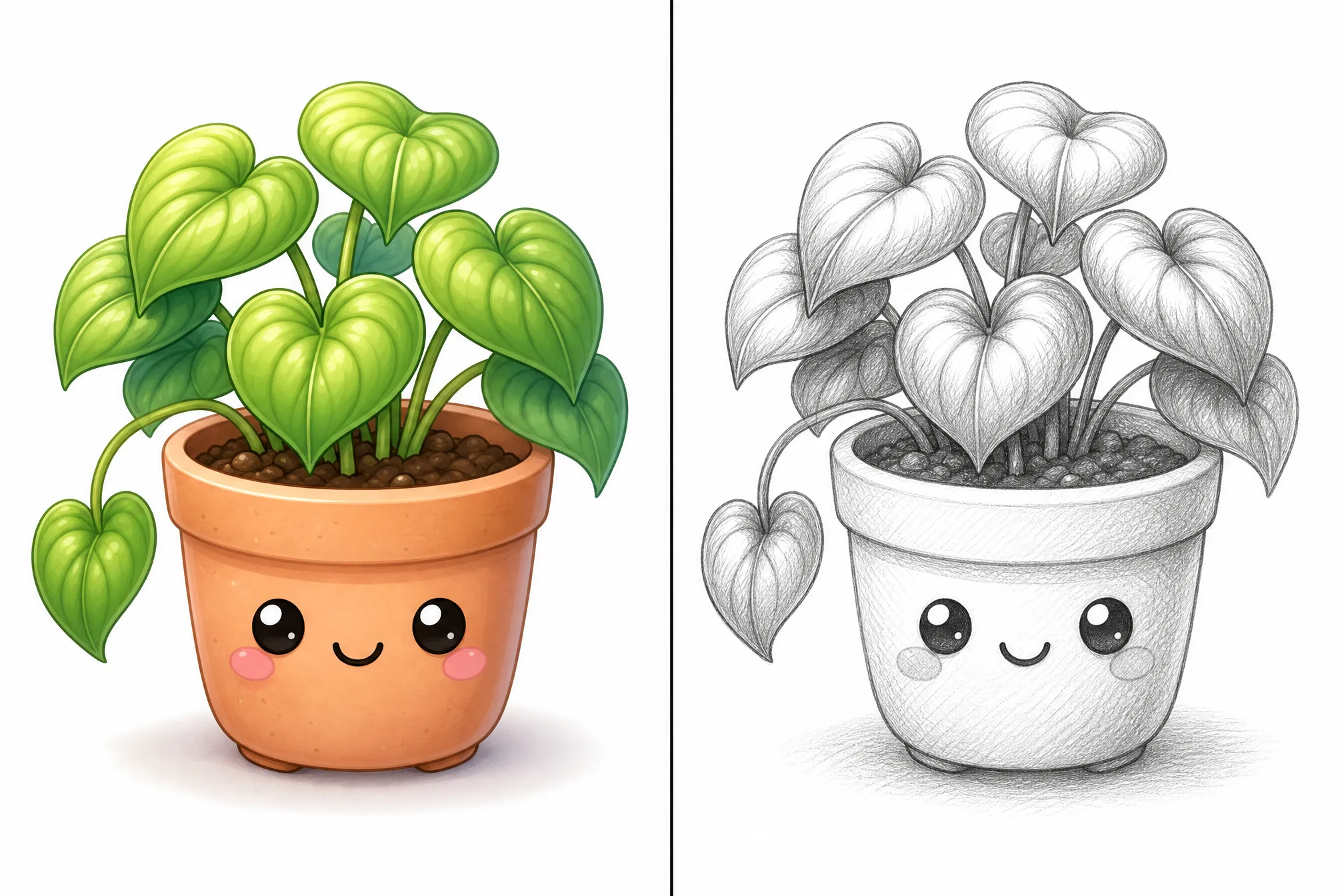
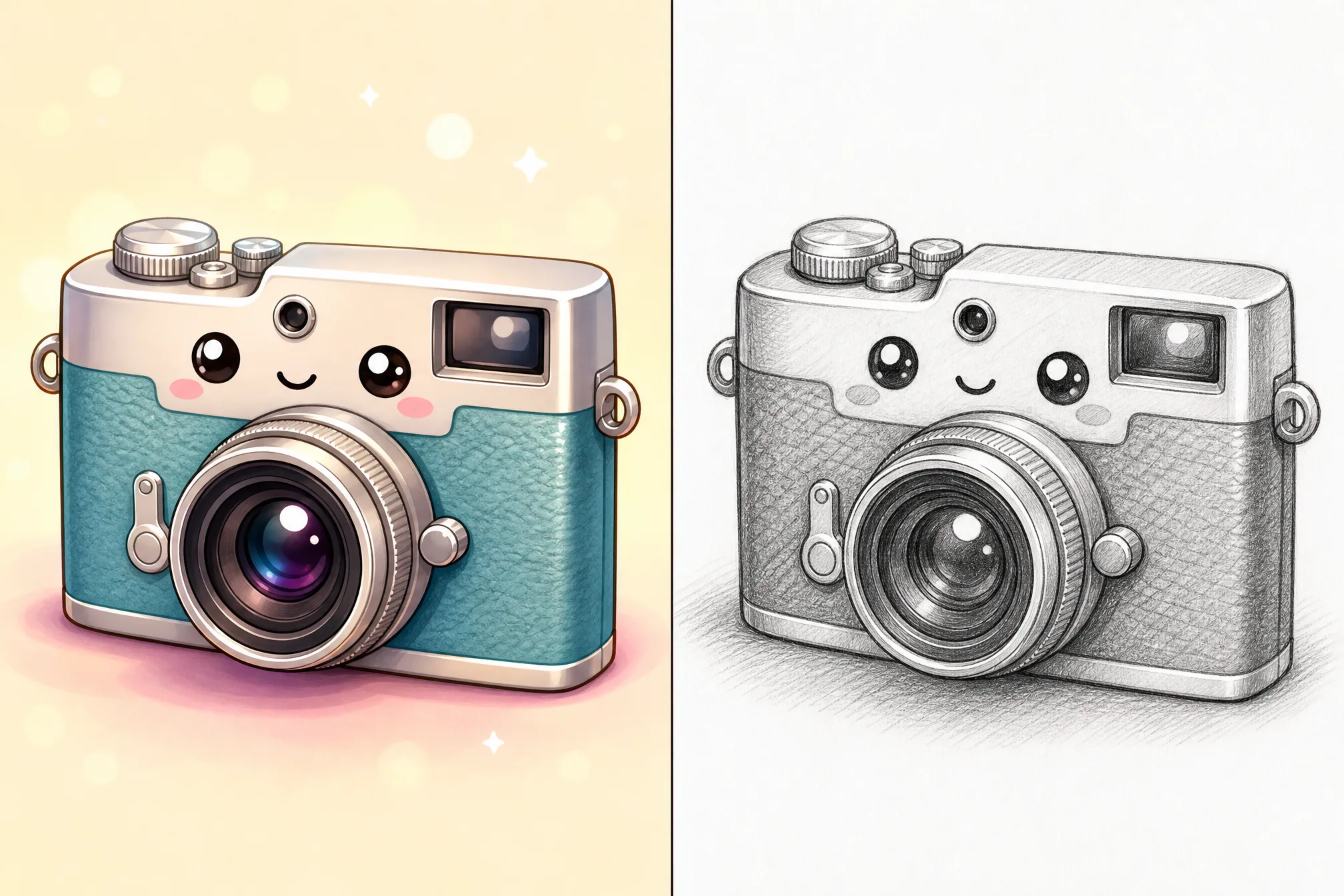
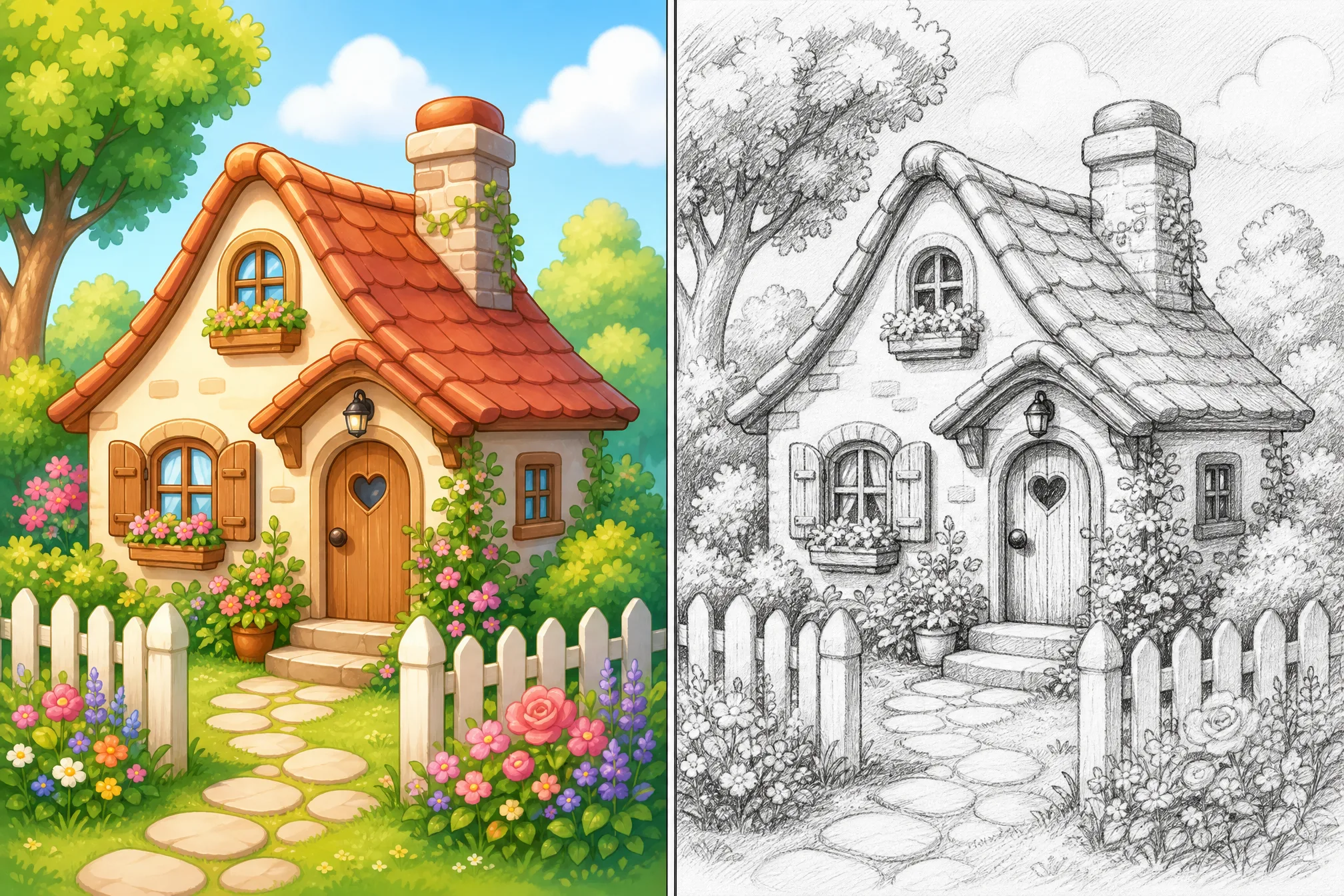
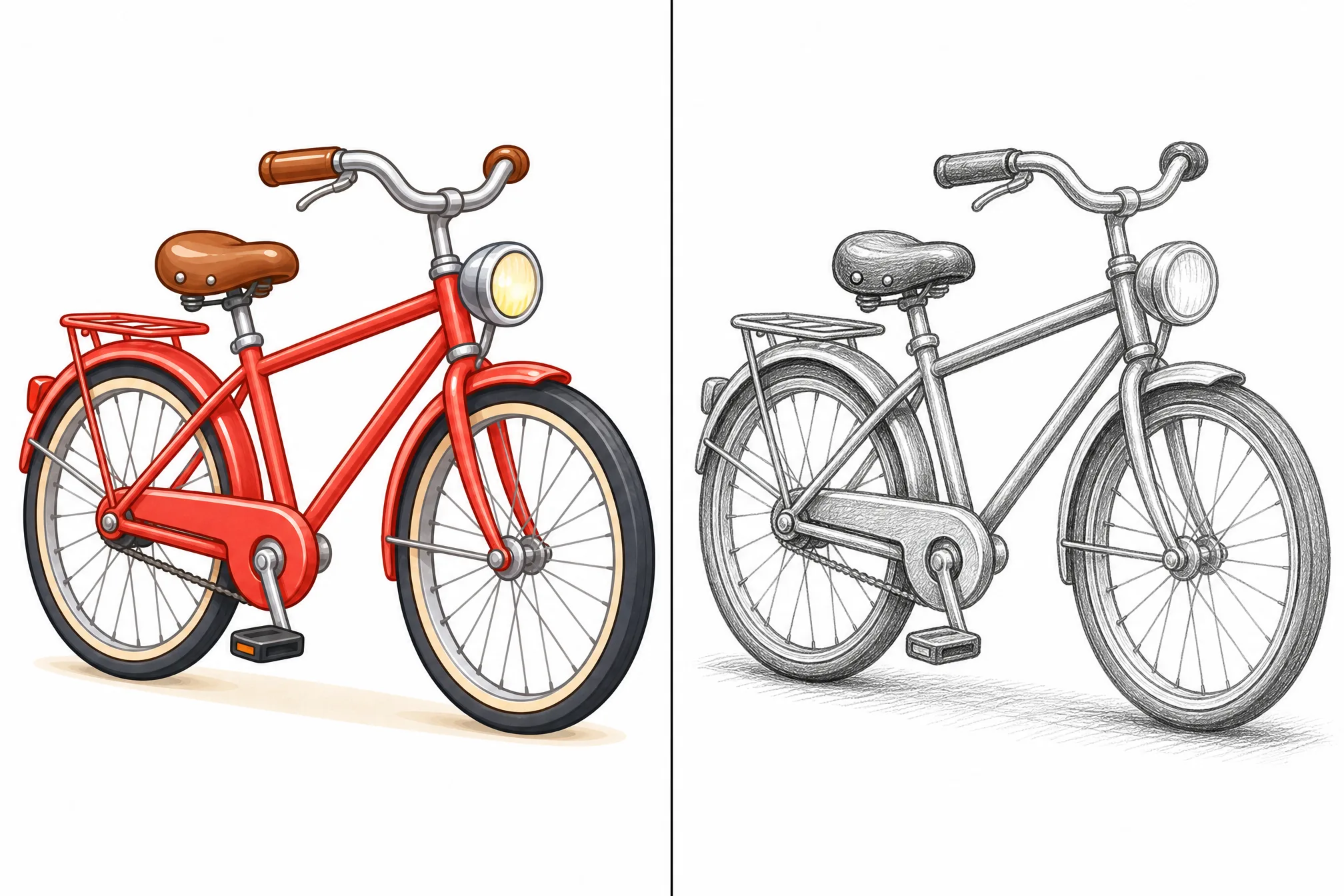
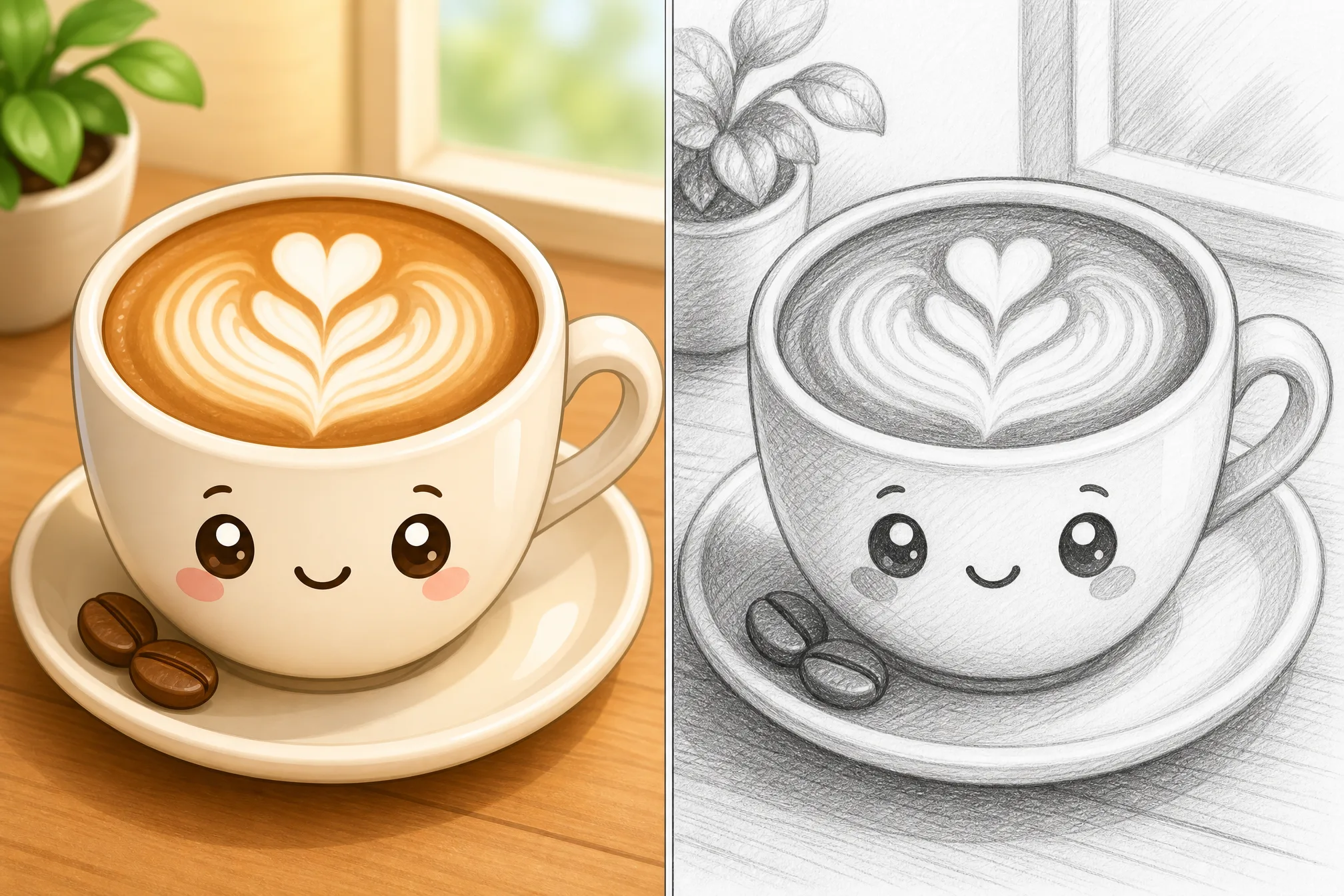
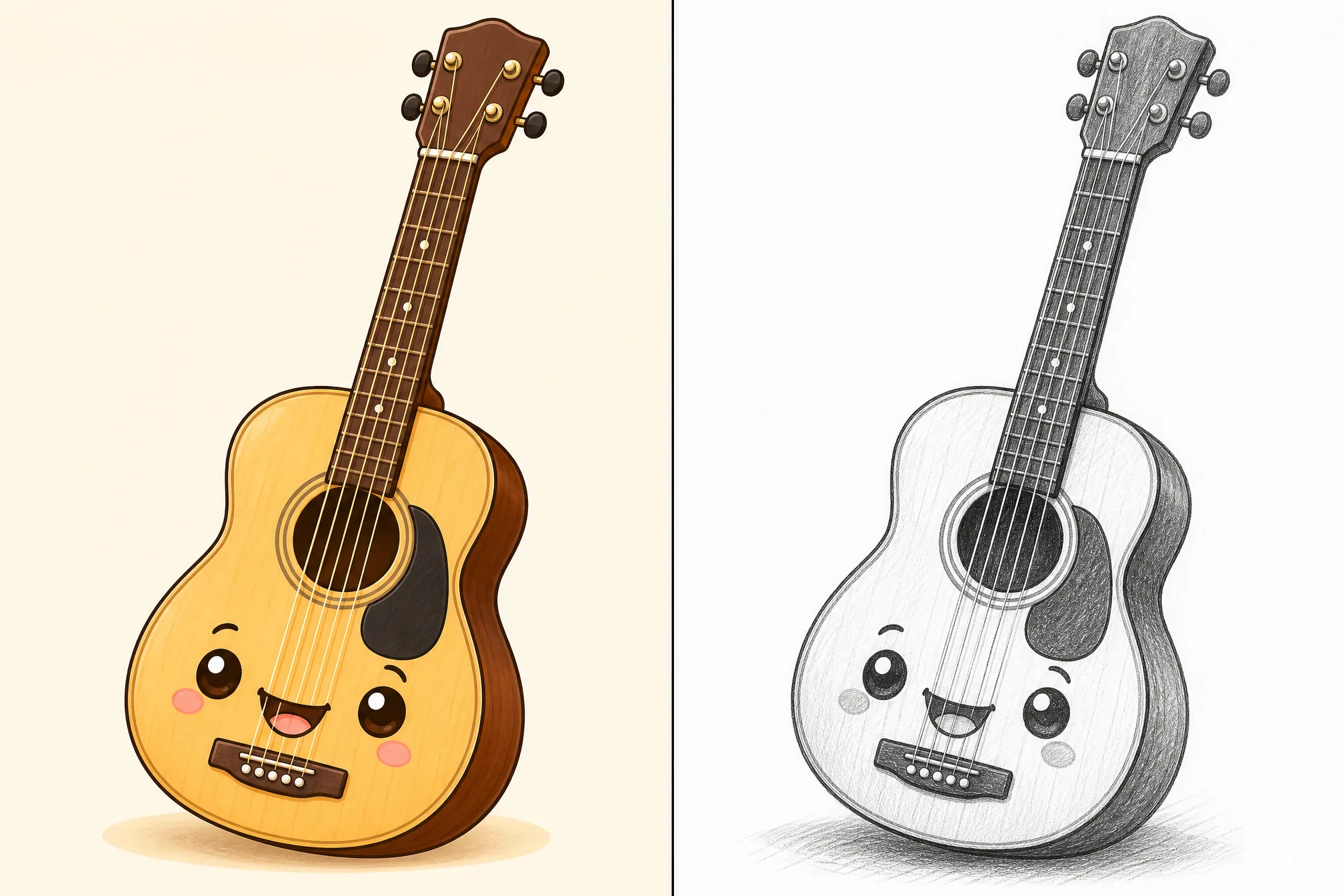
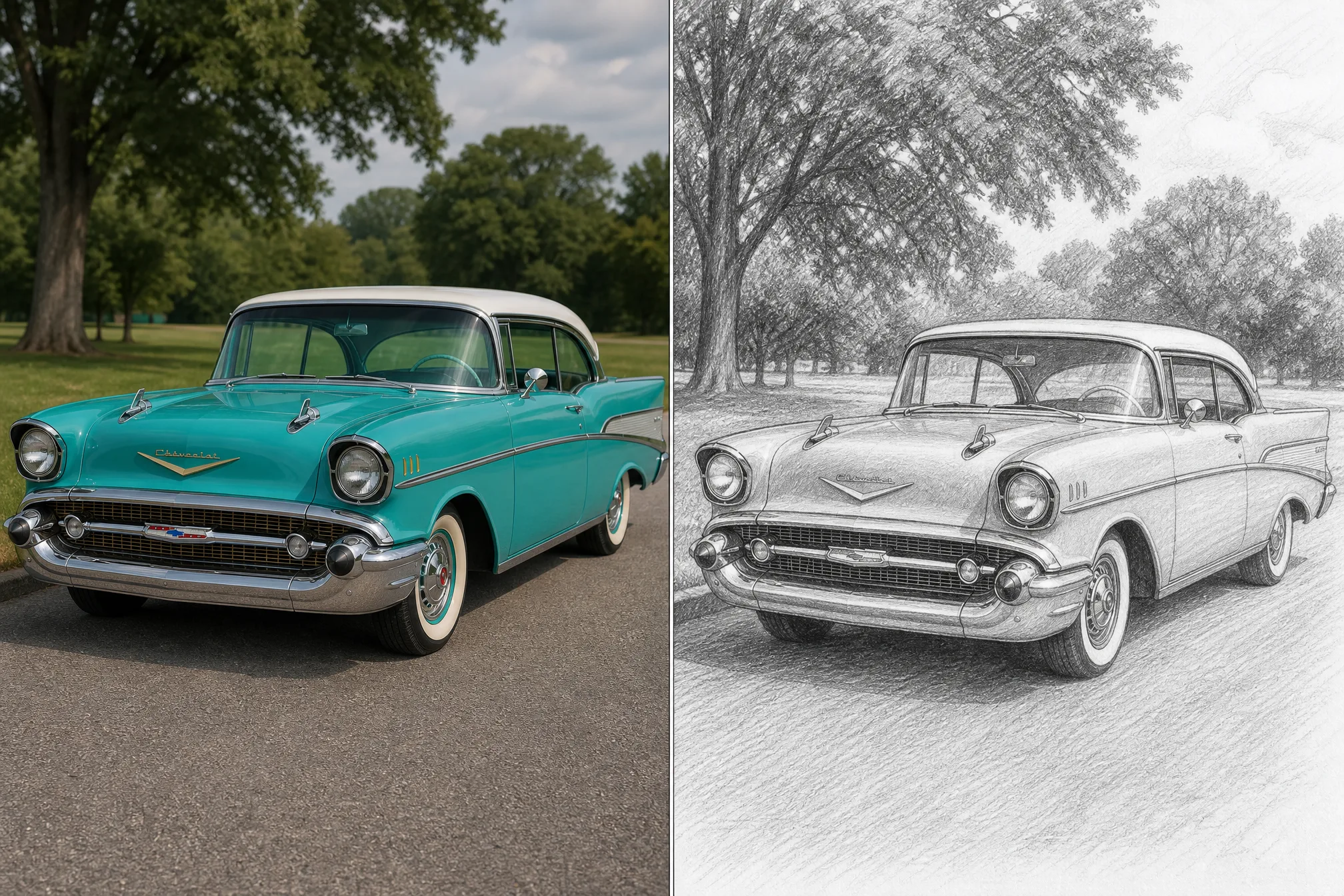
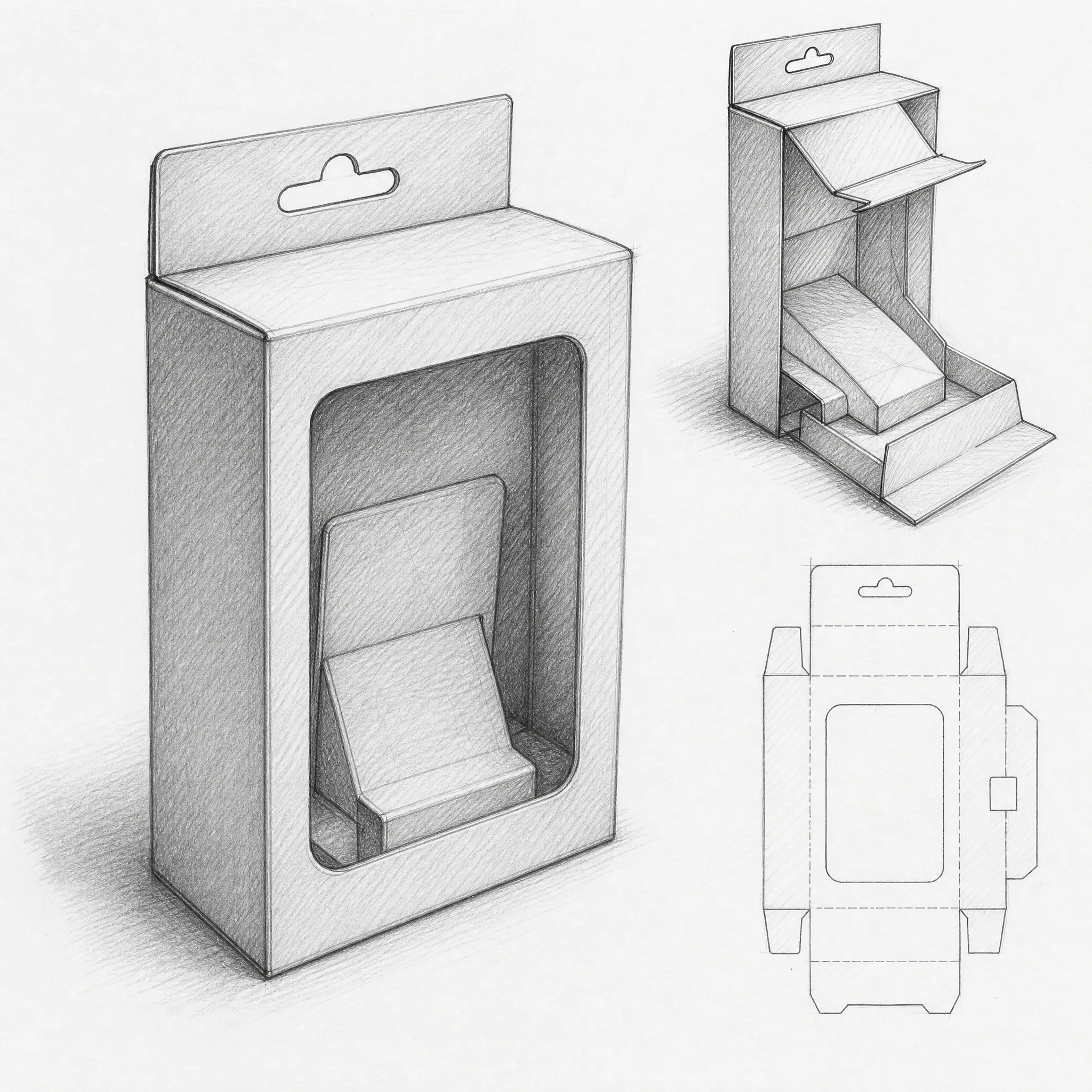
Convert a mockup or photo into a pencil sketch to present an early-stage, hand-drawn version of a layout or concept.
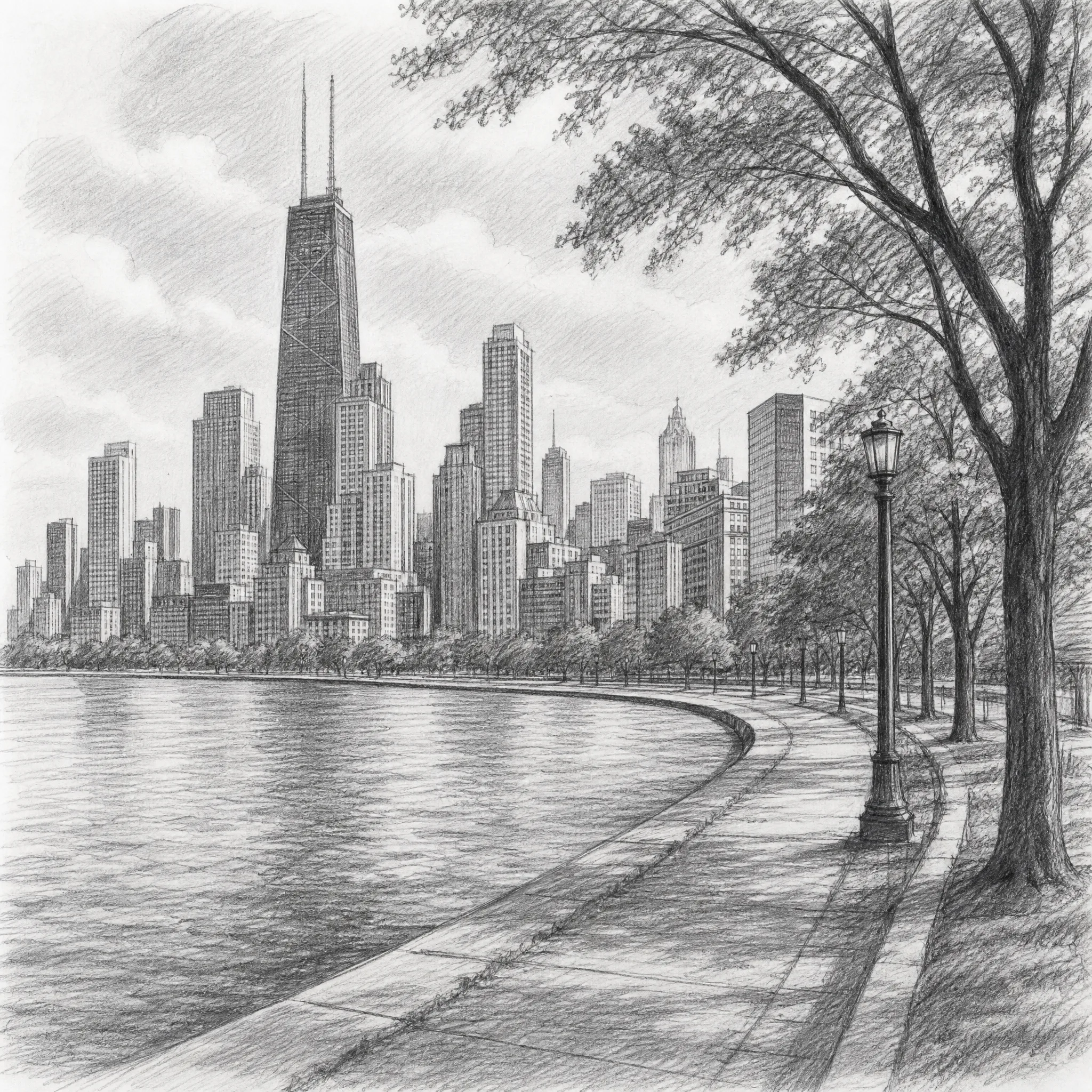
Turn a reference image into a sketch as a clean drawing base for inking, painting, or further illustration.
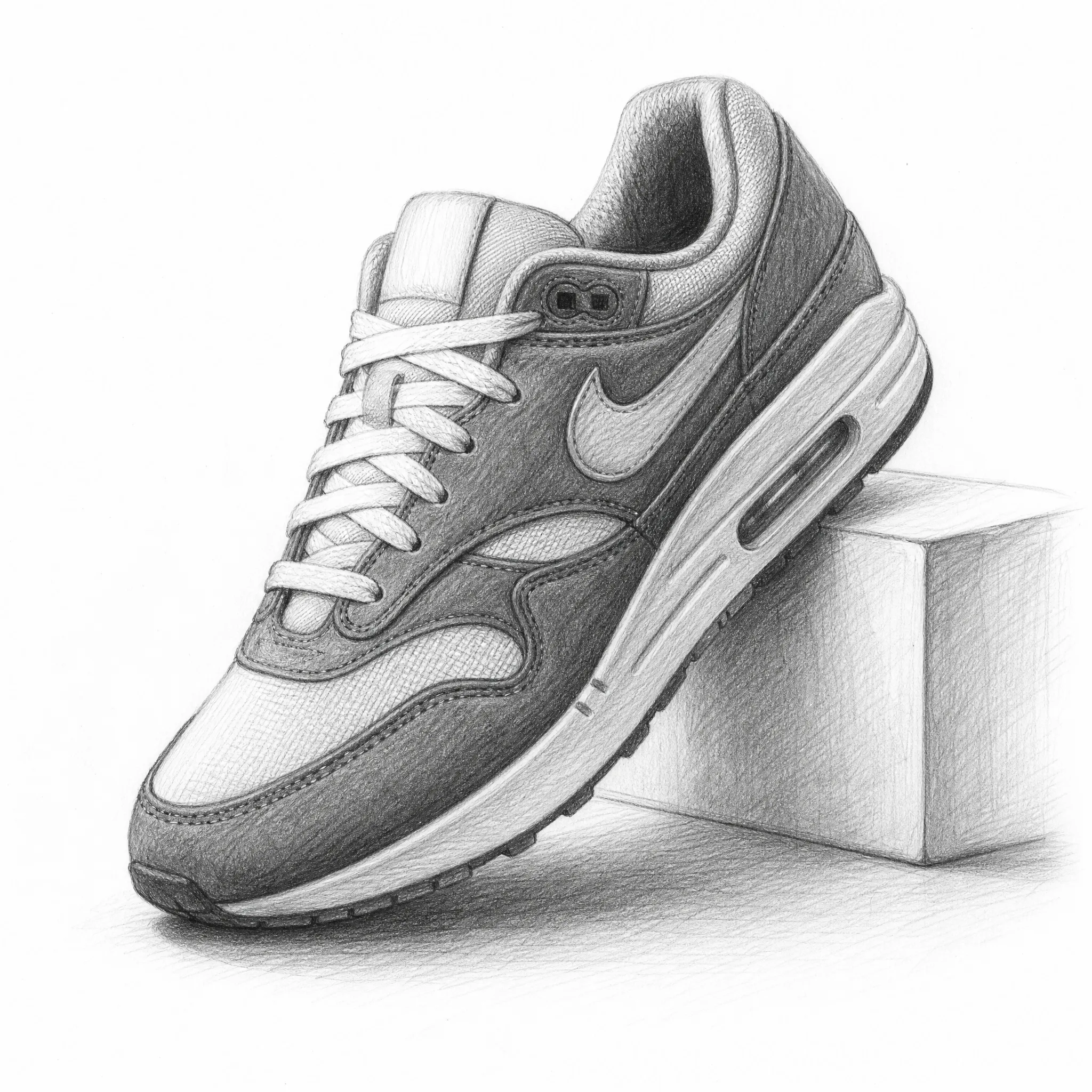
Change a product image into a sketch for catalogs, spec sheets, and storefronts that want a drawn, editorial feel.
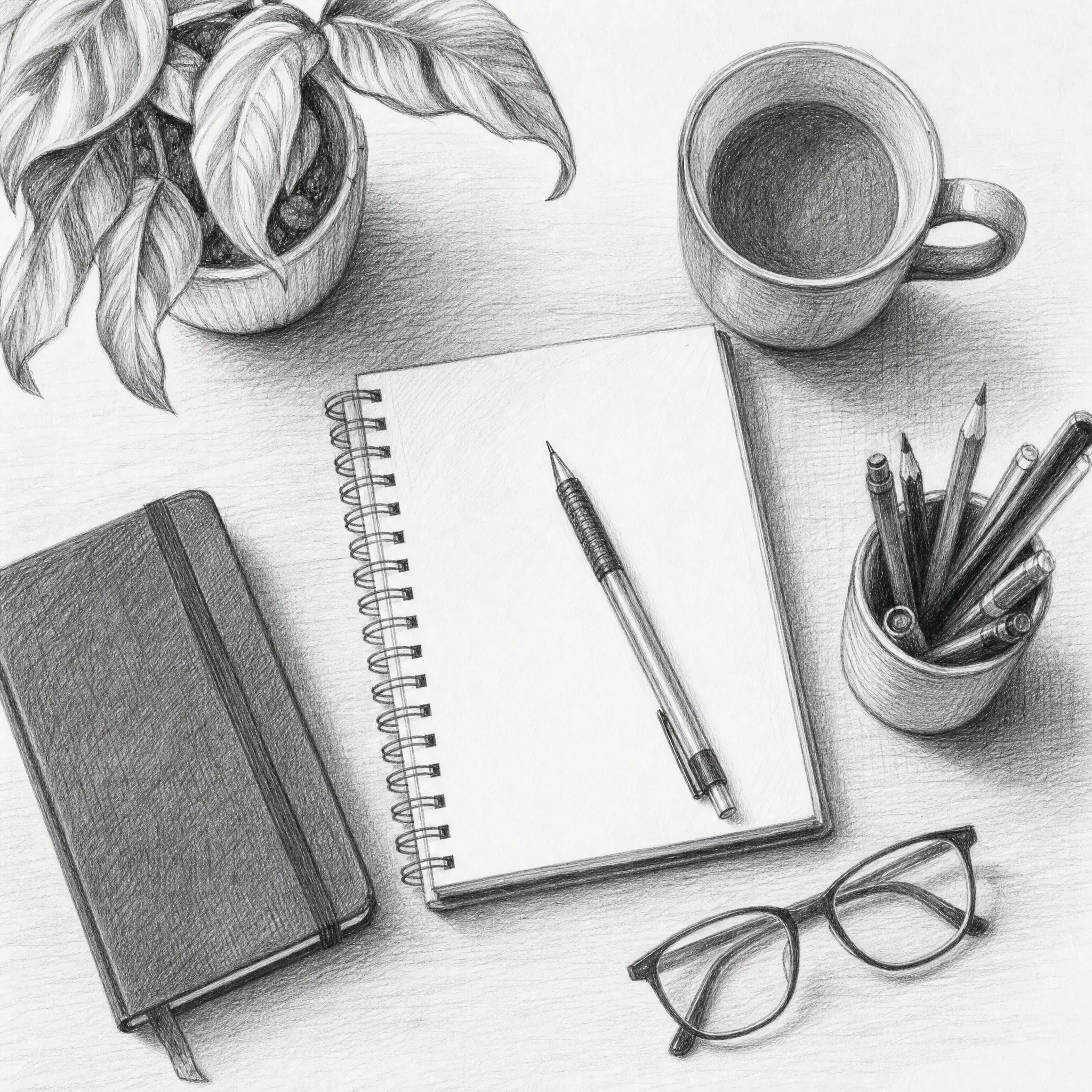
Convert an image to a sketch for original, hand-drawn header art and inline graphics in posts and newsletters.
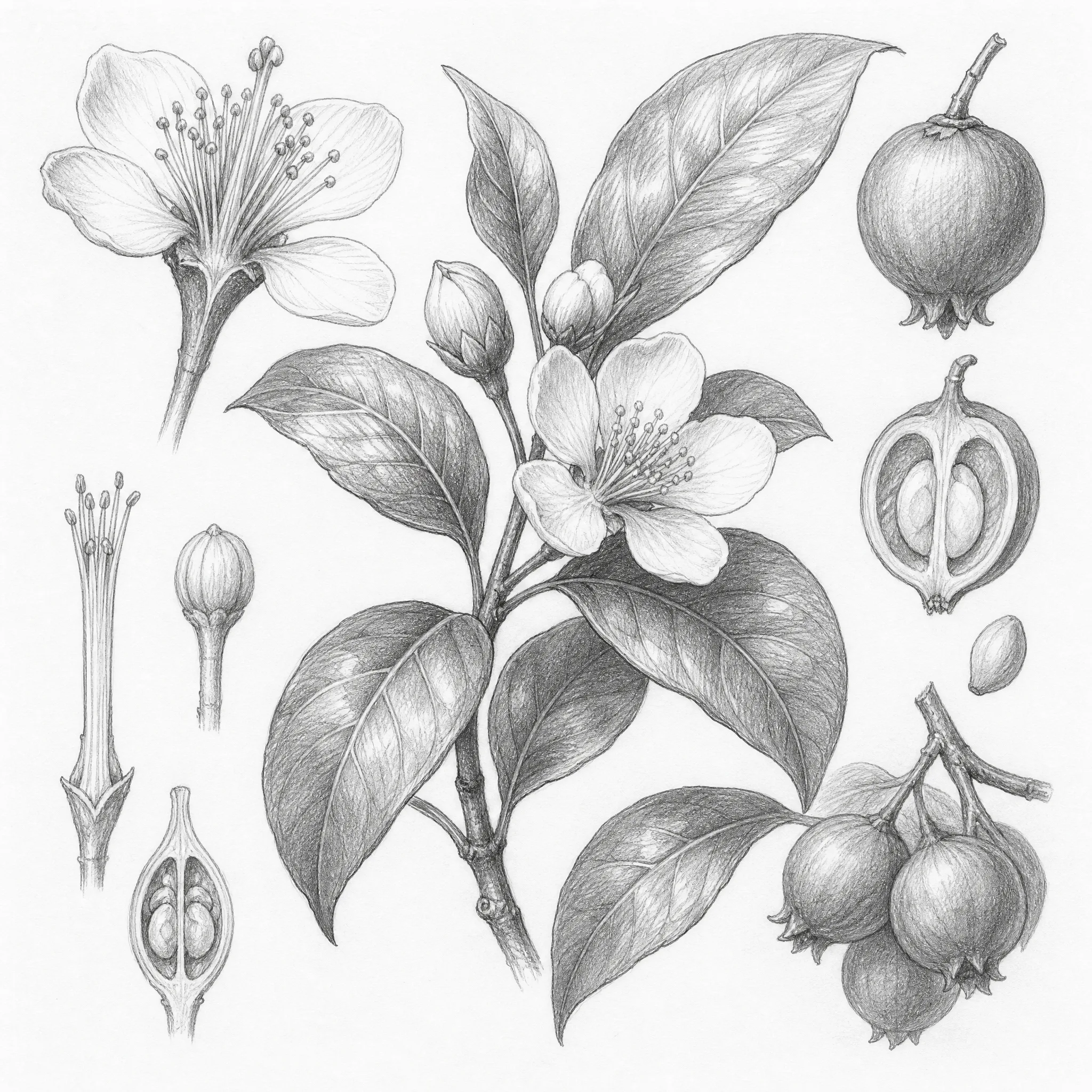
Make a high-resolution pencil sketch from your own image for framed wall prints, posters, and gallery pieces.
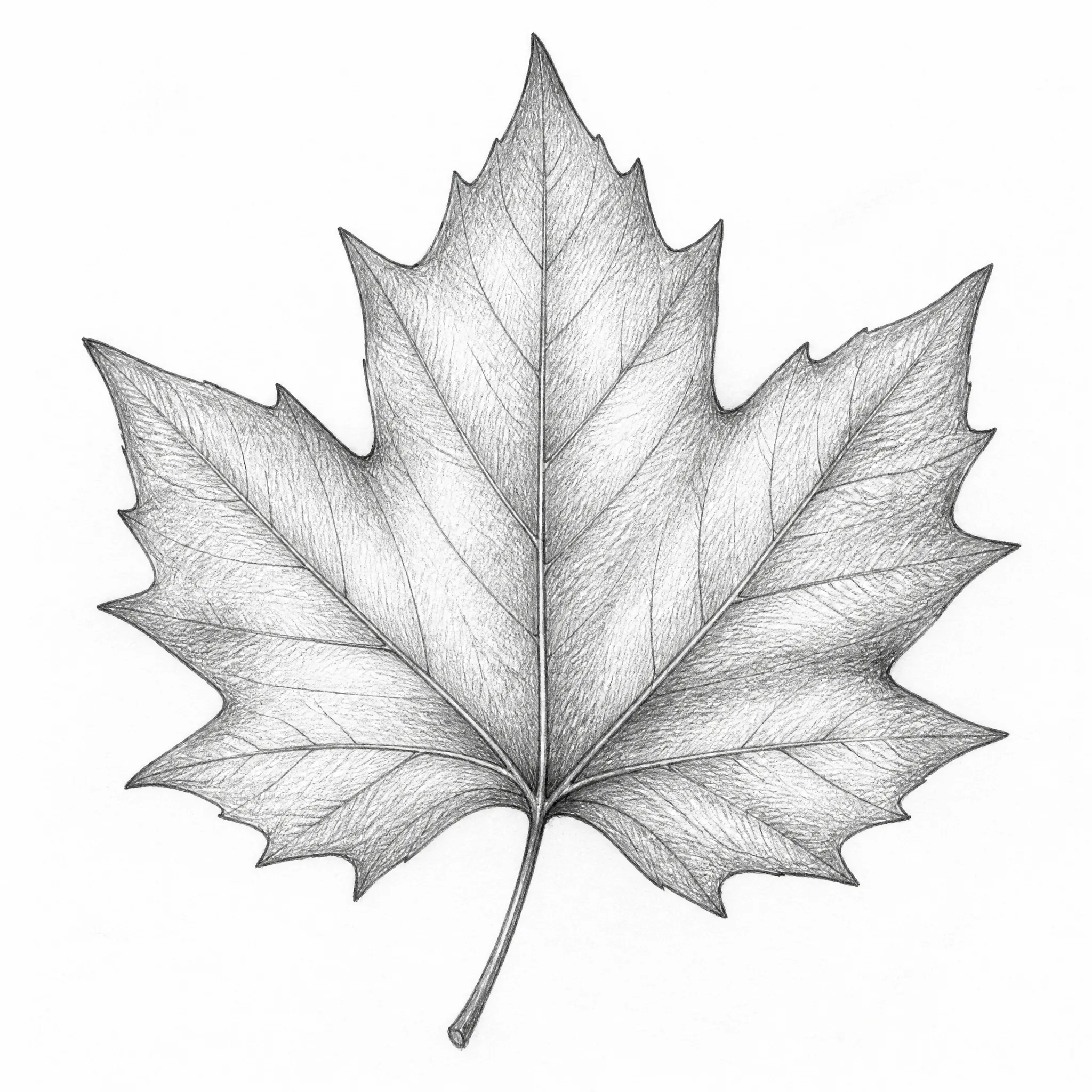
Use the sketch as a base for stencils, engraving, embroidery, and other handmade craft templates.
Clear about what it does — and built to do that one thing well.
Every sample on this page is a genuine image converted to a sketch with the tool — run your own image file in the same flow and see the result.
Dedicated controls for detail, aspect ratio, and resolution turn an image into real graphite-style pencil sketch art, not a flat grey filter.
This converter changes JPG and PNG images into clean pencil sketches. We tell you exactly what it does so you know what to expect.
New accounts include free credits, everything runs in your browser, and your sketches download clean with no watermark to print or share.
Most people just upload and convert an image to a sketch. Open the panel for full control over the result.
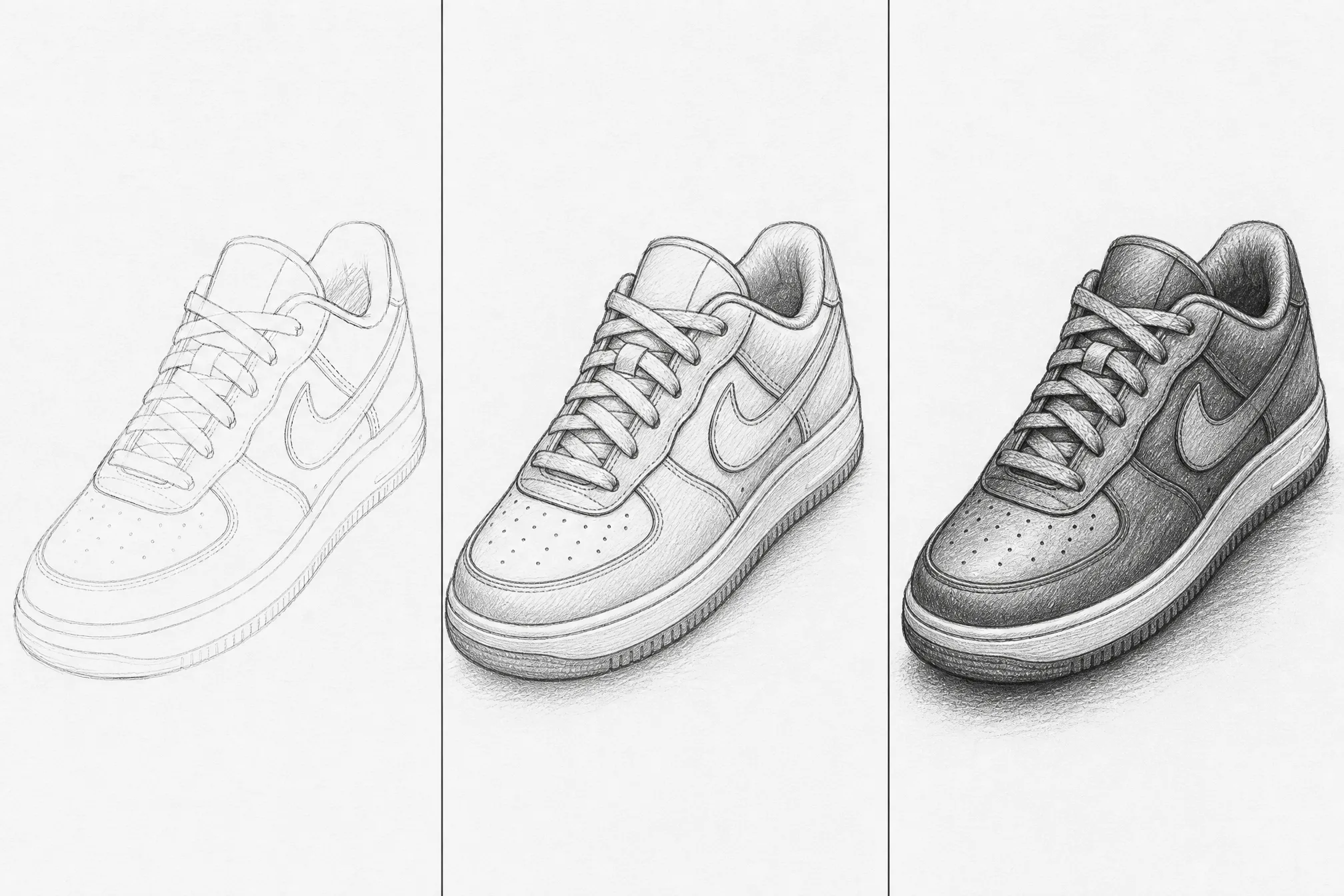
Choose loose, minimal strokes or finer, denser shading to set the style of your pencil sketch.
Pick from 8 ratios so the sketch fits your print, frame, or design canvas.
Step up to 4K when you want the sharpest possible pencil strokes for large prints.
Generate several sketch versions from one image in a single run and keep your favorite.
Drop the background for a clean subject-only sketch, or keep the whole scene.
Clear, well-lit image files convert into the cleanest pencil sketches — soft or blurry shots give muddier strokes.
A subject that stands out from its background sketches into crisper, more confident lines and shading.
Go light for minimal, airy sketches; raise the detail for a denser, more worked pencil drawing.
Choose the aspect ratio before you export so the sketch fits your frame, print, or layout.
Free credits to get started, nothing to install, and a clean print-ready pencil sketch ready in seconds.
Start Free — Convert an ImageYou can convert standard image files such as JPG and PNG — photos, product shots, design mockups, screenshots, and scans all work. Upload the image and the converter turns it into a clean pencil sketch.
Yes — it is free to start and runs entirely online in your browser. Create a free account, and new accounts include free credits so you can convert an image to a sketch and download your first results right away.
No. Your pencil sketches download clean with no watermark, so you can print, share, or place them in your own designs straight away.
Each run converts one image, but you can generate up to 4 sketch versions of that image in a single run and keep the ones you like best. Just upload the next image to convert another.
No. This image to sketch app runs entirely online in your browser — there is nothing to download or install, and it works on phone, tablet, and desktop.
Start with a sharp, well-lit image of one clear subject and choose your detail level. Lower detail gives a light, minimal sketch; higher detail adds denser pencil shading. The result is a graphite-style pencil sketch, not a flat photo filter.
Yes. Each sketch is print-ready and exports at resolution up to 4K, so the pencil strokes stay crisp on standard paper and larger prints alike.