Upload a photo and turn your picture into a clean, printable coloring page — free and online. No design skills, nothing to install. Upload, create, and print.
JPG or PNG — portraits, pets, places, anything.
Free to start · runs in your browser · print at home
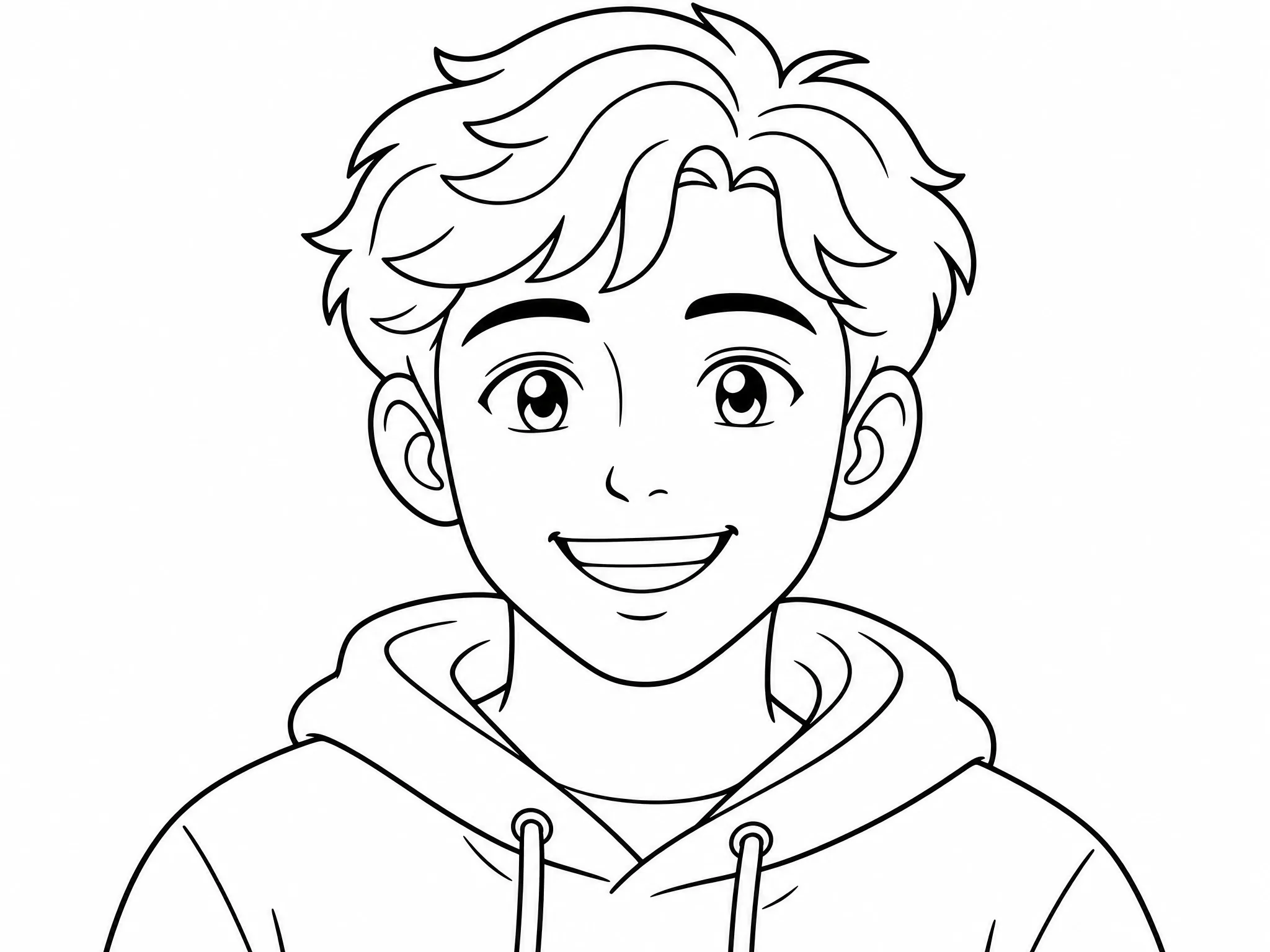
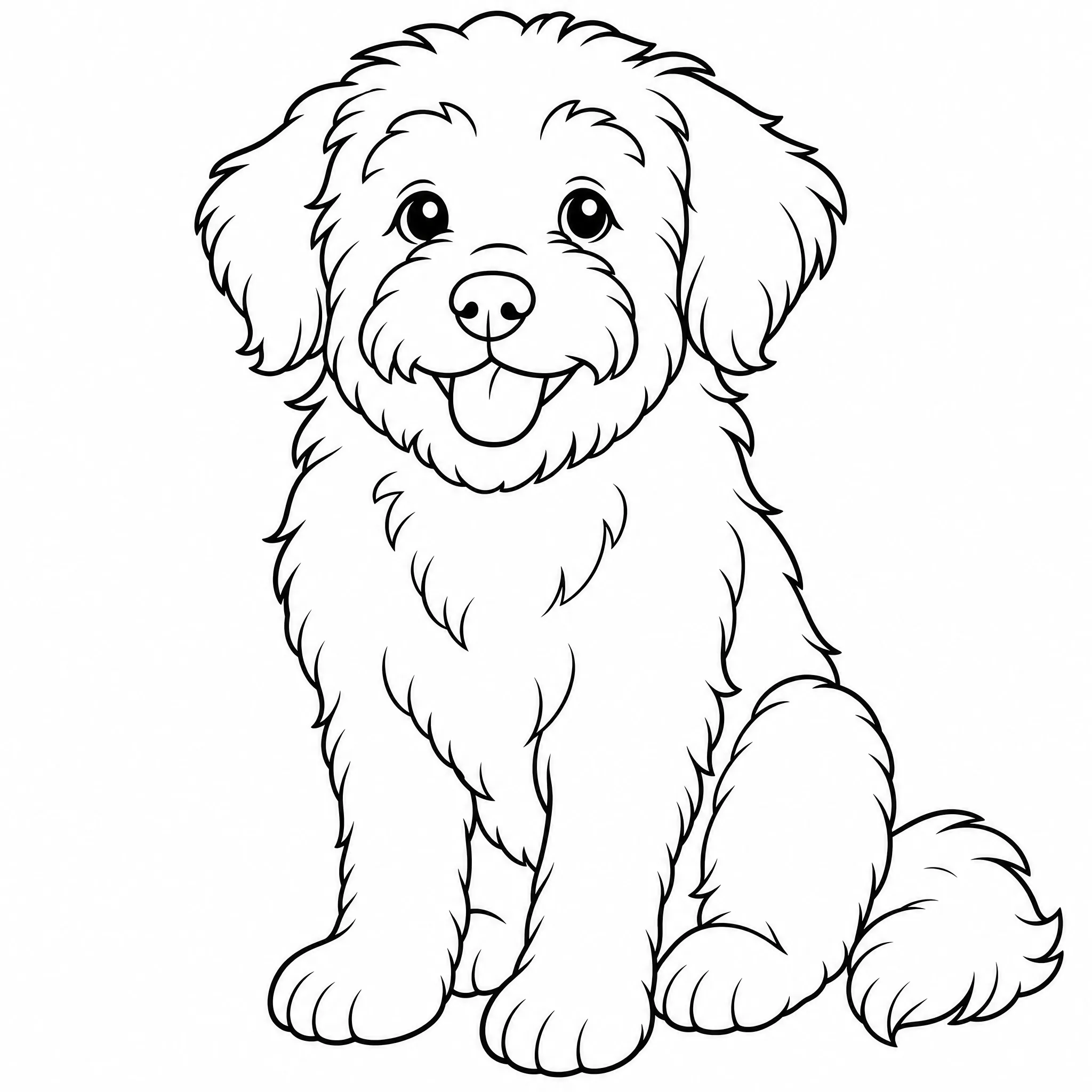
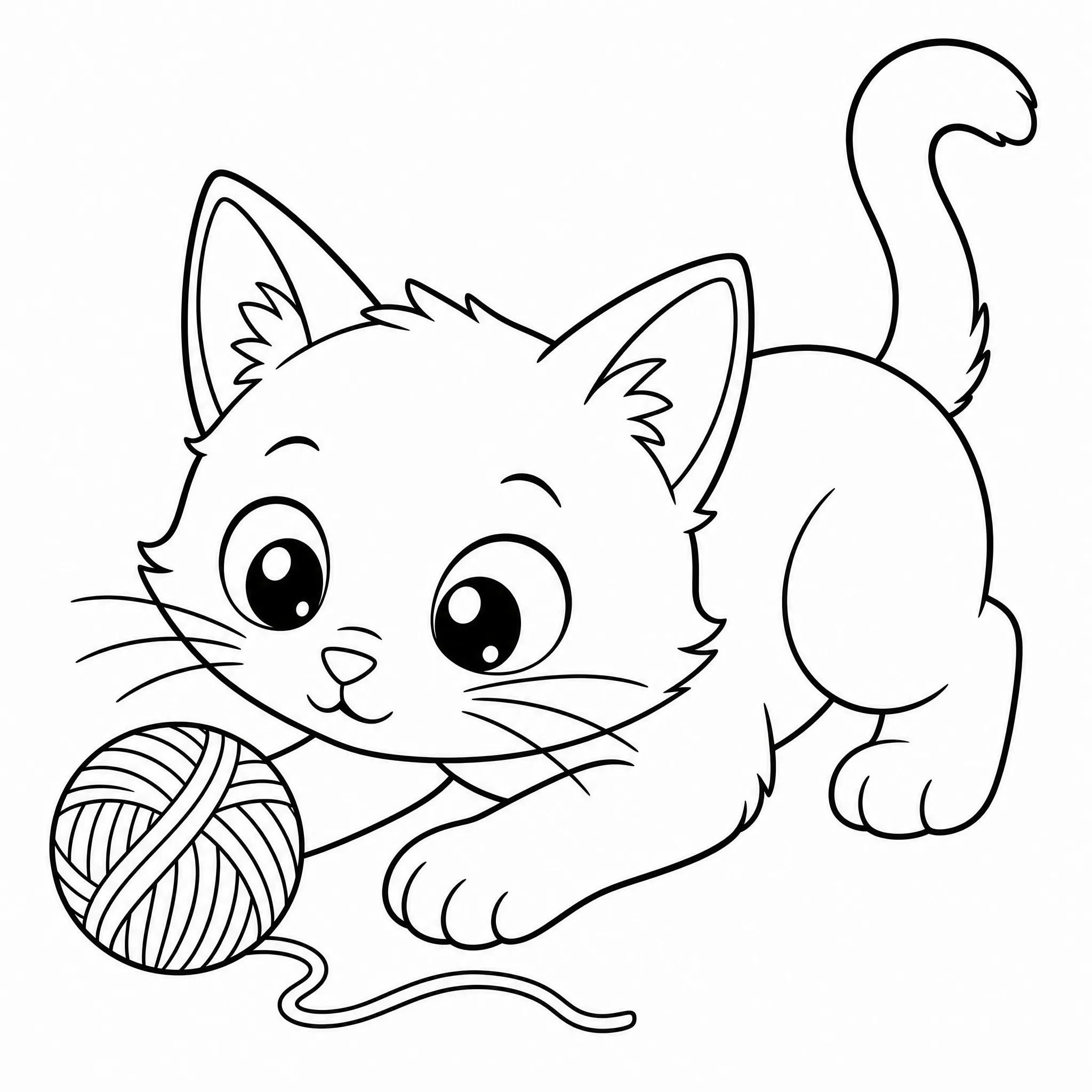
Every example below is a real result created with this tool — upload your picture and make your own.
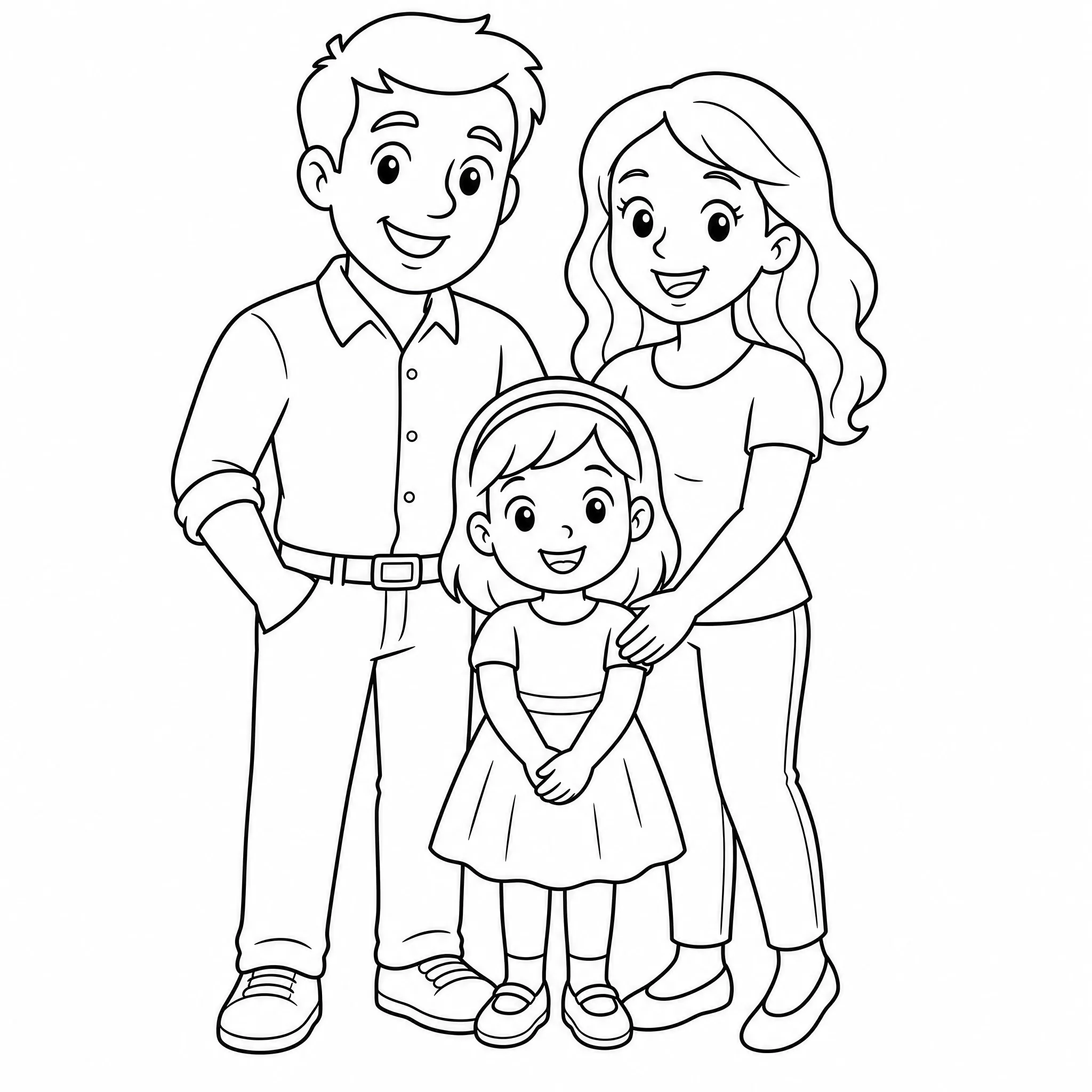
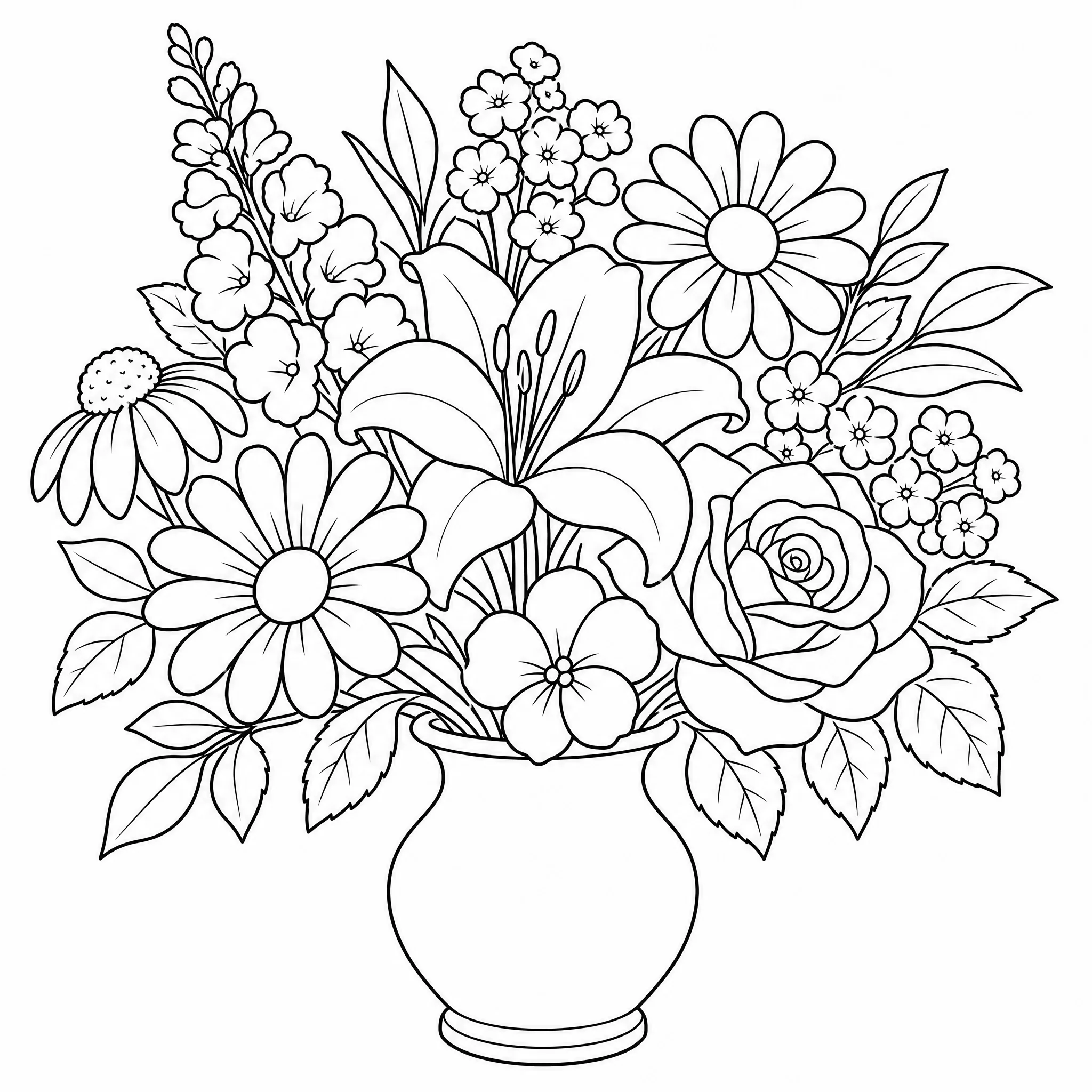
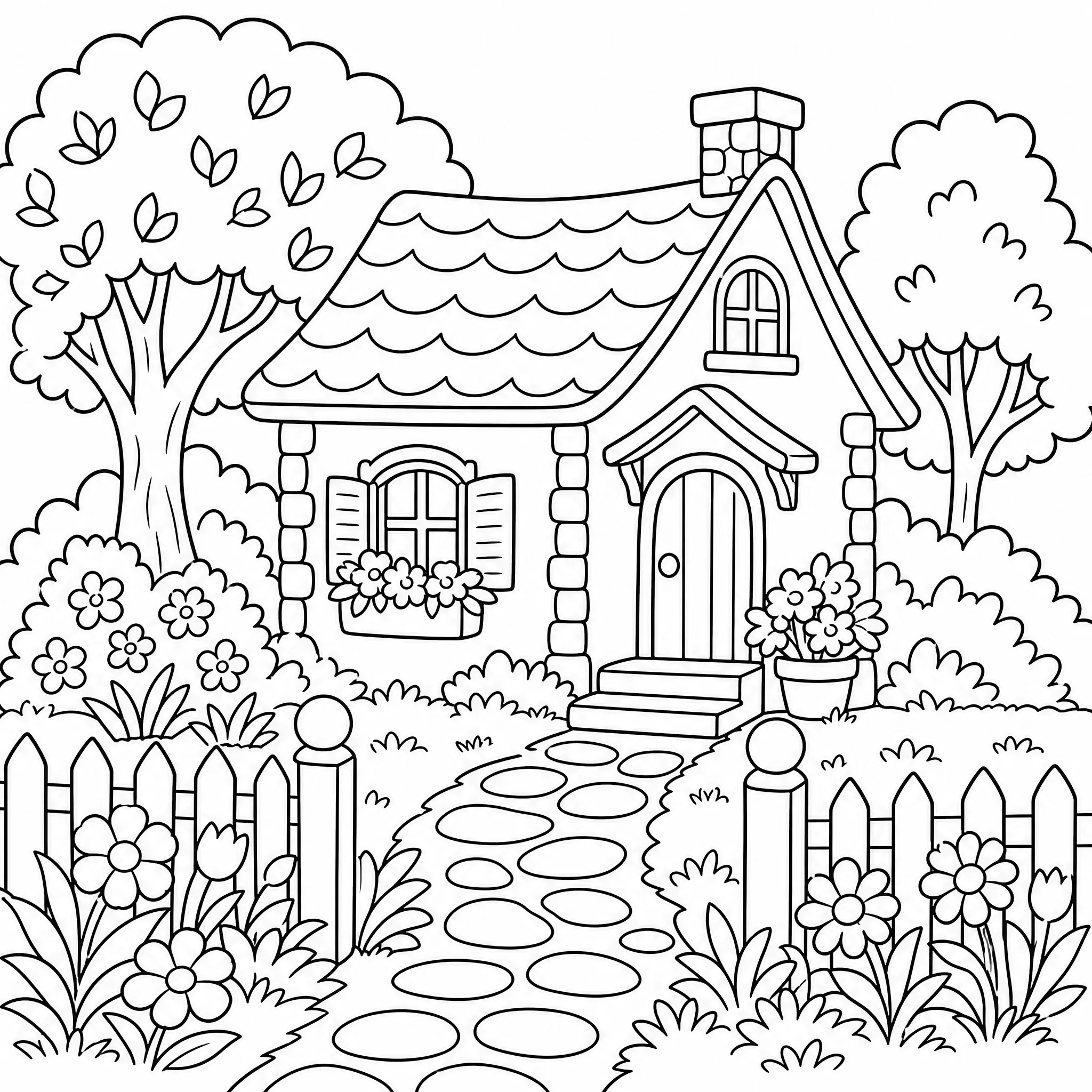
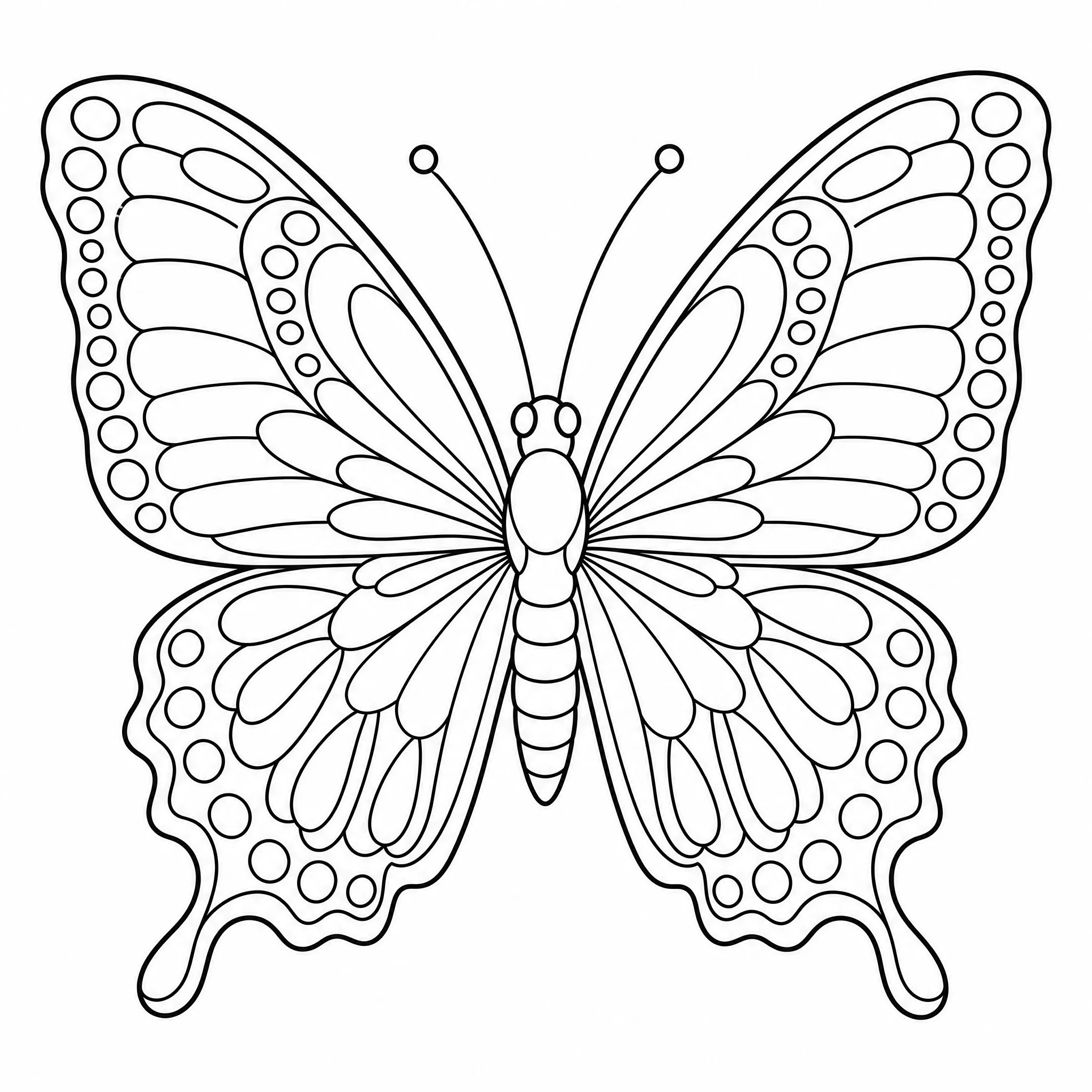
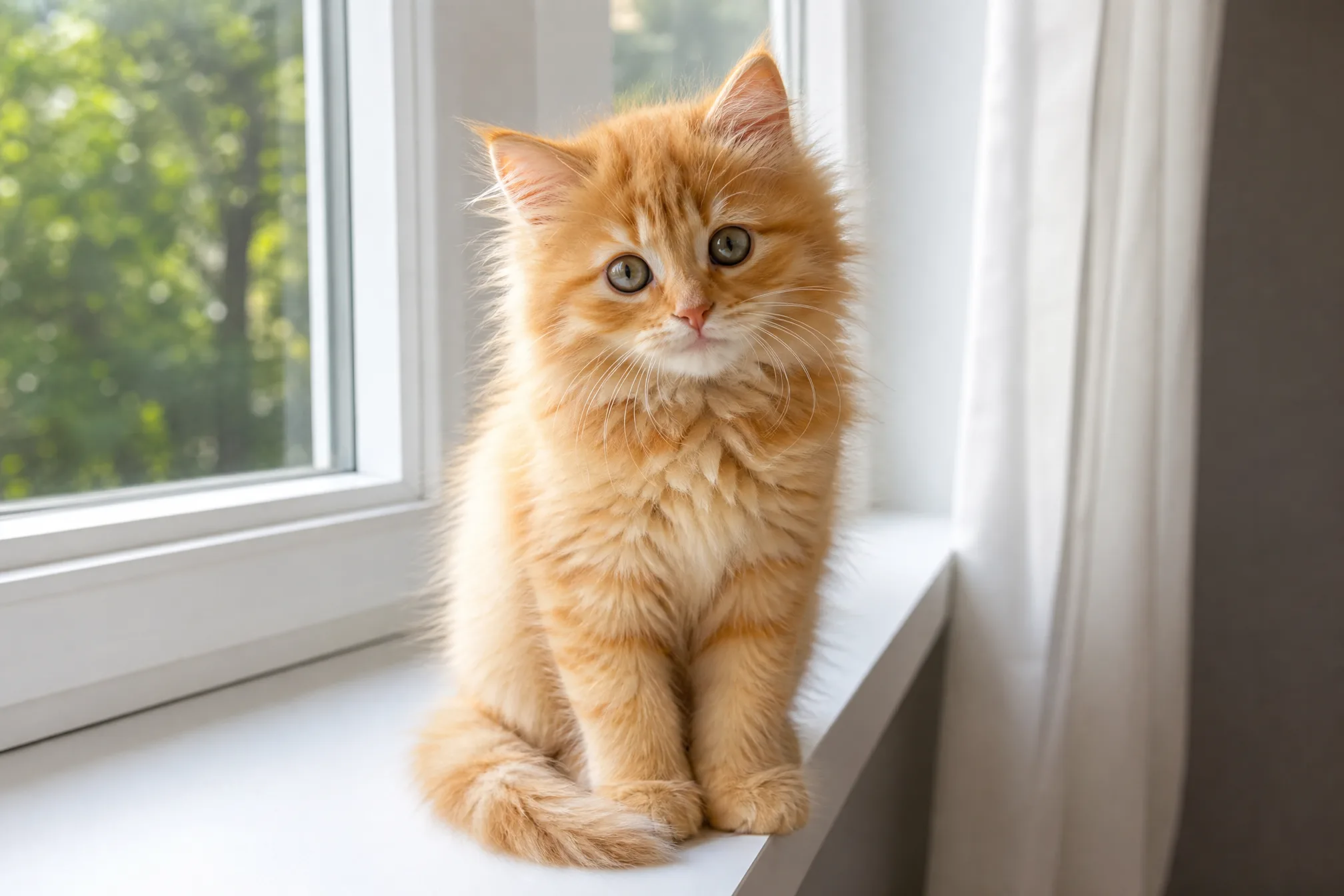
Drag in any photo — a portrait, your pet, a holiday snap, or a favorite place.
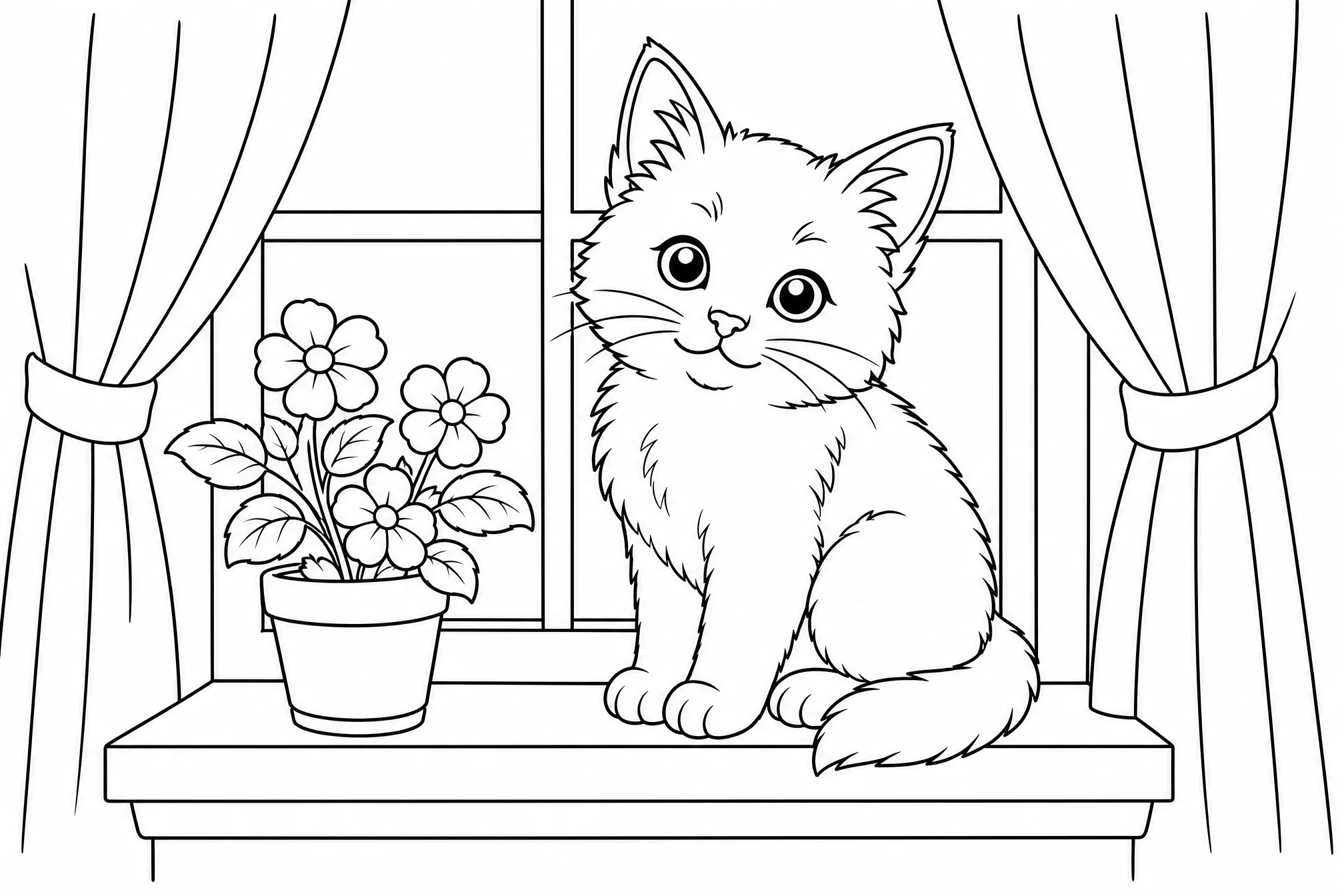
Your picture becomes clean black-and-white line art, with no shading or color fills.
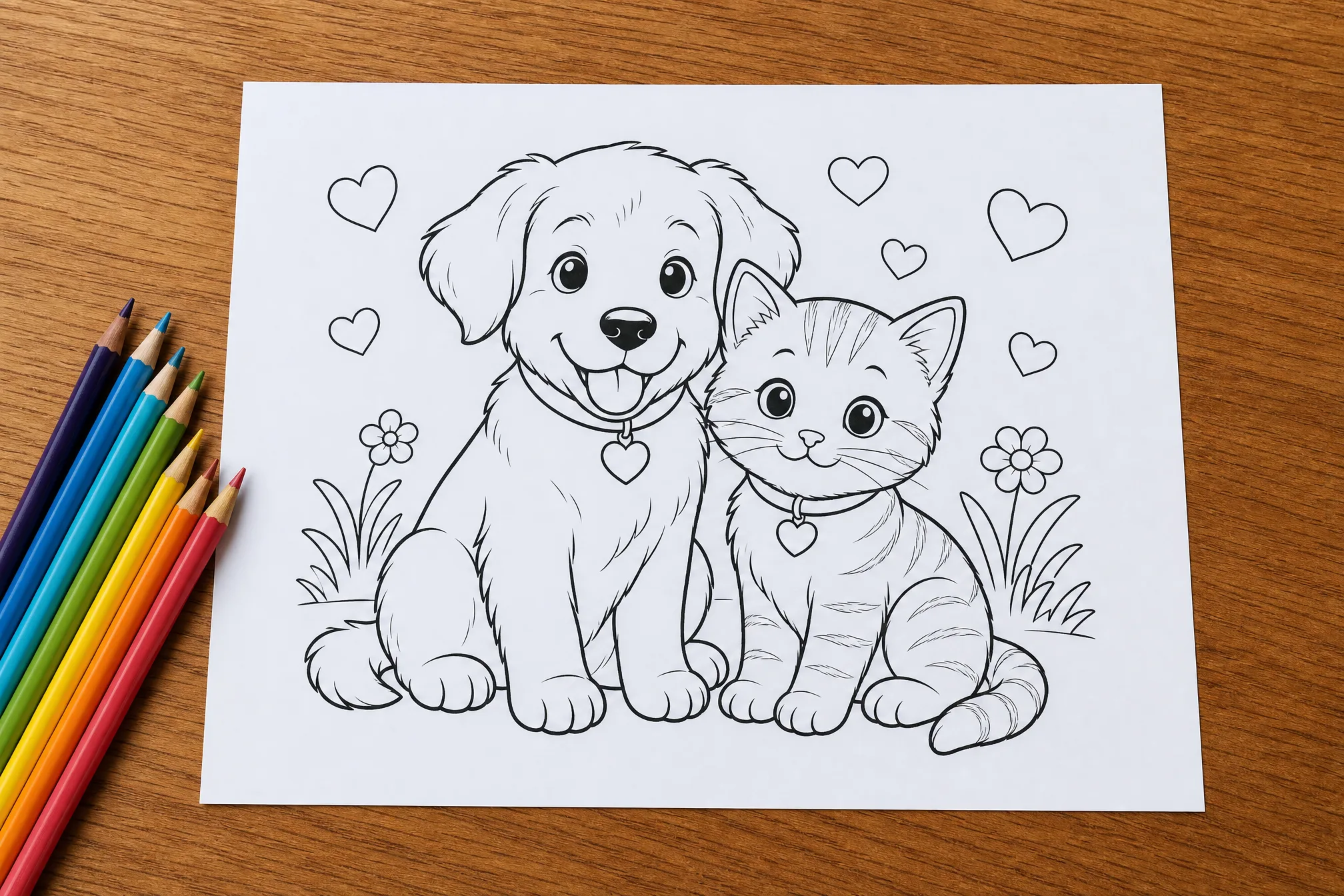
Download your coloring page and print it at home, or color it in digitally.
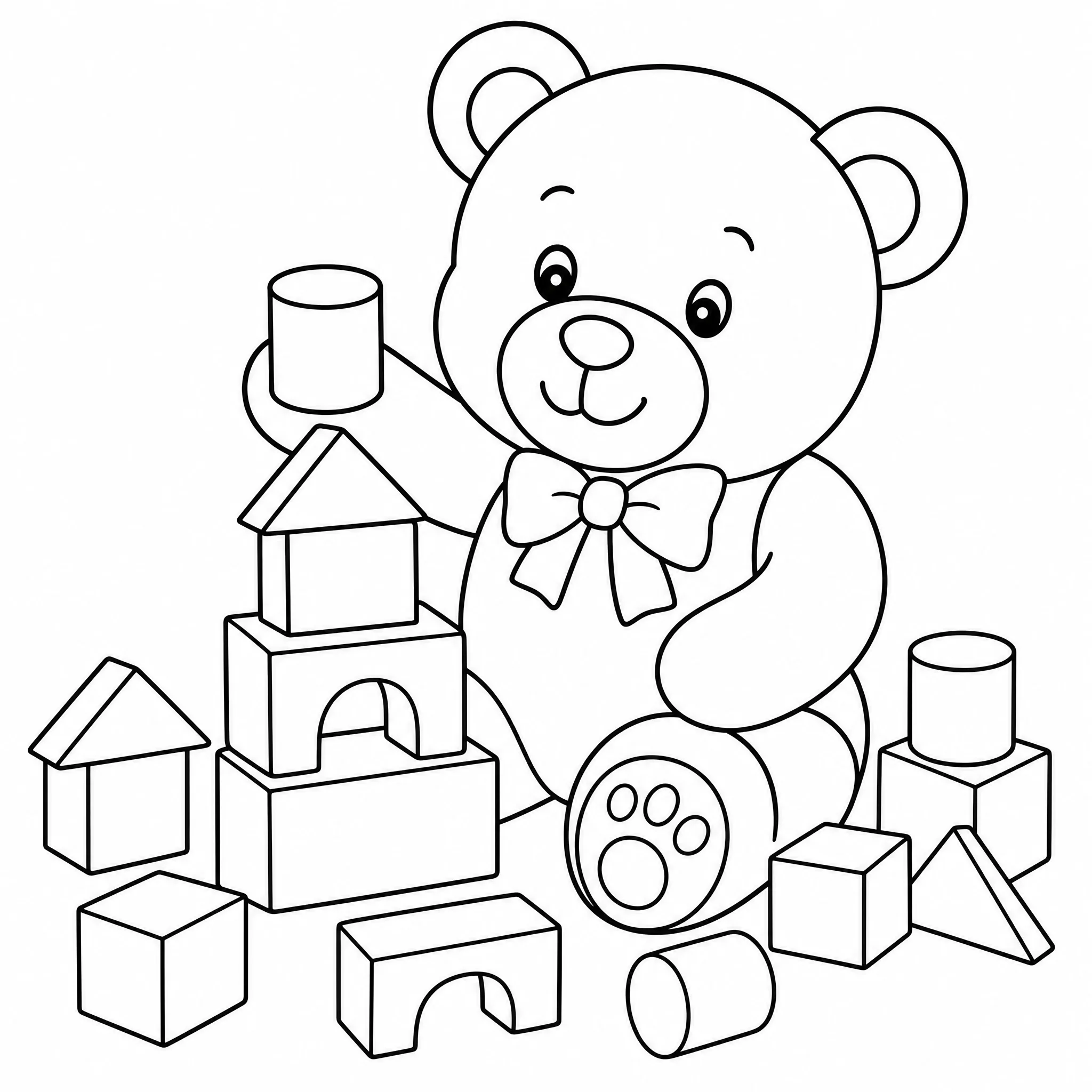
Turn a photo of your child, pet, or last vacation into a coloring page for rainy-day fun.
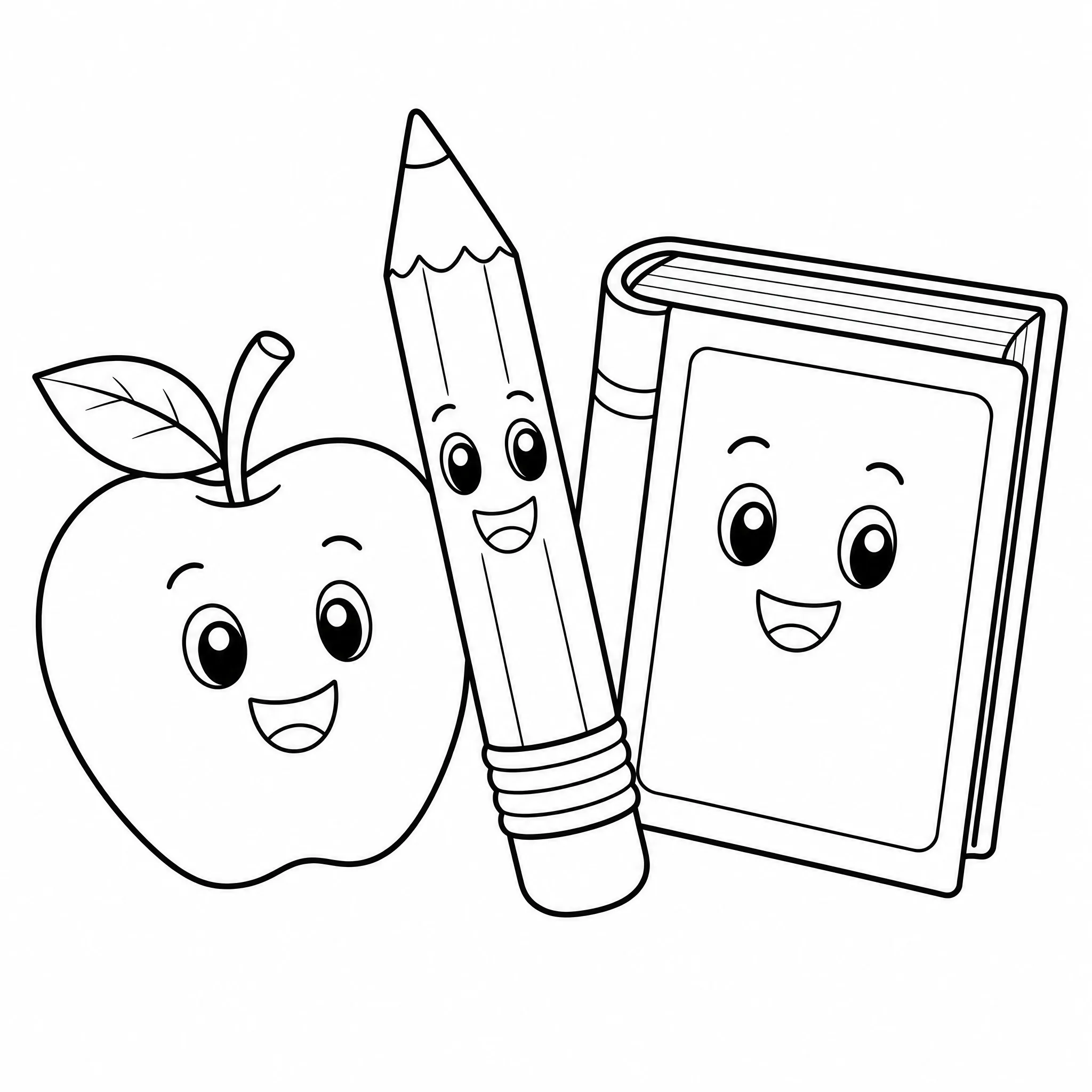
Make printable coloring sheets from class photos or lesson themes in a couple of clicks.
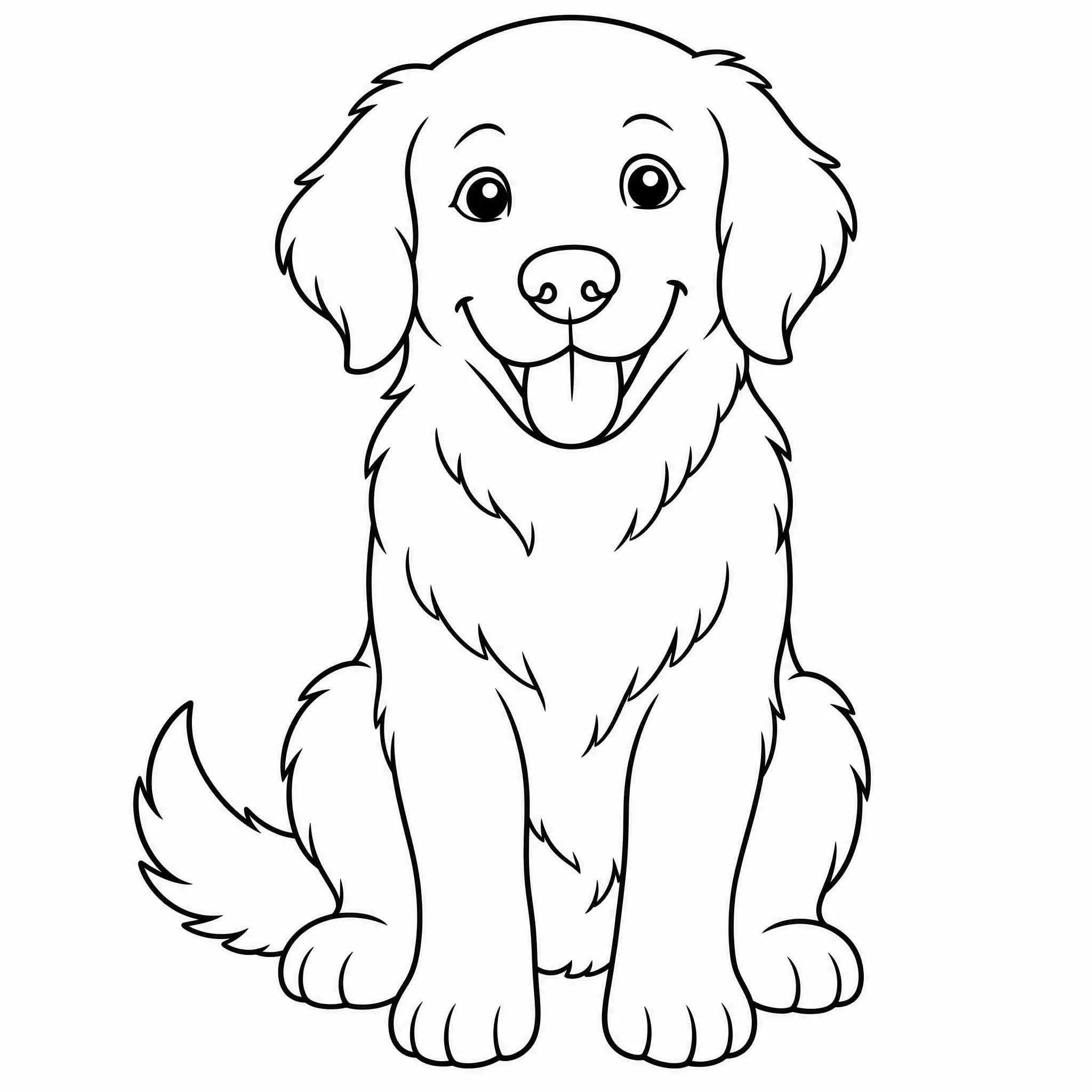
Turn a picture of your dog or cat into line art to print and frame.
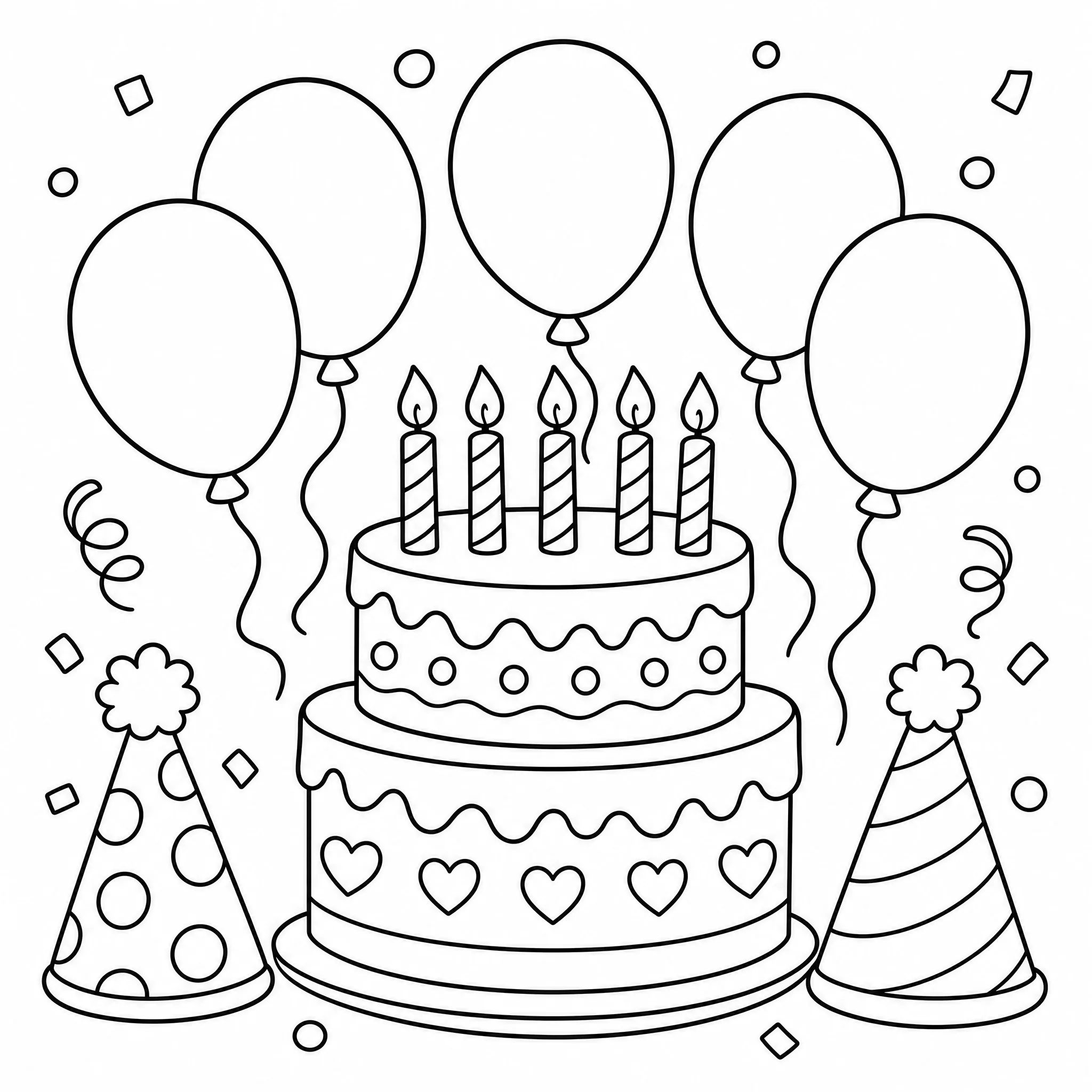
Create birthday or holiday coloring pages from your own photos as keepsakes or activities.
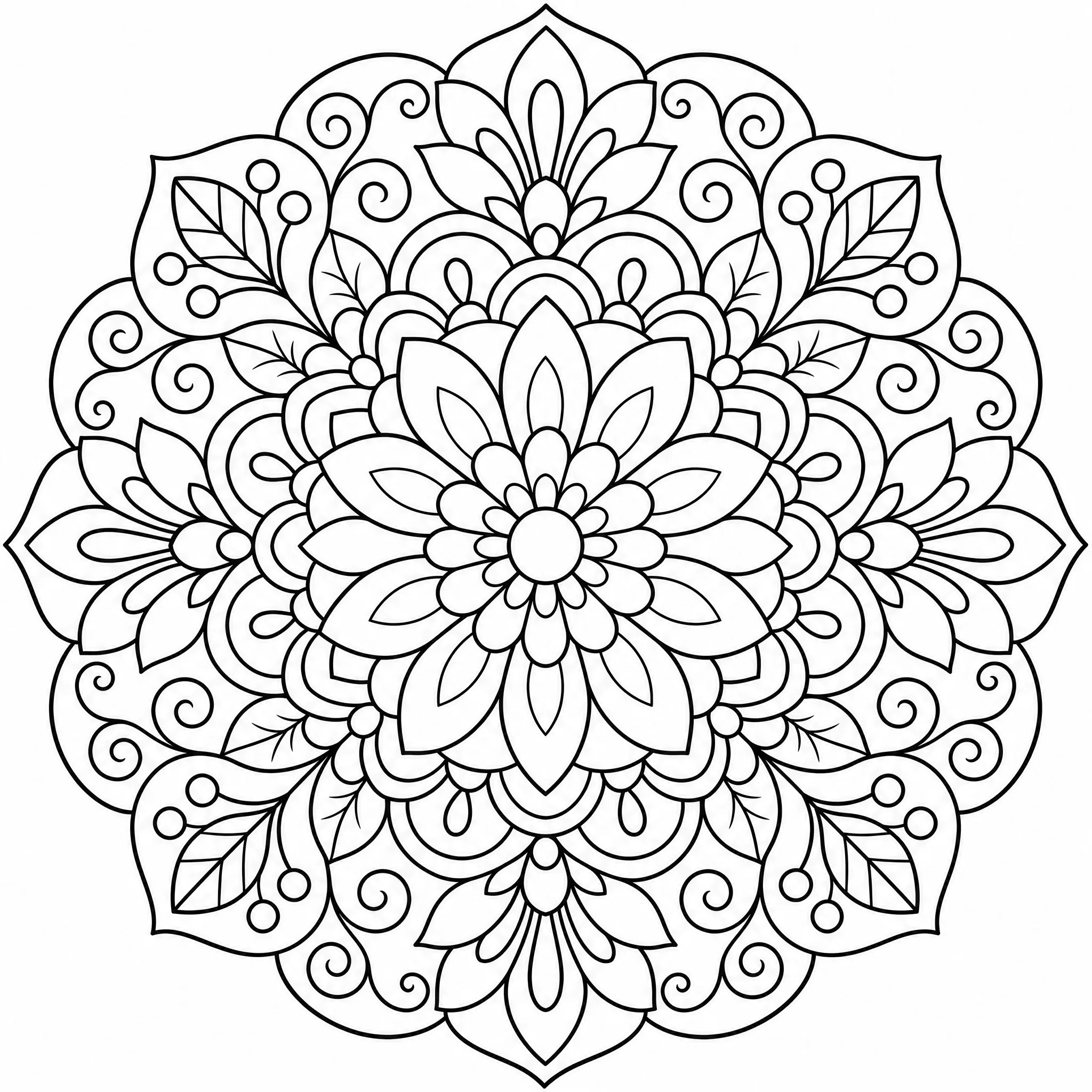
Prefer finer detail? Keep more lines for a relaxing, intricate result.
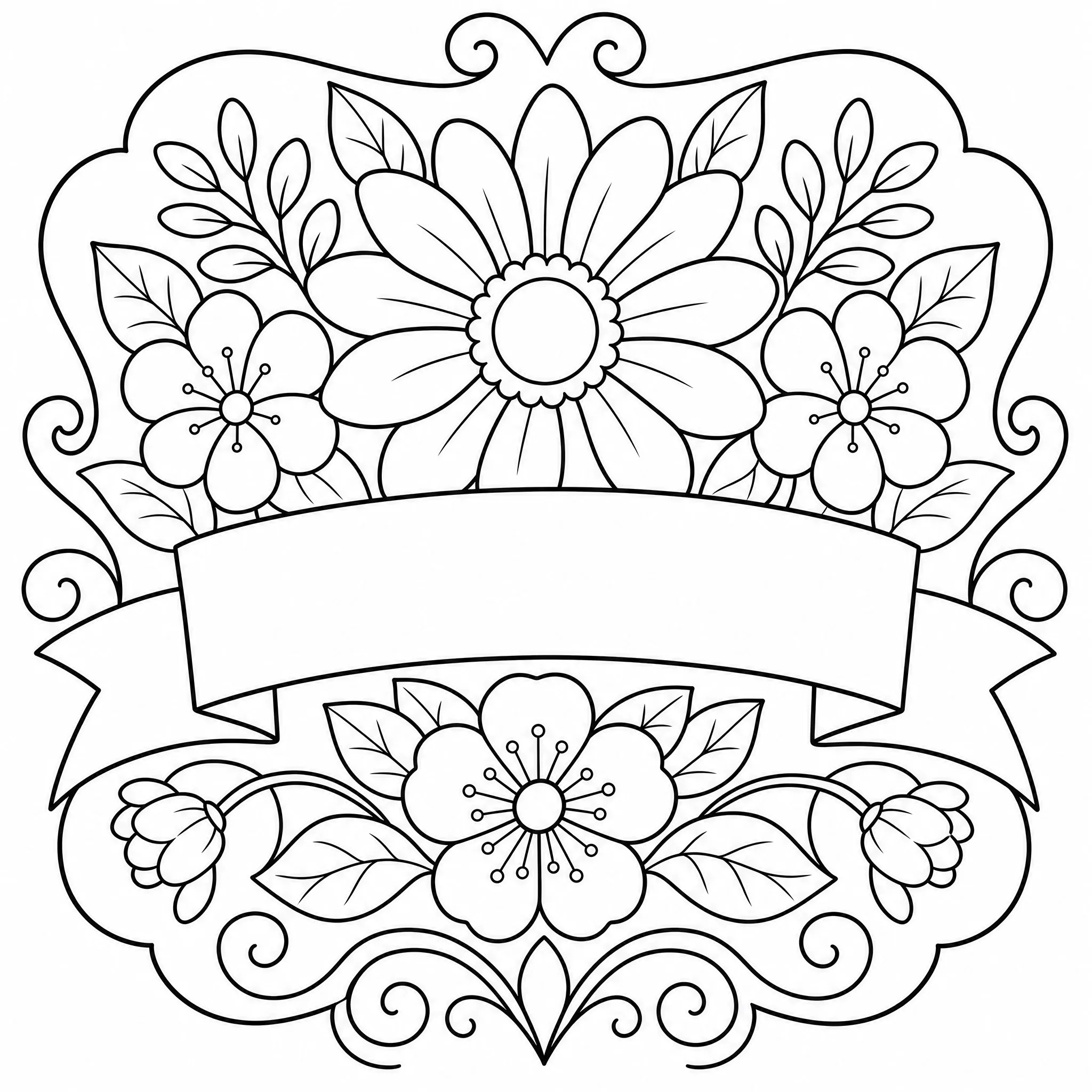
Use your coloring page as a base for cards, stencils, embroidery, and other projects.
Everything you need to turn a picture into a coloring page that actually prints well.
Every result comes out as pure line art on a white background — bold outlines, no grey, no fills, ready to color.
Pick a simpler look with fewer lines for young children, or keep finer detail for older kids and adults.
Export your coloring page at up to 4K so the lines stay crisp on standard printer paper.
Choose from 8 ratios — square, portrait, or wide — so your page fits a frame, binder, or sketchbook.
Generate up to 4 coloring pages from a single run when you want a few versions to pick from.
Leave the scene in, or clear it for a clean, subject-only result.
Honest about what it does — and built to do that one thing well.
Every sample on this page is a genuine coloring page from the tool — upload a picture and see your own in the same flow.
Purpose-built controls for detail, page shape, and print resolution mean your picture becomes proper coloring-page outlines, not a grey filter.
This tool turns photos into printable outline coloring pages. We tell you exactly what it does so you know what to expect.
New accounts include free credits, everything runs in your browser, and you can download and print your coloring page whenever you like.
One click gets you a coloring page. Open the controls when you want more say over the result.
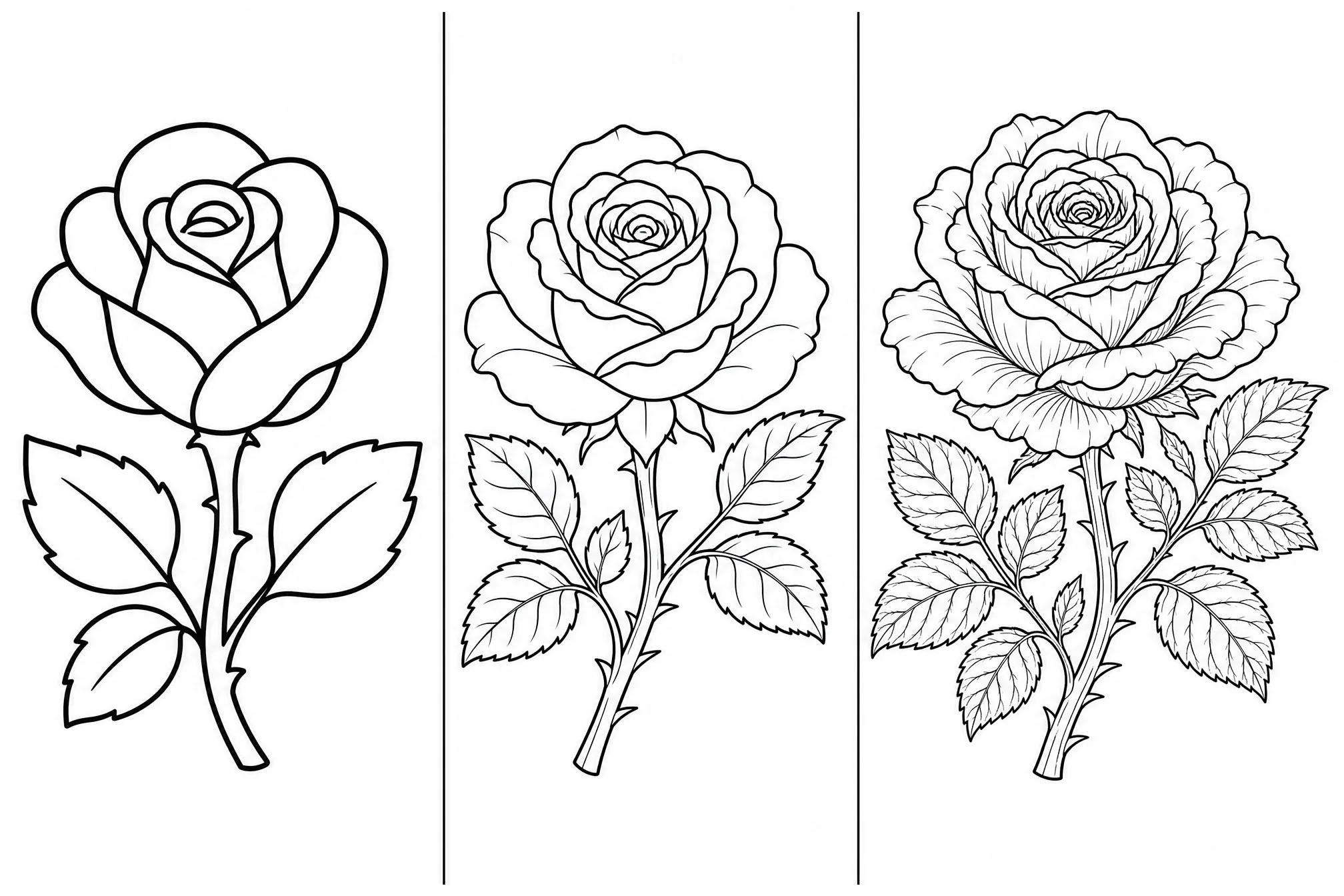
Switch between fewer, bolder lines and finer detail to match the age and skill of whoever is coloring.
Pick from 8 aspect ratios so your coloring page fits the paper or frame you have in mind.
Step up to 4K when you want the sharpest possible lines for printing.
Generate several versions in one run and keep the one you like best.
Toggle the background off for a clean subject, or keep it for the full scene.
Good lighting and a sharp picture give the cleanest outlines in the result.
A single, well-defined subject turns into cleaner line art than a busy background.
Choose fewer lines for young children and more detail for older kids and adults.
Set the ratio before you print so the page fits your paper or frame.
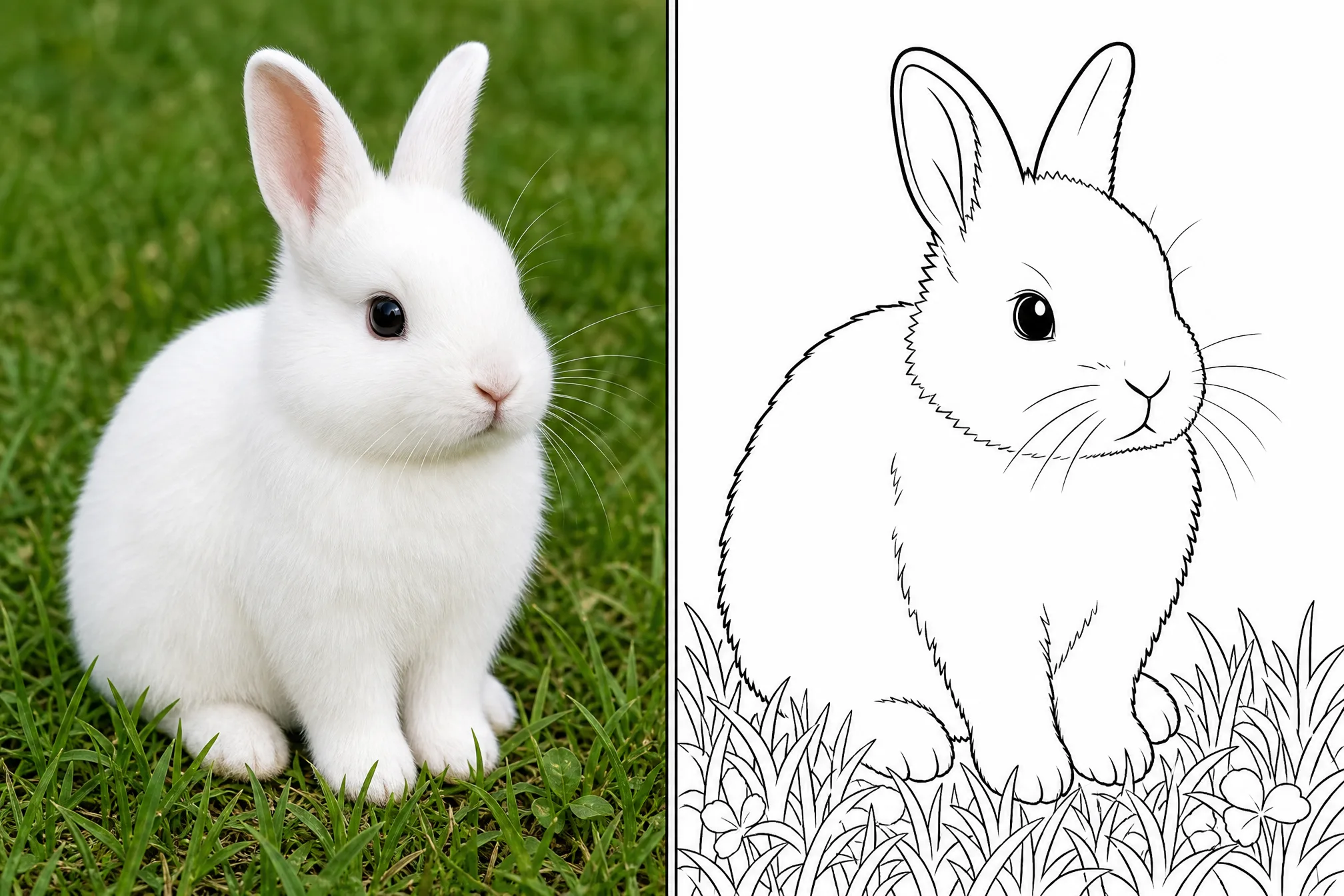
Free credits to get started, nothing to install, and your printable page is ready at home in minutes.
Start Free — Upload a PhotoYes — it is free to start. Create a free account to turn your picture into a coloring page online; new accounts include free credits so you can generate and download your first pages right away.
No. It works entirely online in your browser — nothing to download or install. It runs on phone, tablet, and desktop.
Clear, well-lit photos with one defined subject work best — portraits, pets, and simple scenes. You can adjust the level of detail to suit younger kids or adults.
Absolutely. Each page is clean black-and-white line art that prints crisply on standard paper, with resolution up to 4K.
You get a printable outline coloring page — bold black lines on a white background, with no shading or color fills, ready to color by hand or digitally.
Yes. You can generate up to 4 coloring pages in a single run and keep the versions you like best.