Describe what you want and create clean black-and-white line art — free and online. Turn a subject, scene, or style into a crisp line drawing, ready to print, frame, or drop into your designs. No drawing skills, nothing to install.
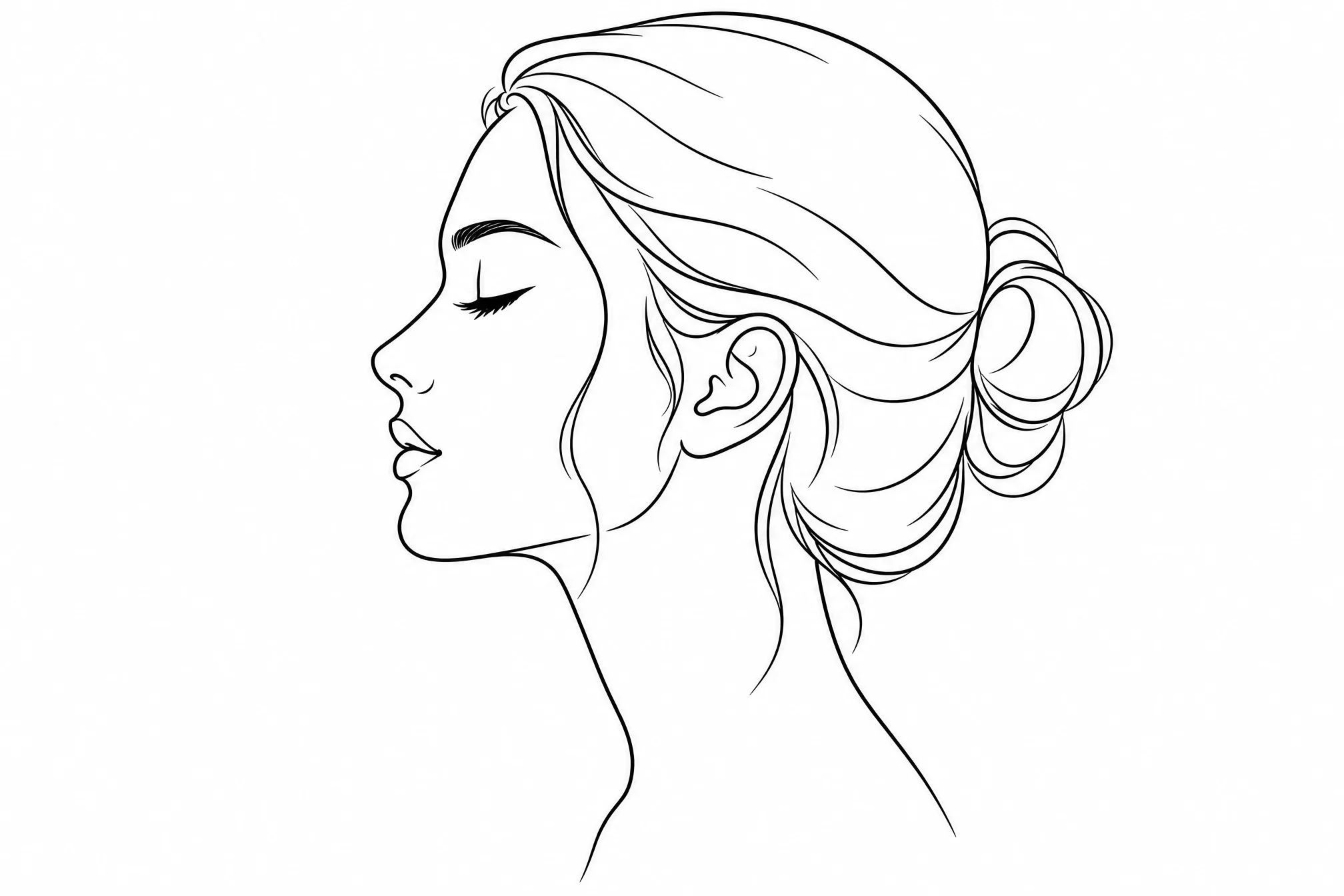
Say what you want — a subject, a scene, a style.
Free to start · runs in your browser · download in high resolution
Type the line art you want to create — a portrait, a landscape, a botanical, a pattern — in plain words.
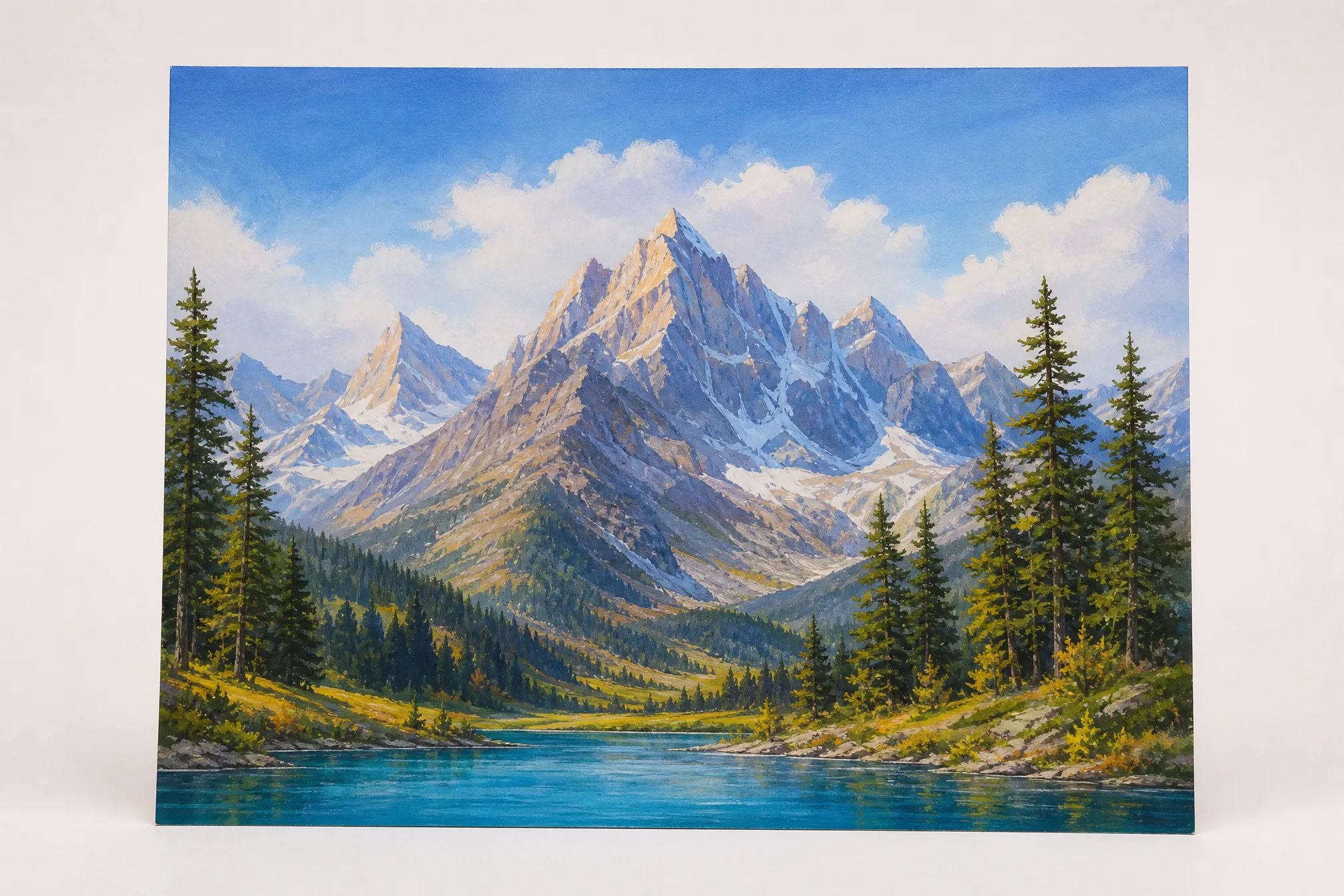
You get a clean black-and-white line drawing on a white background — pure outlines, with no shading or color fills.
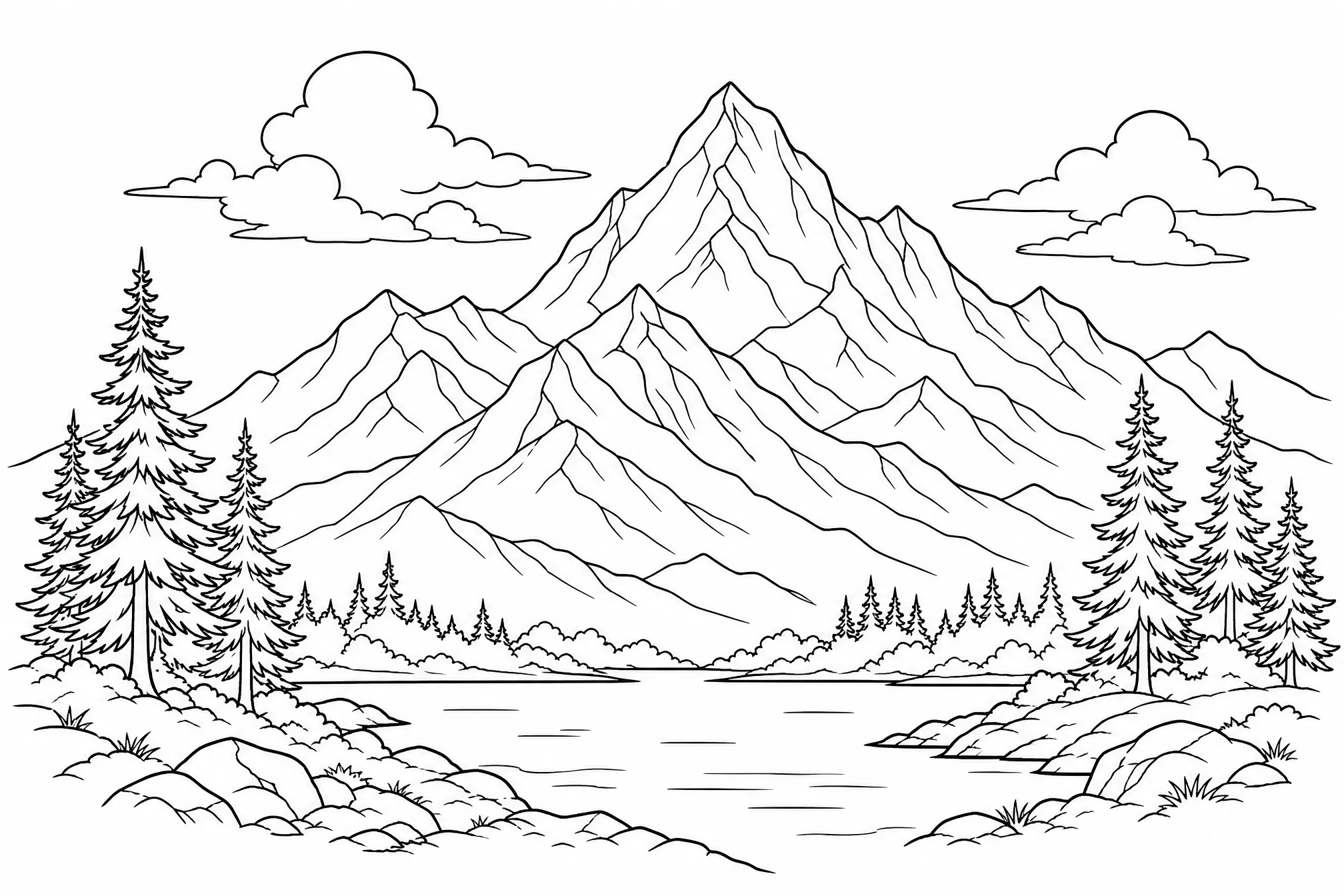
Save your line art in high resolution, then print it, frame it, or place it straight into your own design.
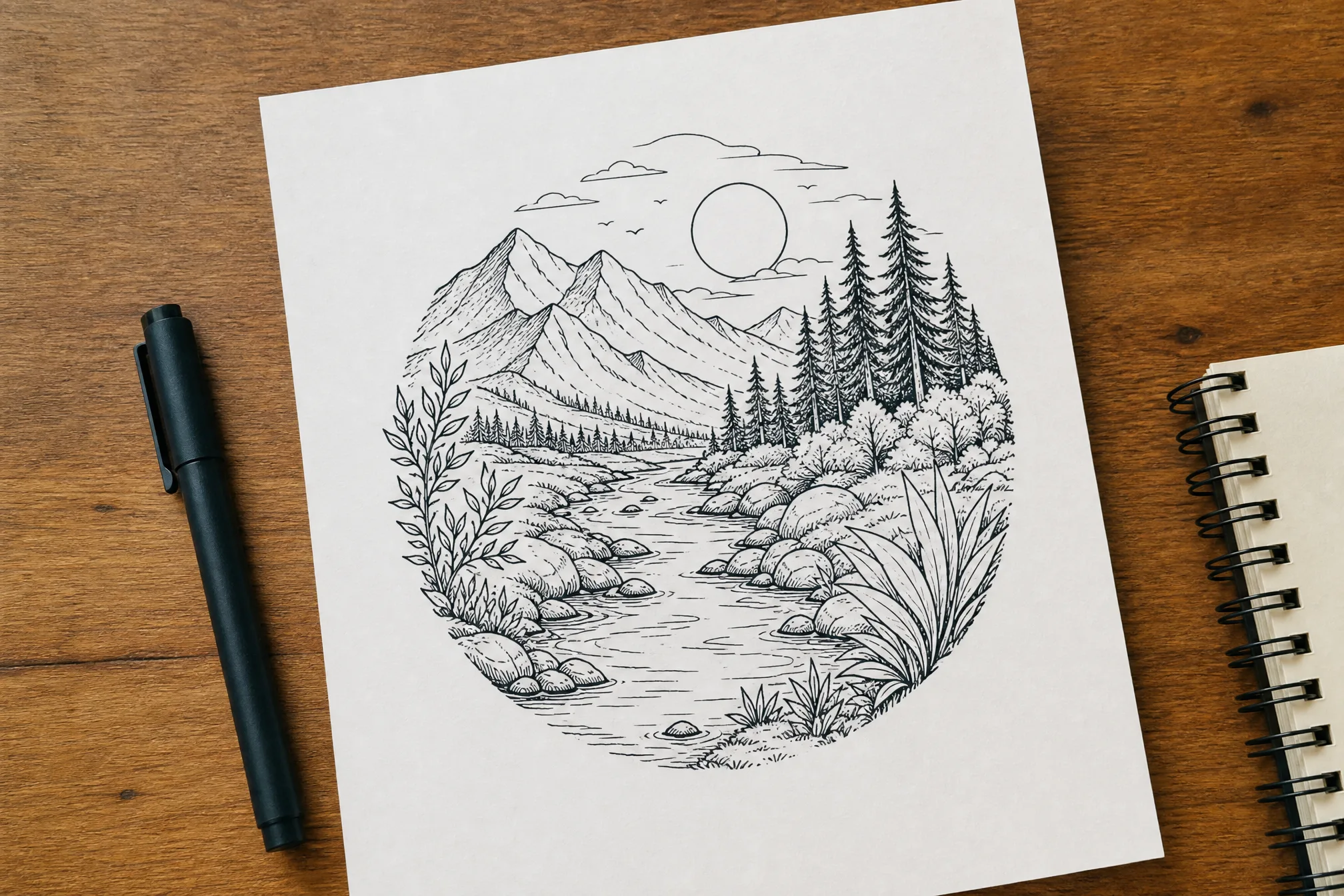
Everything you need to create line art that stays crisp on screen and in print.
Every result is bold black lines on white — no grey, no shading, no fills — true line art you can use as-is.
Portraits, landscapes, botanicals, animals, abstract patterns, icons — if you can describe it, you can create it as line art.
Dial down to a clean single-line look, or keep fine detail for an intricate, illustrative drawing.
Create line art at up to 4K so the lines stay crisp when you scale or print large.
Square, portrait, or wide — pick from 8 ratios so your line art fits a frame, post, or layout.
Create several takes on one idea at once and keep the version that works best.
Every example below was created from a short text prompt — describe your own to create more.
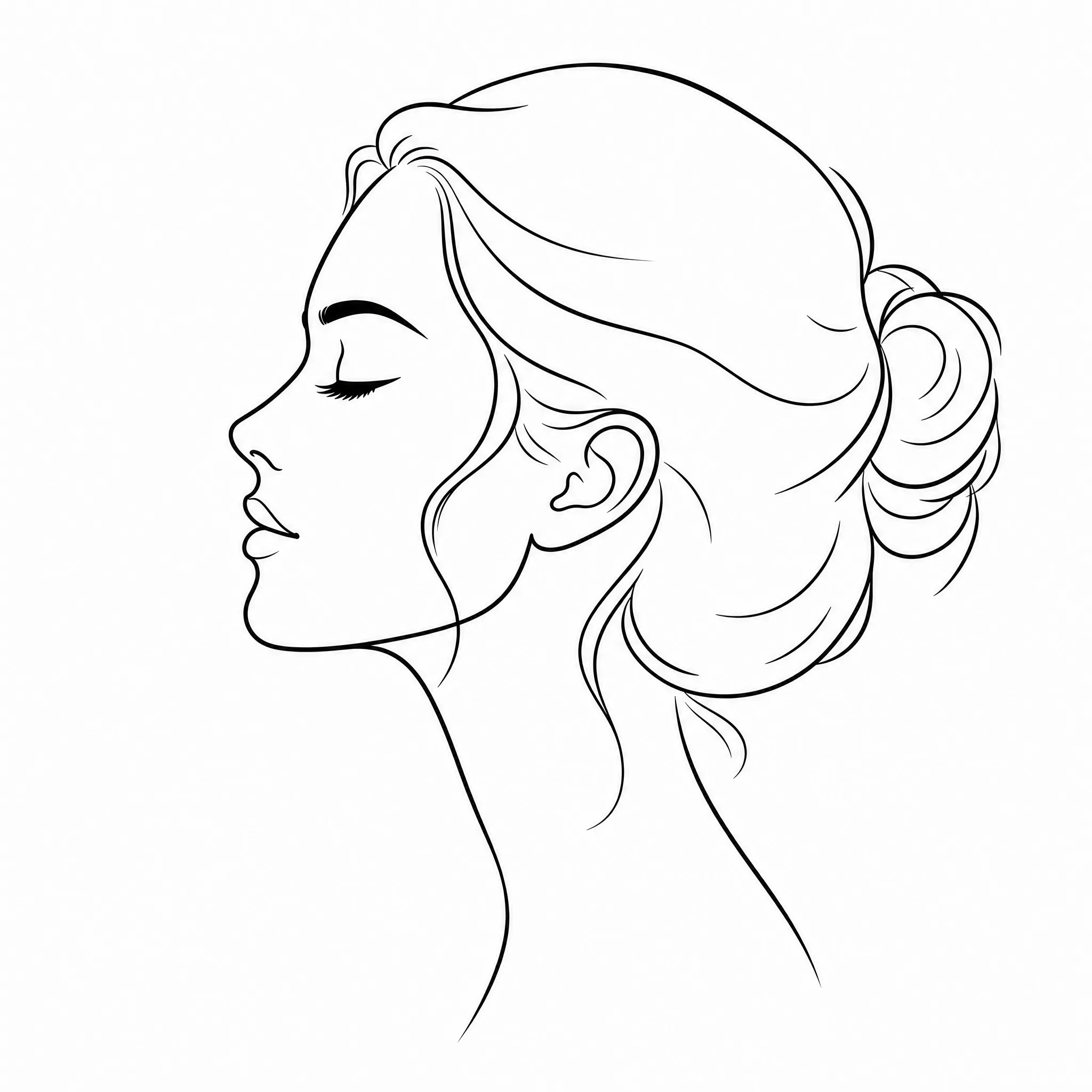
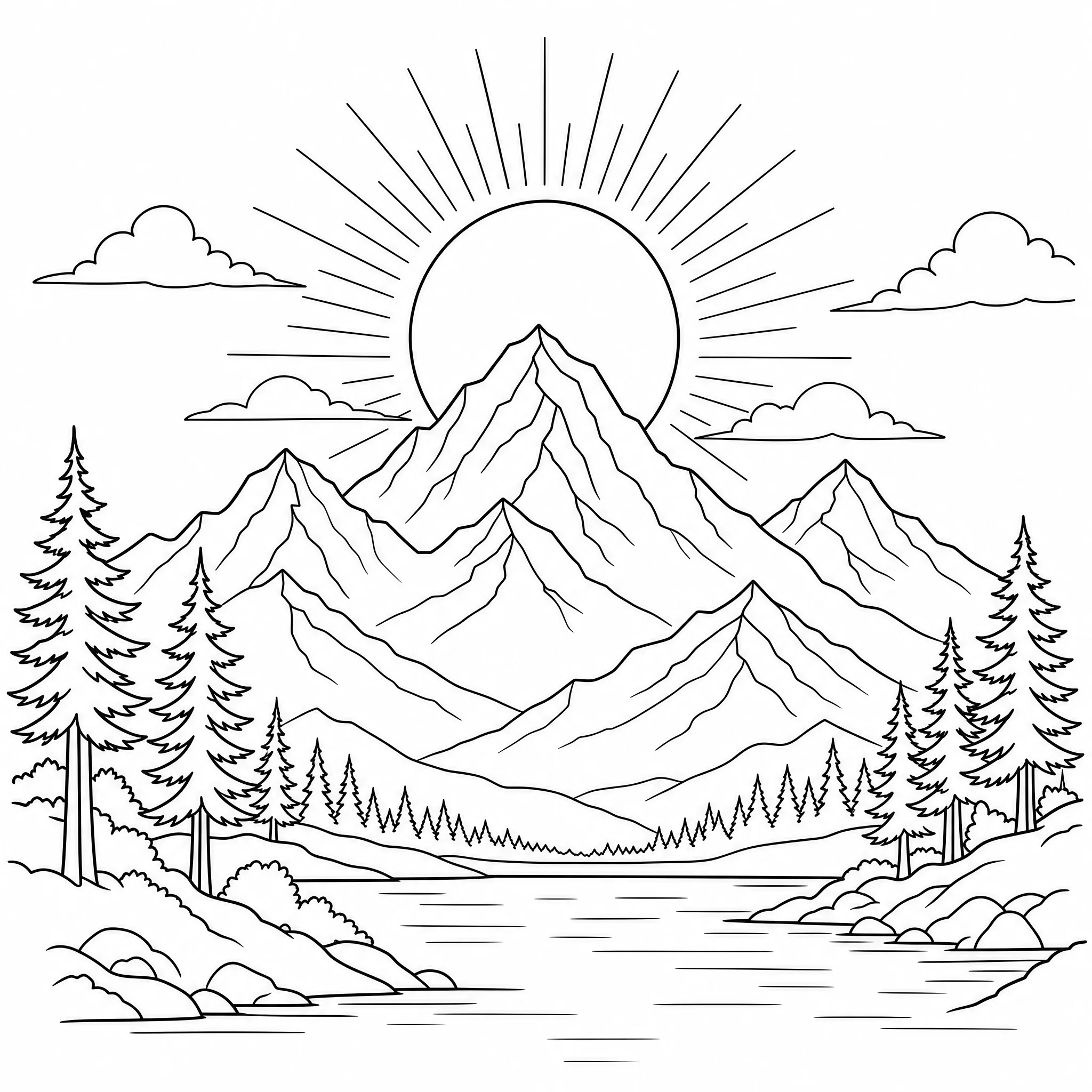
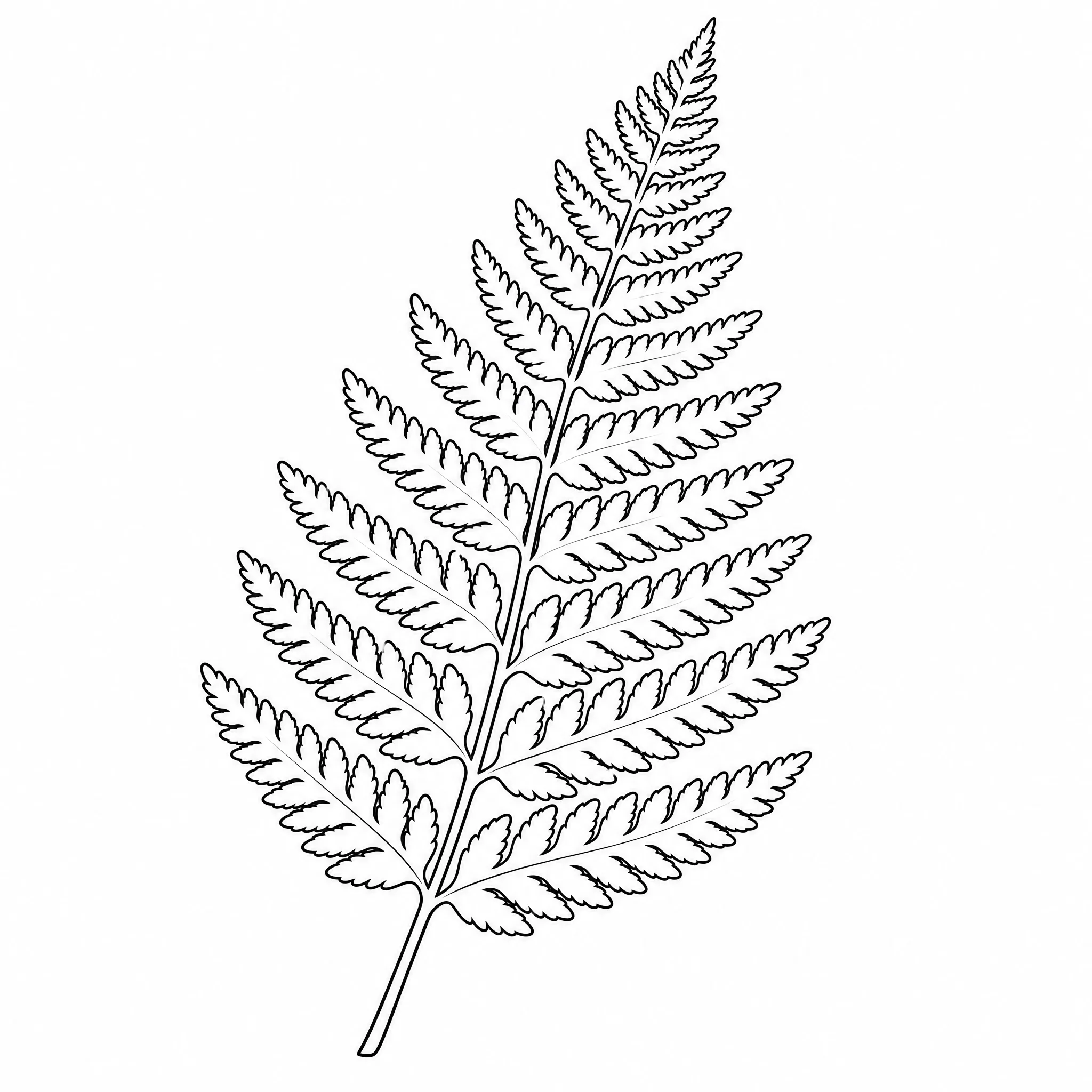
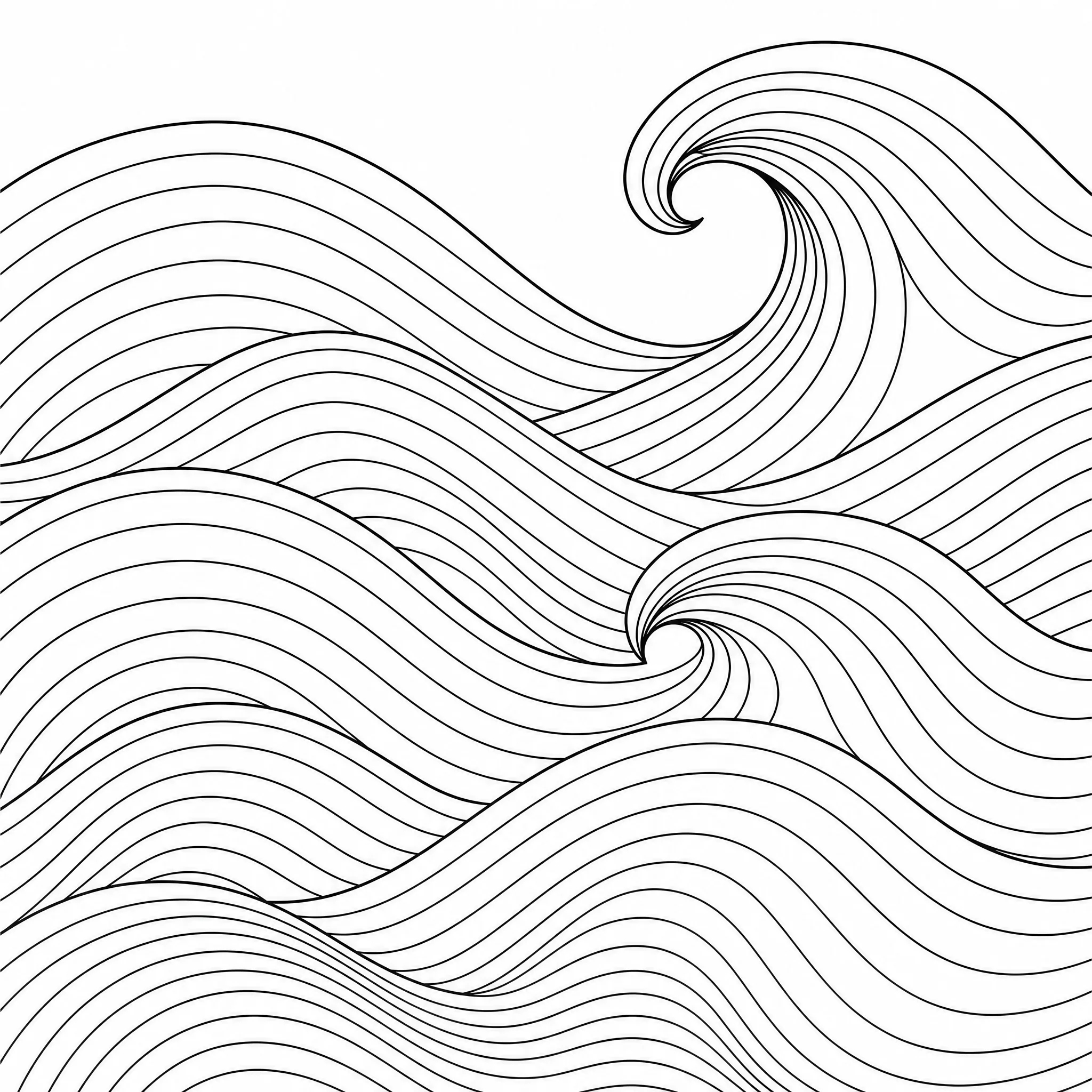
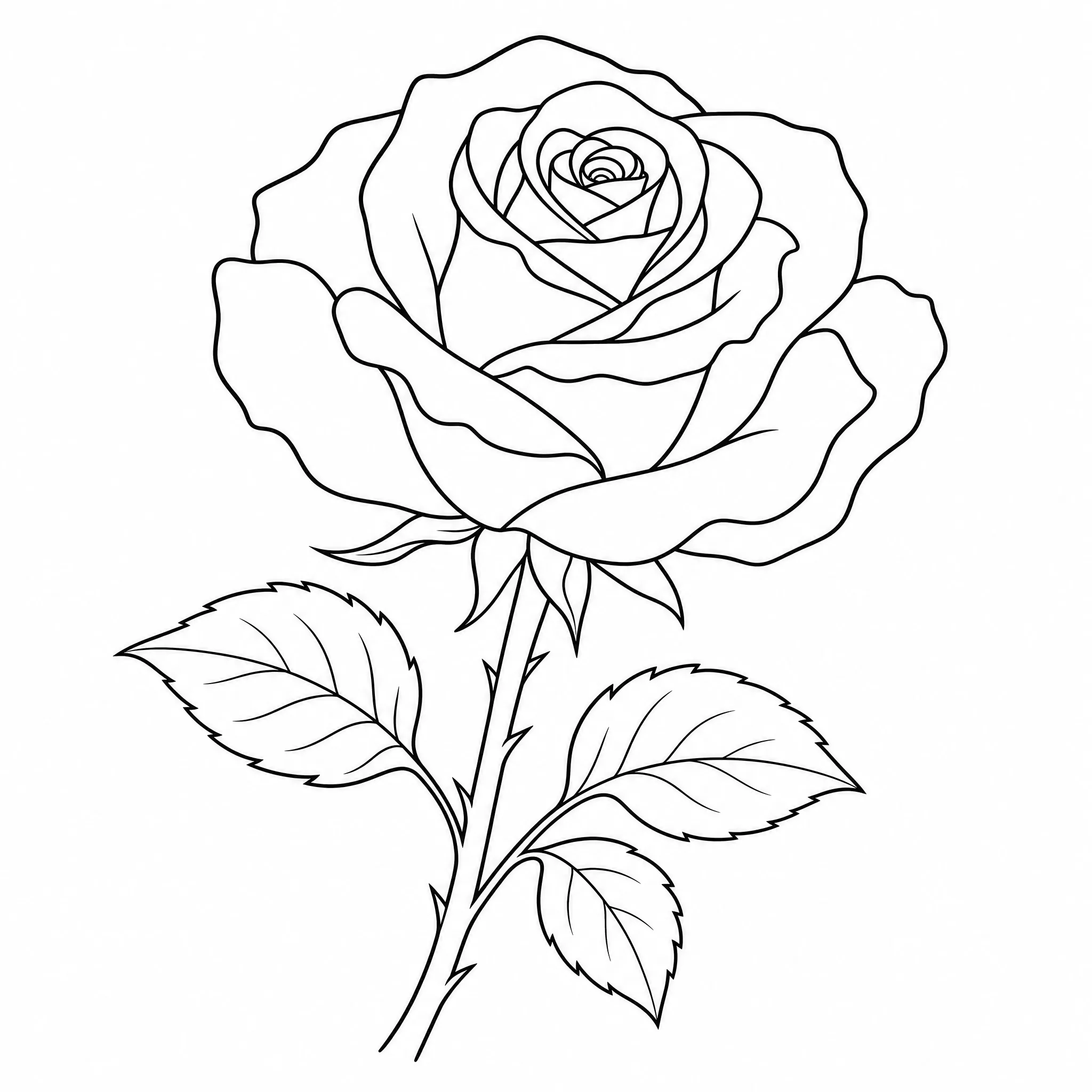
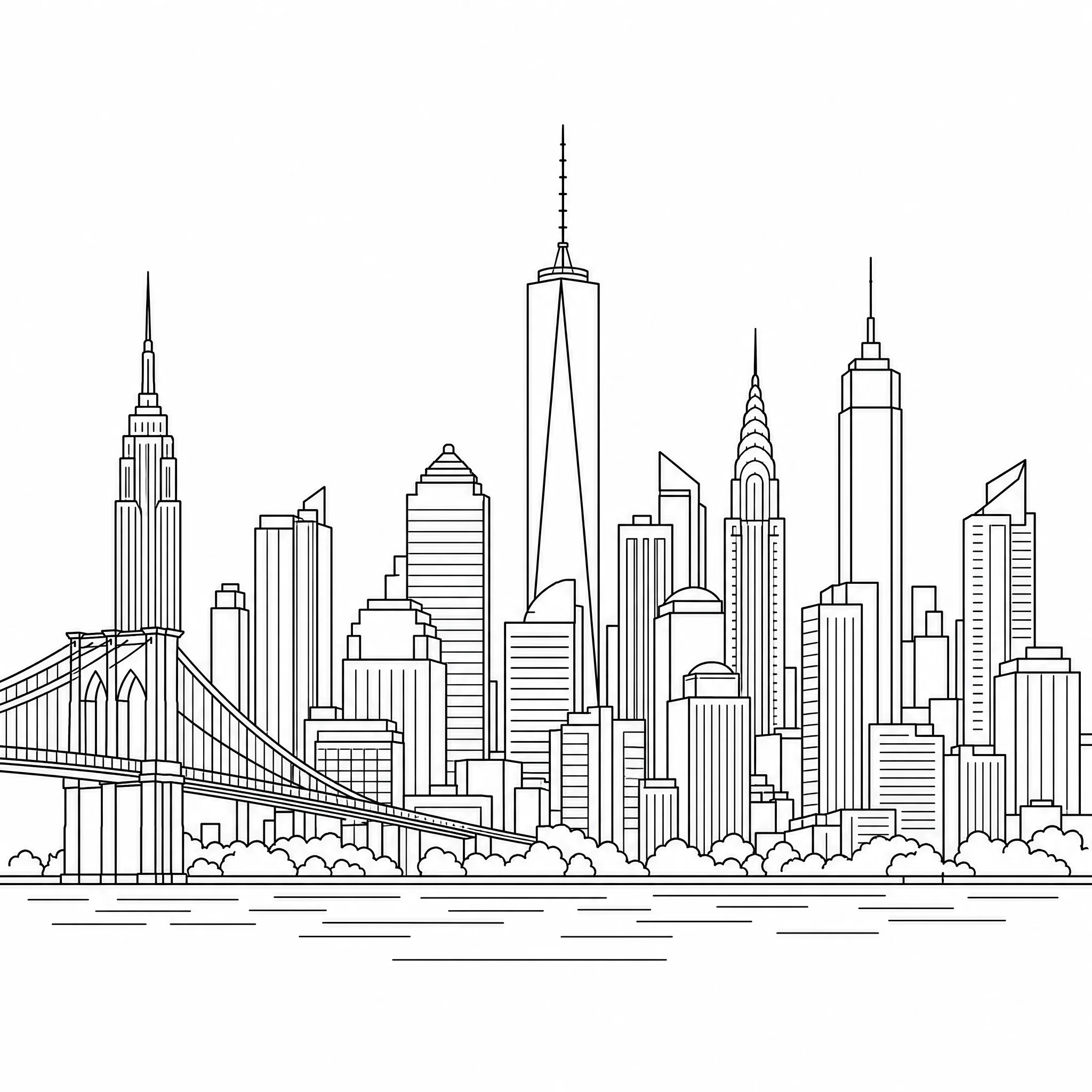
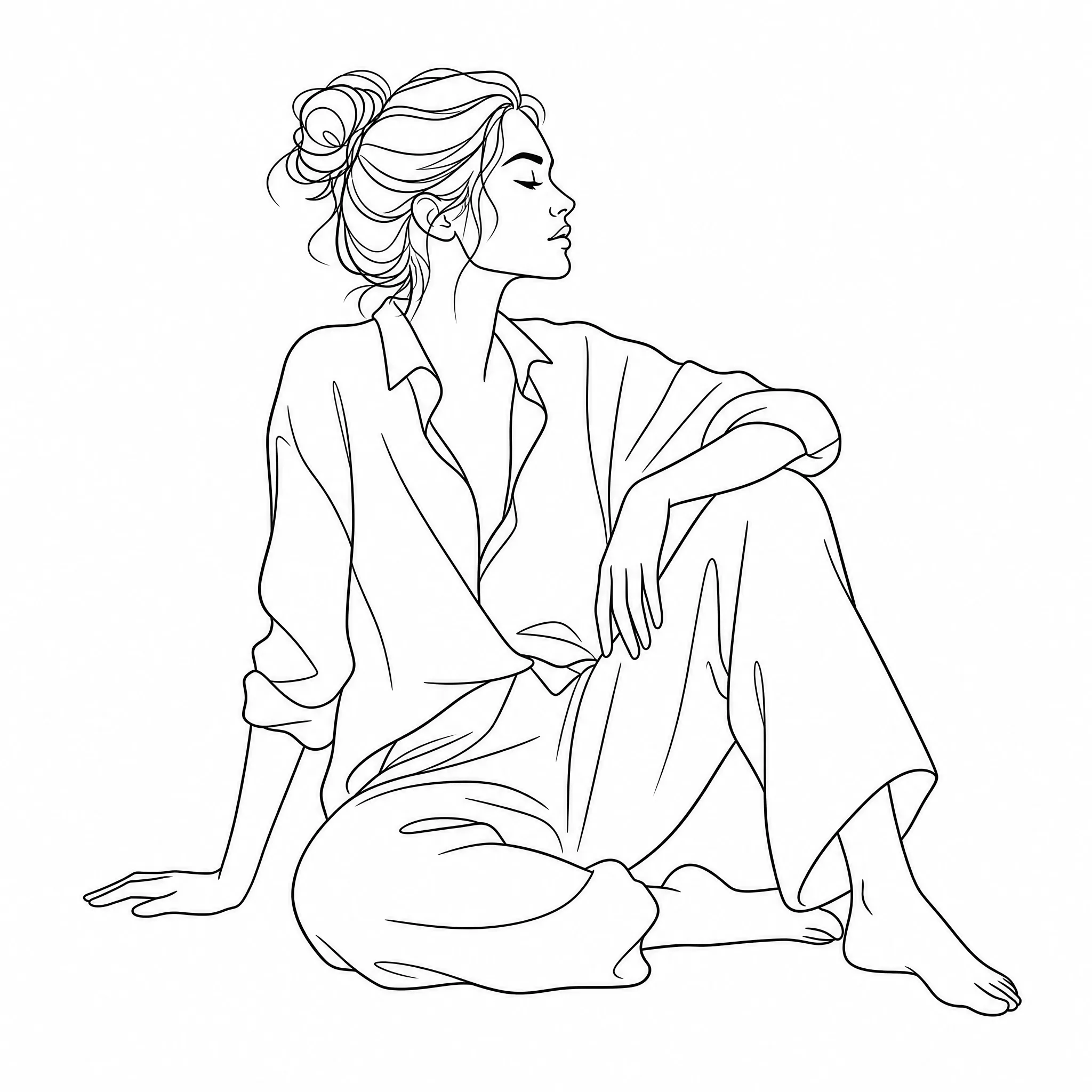
Create line art as a starting sketch, a reference, or a finished minimalist piece.
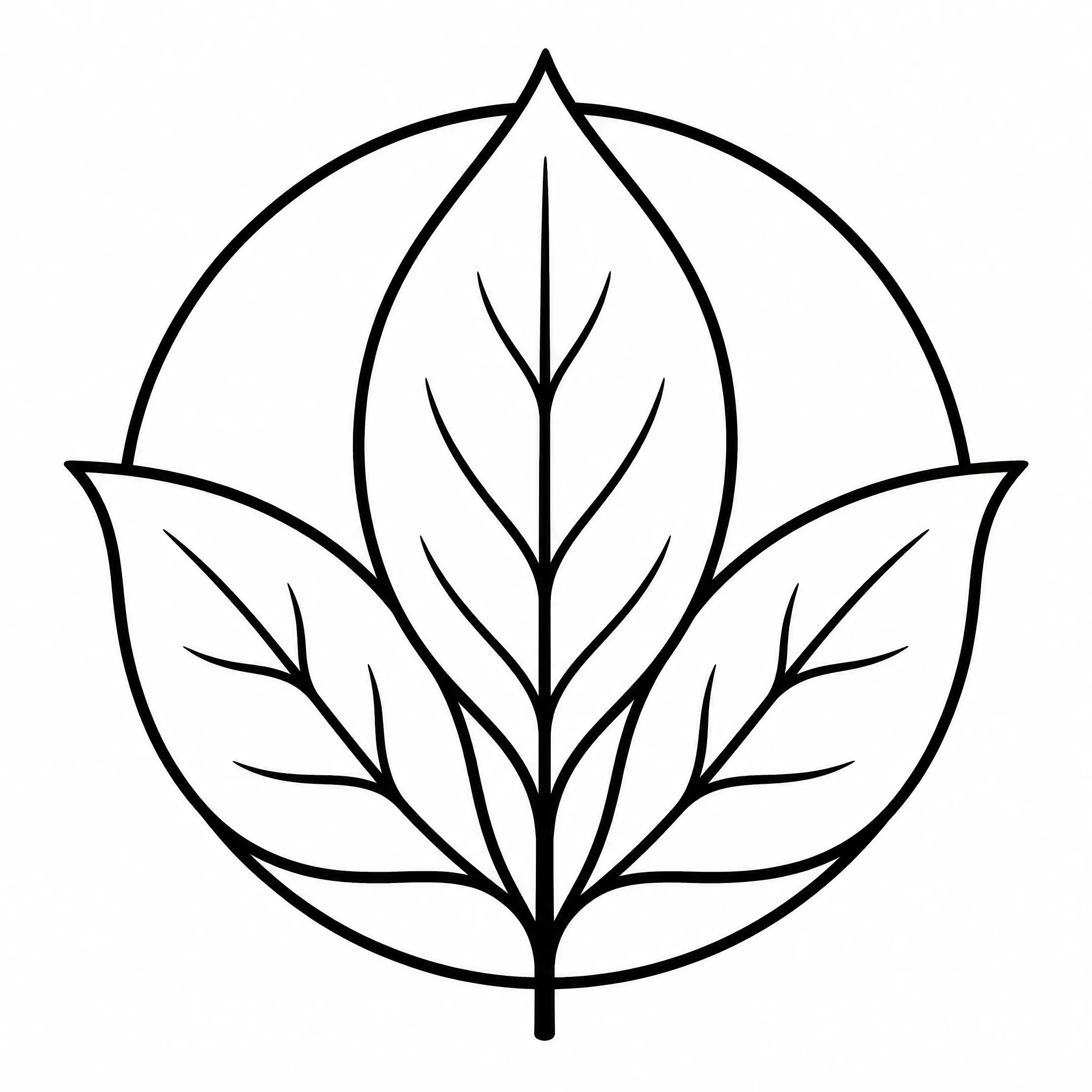
Generate clean outline graphics, motifs, and icon-style marks to explore in layouts.
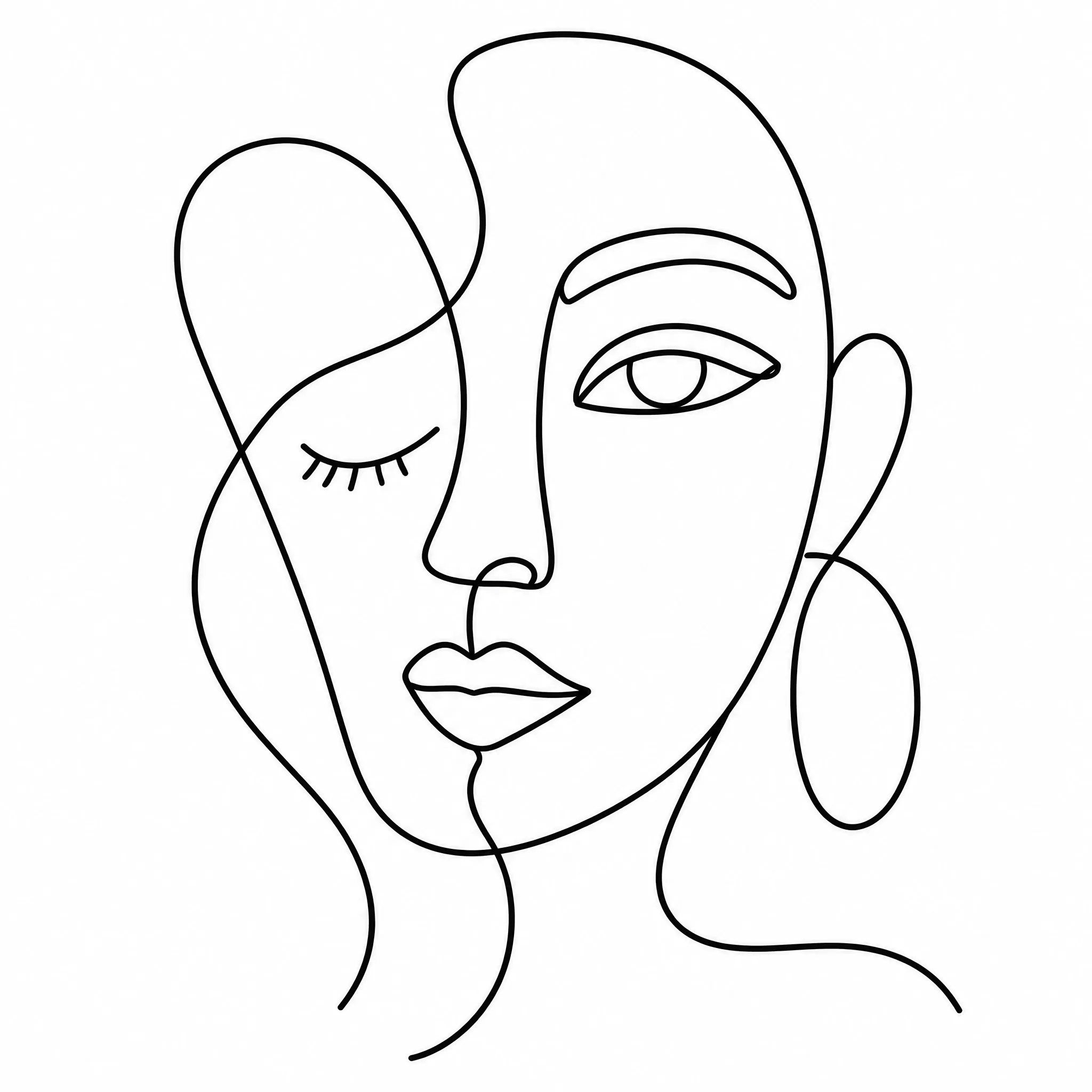
Create minimalist line drawings to print, frame, and hang as understated wall art.
Make line art graphics for posts, thumbnails, and templates in the ratio you need.
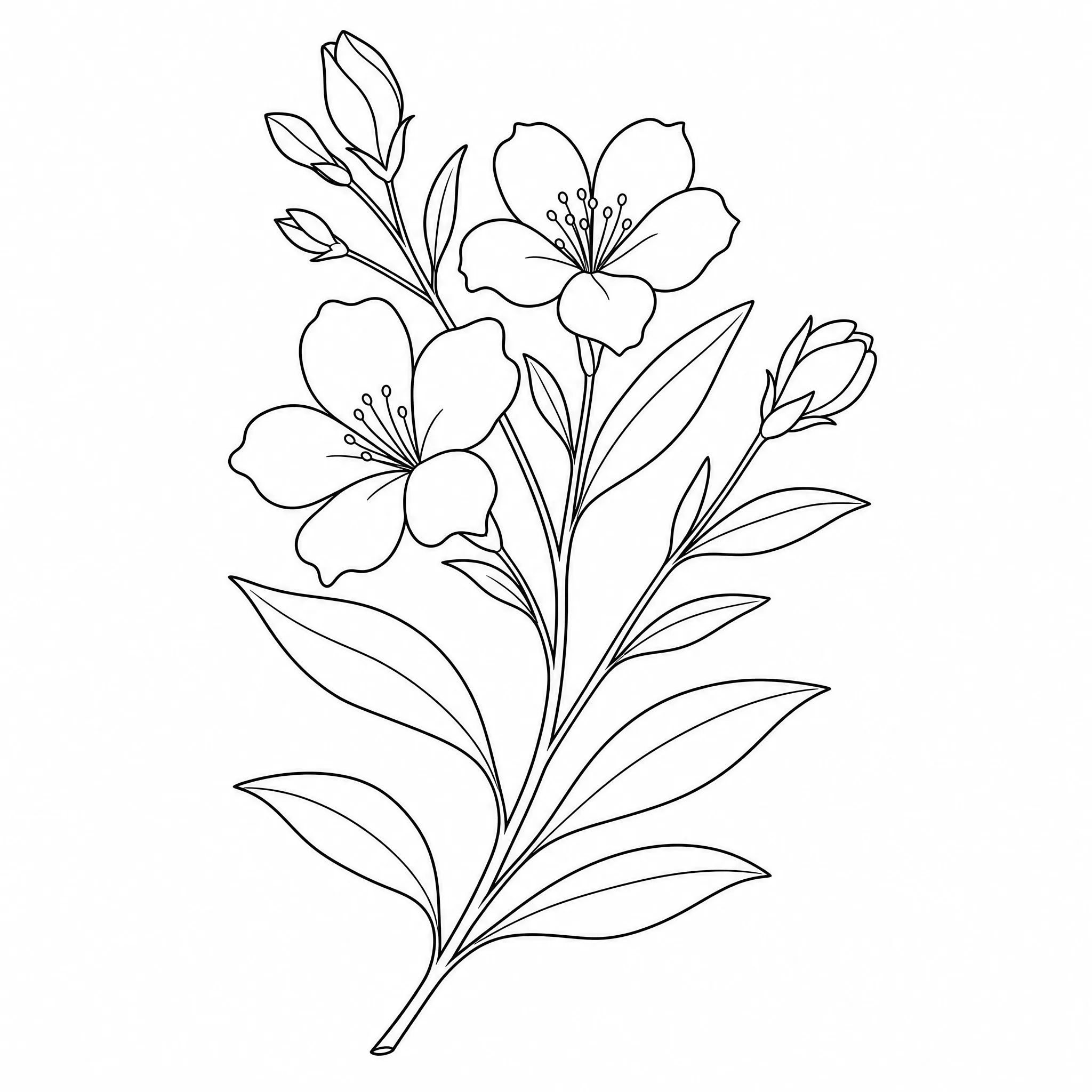
Explore clean outline ideas as a reference before you commit to a design.
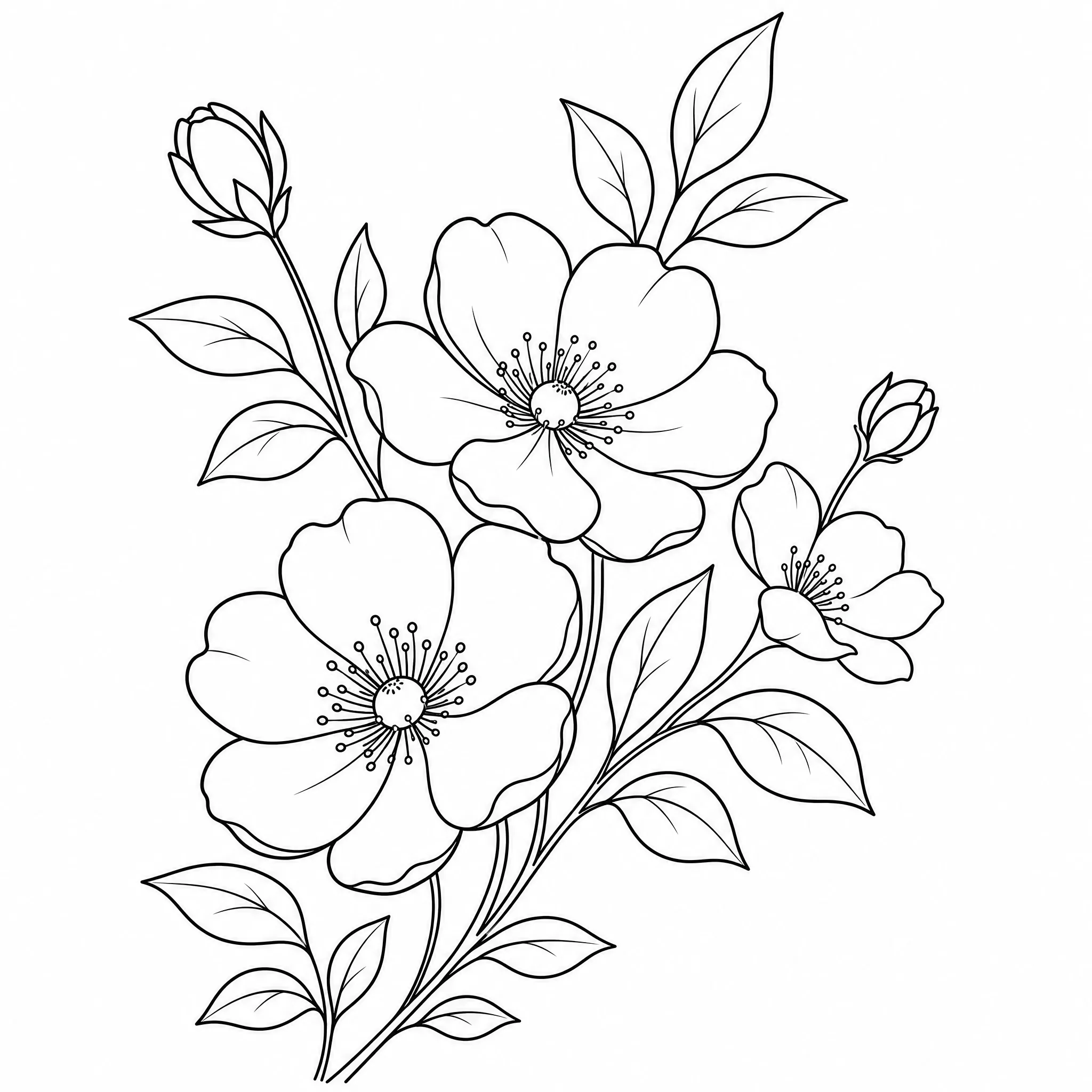
Use outline line art as a base for stencils, embroidery, engraving, and cards.
Type a prompt and you are done, or open the panel for more say over the result.
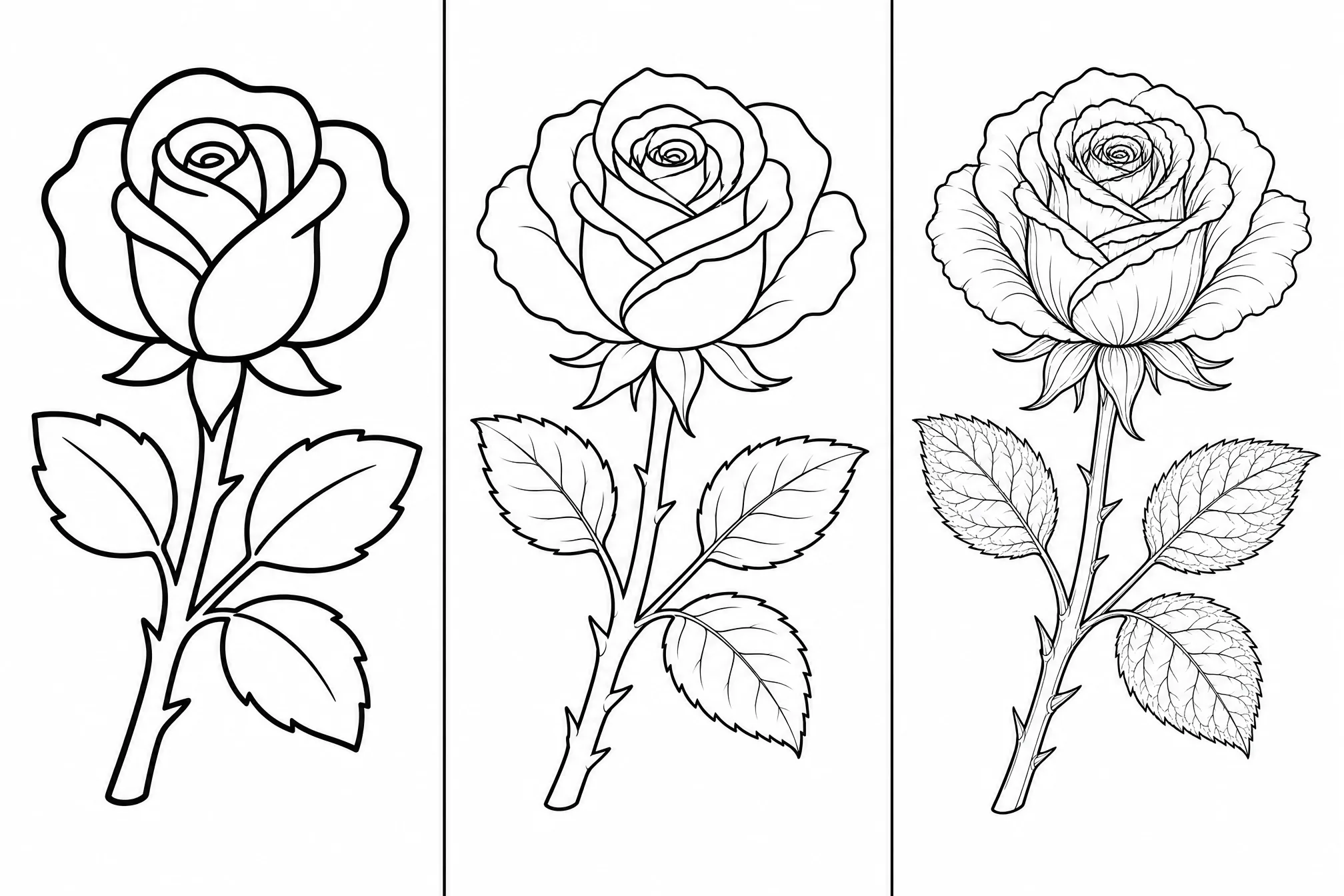
Move between a clean single-line look and finely detailed line art to match the style you are after.
Pick from 8 ratios so your line art fits a frame, a feed, or a print layout.
Create at higher resolution when you want the sharpest possible lines for print or scaling.
Generate several versions of one idea in a single run and keep your favorite.
Add style words like minimalist, continuous line, or geometric to steer the look.
Honest about what it does — and built to create one thing well.
Every sample on this page was created with the tool from a text prompt — describe your own idea and create your result in the same flow.
Dedicated controls for detail, aspect ratio, and resolution produce clean black-and-white line drawings, not a filtered photo.
This is an online line art creator that turns a description into printable outline line art — we tell you exactly what to expect.
New accounts include free credits, everything runs in your browser, and your line art is yours to download and use whenever you like.
| This creator | Drawing / stock art | |
|---|---|---|
| Time to a finished piece | About a minute | Long search or hours drawing |
| Drawing skill needed | None | A steady hand |
| Exactly your idea | Yes — you describe it | Whatever you can find |
| Detail level | Adjustable | Fixed once drawn |
| Output resolution | Up to 4K | Depends on the source |
A single, well-defined subject creates cleaner line art than a crowded scene.
Words like minimalist, continuous line, or geometric steer the result toward the look you want.
Go minimal for decor and logos, or detailed for illustrative, intricate pieces.
Generate several versions in one run and keep the line art that reads cleanest.
A line art creator that is online and free to start — no install, and your high-resolution line drawing is ready in minutes.
Start Free — Create Line ArtType a short description of what you want and the online line art creator turns it into clean black-and-white line art on a white background. Download and use it — the whole process runs in your browser in about a minute, with no drawing skills needed.
Yes — it is a line art creator online, free to start. Create a free account; new accounts include free credits so you can create and download your first line art right away.
Yes. As well as creating line art from a text description, the tool can also turn an image you already have into clean line art — so you can start from a prompt here, or use the line art creator from an image instead.
No. It works entirely online in your browser — nothing to download or install — on phone, tablet, or desktop.
Almost anything you can describe — portraits, landscapes, botanicals, animals, patterns, and icon-style graphics. Clear prompts with one main subject create the cleanest line art.
Yes. Each result is clean black-and-white line art at up to 4K, so it stays crisp when you print it or scale it up for larger work.
Yes — you can create up to 4 line art pieces in a single run and keep the versions you like best.