Convert an image to line art in your browser — free and online. Upload any image and our AI traces it into clean black-and-white line art: bold outlines on white, no shading, no fills. Adjust detail, drop the background, and export print-ready.
JPG or PNG — photos, portraits, products, logos, sketches.
Free to start · runs in your browser · no Photoshop
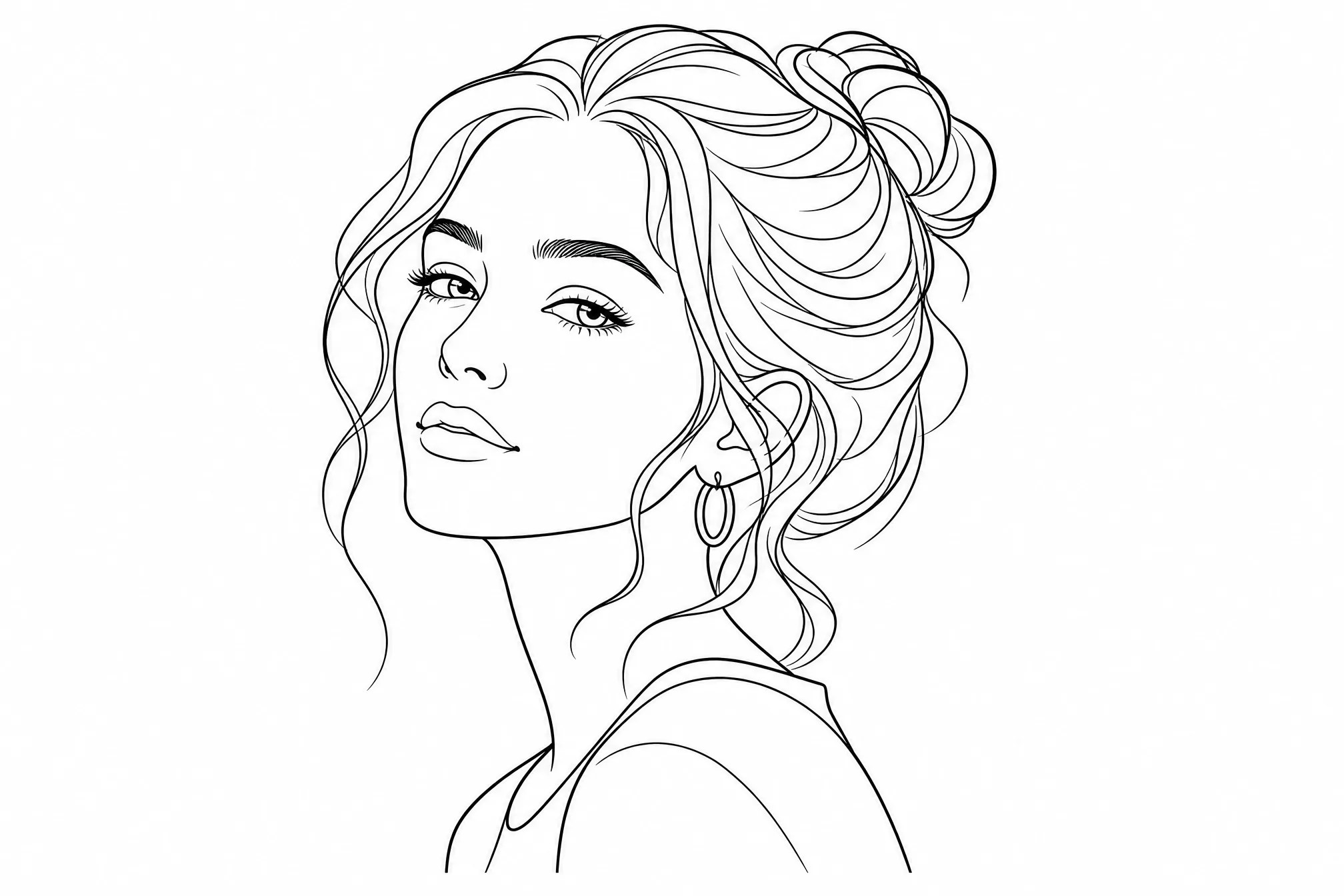
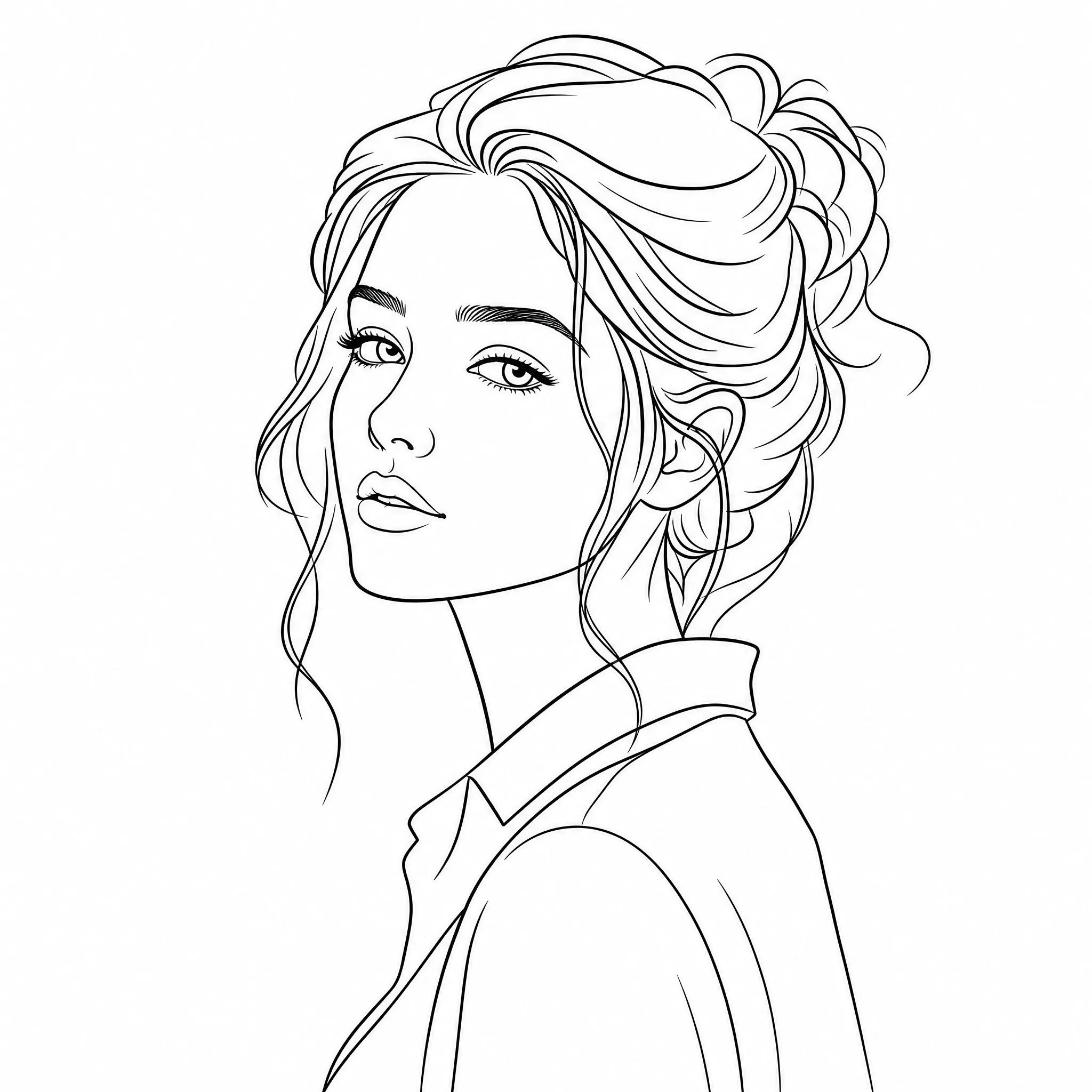
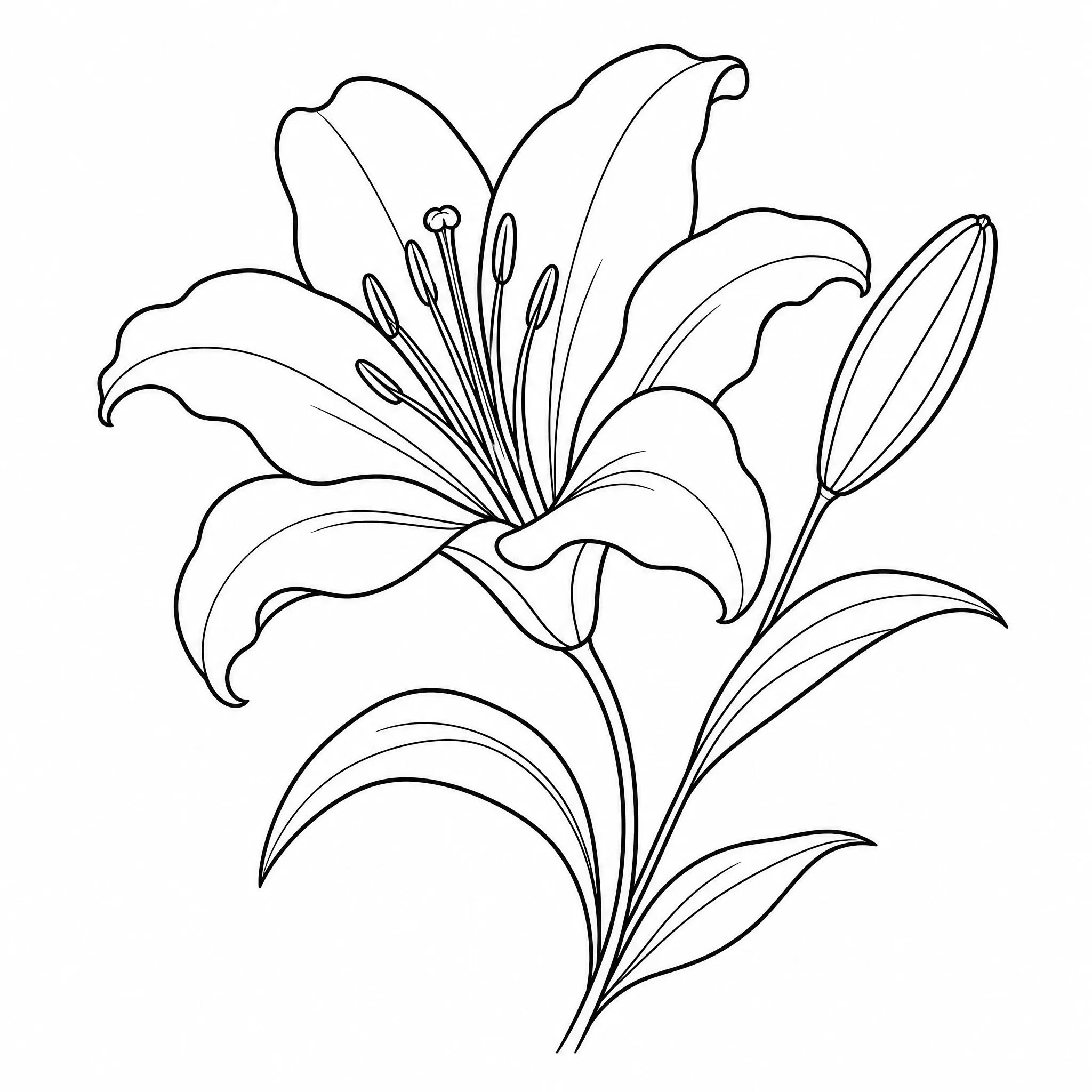
Every example below is real line art created with this converter — upload your own image and make yours.
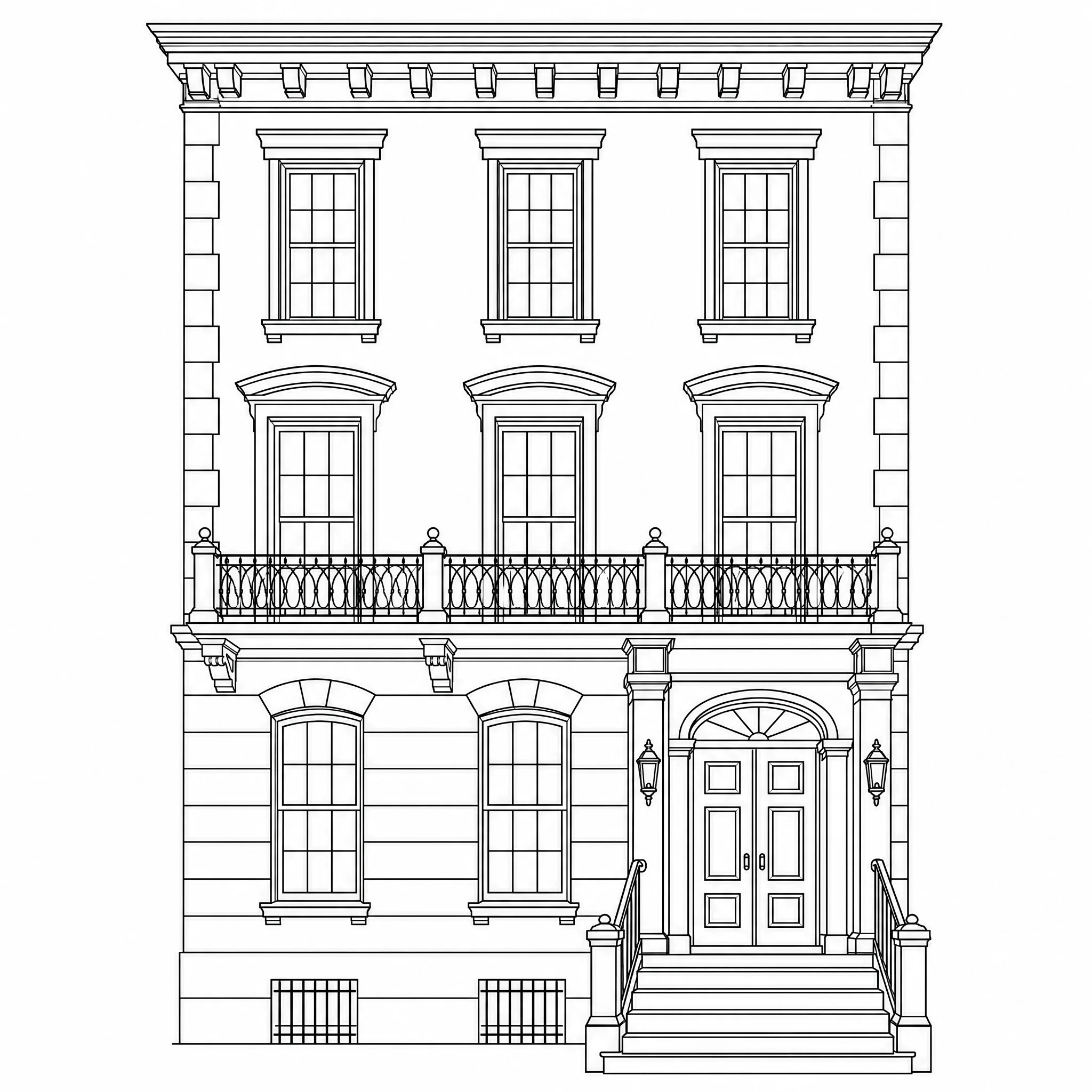
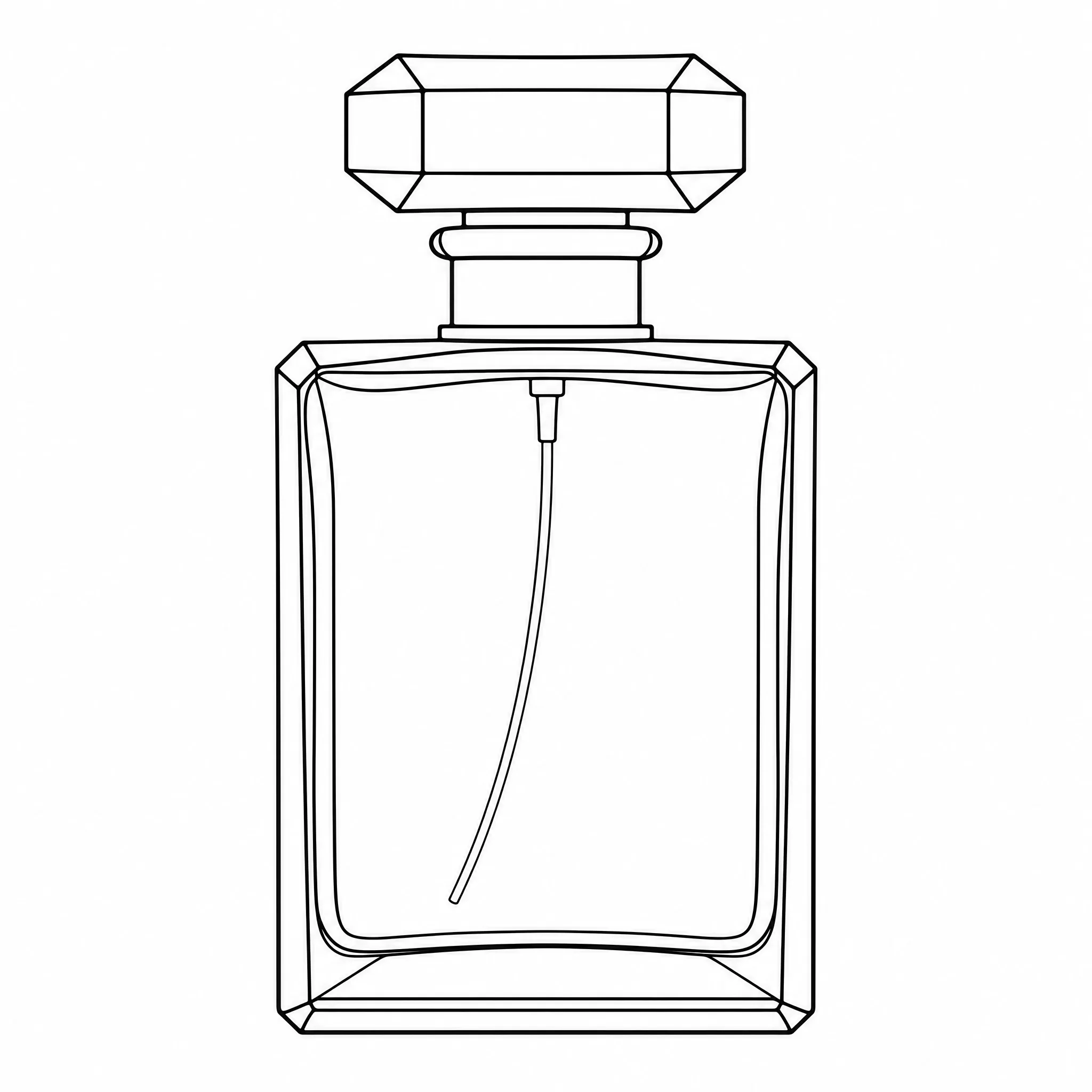
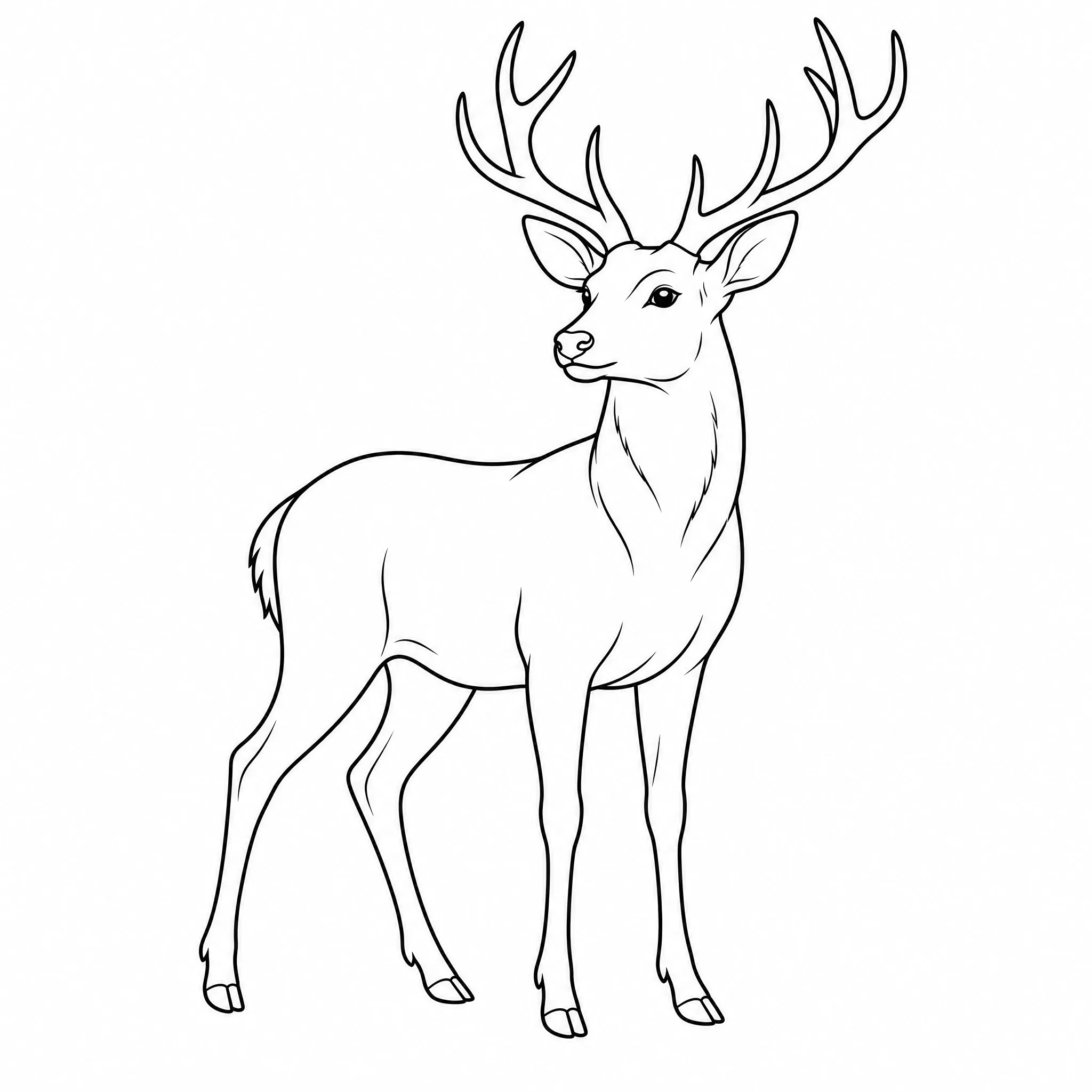
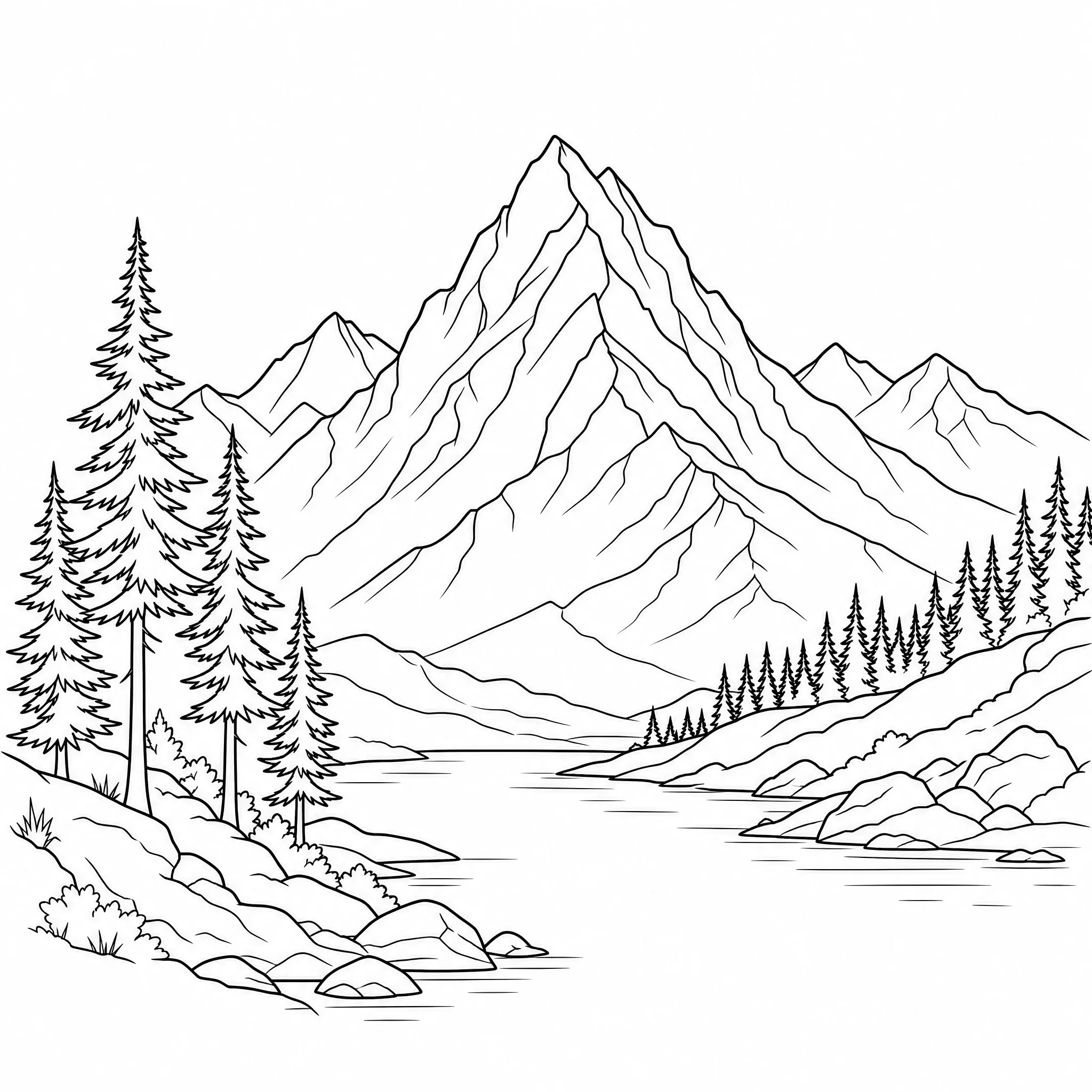
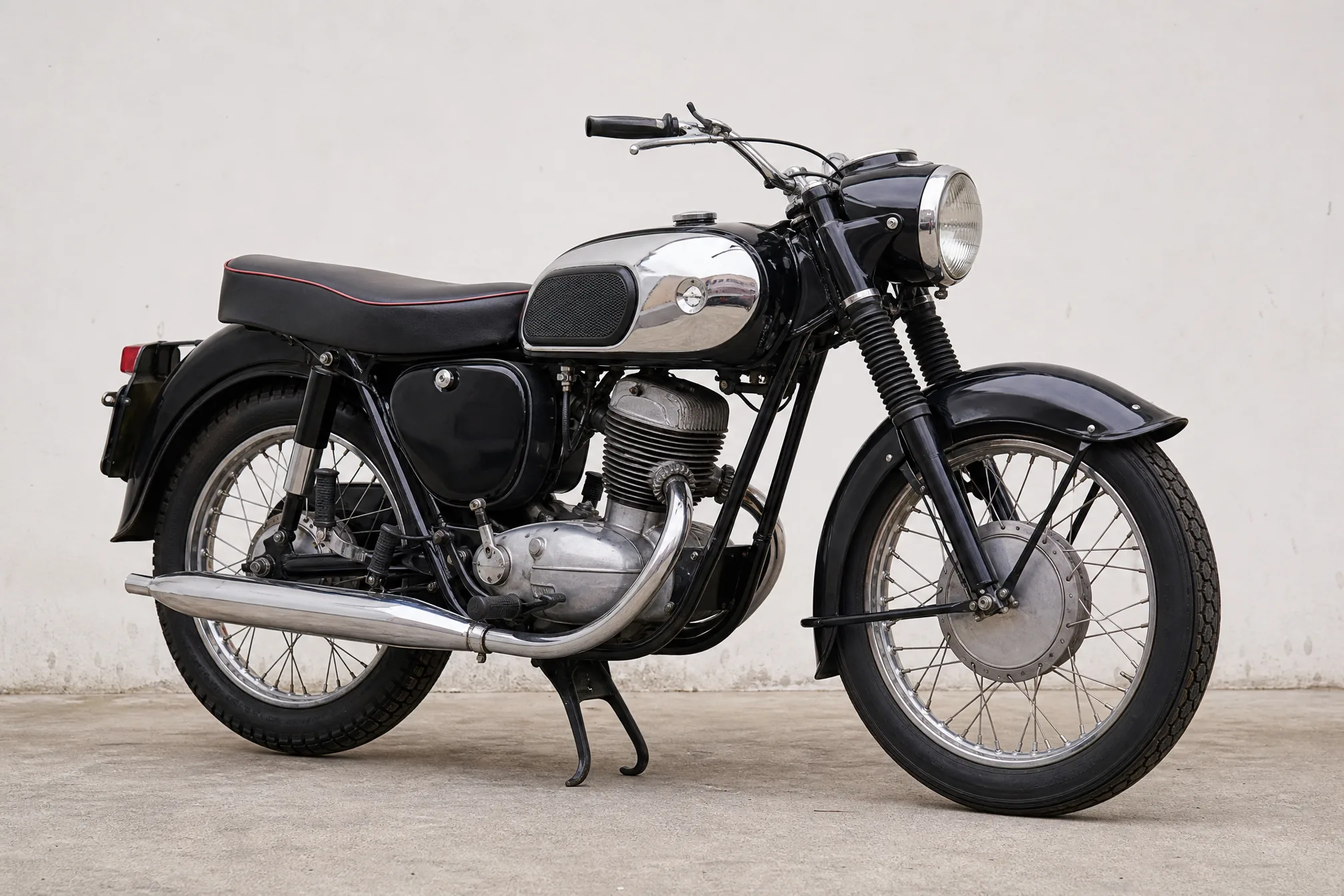
Drop in any image straight from your phone or computer — a photo, portrait, product shot, or rough sketch.
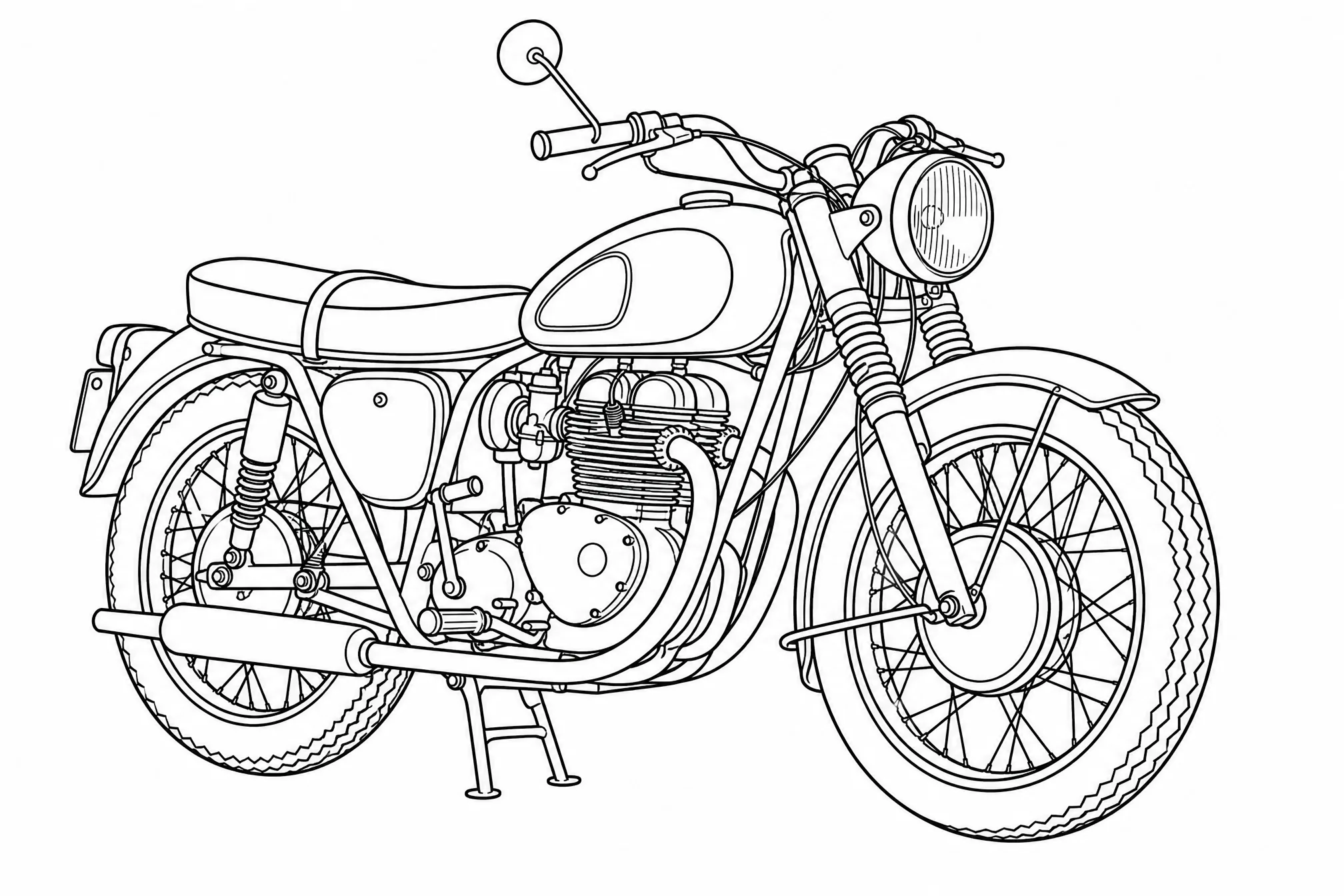
Our AI traces the edges into crisp black-and-white outlines on a white background — no grey, no shading, no color.
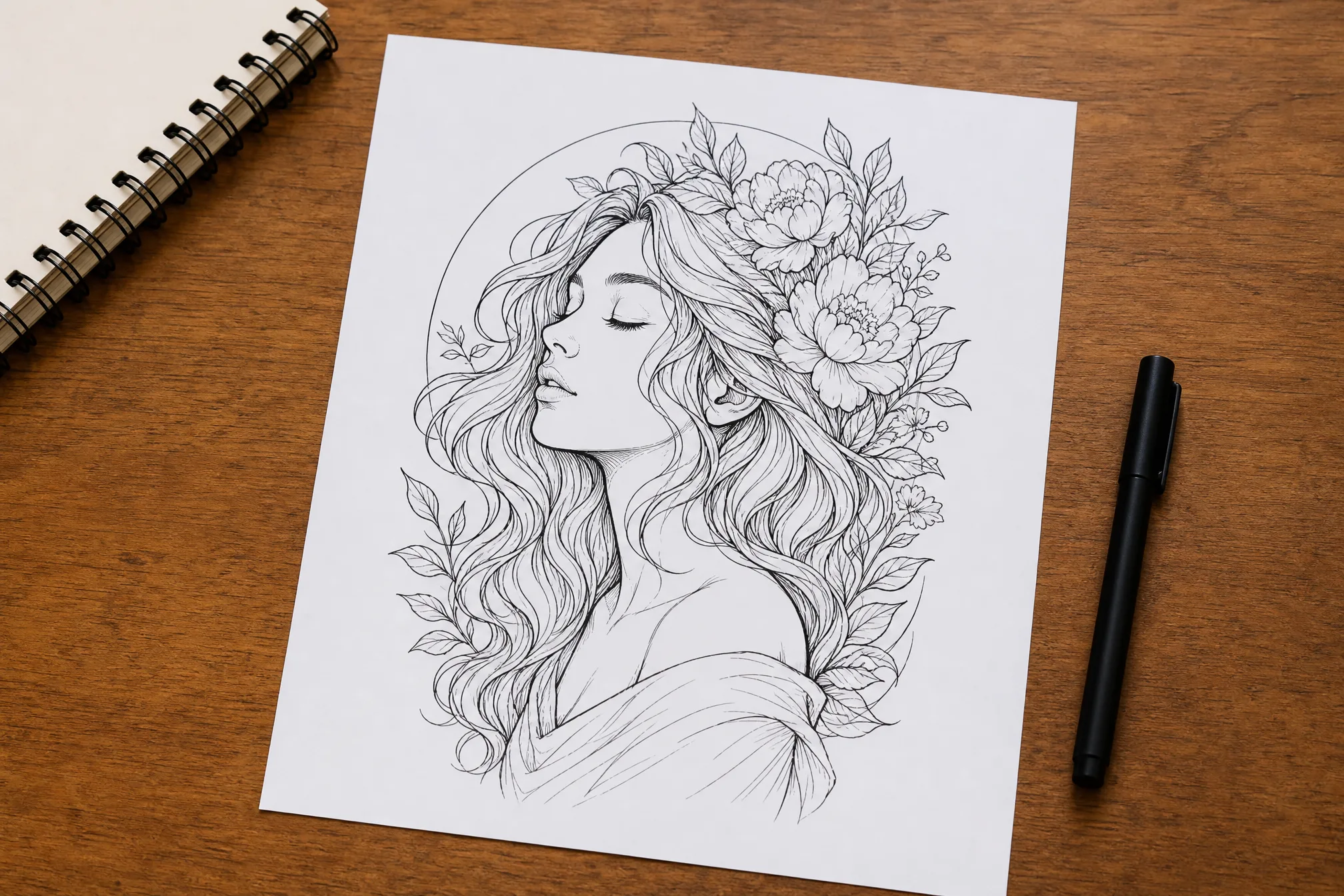
Download your line art and print it, drop it into a design, or trace it for vectorizing — whatever your project needs.
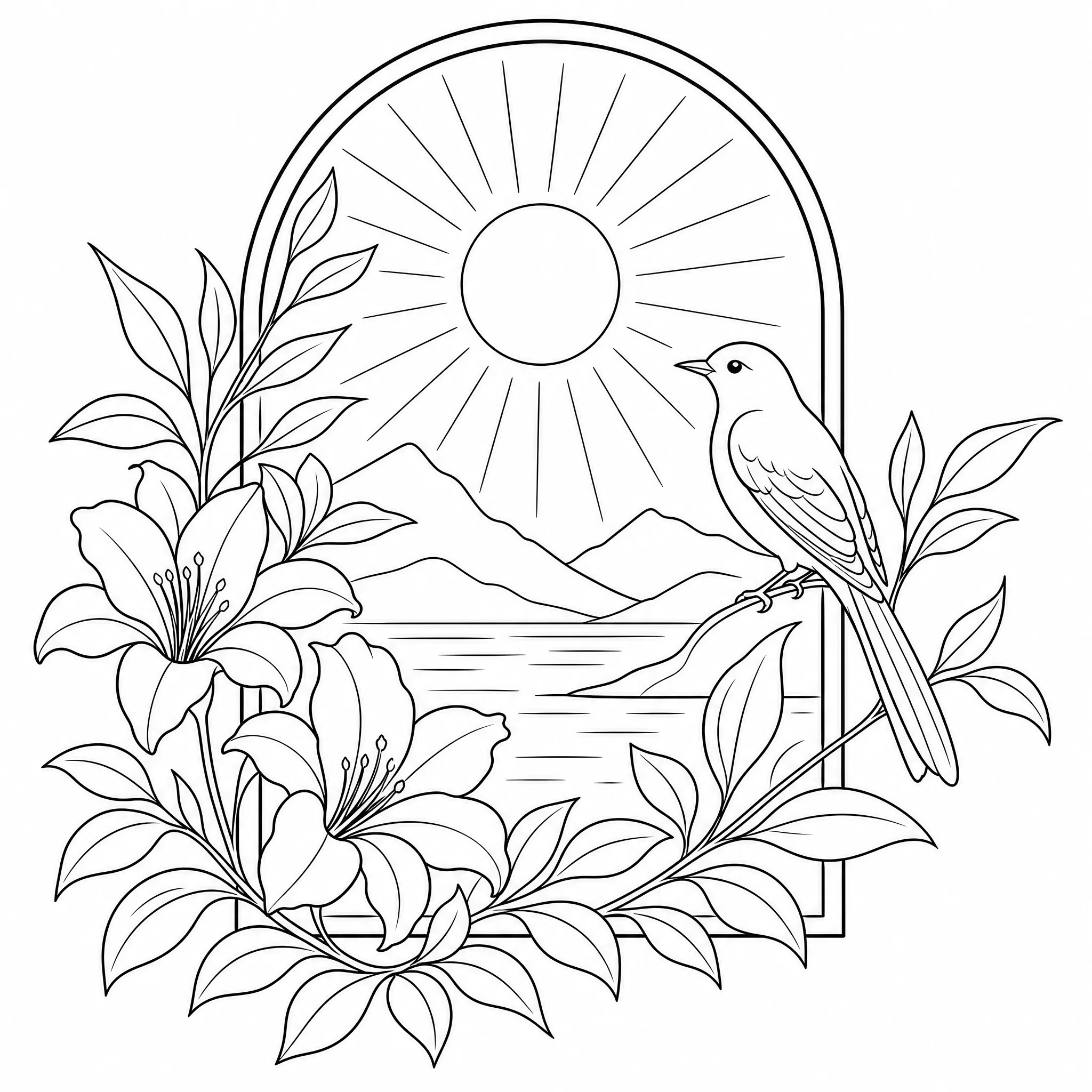
Convert an image to line art as a base layer for digital illustration, branding, or editorial work.
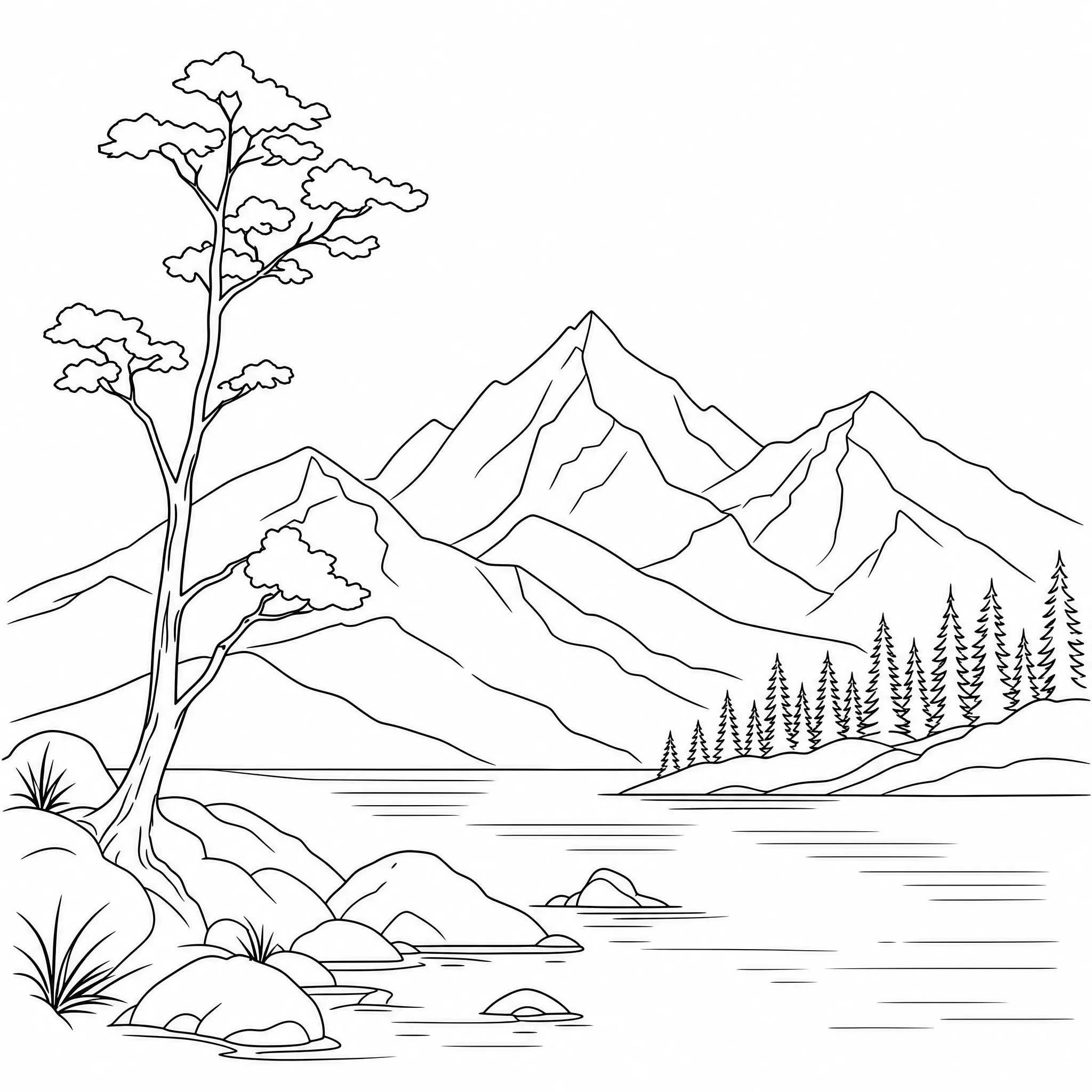
Turn a photo into clean black-and-white line art to print, frame, and hang as minimalist line wall art.
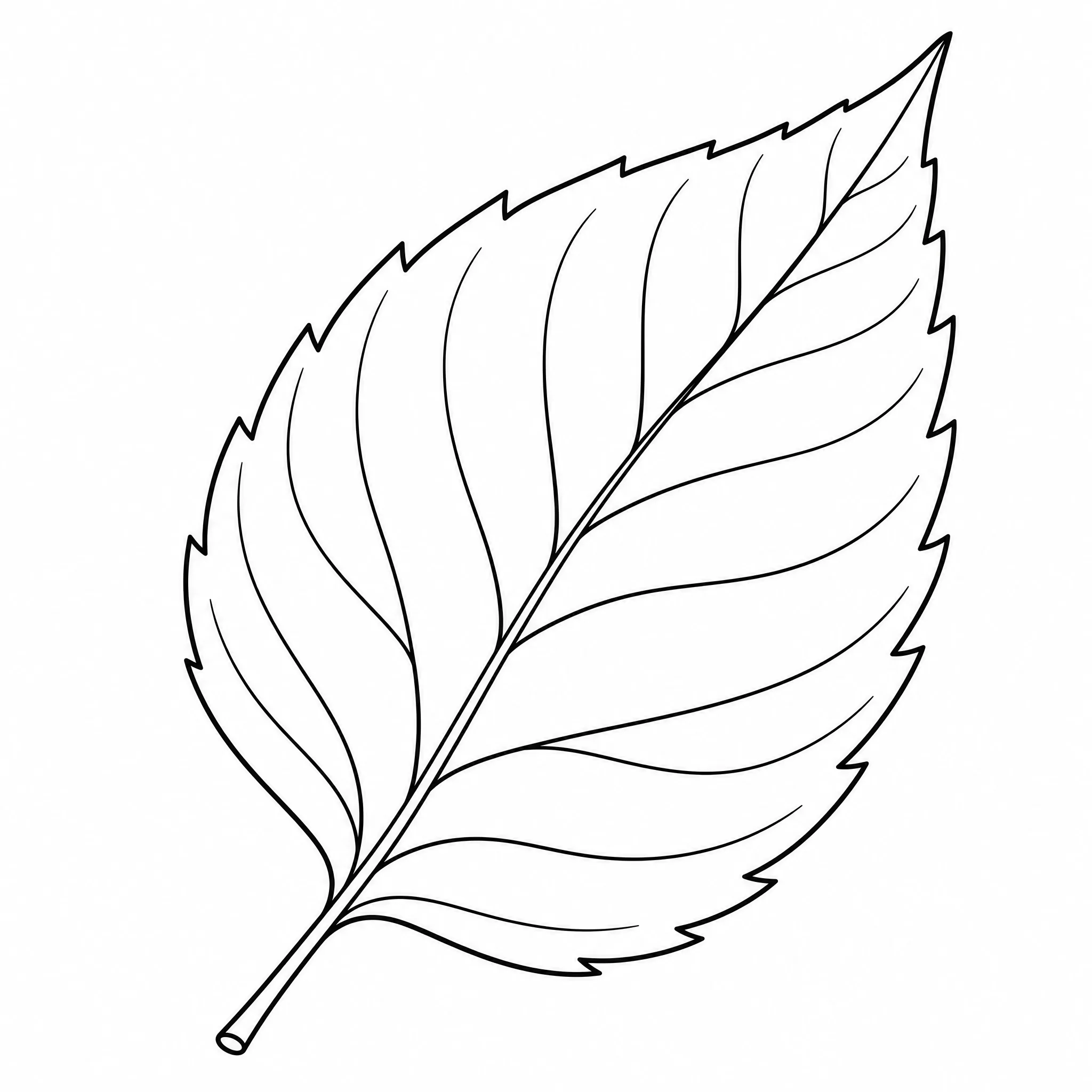
Change an image to line art to use as clean stencil-style reference for tattoo, mural, or stencil work.
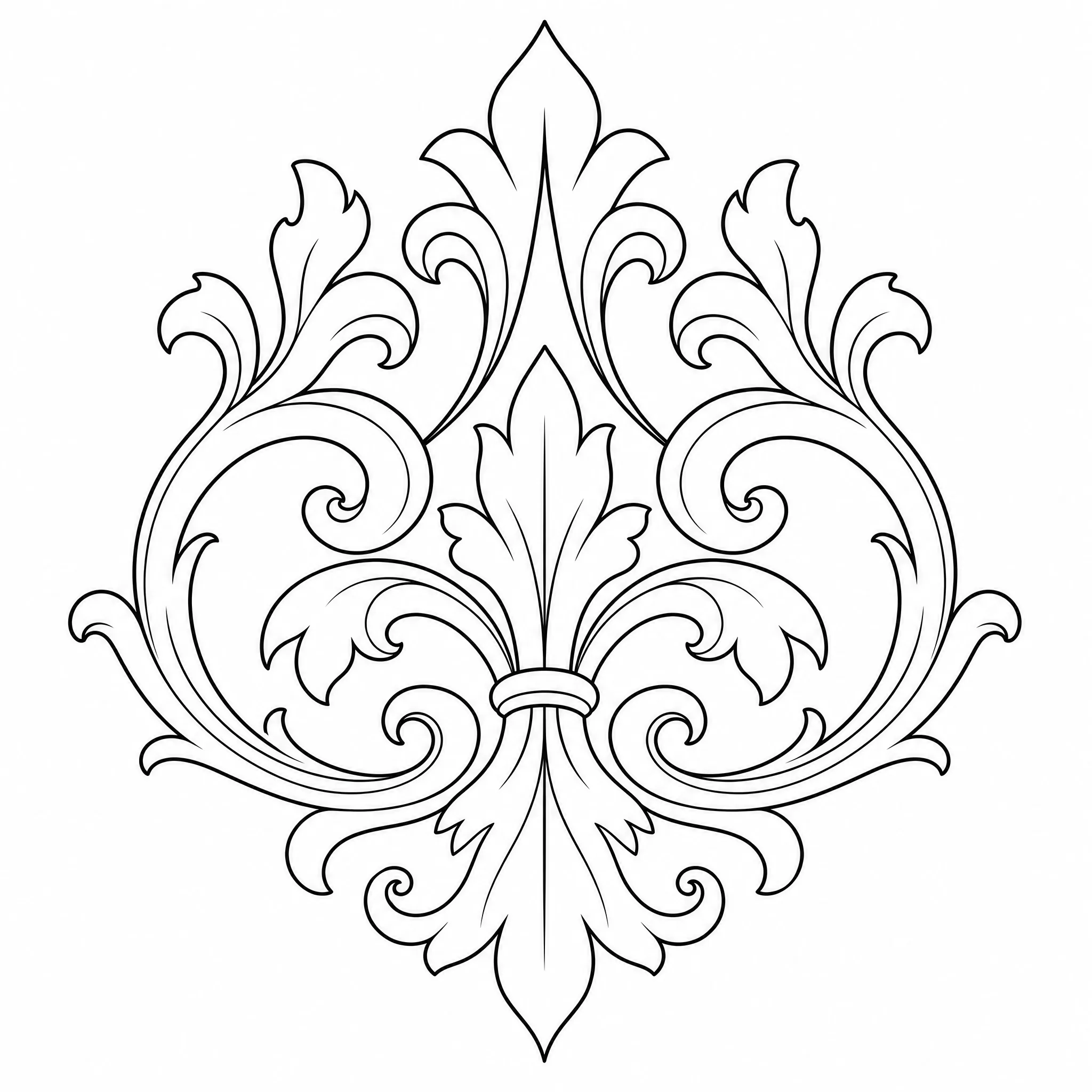
Crisp black outlines convert cleanly to vectors for laser engraving, vinyl cutting, and craft projects.
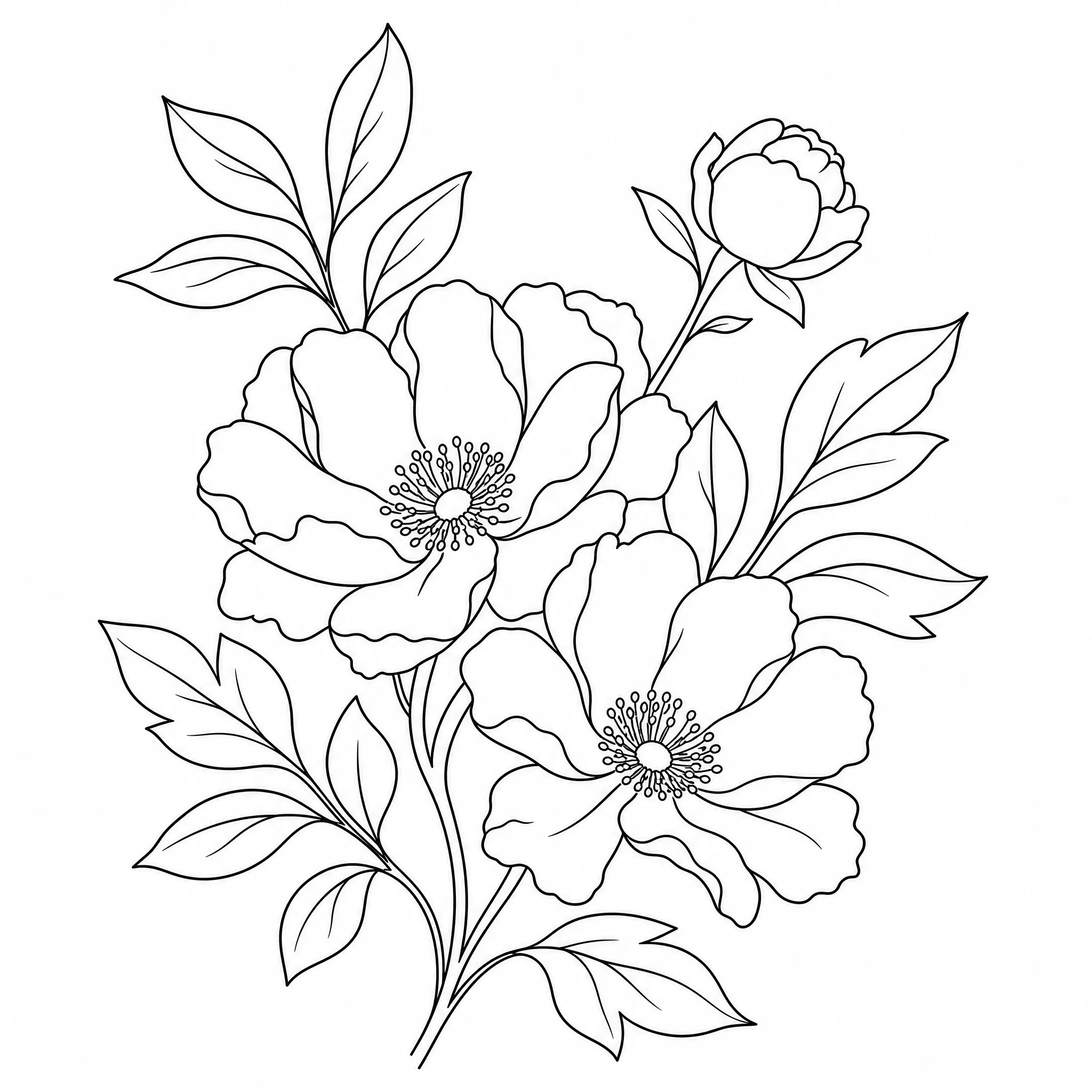
Use the line art as a stitch or pattern guide — clean outlines trace far more easily than a full photo.
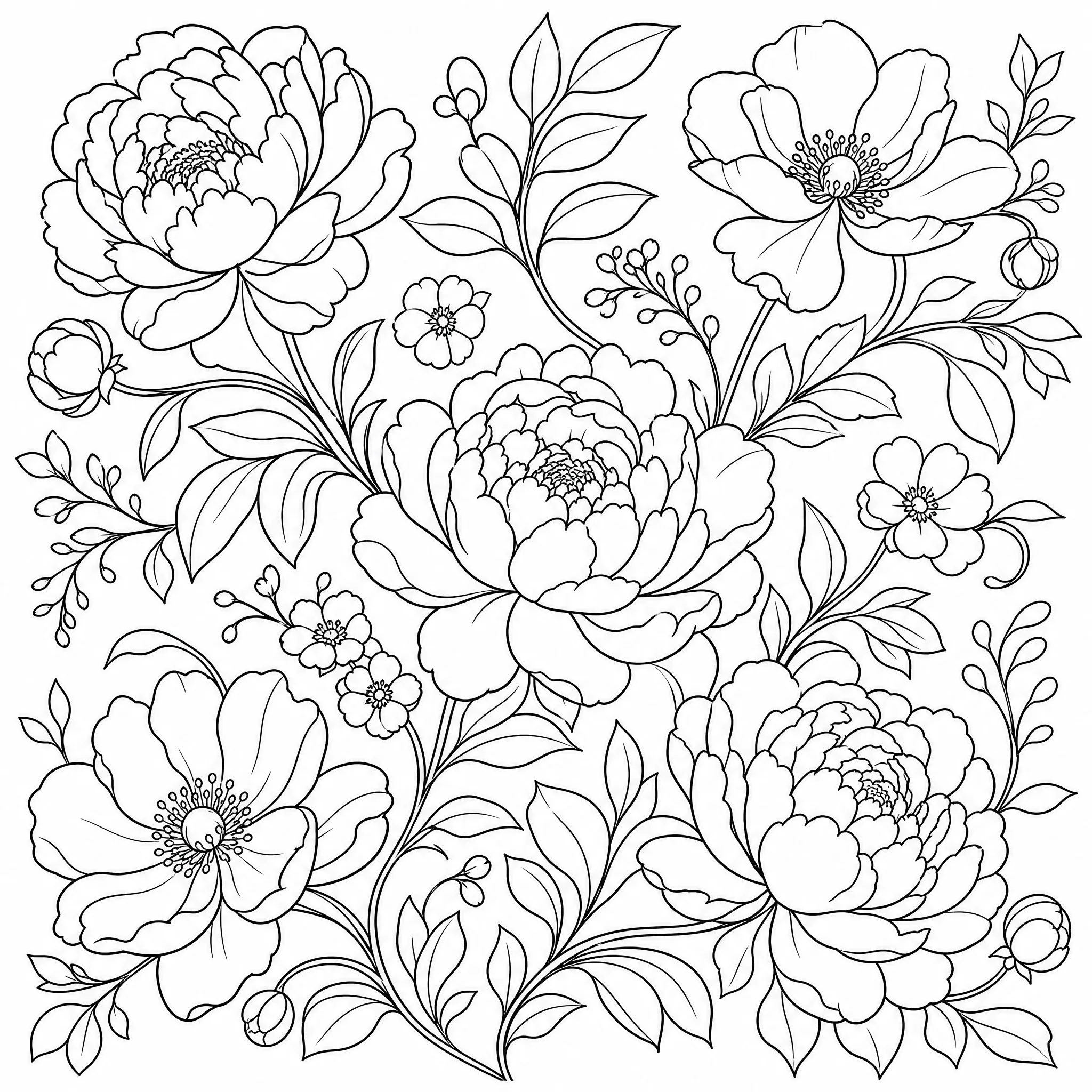
Prefer to color it in? Keep the lines bold and printable for a relaxing adult line art page.
Everything you need to convert an image to line art that holds up in print and in design work.
Every result is bold black line work on a clean white background — no grey wash, no half-tones, no color fills.
Dial detail down for a minimal, single-weight outline, or keep it high to preserve fine edges and texture.
Export line art at up to 4K so edges stay crisp when you print large or scale it up.
Square, portrait, or wide — pick from 8 ratios so your line art fits the canvas, frame, or print size you need.
Convert one image into up to 4 line art versions in a single run and keep the cleanest result.
Clear the background for an isolated, subject-only outline, or keep the full scene as line art.
Honest about what it does — and built to do that one thing well.
Every sample on this page is genuine line art from the converter — upload an image and run your own in the same flow.
Dedicated controls for line detail, aspect ratio, and resolution turn an image into proper black-and-white line art, not a grey photo filter.
This tool converts images into clean black-and-white outline line art. We tell you exactly what it does so you know what to expect.
New accounts include free credits, everything runs in your browser, and you can download your line art whenever you like.
Most people just upload and convert. Open the panel when you want to fine-tune the line art.
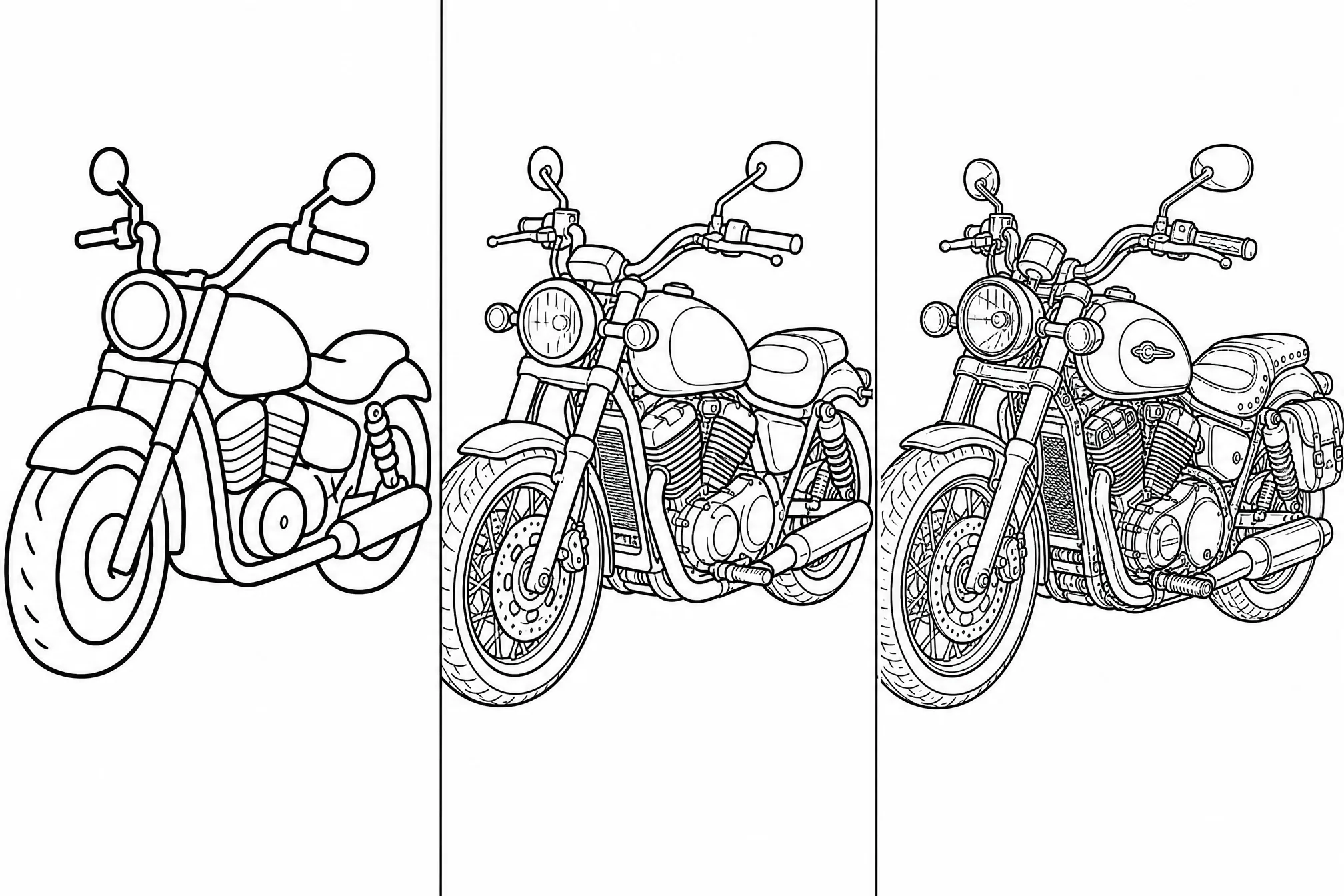
Switch between a minimal single-weight outline and finer, edge-preserving detail to match your project.
Pick from 8 ratios so the line art fits your canvas, frame, or print dimensions.
Convert at up to 4K when you need the sharpest possible lines for large prints or scaling.
Generate several line art versions in one run and keep the cleanest one.
Toggle the background off for an isolated outline, or keep the full scene as line art.
Clear, well-lit, high-resolution images convert into the cleanest, most accurate line art.
A single, well-defined subject converts to cleaner outlines than a busy, cluttered background.
Use fewer lines for minimal prints and stencils; keep more detail for illustration and intricate work.
Choose the aspect ratio before you export so the line art fits your canvas or paper.
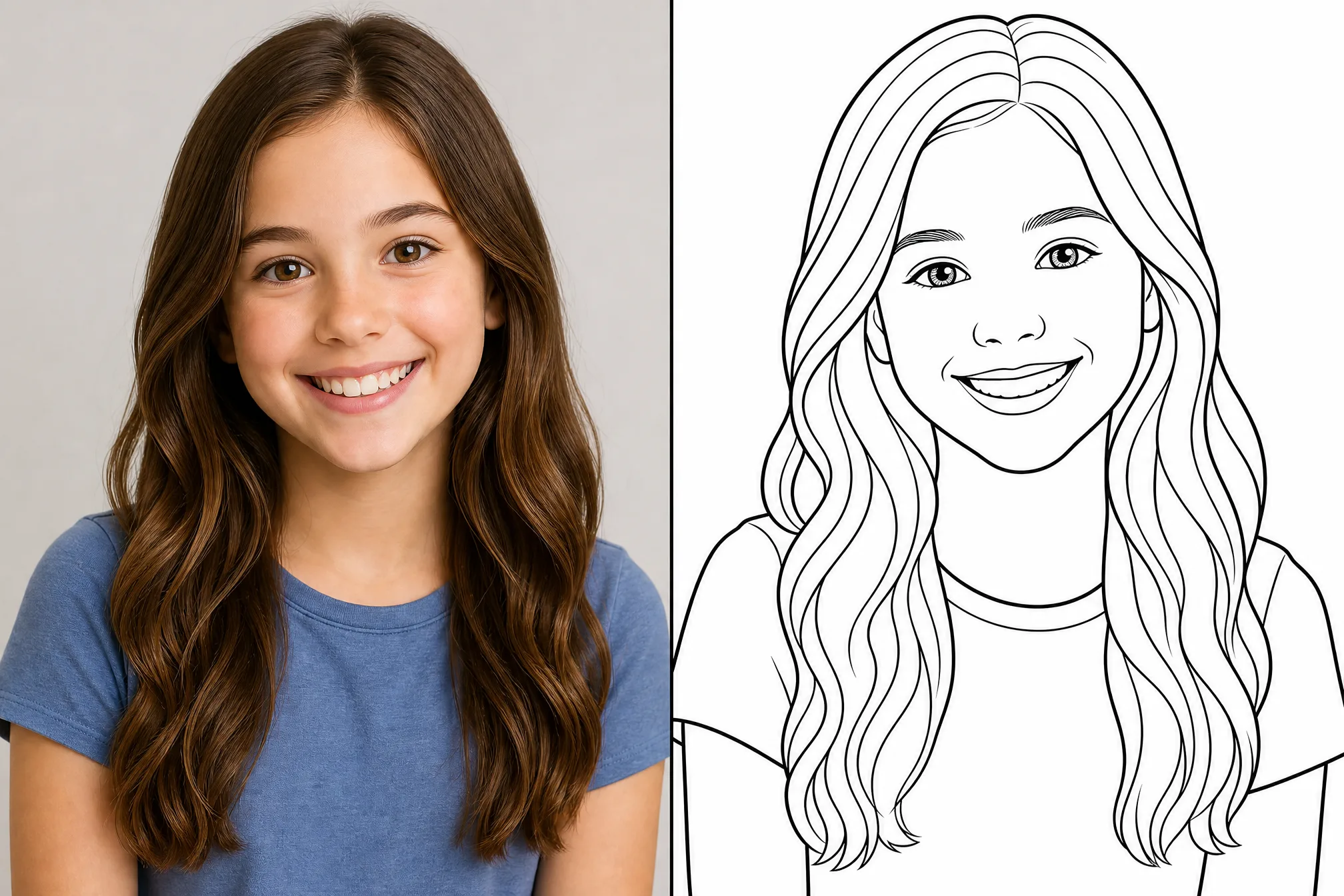
Free credits to get started, nothing to install, and clean black-and-white line art ready to download in minutes.
Start Free — Convert an ImageUpload your image, let the AI trace it into black-and-white outlines, then download your line art. The whole process runs online in your browser and takes about a minute — no editing skills or software needed.
Yes — it is free to start. Create a free account to convert image to line art online; new accounts include free credits so you can generate and download your first line art right away.
No. There is no Photoshop, Illustrator, or app to install — the converter works entirely online in your browser on phone, tablet, or desktop.
Clear, well-lit images with one main subject convert best — portraits, products, animals, and simple scenes. You can adjust the detail level for a minimal outline or finer line work.
Yes. Each result is clean black-and-white line art that prints crisply at up to 4K, and the bold outlines trace cleanly when you vectorize for cutting, engraving, or design.
Yes. You can generate up to 4 line art versions from a single run and keep the cleanest one. You can also remove the background for an isolated, subject-only outline.